A CSS button group is a row of related buttons that act as a single visual unit. These 22 hand-coded designs are ready-to-ship segmented controls, split buttons, pagination strips, toolbars, and toggle bars you can drop into a project today — copy the markup, wire your handlers, and ship.
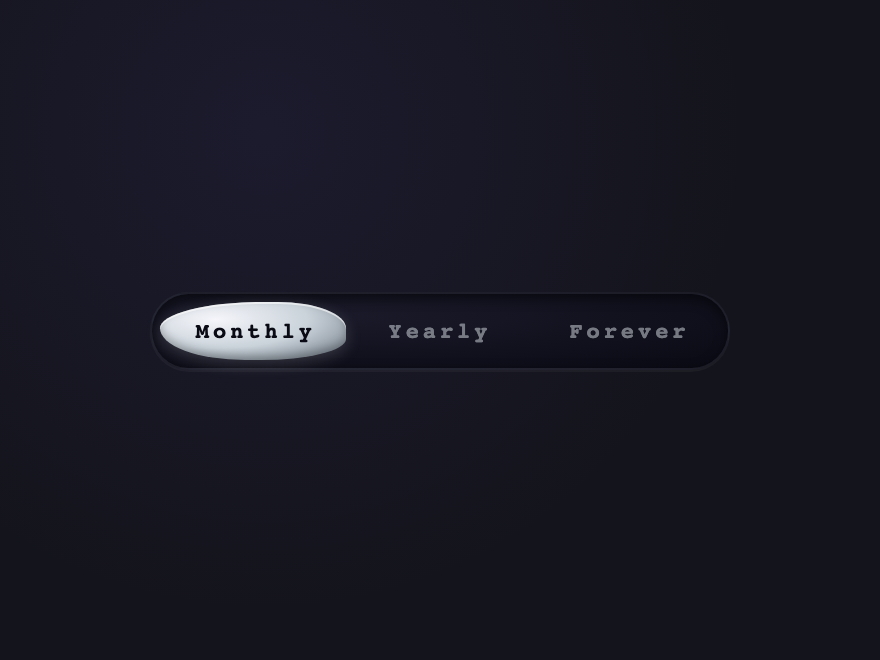
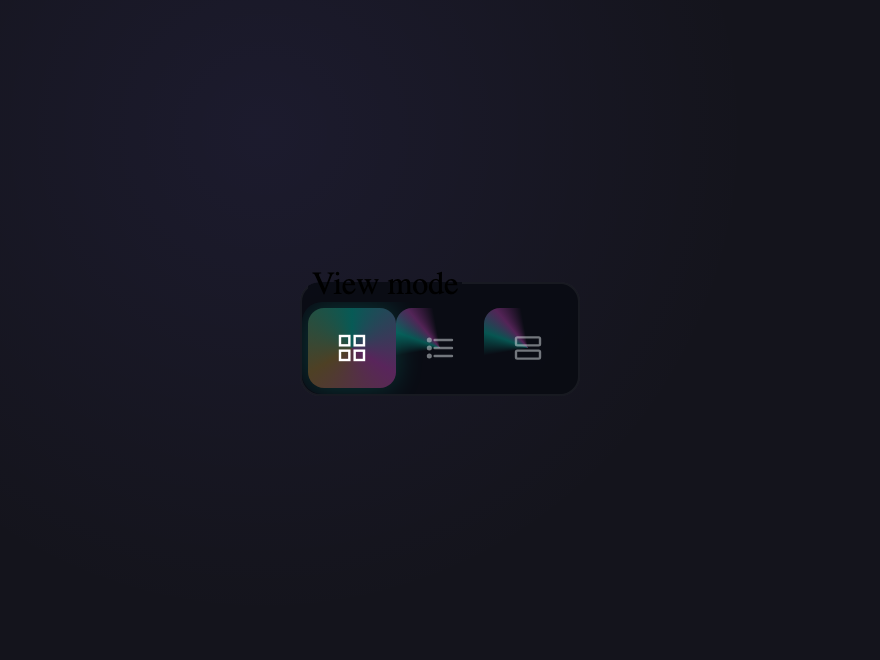
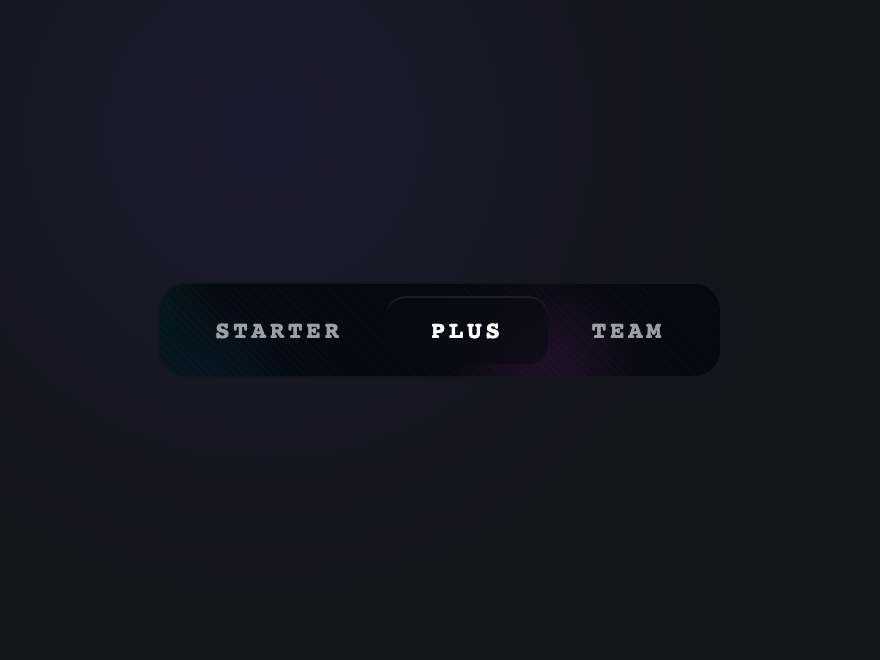
Three options on a viscous mercury rail. The thumb morphs its border-radius asymmetrically as it slides — the kind of animation curve a human would never hand-author.
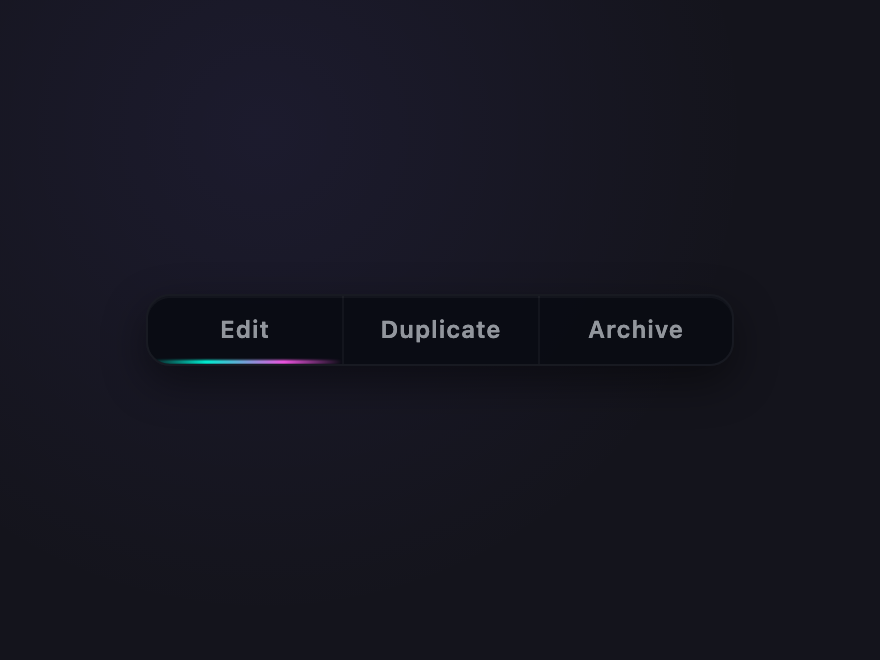
Three actions on a single subgrid track with a luminous beam underline that physically moves between buttons on hover, drawn with a single shared pseudo-element.
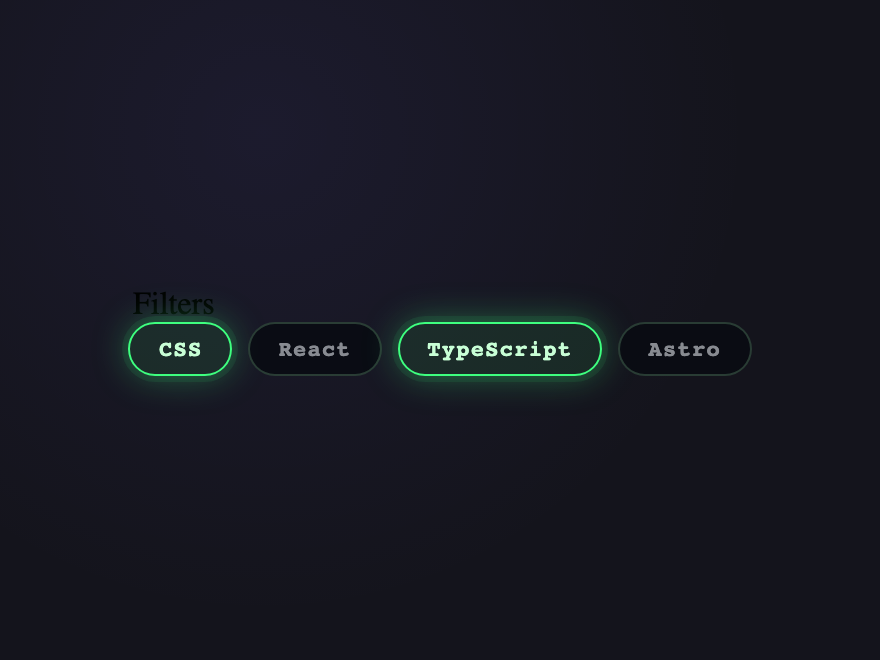
Multi-select chips with an acid-green glow halo that radiates outward when checked. Each chip carries a unique pulse phase so the row feels alive without being noisy.
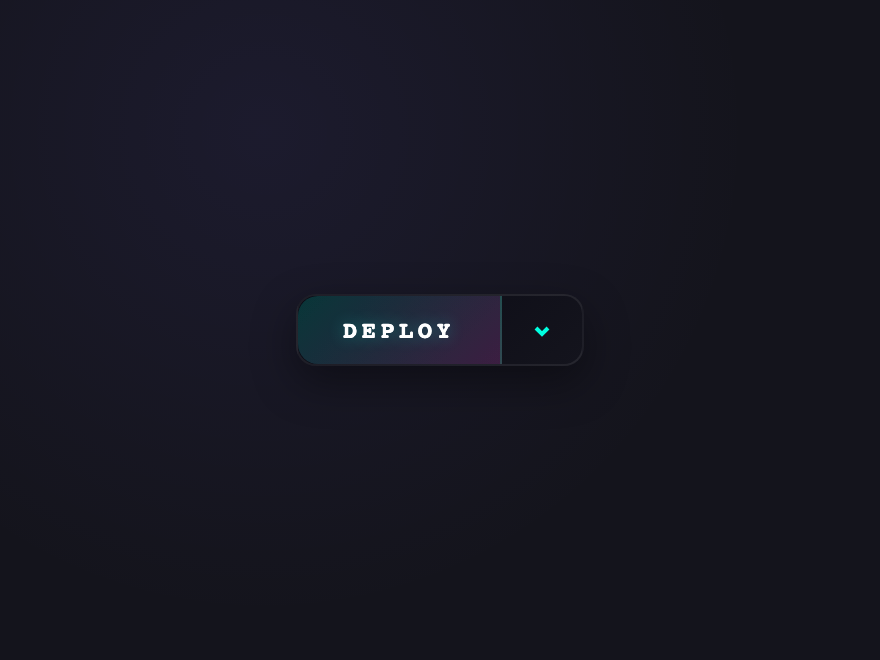
Primary action with a sibling menu that opens via native details/summary. The split chevron rotates 180° and the menu materialises with a clip-path reveal — no JS.
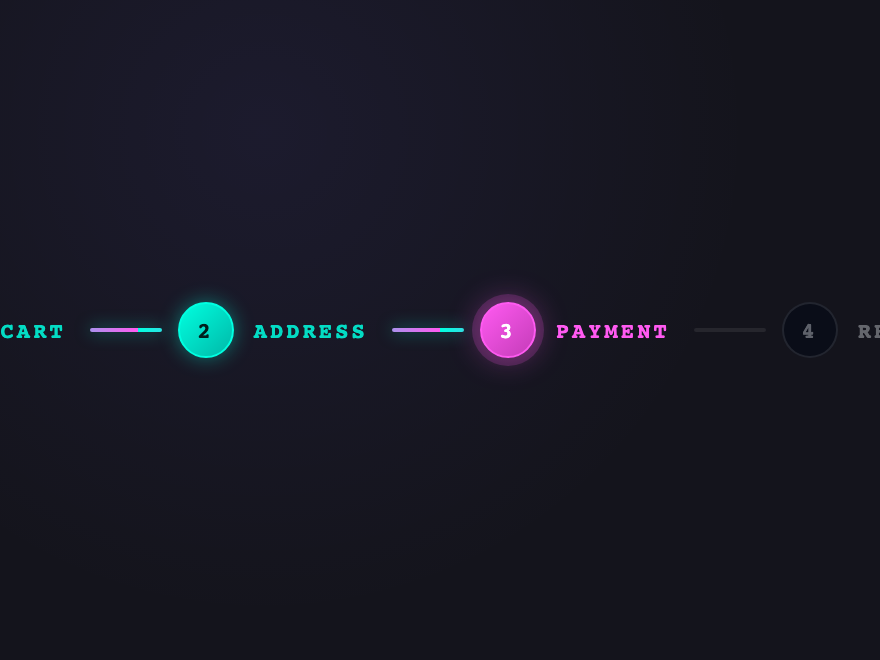
Multi-step wizard where the "done" line is a flowing gradient (not a static fill) — the light visibly travels through the completed segments toward the current step.
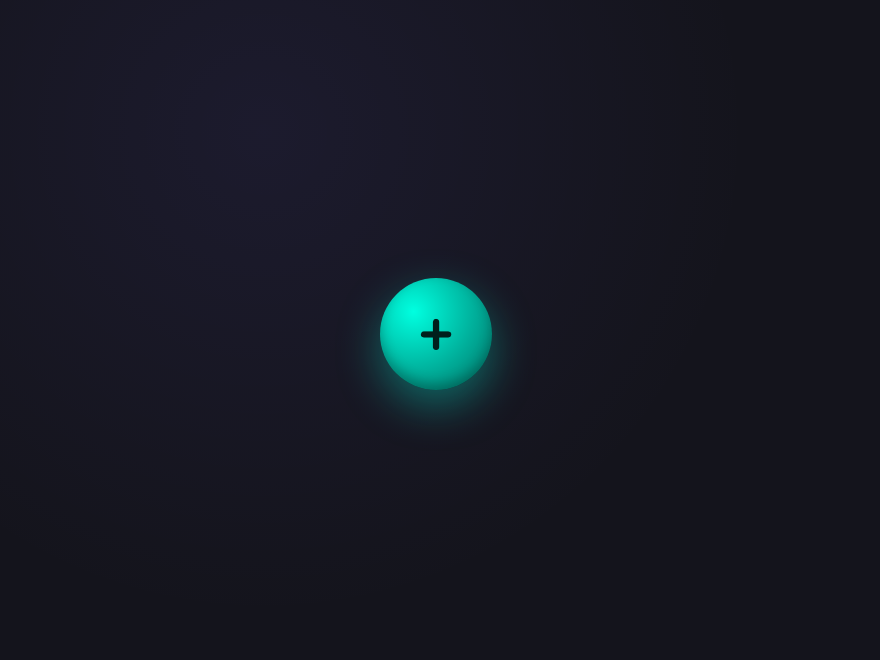
A FAB that fans out three satellite buttons on click — but they arc into position along a curved path, not a straight line. The main button rotates and pulses an outer ring.
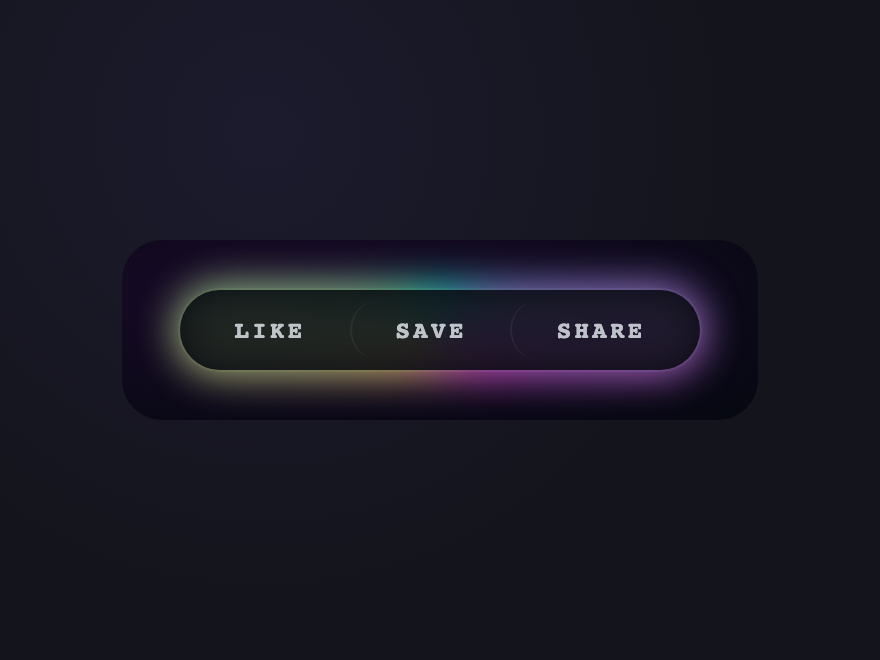
A glassmorphic pill that always carries a slowly rotating conic plasma loop behind it via @property — the kind of motion that feels alive without being noisy.
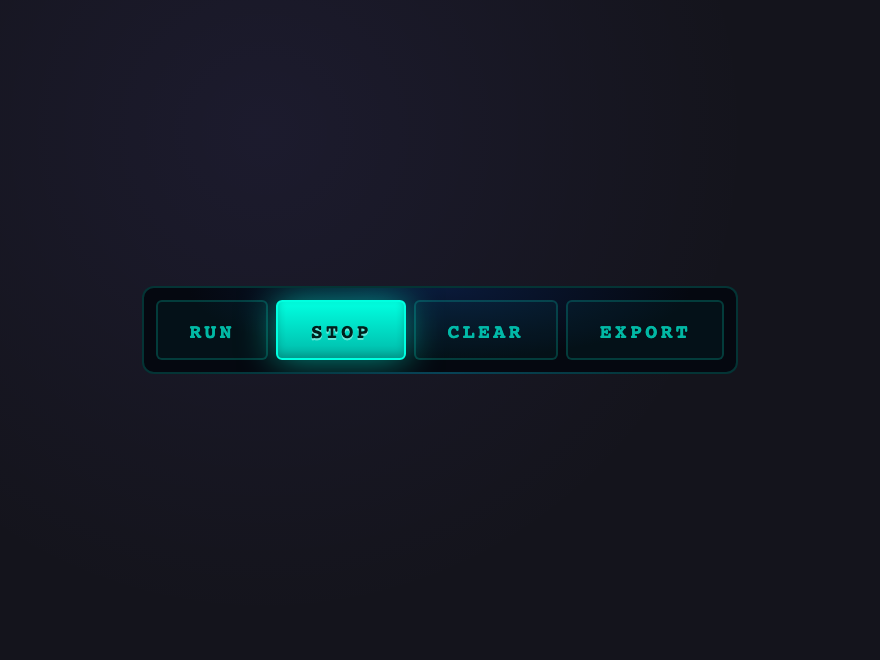
A radar-style action bar — clicking any button activates it AND emits a circular shockwave that ripples outward across the whole bar. Active button stays lit.
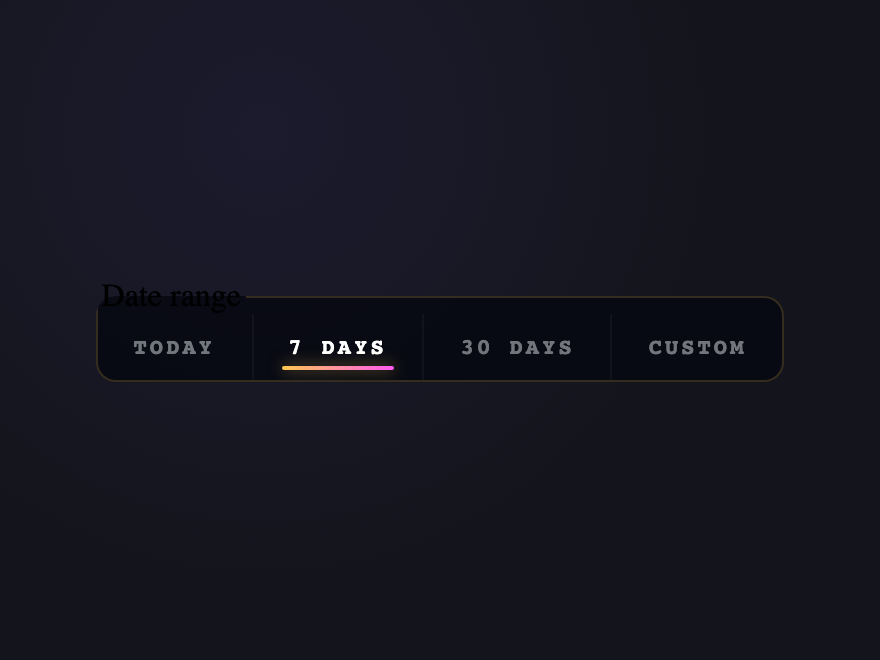
Date-range presets where a warm solar glow follows your cursor across the bar. Active range gets a permanent flare; the moving glow is pure CSS via --mx custom prop.
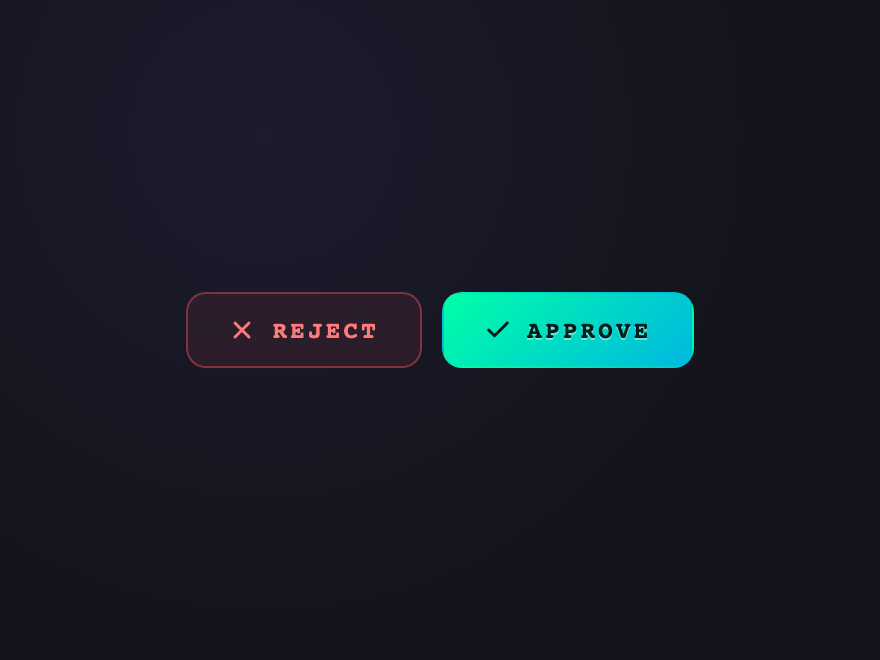
A two-button row where each button has a different "voice": reject shakes when hovered (negative pull), approve emits a particle burst on click via a single mask-image pseudo-element.
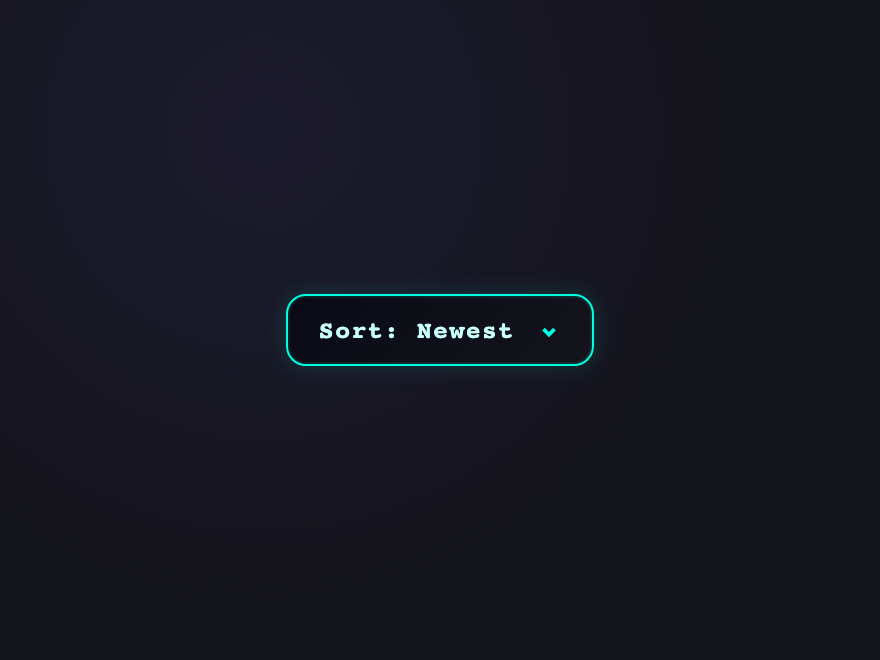
A dropdown trigger with a neon plasma border that pulses subtly. The list reveals via a clip-path slide; selection plays a scanline flash on the chosen option.
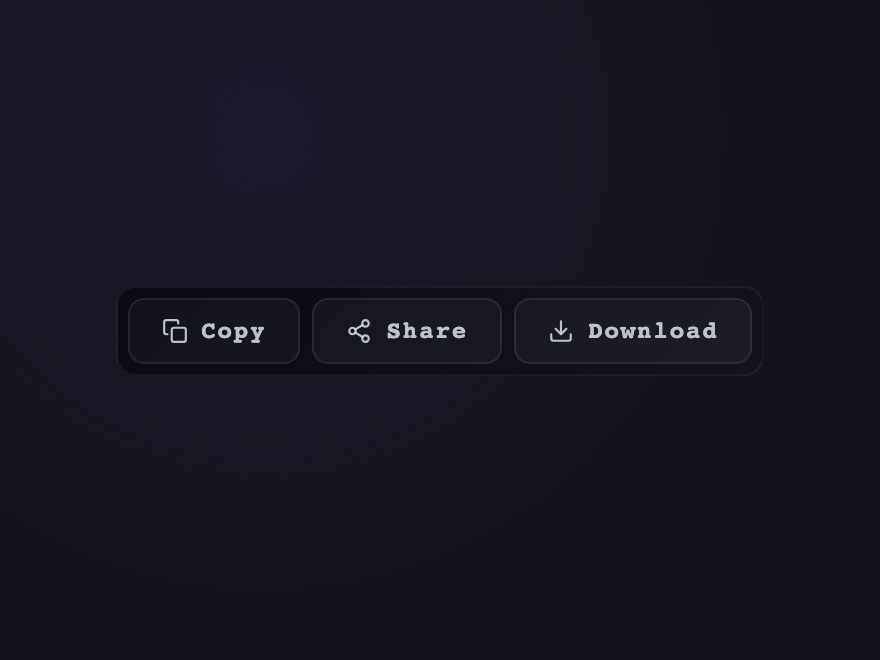
Three icon actions where the active button morphs into a confirmation pill, expands in width, and plays a gradient flow before snapping back. Layout shift handled with CSS grid auto-flow.
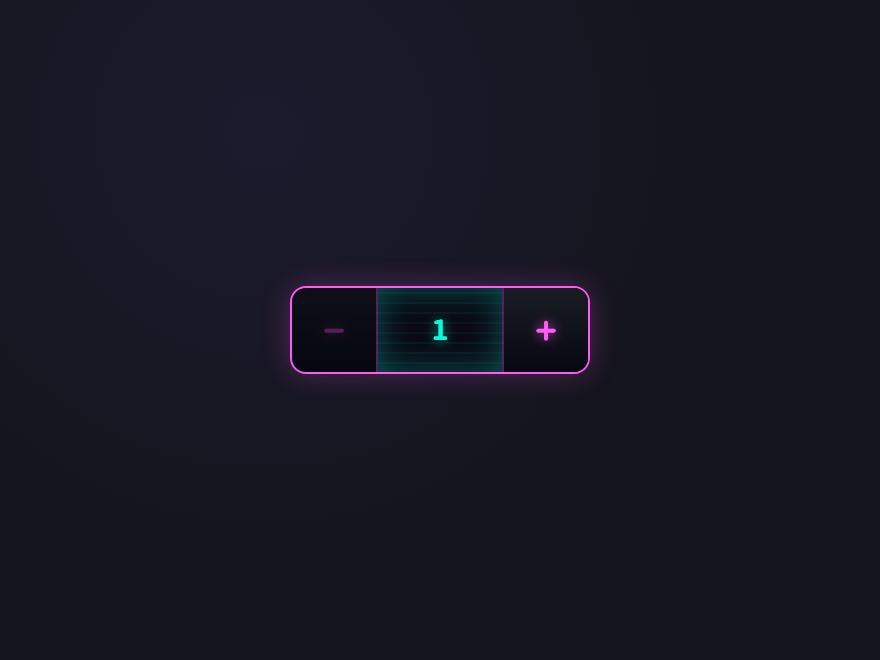
Quantity stepper as a synthwave-grid dial — chrome +/− buttons with a scanline window that morphs to magenta when the count hits max, cyan when it hits min.
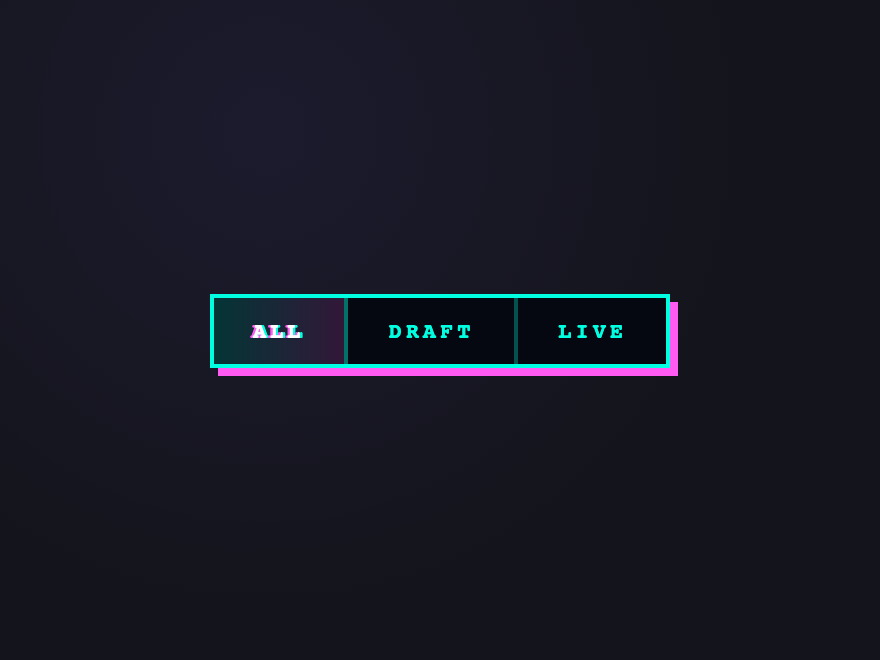
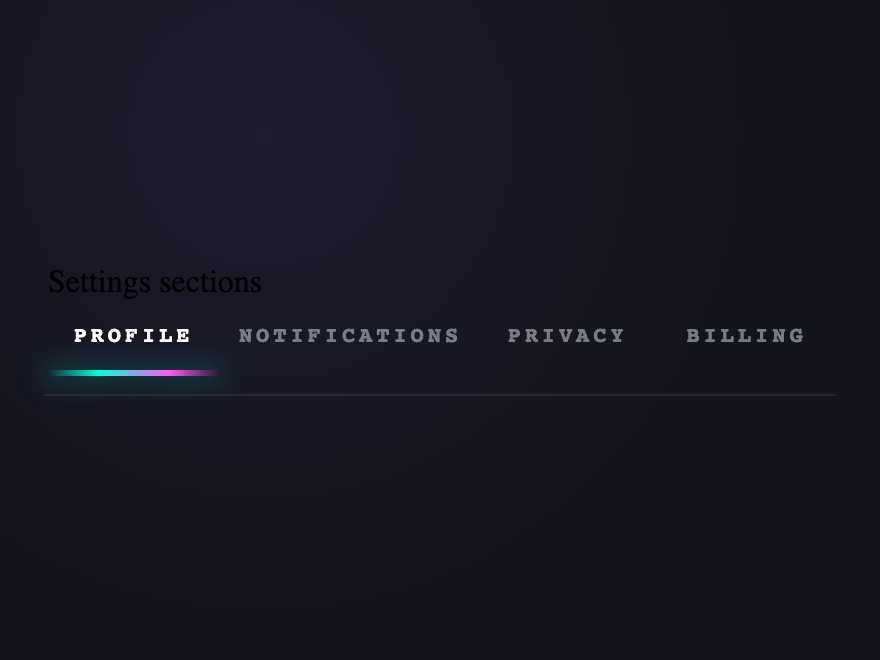
Tab nav where the active indicator stretches into a trailing wormhole as it moves between tabs — implemented via :has() and a single shared pseudo-element with smooth width interpolation.
Three premium tier buttons floating on a particle-aurora field — drifting blobs of cyan / magenta / gold via animated background-positions, layered noise, and a subtle hover-lift.
A button group is a set of related buttons rendered together as a single visual unit — toolbars, segmented controls, pagination, split-action buttons, stepper wizards and toggle bars are all button groups. The pattern signals to users that the buttons share a context or are mutually exclusive.
When should I use a button group instead of separate buttons?
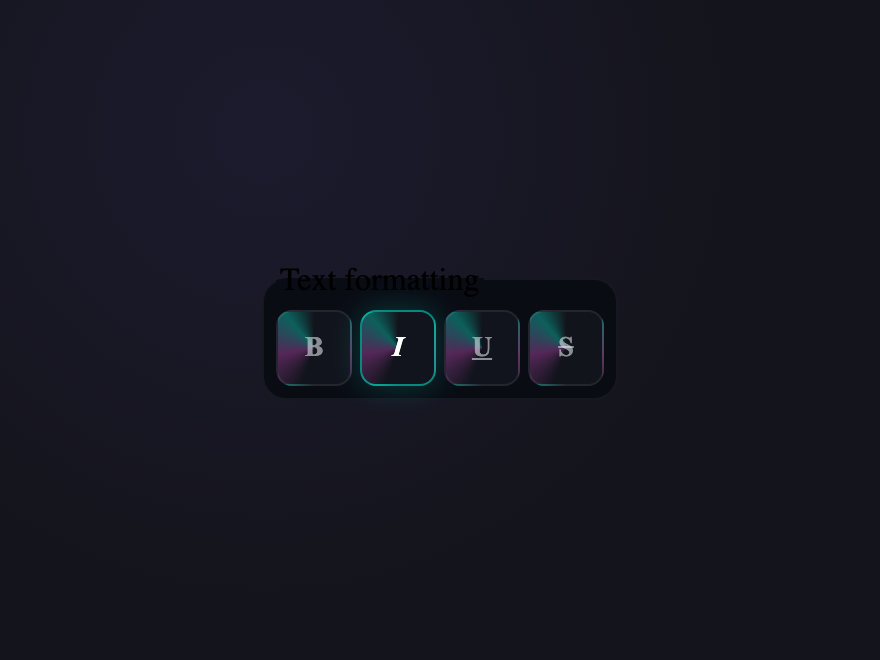
Use a group when the buttons share an axis of meaning — same data target, mutually exclusive states (radio-style), multi-select toggles (bold/italic/underline), or sequential actions like pagination. Use separate buttons when the actions are unrelated or have different priorities.
Are these CSS button groups accessible?
Yes. Each demo uses real interactive elements — button, input radio, input checkbox, details/summary — with appropriate ARIA (aria-current, aria-pressed, aria-expanded, aria-label) and visible focus states. They work with keyboard, mouse, and screen readers out of the box.
Do button groups work without JavaScript?
Most do. Of the 22 patterns, 17 are pure CSS using :checked, :hover, :focus-within and :has() to drive state. Only the dropdown combo, number stepper, copy-flash and a couple of others include small self-contained JS snippets.
Can I use these button groups in React, Vue, or Astro?
Yes. Every demo is plain HTML and CSS (with optional vanilla JS) and has no dependencies. Drop the markup into any framework — React JSX, Vue templates, Astro components, plain HTML — and the styles work as-is. MIT licensed.