12 CSS Glassmorphism Designs

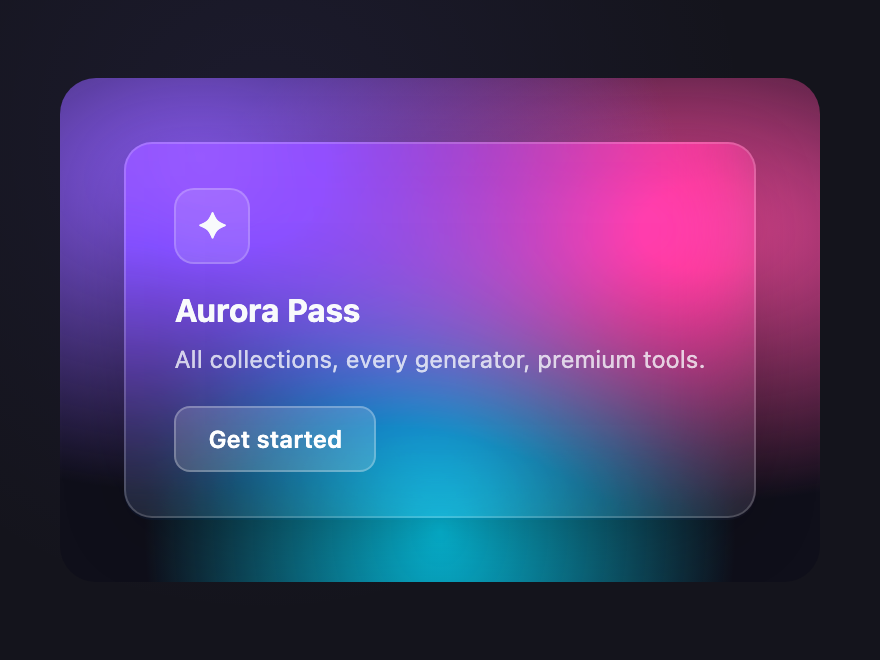
CSS glassmorphism is a frosted-glass surface effect popularised by macOS Big Sur and iOS Control Center. These 12 hand-coded designs are ready-to-ship glass panels for cards, navigation bars, modals, and hero overlays — copy the markup, place over your background, and ship.
12 unique surfaces 12 Pure CSS 0 dependencies 100% copy-paste ready Published
01 / 12
Glass Card
Pure CSS
Glass Card — preview
The canonical glass surface — translucent white over a vivid aurora gradient. Backdrop-filter blur is what sells the effect.
02 / 12
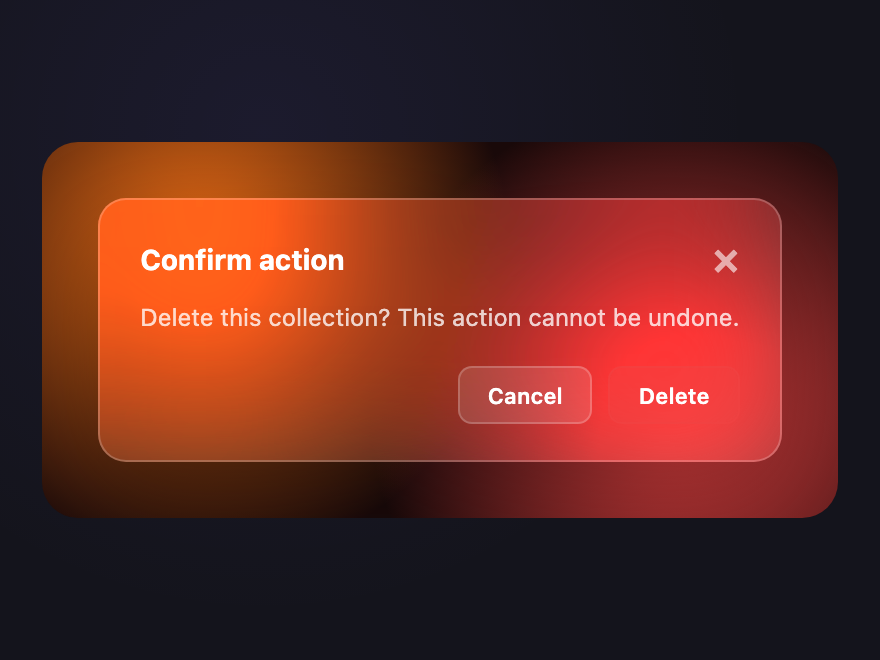
Frosted Modal
Pure CSS
Frosted Modal — preview
A heavy-blur dialog floating over a busy backdrop — the modal pattern that finally makes sense in 2024+ browsers.
03 / 12
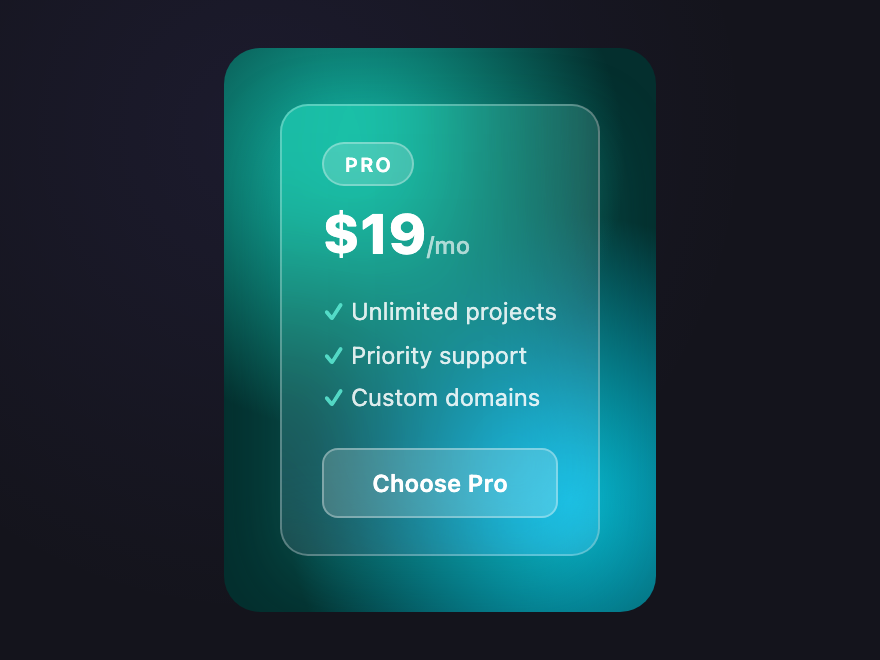
Pricing Glass
Pure CSS
Pricing Glass — preview
Tiered pricing card with featured glass treatment — the middle plan reads "premium" through stronger glass + brighter rim.
04 / 12
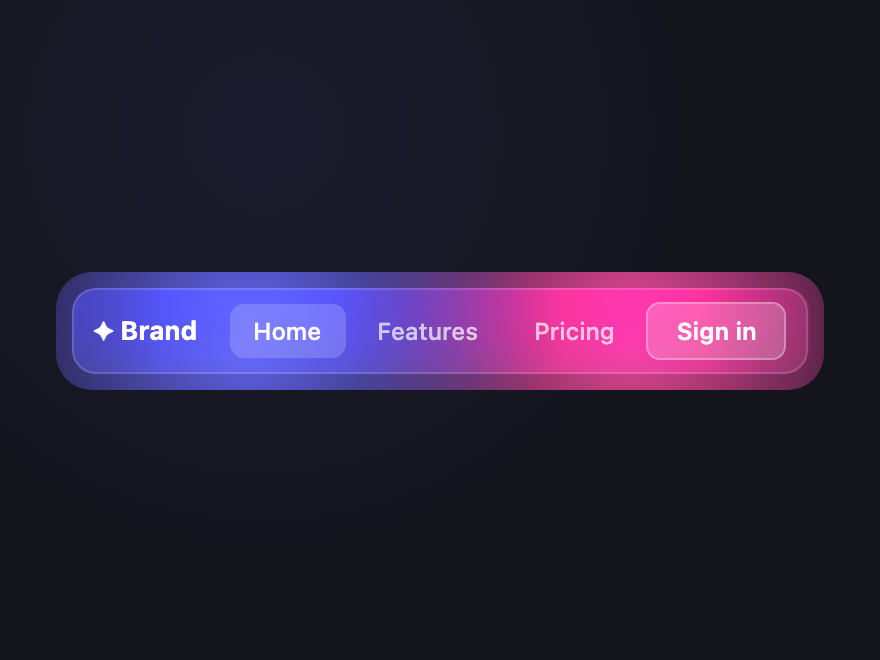
Glass Navbar
Pure CSS
Glass Navbar — preview
Sticky navbar that stays translucent over any page background — backdrop-filter saturate boosts the colors behind to keep contrast.
05 / 12
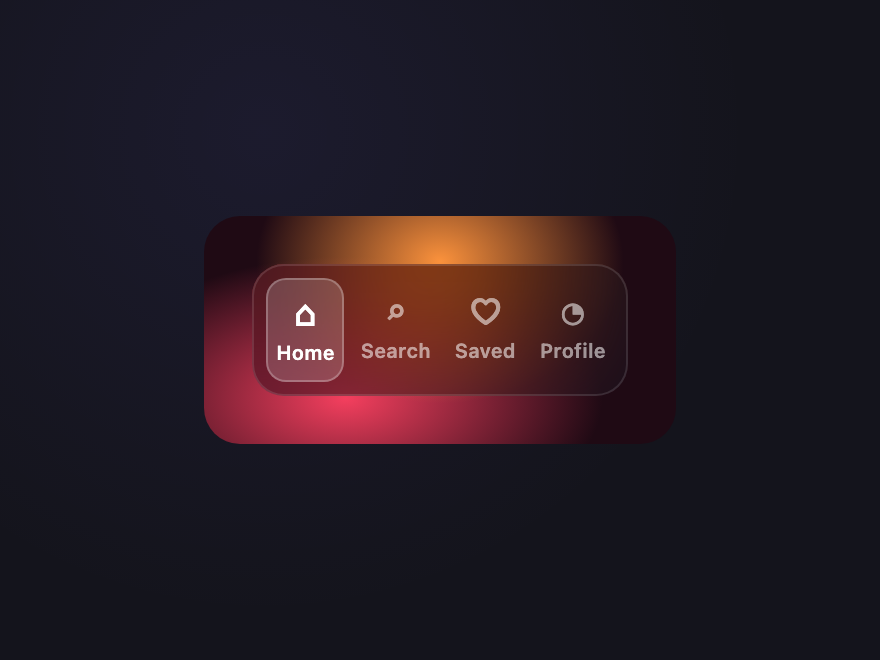
Glass Tab Bar
Pure CSS
Glass Tab Bar — preview
Bottom navigation bar (mobile-app pattern) where the active pill is a brighter glass surface inside a darker glass container.
06 / 12
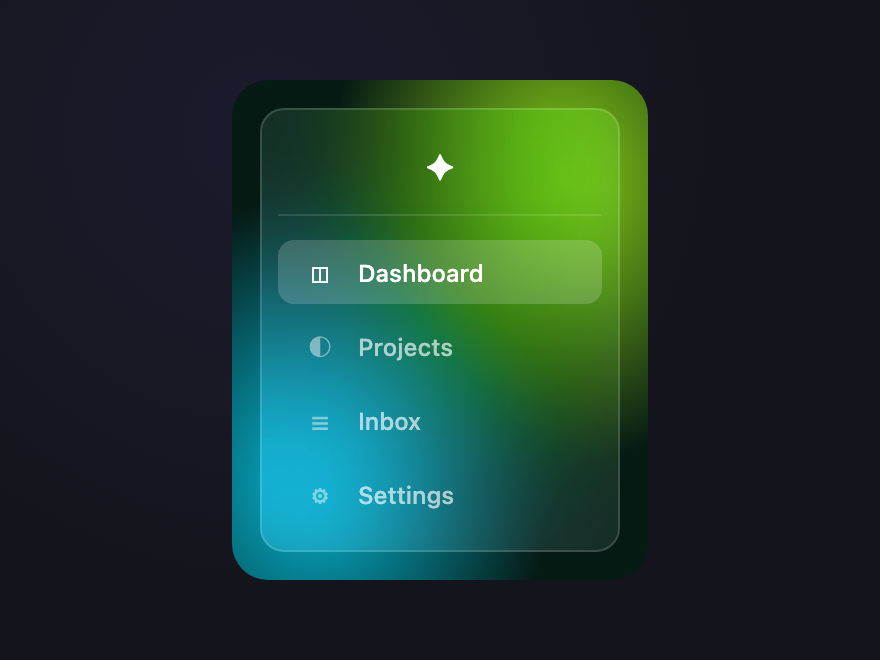
Glass Sidebar
Pure CSS
Glass Sidebar — preview
Vertical glass sidebar with active-item highlight — the classic dashboard chrome reimagined as a single semi-transparent panel.
07 / 12
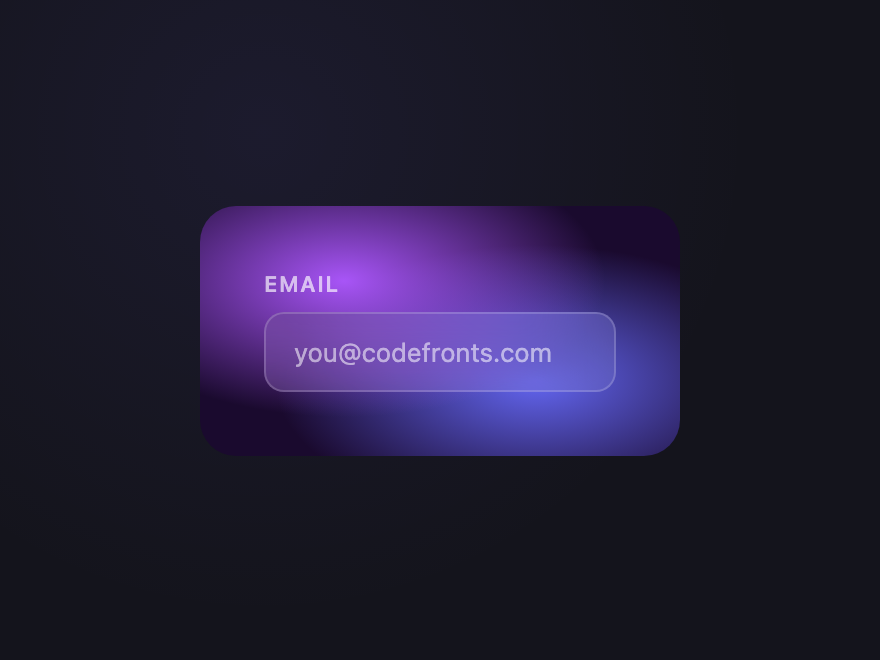
Glass Input
Pure CSS
Glass Input — preview
Translucent text input with a subtle inner glow on focus — useful when a form sits over imagery or a video background.
08 / 12
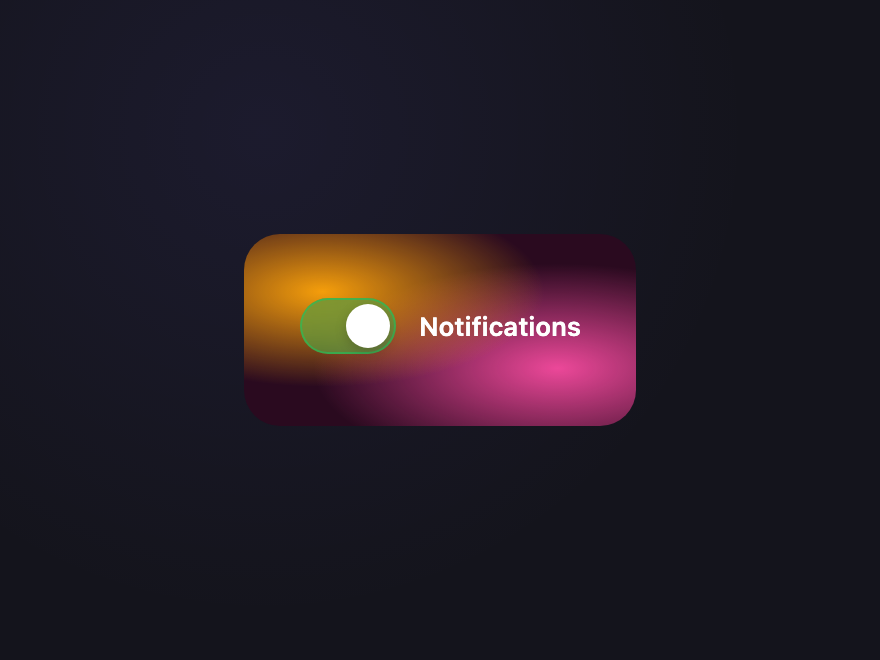
Glass Toggle
Pure CSS
Glass Toggle — preview
Frosted iOS-style toggle switch sitting over a vivid backdrop — the thumb is a brighter glass island inside the track.
09 / 12
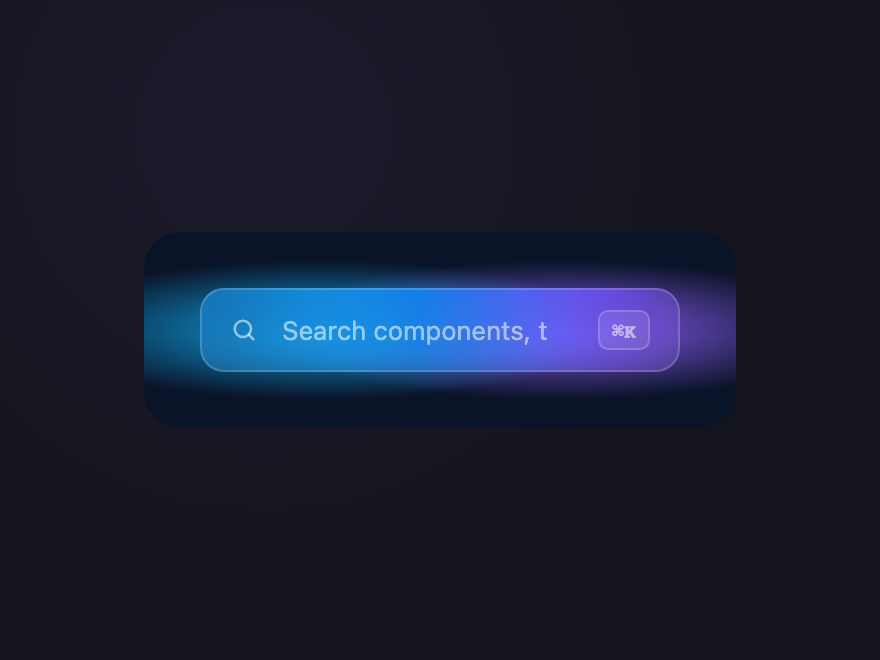
Glass Search
Pure CSS
Glass Search — preview
A frosted search field with a built-in icon — the kind of search bar that hovers over a hero image or video without competing.
10 / 12
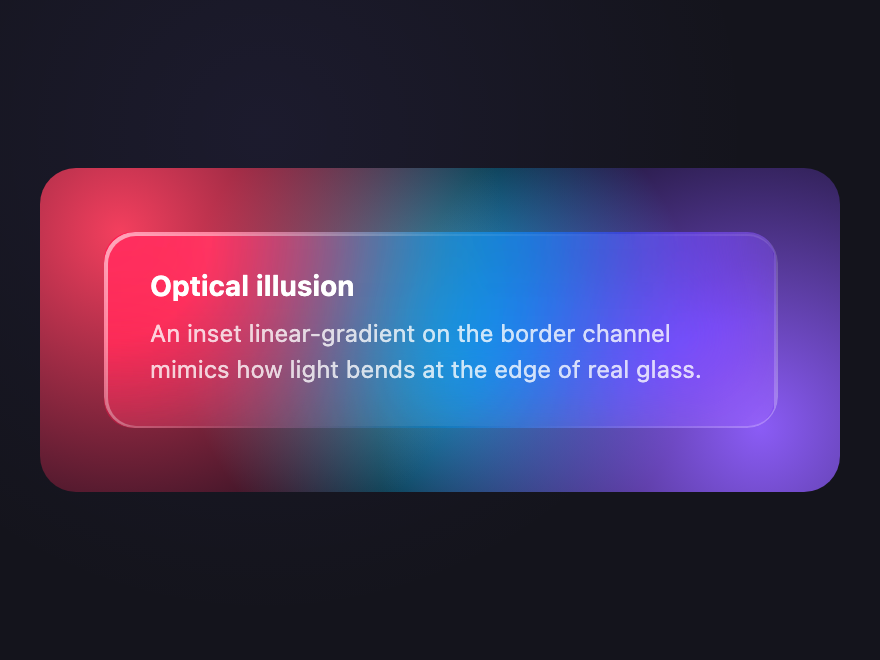
Refraction Card
Pure CSS
Refraction Card — preview
Glass card with a fake refraction edge — a brighter rim on one side simulates how real glass bends light at its boundary.
11 / 12
Tinted Glass
Pure CSS
Tinted Glass — preview
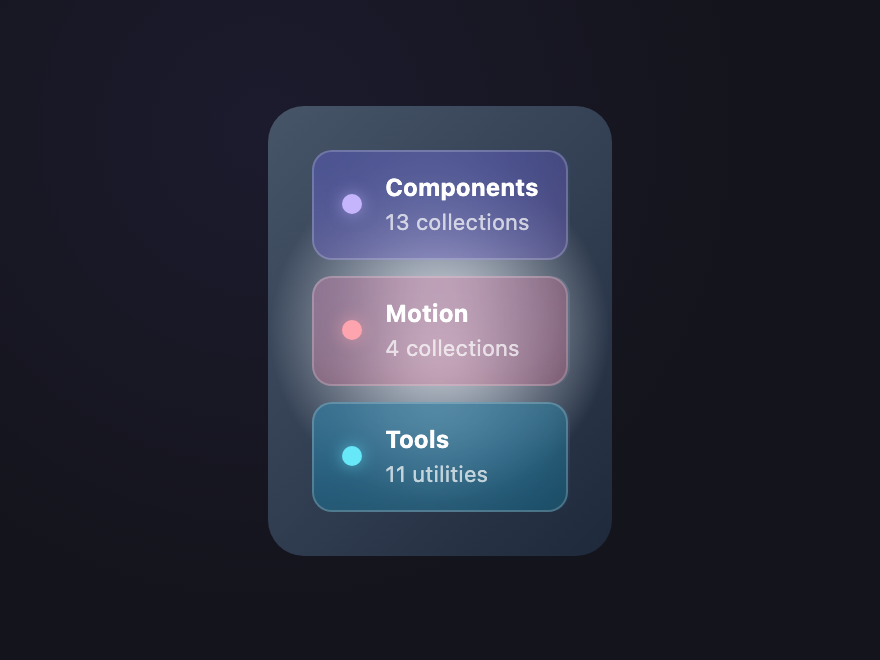
Each glass surface tints subtly with its own brand hue while sharing the same blur — useful for color-coded categories.
12 / 12
Stacked Glass
Pure CSS
Stacked Glass — preview
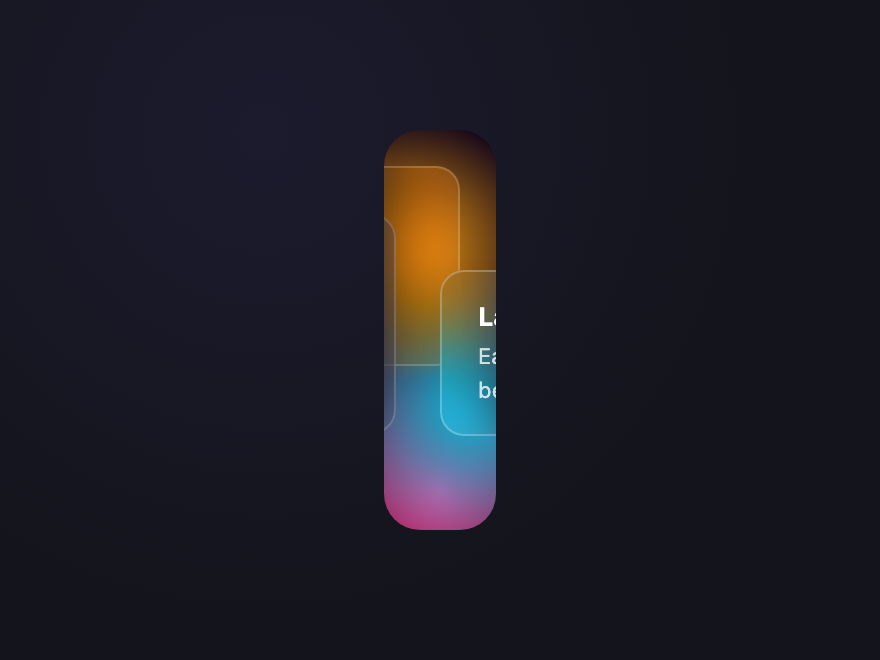
Three glass layers stacked at offset depths — each pane blurs the panes behind it, creating a dimensional sandwich effect.
FAQ

Frequently asked questions

How do I create a glassmorphism effect in CSS?
The core is backdrop-filter: blur() on a semi-transparent element. Give the element a translucent background (a low-opacity white or colour), apply backdrop-filter: blur(10px) so whatever sits behind shows through frosted, add a subtle 1px light border and a soft shadow. It needs a colourful or busy background behind it to read as glass. Every demo here shows the exact values.
What is the backdrop-filter property?
backdrop-filter applies a graphic effect — most commonly blur() — to the area behind an element, rather than to the element itself. It's what makes the frosted-glass look possible in pure CSS. It's well supported in modern browsers; for older ones, provide a more opaque solid background as a fallback so the UI stays readable.
Why isn't my glassmorphism / backdrop-filter blur showing?
Three common causes: the element's background is fully opaque (it needs to be semi-transparent for the blur behind to show), there's nothing behind it to blur (glass needs a colourful or detailed backdrop), or the browser doesn't support backdrop-filter. Always include a solid-background fallback so the design degrades gracefully.
Do these glassmorphism designs need JavaScript?
No — all 12 glassmorphism designs are pure CSS. The frosted effect is entirely backdrop-filter, transparency, borders and shadows. Drop the HTML and CSS in over a suitable background and the glass effect works.
Are these glassmorphism designs accessible and free to use?
Yes. Glassmorphism can hurt text contrast, so each demo keeps text on a sufficiently opaque area and at accessible contrast. All 12 designs are MIT licensed and free for personal and commercial projects.

Search CodeFronts

Loading…