28 CSS Input Field Designs

Advertisement

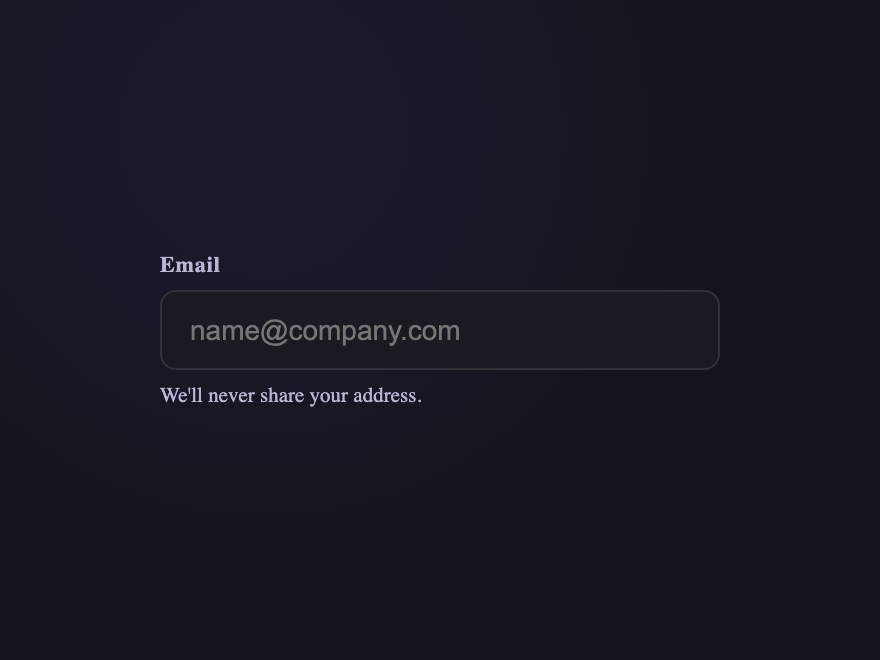
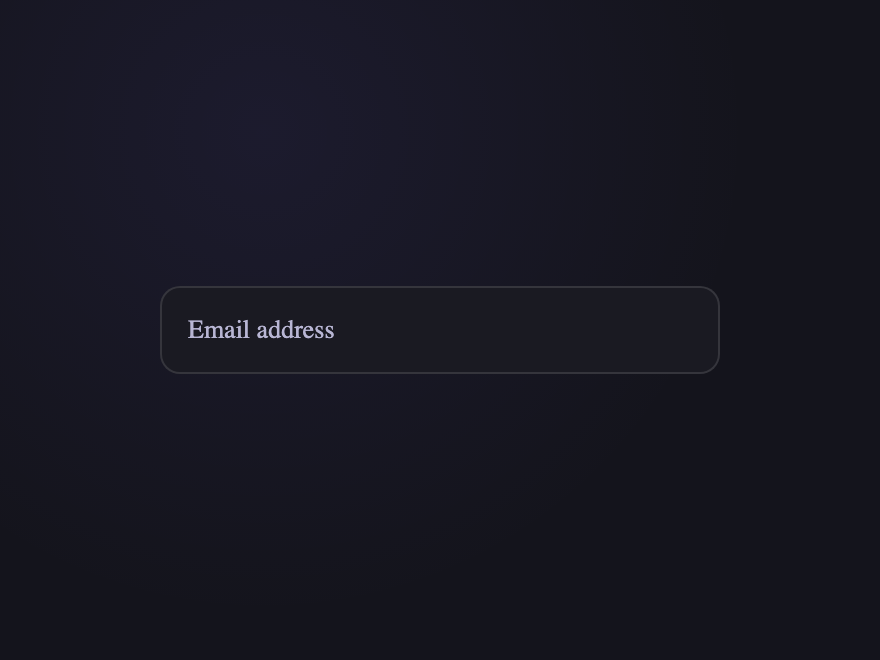
A CSS input field is a styled text-input control where users type information into a form. These 28 hand-coded designs are ready-to-ship inputs for sign-up forms, search bars, settings screens, and checkout flows — copy the markup, drop into your form, and ship.
28 unique inputs 18 Pure CSS 10 CSS + JS 0 dependencies 100% copy-paste ready Published
01 / 28
Floating Label
Pure CSS
Floating Label — preview
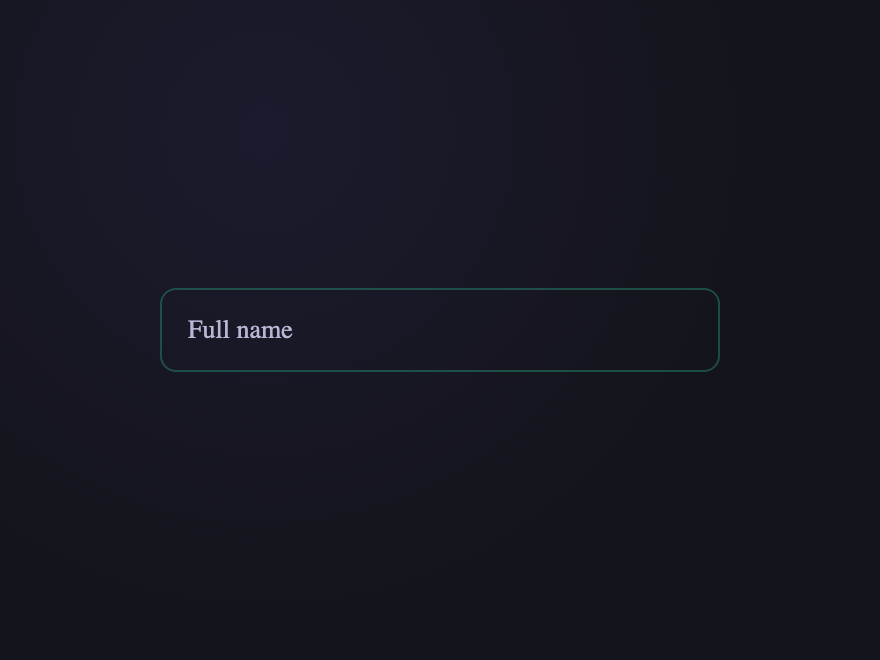
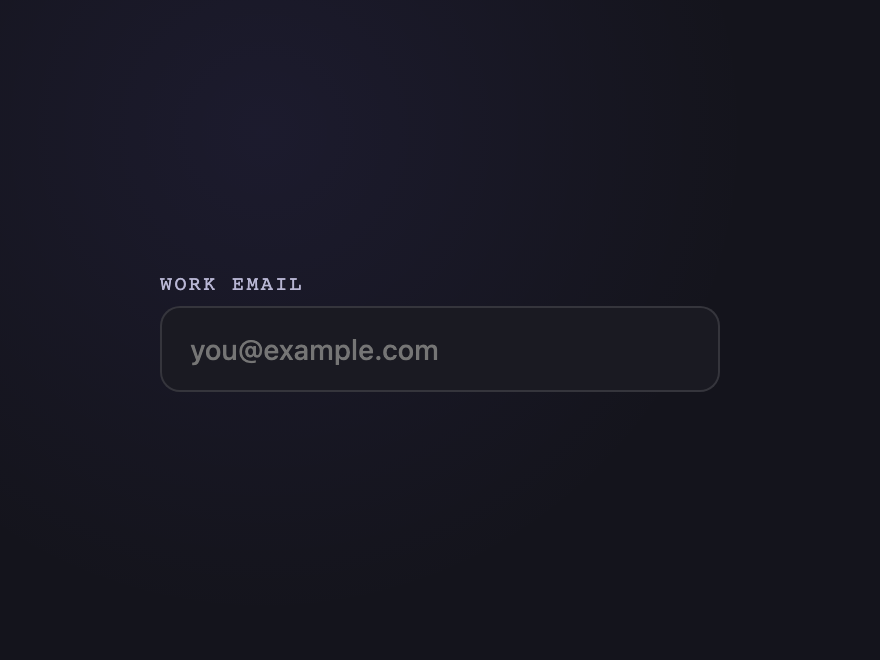
Classic floating label input. The placeholder lifts and shrinks above the field on focus — a calm, accessible pattern used across every modern product surface.
02 / 28
Underline Sweep
Pure CSS
Underline Sweep — preview
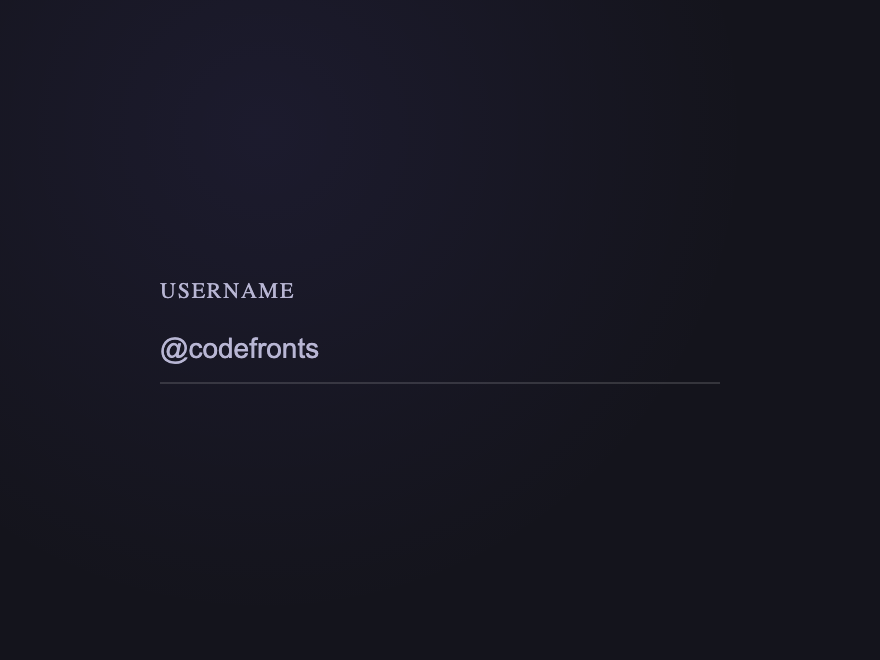
Minimal underline-style input. The bottom border draws outward from the centre on focus — a subtle, premium touch driven by `:focus-within`.
03 / 28
Neon Glow
Pure CSS
Neon Glow — preview
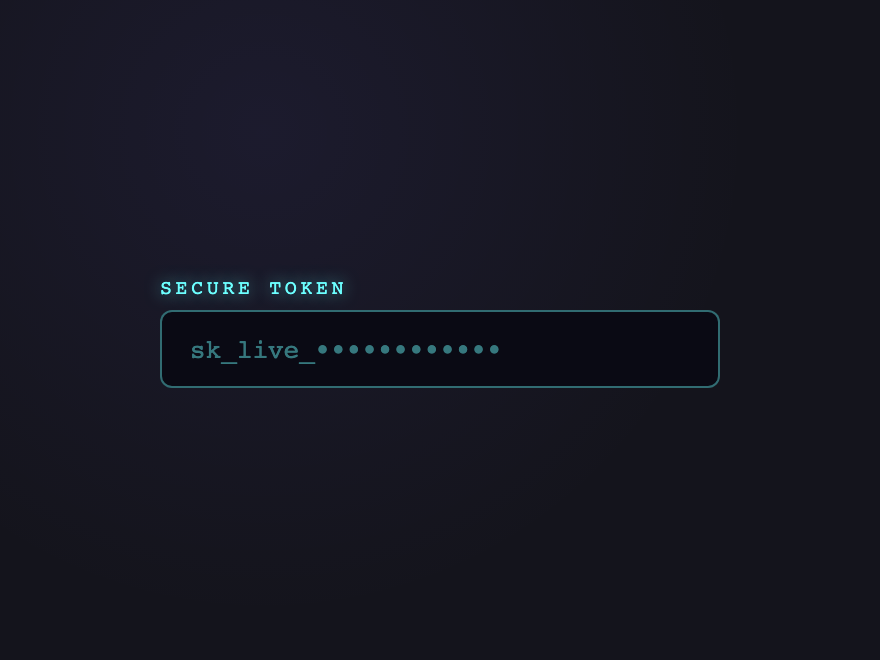
Cyan neon-glow input. The border crisps and the box-shadow blooms on focus — perfect for dark dashboards, gaming UIs, and developer tools.
04 / 28
Glass Frosted
Pure CSS
Glass Frosted — preview
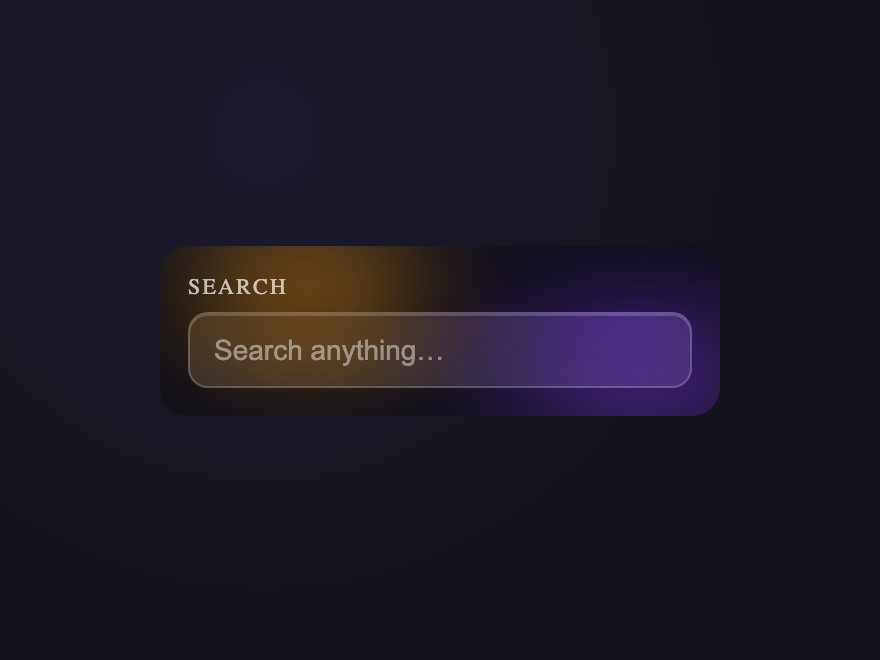
Frosted-glass input on a soft gradient. Translucent surface with `backdrop-filter` blur and an inner highlight — an elegant fit for hero sections.
05 / 28
Notched Outline
Pure CSS
Notched Outline — preview
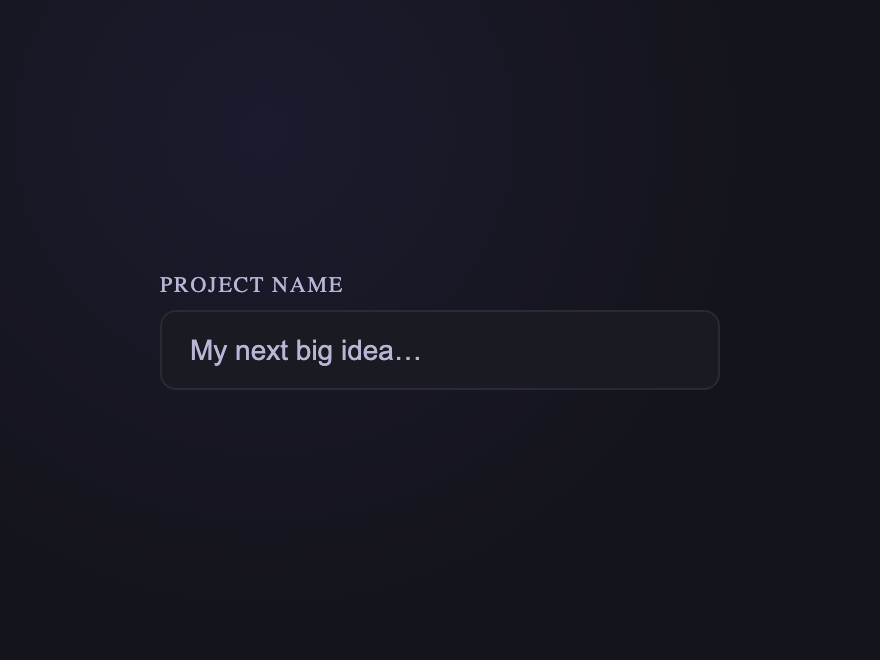
Material-style notched outline. The label sits inside a gap cut into the border. Subtle, professional, and works beautifully for forms with dense fields.
06 / 28
Liquid Border
Pure CSS
Liquid Border — preview
Animated stroke that draws around the field on focus. A small flourish that makes a single text input feel deliberate and premium.
07 / 28
Inline Validation
Pure CSS
Inline Validation — preview
Live `:valid` / `:invalid` feedback. Green tick when correct, red cross when not — driven by `:has()` and pseudo-elements, no JavaScript required.
08 / 28
Search with Clear
Pure CSS
Search with Clear — preview
Search input with a leading magnifier icon and a trailing clear button. The clear control appears only when the field has content — handled with `:placeholder-shown`.
09 / 28
Password Strength
Pure CSS
Password Strength — preview
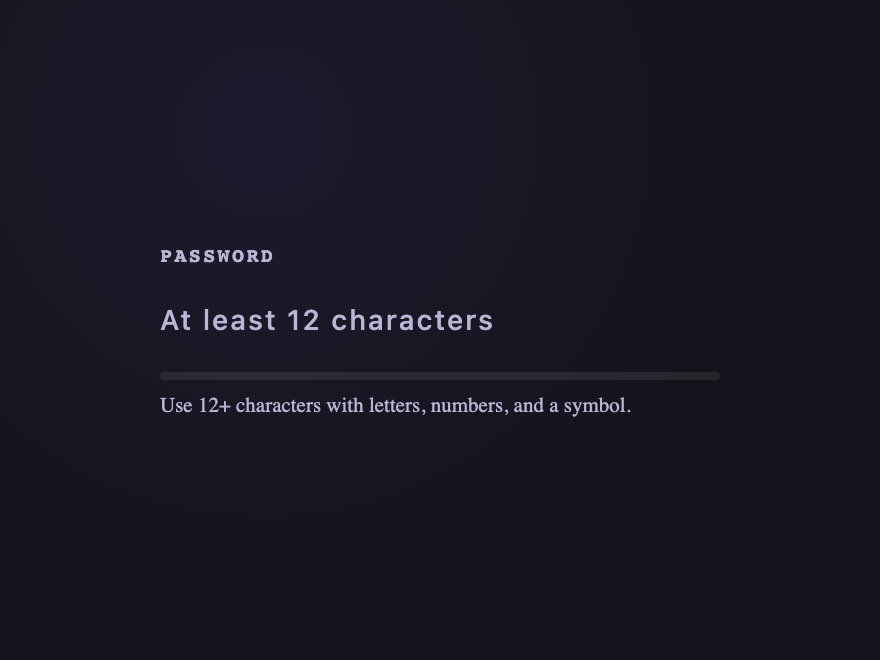
Sign-up password input with a live strength bar that grades red → amber → green. Driven by `:has(input:valid/:invalid)` — zero scoring JavaScript.
10 / 28
OTP Code
Light JS
OTP Code — preview
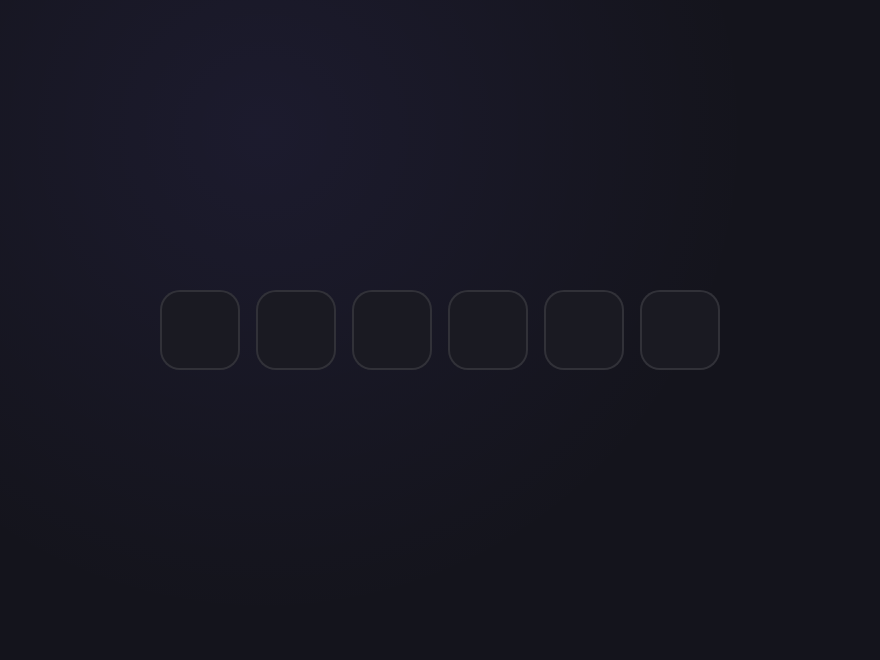
One-time-passcode entry split across six boxes inside a single `<fieldset>`. Auto-advance, backspace step-back, and full paste-to-fill — `autocomplete="one-time-code"` drives SMS auto-suggest.
11 / 28
Rotating Placeholder
Light JS
Rotating Placeholder — preview
The native placeholder attribute itself rotates through four sample queries every 2.5 seconds — "Search products…" → "Search docs…" → "Search people…" → "Search settings…". Light JS swaps the attribute; the browser does the rest. Stops the moment the user focuses or starts typing.
12 / 28
Tag Input
Light JS
Tag Input — preview
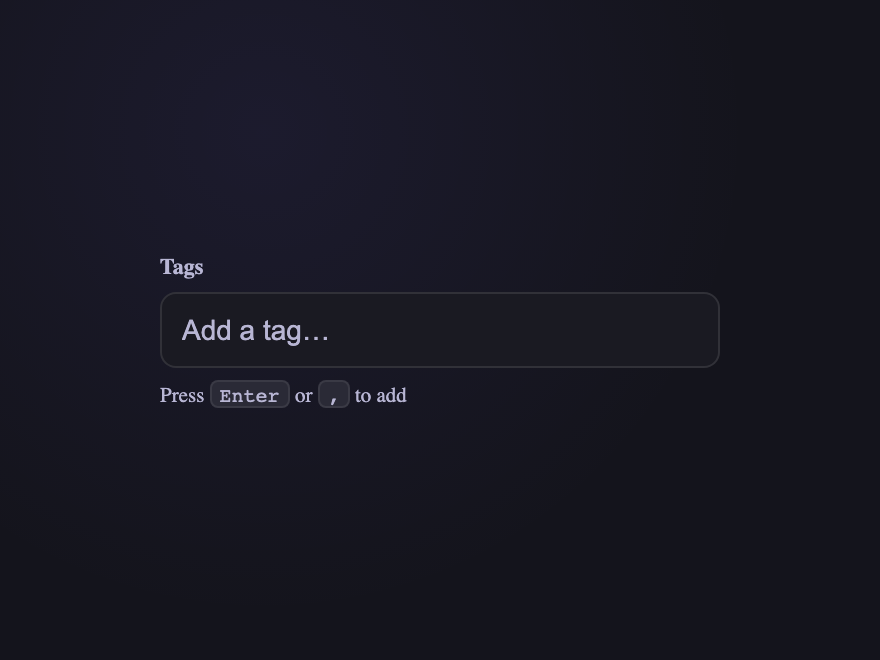
Type a tag and press Enter or comma to commit it as a chip. Backspace on an empty input removes the last chip — a polished pattern for filters and email recipients.
Advertisement
13 / 28
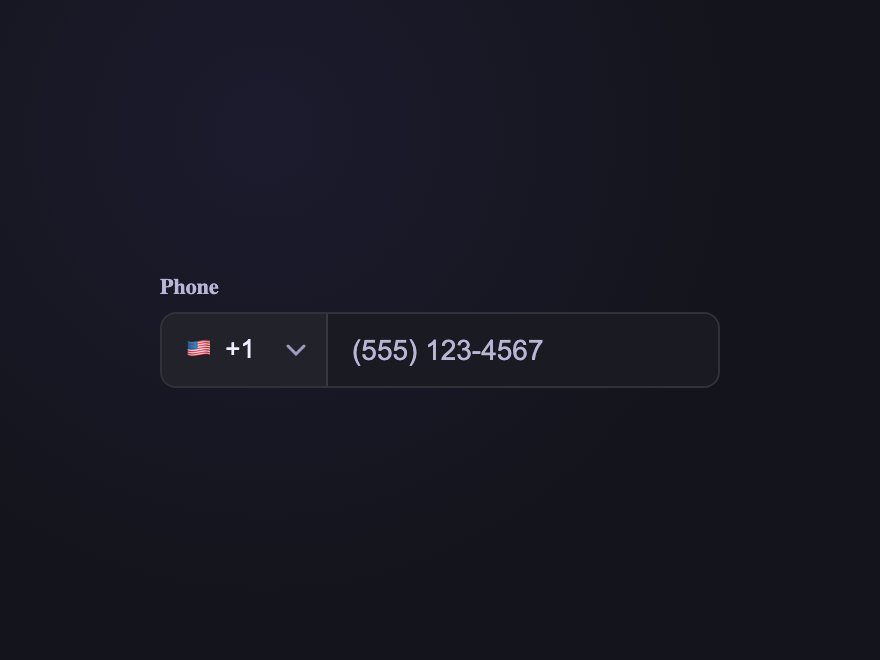
Phone with Country
Pure CSS
Phone with Country — preview
Phone number input with a native `<select>` for the country dialling code. Semantic, accessible by default, and styled to match the input seamlessly.
14 / 28
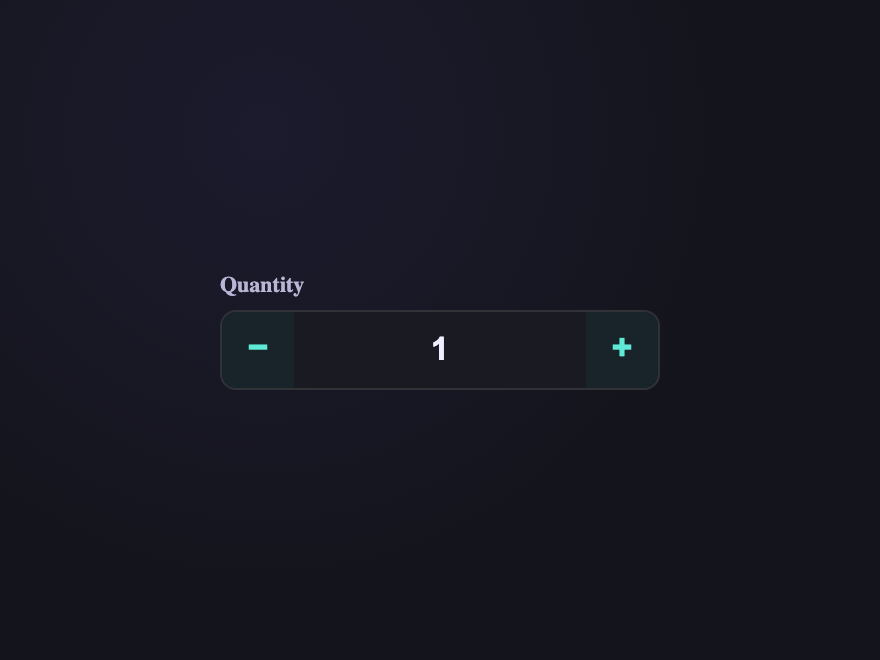
Stepper Number
Light JS
Stepper Number — preview
Quantity input with custom −/+ controls. Native `<input type="number">` underneath keeps keyboard arrows, validation, and screen-reader semantics intact.
15 / 28
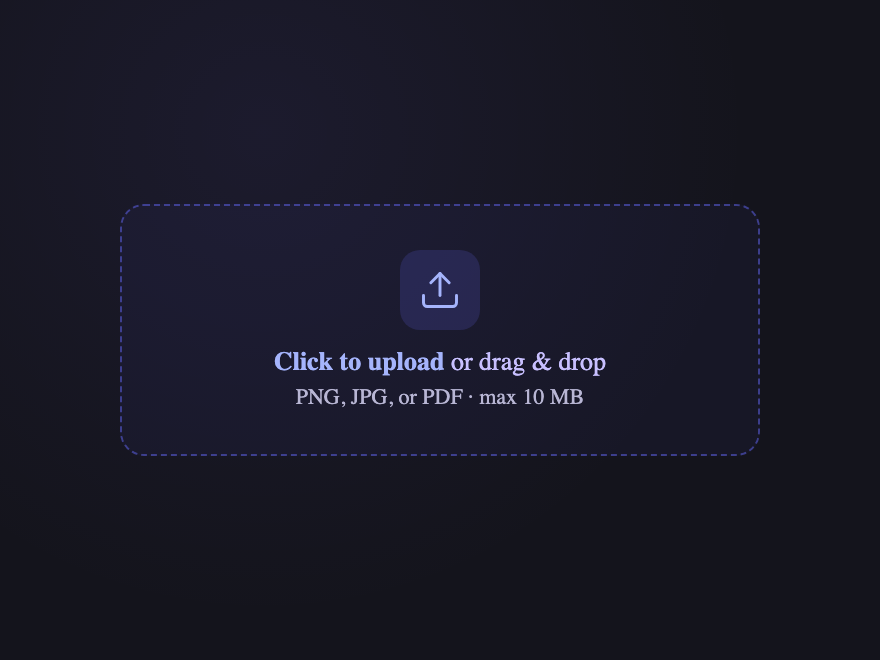
File Drop Zone
Pure CSS
File Drop Zone — preview
Drag-and-drop file input with a custom dashed boundary. Native `<input type="file">` underneath, the visible filename appearing via `:has()` — accessible, keyboard-friendly, and minimal.
16 / 28
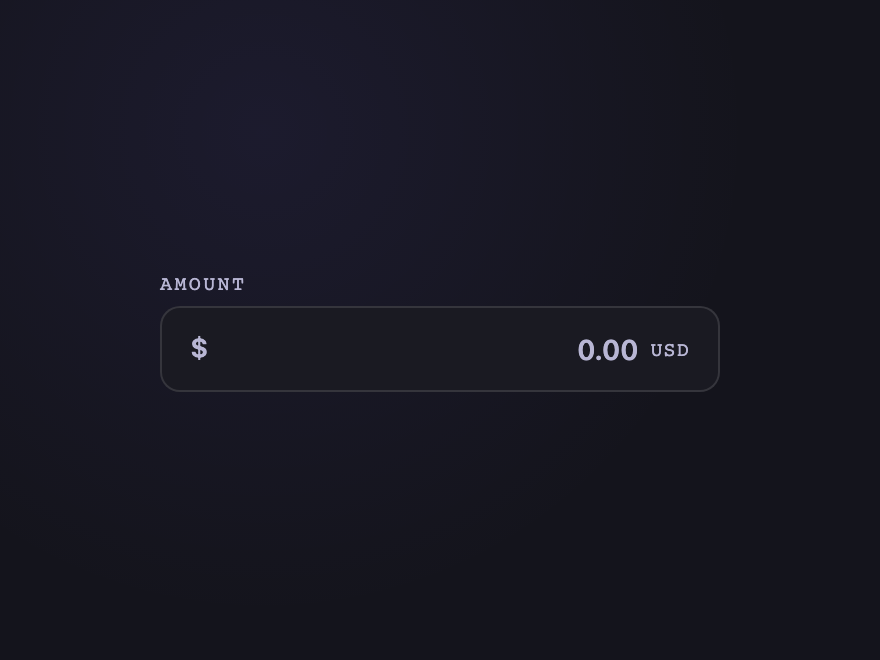
Currency Input
Pure CSS
Currency Input — preview
Right-aligned numeric input with an inline `$` prefix. `inputmode="decimal"` brings up the right mobile keyboard; `:focus-within` lights the prefix to match the field accent.
17 / 28
Date Picker Native
Pure CSS
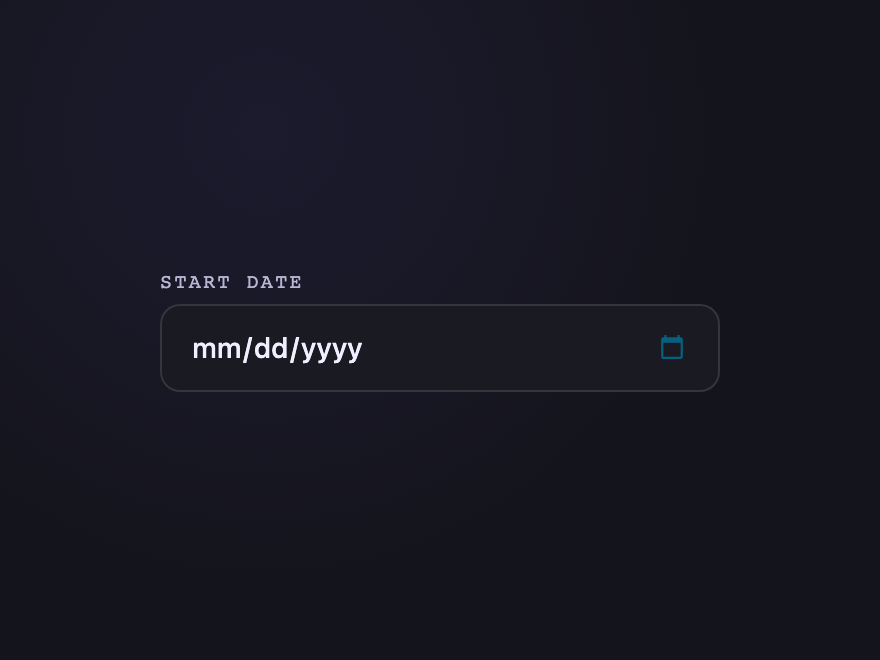
Date Picker Native — preview
A styled `<input type="date">` keeps every native picker behaviour (keyboard, accessibility, browser/OS calendars) while the chrome matches the rest of your form. `::-webkit-calendar-picker-indicator` is recoloured to match the accent.
18 / 28
Time Range
Pure CSS
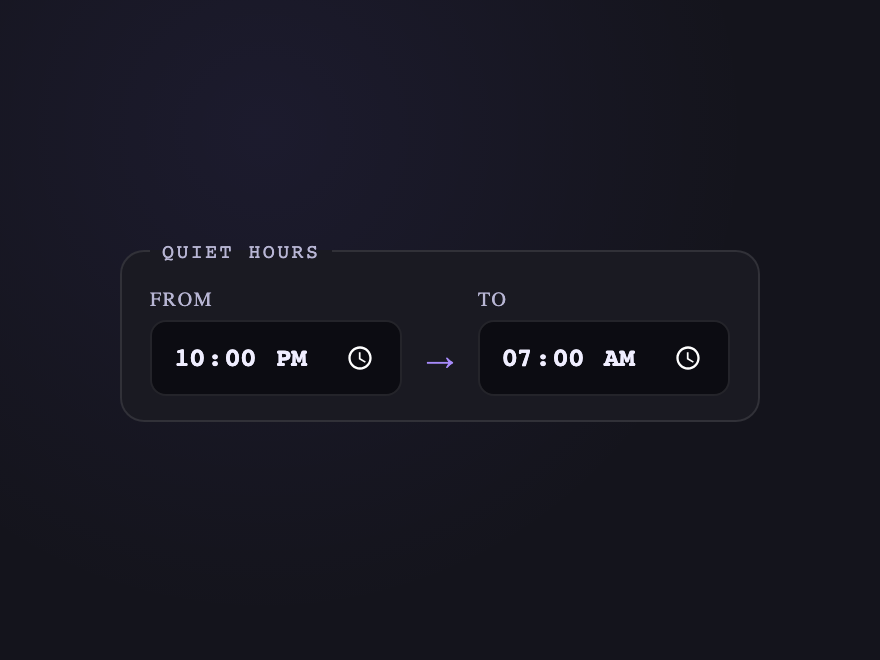
Time Range — preview
Two `<input type="time">` paired with a typographic `→` divider. Single visual unit while remaining two independent fields for keyboard nav and form submission.
19 / 28
Color Picker
Pure CSS
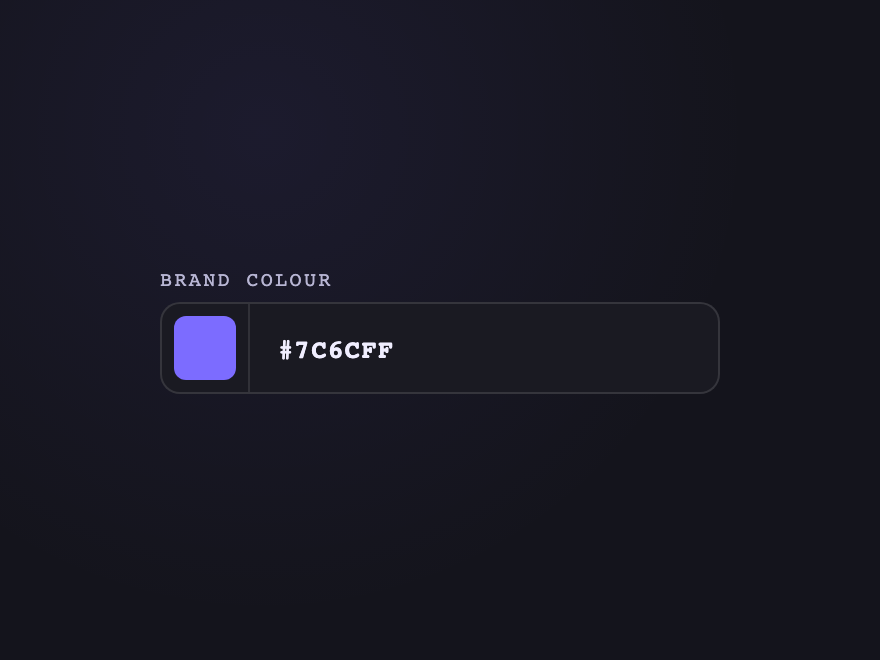
Color Picker — preview
A `<input type="color">` swatch chip paired with a hex text field — both accept the same `name` and submit value via the underlying form. Sibling-`+` selectors mirror the swatch state.
20 / 28
Search with Voice
Light JS
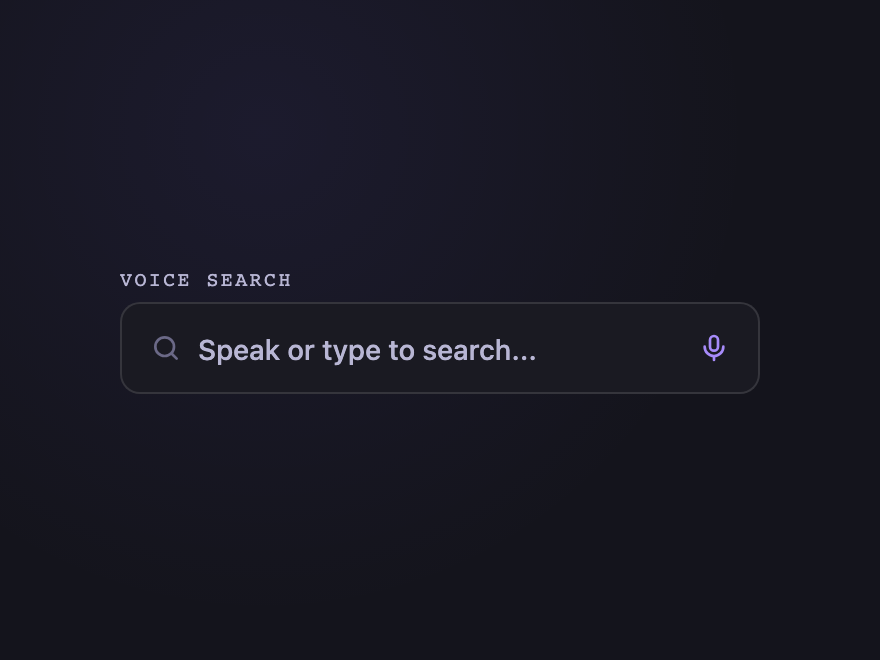
Search with Voice — preview
Search field with a microphone trigger that toggles a recording state — pulses a halo while "listening". Real `<input type="search">` so AT announces it as a search field.
21 / 28
Email with Suggestions
Light JS
Email with Suggestions — preview
When the user types `@`, common email domains are suggested in a keyboard-navigable dropdown. `aria-controls` + `aria-expanded` + `role="listbox"` make it a proper combobox.
22 / 28
Auto-Grow Textarea
Pure CSS
Auto-Grow Textarea — preview
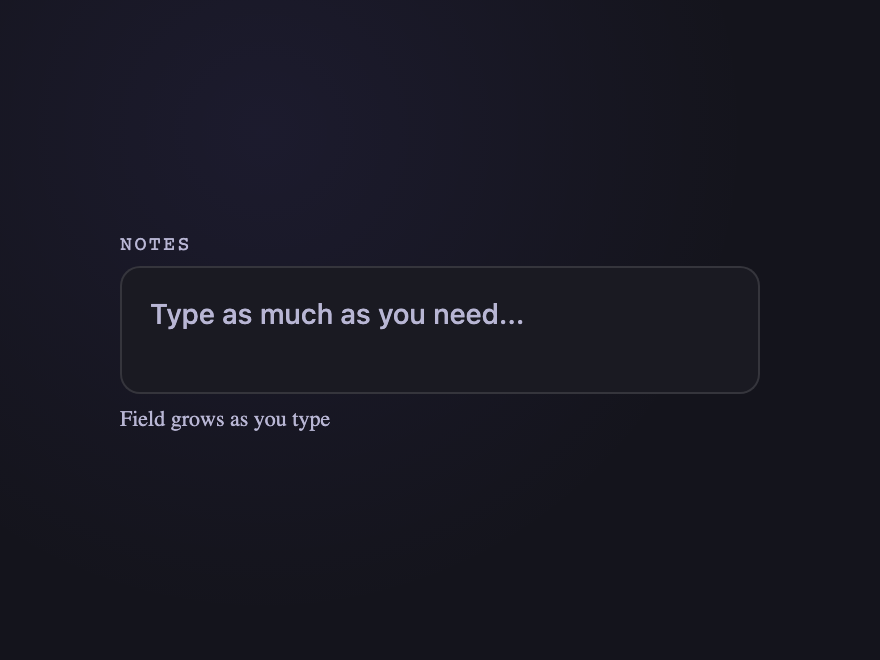
A multi-line `<textarea>` that grows with its content using `field-sizing: content` — no JS observer needed. Falls back to a min-height on browsers without support.
23 / 28
Inline Edit
Light JS
Inline Edit — preview
Click-to-edit text that swaps between a static value and an editable input. Saves on Enter, cancels on Escape, blurs to commit — the canonical pattern from Notion and Linear.
24 / 28
Range Slider Pro
Light JS
Range Slider Pro — preview
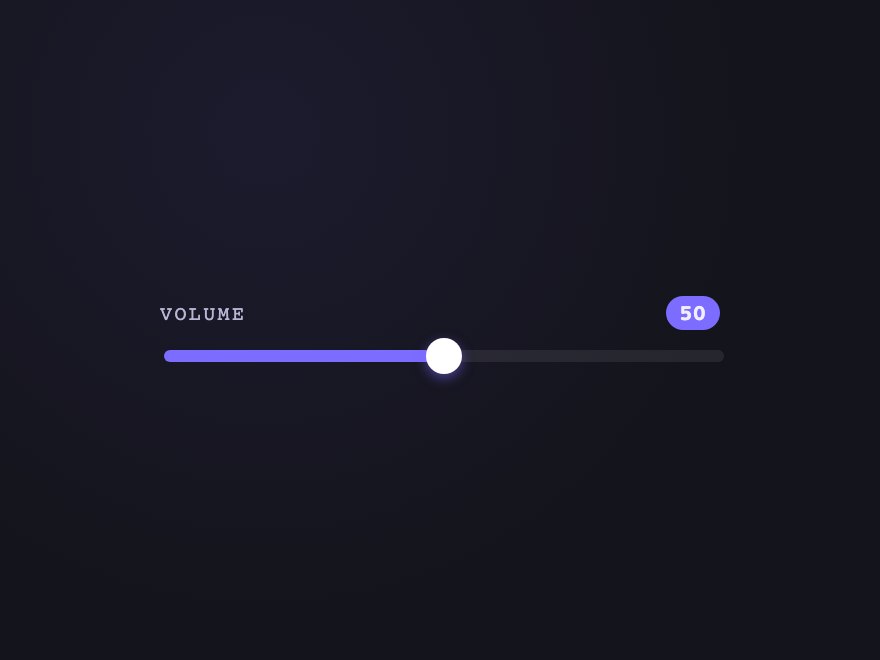
A native `<input type="range">` with custom track/thumb styling and a live value bubble that follows the thumb. Honest accessibility — keyboard arrows, screen-reader announcement, real form value.
Advertisement
25 / 28
URL with Protocol
Pure CSS
URL with Protocol — preview
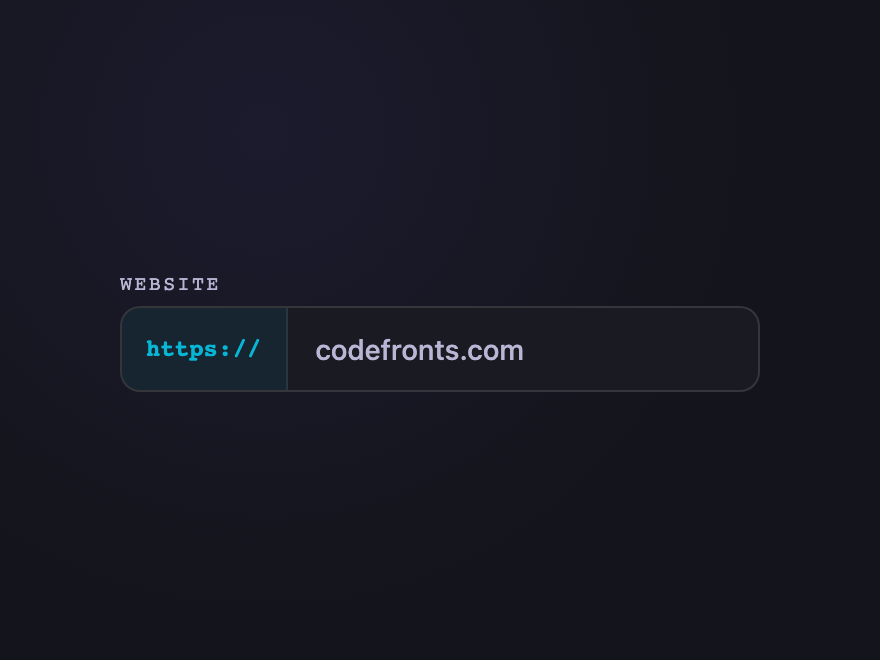
URL input with a non-editable `https://` prefix that visually integrates with the field. Submit value is the full URL; users only type the host portion.
26 / 28
Credit Card
Light JS
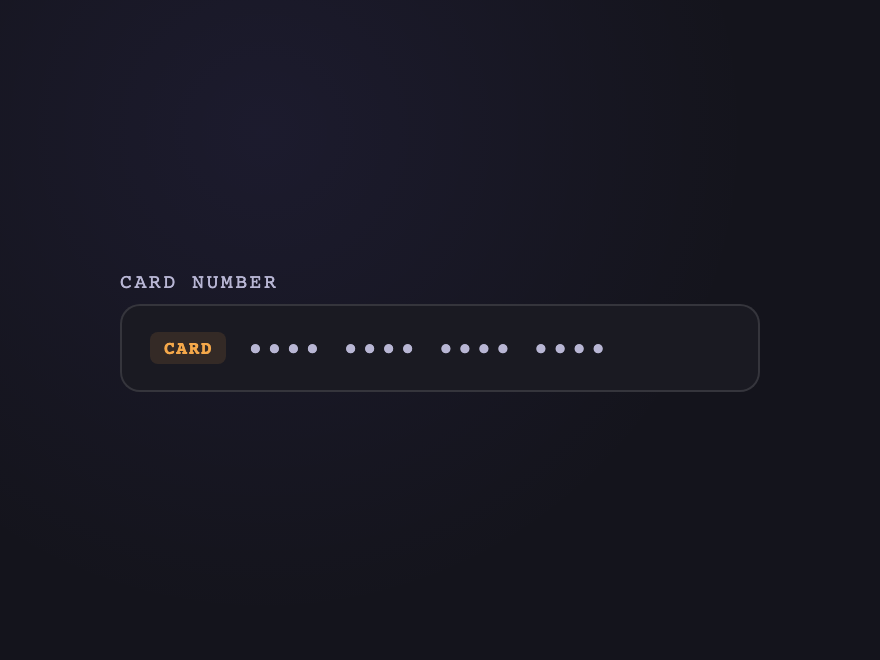
Credit Card — preview
Auto-formatted 16-digit card number with brand-aware accent (Visa, Mastercard, Amex). `inputmode="numeric"` on mobile; pattern validation; `autocomplete="cc-number"`.
27 / 28
Toggle Password
Light JS
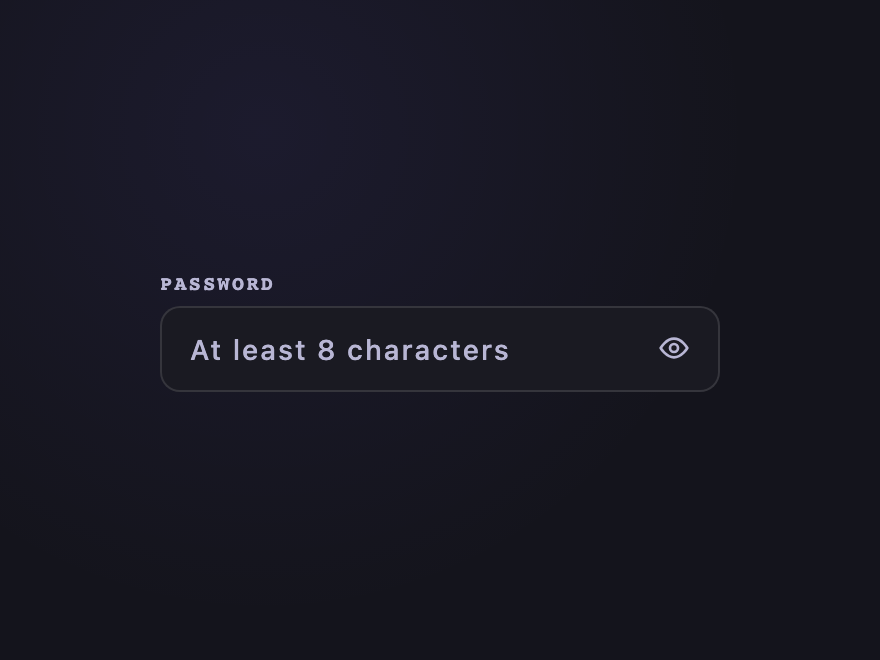
Toggle Password — preview
Password field with an eye toggle that swaps `type="password"` ↔ `type="text"`. `aria-pressed` reflects state for screen readers; `autocomplete="new-password"` for sign-up flows.
28 / 28
Brutalist Input
Pure CSS
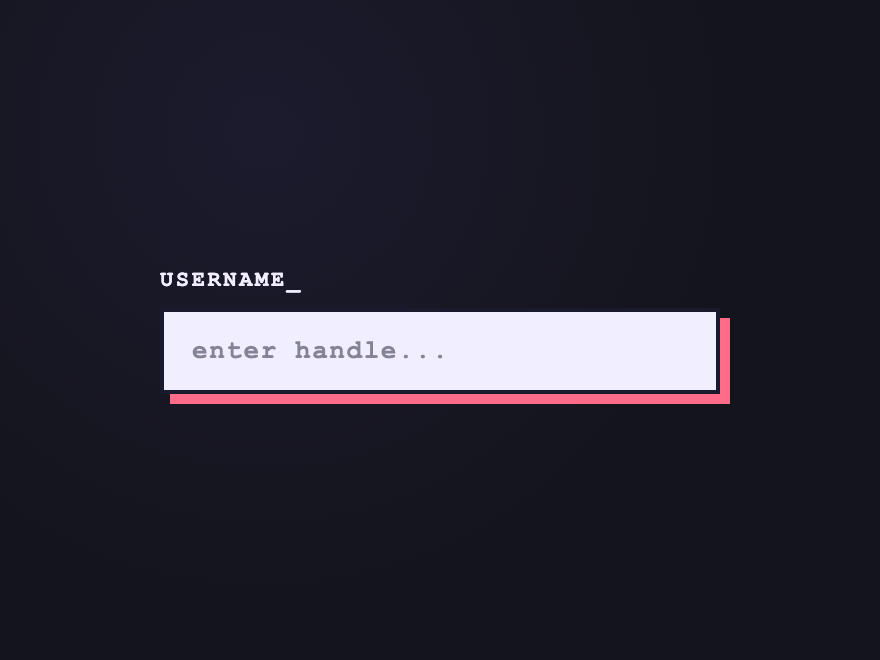
Brutalist Input — preview
Bold offset-shadow stamp with hard edges and monospace type — a confident input that doesn't apologize for itself. Press collapses into the shadow on focus.
Advertisement
FAQ

Frequently asked questions

How do I style a CSS input field?
Style the native input element directly using its tag plus a class. Reset border, padding, background and font with a single rule, then add :focus and :focus-within states for the active look. Use :placeholder-shown to detect empty fields, :has() to react to descendant state, and :valid / :invalid for live validation feedback — all without JavaScript.
Are these CSS input fields accessible?
Yes. Every demo uses a real native input or textarea, paired with a real label (either visible or visually-hidden via .sr-only). Autocomplete attributes are set correctly (email, current-password, new-password, one-time-code, cc-number, tel) so password managers and SMS autofill work. Focus states are visible and keyboard navigation is the default browser behaviour.
What's the most accessible way to do a floating label?
Keep the label as a real label element associated with the input via for=id. Drive the floated state with the :placeholder-shown pseudo-class — the label moves up when the input is non-empty or focused. This way assistive tech still announces the label as the input's accessible name.
Do these inputs need JavaScript?
Most don't — 18 of the 28 are pure CSS using :focus-within, :placeholder-shown, :valid, :has() and adjacent-sibling selectors. The other 10 (OTP, tag input, inline edit, voice search, email suggestions, credit card formatter, etc.) include small self-contained JS snippets in the JS tab of the code panel.
Will autofill and password managers work with these inputs?
Yes. Each input keeps the native element with the correct type and autocomplete attribute. The custom styling never breaks 1Password, Bitwarden, Chrome autofill, or Safari's SMS auto-suggestion.

Search CodeFronts

Loading…