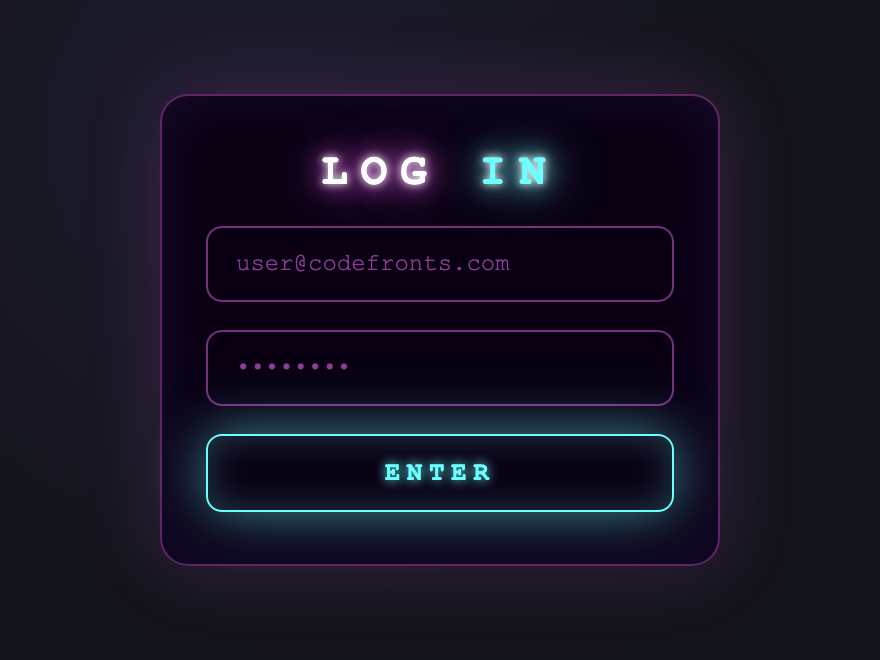
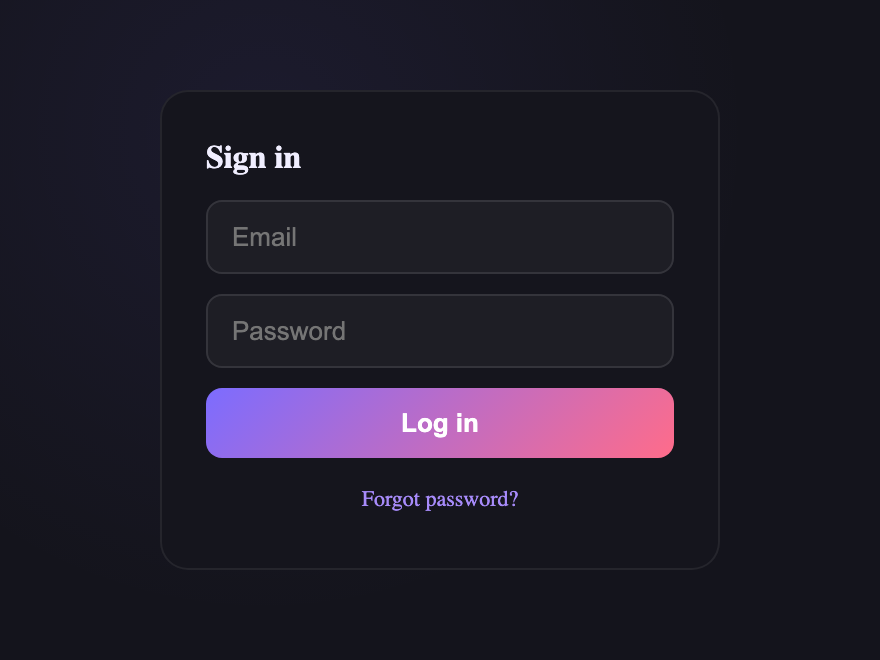
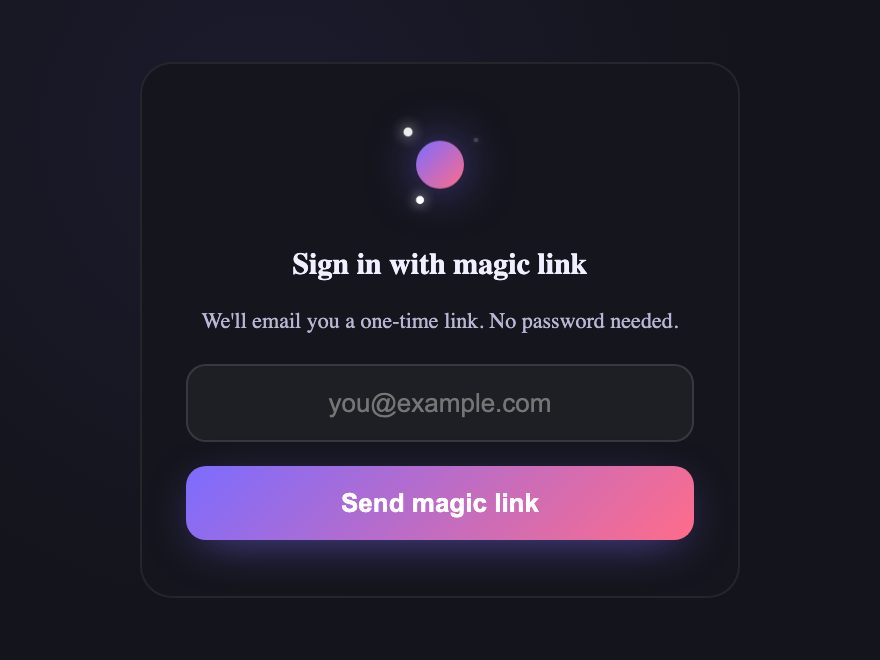
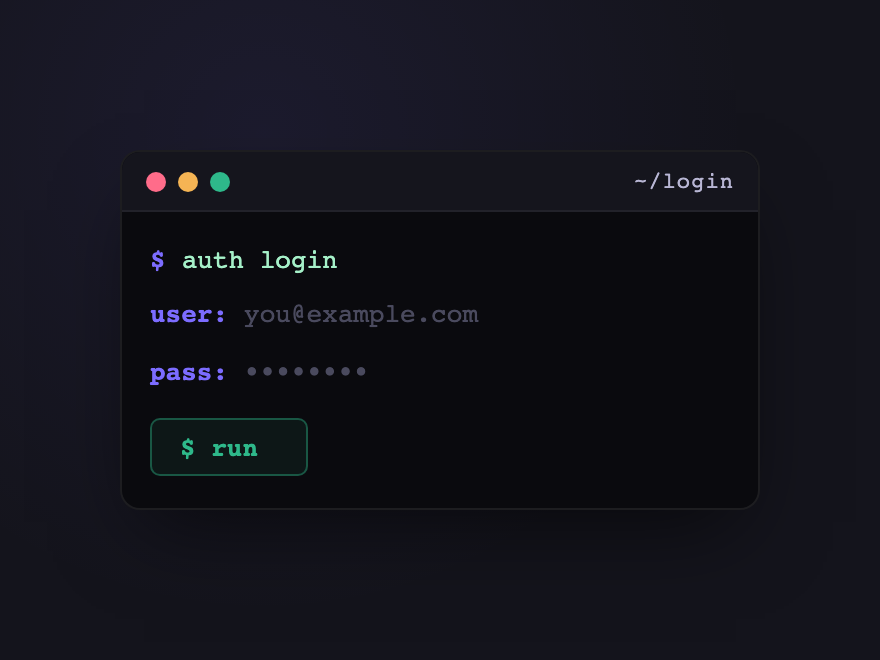
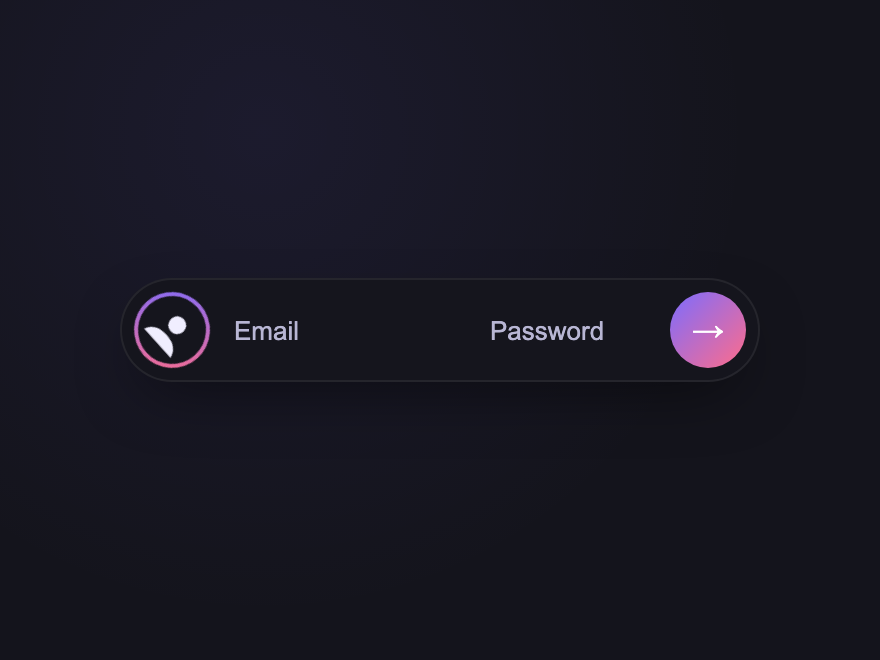
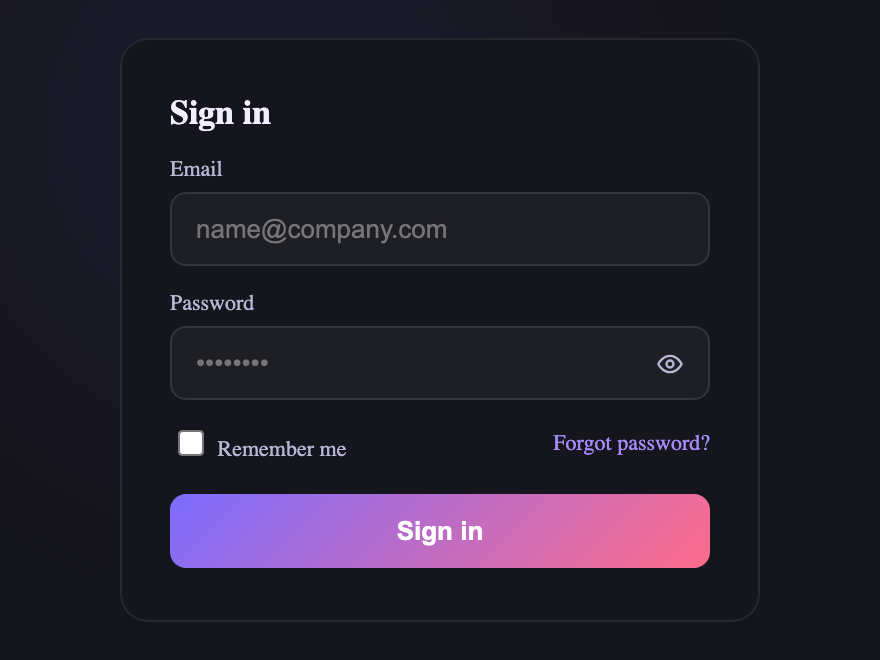
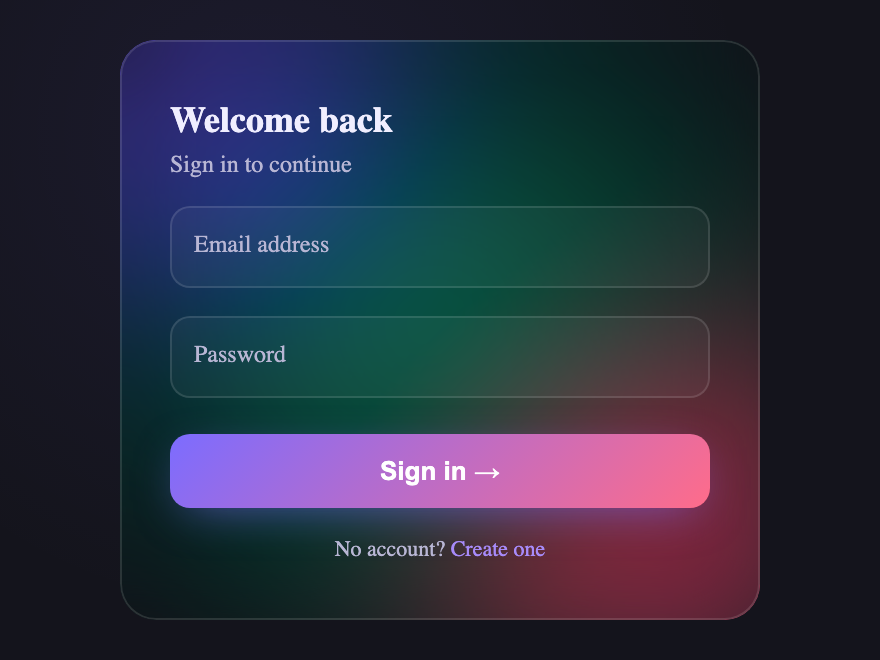
A CSS login form is the authentication surface where users sign in to an account. These 24 hand-coded designs are ready-to-ship login flows — email + password, OTP, magic link, social SSO, multi-step — that you can drop into a product today, wire to your auth provider, and ship.
CSS-only flip card login form. The card rotates in 3D to reveal a "forgot password" form on the back — driven entirely by a hidden checkbox and sibling selectors, no JavaScript.
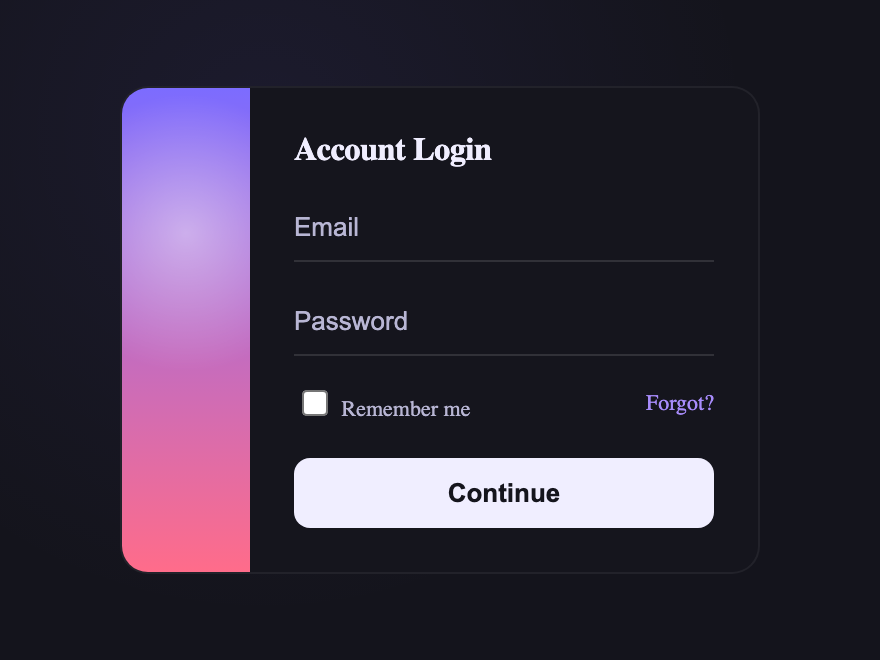
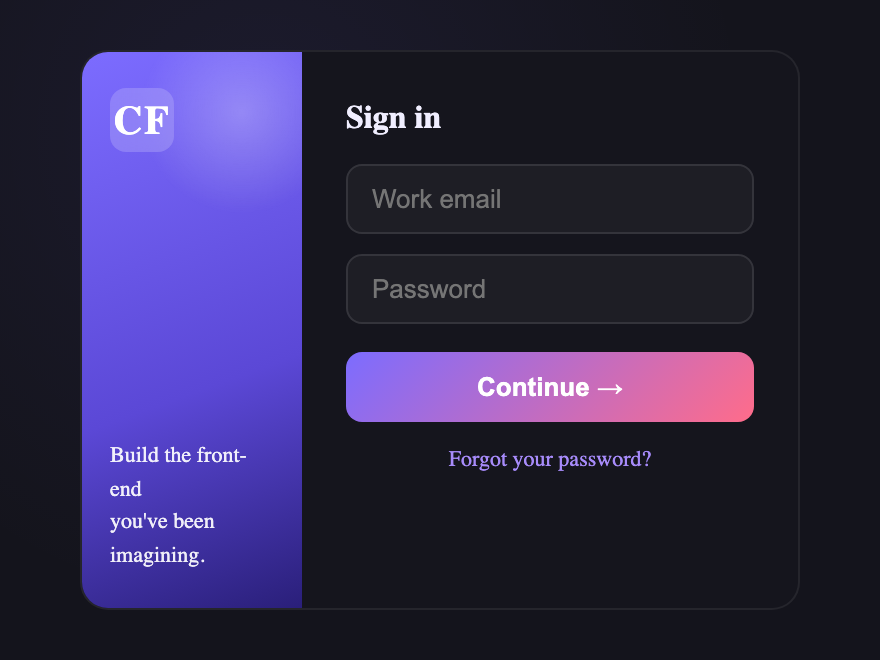
Two-column SaaS login layout. A brand panel on the left with a subtle parallax shape, and a clean sign in form on the right — the classic dashboard pattern.
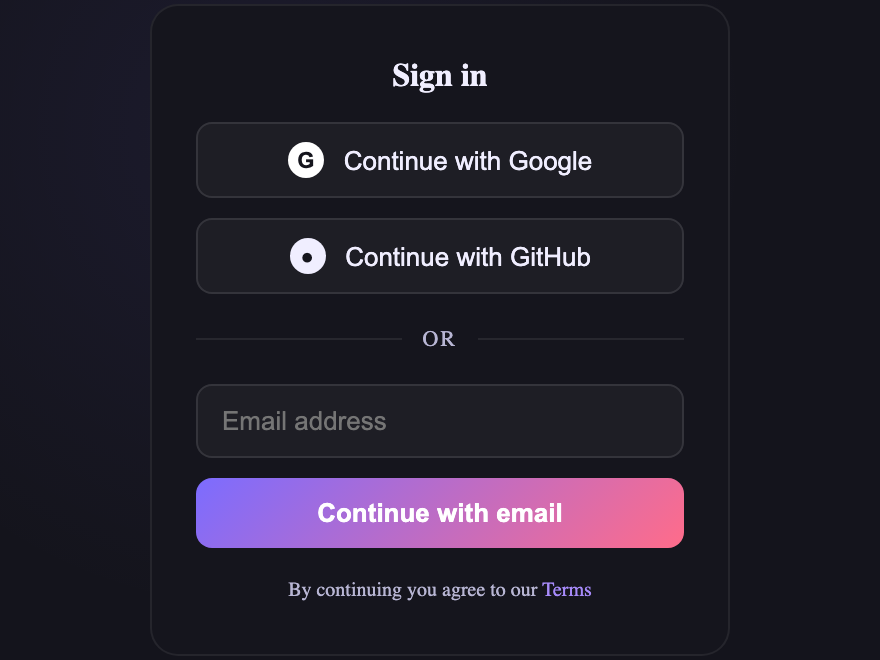
Social-first sign in form with OAuth buttons (Google, GitHub) up top, a divider, and a compact email fallback — the standard product onboarding pattern.
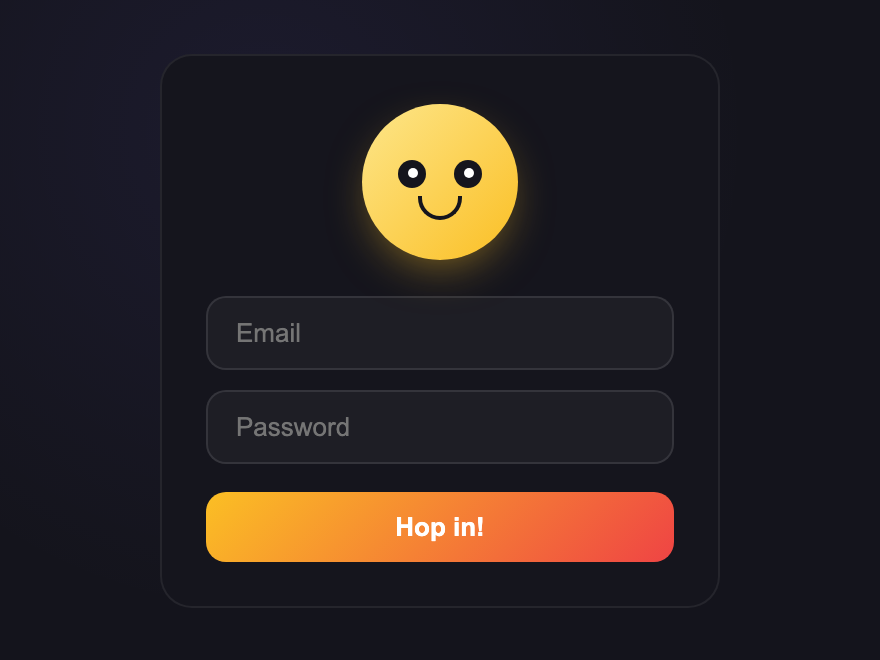
Playful login form with an animated mascot. A CSS-drawn face whose eyes follow the focused input via `:has()` — left for email, down for password — and blinks on idle.
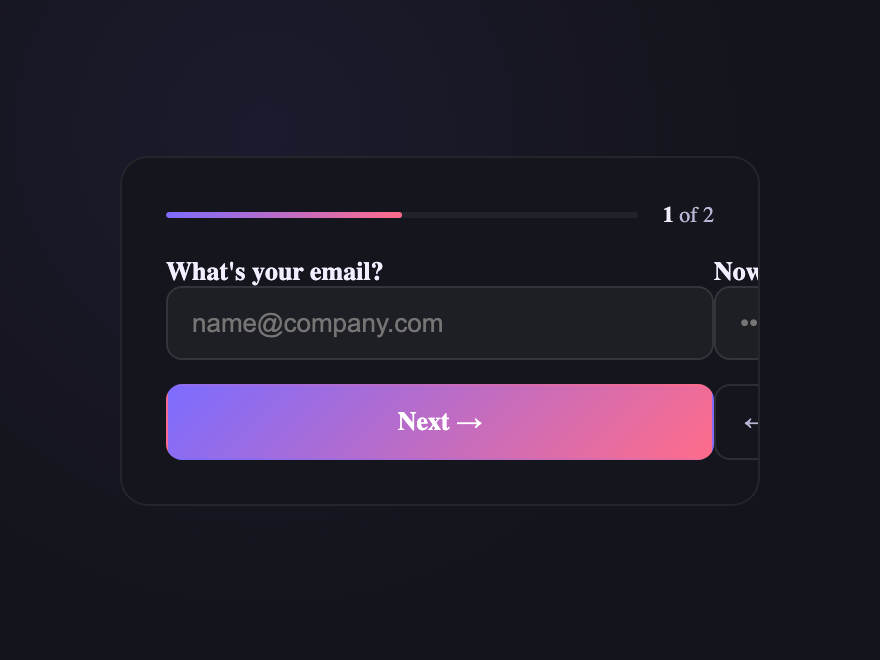
Multi-step login form. Enter email, then password — the card slides between steps with a progress bar, driven entirely by `:has()` and `:checked`. No JavaScript.
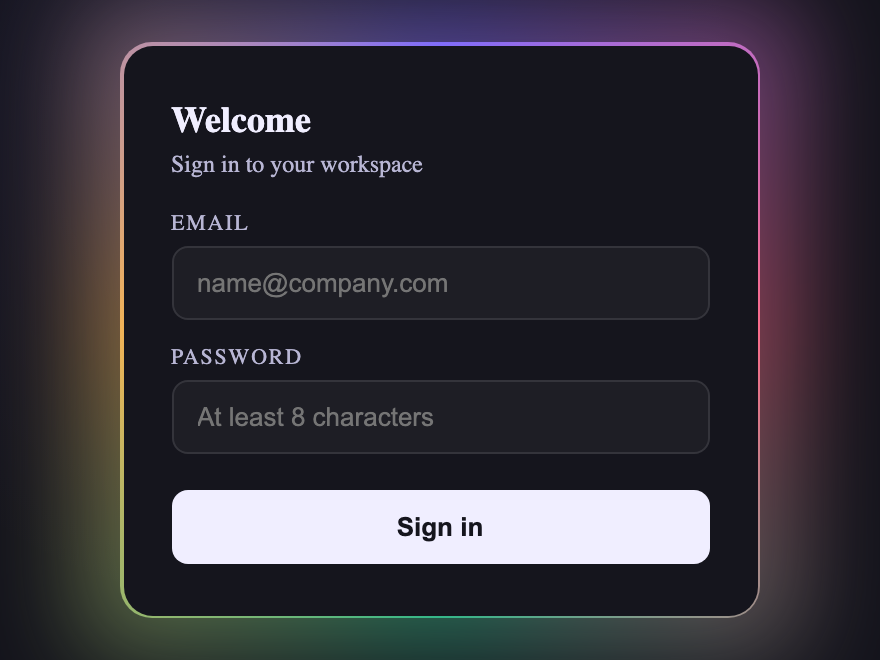
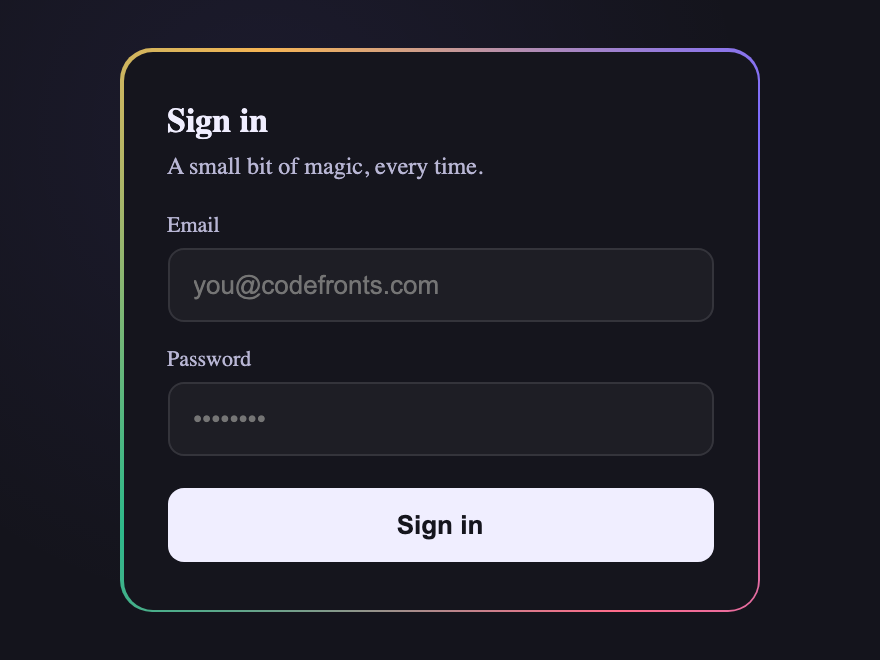
Animated rainbow gradient border login form. A `@property`-driven conic gradient genuinely rotates around the card edge — true property animation, not a keyframes hack.
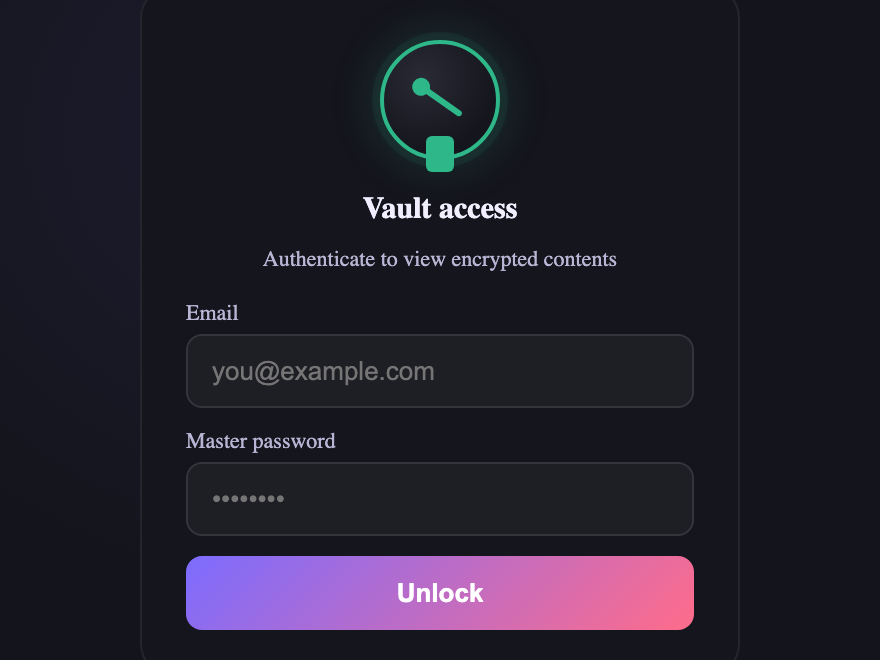
Vault-style secure login form. The lock dial rotates and the bolt slides open the moment the password field gains focus — pure CSS, driven by `:focus-within` and `:has()`.
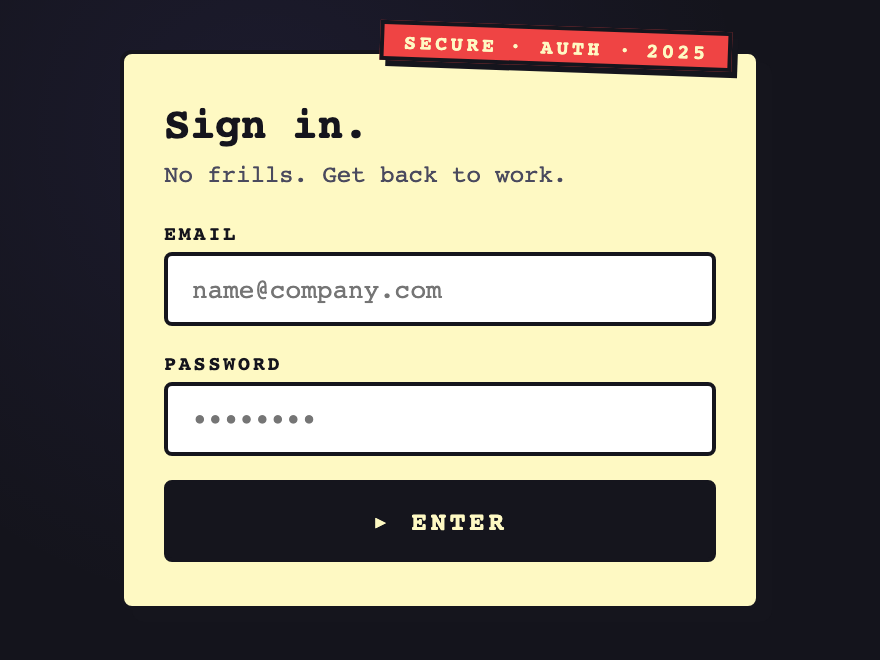
Brutalist login form with heavy borders, hard-edge offset shadow, and a stamp-style badge. A confident no-nonsense look for portfolios, dev tools, and editorial brands.
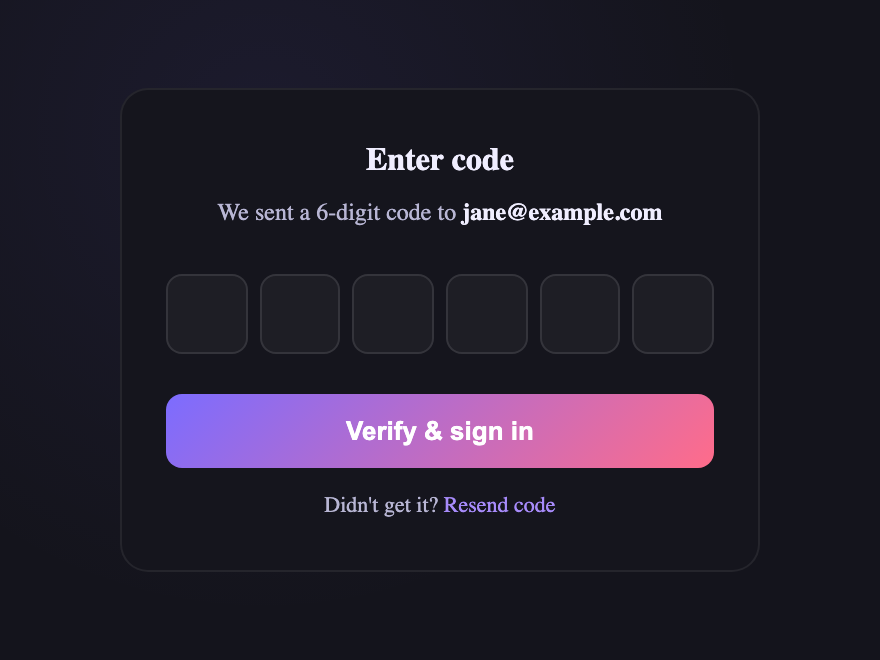
OTP / one-time-passcode login form. Six digit boxes with auto-advance, backspace step-back, paste-to-fill, and `autocomplete="one-time-code"` for SMS auto-suggest.
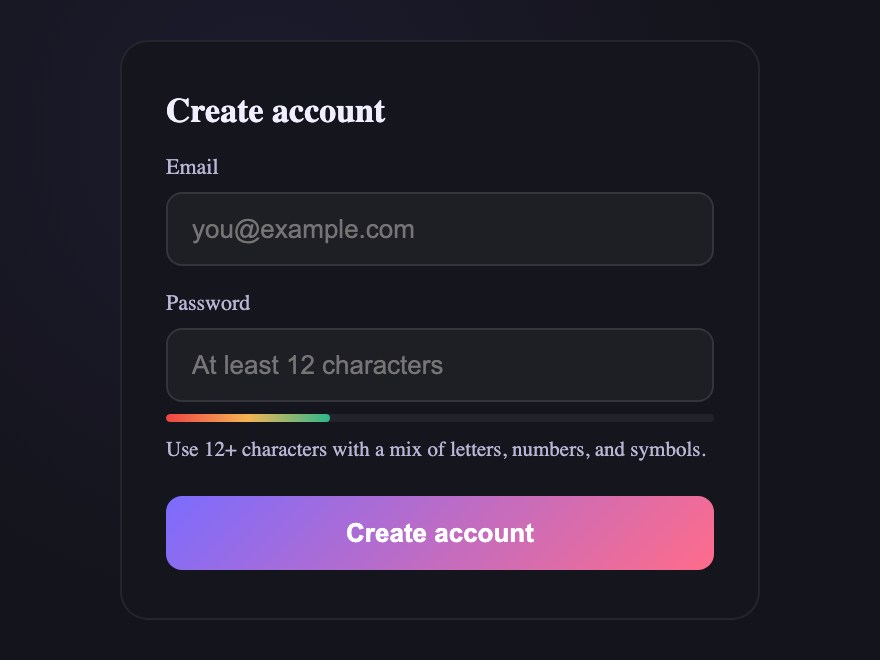
Sign-up form with a live password strength meter. The bar grows red → amber → green as the password gets stronger — driven entirely by `:has()` and `:valid`, no JavaScript scoring.
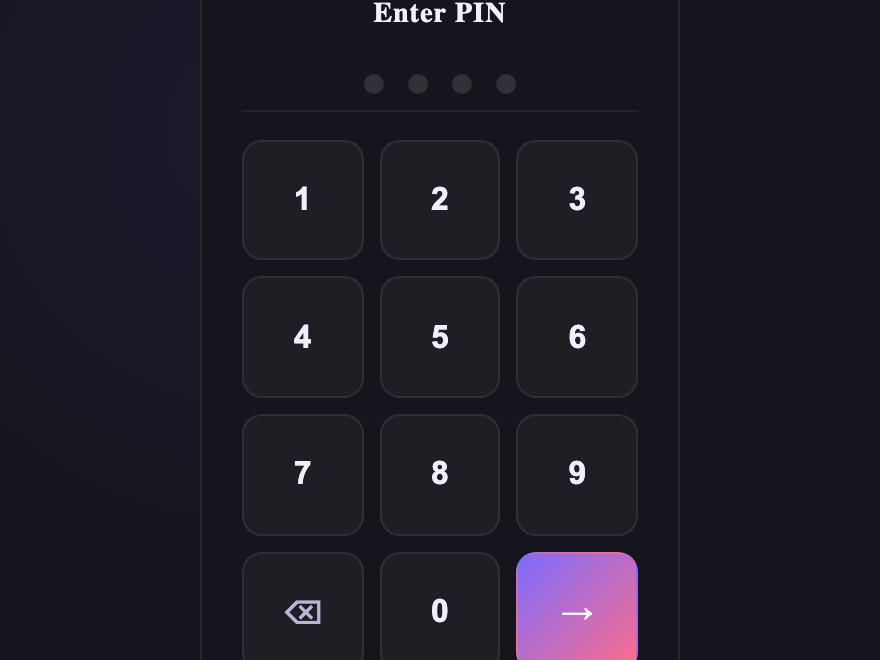
Numeric PIN login form. A 3×4 keypad styled like a hardware keypad with live filled-dot indicator — perfect for kiosks, secure dashboards, and short PIN auth flows.
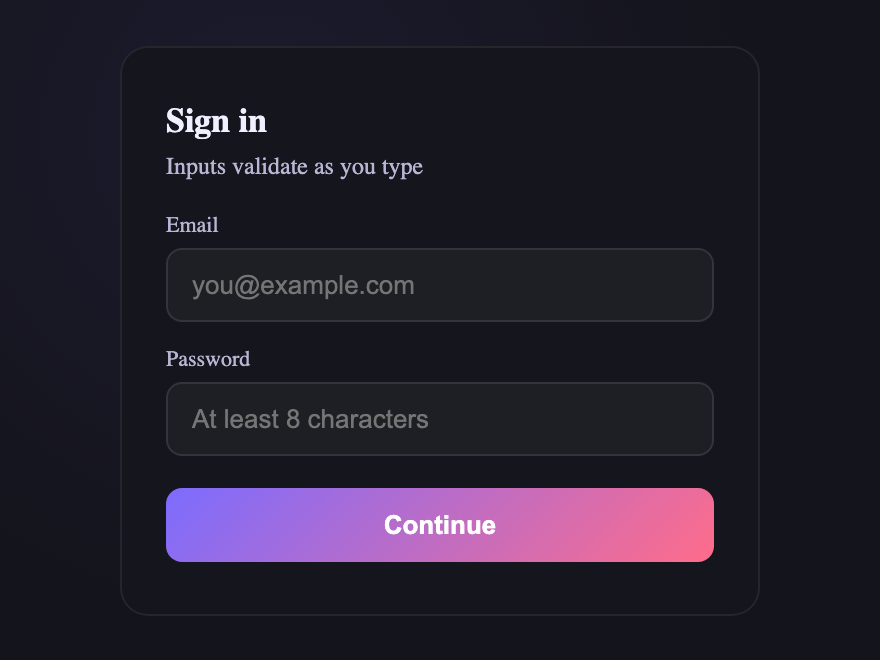
Login form with real-time inline validation. Each field shows a green checkmark when valid and a red icon when invalid, driven by `:valid` / `:invalid` and pseudo-elements — no JavaScript.
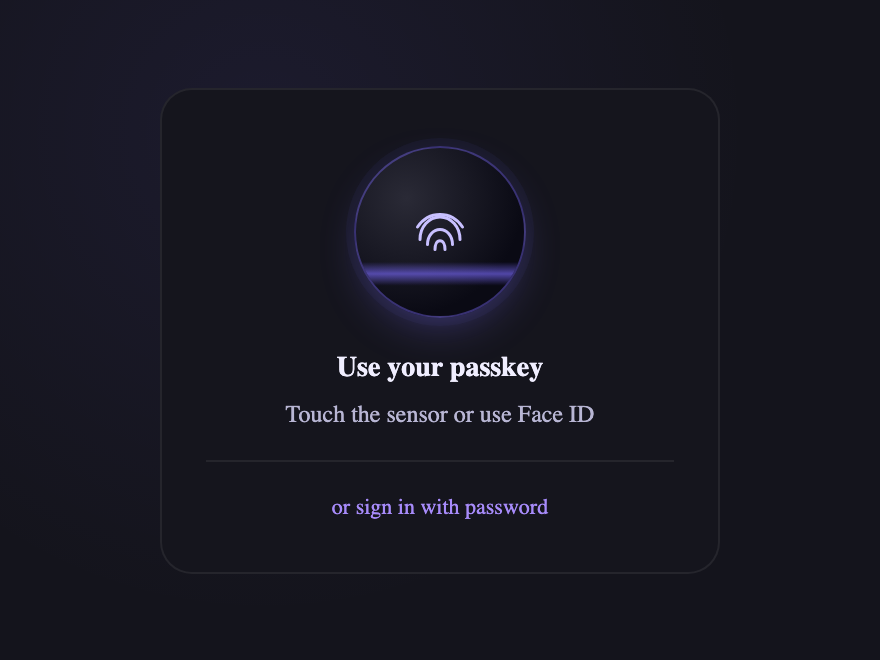
Biometric / passkey login form. A fingerprint button takes centre stage with an animated scan line; email + password stay available below as a quiet fallback inside `<details>`.
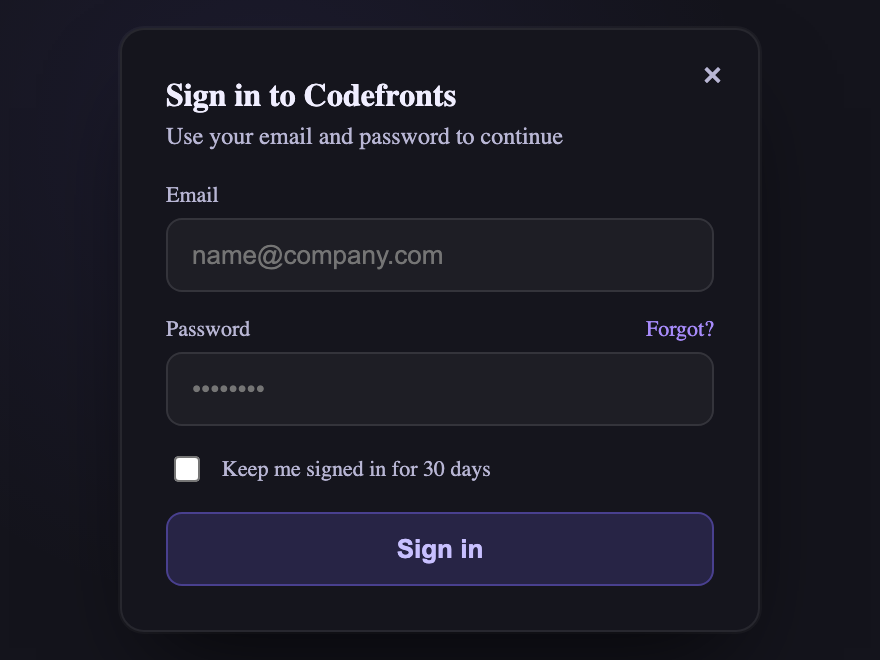
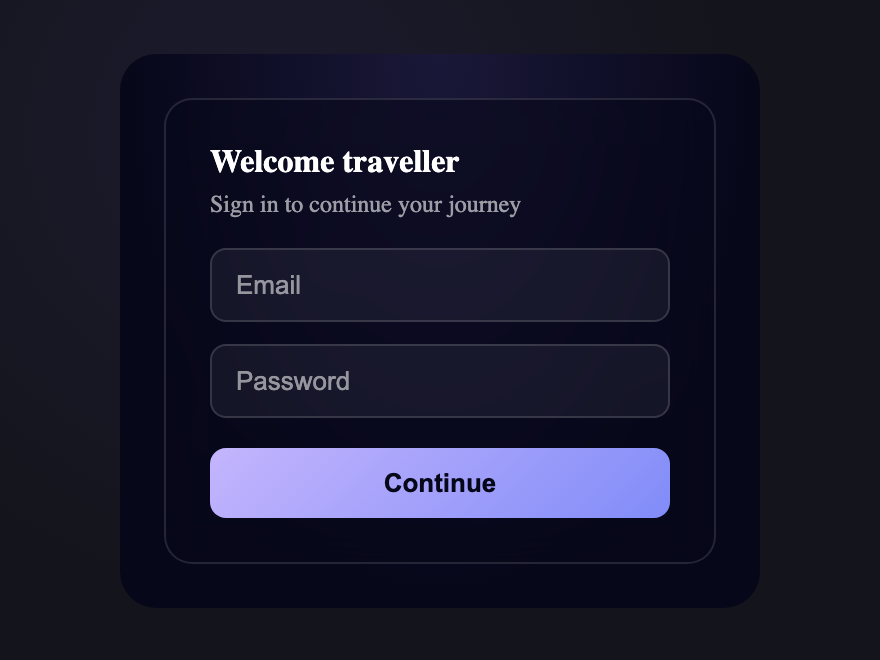
Use a real form element wrapping an input type=email (or text) and an input type=password, each tied to a label, plus a submit button. Then style it: a card container with padding and border-radius, spacing between fields, clear focus states, and a prominent submit button. Every login form in this gallery starts from this semantic base — copy the HTML and CSS from any demo's code panel.
Why use input type=password and type=email instead of plain text inputs?
The correct input types unlock native browser behaviour. type=password masks characters; type=email triggers an email keyboard on mobile and basic format validation. Both let password managers and browser autofill recognise the fields and fill them correctly. Keeping the right types is essential for usability and accessibility — the custom CSS styling never changes them.
Are these CSS login forms accessible?
Yes. Every demo pairs each input with a real label, uses correct input types, keeps a logical tab order, and shows a visible focus state on every field and button. Icon-only controls (show password, social sign-in) have aria-label, and any continuous animation honours prefers-reduced-motion.
Do these login form designs need JavaScript?
The layouts and visuals are pure CSS. JavaScript appears only where behaviour requires it — for example a show/hide password toggle, the multi-step transitions, or a password strength meter. Each interactive demo includes that snippet, self-contained, in the JS tab of the code panel.
Can I use these login forms in React or other frameworks, and are they free?
Yes to both. Each demo is plain HTML and CSS (with optional vanilla JS) — no dependencies, no build step. Drop the markup into React (use className and htmlFor), Vue, Svelte, Astro or static HTML. All 24 designs are MIT licensed and free for commercial use.