A CSS link hover effect is the motion or underline animation that fires when a pointer enters an anchor. These 20 hand-coded effects are ready-to-ship link styles for navigation menus, in-body text, and footers — copy the CSS, attach to your existing anchors, and ship.
20 unique effects20 Pure CSS0 dependencies100% copy-paste readyPublished
01 / 20
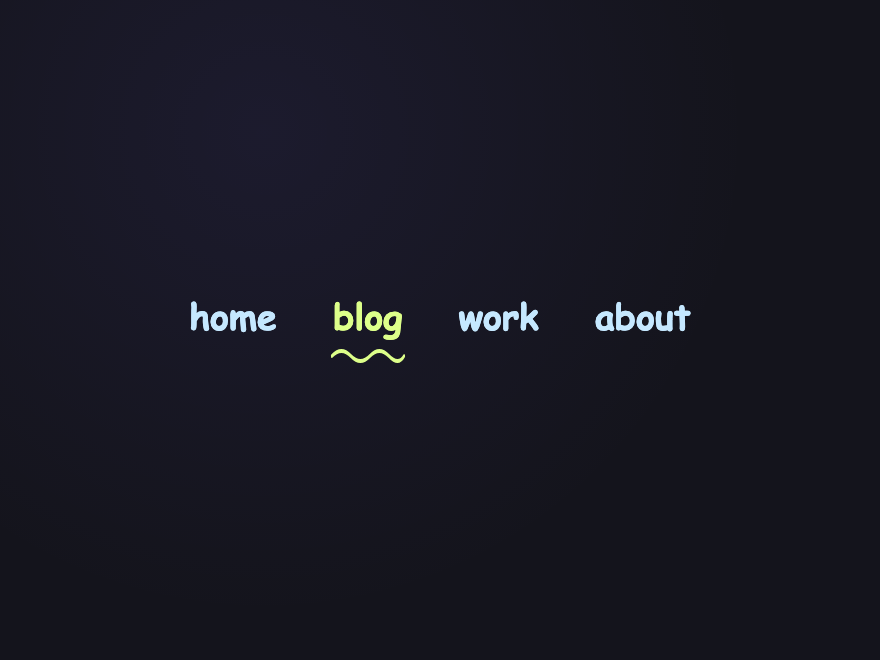
Squiggly Underline
Pure CSS
Hand-drawn-look squiggly SVG underline that draws in beneath the link on hover via stroke-dasharray. Perfect for navigation, blog headers, and personality-forward sites.
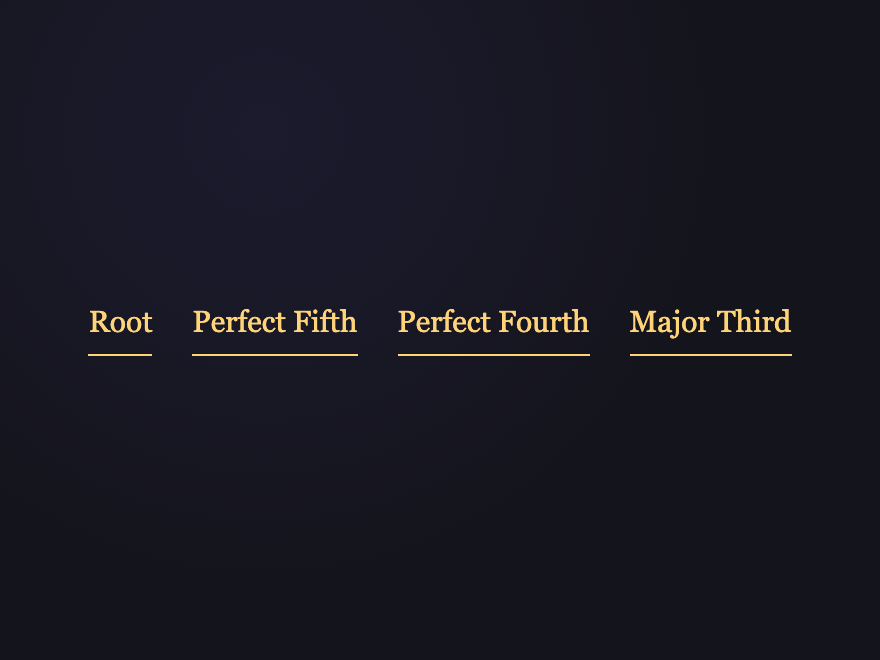
A straight underline morphs into a tilde-style wave on hover via background-image swap. Editorial inline-menu pattern — line on rest, wave on attention.
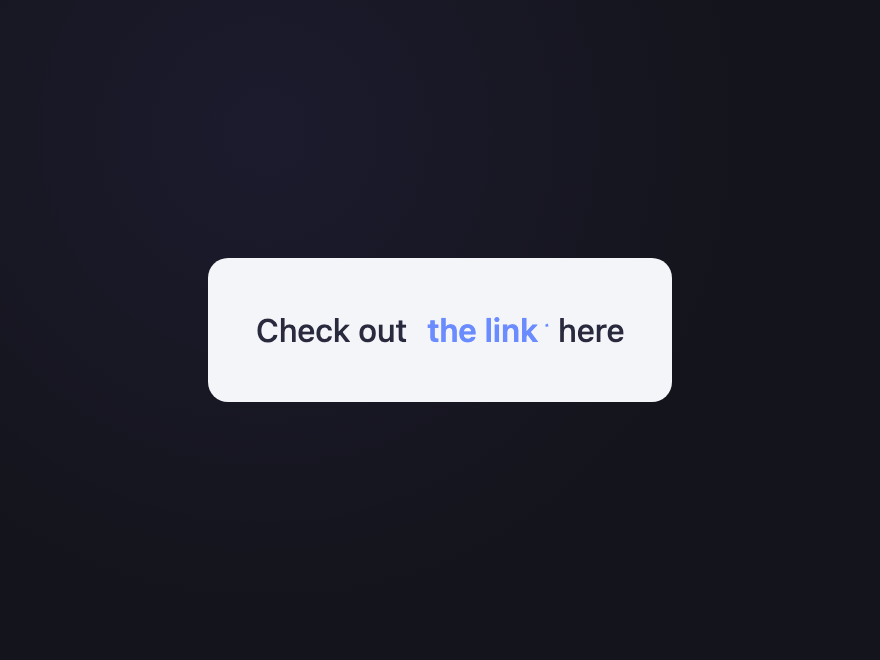
A dotted box outline appears around the link on hover, paired with a blinking trailing caret. Reads as terminal/CLI focus — distinctive without competing with the text.
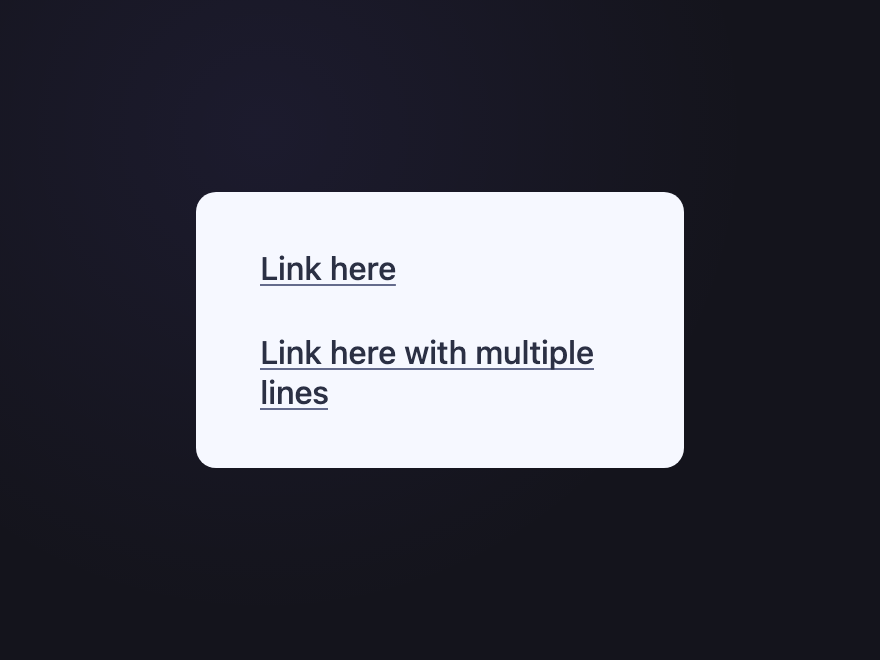
On hover the underline retracts from right-to-left while a chevron arrow "draws in" via stroke-dasharray with a spring overshoot. Adapted from Aaron Iker — works on multi-line links thanks to background-image underline.
Link text stays solid; only a CLI-style cursor caret bar underneath blinks at the exact 60bpm cadence terminals use. The link reads as "ready for input" without any text flicker.
On hover the link flickers like a faulty neon sign powering on — irregular opacity stutters via non-uniform steps() keyframes for ~1 second, then settles into a steady glow. Finite, intentional, premium.
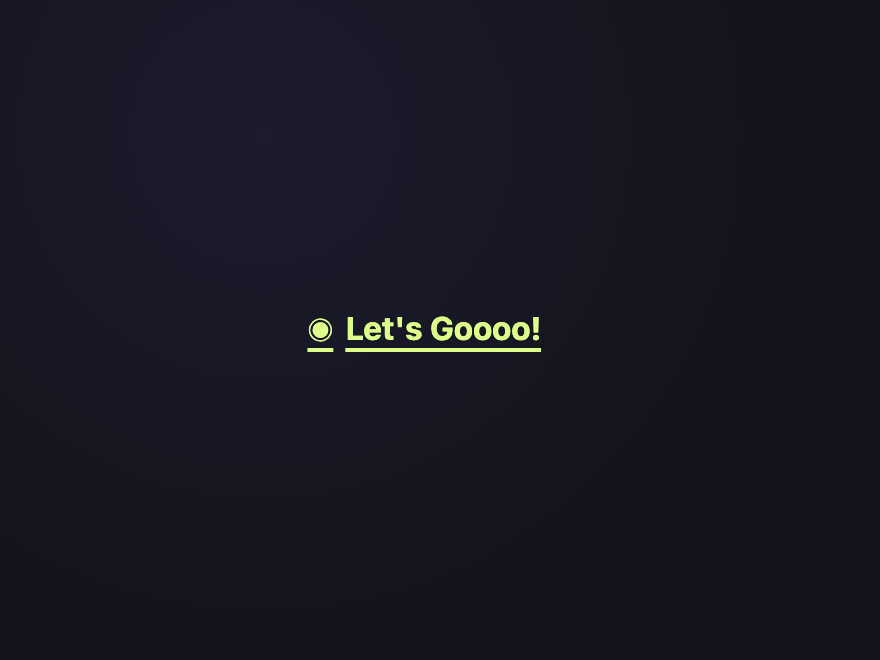
A leading dot pulses with a real medical-grade heartbeat rhythm — lub-DUB-pause-lub-DUB-pause via a multi-keyframe @keyframes. The link itself stays static. Reads as live-signal / new content.
A pale highlight expands from 0% to 100% width behind the text on hover, with a hand-drawn-look SVG fill. Reads as a real marker pen, not a geometric block.
Mono [ and ] brackets appear on either side of the link on hover, drawing in via a tiny scale-overshoot. Terminal/hacker aesthetic — perfect for dev portfolios.
RGB-channel split shudders across the text on hover (cyan + magenta offsets via text-shadow), reading as video corruption. Honours prefers-reduced-motion.
A blinking terminal cursor ▌ appears at the end of the link on hover, with a thin underline drawing in. Mono font — perfect for CLIs and dev portfolios.
Link face flips 180° on the Y axis on hover, revealing a different call-to-action on the back. Uses transform-style: preserve-3d and backface-visibility.
Link text appears empty until hover; on hover it types itself character-by-character via a steps() animation with a blinking caret. The CTA itself is the animation.
The minimum is a real <a> element with a class, and a transition declared on the property you want to animate (color, border-color, transform, opacity). Then use a:hover, a:focus-visible to define the end state. Most animated effects in this gallery use a ::before or ::after pseudo-element absolutely positioned beneath the text, animated via transform/scale/width on hover.
Should I use :hover or :focus-visible for link effects?
Both — always together. :hover handles mouse users; :focus-visible handles keyboard users and screen readers. If you only style :hover, your link is invisible to keyboard navigation. Every demo in this gallery declares both pseudo-classes on the same rule so the effect fires for all input methods.
Are these CSS link effects accessible?
Yes. Each demo uses a real <a> element with proper :focus-visible states, sufficient colour contrast (4.5:1 minimum), and text that's readable both before and after the effect runs. Continuous animations (glitch, blinking caret, dotted-ring caret, cursor-blink, heartbeat, type-on) honour the prefers-reduced-motion media query — animations stop and end-states are shown immediately for users who request reduced motion.
Aren't blinking links bad for accessibility?
Blinking text content can be — that's why these blink demos are designed to be safe. The cursor-blink puts the blink on a small underline bar, not the readable text. The neon flicker is a finite ~1 second event on hover, not a perpetual flash. The heartbeat pulses a small leading dot, not the link itself. All three honour prefers-reduced-motion and stay well under WCAG's 3-flashes-per-second threshold.
Do these link effects work on touch devices?
On touch devices the :hover state fires briefly on tap before the page navigates, so users see a flash of the effect. For touch-first patterns prefer effects that complete quickly (under 300ms) or use :focus-visible-only effects that require deliberate keyboard focus. The brutalist-block, 3D flip, chevron-companion, neon-sign flicker, and type-on reveal effects work especially well on touch because they're tied to a CTA, not just decoration.
Can I use these effects in any framework?
Yes. Each demo is plain HTML and CSS (no JavaScript) with no dependencies. Drop the markup into React (with className), Vue, Svelte, Astro or static HTML — the styles work as-is. MIT licensed.