A CSS progress bar is the visual indicator that shows how close a task is to completion. These 12 hand-coded designs are ready-to-ship progress UIs for file uploads, multi-step checkouts, skill levels, fundraising goals, and onboarding flows — copy the markup, bind to your value, and ship.
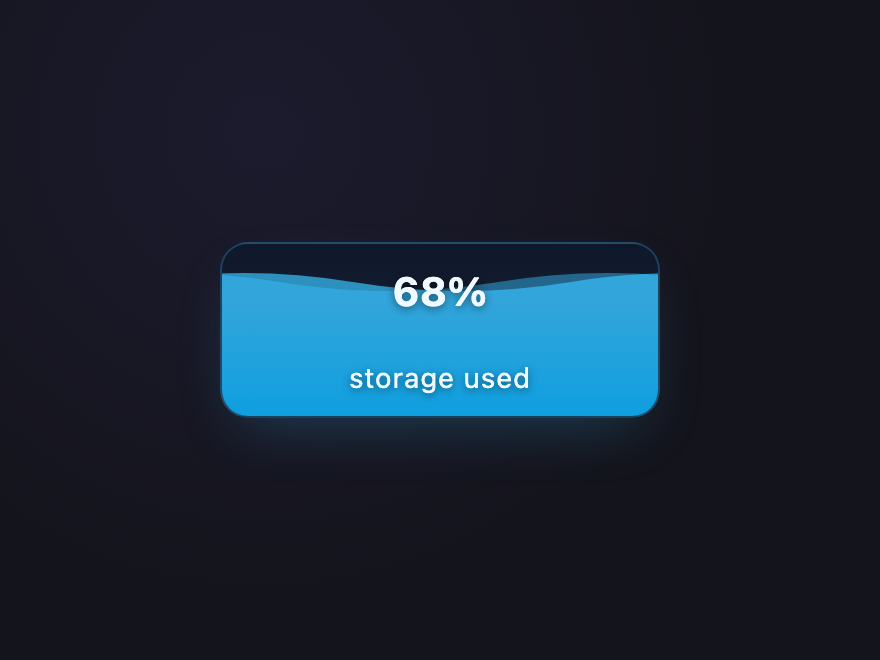
Wave-animated water rising inside a rounded vessel — perfect for resource meters, storage usage, and "fill your goal" patterns. Two SVG waves drift at different speeds for organic motion.
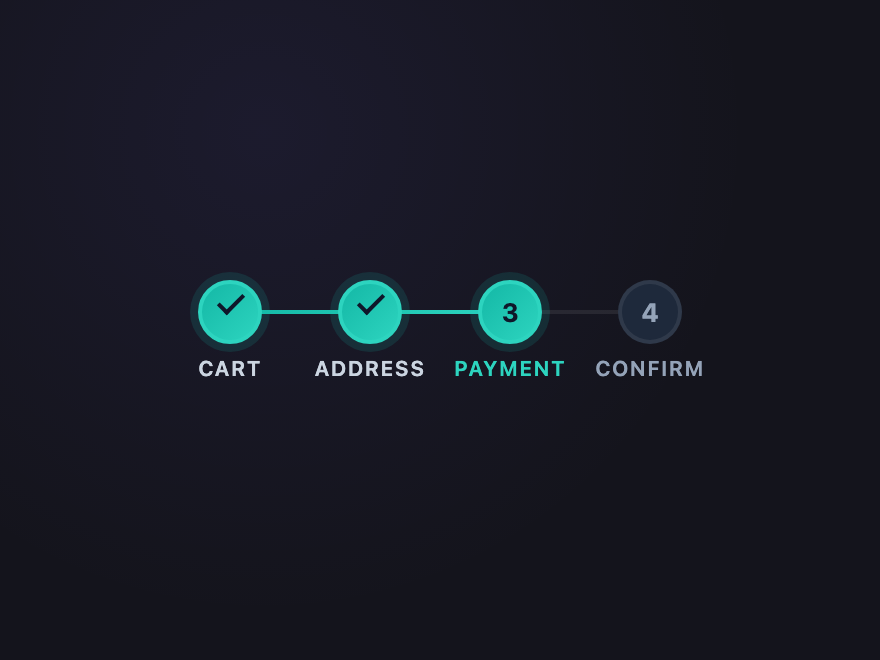
Numbered steps with a connecting rail that fills as you progress. Completed steps morph into checkmarks via pseudo-elements — ideal for checkout flows, onboarding wizards, and multi-page forms.
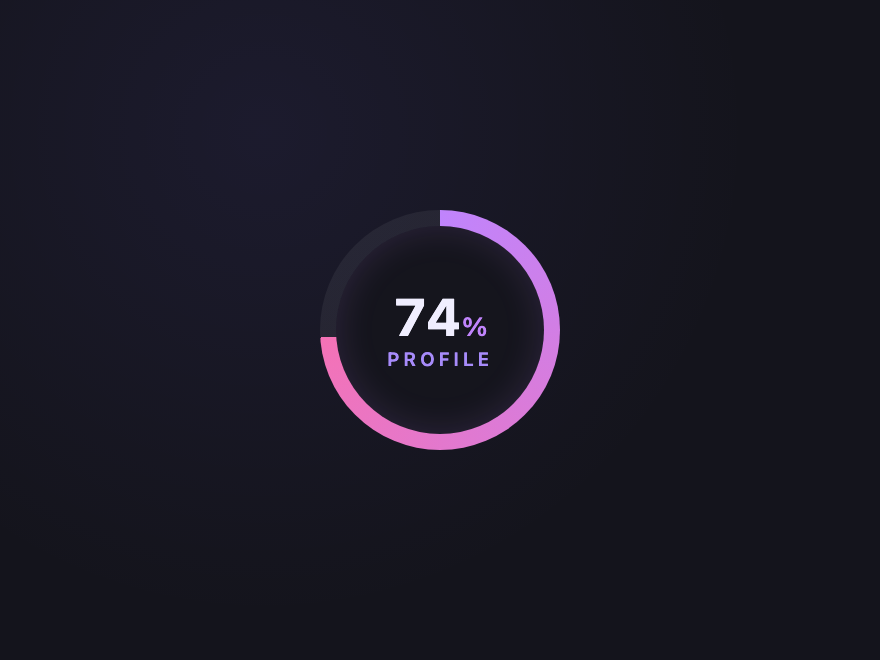
A circular progress ring rendered with a real `@property`-animated conic gradient — no SVG, no JS scoring. The percentage in the centre updates with the value via a CSS custom property, and the fill sweeps from 0 to the target on every render.
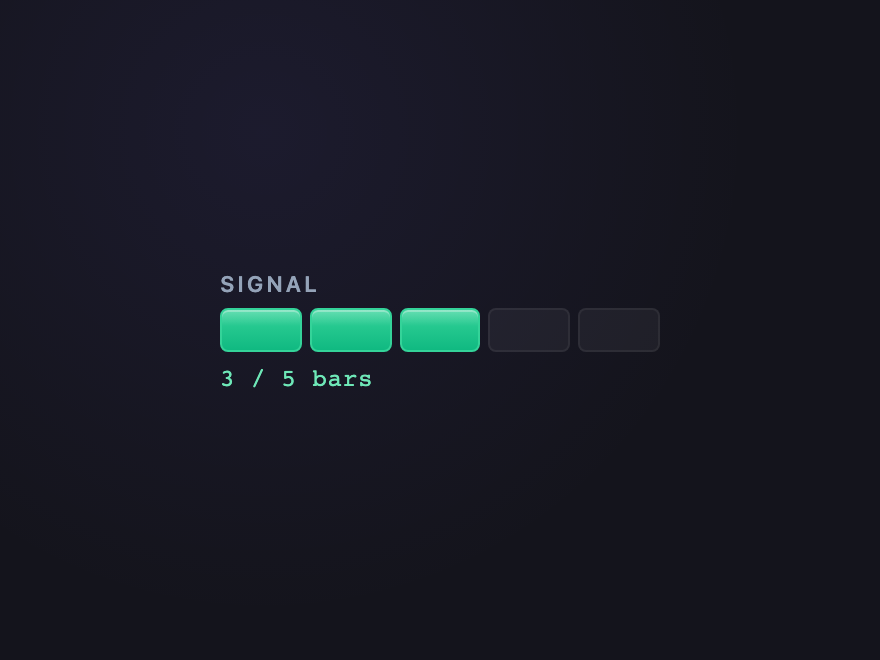
Discrete signal-bar segments that fill from left to right. Each segment has a distinct highlight, giving a tactile, hardware-keypad feel — great for upload progress and connection strength.
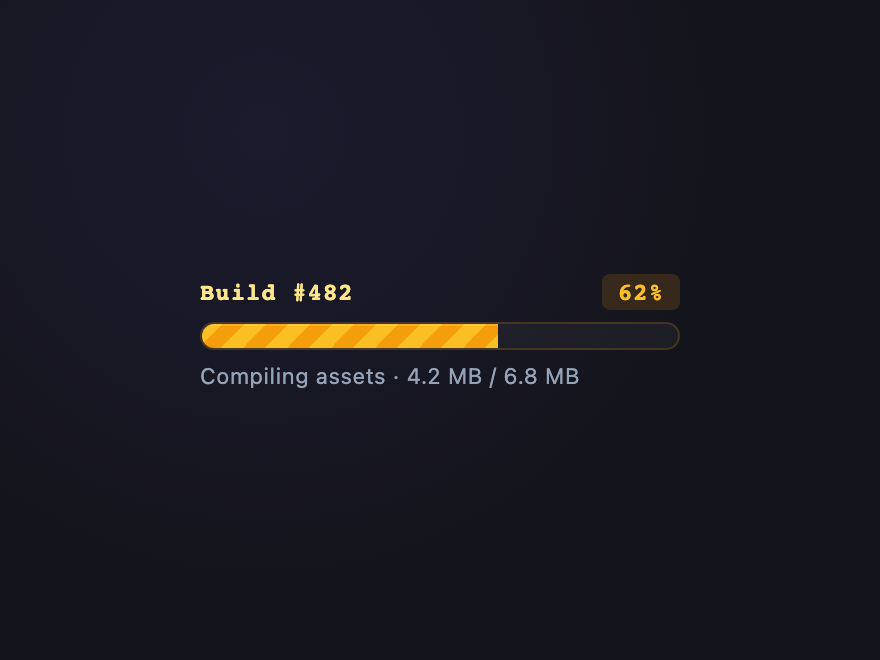
Diagonal candy-stripes shimmer continuously inside the filled portion — instantly reads as "actively in progress." A premium touch lifted from server-software install dialogs and CI build runners.
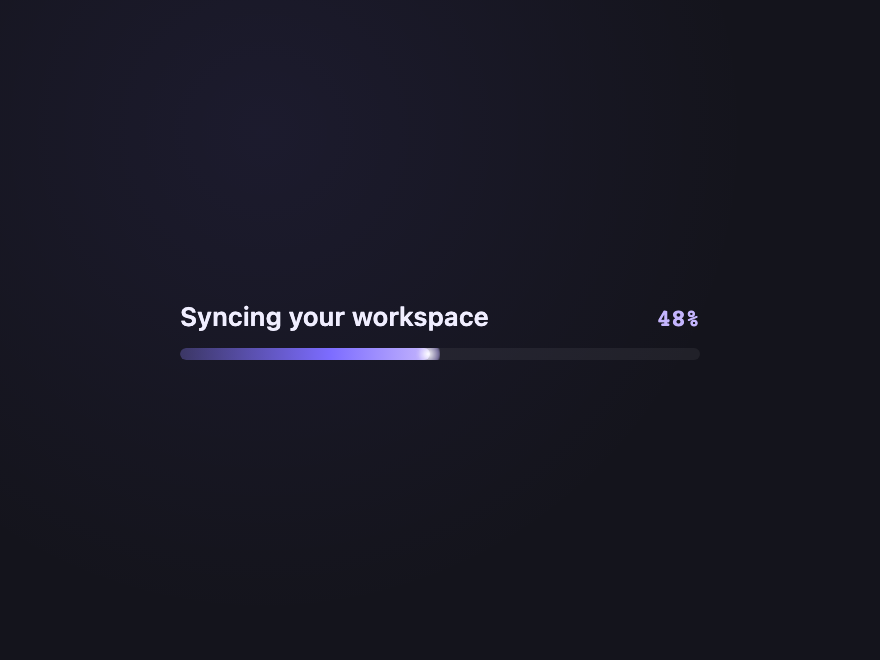
A premium hero progress bar with a glowing leading edge that pulses gently. The trailing gradient shimmer creates a "comet" feel — perfect for app launchers, splash screens, and SaaS dashboards.
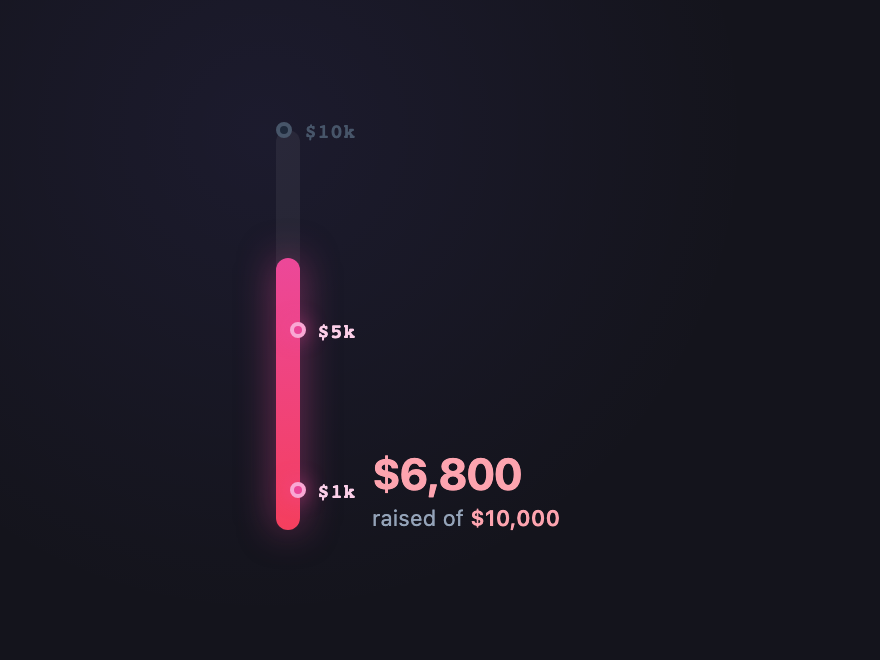
Vertical fundraising-style progress with milestone markers. Each tier ($1k, $5k, $10k) lights up as the bar grows past it — ideal for crowdfunding, sales targets, and quarterly goals.
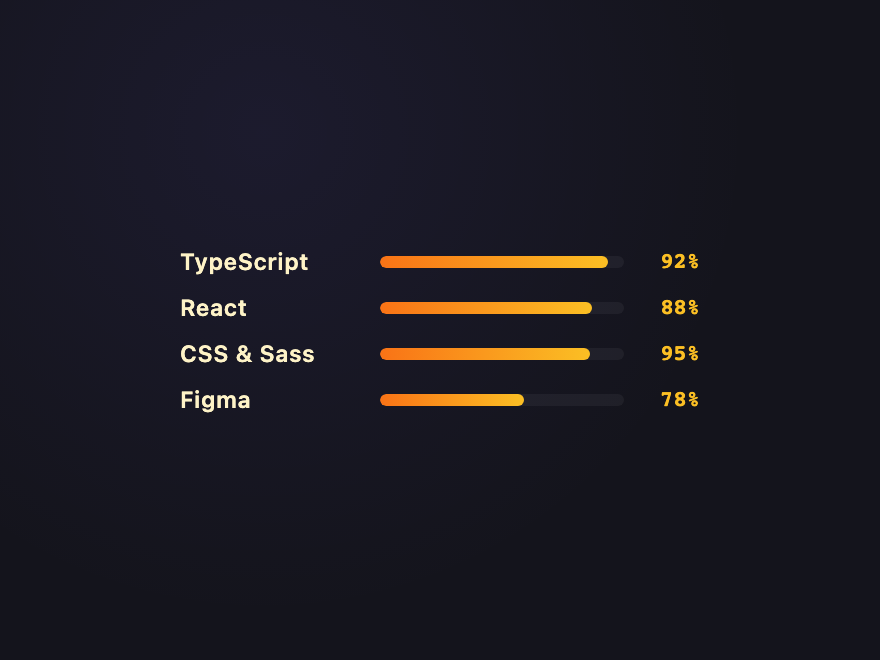
Stacked horizontal bars with labels and percentages. Each row slides in with a staggered animation — the canonical pattern for portfolios, CV pages, and team skill matrices.
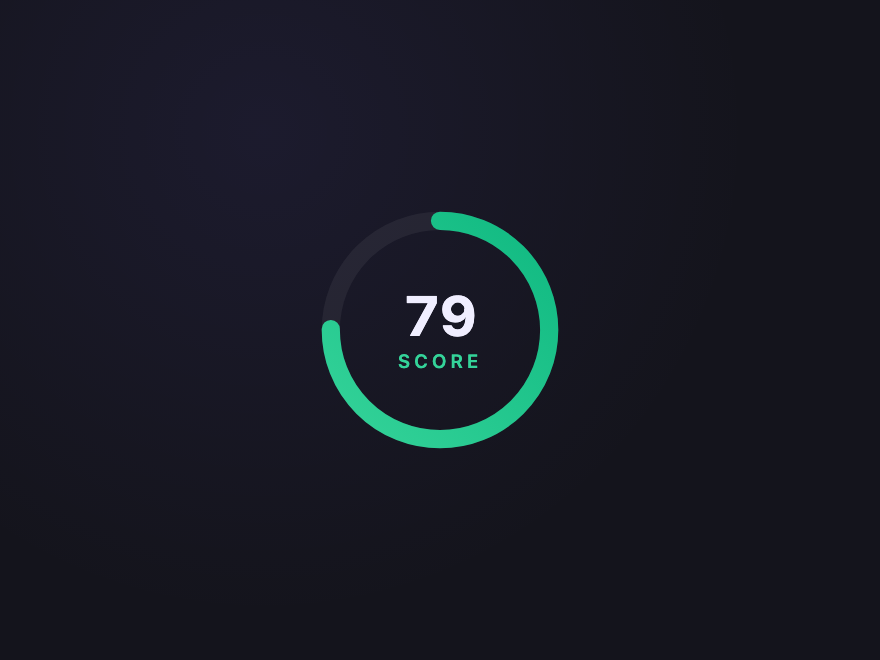
A radial chart with a synchronised counting number in the centre. The ring fills via SVG `stroke-dasharray` (with `pathLength="100"` so the math is honest) while the number animates from 0 — bound by light JS to keep the number truly in sync.
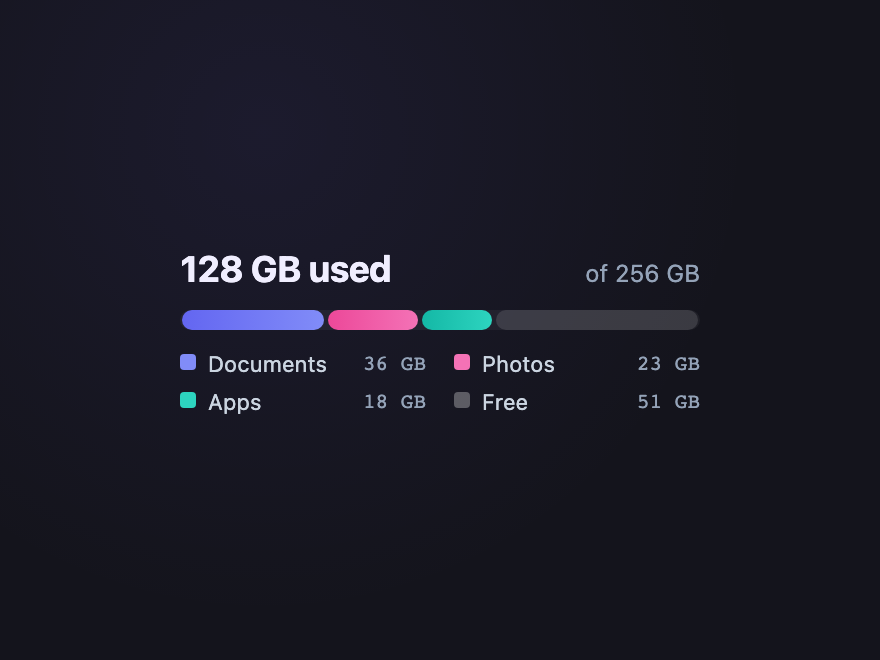
A single bar split into multiple coloured segments — Documents, Photos, Apps, Free. Each segment's width is a CSS variable, with a legend below. Premium pattern for storage dashboards and budget breakdowns.
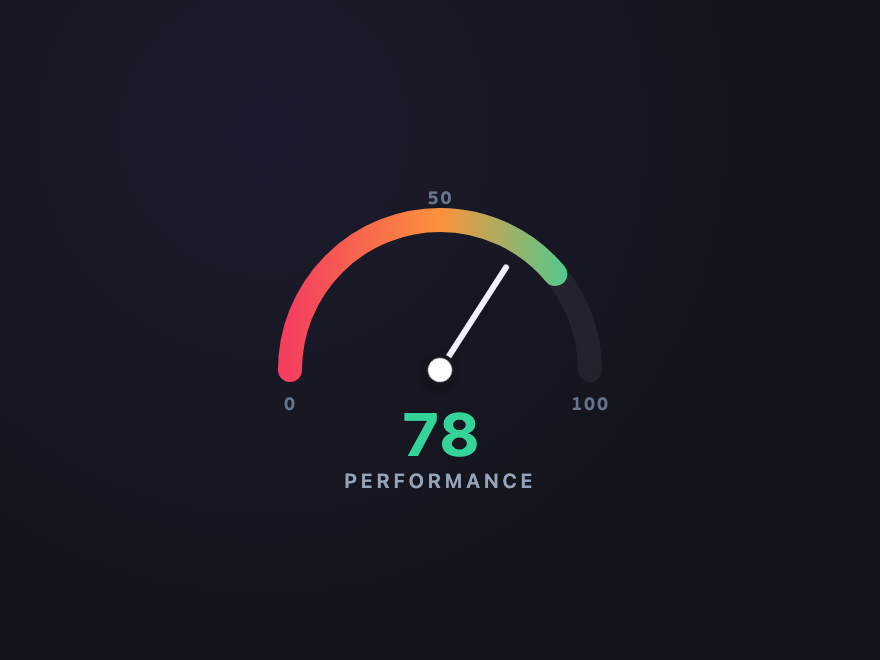
An SVG semicircular speedometer with a colour-graded arc (red → amber → green), tick marks at 0/50/100, and a needle that sweeps from the bottom. Drives every value via the `--pb-gauge-value` custom property — premium pattern for PageSpeed scores, performance audits, and internet speed tests.
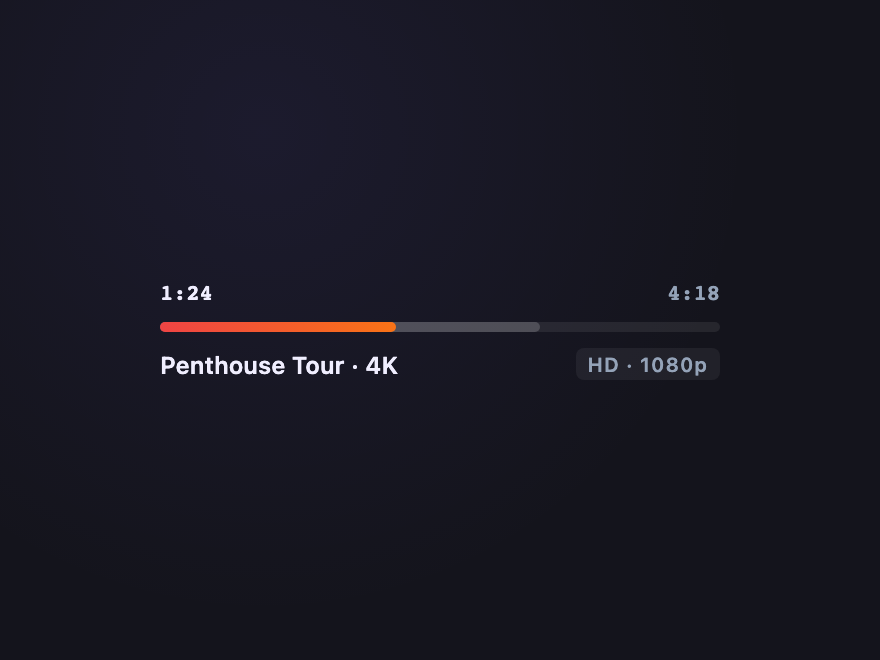
Video-player progress bar with two filled regions: solid played + lighter buffered ahead. A subtle scrubber dot sits at the play head — premium pattern for media players, podcast UIs, and audio dashboards.
A progress bar is a visual indicator showing how much of a task or value has been completed against a target. It can be linear (a horizontal bar), circular (a ring or arc), or segmented (discrete steps). Used for file uploads, form completion, skill levels, fundraising goals, and storage usage. For multi-stage flows where each step is a named milestone rather than a percentage, look at the [CSS timeline patterns](/layouts/css-timelines/) instead.
Should I use the native HTML progress element?
Yes when you can. Native progress is the most accessible option — assistive tech announces the value automatically. The patterns here use either a real progress element or a labelled SVG with role=progressbar plus aria-valuenow / aria-valuemin / aria-valuemax for the same semantics.
How do I make a circular CSS progress bar?
Two common approaches: (1) an SVG circle with stroke-dasharray and pathLength=100 — animate stroke-dashoffset from 100 to (100 - value); or (2) a conic-gradient with @property animation — animate the angle from 0deg to value*3.6deg. Both work without JavaScript for static values.
Are these progress bars accessible?
Yes. Each demo uses either a native progress element or a div with role=progressbar plus aria-valuenow, aria-valuemin, aria-valuemax and an associated label. Continuous animations (stripes, gradient pulse) honour the prefers-reduced-motion media query.
Do these progress bars need JavaScript?
Most don't. The visual fill is driven by a single CSS custom property (--value) that you set inline or with one line of JS. Only the Circular Counter needs ~20 lines of JS to keep the centre number in sync with the ring animation; the rest are pure CSS.