24 examples Responsive intermediate

24 CSS Grid Layouts

A CSS grid layout uses the native display: grid system to place items in two dimensions — rows and columns at the same time — with explicit tracks, named template areas, or auto-flowing patterns. These 24 hand-coded layouts are pure CSS — no JavaScript, no framework — using grid-template-areas, repeat(auto-fit, minmax()), subgrid, container queries, and modern selectors where they pay off.

24 unique layouts 24 Pure CSS 0 dependencies 100% copy-paste ready Updated May 3, 2026
01 / 24
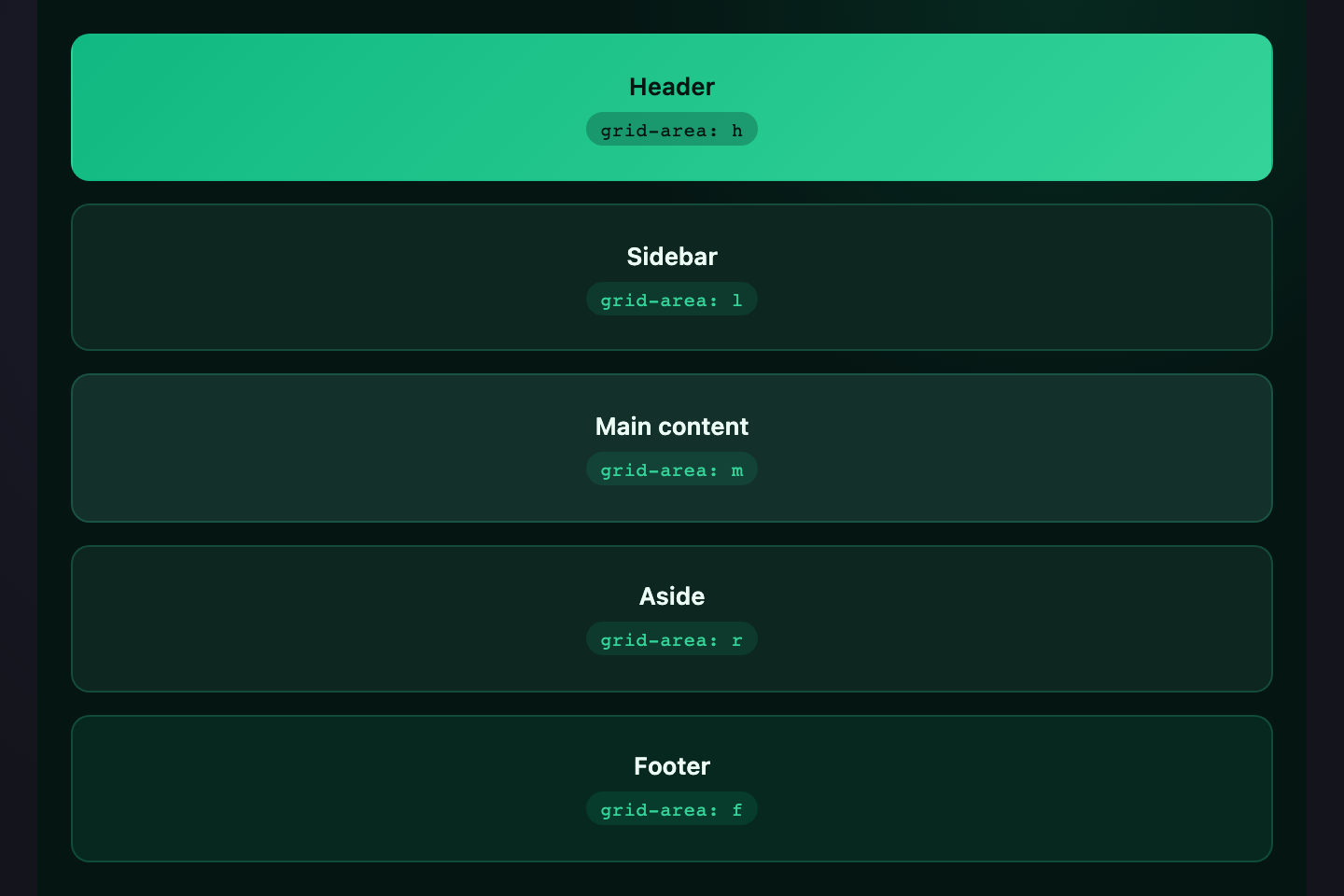
Holy Grail
Pure CSS
Header
Main content
Footer
The classic five-region web layout — header, sidebar, main, aside, footer — built with `grid-template-areas` so the markup reads like the visual. Three named columns let you swap left/right widths in one place.
Try it
.gl-hg {
  display: grid;
  grid-template-columns: 70px 1fr 70px;
  grid-template-rows: 36px 1fr 32px;
  grid-template-areas:
    "h h h"
    "l m r"
    "f f f";
  gap: 6px;
  width: 320px; height: 220px;
  font-family: system-ui, sans-serif;
  font-size: 11px;
  color: #cbd5e1;
}
.gl-hg > * {
  background: #18181f;
  border: 1px solid rgba(124,108,255,0.25);
  border-radius: 6px;
  display: flex; align-items: center; justify-content: center;
}
.gl-hg-h { grid-area: h; background: rgba(124,108,255,0.18); color: #a78bfa; }
.gl-hg-l { grid-area: l; }
.gl-hg-m { grid-area: m; background: #1f1f28; }
.gl-hg-r { grid-area: r; }
.gl-hg-f { grid-area: f; background: rgba(124,108,255,0.12); color: #a78bfa; }
<div class="gl-hg">
  <header class="gl-hg-h">Header</header>
  <nav class="gl-hg-l">Sidebar</nav>
  <main class="gl-hg-m">Main content</main>
  <aside class="gl-hg-r">Aside</aside>
  <footer class="gl-hg-f">Footer</footer>
</div>
02 / 24
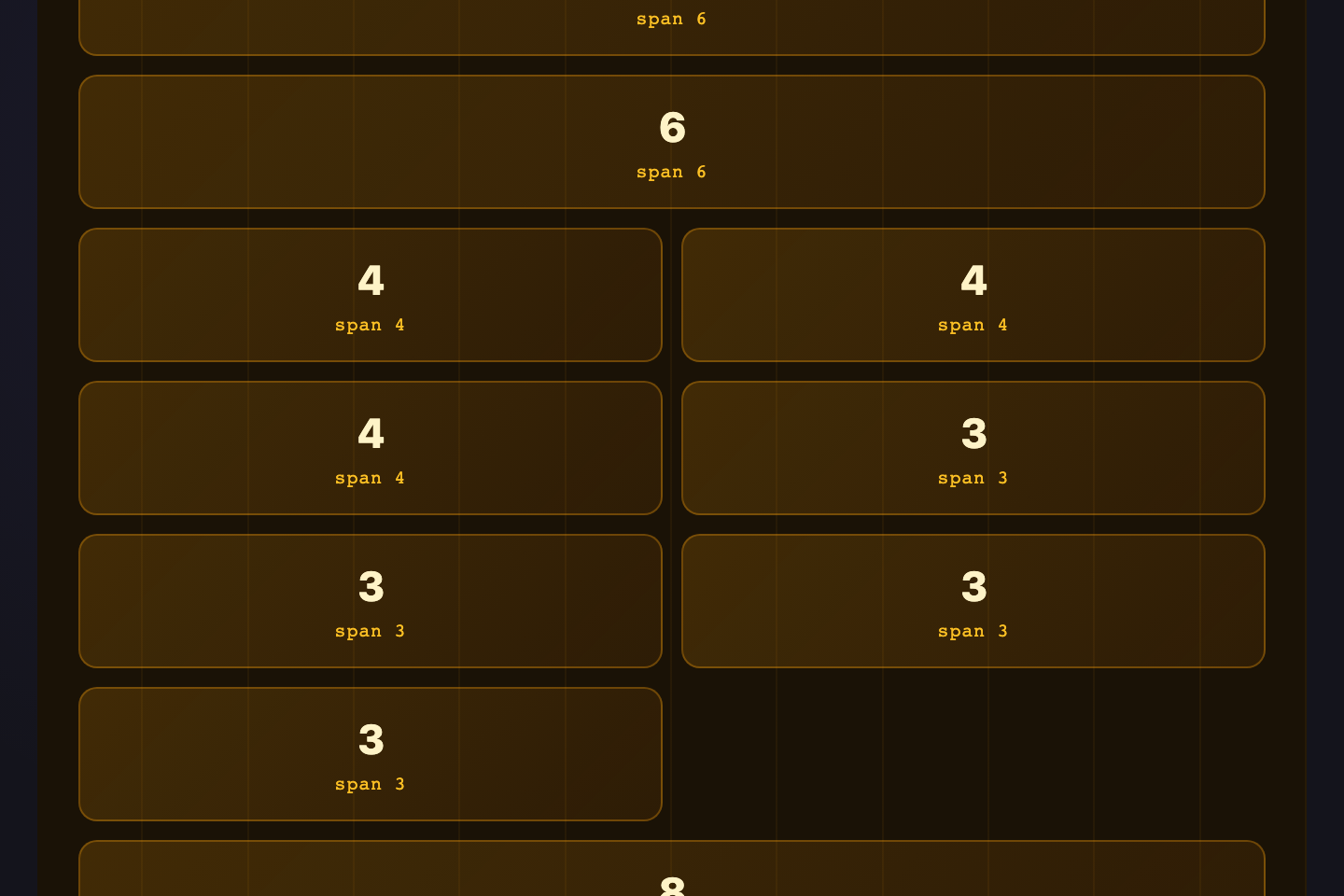
12-Column Grid
Pure CSS
12
6
6
4
4
4
3
3
3
3
8
4
A Bootstrap-style 12-column track with `repeat(12, minmax(0, 1fr))`. Cells span any number of columns via `grid-column: span N`, giving you the familiar `col-6 / col-3 / col-9` rhythm without a framework.
Try it
.gl-12 {
  display: grid;
  grid-template-columns: repeat(12, minmax(0, 1fr));
  gap: 4px;
  width: 340px;
  font-family: monospace;
  font-size: 10px;
  color: #a78bfa;
}
.gl-12 > * {
  background: rgba(124,108,255,0.14);
  border: 1px solid rgba(124,108,255,0.3);
  border-radius: 4px;
  padding: 6px 0;
  text-align: center;
}
.gl-12-c12 { grid-column: span 12; }
.gl-12-c8  { grid-column: span 8; }
.gl-12-c6  { grid-column: span 6; }
.gl-12-c4  { grid-column: span 4; }
.gl-12-c3  { grid-column: span 3; }
<div class="gl-12">
  <div class="gl-12-c12">12</div>
  <div class="gl-12-c6">6</div><div class="gl-12-c6">6</div>
  <div class="gl-12-c4">4</div><div class="gl-12-c4">4</div><div class="gl-12-c4">4</div>
  <div class="gl-12-c3">3</div><div class="gl-12-c3">3</div><div class="gl-12-c3">3</div><div class="gl-12-c3">3</div>
  <div class="gl-12-c8">8</div><div class="gl-12-c4">4</div>
</div>
03 / 24
Bento Box
Pure CSS
Feature
Stats
Activity
Tip
Trend
Note
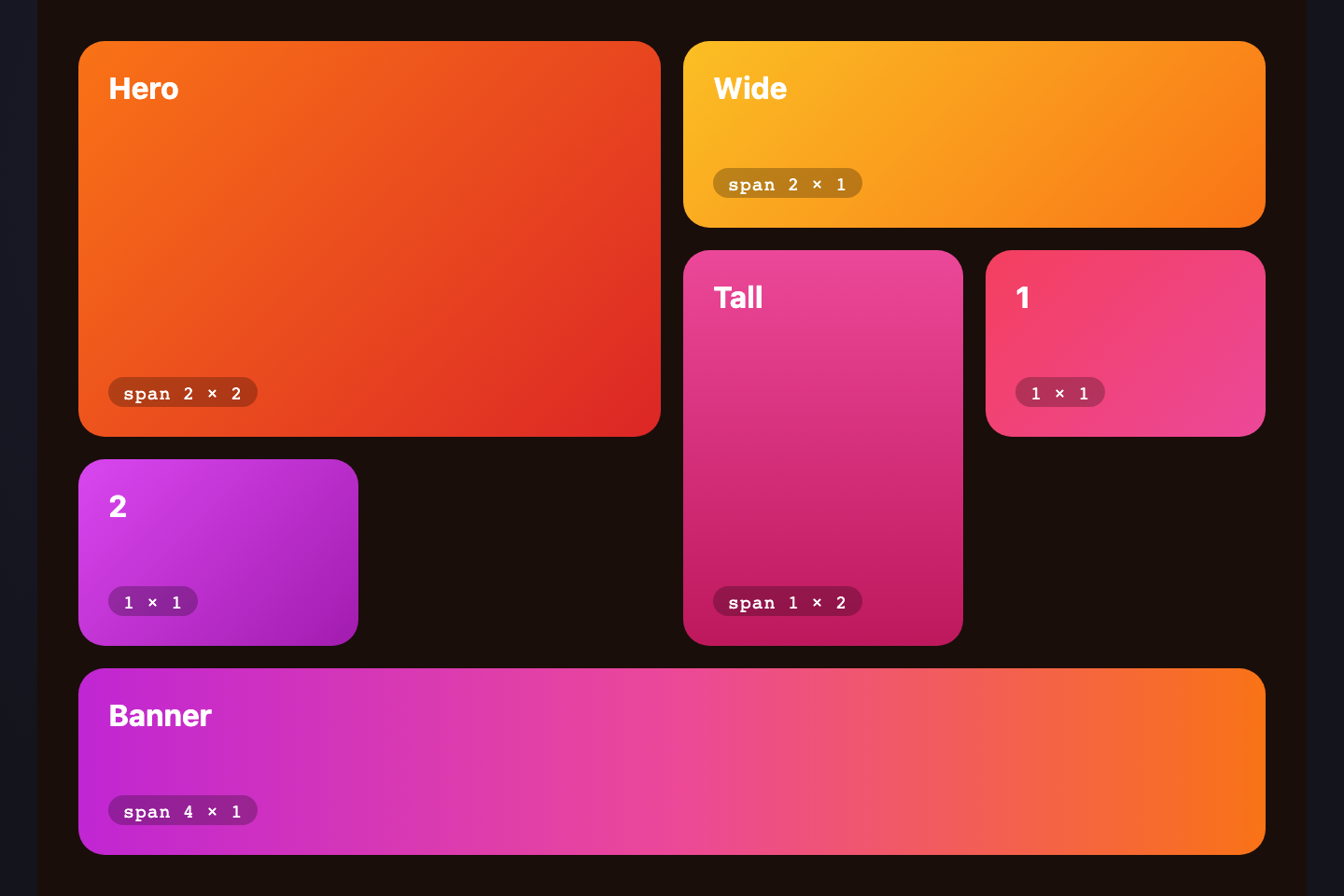
An asymmetric tile dashboard popularised by Apple product pages. One large feature tile anchors the layout, with smaller cells filling the remaining grid via explicit row + column spans.
Try it
.gl-bento {
  display: grid;
  grid-template-columns: repeat(4, 1fr);
  grid-template-rows: repeat(3, 60px);
  gap: 6px;
  width: 320px;
  font-family: system-ui, sans-serif;
  font-size: 11px;
  font-weight: 600;
  color: #f0eeff;
}
.gl-bento > * {
  background: #18181f;
  border: 1px solid rgba(167,139,250,0.25);
  border-radius: 8px;
  display: flex; align-items: center; justify-content: center;
}
.gl-bento-1 { grid-column: span 2; grid-row: span 2;
  background: linear-gradient(135deg, #7c6cff, #a78bfa);
  color: #fff; font-size: 13px; }
.gl-bento-2 { grid-column: span 2; background: rgba(46,184,138,0.18); color: #2eb88a; }
.gl-bento-3 { grid-column: span 1; }
.gl-bento-4 { grid-column: span 1; background: rgba(245,168,74,0.18); color: #f5a84a; }
.gl-bento-5 { grid-column: span 2; background: rgba(255,108,138,0.18); color: #ff6c8a; }
.gl-bento-6 { grid-column: span 2; }
<div class="gl-bento">
  <div class="gl-bento-1">Feature</div>
  <div class="gl-bento-2">Stats</div>
  <div class="gl-bento-3">Activity</div>
  <div class="gl-bento-4">Tip</div>
  <div class="gl-bento-5">Trend</div>
  <div class="gl-bento-6">Note</div>
</div>
04 / 24
Magazine Editorial
Pure CSS
FEATURE

Lead Story

The biggest piece anchors the layout

News
Op-ed
Review
Brief
A lead-story layout from print: one oversized hero on the left, a 2×2 grid of secondary stories on the right. Mixed `grid-row: span 2` cells keep the visual hierarchy sharp.
Try it
.gl-mag {
  display: grid;
  grid-template-columns: 1.4fr 1fr 1fr;
  grid-template-rows: 100px 100px;
  gap: 6px;
  width: 340px;
  font-family: Georgia, serif;
  color: #f0eeff;
}
.gl-mag > * {
  background: #18181f;
  border: 1px solid rgba(124,108,255,0.22);
  border-radius: 6px;
}
.gl-mag-lead {
  grid-row: span 2;
  background: linear-gradient(135deg, rgba(124,108,255,0.4), rgba(167,139,250,0.18));
  padding: 12px;
  display: flex; flex-direction: column; justify-content: flex-end; gap: 4px;
}
.gl-mag-tag {
  font-family: monospace; font-size: 9px;
  color: #cbb8ff; letter-spacing: 0.12em;
}
.gl-mag-lead h3 { margin: 0; font-size: 15px; }
.gl-mag-lead p { margin: 0; font-size: 10.5px; color: #cbd5e1; line-height: 1.4; }
.gl-mag-s {
  display: flex; align-items: center; justify-content: center;
  font-family: system-ui, sans-serif; font-size: 11.5px; font-weight: 600;
  color: #a78bfa;
}
<div class="gl-mag">
  <article class="gl-mag-lead">
    <span class="gl-mag-tag">FEATURE</span>
    <h3>Lead Story</h3>
    <p>The biggest piece anchors the layout</p>
  </article>
  <article class="gl-mag-s">News</article>
  <article class="gl-mag-s">Op-ed</article>
  <article class="gl-mag-s">Review</article>
  <article class="gl-mag-s">Brief</article>
</div>
05 / 24
RAM Auto-Fit
Pure CSS
Auto-fit
Minmax
110px
min
1fr
max
No JS
No queries
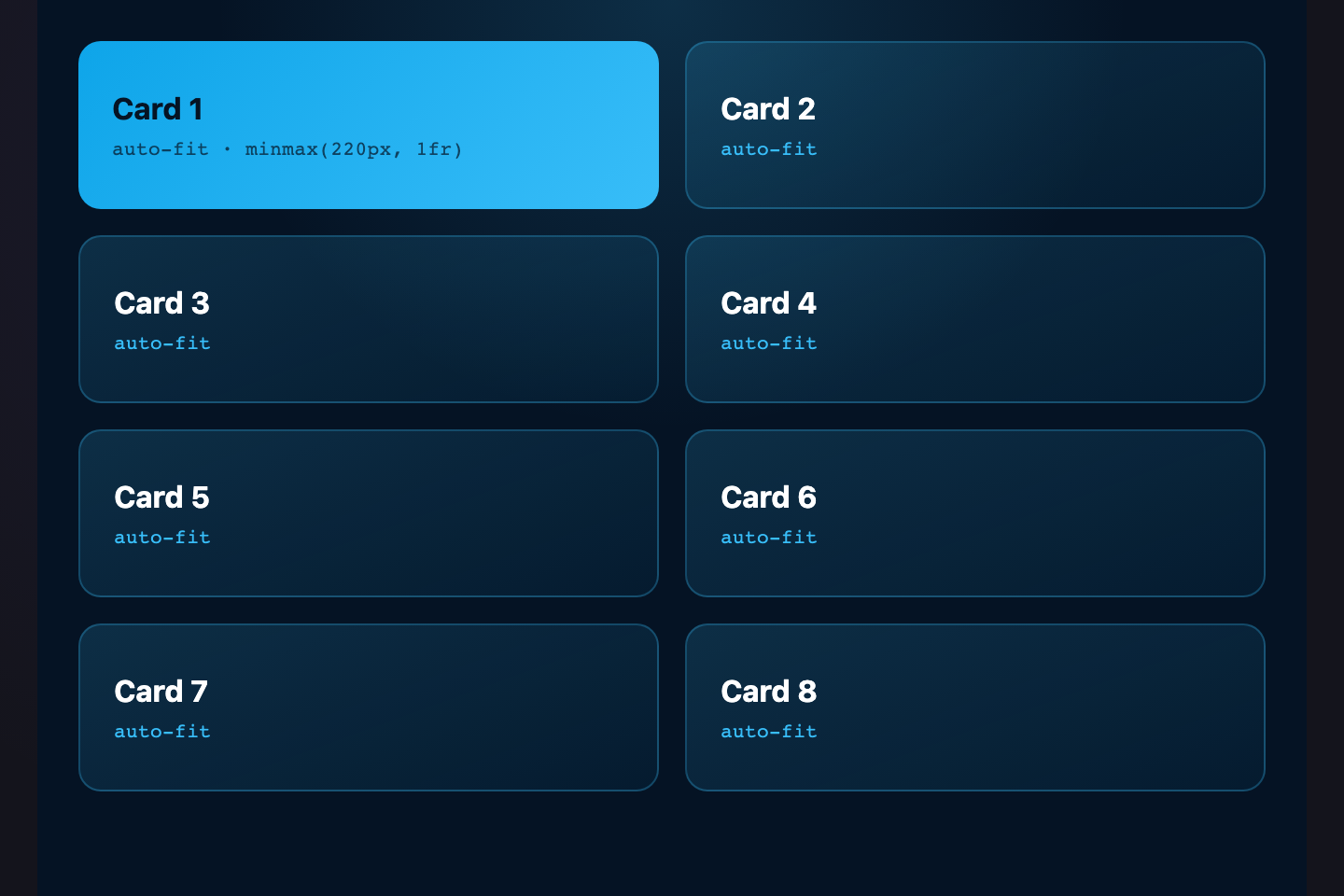
A responsive card grid in a single line of CSS — `repeat(auto-fit, minmax(110px, 1fr))`. Cells re-flow at every viewport size with no media queries. The original "intrinsic web design" pattern.
Try it
.gl-ram {
  display: grid;
  grid-template-columns: repeat(auto-fit, minmax(110px, 1fr));
  gap: 6px;
  width: 100%;
  max-width: 340px;
  font-family: monospace;
  font-size: 11px;
  color: #a78bfa;
}
.gl-ram > div {
  background: rgba(124,108,255,0.14);
  border: 1px solid rgba(124,108,255,0.3);
  border-radius: 6px;
  padding: 14px 10px;
  text-align: center;
}
<div class="gl-ram">
  <div>Auto-fit</div><div>Minmax</div><div>110px</div><div>min</div>
  <div>1fr</div><div>max</div><div>No JS</div><div>No queries</div>
</div>
06 / 24
Quantity Query
Pure CSS
1
2
3
4
5
6
7
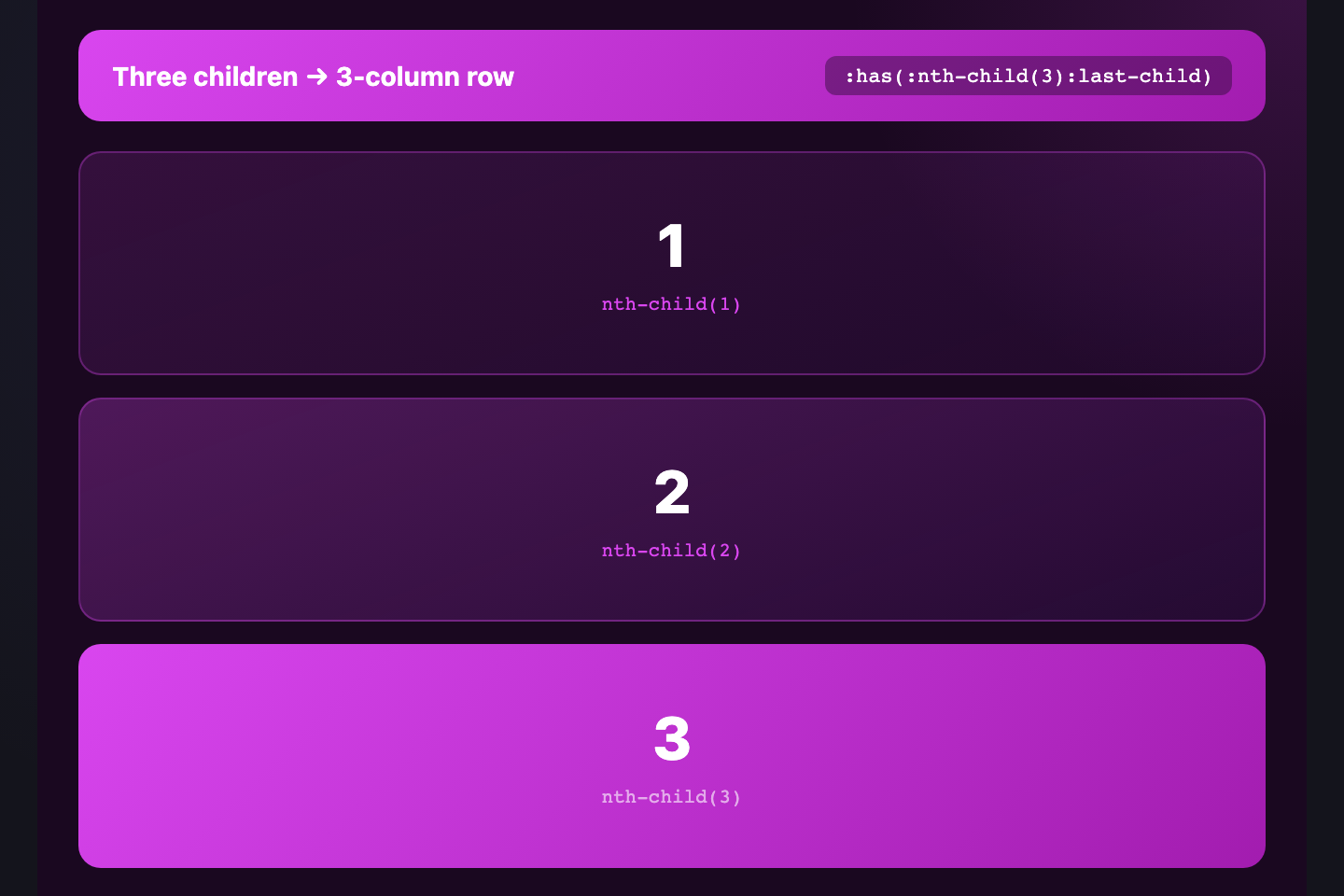
When a 3-column grid has an odd number of items, the last orphan looks awkward alone. `:has() + :nth-last-child` detects the layout and stretches the trailing cell to fill the row — pure CSS, no measurement.
Try it
.gl-qq {
  display: grid;
  grid-template-columns: repeat(3, 1fr);
  gap: 6px;
  width: 320px;
  font-family: monospace; font-size: 12px;
  color: #f0eeff;
}
.gl-qq > div {
  background: rgba(124,108,255,0.14);
  border: 1px solid rgba(124,108,255,0.3);
  border-radius: 6px;
  padding: 18px 0;
  text-align: center;
}
/* Stretch the last cell when it's an orphan in row 3 */
.gl-qq:has(> div:nth-child(7):last-child) > div:last-child {
  grid-column: 1 / -1;
  background: linear-gradient(135deg, #7c6cff, #a78bfa);
  color: #fff; font-weight: 700;
}
<div class="gl-qq">
  <div>1</div><div>2</div><div>3</div>
  <div>4</div><div>5</div><div>6</div>
  <div>7</div>
</div>
07 / 24
Pinterest Masonry
Pure CSS
A
B
C
D
E
F
G
H
I
A staggered masonry wall — variable-height tiles pack tightly with no gaps. Built with CSS multi-column (`columns: 3`), the most reliable cross-browser masonry today while `grid-template-rows: masonry` finishes shipping.
Try it
.gl-mas {
  columns: 3;
  column-gap: 6px;
  width: 320px;
  font-family: system-ui, sans-serif;
  font-size: 13px; font-weight: 700;
  color: #fff;
}
.gl-mas-i {
  break-inside: avoid;
  margin-bottom: 6px;
  border-radius: 6px;
  display: flex; align-items: center; justify-content: center;
  text-shadow: 0 1px 2px rgba(0,0,0,0.3);
}
<div class="gl-mas">
  <div class="gl-mas-i" style="height:48px;background:linear-gradient(135deg,#7c6cff,#a78bfa)">A</div>
  <div class="gl-mas-i" style="height:80px;background:linear-gradient(135deg,#ff6c8a,#ff9a76)">B</div>
  <div class="gl-mas-i" style="height:64px;background:linear-gradient(135deg,#2eb88a,#3de8aa)">C</div>
  <div class="gl-mas-i" style="height:96px;background:linear-gradient(135deg,#3de8f5,#5aa0e0)">D</div>
  <div class="gl-mas-i" style="height:48px;background:linear-gradient(135deg,#f5a84a,#ffd479)">E</div>
  <div class="gl-mas-i" style="height:64px;background:linear-gradient(135deg,#a78bfa,#cbb8ff)">F</div>
  <div class="gl-mas-i" style="height:72px;background:linear-gradient(135deg,#ff6c8a,#a78bfa)">G</div>
  <div class="gl-mas-i" style="height:48px;background:linear-gradient(135deg,#2eb88a,#a78bfa)">H</div>
  <div class="gl-mas-i" style="height:80px;background:linear-gradient(135deg,#7c6cff,#3de8f5)">I</div>
</div>
08 / 24
Hexagonal Honeycomb
Pure CSS
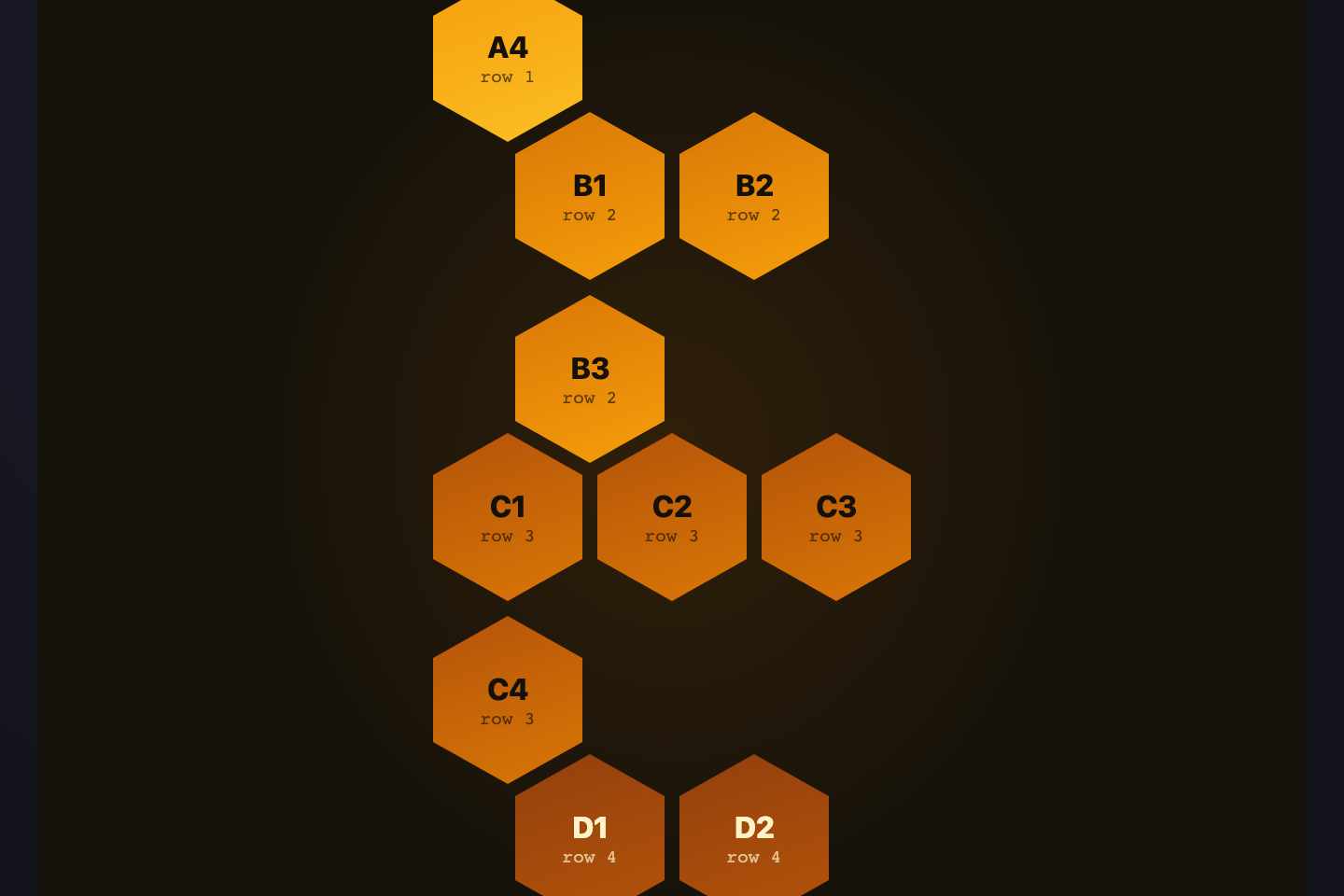
A honeycomb of clip-path hexagons that tile perfectly. Even rows shift right by half a cell using `:nth-child` and `transform: translateX(50%)` — turns a flat grid into a beehive pattern.
Try it
.gl-hex {
  display: grid;
  grid-template-columns: repeat(4, 60px);
  gap: 4px;
  width: 256px;
}
.gl-hex > div {
  width: 60px; height: 68px;
  clip-path: polygon(50% 0%, 100% 25%, 100% 75%, 50% 100%, 0% 75%, 0% 25%);
  background: linear-gradient(135deg, #7c6cff, #a78bfa);
  margin-bottom: -16px;
  transition: transform 0.2s, background 0.2s;
}
.gl-hex > div:nth-child(odd) {
  background: linear-gradient(135deg, #a78bfa, #cbb8ff);
}
.gl-hex-r2 {
  transform: translateX(32px);
}
.gl-hex > div:hover {
  background: linear-gradient(135deg, #ff6c8a, #ff9a76);
  transform: scale(1.08);
}
.gl-hex .gl-hex-r2:hover {
  transform: translateX(32px) scale(1.08);
}
<div class="gl-hex">
  <div></div><div></div><div></div><div></div>
  <div class="gl-hex-r2"></div><div class="gl-hex-r2"></div><div class="gl-hex-r2"></div>
  <div></div><div></div><div></div><div></div>
</div>
09 / 24
Subgrid Card
Pure CSS

Plan A

Short description

Plan B

A description that runs longer than the others to prove subgrid alignment

Plan C

Another description

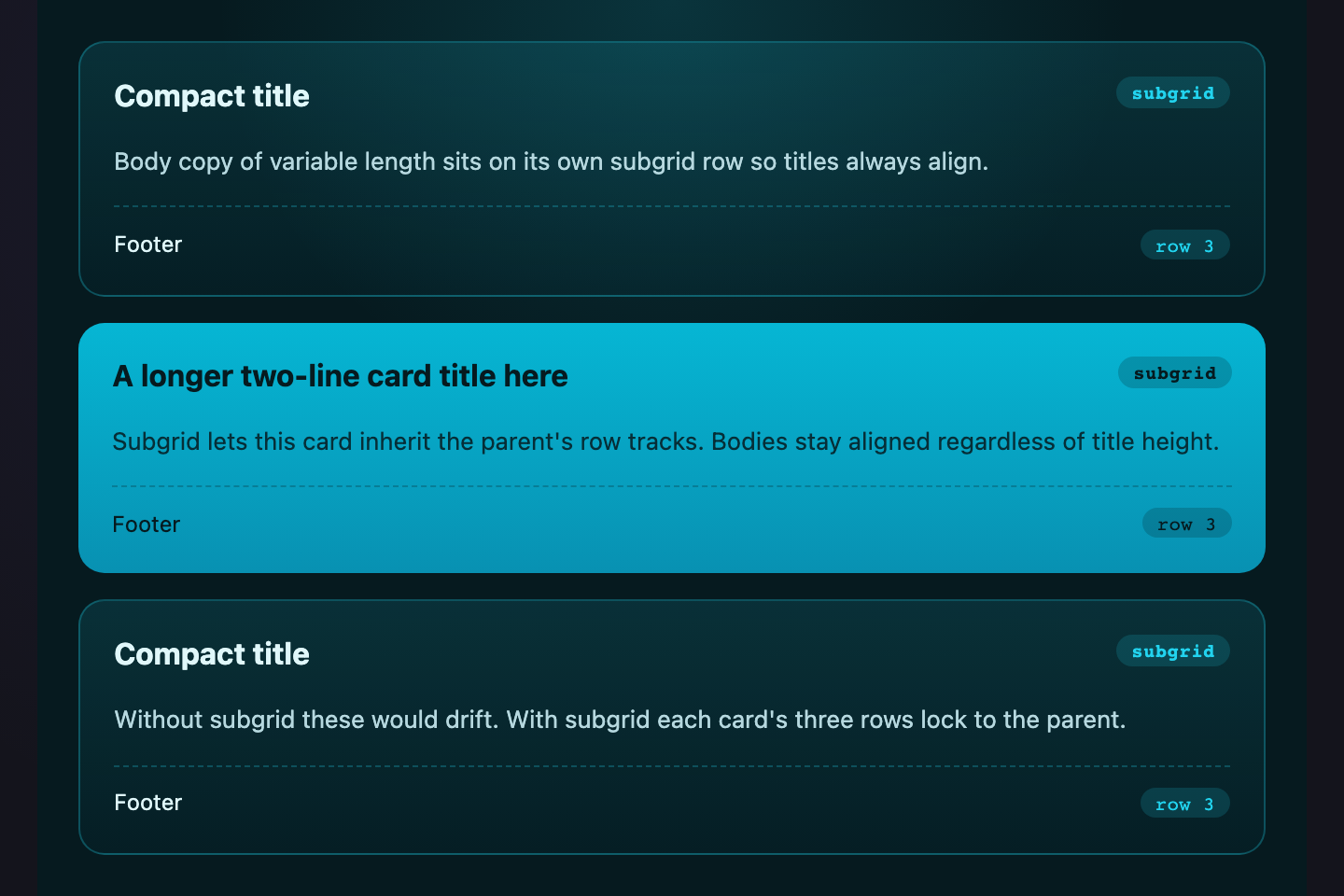
Three cards whose internal rows align across siblings — title, body, and footer all sit on the same baseline. `grid-template-rows: subgrid` lets each card inherit its parent's row tracks.
Try it
.gl-sub {
  display: grid;
  grid-template-columns: repeat(3, 1fr);
  grid-template-rows: auto 1fr auto;
  gap: 6px;
  width: 340px;
  font-family: system-ui, sans-serif;
  color: #f0eeff;
}
.gl-sub-c {
  display: grid;
  grid-row: span 3;
  grid-template-rows: subgrid;
  background: #18181f;
  border: 1px solid rgba(124,108,255,0.28);
  border-radius: 8px;
  padding: 10px;
  gap: 6px;
}
.gl-sub-c h4 { margin: 0; font-size: 12.5px; color: #a78bfa; }
.gl-sub-c p  { margin: 0; font-size: 10.5px; color: #cbd5e1; line-height: 1.4; }
.gl-sub-c button {
  background: rgba(124,108,255,0.18);
  color: #a78bfa;
  border: 1px solid rgba(124,108,255,0.4);
  border-radius: 5px;
  padding: 5px 0;
  font: 600 10.5px monospace;
  cursor: pointer;
}
<div class="gl-sub">
  <article class="gl-sub-c">
    <h4>Plan A</h4>
    <p>Short description</p>
    <button>Pick</button>
  </article>
  <article class="gl-sub-c">
    <h4>Plan B</h4>
    <p>A description that runs longer than the others to prove subgrid alignment</p>
    <button>Pick</button>
  </article>
  <article class="gl-sub-c">
    <h4>Plan C</h4>
    <p>Another description</p>
    <button>Pick</button>
  </article>
</div>
10 / 24
Dashboard Skeleton
Pure CSS
42
87%
$12K
3.4×
Chart
Activity
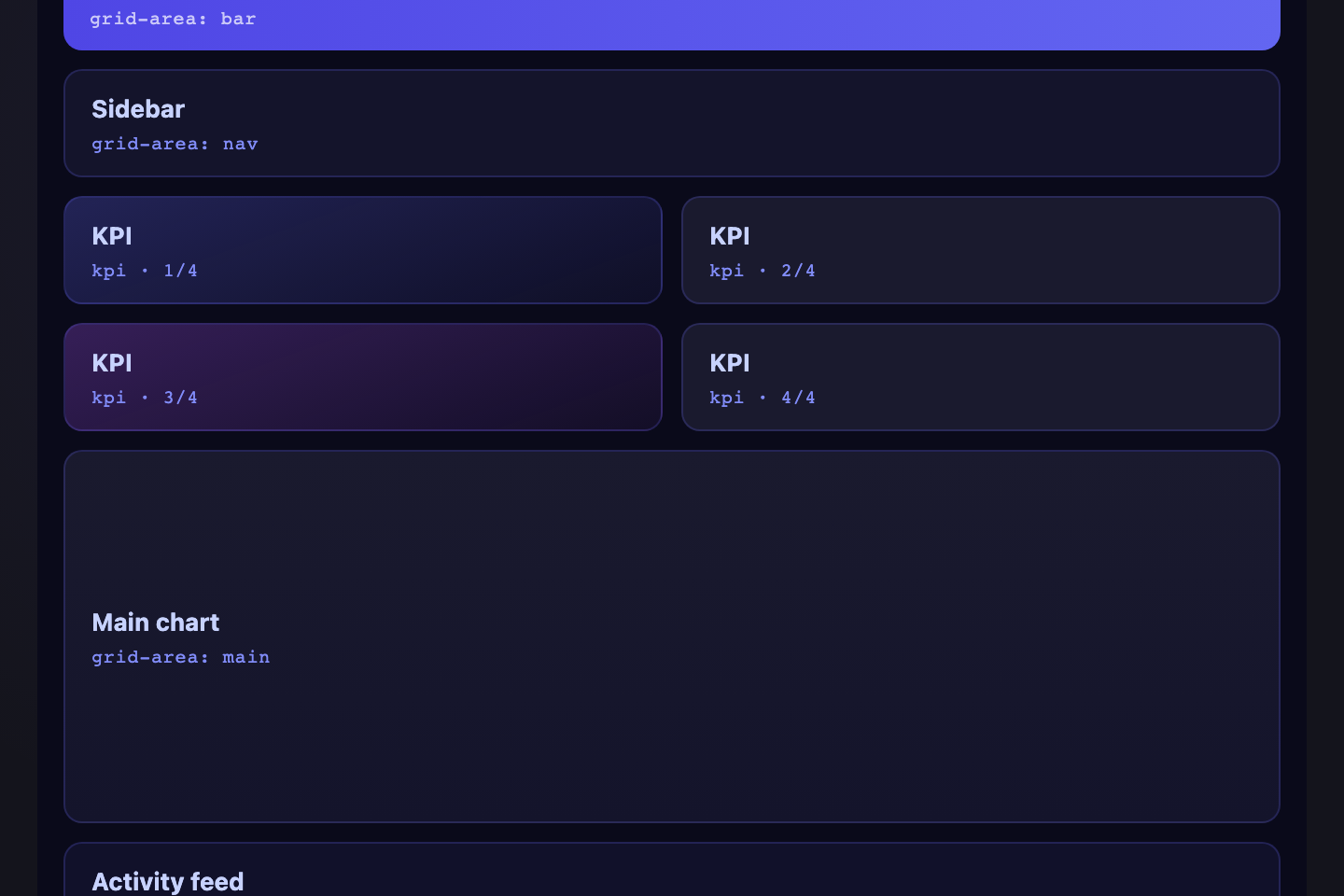
A real-world admin layout: 4 KPI tiles across the top, a wide chart cell, and an activity sidebar — all positioned with `grid-template-areas`. The pattern most analytics tools start from.
Try it
.gl-dash {
  display: grid;
  grid-template-columns: repeat(4, 1fr);
  grid-template-rows: 50px 110px;
  grid-template-areas:
    "k1 k2 k3 k4"
    "ch ch ch ac";
  gap: 6px;
  width: 340px;
  font-family: system-ui, sans-serif;
  color: #f0eeff;
}
.gl-dash > * {
  background: #18181f;
  border: 1px solid rgba(124,108,255,0.22);
  border-radius: 6px;
  display: flex; align-items: center; justify-content: center;
}
.gl-dash-k {
  font-size: 16px; font-weight: 700;
  color: #a78bfa;
}
.gl-dash-k:nth-child(1) { grid-area: k1; }
.gl-dash-k:nth-child(2) { grid-area: k2; color: #2eb88a; }
.gl-dash-k:nth-child(3) { grid-area: k3; color: #f5a84a; }
.gl-dash-k:nth-child(4) { grid-area: k4; color: #ff6c8a; }
.gl-dash-chart {
  grid-area: ch;
  background: linear-gradient(180deg, rgba(124,108,255,0.22), rgba(167,139,250,0.06));
  font-family: monospace; font-size: 11px;
  color: #cbb8ff;
}
.gl-dash-act {
  grid-area: ac;
  font-family: monospace; font-size: 10.5px;
  color: #cbd5e1;
}
<div class="gl-dash">
  <div class="gl-dash-k">42</div>
  <div class="gl-dash-k">87%</div>
  <div class="gl-dash-k">$12K</div>
  <div class="gl-dash-k">3.4×</div>
  <div class="gl-dash-chart">Chart</div>
  <div class="gl-dash-act">Activity</div>
</div>
11 / 24
Pricing Table
Pure CSS

Free

$0
/mo
POPULAR

Pro

$12
/mo

Team

$29
/mo
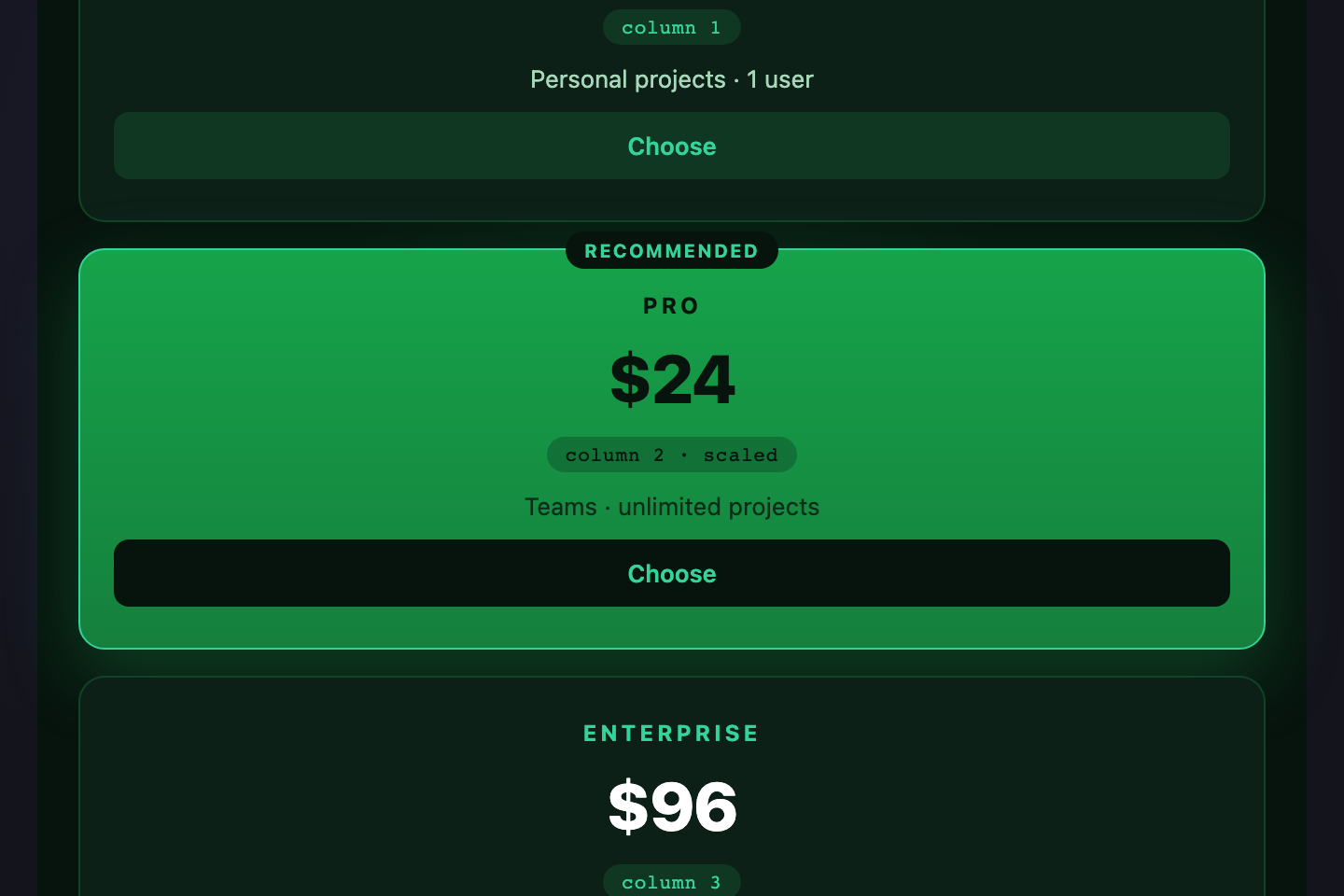
A three-tier pricing table with the featured plan protruding above the others — uses `align-self: stretch` for default tiers and a negative `margin-top` on the featured card to draw the eye.
Try it
.gl-pri {
  display: grid;
  grid-template-columns: repeat(3, 1fr);
  align-items: end;
  gap: 6px;
  width: 320px;
  padding-top: 14px;
  font-family: system-ui, sans-serif;
  color: #f0eeff;
}
.gl-pri-tier {
  background: #18181f;
  border: 1px solid rgba(124,108,255,0.22);
  border-radius: 8px;
  padding: 12px 8px;
  text-align: center;
  display: flex; flex-direction: column; align-items: center; gap: 2px;
}
.gl-pri-tier h4 { margin: 0; font-size: 11.5px; color: #cbd5e1; font-weight: 600; }
.gl-pri-amt { font-size: 22px; font-weight: 800; color: #fff; line-height: 1.1; }
.gl-pri-per { font-size: 10px; color: #9d9bbf; }
.gl-pri-feat {
  position: relative;
  margin-top: -14px;
  padding-bottom: 16px;
  background: linear-gradient(180deg, #2a1f5c, #1a1538);
  border-color: #a78bfa;
  box-shadow: 0 6px 20px rgba(124,108,255,0.3);
}
.gl-pri-feat .gl-pri-amt { color: #a78bfa; }
.gl-pri-badge {
  position: absolute; top: -8px; left: 50%; transform: translateX(-50%);
  background: linear-gradient(135deg, #7c6cff, #a78bfa);
  color: #fff;
  font-family: monospace; font-size: 8.5px; font-weight: 700;
  letter-spacing: 0.1em;
  padding: 2px 8px; border-radius: 10px;
  white-space: nowrap;
}
<div class="gl-pri">
  <div class="gl-pri-tier">
    <h4>Free</h4>
    <div class="gl-pri-amt">$0</div>
    <div class="gl-pri-per">/mo</div>
  </div>
  <div class="gl-pri-tier gl-pri-feat">
    <span class="gl-pri-badge">POPULAR</span>
    <h4>Pro</h4>
    <div class="gl-pri-amt">$12</div>
    <div class="gl-pri-per">/mo</div>
  </div>
  <div class="gl-pri-tier">
    <h4>Team</h4>
    <div class="gl-pri-amt">$29</div>
    <div class="gl-pri-per">/mo</div>
  </div>
</div>
12 / 24
Kanban Board
Pure CSS
To Do
Design
Brief
Mockup
Doing
Build grid
Tests
Done
Spec
Estimate
Approve
Branch
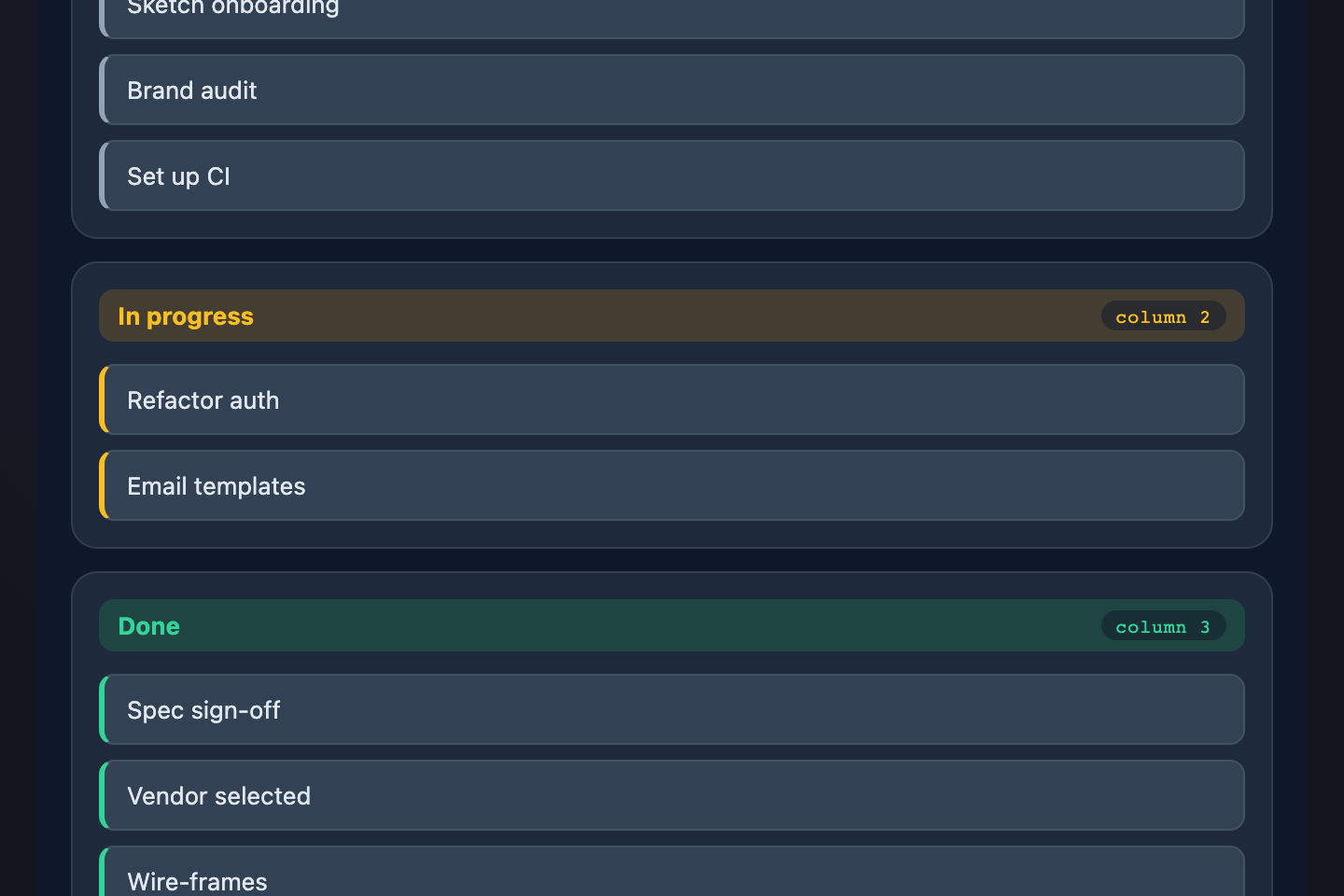
A Trello-style kanban — three to-do columns of variable-height cards. Each column is a vertical flex stack inside a horizontal grid, with `align-items: start` so columns don't stretch to the tallest.
Try it
.gl-kan {
  display: grid;
  grid-template-columns: repeat(3, 1fr);
  align-items: start;
  gap: 6px;
  width: 340px;
  font-family: system-ui, sans-serif;
  color: #f0eeff;
}
.gl-kan-col {
  background: rgba(255,255,255,0.04);
  border: 1px solid rgba(124,108,255,0.18);
  border-radius: 6px;
  padding: 6px;
  display: flex; flex-direction: column; gap: 4px;
}
.gl-kan-h {
  font-family: monospace; font-size: 9.5px; font-weight: 700;
  letter-spacing: 0.1em; text-transform: uppercase;
  color: #a78bfa;
  padding: 2px 4px 4px;
}
.gl-kan-card {
  background: #18181f;
  border: 1px solid rgba(124,108,255,0.28);
  border-radius: 5px;
  padding: 6px 8px;
  font-size: 10.5px;
  color: #cbd5e1;
}
<div class="gl-kan">
  <div class="gl-kan-col">
    <div class="gl-kan-h">To Do</div>
    <div class="gl-kan-card">Design</div>
    <div class="gl-kan-card">Brief</div>
    <div class="gl-kan-card">Mockup</div>
  </div>
  <div class="gl-kan-col">
    <div class="gl-kan-h">Doing</div>
    <div class="gl-kan-card">Build grid</div>
    <div class="gl-kan-card">Tests</div>
  </div>
  <div class="gl-kan-col">
    <div class="gl-kan-h">Done</div>
    <div class="gl-kan-card">Spec</div>
    <div class="gl-kan-card">Estimate</div>
    <div class="gl-kan-card">Approve</div>
    <div class="gl-kan-card">Branch</div>
  </div>
</div>
13 / 24
Aspect-Ratio Tiles
Pure CSS
16:9
16:9
16:9
16:9
16:9
16:9
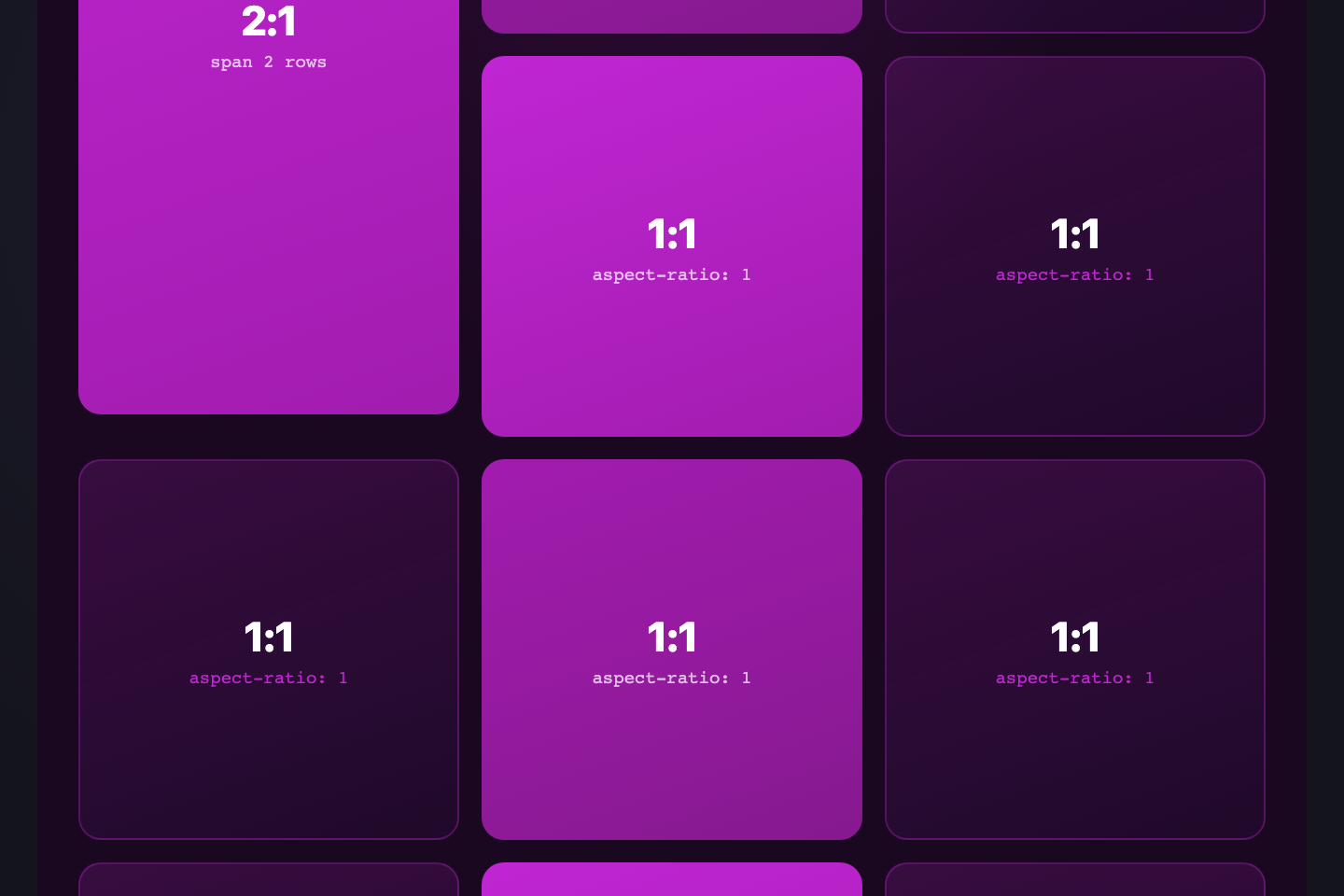
A grid of 16:9 video-thumbnail tiles that preserve their aspect ratio at every column count. The native `aspect-ratio` property does the math — no padding-bottom hacks, no JS measurement, every cell stays in proportion as the viewport changes.
Try it
.gl-ar {
  display: grid;
  grid-template-columns: repeat(3, 1fr);
  gap: 6px;
  width: 320px;
  font-family: monospace;
  font-size: 11px;
  color: #fff;
}
.gl-ar-t {
  aspect-ratio: 16 / 9;
  background: linear-gradient(135deg, #7c6cff, #a78bfa);
  border-radius: 6px;
  display: flex; align-items: center; justify-content: center;
  font-weight: 700;
  text-shadow: 0 1px 2px rgba(0,0,0,0.3);
}
.gl-ar-t:nth-child(2) { background: linear-gradient(135deg, #ff6c8a, #ff9a76); }
.gl-ar-t:nth-child(3) { background: linear-gradient(135deg, #2eb88a, #3de8aa); }
.gl-ar-t:nth-child(4) { background: linear-gradient(135deg, #f5a84a, #ffd479); }
.gl-ar-t:nth-child(5) { background: linear-gradient(135deg, #3de8f5, #5aa0e0); }
.gl-ar-t:nth-child(6) { background: linear-gradient(135deg, #a78bfa, #cbb8ff); }
<div class="gl-ar">
  <div class="gl-ar-t">16:9</div>
  <div class="gl-ar-t">16:9</div>
  <div class="gl-ar-t">16:9</div>
  <div class="gl-ar-t">16:9</div>
  <div class="gl-ar-t">16:9</div>
  <div class="gl-ar-t">16:9</div>
</div>
14 / 24
Container-Query Card
Pure CSS

Wide container

Icon left, text right

Narrow container

Icon stacks above

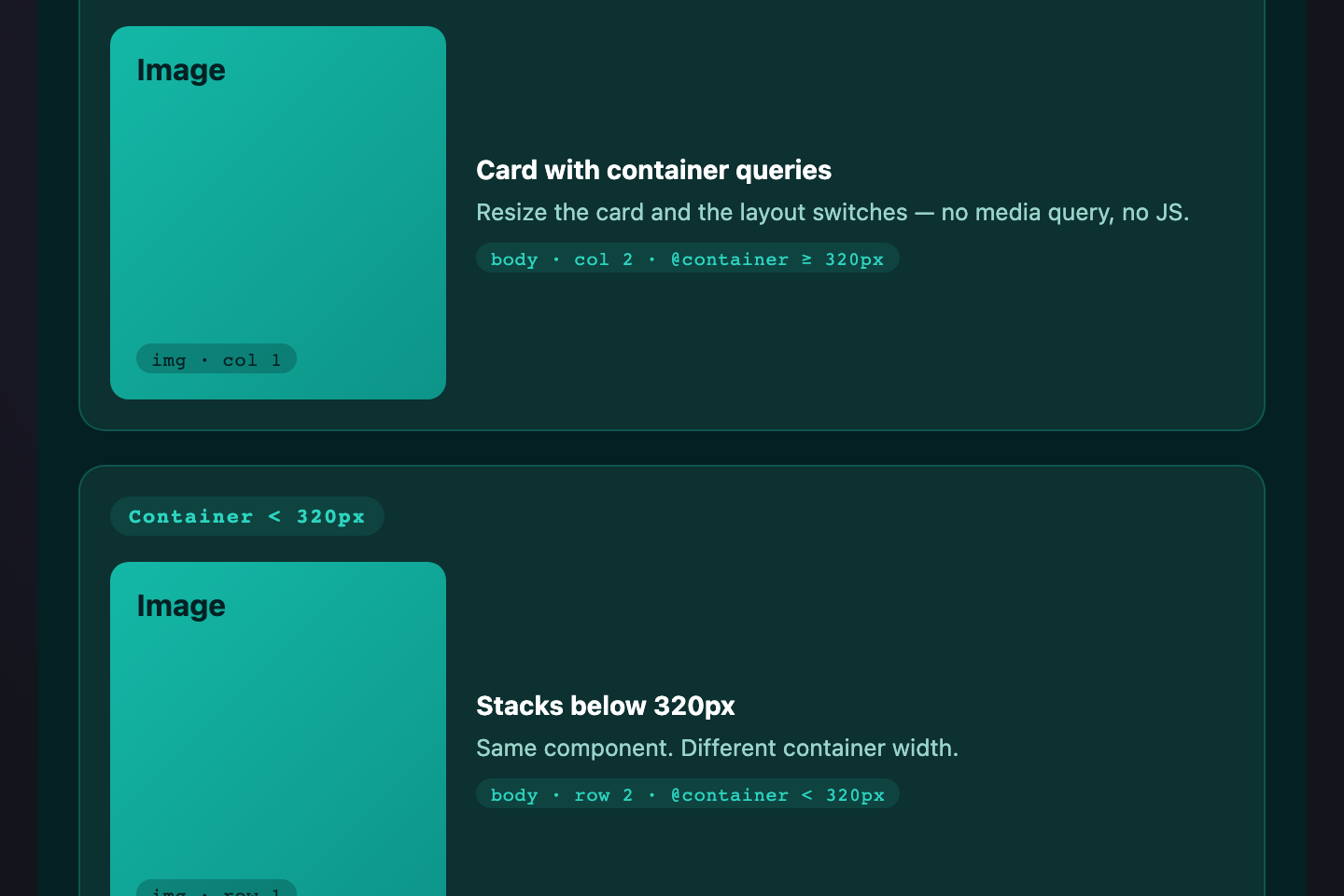
The same card markup re-flows based on its container width — not the viewport. Below 240px the icon stacks above; above 240px it sits beside. `container-type: inline-size` plus `@container` makes truly self-aware components.
Try it
.gl-cq {
  display: grid;
  grid-template-columns: 1fr 130px;
  gap: 6px;
  width: 320px;
  font-family: system-ui, sans-serif;
  color: #f0eeff;
}
.gl-cq-wide, .gl-cq-narrow {
  container-type: inline-size;
}
.gl-cq-c {
  display: flex; flex-direction: column; align-items: flex-start; gap: 6px;
  background: #18181f;
  border: 1px solid rgba(124,108,255,0.28);
  border-radius: 8px;
  padding: 10px;
}
.gl-cq-icon {
  width: 30px; height: 30px;
  border-radius: 6px;
  background: linear-gradient(135deg, #7c6cff, #a78bfa);
  color: #fff;
  display: flex; align-items: center; justify-content: center;
  font-size: 16px; font-weight: 700;
  flex-shrink: 0;
}
.gl-cq-c h4 { margin: 0; font-size: 11.5px; color: #fff; }
.gl-cq-c p  { margin: 0; font-size: 10px; color: #b8b6d4; line-height: 1.4; }
@container (min-width: 160px) {
  .gl-cq-c { flex-direction: row; align-items: center; }
}
<div class="gl-cq">
  <div class="gl-cq-wide">
    <article class="gl-cq-c">
      <div class="gl-cq-icon">★</div>
      <div class="gl-cq-body">
        <h4>Wide container</h4>
        <p>Icon left, text right</p>
      </div>
    </article>
  </div>
  <div class="gl-cq-narrow">
    <article class="gl-cq-c">
      <div class="gl-cq-icon">★</div>
      <div class="gl-cq-body">
        <h4>Narrow container</h4>
        <p>Icon stacks above</p>
      </div>
    </article>
  </div>
</div>
15 / 24
Diagonal Skew Grid
Pure CSS
01
02
03
04
05
06
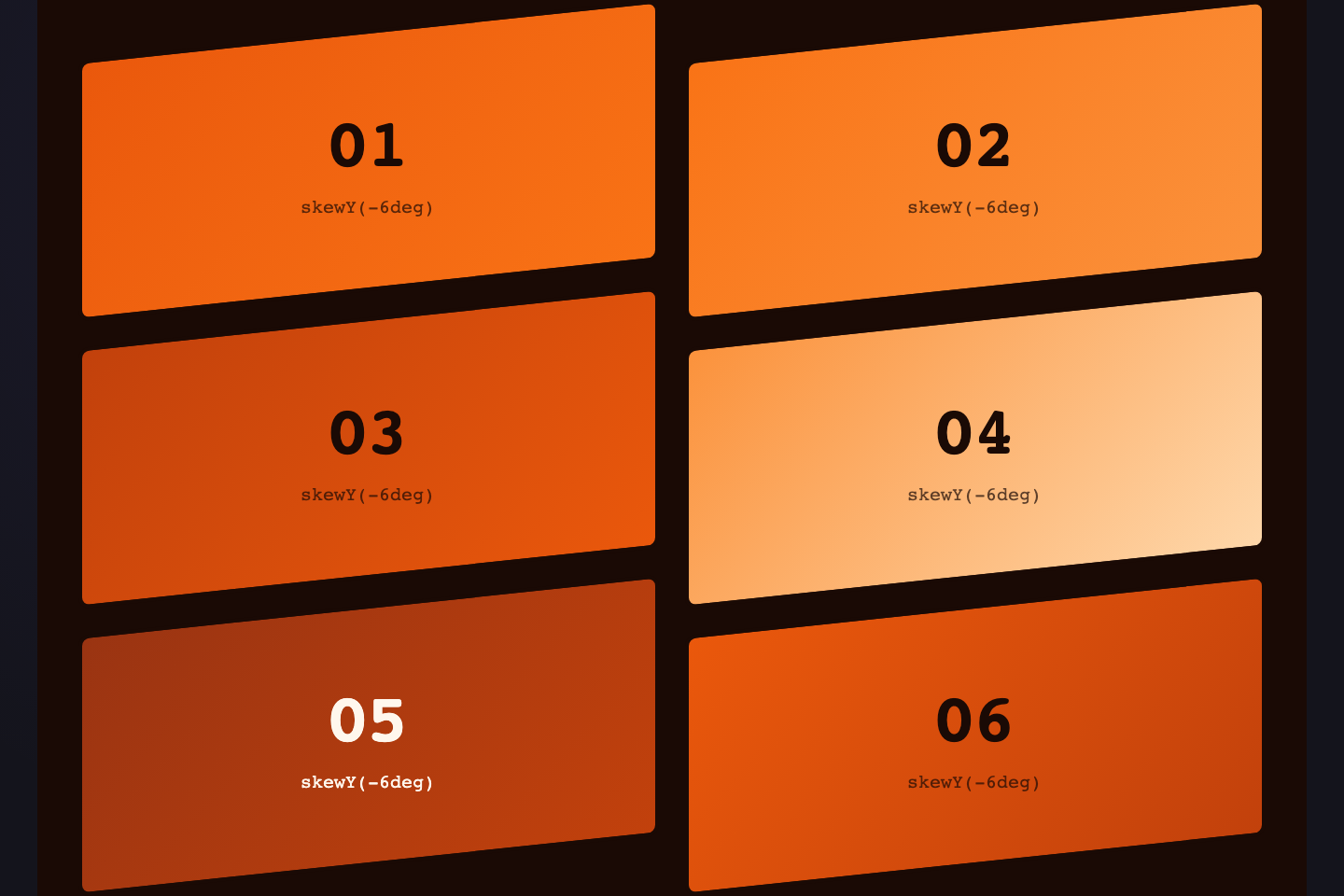
Items rotated −6 degrees with `transform: rotate()` while gutters stay perpendicular. The container itself is square; only the children tilt — a fashion-editorial trick that adds energy to an otherwise flat grid.
Try it
.gl-skew {
  display: grid;
  grid-template-columns: repeat(3, 1fr);
  gap: 14px;
  width: 280px;
  padding: 14px;
  font-family: monospace;
  font-size: 14px;
  font-weight: 700;
  color: #fff;
}
.gl-skew > div {
  aspect-ratio: 1;
  background: linear-gradient(135deg, #7c6cff, #a78bfa);
  border-radius: 4px;
  display: flex; align-items: center; justify-content: center;
  transform: rotate(-6deg);
  transition: transform 0.25s, background 0.25s;
}
.gl-skew > div:nth-child(even) {
  background: linear-gradient(135deg, #ff6c8a, #ff9a76);
  transform: rotate(6deg);
}
.gl-skew > div:hover {
  transform: rotate(0deg) scale(1.08);
  background: linear-gradient(135deg, #2eb88a, #3de8aa);
}
<div class="gl-skew">
  <div>01</div>
  <div>02</div>
  <div>03</div>
  <div>04</div>
  <div>05</div>
  <div>06</div>
</div>
16 / 24
Asymmetric Splash
Pure CSS
HERO
A
B
C
D
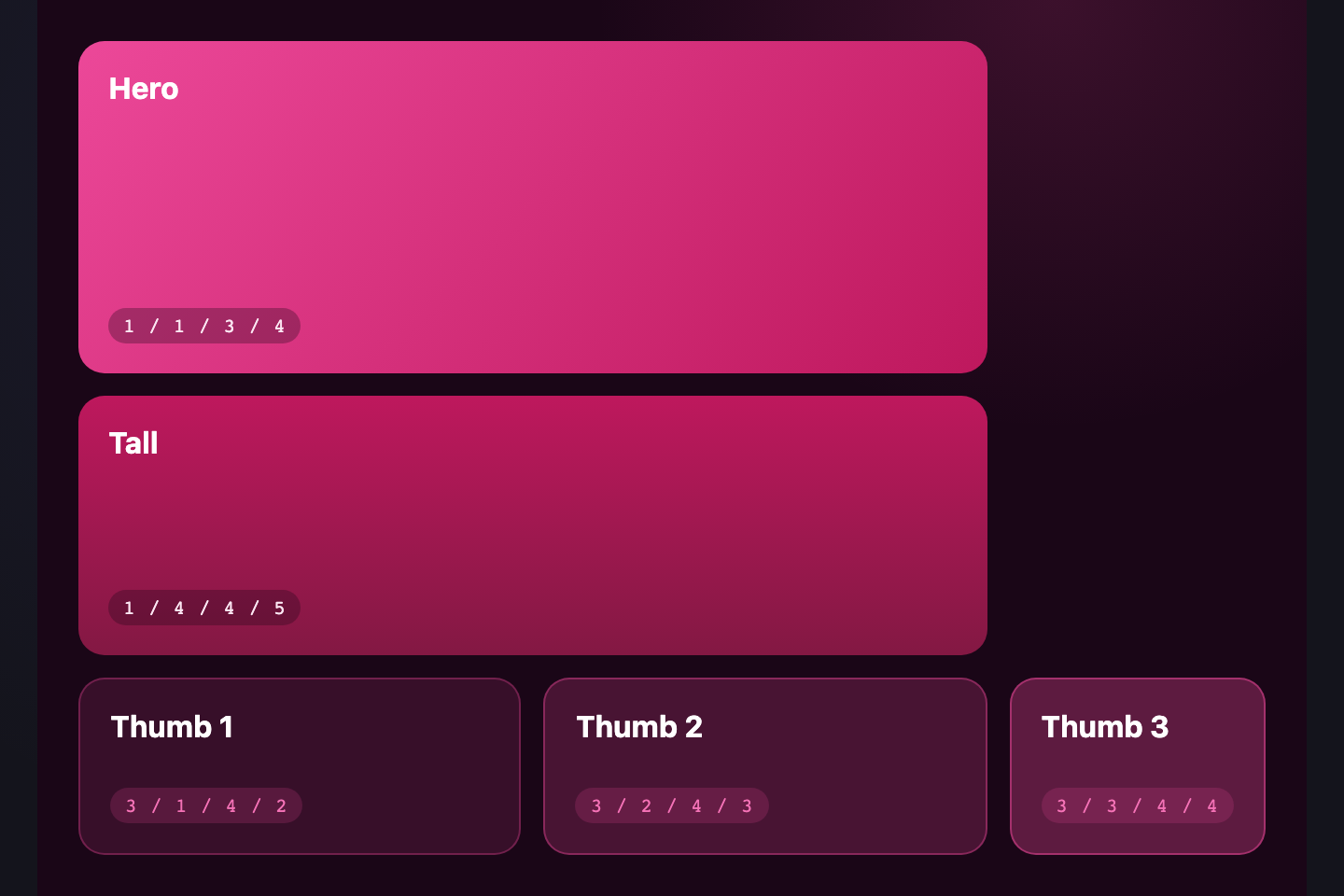
One giant hero cell anchors the layout with a cascade of smaller cells fanning to the right. `grid-row: span 3` on the hero plus mixed-span secondaries creates motion without animating anything.
Try it
.gl-spl {
  display: grid;
  grid-template-columns: 1.6fr 1fr 1fr;
  grid-template-rows: repeat(3, 60px);
  gap: 6px;
  width: 320px;
  font-family: system-ui, sans-serif;
  font-weight: 700;
  color: #fff;
}
.gl-spl > * {
  display: flex; align-items: center; justify-content: center;
  border-radius: 6px;
  text-shadow: 0 1px 2px rgba(0,0,0,0.3);
}
.gl-spl-hero {
  grid-row: span 3;
  background: linear-gradient(135deg, #7c6cff, #ff6c8a);
  font-size: 22px;
  letter-spacing: 0.08em;
}
.gl-spl-a { background: linear-gradient(135deg, #2eb88a, #3de8aa); grid-column: span 2; }
.gl-spl-b { background: linear-gradient(135deg, #f5a84a, #ffd479); }
.gl-spl-c { background: linear-gradient(135deg, #3de8f5, #5aa0e0); }
.gl-spl-d { background: linear-gradient(135deg, #a78bfa, #cbb8ff); grid-column: span 2; }
<div class="gl-spl">
  <div class="gl-spl-hero">HERO</div>
  <div class="gl-spl-a">A</div>
  <div class="gl-spl-b">B</div>
  <div class="gl-spl-c">C</div>
  <div class="gl-spl-d">D</div>
</div>
17 / 24
Mosaic Photo Wall
Pure CSS
L
P
S
S
W
S
S
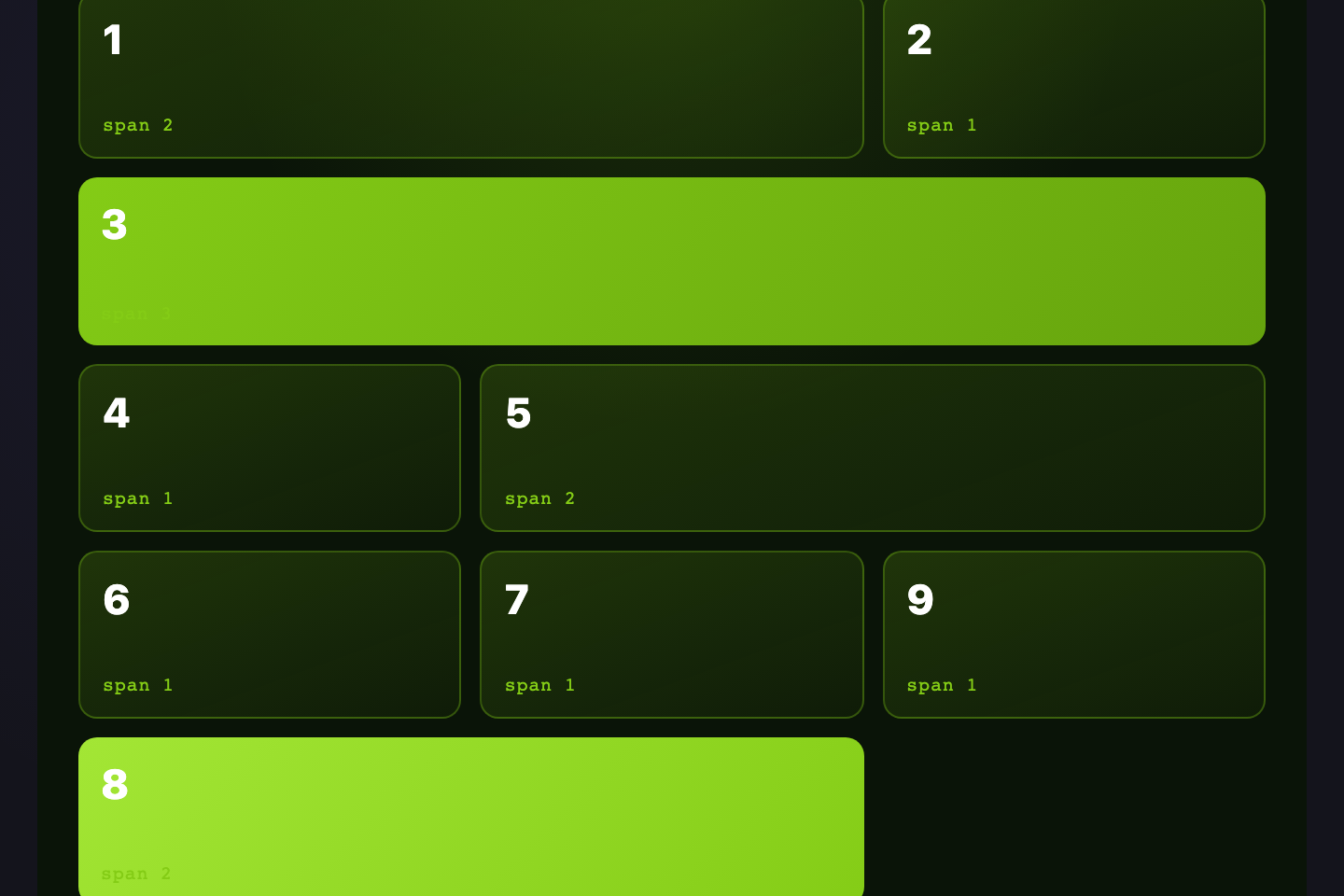
Tiles of varying spans simulate an image gallery with mixed aspect ratios — wide landscapes, tall portraits, square thumbnails — all in one grid via per-cell `grid-column` and `grid-row` spans.
Try it
.gl-mos {
  display: grid;
  grid-template-columns: repeat(4, 1fr);
  grid-auto-rows: 50px;
  gap: 5px;
  width: 320px;
  font-family: system-ui, sans-serif;
  font-weight: 700;
  font-size: 13px;
  color: #fff;
  text-shadow: 0 1px 2px rgba(0,0,0,0.3);
}
.gl-mos > * {
  display: flex; align-items: center; justify-content: center;
  border-radius: 5px;
}
.gl-mos-1 { grid-column: span 2; grid-row: span 2; background: linear-gradient(135deg, #7c6cff, #a78bfa); }
.gl-mos-2 { grid-column: span 2; grid-row: span 3; background: linear-gradient(135deg, #ff6c8a, #ff9a76); }
.gl-mos-3 { background: linear-gradient(135deg, #2eb88a, #3de8aa); }
.gl-mos-4 { background: linear-gradient(135deg, #f5a84a, #ffd479); }
.gl-mos-5 { grid-column: span 2; background: linear-gradient(135deg, #3de8f5, #5aa0e0); }
.gl-mos-6 { background: linear-gradient(135deg, #a78bfa, #cbb8ff); }
.gl-mos-7 { background: linear-gradient(135deg, #ff6c8a, #a78bfa); }
<div class="gl-mos">
  <div class="gl-mos-1">L</div>
  <div class="gl-mos-2">P</div>
  <div class="gl-mos-3">S</div>
  <div class="gl-mos-4">S</div>
  <div class="gl-mos-5">W</div>
  <div class="gl-mos-6">S</div>
  <div class="gl-mos-7">S</div>
</div>
18 / 24
Dense Packing
Pure CSS
A
B
C
D
E
F
G
H
I
When some cells span multiple columns and the natural flow leaves holes, `grid-auto-flow: dense` pulls smaller cells back to fill the gaps. Compare to the default `row` flow that leaves visible holes.
Try it
.gl-dense {
  display: grid;
  grid-template-columns: repeat(4, 1fr);
  grid-auto-rows: 46px;
  grid-auto-flow: dense;
  gap: 5px;
  width: 320px;
  font-family: monospace;
  font-size: 13px; font-weight: 700;
  color: #fff;
  text-shadow: 0 1px 2px rgba(0,0,0,0.3);
}
.gl-dense > * {
  display: flex; align-items: center; justify-content: center;
  background: linear-gradient(135deg, #7c6cff, #a78bfa);
  border-radius: 5px;
}
.gl-dense-x {
  grid-column: span 2; grid-row: span 2;
  background: linear-gradient(135deg, #ff6c8a, #ff9a76);
  font-size: 18px;
}
<div class="gl-dense">
  <div class="gl-dense-x">A</div>
  <div>B</div>
  <div>C</div>
  <div>D</div>
  <div class="gl-dense-x">E</div>
  <div>F</div>
  <div>G</div>
  <div>H</div>
  <div>I</div>
</div>
19 / 24
Numbered Steps Track
Pure CSS
  1. 1
  2. 2
  3. 3
  4. 4
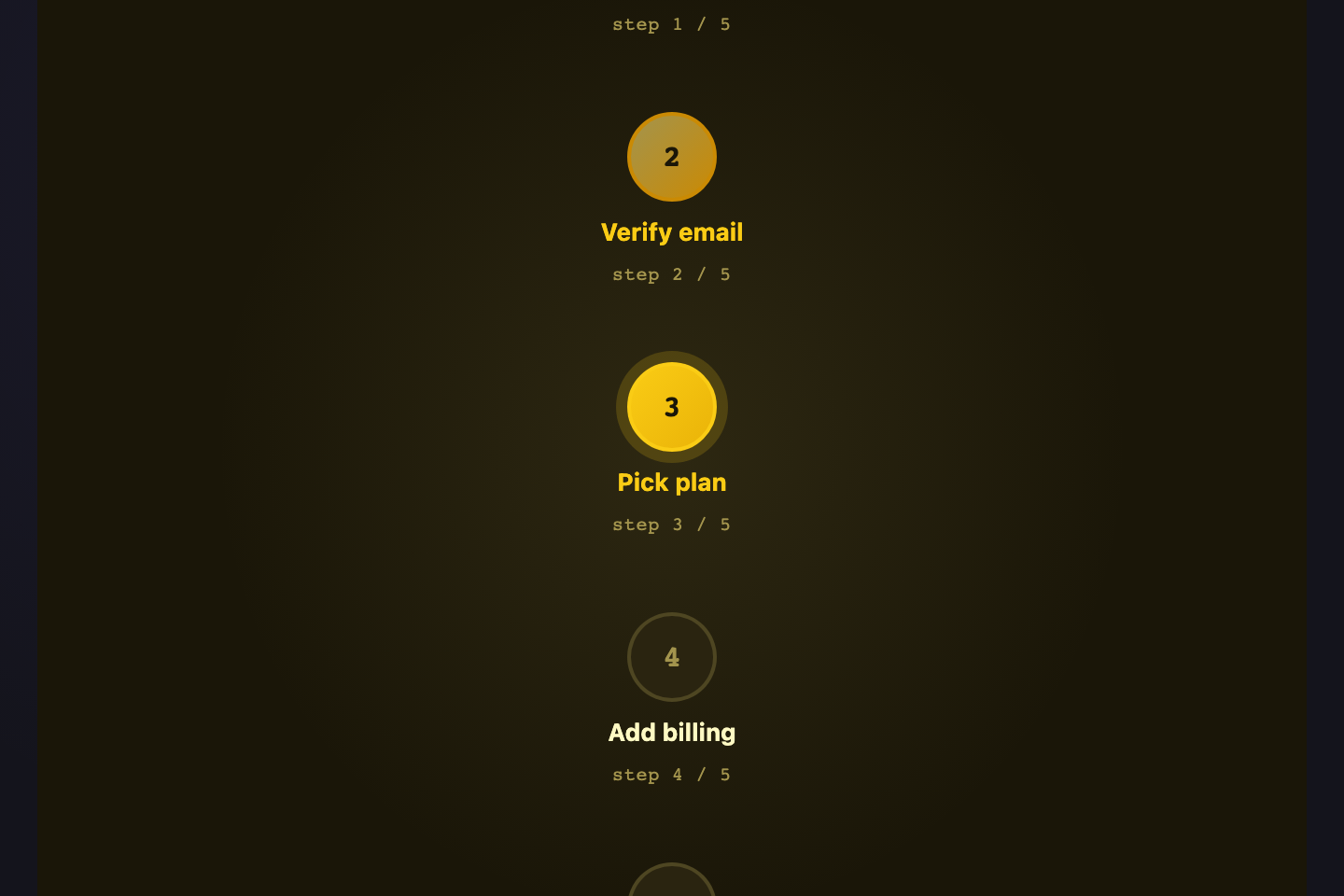
A horizontal step-indicator with a connecting line drawn behind the numbers via a `::before` pseudo-element on the container. The line spans full width while each step sits on top — common in checkout, onboarding, and forms.
Try it
.gl-steps {
  display: grid;
  grid-template-columns: repeat(4, 1fr);
  list-style: none; padding: 0; margin: 0;
  position: relative;
  width: 320px;
  font-family: system-ui, sans-serif;
  color: #b8b6d4;
}
.gl-steps::before {
  content: '';
  position: absolute;
  top: 18px; left: 40px; right: 40px;
  height: 2px;
  background: rgba(167,139,250,0.2);
  z-index: 0;
}
.gl-step {
  display: flex; flex-direction: column; align-items: center; gap: 6px;
  position: relative; z-index: 1;
}
.gl-step span {
  width: 36px; height: 36px;
  display: flex; align-items: center; justify-content: center;
  background: #18181f;
  border: 2px solid rgba(167,139,250,0.3);
  border-radius: 50%;
  font-family: monospace; font-size: 13px; font-weight: 700;
  color: #b8b6d4;
}
.gl-step label {
  font-size: 10.5px; font-weight: 600;
}
.gl-step-done span {
  background: linear-gradient(135deg, #7c6cff, #a78bfa);
  border-color: #a78bfa;
  color: #fff;
}
.gl-step-cur span {
  background: #18181f;
  border-color: #a78bfa;
  color: #a78bfa;
  box-shadow: 0 0 0 4px rgba(167,139,250,0.2);
}
.gl-step-cur label { color: #fff; }
<ol class="gl-steps">
  <li class="gl-step gl-step-done"><span>1</span><label>Plan</label></li>
  <li class="gl-step gl-step-done"><span>2</span><label>Build</label></li>
  <li class="gl-step gl-step-cur"><span>3</span><label>Review</label></li>
  <li class="gl-step"><span>4</span><label>Ship</label></li>
</ol>
20 / 24
Mac App Sidebar
Pure CSS
●●● Mac App
Main content
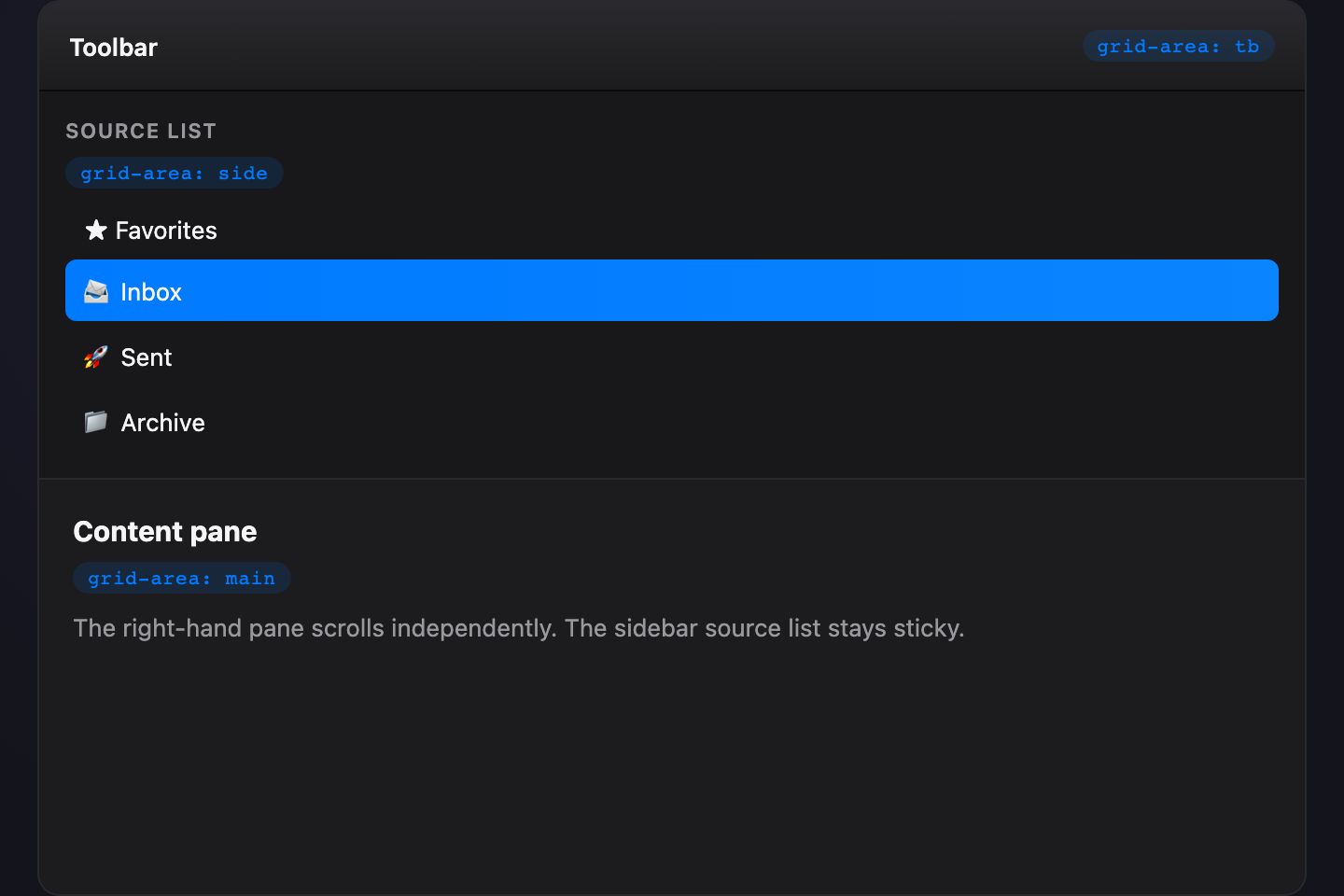
A three-pane macOS-style app shell — fixed sidebar, fluid main content, optional inspector on the right. `grid-template-columns: 80px 1fr 70px` plus a header row gives Mail, Notes, and Slack their familiar shape.
Try it
.gl-mac {
  display: grid;
  grid-template-columns: 80px 1fr 70px;
  grid-template-rows: 30px 1fr;
  gap: 1px;
  background: rgba(124,108,255,0.18);
  border: 1px solid rgba(124,108,255,0.3);
  border-radius: 8px;
  overflow: hidden;
  width: 320px; height: 200px;
  font-family: -apple-system, system-ui, sans-serif;
  font-size: 10.5px;
  color: #cbd5e1;
}
.gl-mac-tb {
  grid-column: 1 / -1;
  background: rgba(124,108,255,0.18);
  color: #a78bfa;
  display: flex; align-items: center; padding: 0 10px;
  font-family: monospace; font-size: 10px;
  letter-spacing: 0.06em;
}
.gl-mac-side, .gl-mac-main, .gl-mac-insp {
  background: #18181f;
  padding: 10px;
}
.gl-mac-side { display: flex; flex-direction: column; gap: 6px; }
.gl-mac-side > div {
  padding: 4px 8px; border-radius: 4px;
  background: rgba(167,139,250,0.12);
}
.gl-mac-side > div:first-child {
  background: linear-gradient(135deg, #7c6cff, #a78bfa);
  color: #fff;
}
.gl-mac-main {
  display: flex; align-items: center; justify-content: center;
  font-weight: 600; color: #f0eeff;
}
.gl-mac-insp {
  display: flex; align-items: center; justify-content: center;
  text-align: center;
  font-size: 9.5px;
  color: #b8b6d4;
}
<div class="gl-mac">
  <div class="gl-mac-tb">●●●  Mac App</div>
  <aside class="gl-mac-side">
    <div>Inbox</div>
    <div>Drafts</div>
    <div>Sent</div>
    <div>Spam</div>
  </aside>
  <main class="gl-mac-main">Main content</main>
  <aside class="gl-mac-insp">Inspector</aside>
</div>
21 / 24
Scroll-Snap Slider
Pure CSS
1
2
3
4
5
6
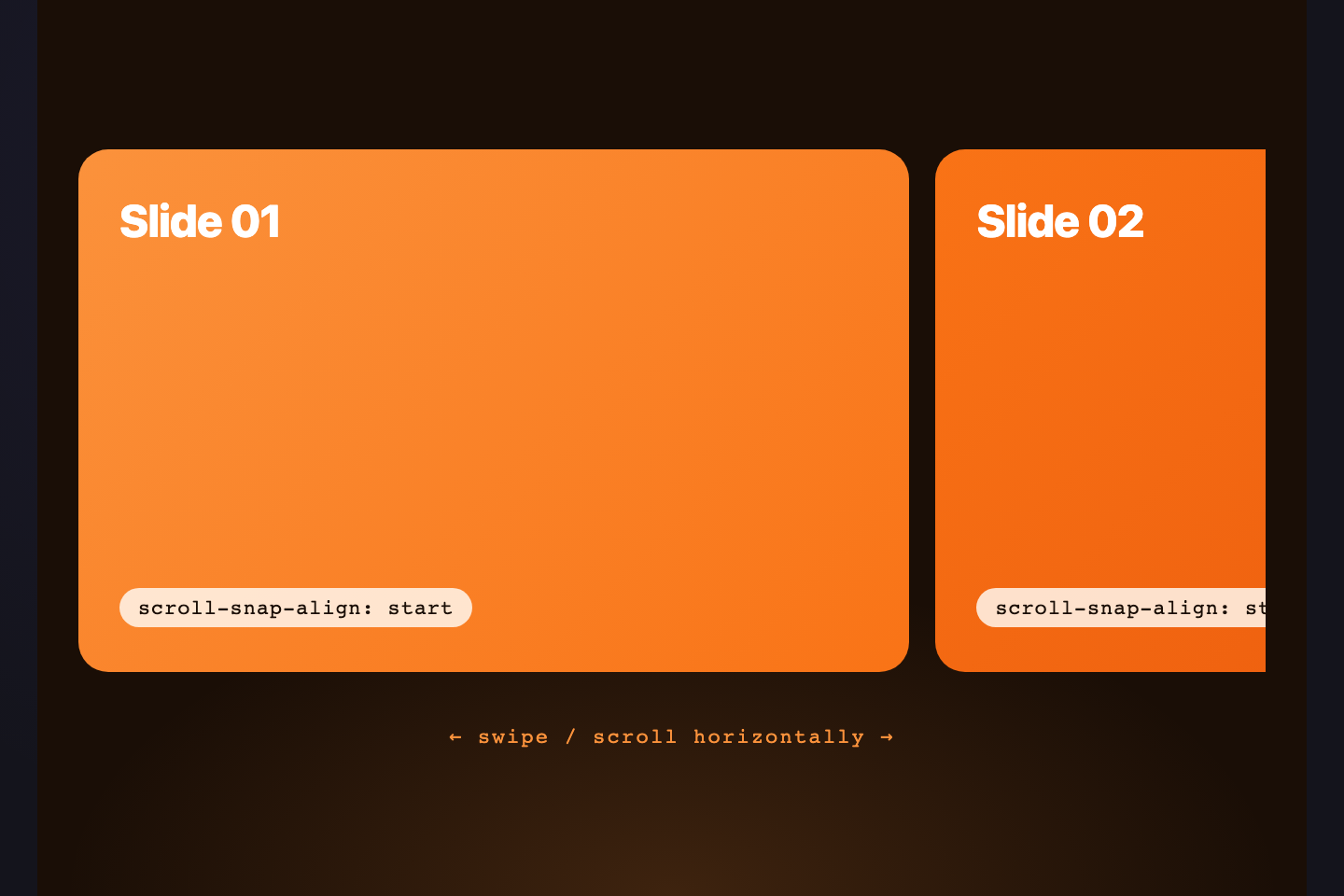
A horizontal scroller where each card snaps cleanly to the viewport edge — built with `grid-auto-flow: column` plus `scroll-snap-type: x mandatory`. Drag-or-swipe navigation with no JavaScript, perfect for mobile carousels.
Try it
.gl-snap {
  display: grid;
  grid-auto-flow: column;
  grid-auto-columns: 80%;
  gap: 8px;
  width: 320px;
  padding: 4px 4px 12px;
  overflow-x: auto;
  scroll-snap-type: x mandatory;
  scroll-padding: 4px;
  font-family: system-ui, sans-serif;
  font-weight: 700;
  font-size: 32px;
  color: #fff;
  text-shadow: 0 2px 4px rgba(0,0,0,0.3);
}
.gl-snap > div {
  scroll-snap-align: start;
  height: 130px;
  border-radius: 10px;
  display: flex; align-items: center; justify-content: center;
  background: linear-gradient(135deg, #7c6cff, #a78bfa);
}
.gl-snap > div:nth-child(2) { background: linear-gradient(135deg, #ff6c8a, #ff9a76); }
.gl-snap > div:nth-child(3) { background: linear-gradient(135deg, #2eb88a, #3de8aa); }
.gl-snap > div:nth-child(4) { background: linear-gradient(135deg, #f5a84a, #ffd479); }
.gl-snap > div:nth-child(5) { background: linear-gradient(135deg, #3de8f5, #5aa0e0); }
.gl-snap > div:nth-child(6) { background: linear-gradient(135deg, #a78bfa, #cbb8ff); }
<div class="gl-snap">
  <div>1</div>
  <div>2</div>
  <div>3</div>
  <div>4</div>
  <div>5</div>
  <div>6</div>
</div>
22 / 24
Aurora Map
Pure CSS
Glowing nodes positioned via grid-line numbers (not transforms) on a 6×4 starfield. Connecting lines are `::before` pseudos — no SVG. Demonstrates that grid is a positioning system, not just a layout one.
Try it
.gl-aur {
  display: grid;
  grid-template-columns: repeat(6, 1fr);
  grid-template-rows: repeat(4, 1fr);
  width: 320px; height: 200px;
  background:
    radial-gradient(60% 60% at 50% 50%, rgba(124,108,255,0.18), transparent 70%),
    #0e0e16;
  border: 1px solid rgba(124,108,255,0.25);
  border-radius: 10px;
  padding: 14px;
  position: relative;
}
.gl-aur-n {
  width: 14px; height: 14px;
  align-self: center; justify-self: center;
  border-radius: 50%;
  background: #a78bfa;
  box-shadow:
    0 0 0 3px rgba(167,139,250,0.18),
    0 0 18px rgba(167,139,250,0.6);
  animation: gl-aur-pulse 2.6s ease-in-out infinite;
}
.gl-aur-n:nth-child(2n) { animation-delay: 0.6s; background: #ff6c8a; box-shadow: 0 0 0 3px rgba(255,108,138,0.18), 0 0 18px rgba(255,108,138,0.6); }
.gl-aur-n:nth-child(3n) { animation-delay: 1.2s; background: #3de8f5; box-shadow: 0 0 0 3px rgba(61,232,245,0.18), 0 0 18px rgba(61,232,245,0.6); }
.gl-aur-hub {
  width: 22px; height: 22px;
  background: linear-gradient(135deg, #7c6cff, #a78bfa);
  box-shadow:
    0 0 0 5px rgba(124,108,255,0.22),
    0 0 30px rgba(124,108,255,0.7);
}
@keyframes gl-aur-pulse {
  0%, 100% { transform: scale(1); opacity: 0.85; }
  50%      { transform: scale(1.15); opacity: 1; }
}
@media (prefers-reduced-motion: reduce) {
  .gl-aur-n { animation: none; }
}
<div class="gl-aur">
  <div class="gl-aur-n" style="grid-area:1/1"></div>
  <div class="gl-aur-n gl-aur-hub" style="grid-area:2/3"></div>
  <div class="gl-aur-n" style="grid-area:1/5"></div>
  <div class="gl-aur-n" style="grid-area:3/2"></div>
  <div class="gl-aur-n" style="grid-area:4/4"></div>
  <div class="gl-aur-n" style="grid-area:3/6"></div>
  <div class="gl-aur-n" style="grid-area:4/1"></div>
</div>
23 / 24
Logo Wall
Pure CSS
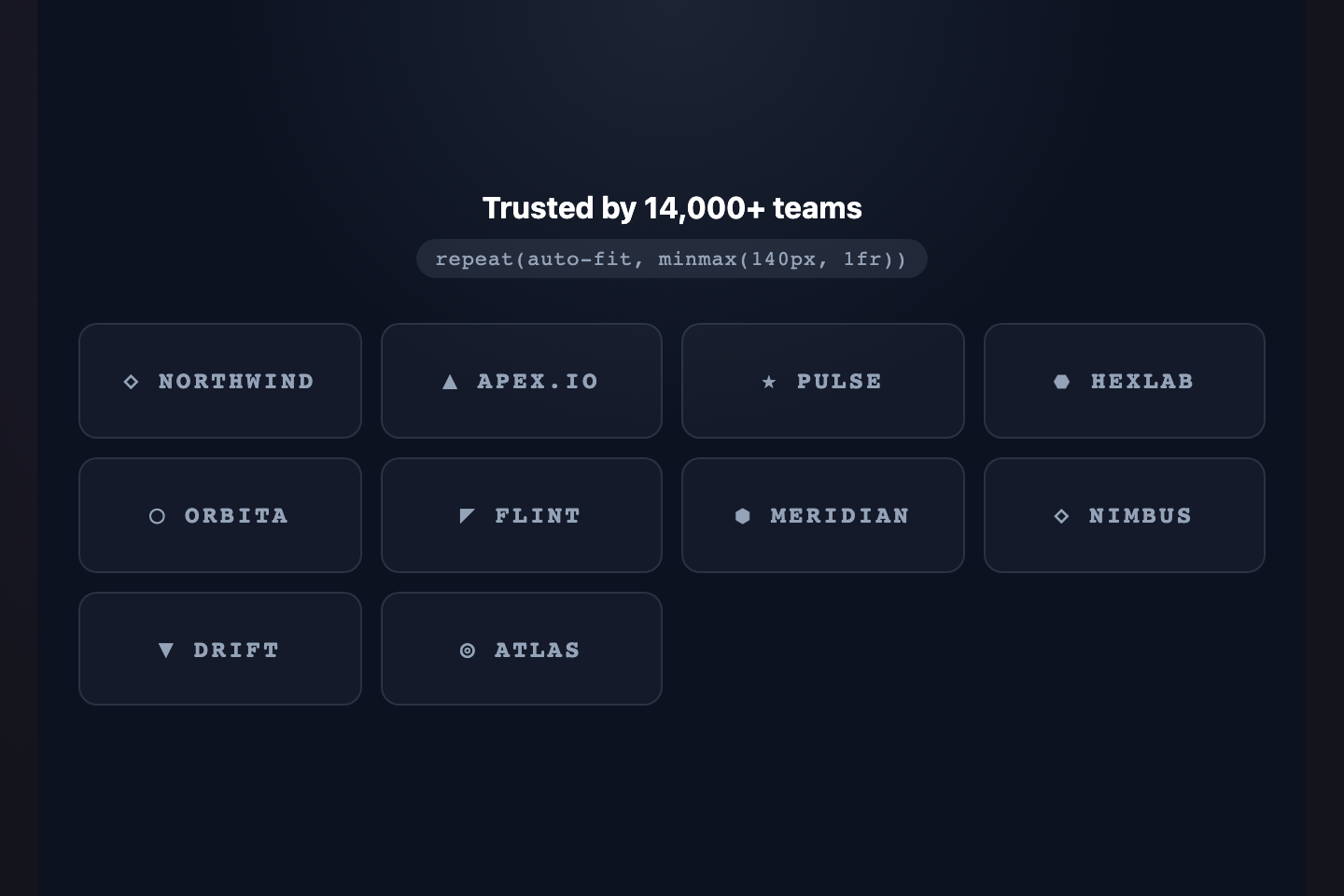
A "trusted by" logo wall built with `repeat(auto-fit, minmax(70px, 1fr))` plus `place-items: center`. Logos sit grayscale at rest and bloom into full color on hover — the convention every B2B landing page uses.
Try it
.gl-logo {
  display: grid;
  grid-template-columns: repeat(auto-fit, minmax(70px, 1fr));
  place-items: center;
  gap: 4px;
  width: 320px;
  padding: 10px;
  background: rgba(255,255,255,0.03);
  border: 1px solid rgba(124,108,255,0.18);
  border-radius: 8px;
  font-family: Georgia, serif;
  font-size: 13px;
  font-weight: 700;
  font-style: italic;
}
.gl-logo > div {
  width: 100%;
  padding: 12px 6px;
  text-align: center;
  color: #b8b6d4;
  filter: grayscale(1);
  opacity: 0.7;
  transition: filter 0.25s, opacity 0.25s, color 0.25s;
}
.gl-logo > div:hover {
  filter: grayscale(0);
  opacity: 1;
  color: #a78bfa;
}
<div class="gl-logo">
  <div>Acme</div>
  <div>Globex</div>
  <div>Initech</div>
  <div>Hooli</div>
  <div>Pied</div>
  <div>Stark</div>
  <div>Wayne</div>
  <div>Umbrella</div>
</div>
24 / 24
Periodic Table
Pure CSS
1H
2He
3Li
4Be
5B
6C
7N
8O
9F
10Ne
11Na
12Mg
13Al
14Si
15P
16S
17Cl
18Ar
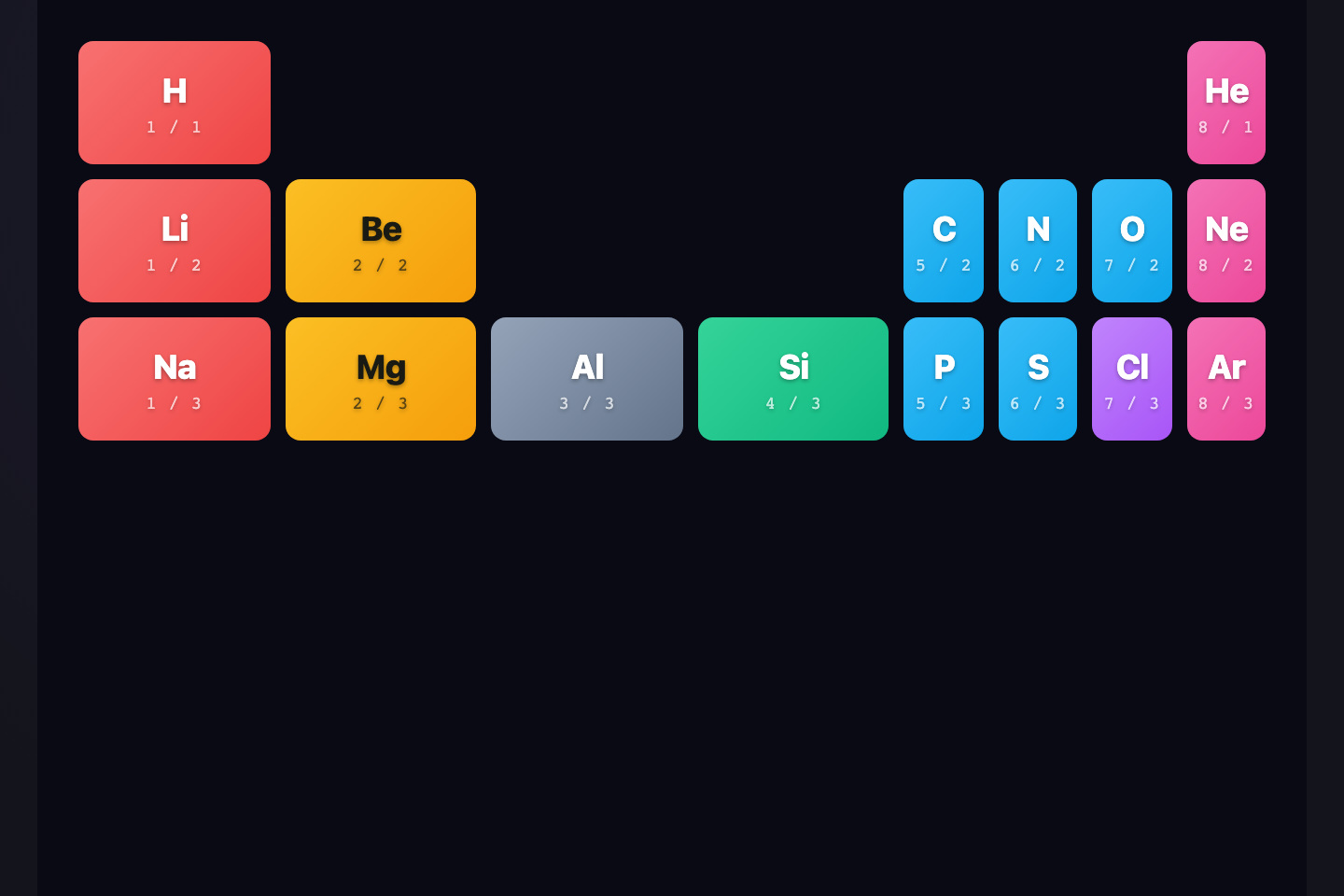
A miniature periodic table — element grid with category color coding. Each cell positioned via `grid-area: row / col` with intentional gaps (the "p-block jump") that mimic the real table's layout.
Try it
.gl-pt {
  display: grid;
  grid-template-columns: repeat(9, 1fr);
  grid-template-rows: repeat(3, 36px);
  gap: 3px;
  width: 320px;
  font-family: system-ui, sans-serif;
  color: #fff;
}
.gl-pt-c {
  display: flex; flex-direction: column; align-items: center; justify-content: center;
  border-radius: 3px;
  font-size: 11px; font-weight: 700;
  text-shadow: 0 1px 1px rgba(0,0,0,0.3);
  line-height: 1;
}
.gl-pt-c b {
  font-size: 7.5px;
  font-weight: 500;
  margin-bottom: 1px;
  opacity: 0.8;
}
.gl-pt-h     { background: linear-gradient(135deg, #2eb88a, #3de8aa); }
.gl-pt-noble { background: linear-gradient(135deg, #ff6c8a, #ff9a76); }
.gl-pt-alk   { background: linear-gradient(135deg, #f5a84a, #ffd479); }
.gl-pt-alke  { background: linear-gradient(135deg, #ffd479, #f5a84a); color: #1a1a2e; text-shadow: none; }
.gl-pt-met   { background: linear-gradient(135deg, #7c6cff, #a78bfa); }
.gl-pt-non   { background: linear-gradient(135deg, #3de8f5, #5aa0e0); }
.gl-pt-hal   { background: linear-gradient(135deg, #a78bfa, #cbb8ff); color: #1a1a2e; text-shadow: none; }
<div class="gl-pt">
  <div class="gl-pt-c gl-pt-h" style="grid-area:1/1"><b>1</b>H</div>
  <div class="gl-pt-c gl-pt-noble" style="grid-area:1/9"><b>2</b>He</div>
  <div class="gl-pt-c gl-pt-alk" style="grid-area:2/1"><b>3</b>Li</div>
  <div class="gl-pt-c gl-pt-alke" style="grid-area:2/2"><b>4</b>Be</div>
  <div class="gl-pt-c gl-pt-met" style="grid-area:2/4"><b>5</b>B</div>
  <div class="gl-pt-c gl-pt-non" style="grid-area:2/5"><b>6</b>C</div>
  <div class="gl-pt-c gl-pt-non" style="grid-area:2/6"><b>7</b>N</div>
  <div class="gl-pt-c gl-pt-non" style="grid-area:2/7"><b>8</b>O</div>
  <div class="gl-pt-c gl-pt-hal" style="grid-area:2/8"><b>9</b>F</div>
  <div class="gl-pt-c gl-pt-noble" style="grid-area:2/9"><b>10</b>Ne</div>
  <div class="gl-pt-c gl-pt-alk" style="grid-area:3/1"><b>11</b>Na</div>
  <div class="gl-pt-c gl-pt-alke" style="grid-area:3/2"><b>12</b>Mg</div>
  <div class="gl-pt-c gl-pt-met" style="grid-area:3/4"><b>13</b>Al</div>
  <div class="gl-pt-c gl-pt-met" style="grid-area:3/5"><b>14</b>Si</div>
  <div class="gl-pt-c gl-pt-non" style="grid-area:3/6"><b>15</b>P</div>
  <div class="gl-pt-c gl-pt-non" style="grid-area:3/7"><b>16</b>S</div>
  <div class="gl-pt-c gl-pt-hal" style="grid-area:3/8"><b>17</b>Cl</div>
  <div class="gl-pt-c gl-pt-noble" style="grid-area:3/9"><b>18</b>Ar</div>
</div>
FAQ

Frequently asked questions

What is a CSS grid layout?
A CSS grid layout uses display: grid to position elements in two dimensions — rows and columns at the same time — using explicit tracks (`grid-template-columns: 1fr 2fr 1fr`), named regions (`grid-template-areas`), or auto-flowing patterns (`repeat(auto-fit, minmax(240px, 1fr))`). It replaces float layouts and complements flexbox.
When should I use grid instead of flexbox?
Use grid when you need control over BOTH dimensions at once — a page layout with header / sidebar / main / footer, a card gallery that wraps, a dashboard with cells of varying spans. Use flexbox for a single-axis arrangement — a navbar, a button group, a row of pills.
Which CSS grid pattern is the most modern?
`repeat(auto-fit, minmax(N, 1fr))` is the responsive default — it gives you a card grid that wraps without media queries. For aligned content across sibling cards, `grid-template-rows: subgrid` (Chrome 117+, Firefox 71+, Safari 16+) lets a child grid inherit its parent's row tracks. `:has()` plus `nth-last-child` enables quantity queries that adapt to item counts.
Do these grid layouts work without JavaScript?
Yes — every demo in this collection is 100% CSS. No frameworks, no JavaScript handlers. Drop the markup and CSS into any HTML page and the layout works as-is.
Are CSS grid layouts responsive?
Yes. Patterns like RAM (`repeat(auto-fit, minmax())`) re-flow at every viewport size with no media queries. Fixed-track layouts (holy grail, 12-column) typically pair with one breakpoint to switch from multi-column to single-column on mobile. Every layout in this collection is mobile-first.

Related collections