23 CSS Sidebar Layouts

A CSS sidebar layout is a page shell with a vertical column for navigation, filters, or contextual controls beside the main content. These 23 hand-coded layouts are ready-to-ship sidebars for dashboards, documentation, e-commerce filters, and admin tools — copy the markup, point links at your routes, and ship.
23 unique layouts 21 Pure CSS 2 CSS + JS 100% copy-paste ready Published
01 / 23
Fixed Sidebar
Pure CSS
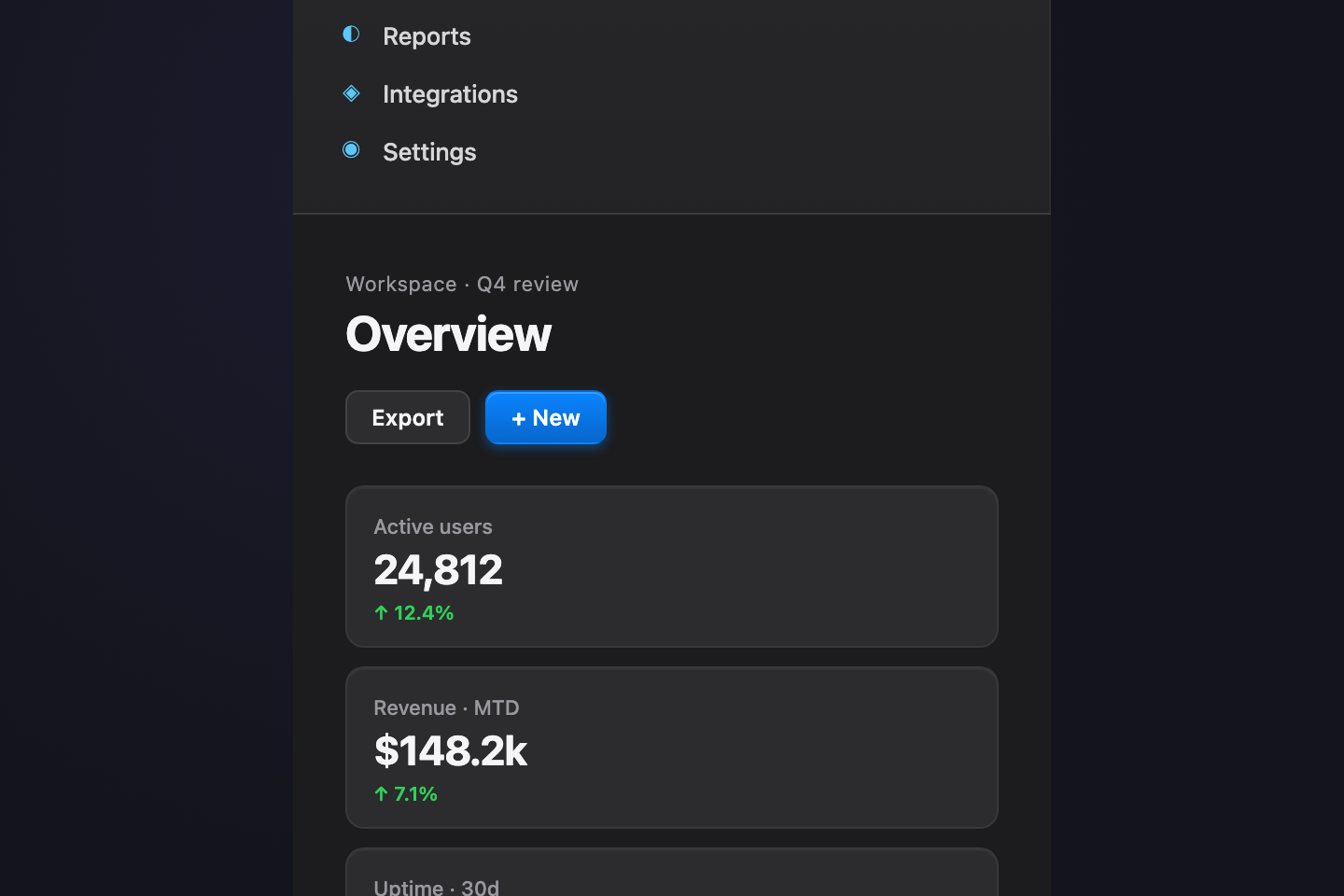
Fixed Sidebar — preview
Apple-Pro premium — brushed-aluminium sidebar on a near-black slate, system-blue accents and SF-style typography.
02 / 23
Collapsible Sidebar
Pure CSS
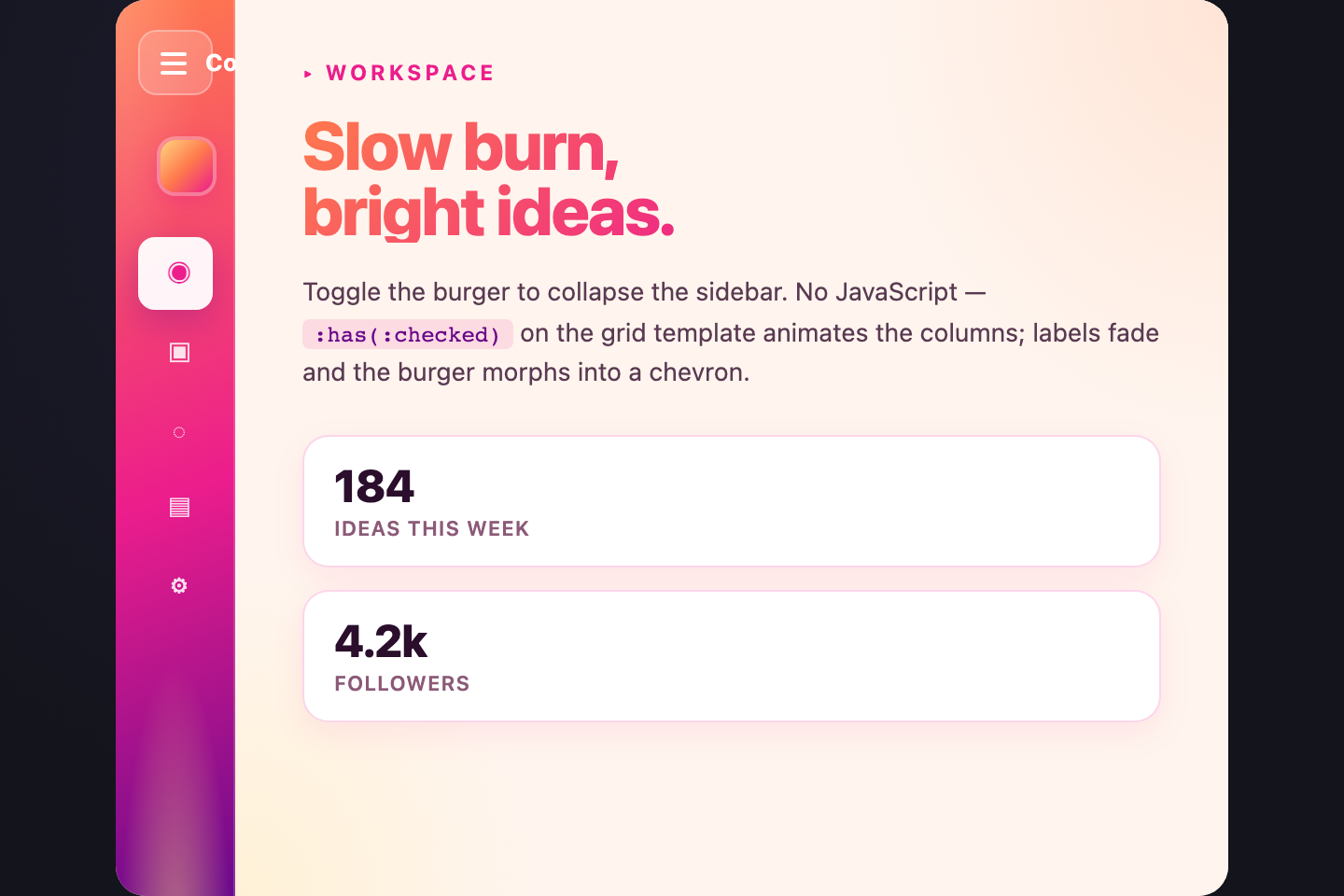
Collapsible Sidebar — preview
Sunset palette — coral fading into magenta and ember orange, with a soft cream content area.
03 / 23
Off-canvas Drawer
Pure CSS
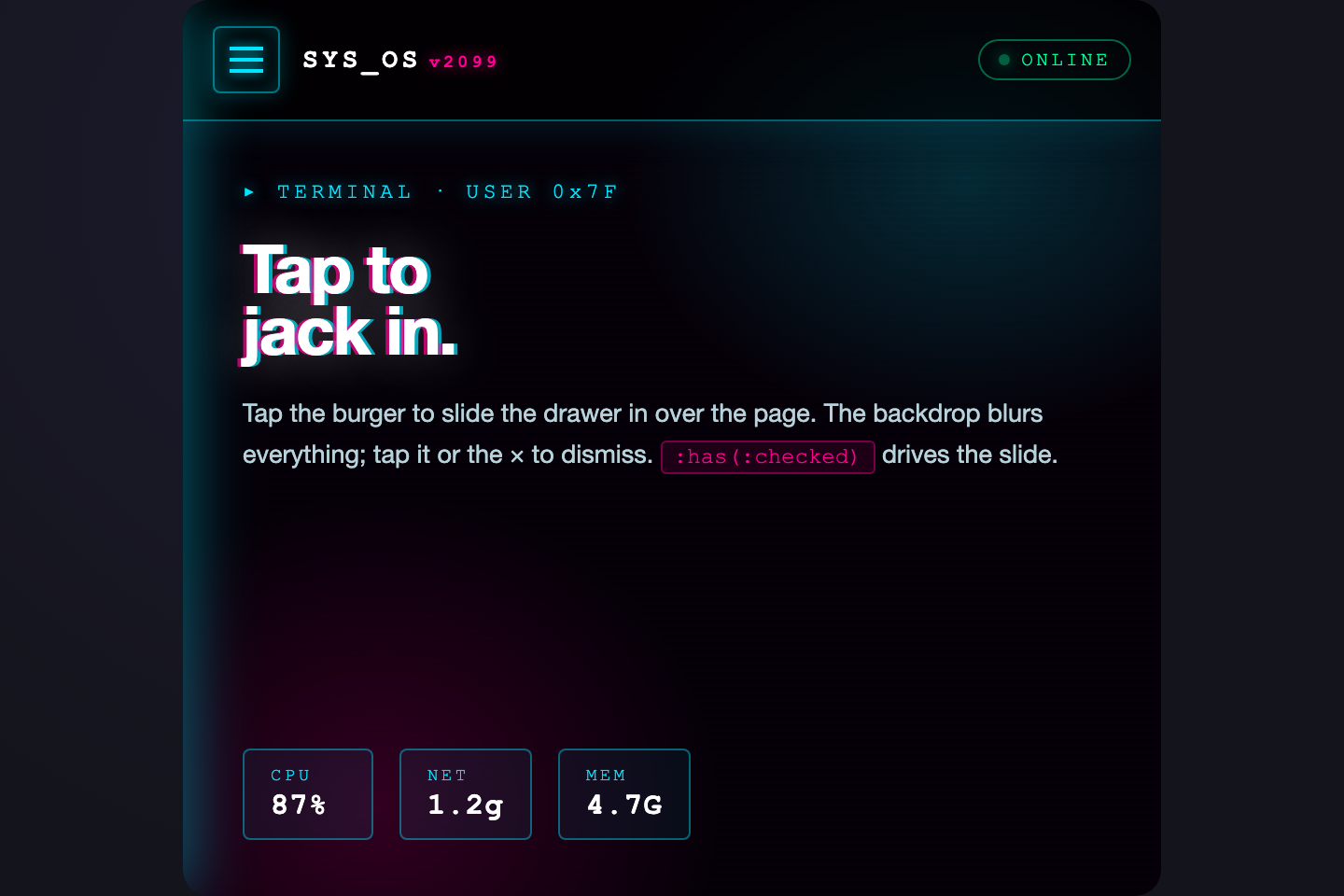
Off-canvas Drawer — preview
Cyberpunk 2099 — pitch black with electric cyan and hot pink, glitching scanlines, monospace HUD type.
04 / 23
Right-aligned Sidebar
Pure CSS
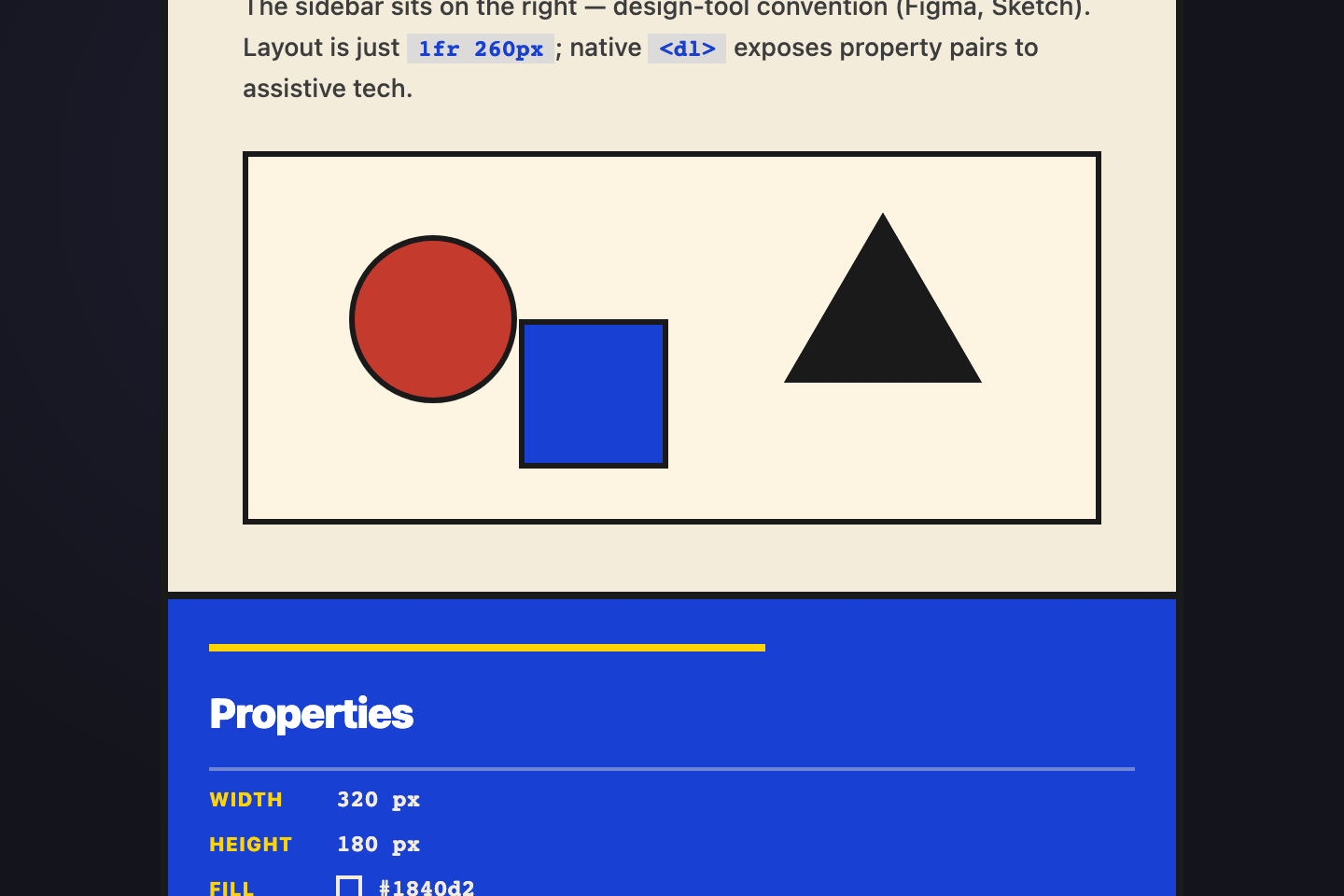
Right-aligned Sidebar — preview
Bauhaus poster — cream canvas, cobalt-blue right rail, primary-red and lemon shapes composing into a designer's inspector pane.
05 / 23
Two-pane Mail
Pure CSS
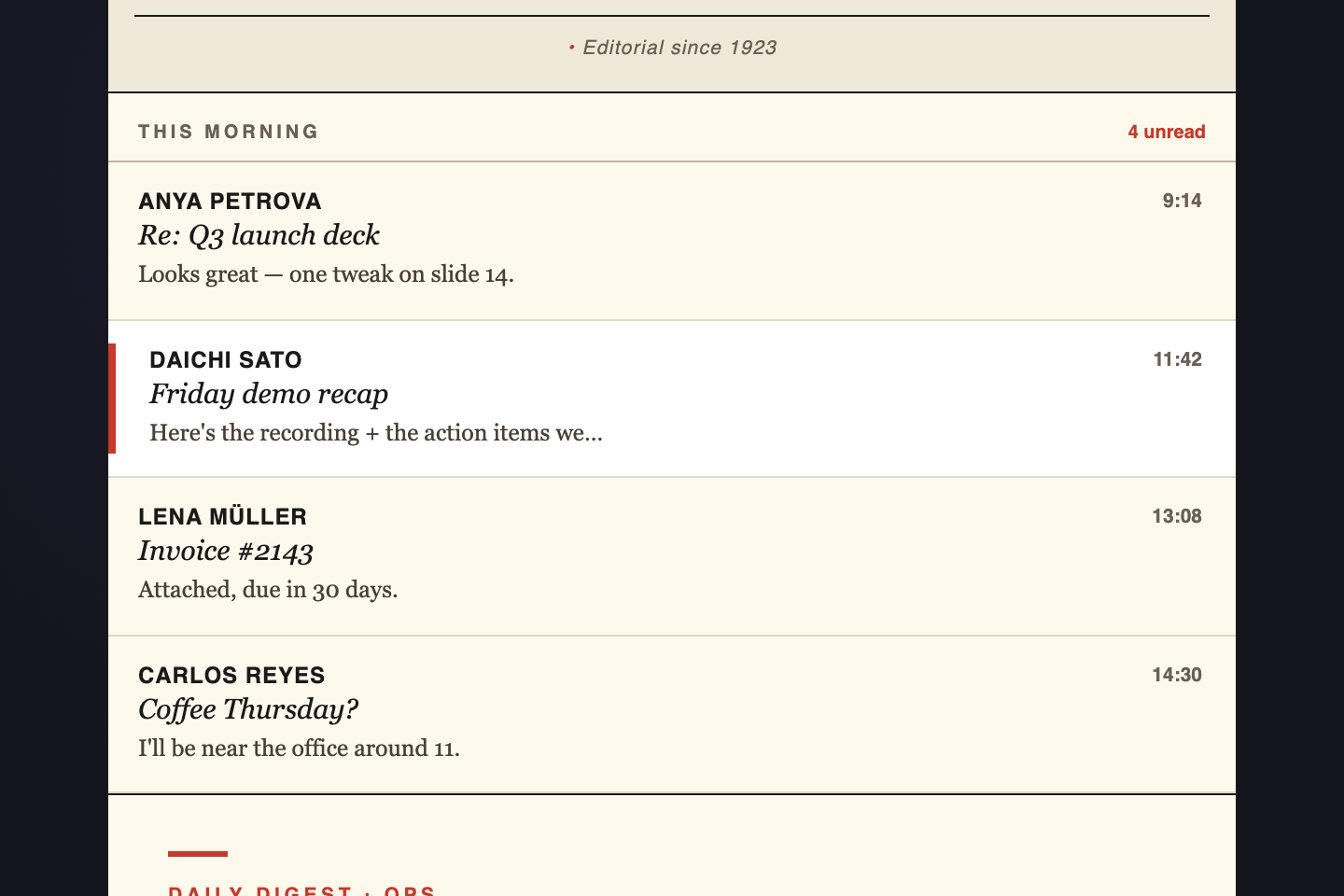
Two-pane Mail — preview
Editorial newspaper — off-white paper, ink-black serif headlines, spot-red active state.
06 / 23
Dual Sidebar
Pure CSS
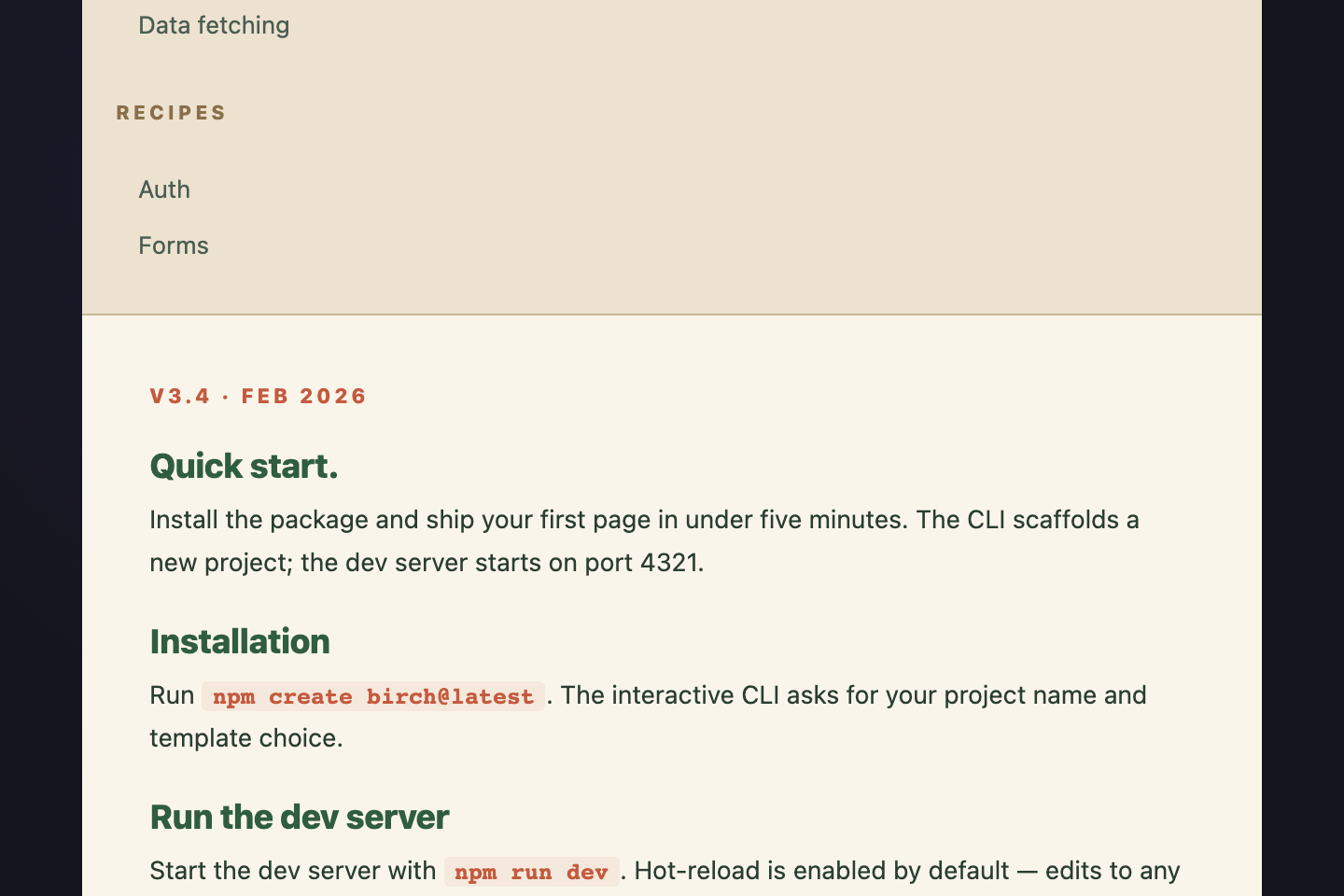
Dual Sidebar — preview
Scandinavian docs — warm beige paper, forest-green section nav, clay-red "active" pill, soft greys for the TOC.
07 / 23
Mini Icon Rail
Pure CSS
Mini Icon Rail — preview
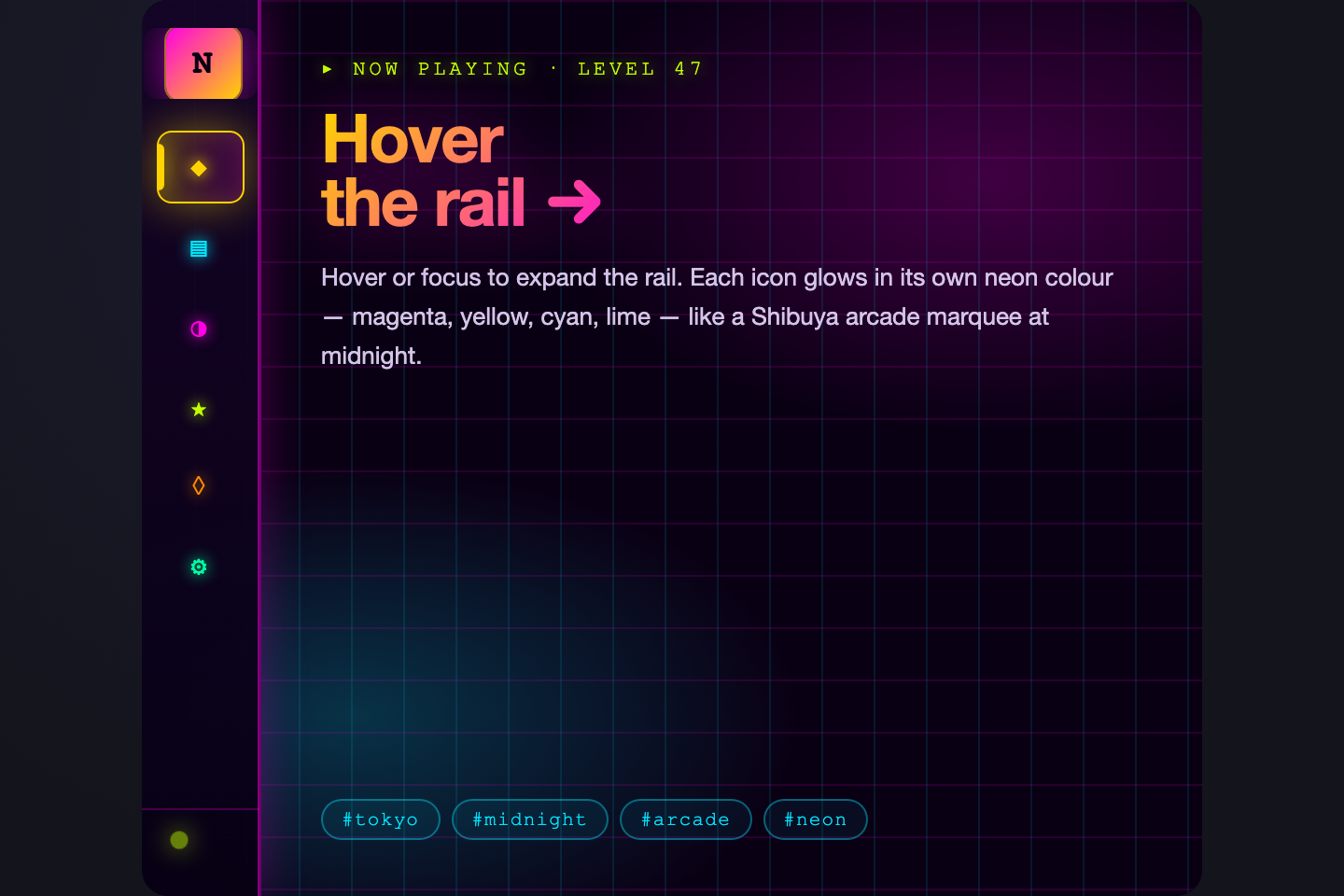
Tokyo neon arcade — deep midnight rail with electric-yellow + magenta glows that pulse on hover.
08 / 23
Sticky Filter Sidebar
Pure CSS
Sticky Filter Sidebar — preview
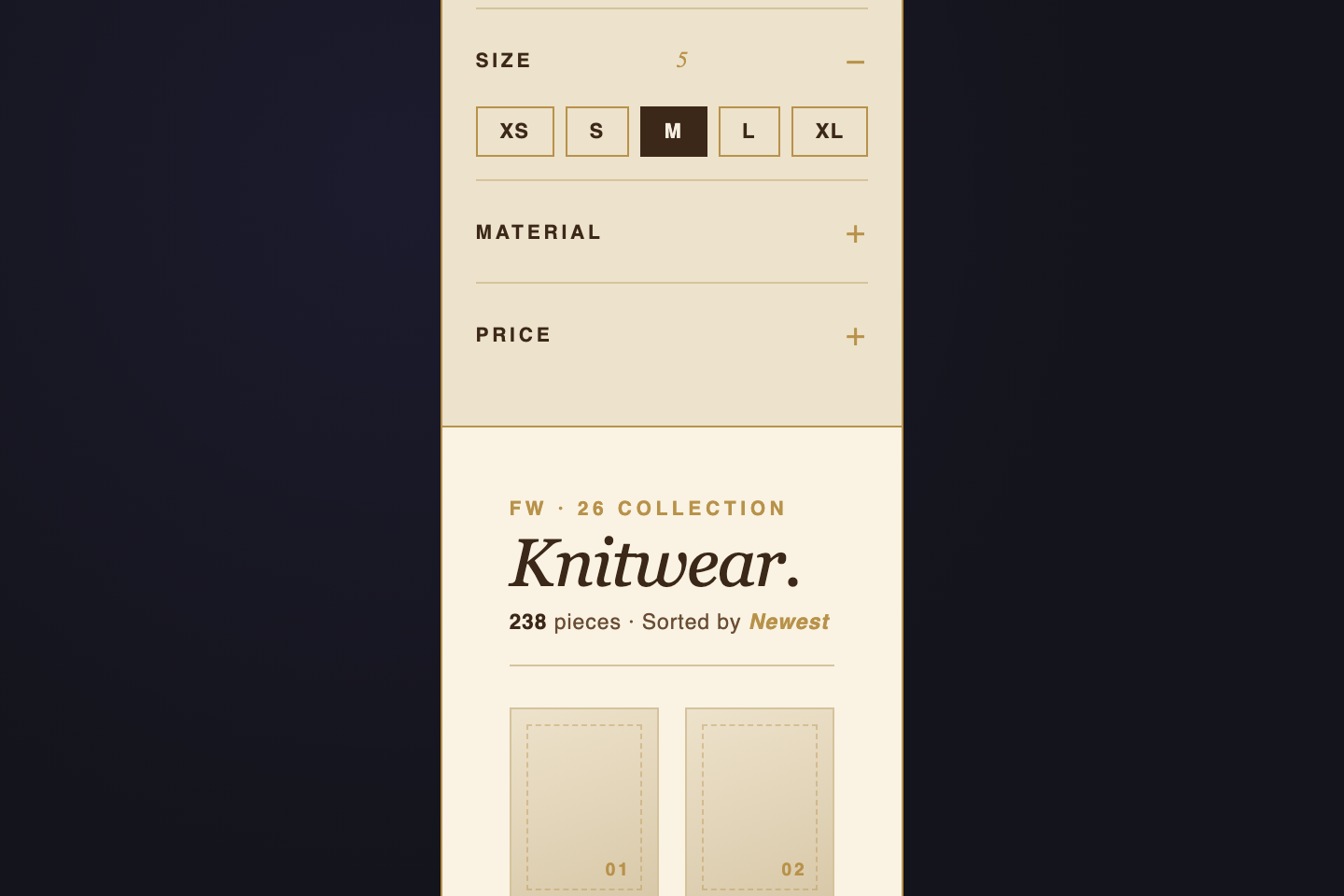
Luxury e-commerce — cream paper, brass-gold accents, chocolate copy.
09 / 23
Floating Sidebar
Pure CSS
Floating Sidebar — preview
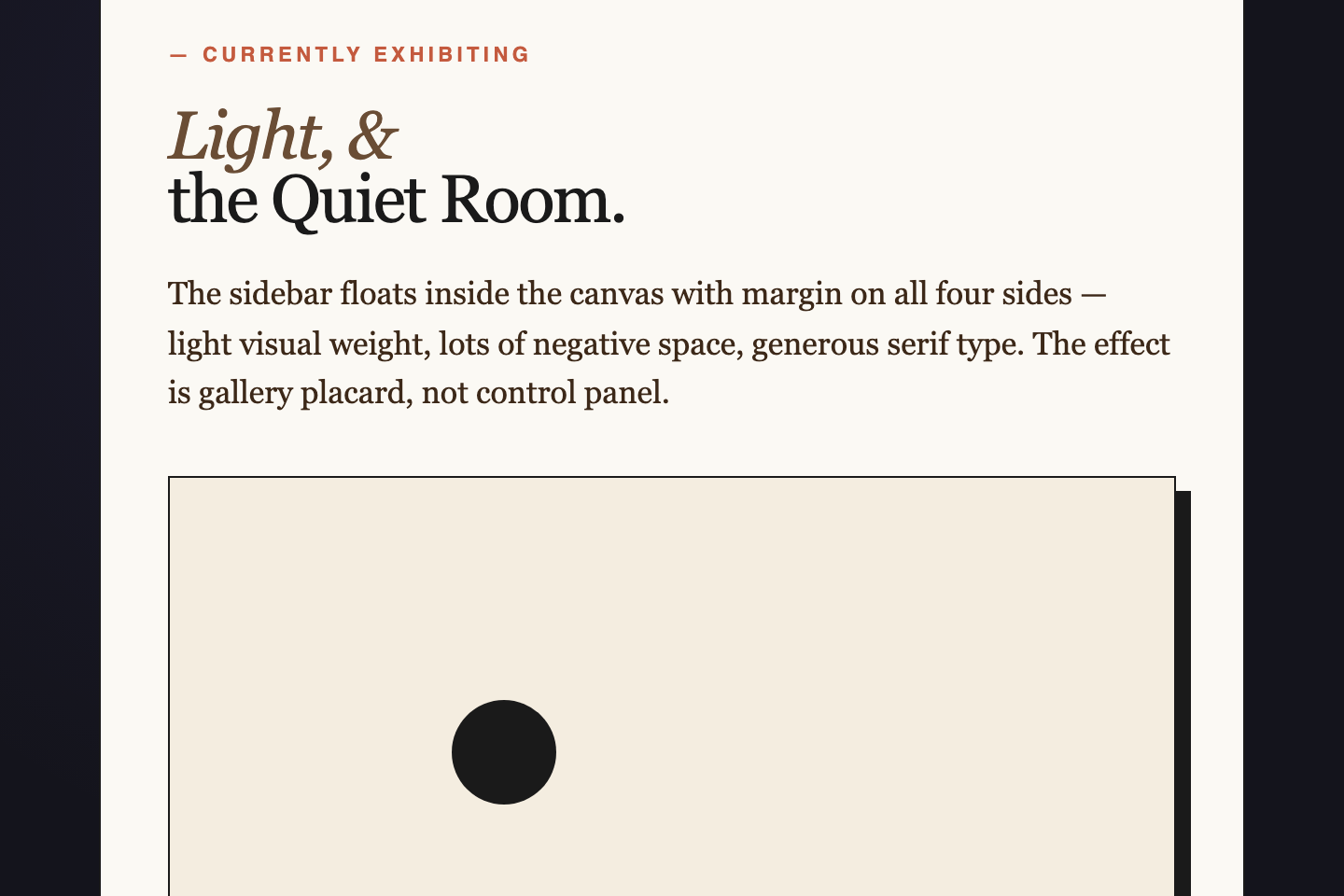
Art gallery white-cube — pure ivory canvas, hairline rules, oversized serif numerals.
10 / 23
Footer-pinned Sidebar
Pure CSS
Footer-pinned Sidebar — preview
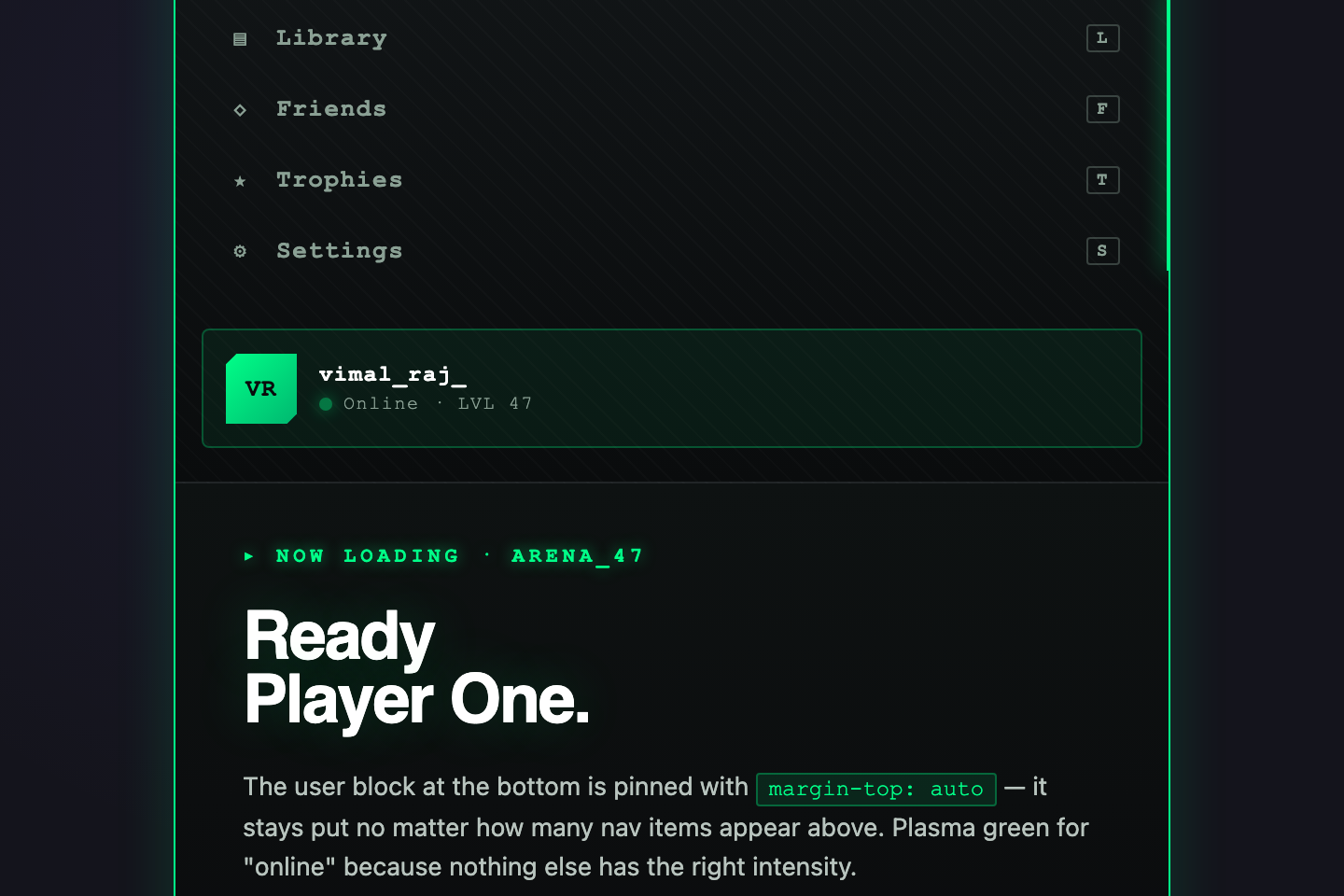
Gaming console — onyx black with carbon-fibre texture, plasma-green accents, monospace HUD type.
11 / 23
Push-content Sidebar
Pure CSS
Push-content Sidebar — preview
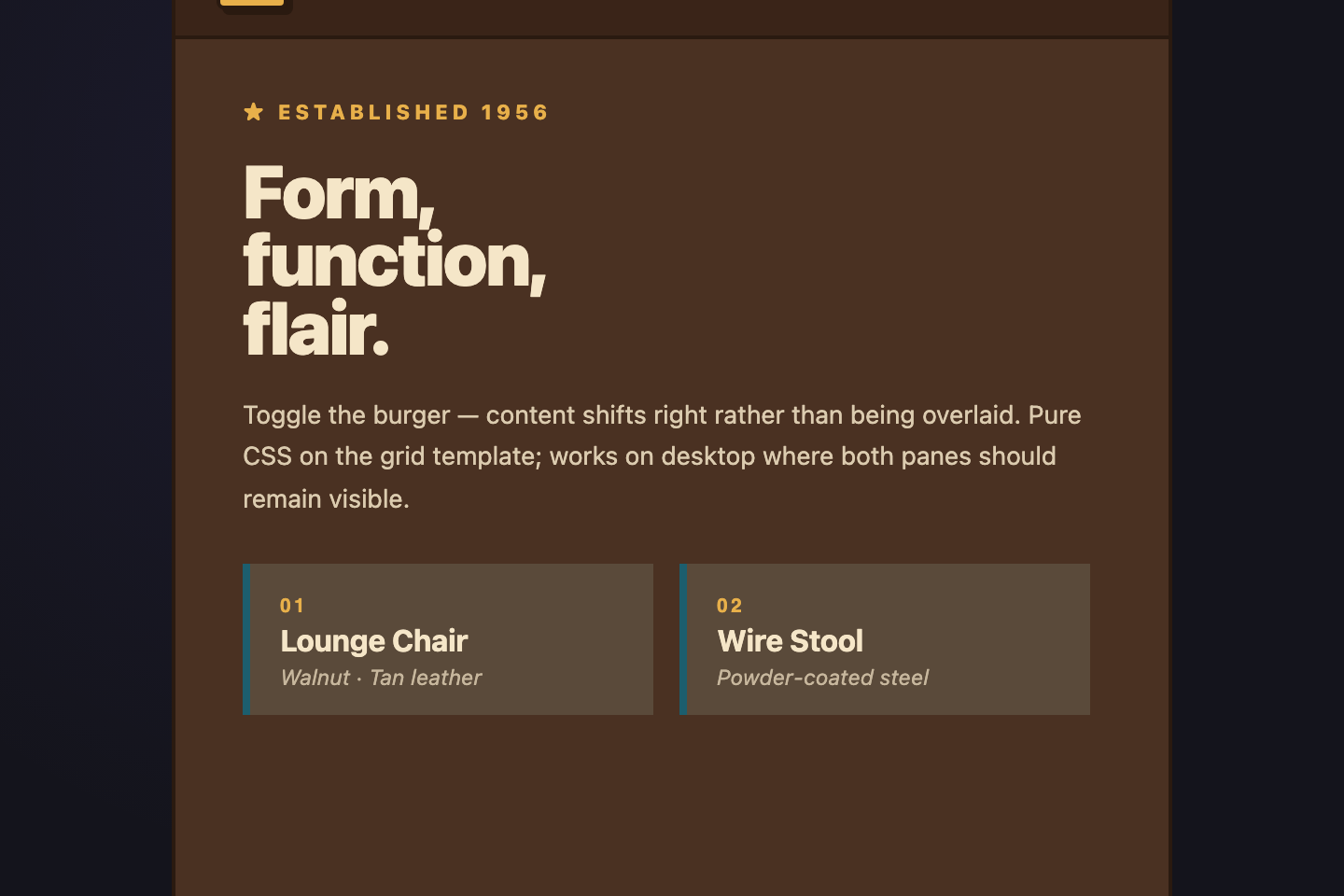
Mid-century modern — mustard sidebar, walnut content area, teal active pill.
12 / 23
Overlay with Backdrop
Pure CSS
Overlay with Backdrop — preview
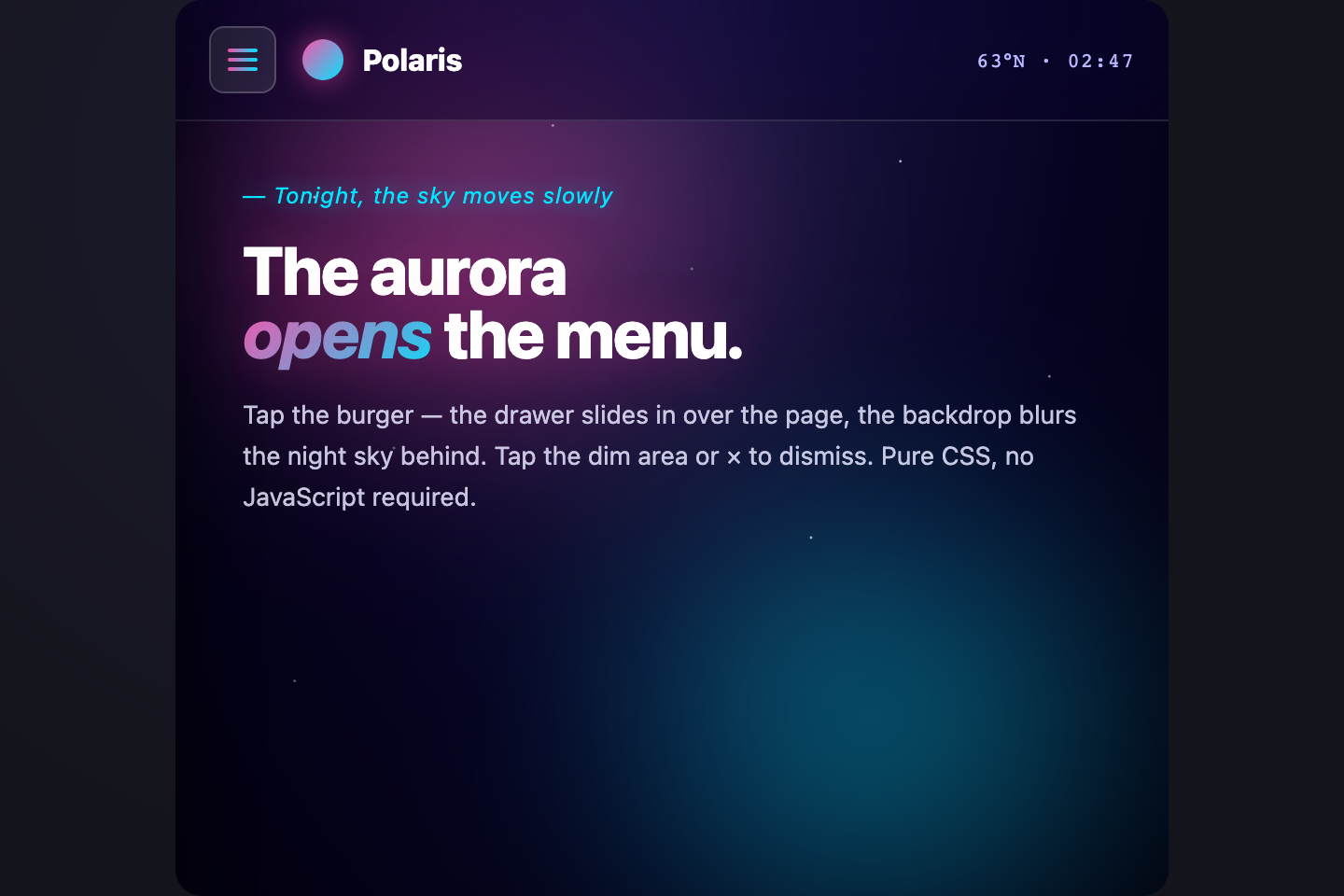
Aurora glassmorphism — deep indigo night sky with drifting aurora-pink and cyan ribbons, frosted glass drawer with chromatic edge.
13 / 23
Persistent Collapsible
Light JS
Persistent Collapsible — preview
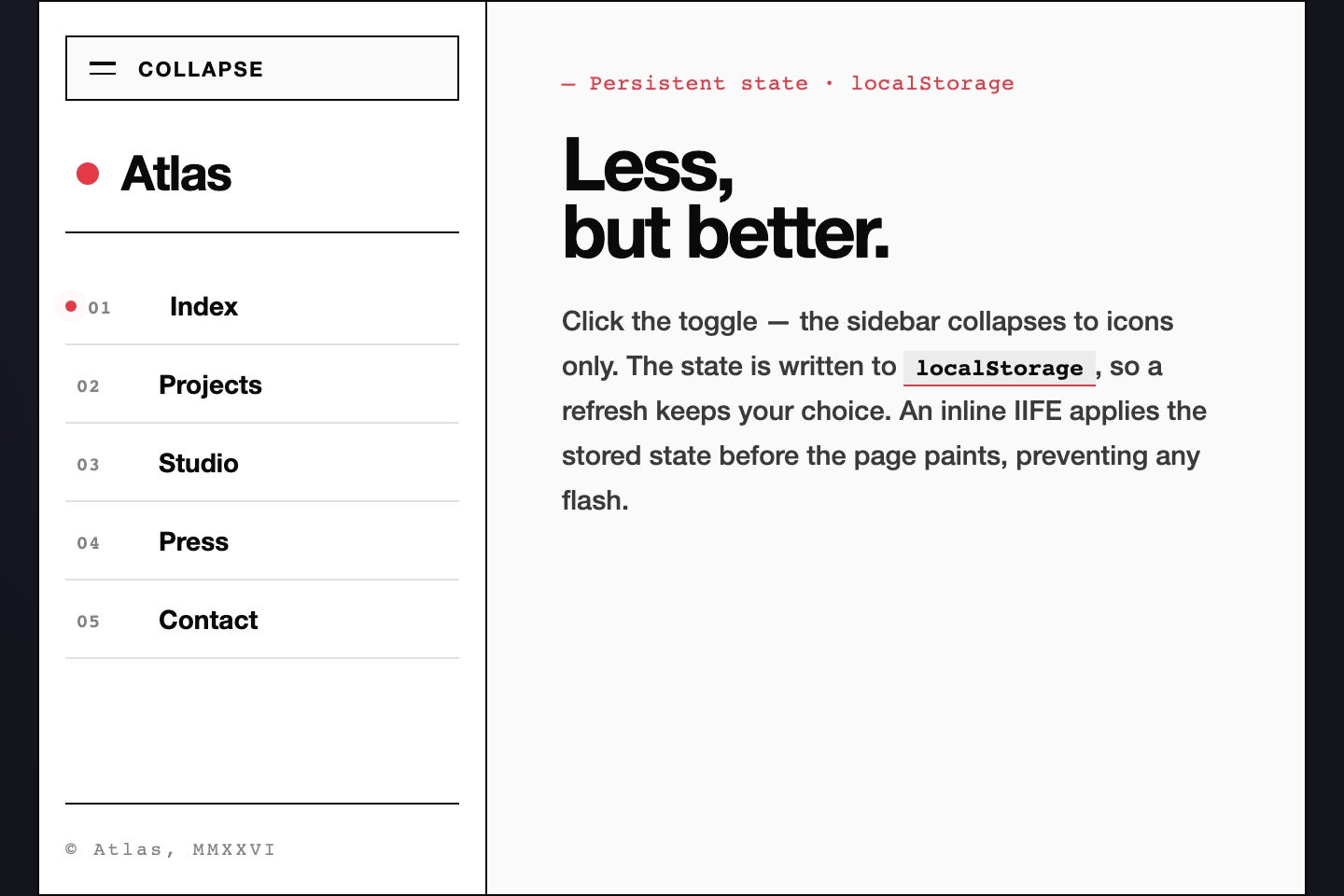
Pure white canvas, ink-black type, one single red dot for the active item.
14 / 23
Search-top Sidebar
Pure CSS
Search-top Sidebar — preview
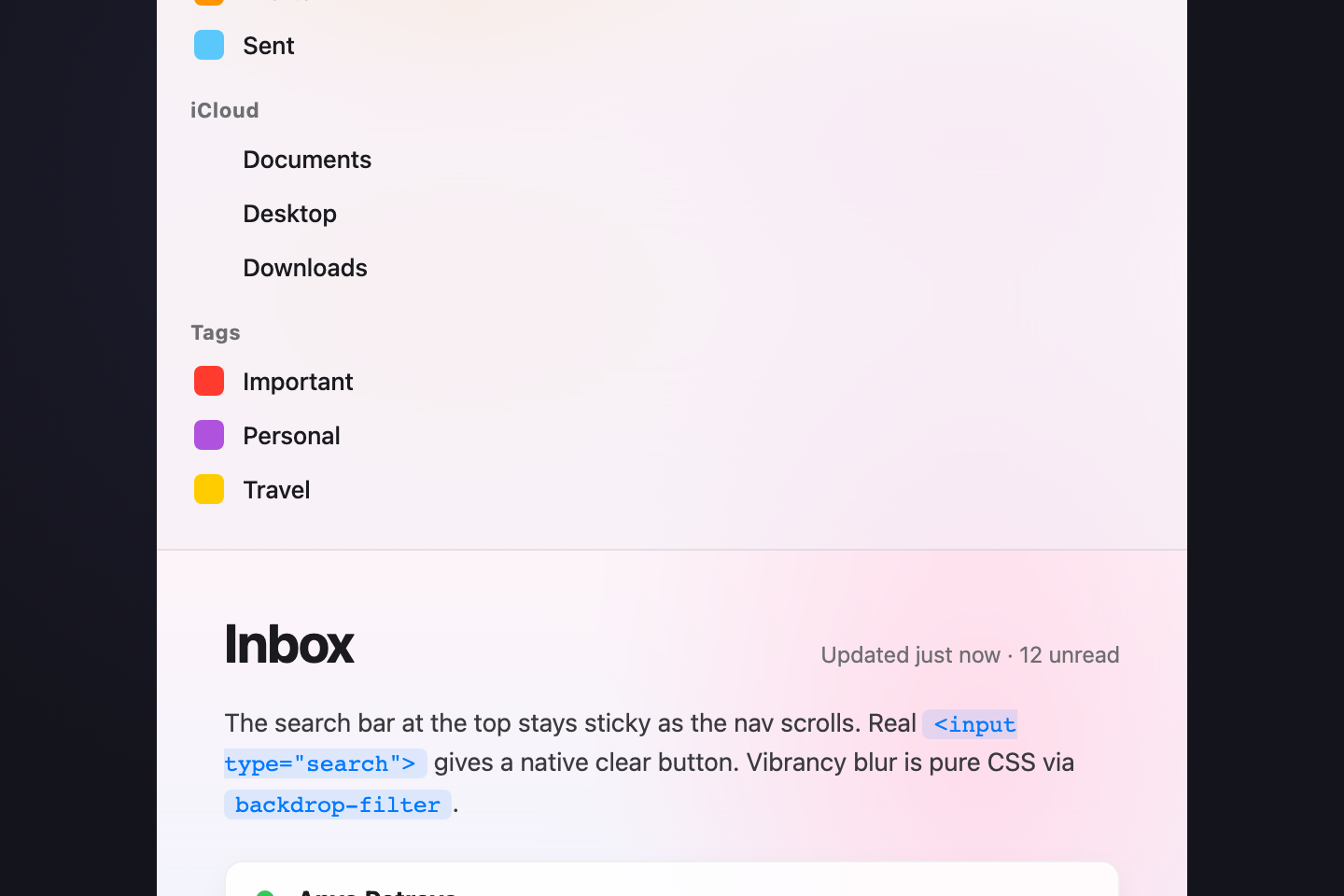
Frosted macOS Big-Sur — translucent grey sidebar with vibrancy blur over a pastel sunrise wallpaper, system-blue active state.
15 / 23
Section-grouped Nav
Pure CSS
Section-grouped Nav — preview
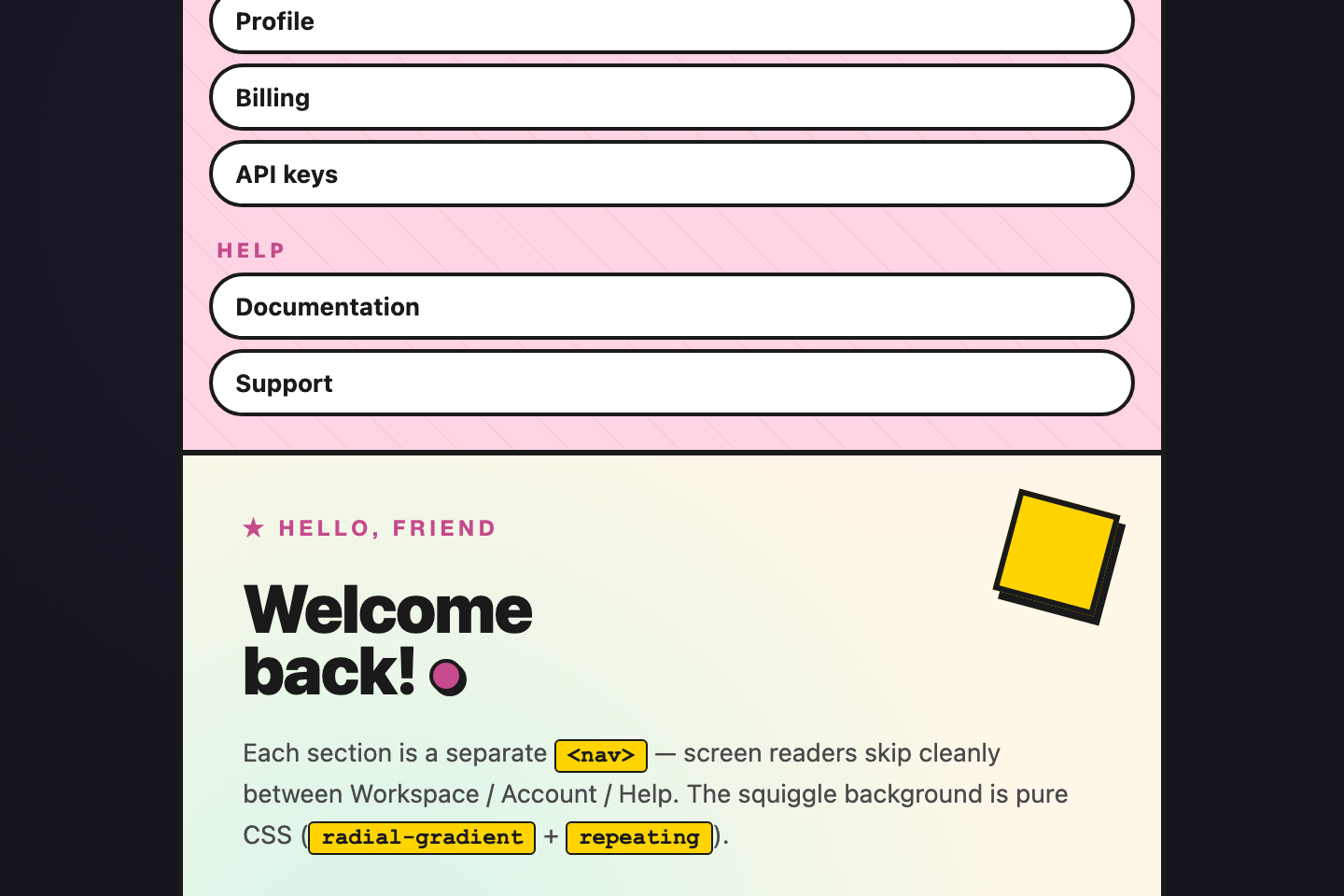
Memphis design — pastel-pink sidebar with mint and lemon accents, black squiggle backgrounds, hard-shadow chunky pills.
16 / 23
Target-active Highlight
Light JS
Target-active Highlight — preview
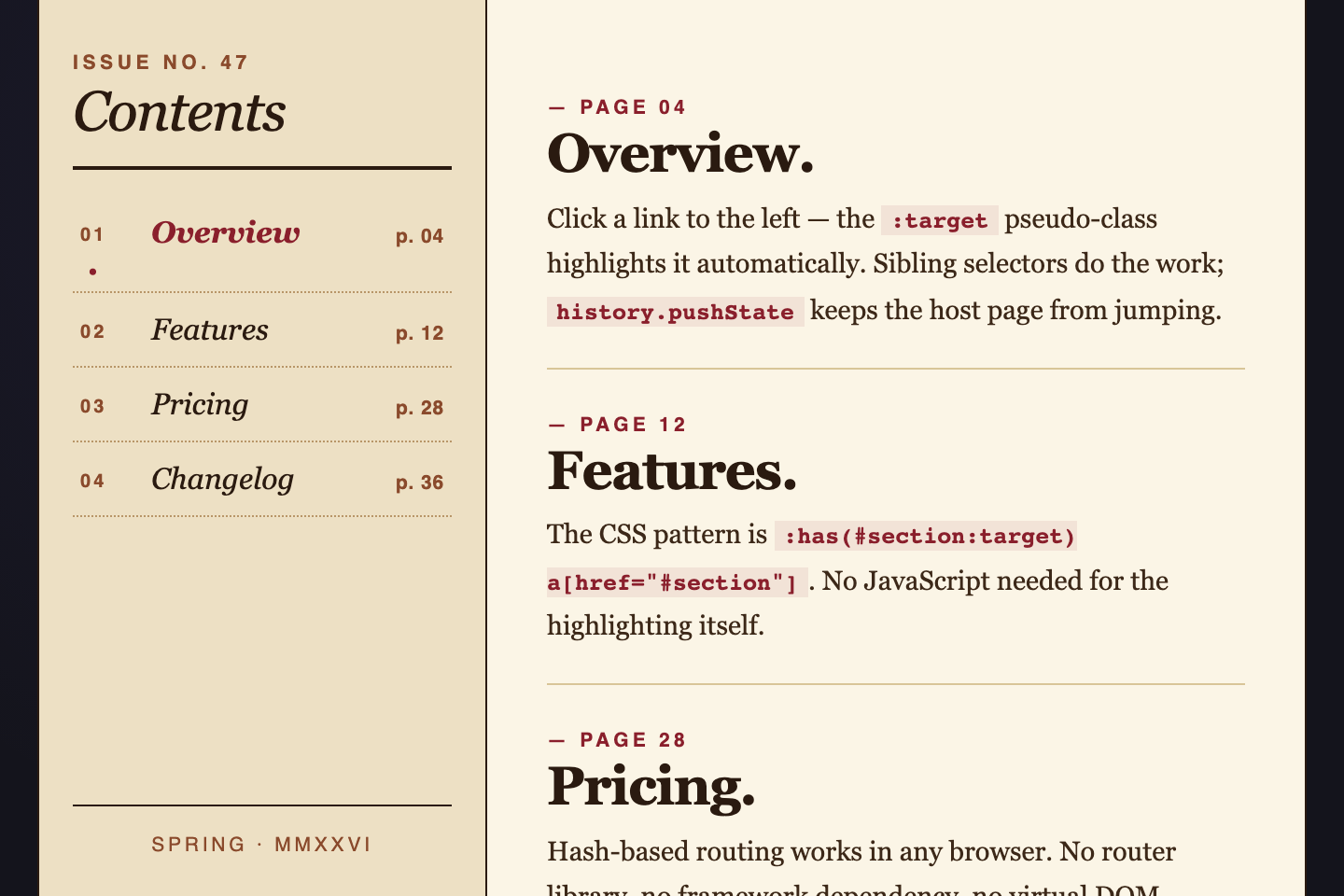
Retro magazine TOC — cream paper, sepia rules, bordeaux-red active marker.
17 / 23
Nested Expandable Nav
Pure CSS
Nested Expandable Nav — preview
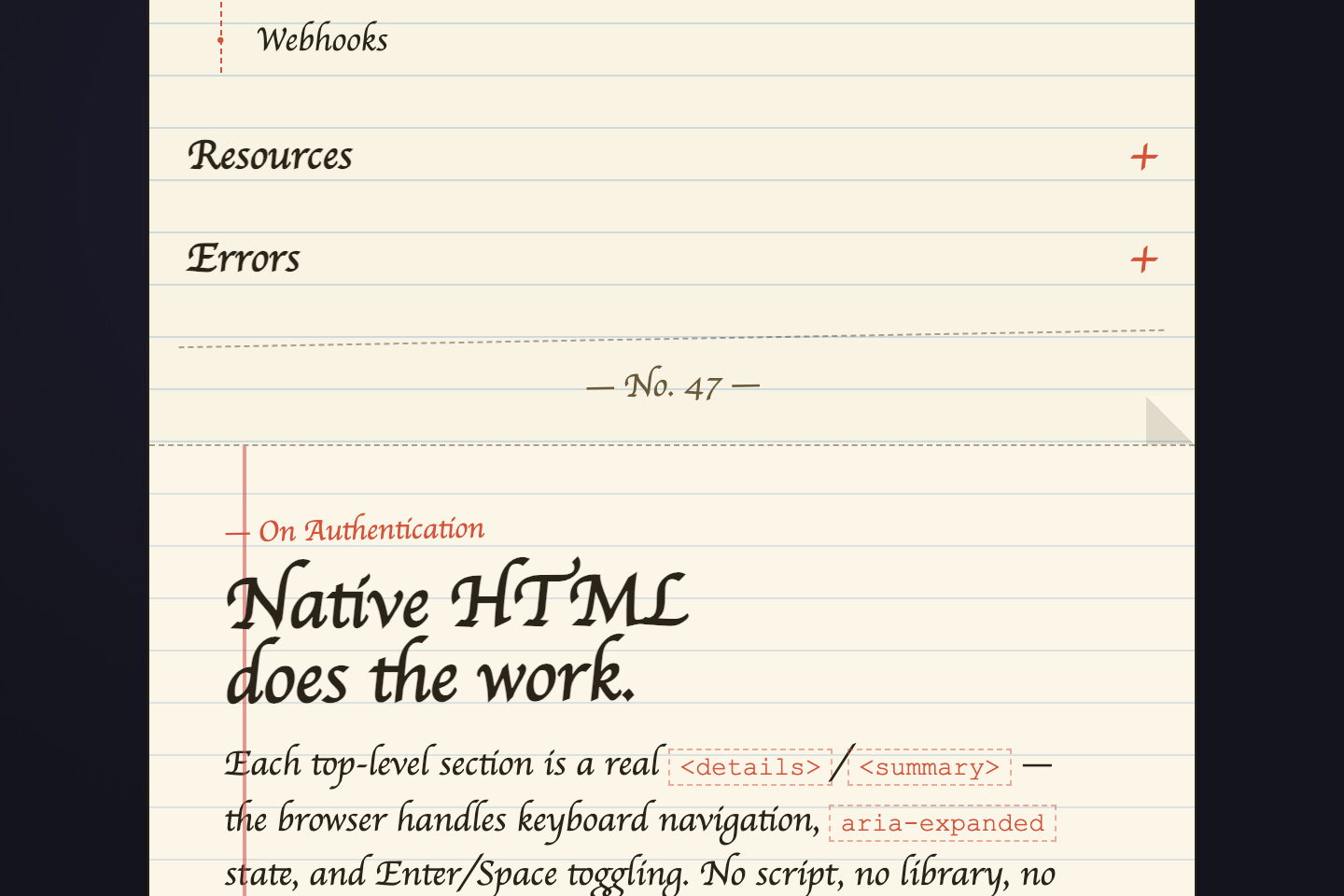
Notebook paper — off-white sheet with hand-drawn ruled lines, graphite pencil marks, dog-eared corner.
18 / 23
Tabbed Sidebar
Pure CSS
Tabbed Sidebar — preview
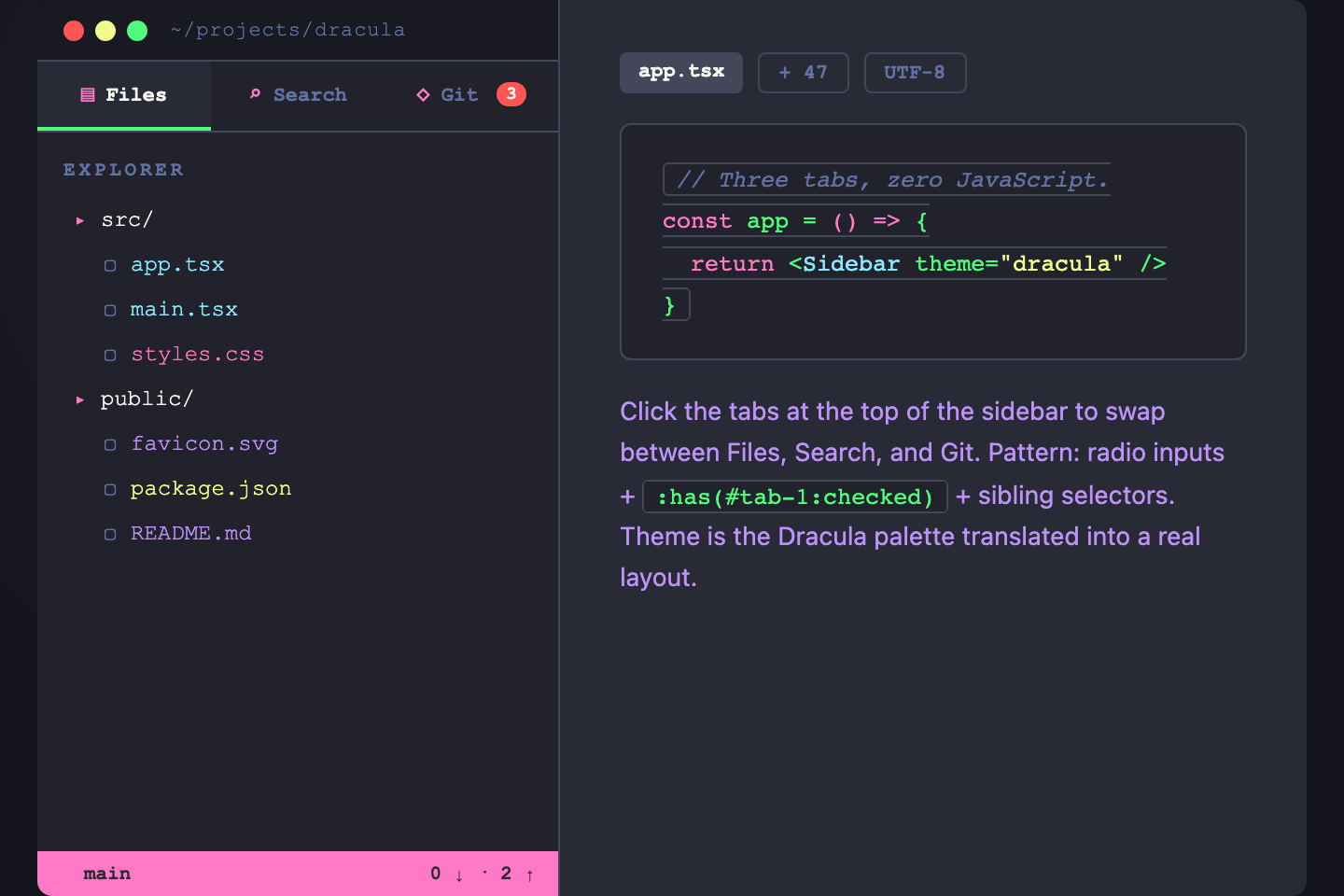
Dracula tribute — the editor theme reborn as a sidebar.
19 / 23
Onboarding Progress
Pure CSS
Onboarding Progress — preview
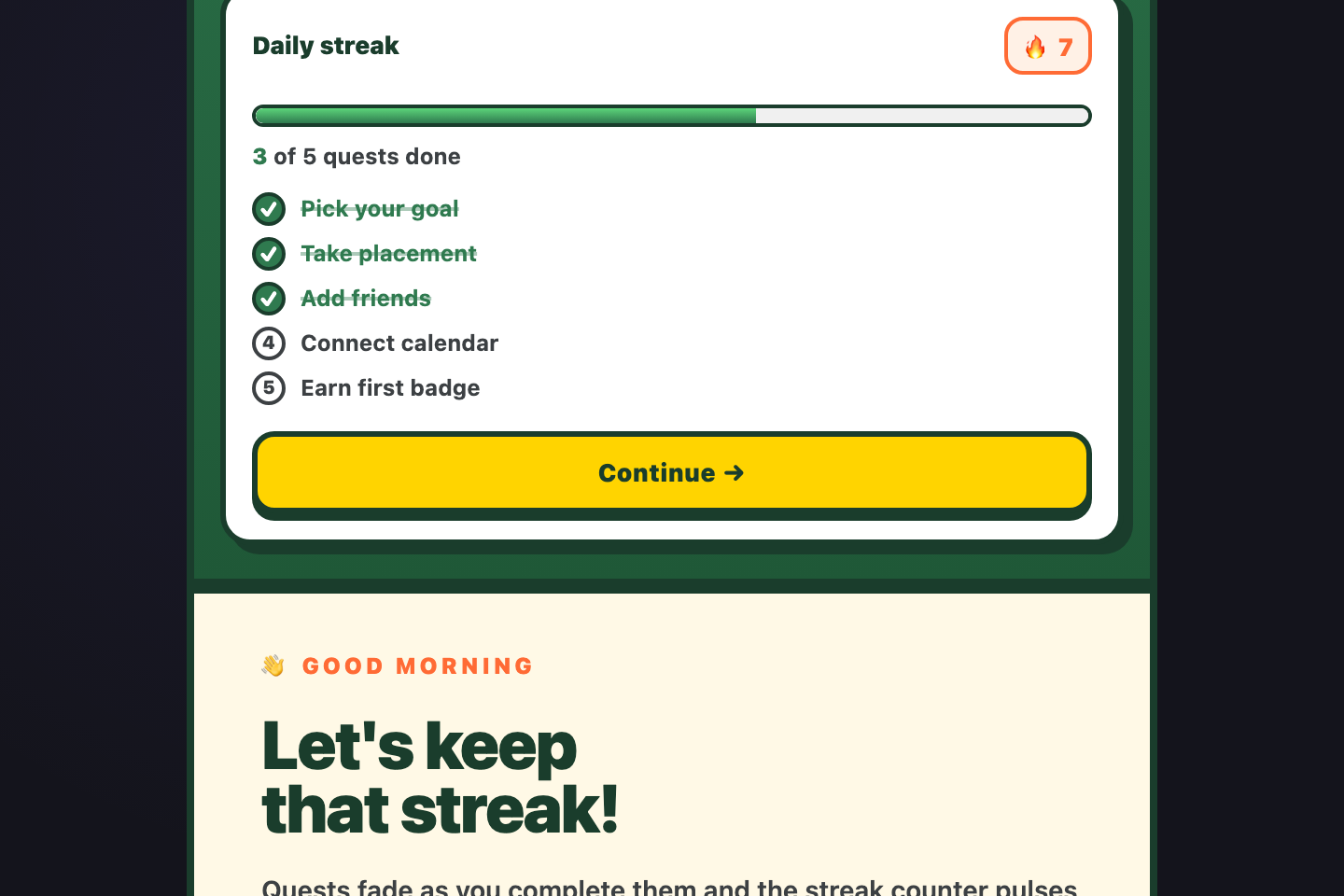
Duolingo-style joyful gamification — forest-green nav with canary-yellow CTAs, hard chunky shadows, oversized rounded buttons.
20 / 23
Resizable Sidebar
Pure CSS
Resizable Sidebar — preview
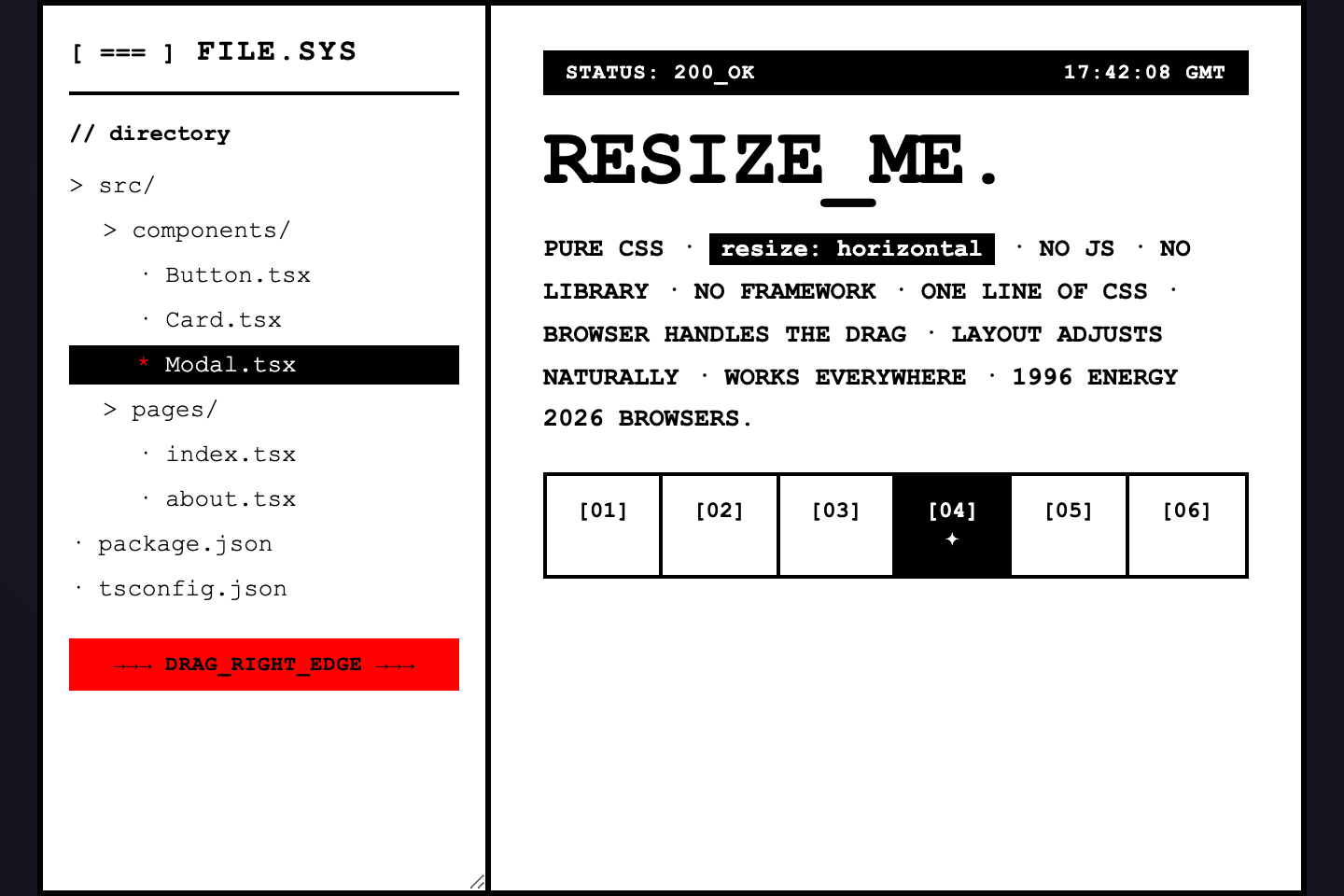
Brutalist mono — pure white, ink black, zero radius, oversized monospace.
21 / 23
Three-pane Workspace
Pure CSS
Three-pane Workspace — preview
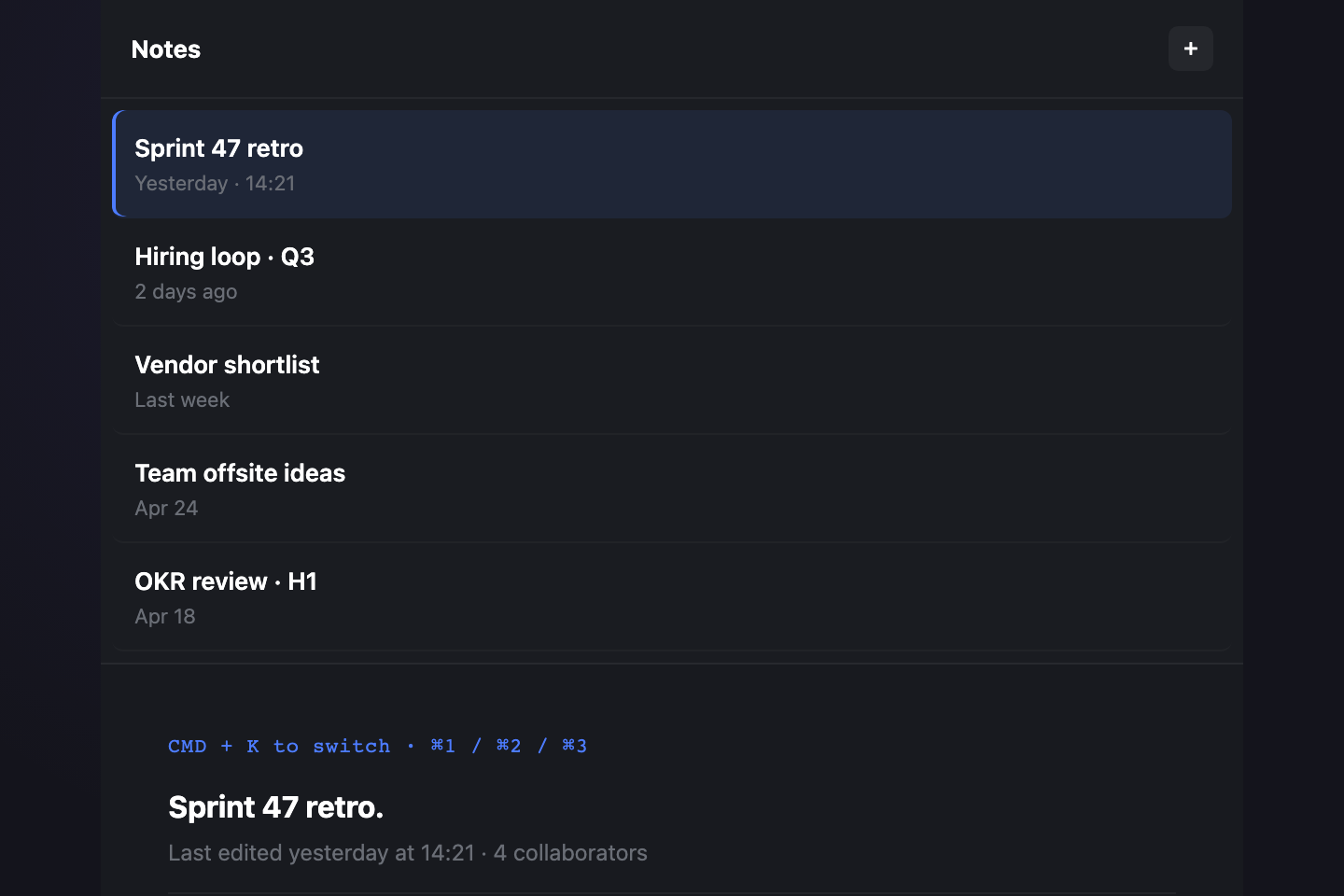
Linear-style minimal mono — slate canvas, hairline rules, single electric-blue accent.
22 / 23
Adaptive Container-query
Pure CSS
Adaptive Container-query — preview
Sunset terminal — pitch black with green-screen phosphor type, amber prompt accents, a soft horizon glow at the bottom.
23 / 23
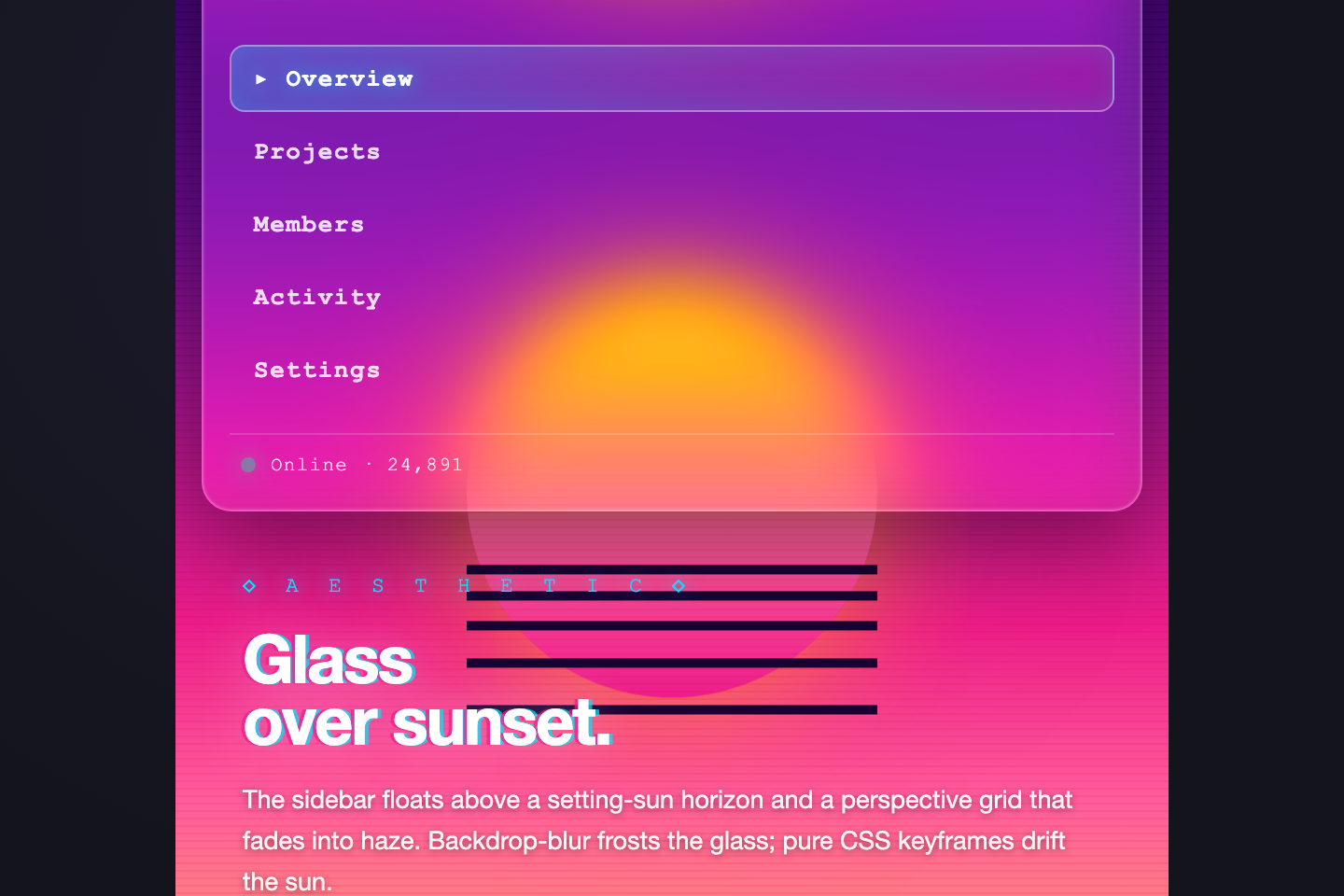
Glass Floating Sidebar
Pure CSS
Glass Floating Sidebar — preview
Vaporwave dream — chromatic magenta-to-cyan gradient with a sun on the horizon, scanlines, and a translucent glass sidebar floating above it.
FAQ

Frequently asked questions

What is a CSS sidebar layout?
A sidebar layout is a page shell with a vertical navigation column docked beside the main content. It's the default structure for admin dashboards, mail clients, IDEs, documentation sites, and any app where users need persistent navigation that doesn't compete with the work surface.
When should I use a fixed sidebar vs an off-canvas drawer?
Use a fixed sidebar on desktop when navigation is used constantly (admin dashboards, IDEs, mail). Use an off-canvas drawer on mobile or for apps where the user spends most of their time in the main content (reading apps, single-task tools). Many production apps use both — fixed at ≥1024px, drawer below.
How do I make a sidebar accessible?
Wrap it in <aside aria-label="Primary"> not a <div>. Use <nav> with a real <ul><li><a> list, mark the active link with aria-current="page", and use <button type="button" aria-expanded aria-controls> for any toggle. For nested submenus, prefer native <details>/<summary> — the browser handles keyboard, ARIA, and Enter/Space for free.
Pure CSS or JavaScript for the toggle?
Pure CSS first, via a hidden checkbox + :has(:checked). It works without JS and is bulletproof. Add JavaScript only when you genuinely need it — to persist state across reloads (localStorage), to close the drawer on route change, or to trap focus inside an open dialog. The persistent collapsible demo shows the JS pattern when you do need it.
How do I keep the sidebar from overlapping content on mobile?
Switch the layout below 720 px. The simplest approach is a CSS grid that goes from `grid-template-columns: 240px 1fr` (desktop) to `1fr` (mobile), with the sidebar stacking above the main content — every demo here ships that fallback. If you need a true overlay drawer at small widths, use the off-canvas pattern (demo 03) — it captures pointer events on the backdrop so taps outside dismiss it.

Search CodeFronts

Loading…