CSS Grid Generator
Free tool No sign-up
About this generator
Build CSS grid layouts visually — set columns, rows, gaps, and alignment, then copy the output.
How to use
01
Set columns & rows
Define how many columns and rows your grid has. Each track gets its own unit setting.
02
Choose a track unit
fr distributes free space proportionally. px and % give fixed sizes. auto sizes to content.
03
Adjust gap
Set column-gap and row-gap independently to control spacing between tracks on each axis.
04
Align items
justify-items and align-items control how each cell's content sits within its grid area.
05
Align the whole grid
justify-content and align-content move the entire grid track bundle within its container.
06
Copy the CSS
Hit "Copy CSS" to grab the full property block and paste it straight into your stylesheet.
CSS Grid syntax
| Property | Description |
|---|---|
grid-template-columns | Defines the width of each column track. Accepts fr, px, %, auto, or repeat(). |
grid-template-rows | Defines the height of each row track. Same value types as columns. |
gap | Shorthand for row-gap and column-gap. Sets space between tracks. |
justify-items | Aligns grid items horizontally within their cell: stretch | start | center | end. |
align-items | Aligns grid items vertically within their cell: stretch | start | center | end. |
justify-content | Aligns the whole column axis within the container when tracks don't fill it. |
align-content | Aligns the whole row axis within the container when tracks don't fill it. |
CSS Grid snippets
Basic
display: grid;
grid-template-columns: repeat(3, 1fr);
gap: 16px;
Fixed
display: grid;
grid-template-columns: 200px 1fr 1fr;
grid-template-rows: auto;
gap: 12px;
Layout
display: grid;
grid-template-columns: repeat(4, 1fr);
grid-template-rows: repeat(3, 1fr);
column-gap: 16px;
row-gap: 8px;
justify-items: stretch;
align-items: stretch;
Browser support
CSS Grid has excellent modern browser support. IE 11 has an older, partial implementation with a different syntax — avoid relying on it without a polyfill.
Chrome v57+
Firefox v52+
Safari v10+
Edge v16+
IE —
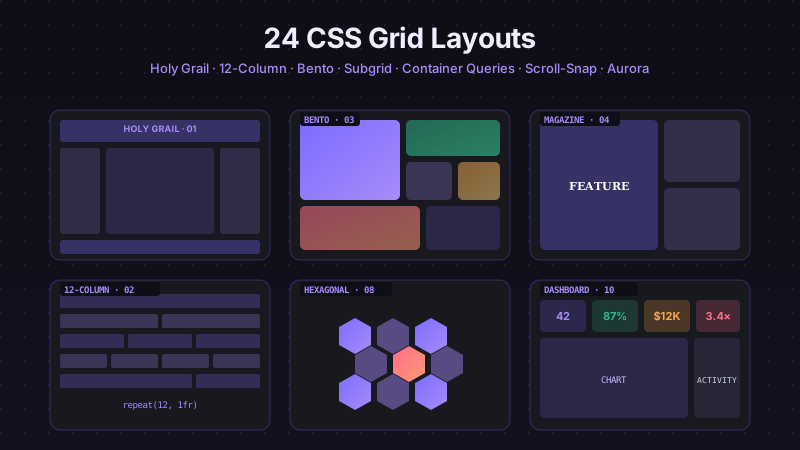
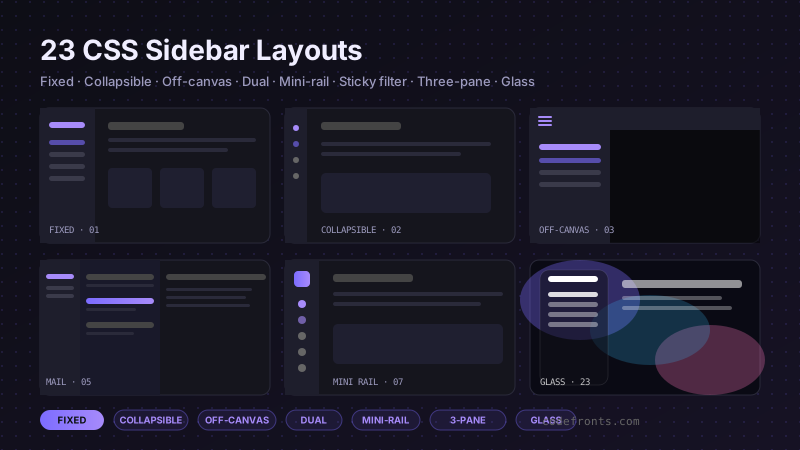
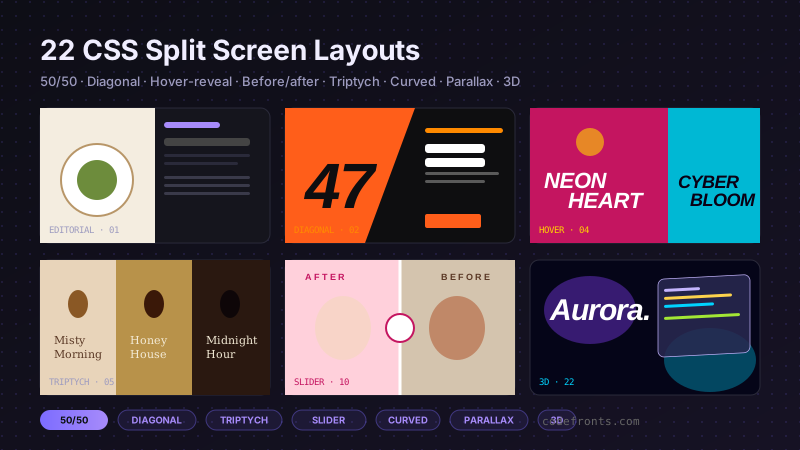
See it used in real designs
Browse hand-coded collections that put this tool to work.