{ CF }

11 CSS Page Transitions

Advertisement

A page transition is the motion that carries a user from one view to the next. These 11 demos are complete, interactive transition patterns — from simple fades and slides to a 3D page turn, ink bleed, triangle shatter and matrix rain. Click Live Demo on any tile to see it run, or Try it to open the editable playground.
11 unique transitions 0 Pure CSS 11 CSS + JS 0 dependencies 100% copy-paste ready Published
01 / 11
Fade Transition
CSS + JS
Fade Transition — preview
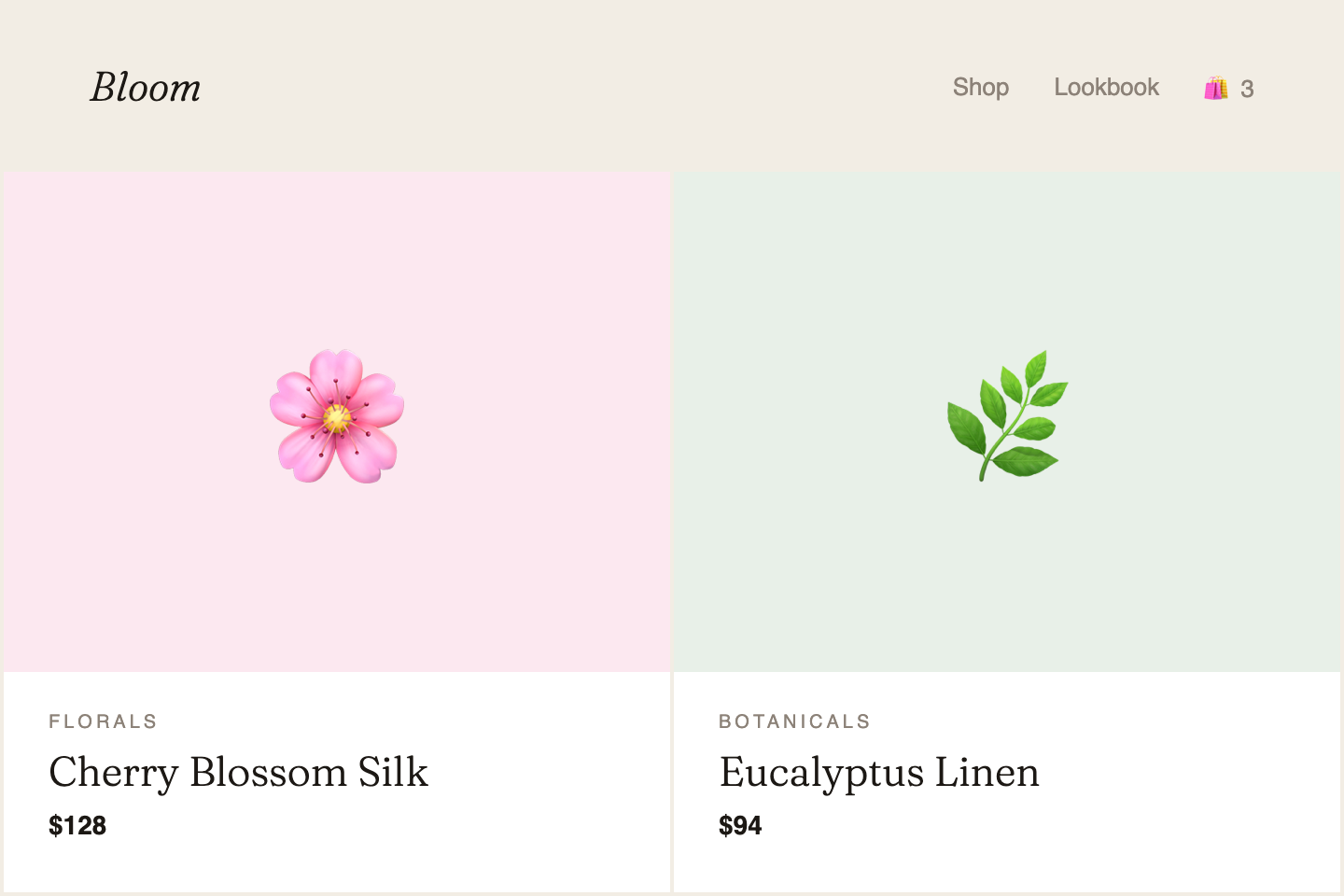
An elegant crossfade between content panels. Best for dashboards, CMS screens, and tab navigation where the surrounding context stays stable.
02 / 11
Slide Transition
CSS + JS
Slide Transition — preview
A directional slide that communicates sequence. The spatial metaphor helps users follow linear flows like onboarding and multi-step wizards.
03 / 11
Scale / Zoom Transition
CSS + JS
Scale / Zoom Transition — preview
A card expands to reveal more detail. The zoom-in metaphor intuitively signals drilling deeper into content without a full page load.
04 / 11
Clip-Path Wipe
CSS + JS
Clip-Path Wipe — preview
A dramatic clip-path reveal that wipes the new page into view. High-impact and memorable — best reserved for creative portfolios and brand sites.
05 / 11
Blur Morph Transition
CSS + JS
Blur Morph Transition — preview
Content softly de-focuses then re-focuses as the new view emerges. Calm and considered — ideal for data-heavy SaaS dashboards and admin apps.
06 / 11
Book Page Turn
CSS + JS
Book Page Turn — preview
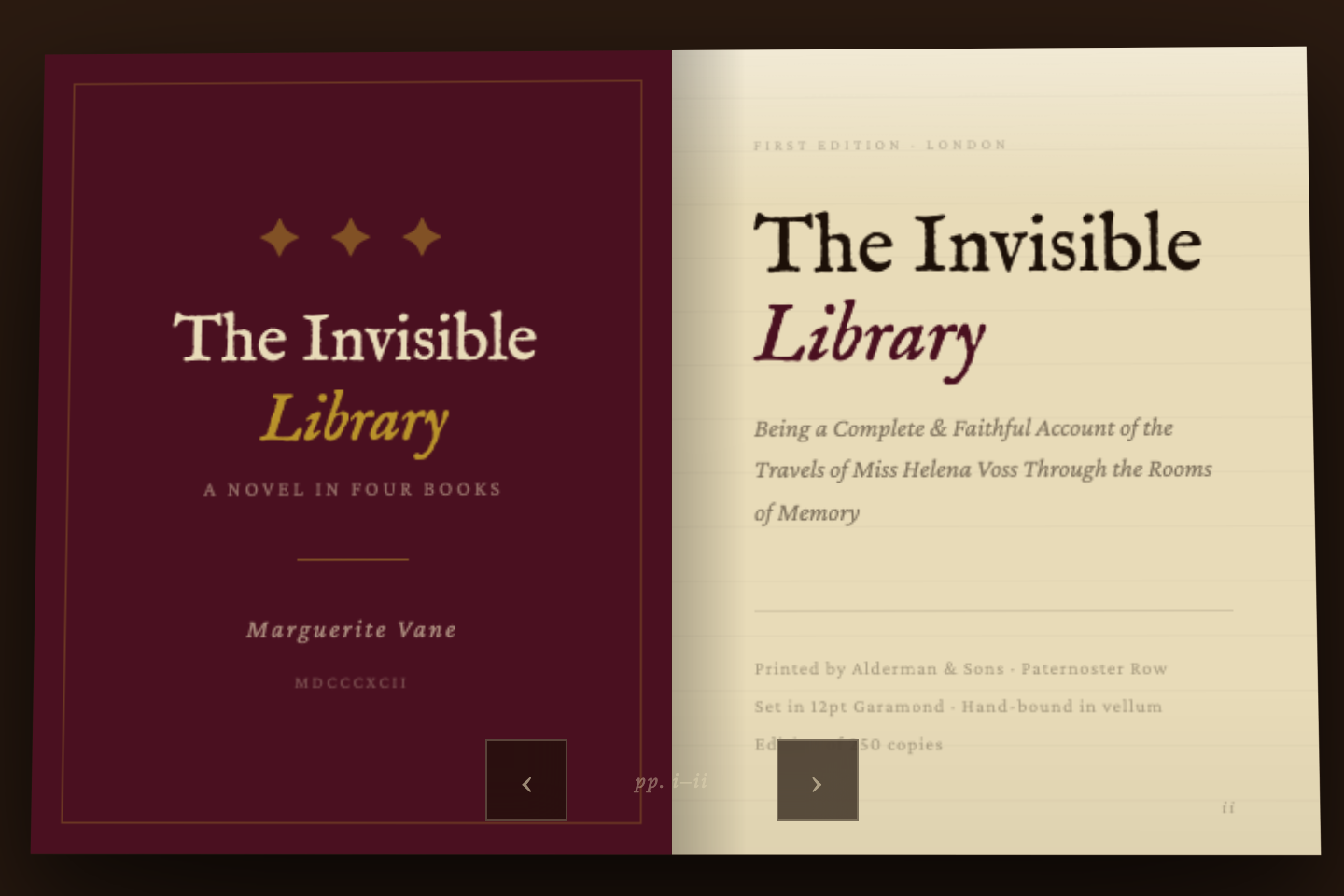
A real 3D page curl using CSS preserve-3d and rotateY — the right leaf lifts off and turns to reveal the next spread. An antiquarian book floating in a dark ambient scene.
07 / 11
Ink Bleed
CSS + JS
Ink Bleed — preview
A Canvas ink drop radiates organically from the centre with seismic roughness — like sumi ink spreading on wet paper, covering, then receding. Set in a Japanese ceramics studio.
08 / 11
Triangle Shatter
CSS + JS
Triangle Shatter — preview
Delaunay-like triangular fragments fill the viewport then explode outward with random velocities and rotations, revealing the next page. Applied to an aerospace deep-tech site.
09 / 11
Vertical Split Curtain
CSS + JS
Vertical Split Curtain — preview
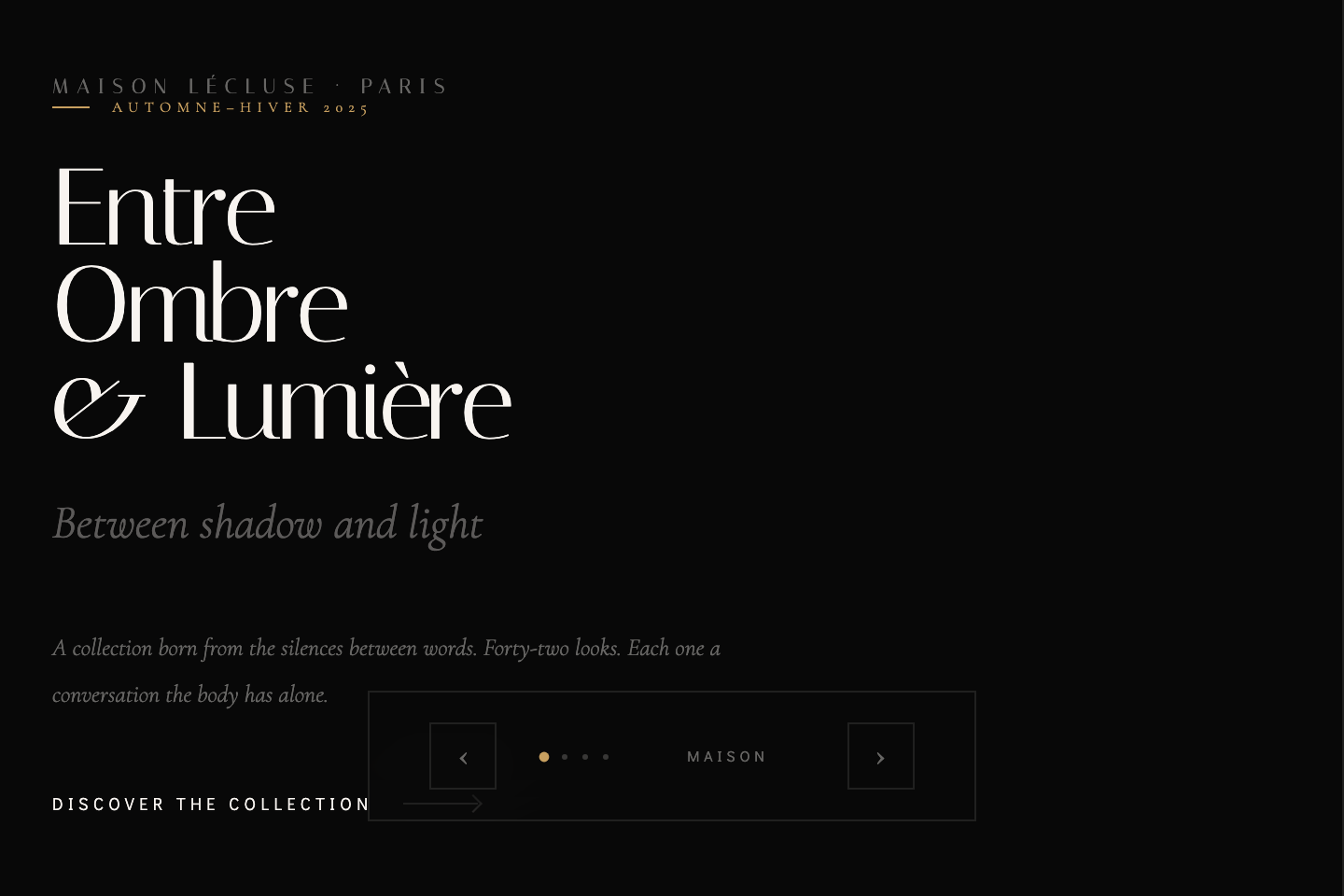
Two full-height panels slide closed like theatre curtains, swap the page, then split apart with a different easing — a gold-seamed theatrical reveal. A Parisian haute couture house.
10 / 11
ASCII Matrix Rain
CSS + JS
ASCII Matrix Rain — preview
A Canvas rain of katakana and ASCII floods the screen column by column, glowing at the leading edge, then retracts in a second wave. CRT scanlines throughout. A cybersecurity platform.
11 / 11
Paint Brush Stroke
CSS + JS
Paint Brush Stroke — preview
A wide organic bezier brushstroke sweeps across the viewport — overlapping waves with ink texture and rough-edge noise. The accent colour shifts per page. A contemporary art gallery.
Advertisement
FAQ

Frequently asked questions

What is a CSS page transition?
A page transition is the motion that carries a user from one view to the next — instead of the new content snapping in instantly, it fades, slides, zooms, wipes, or morphs into place. It gives the interface a sense of continuity, so the user understands where they came from and where they are now. These eleven demos range from the everyday patterns (crossfade, directional slide, scale/zoom, clip-path wipe, blur morph) to expressive set-pieces — a 3D book page turn, an organic ink bleed, a triangle shatter, a theatrical split curtain, an ASCII matrix rain, and a painted brushstroke.
How do you build a page transition without a framework?
Each demo here keeps every view in the DOM at once and toggles a single class to move between them. CSS does the actual motion via a transition on opacity, transform, clip-path or filter; a few lines of JavaScript just add and remove the active class on the right element when the user navigates. There is no router and no library — copy the HTML, CSS and JS and it works as a standalone file.
What is the difference between the fade, slide, and zoom transitions?
They map to different mental models. A fade (crossfade) keeps context stable — best for dashboards and tab navigation where the user has not really 'gone' anywhere. A slide implies a sequence — it suits onboarding flows and wizards because the directional motion signals forward and back. A zoom implies depth — a card expanding into a detail view reads as 'drilling deeper' into the same content, ideal for e-commerce and galleries.
Should page transitions use the View Transitions API instead?
The native View Transitions API is excellent for real multi-document navigation and is worth using where it is supported. These demos deliberately use plain CSS transitions and a little JavaScript instead, because that approach works in every browser today, runs inside a single page or component, and is easy to drop into an existing app without changing how routing works. The motion principles are identical — only the mechanism differs.
How do I make page transitions accessible?
Respect prefers-reduced-motion: when a user has asked for reduced motion, collapse the transition to an instant change (or a very short fade) rather than a large slide or zoom. Keep the transition duration short — roughly 300 to 600ms — so navigation never feels slow. And make sure the incoming view receives focus and is announced, so keyboard and screen-reader users are not left behind by a purely visual change.
Are these CSS page transitions free to use?
Yes. All eleven patterns are MIT licensed and free for personal and commercial projects. Each demo is a complete, self-contained file — copy the HTML, CSS and JavaScript, swap in your own content and colours, and ship it. No attribution required, no signup, no dependencies.

Search CodeFronts

Loading…