18 examples Responsive Uses JS beginner

18 CSS Play / Pause Button Designs

A CSS play / pause button is a media-control toggle that switches between two states with a single click — the universal control for audio players, podcast UIs, video players, music apps, voice memos and live broadcasts. These 18 hand-coded designs cover every real-world pattern, from SVG icon morphs to skeumorphic cassettes. Every demo uses a real button with aria-pressed, honest state, and respects prefers-reduced-motion.

18 free CSS play / pause button designs for audio, video and podcast UIs. Built with semantic <button> markup, aria-pressed for state, and modern CSS (:has(), @property, prefers-reduced-motion). JavaScript only where it adds real interaction.

18 unique buttons WCAG-friendly accessible Mobile-first responsive MIT free to use
01 / 18
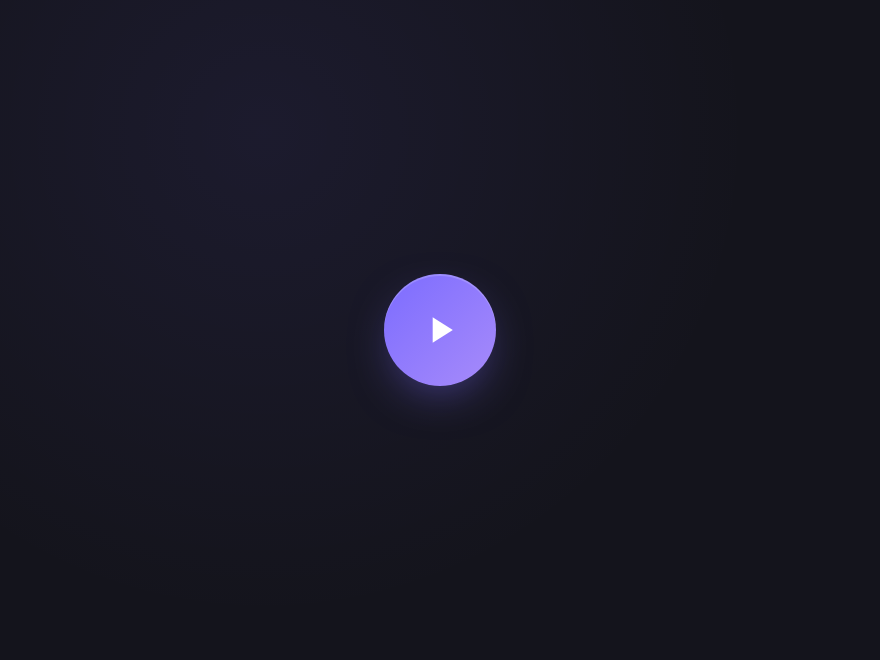
Morph Triangle
Light JS
A play triangle that morphs into two pause bars via SVG path interpolation. The icon never disappears — it transforms — which feels meaningfully more premium than a hard swap.
.pp-morph {
  width: 56px; height: 56px;
  border-radius: 50%;
  background: linear-gradient(135deg, #7c6cff, #a78bfa);
  border: 0;
  color: white;
  display: grid; place-items: center;
  cursor: pointer;
  box-shadow:
    0 8px 24px -8px rgba(124,108,255,0.6),
    inset 0 1px 0 rgba(255,255,255,0.18);
  transition: transform .15s, box-shadow .25s;
}
.pp-morph:hover {
  transform: translateY(-1px);
  box-shadow:
    0 12px 32px -8px rgba(124,108,255,0.8),
    inset 0 1px 0 rgba(255,255,255,0.22);
}
.pp-morph:focus-visible {
  outline: 3px solid rgba(124,108,255,0.5);
  outline-offset: 3px;
}
.pp-morph-icon {
  transition: d .35s cubic-bezier(.5,0,.3,1.2);
}
.pp-morph[aria-pressed="true"] .pp-morph-icon {
  d: path("M7 5 H10 V19 H7 Z M14 5 H17 V19 H14 Z");
}

/* ─── Drop-in JS ───
document.querySelectorAll('[data-pp]').forEach(btn => {
  btn.addEventListener('click', () => {
    const playing = btn.getAttribute('aria-pressed') === 'true';
    btn.setAttribute('aria-pressed', String(!playing));
    btn.setAttribute('aria-label', !playing ? 'Pause' : 'Play');
  });
});
*/
<button class="pp-morph" type="button" aria-pressed="false" aria-label="Play" data-pp>
  <svg viewBox="0 0 24 24" width="22" height="22" aria-hidden="true">
    <path class="pp-morph-icon" d="M8 5 L8 19 L19 12 Z" fill="currentColor"/>
  </svg>
</button>
// ── Drop this on every page where you render a play/pause button ──
// Toggles aria-pressed + aria-label on click. The CSS handles all visuals.
document.querySelectorAll('[data-pp]').forEach(function (btn) {
  btn.addEventListener('click', function () {
    var playing = btn.getAttribute('aria-pressed') === 'true';
    btn.setAttribute('aria-pressed', String(!playing));
    btn.setAttribute('aria-label', !playing ? 'Pause' : 'Play');
  });
});
02 / 18
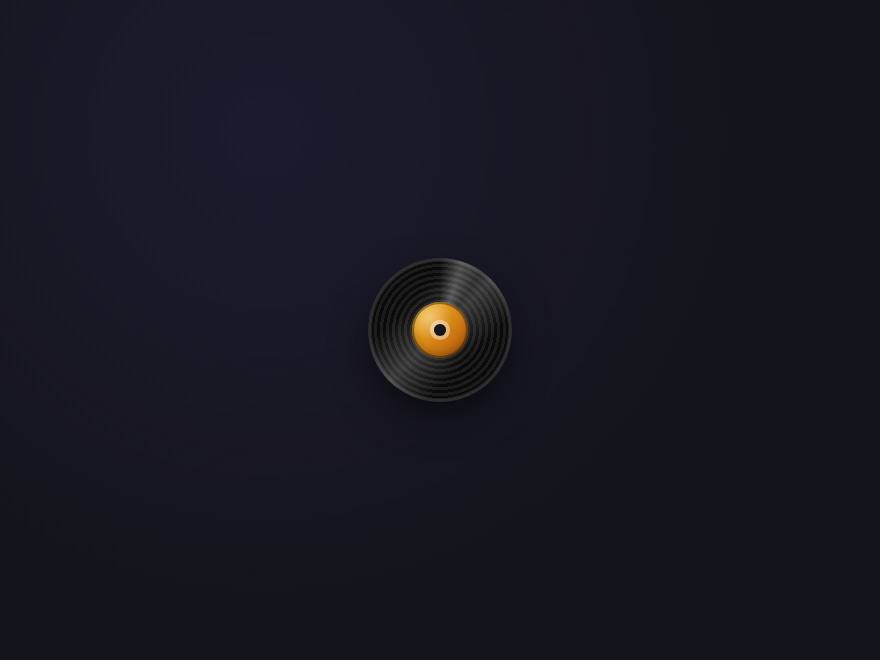
Vinyl Record
Light JS
A miniature vinyl record. While playing it spins continuously; on pause the rotation slows to a stop with a subtle ease-out — the canonical music-app metaphor done as a single CSS button.
.pp-vinyl {
  width: 72px; height: 72px;
  background: transparent;
  border: 0; padding: 0;
  cursor: pointer;
  border-radius: 50%;
}
.pp-vinyl:focus-visible {
  outline: 3px solid rgba(251,191,36,0.5);
  outline-offset: 3px;
}
.pp-vinyl-disc {
  display: block; position: relative;
  width: 100%; height: 100%;
  border-radius: 50%;
  background:
    repeating-radial-gradient(circle at 50% 50%,
      #0a0a0a 0 1.5px, #1c1c1c 1.5px 3px);
  box-shadow:
    0 8px 22px -4px rgba(0,0,0,0.7),
    inset 0 0 0 2px rgba(255,255,255,0.08);
  /* Asymmetric reflection that makes the rotation visible */
}
.pp-vinyl-disc::before {
  content: '';
  position: absolute; inset: 0;
  border-radius: 50%;
  background: linear-gradient(135deg,
    transparent 30%,
    rgba(255,255,255,0.18) 50%,
    transparent 70%);
  pointer-events: none;
}
/* The shine span — a brighter, narrow streak that catches the eye */
.pp-vinyl-shine {
  position: absolute; inset: 0;
  border-radius: 50%;
  background: conic-gradient(
    from 0deg,
    transparent 0deg,
    rgba(255,255,255,0.22) 18deg,
    transparent 36deg,
    transparent 360deg
  );
  pointer-events: none;
}
.pp-vinyl[aria-pressed="true"] .pp-vinyl-disc {
  animation: ppVinylSpin 2.4s linear infinite;
}
@keyframes ppVinylSpin { to { transform: rotate(360deg); } }
.pp-vinyl-label {
  position: absolute; inset: 0;
  margin: auto;
  width: 40%; height: 40%;
  border-radius: 50%;
  background:
    radial-gradient(circle at 32% 28%, rgba(255,255,255,0.4), transparent 40%),
    linear-gradient(135deg, #fbbf24, #b45309);
  box-shadow:
    inset 0 0 0 1px rgba(0,0,0,0.35),
    inset 0 -2px 4px rgba(0,0,0,0.25);
}
.pp-vinyl-icon {
  position: absolute; inset: 0;
  margin: auto;
  width: 8%; height: 8%;
  border-radius: 50%;
  background: #15151d;
  box-shadow: 0 0 0 2px rgba(255,255,255,0.4);
}
<button class="pp-vinyl" type="button" aria-pressed="false" aria-label="Play" data-pp>
  <span class="pp-vinyl-disc" aria-hidden="true">
    <span class="pp-vinyl-shine"></span>
    <span class="pp-vinyl-label"></span>
    <span class="pp-vinyl-icon"></span>
  </span>
</button>
// ── Drop this on every page where you render a play/pause button ──
// Toggles aria-pressed + aria-label on click. The CSS handles all visuals.
document.querySelectorAll('[data-pp]').forEach(function (btn) {
  btn.addEventListener('click', function () {
    var playing = btn.getAttribute('aria-pressed') === 'true';
    btn.setAttribute('aria-pressed', String(!playing));
    btn.setAttribute('aria-label', !playing ? 'Pause' : 'Play');
  });
});
03 / 18
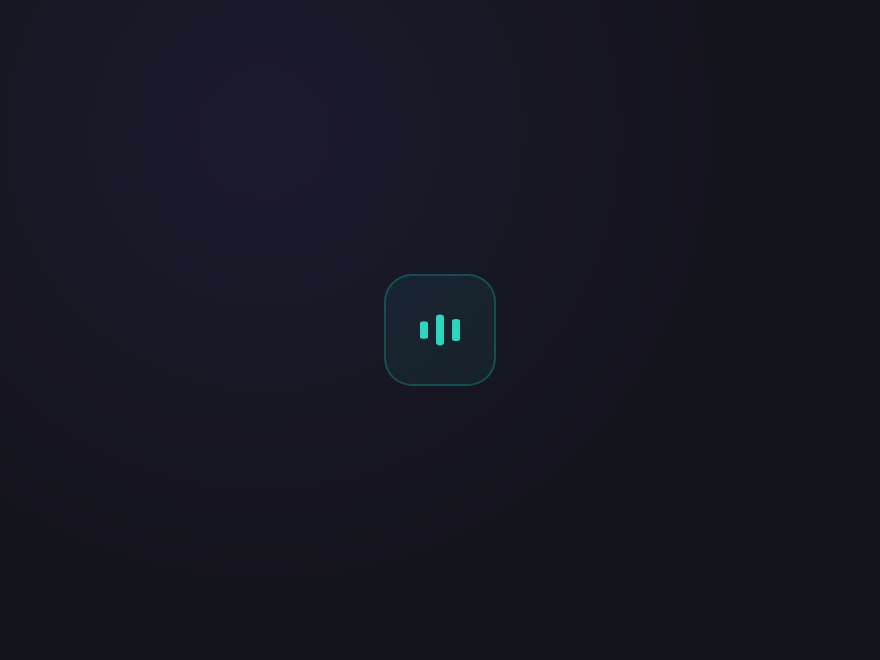
Equaliser Bars
Light JS
Three vertical bars that animate height while playing and freeze instantly when paused. Doubles as both a button and a "now playing" indicator — perfect for podcast and audio UIs.
.pp-eq {
  width: 56px; height: 56px;
  border-radius: 14px;
  background: rgba(20,184,166,0.08);
  border: 1px solid rgba(20,184,166,0.3);
  color: #2dd4bf;
  display: grid; place-items: center;
  cursor: pointer;
  transition: background .2s, border-color .2s, transform .15s;
}
.pp-eq:hover {
  background: rgba(20,184,166,0.16);
  border-color: rgba(20,184,166,0.5);
  transform: translateY(-1px);
}
.pp-eq:focus-visible {
  outline: 3px solid rgba(20,184,166,0.4);
  outline-offset: 3px;
}
.pp-eq-bars {
  display: flex; align-items: center; gap: 4px;
  height: 22px;
}
.pp-eq-bars > span {
  width: 4px; height: 100%;
  background: currentColor;
  border-radius: 2px;
  transform: scaleY(0.3);
  transform-origin: center;
}
.pp-eq[aria-pressed="false"] .pp-eq-bars > span:nth-child(1) { transform: scaleY(0.4); }
.pp-eq[aria-pressed="false"] .pp-eq-bars > span:nth-child(2) { transform: scaleY(0.7); }
.pp-eq[aria-pressed="false"] .pp-eq-bars > span:nth-child(3) { transform: scaleY(0.5); }
.pp-eq[aria-pressed="true"]  .pp-eq-bars > span {
  animation: ppEqDance 0.9s ease-in-out infinite;
}
.pp-eq[aria-pressed="true"]  .pp-eq-bars > span:nth-child(1) { animation-delay: 0s; }
.pp-eq[aria-pressed="true"]  .pp-eq-bars > span:nth-child(2) { animation-delay: 0.2s; }
.pp-eq[aria-pressed="true"]  .pp-eq-bars > span:nth-child(3) { animation-delay: 0.4s; }
@keyframes ppEqDance {
  0%, 100% { transform: scaleY(0.3); }
  50%      { transform: scaleY(1);   }
}
<button class="pp-eq" type="button" aria-pressed="false" aria-label="Play" data-pp>
  <span class="pp-eq-bars" aria-hidden="true">
    <span></span><span></span><span></span>
  </span>
</button>
// ── Drop this on every page where you render a play/pause button ──
// Toggles aria-pressed + aria-label on click. The CSS handles all visuals.
document.querySelectorAll('[data-pp]').forEach(function (btn) {
  btn.addEventListener('click', function () {
    var playing = btn.getAttribute('aria-pressed') === 'true';
    btn.setAttribute('aria-pressed', String(!playing));
    btn.setAttribute('aria-label', !playing ? 'Pause' : 'Play');
  });
});
04 / 18
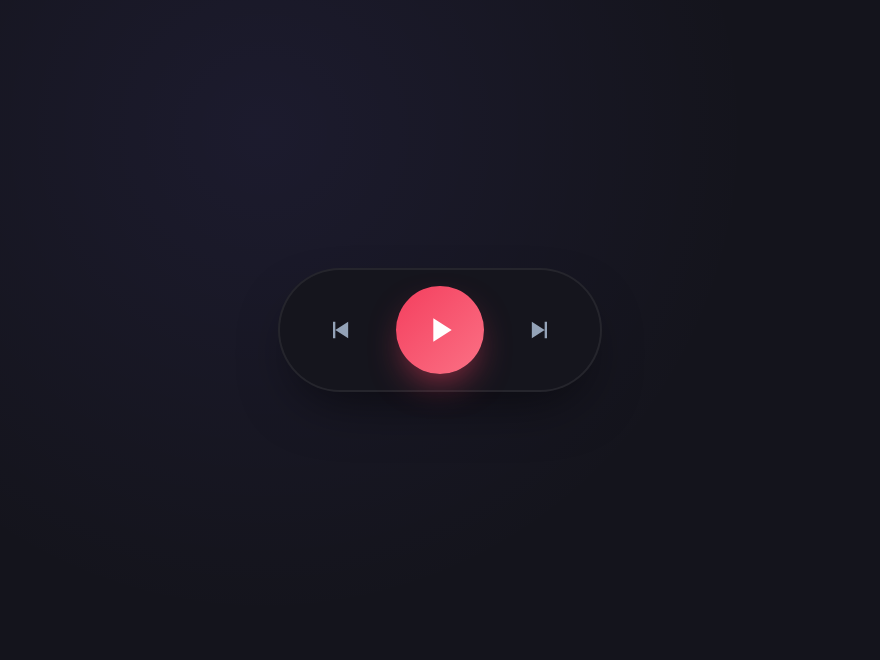
Skip Hub
Light JS
Full media-control cluster with previous, play/pause and next buttons. The central button uses a morph icon with a gradient halo while playing — the canonical pattern for music players and podcast apps.
.pp-hub {
  display: flex; align-items: center; gap: 12px;
  padding: 8px 14px;
  background: #15151d;
  border: 1px solid rgba(255,255,255,0.07);
  border-radius: 999px;
  box-shadow: 0 12px 28px -10px rgba(0,0,0,0.6);
}
.pp-hub-side {
  width: 32px; height: 32px;
  background: transparent;
  border: 0; padding: 0;
  border-radius: 50%;
  color: #94a3b8;
  display: grid; place-items: center;
  cursor: pointer;
  transition: color .15s, background .15s, transform .12s;
}
.pp-hub-side:hover { color: #f0eeff; background: rgba(255,255,255,0.06); }
.pp-hub-side:active { transform: scale(0.92); }
.pp-hub-main {
  width: 44px; height: 44px;
  border-radius: 50%;
  background: linear-gradient(135deg, #f43f5e, #fb7185);
  border: 0;
  color: white;
  display: grid; place-items: center;
  cursor: pointer;
  box-shadow:
    0 0 0 0 rgba(244,63,94,0.5),
    0 8px 18px -6px rgba(244,63,94,0.7);
  transition: box-shadow .25s, transform .15s;
}
.pp-hub-main:hover { transform: translateY(-1px); }
.pp-hub-main:focus-visible {
  outline: 3px solid rgba(244,63,94,0.45);
  outline-offset: 3px;
}
.pp-hub-main[aria-pressed="true"] {
  box-shadow:
    0 0 0 6px rgba(244,63,94,0.18),
    0 8px 22px -6px rgba(244,63,94,0.85);
}
.pp-hub-icon {
  transition: d .35s cubic-bezier(.5,0,.3,1.2);
}
.pp-hub-main[aria-pressed="true"] .pp-hub-icon {
  d: path("M7 5 H10 V19 H7 Z M14 5 H17 V19 H14 Z");
}
<div class="pp-hub" role="group" aria-label="Media controls">
  <button class="pp-hub-side" type="button" aria-label="Previous track">
    <svg viewBox="0 0 24 24" width="14" height="14" aria-hidden="true"><path d="M6 5 H8 V19 H6 Z M8 12 L19 5 V19 Z" fill="currentColor"/></svg>
  </button>
  <button class="pp-hub-main" type="button" aria-pressed="false" aria-label="Play" data-pp>
    <svg viewBox="0 0 24 24" width="20" height="20" aria-hidden="true">
      <path class="pp-hub-icon" d="M8 5 L8 19 L19 12 Z" fill="currentColor"/>
    </svg>
  </button>
  <button class="pp-hub-side" type="button" aria-label="Next track">
    <svg viewBox="0 0 24 24" width="14" height="14" aria-hidden="true"><path d="M16 5 H18 V19 H16 Z M5 5 L16 12 L5 19 Z" fill="currentColor"/></svg>
  </button>
</div>
// ── Drop this on every page where you render a play/pause button ──
// Toggles aria-pressed + aria-label on click. The CSS handles all visuals.
document.querySelectorAll('[data-pp]').forEach(function (btn) {
  btn.addEventListener('click', function () {
    var playing = btn.getAttribute('aria-pressed') === 'true';
    btn.setAttribute('aria-pressed', String(!playing));
    btn.setAttribute('aria-label', !playing ? 'Pause' : 'Play');
  });
});
05 / 18
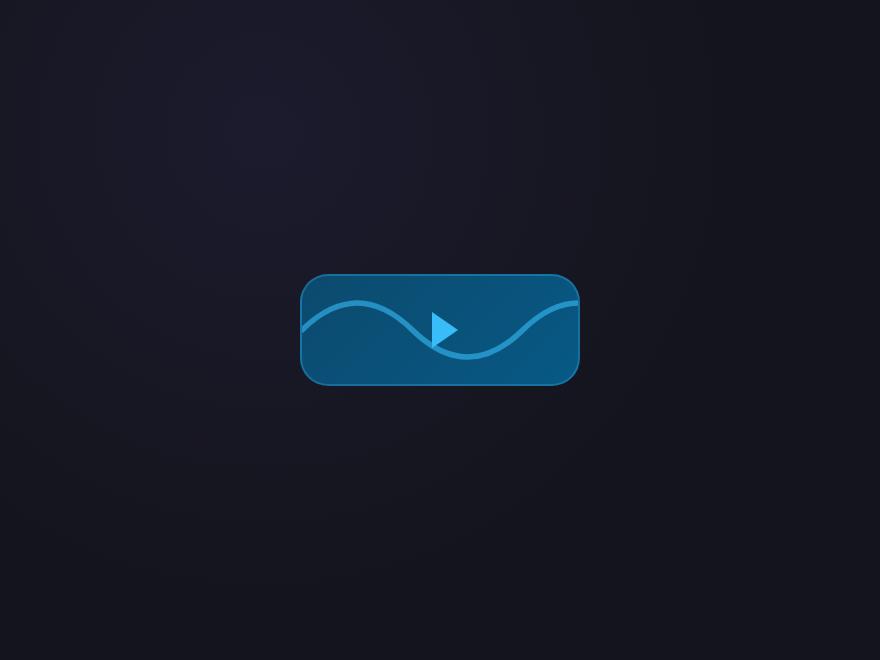
Liquid Wave
Light JS
A continuous waveform travels across the button while playing and freezes mid-cycle on pause. Built with an SVG path + CSS transform — perfect for audio players and music-streaming UIs.
.pp-wave {
  position: relative;
  width: 140px; height: 56px;
  background: linear-gradient(135deg, #0c4a6e, #075985);
  border: 1px solid rgba(56,189,248,0.3);
  border-radius: 14px;
  color: #38bdf8;
  cursor: pointer;
  overflow: hidden;
  display: grid; place-items: center;
  transition: border-color .2s, transform .15s;
}
.pp-wave:hover {
  border-color: rgba(56,189,248,0.6);
  transform: translateY(-1px);
}
.pp-wave:focus-visible {
  outline: 3px solid rgba(56,189,248,0.4);
  outline-offset: 3px;
}
.pp-wave-svg {
  position: absolute; inset: 0;
  width: 200%; height: 100%;
  opacity: 0.6;
}
.pp-wave[aria-pressed="true"] .pp-wave-svg {
  animation: ppWaveScroll 2.4s linear infinite;
}
@keyframes ppWaveScroll {
  to { transform: translateX(-50%); }
}
.pp-wave-icon {
  position: relative;
  width: 0; height: 0;
  border-style: solid;
  border-width: 9px 0 9px 13px;
  border-color: transparent transparent transparent #38bdf8;
  margin-left: 4px;
  transition: border-width .25s, margin-left .25s;
}
.pp-wave[aria-pressed="true"] .pp-wave-icon {
  border-width: 0 4px 0 4px;
  border-color: transparent #38bdf8 transparent #38bdf8;
  height: 18px;
  margin-left: 0;
}
<button class="pp-wave" type="button" aria-pressed="false" aria-label="Play" data-pp>
  <svg viewBox="0 0 200 40" preserveAspectRatio="none" class="pp-wave-svg" aria-hidden="true">
    <path class="pp-wave-path" d="M0 20 Q 20 0 40 20 T 80 20 T 120 20 T 160 20 T 200 20"
          fill="none" stroke="currentColor" stroke-width="2" stroke-linecap="round"/>
  </svg>
  <span class="pp-wave-icon" aria-hidden="true"></span>
</button>
// ── Drop this on every page where you render a play/pause button ──
// Toggles aria-pressed + aria-label on click. The CSS handles all visuals.
document.querySelectorAll('[data-pp]').forEach(function (btn) {
  btn.addEventListener('click', function () {
    var playing = btn.getAttribute('aria-pressed') === 'true';
    btn.setAttribute('aria-pressed', String(!playing));
    btn.setAttribute('aria-label', !playing ? 'Pause' : 'Play');
  });
});
06 / 18
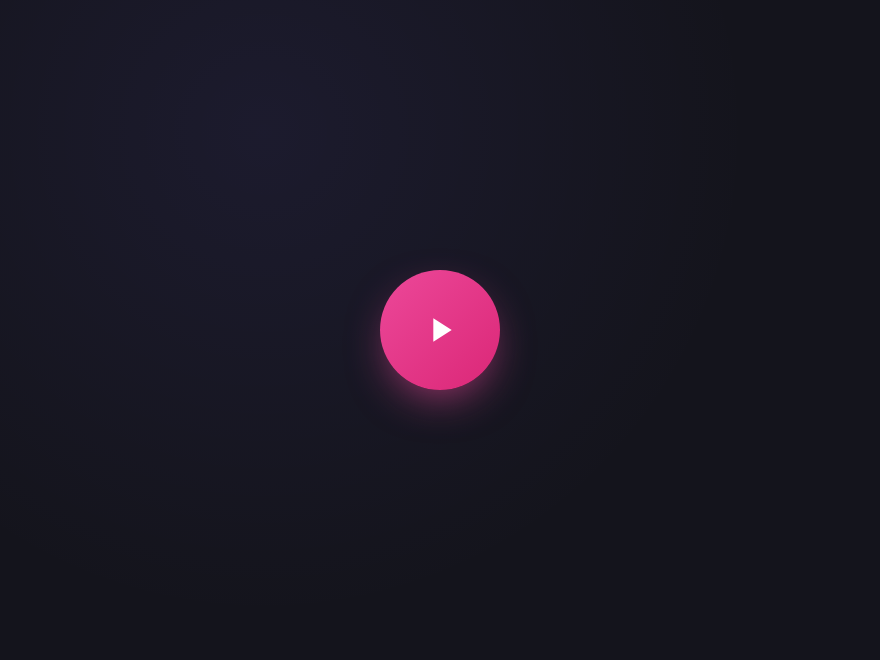
Pulse Halo
Light JS
Concentric halo rings emanate outward while playing — a soft pulse that signals "live" or "active" without distraction. Ideal for radio streams, live broadcasts, and listen-now CTAs.
.pp-pulse {
  position: relative;
  width: 60px; height: 60px;
  background: linear-gradient(135deg, #ec4899, #db2777);
  border: 0;
  border-radius: 50%;
  color: white;
  display: grid; place-items: center;
  cursor: pointer;
  box-shadow: 0 8px 22px -6px rgba(236,72,153,0.7);
  transition: transform .15s;
  z-index: 1;
}
.pp-pulse:hover { transform: translateY(-1px); }
.pp-pulse:focus-visible {
  outline: 3px solid rgba(236,72,153,0.5);
  outline-offset: 3px;
}
.pp-pulse-rings {
  position: absolute; inset: 0;
  border-radius: 50%;
  pointer-events: none;
  z-index: -1;
}
.pp-pulse-rings > span {
  position: absolute; inset: 0;
  border-radius: 50%;
  border: 2px solid #ec4899;
  opacity: 0;
  transform: scale(1);
}
.pp-pulse[aria-pressed="true"] .pp-pulse-rings > span {
  animation: ppPulseRipple 1.8s ease-out infinite;
}
.pp-pulse[aria-pressed="true"] .pp-pulse-rings > span:nth-child(2) { animation-delay: 0.9s; }
@keyframes ppPulseRipple {
  0%   { opacity: 0.7; transform: scale(1); }
  100% { opacity: 0;   transform: scale(2);  }
}
.pp-pulse-icon {
  transition: d .3s cubic-bezier(.5,0,.3,1.2);
}
.pp-pulse[aria-pressed="true"] .pp-pulse-icon {
  d: path("M7 5 H10 V19 H7 Z M14 5 H17 V19 H14 Z");
}
<button class="pp-pulse" type="button" aria-pressed="false" aria-label="Play live" data-pp>
  <span class="pp-pulse-rings" aria-hidden="true">
    <span></span><span></span>
  </span>
  <svg viewBox="0 0 24 24" width="20" height="20" aria-hidden="true">
    <path class="pp-pulse-icon" d="M8 5 L8 19 L19 12 Z" fill="currentColor"/>
  </svg>
</button>
// ── Drop this on every page where you render a play/pause button ──
// Toggles aria-pressed + aria-label on click. The CSS handles all visuals.
document.querySelectorAll('[data-pp]').forEach(function (btn) {
  btn.addEventListener('click', function () {
    var playing = btn.getAttribute('aria-pressed') === 'true';
    btn.setAttribute('aria-pressed', String(!playing));
    btn.setAttribute('aria-label', !playing ? 'Pause' : 'Play');
  });
});
07 / 18
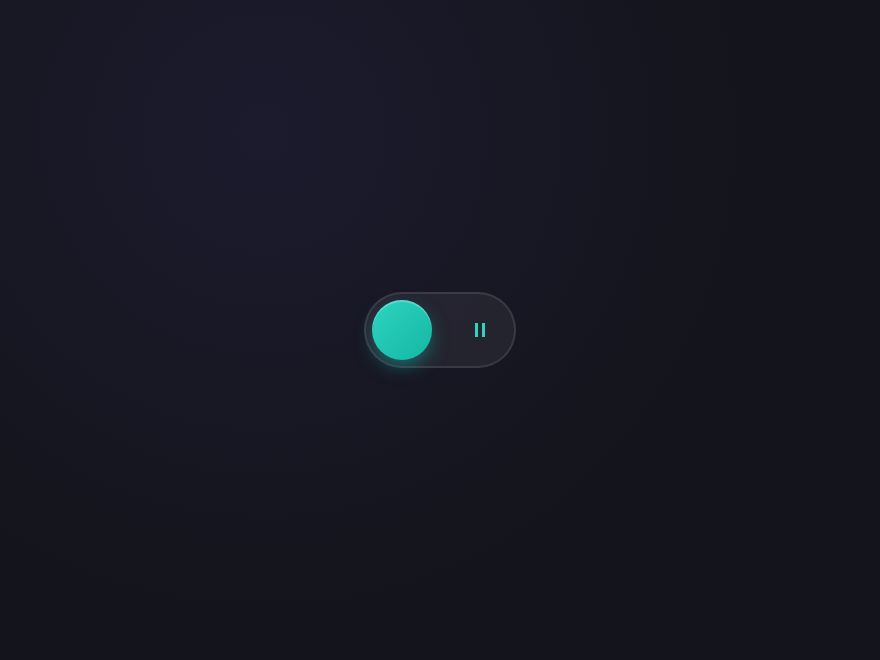
Toggle Pill
Light JS
iOS-style sliding toggle — but for play/pause. The thumb glides between two icons inside a single rounded track. Reads instantly as a state-bearing control, not just a button.
.pp-toggle {
  position: relative;
  width: 76px; height: 38px;
  background: rgba(255,255,255,0.06);
  border: 1px solid rgba(255,255,255,0.1);
  border-radius: 999px;
  cursor: pointer;
  padding: 0;
  transition: background .2s, border-color .2s;
}
.pp-toggle:hover {
  background: rgba(255,255,255,0.1);
  border-color: rgba(255,255,255,0.18);
}
.pp-toggle:focus-visible {
  outline: 3px solid rgba(45,212,191,0.4);
  outline-offset: 3px;
}
.pp-toggle-icons {
  position: absolute; inset: 0;
  display: flex; justify-content: space-between; align-items: center;
  padding: 0 11px;
  color: #64748b;
  pointer-events: none;
  transition: color .2s;
}
.pp-toggle[aria-pressed="false"] .pp-toggle-icons :first-child { color: #2dd4bf; }
.pp-toggle[aria-pressed="true"]  .pp-toggle-icons :last-child  { color: #2dd4bf; }
.pp-toggle-thumb {
  position: absolute; top: 3px; left: 3px;
  width: 30px; height: 30px;
  background: linear-gradient(135deg, #2dd4bf, #14b8a6);
  border-radius: 50%;
  box-shadow:
    0 4px 10px -2px rgba(20,184,166,0.6),
    inset 0 1px 0 rgba(255,255,255,0.25);
  transition: transform .35s cubic-bezier(.5,0,.3,1.2);
}
.pp-toggle[aria-pressed="true"] .pp-toggle-thumb {
  transform: translateX(38px);
}
<button class="pp-toggle" type="button" aria-pressed="false" aria-label="Play" data-pp>
  <span class="pp-toggle-icons" aria-hidden="true">
    <svg viewBox="0 0 24 24" width="12" height="12"><path d="M8 5 L8 19 L19 12 Z" fill="currentColor"/></svg>
    <svg viewBox="0 0 24 24" width="12" height="12"><path d="M7 5 H10 V19 H7 Z M14 5 H17 V19 H14 Z" fill="currentColor"/></svg>
  </span>
  <span class="pp-toggle-thumb" aria-hidden="true"></span>
</button>
// ── Drop this on every page where you render a play/pause button ──
// Toggles aria-pressed + aria-label on click. The CSS handles all visuals.
document.querySelectorAll('[data-pp]').forEach(function (btn) {
  btn.addEventListener('click', function () {
    var playing = btn.getAttribute('aria-pressed') === 'true';
    btn.setAttribute('aria-pressed', String(!playing));
    btn.setAttribute('aria-label', !playing ? 'Pause' : 'Play');
  });
});
08 / 18
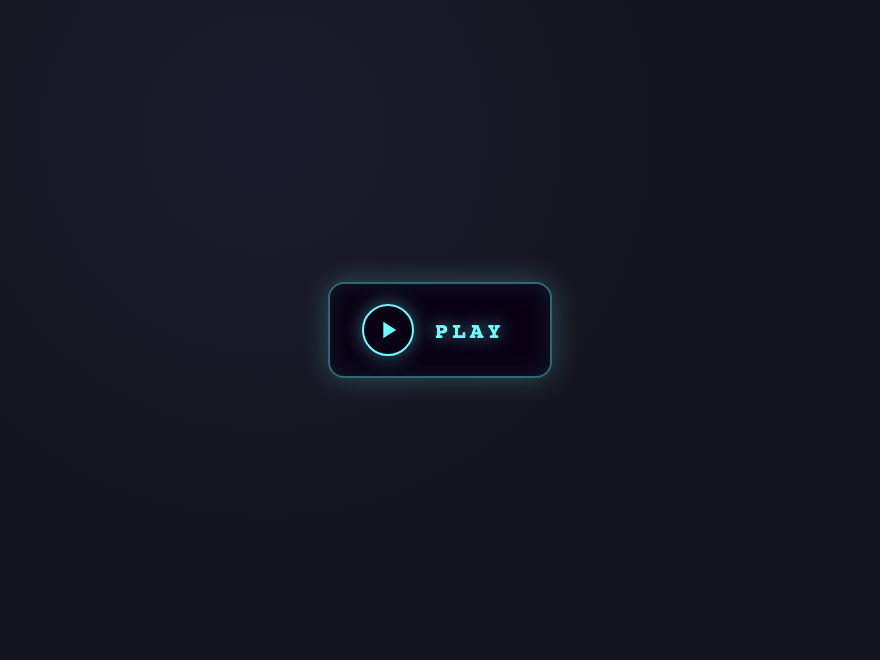
Neon Arcade
Light JS
Stacked neon-cyan glow with monospace label. The play / pause icon sits inside a glowing ring that pulses while playing — synthwave 80s arcade vibes for gaming, retro media, and dev tools.
.pp-neon {
  position: relative;
  display: inline-grid;
  grid-template-columns: auto auto;
  align-items: center;
  gap: 10px;
  padding: 10px 22px 10px 16px;
  background: #0a0014;
  border: 1px solid rgba(108,255,255,0.4);
  border-radius: 8px;
  color: #6cffff;
  cursor: pointer;
  font-family: 'JetBrains Mono', monospace;
  text-shadow: 0 0 8px rgba(108,255,255,0.6);
  box-shadow:
    inset 0 0 12px rgba(108,255,255,0.1),
    0 0 14px rgba(108,255,255,0.25);
  transition: box-shadow .25s, border-color .2s, transform .15s;
}
.pp-neon:hover {
  border-color: #6cffff;
  box-shadow:
    inset 0 0 18px rgba(108,255,255,0.2),
    0 0 22px rgba(108,255,255,0.5);
  transform: translateY(-1px);
}
.pp-neon:focus-visible {
  outline: 3px solid rgba(108,255,255,0.5);
  outline-offset: 3px;
}
.pp-neon-ring {
  position: relative;
  display: grid; place-items: center;
  width: 26px; height: 26px;
  border: 1.5px solid #6cffff;
  border-radius: 50%;
  box-shadow: 0 0 10px rgba(108,255,255,0.4);
}
.pp-neon[aria-pressed="true"] .pp-neon-ring {
  animation: ppNeonPulse 1.4s ease-in-out infinite;
}
@keyframes ppNeonPulse {
  0%, 100% { box-shadow: 0 0 10px rgba(108,255,255,0.4); }
  50%      { box-shadow: 0 0 22px rgba(108,255,255,0.85); }
}
.pp-neon-ring svg {
  display: block;
}
.pp-neon-label {
  position: relative;
  display: inline-block;
  font-size: 11px; font-weight: 700;
  letter-spacing: 0.2em;
  /* Reserve width of the longer label (PAUSE) so the button
     doesn't reflow when the state flips. */
  min-width: 4ch;
  text-align: left;
}
.pp-neon-text { display: none; }
.pp-neon[aria-pressed="false"] .pp-neon-text-play  { display: inline; }
.pp-neon[aria-pressed="true"]  .pp-neon-text-pause { display: inline; }
.pp-neon-icon {
  transition: d .3s cubic-bezier(.5,0,.3,1.2);
}
.pp-neon[aria-pressed="true"] .pp-neon-icon {
  d: path("M7 5 H10 V19 H7 Z M14 5 H17 V19 H14 Z");
}
<button class="pp-neon" type="button" aria-pressed="false" aria-label="Play" data-pp>
  <span class="pp-neon-ring" aria-hidden="true">
    <svg viewBox="0 0 24 24" width="14" height="14" aria-hidden="true">
      <path class="pp-neon-icon" d="M8 5 L8 19 L19 12 Z" fill="currentColor"/>
    </svg>
  </span>
  <span class="pp-neon-label" aria-hidden="true">
    <span class="pp-neon-text pp-neon-text-play">PLAY</span>
    <span class="pp-neon-text pp-neon-text-pause">PAUSE</span>
  </span>
</button>
// ── Drop this on every page where you render a play/pause button ──
// Toggles aria-pressed + aria-label on click. The CSS handles all visuals.
document.querySelectorAll('[data-pp]').forEach(function (btn) {
  btn.addEventListener('click', function () {
    var playing = btn.getAttribute('aria-pressed') === 'true';
    btn.setAttribute('aria-pressed', String(!playing));
    btn.setAttribute('aria-label', !playing ? 'Pause' : 'Play');
  });
});
09 / 18
Minimal Outline
Light JS
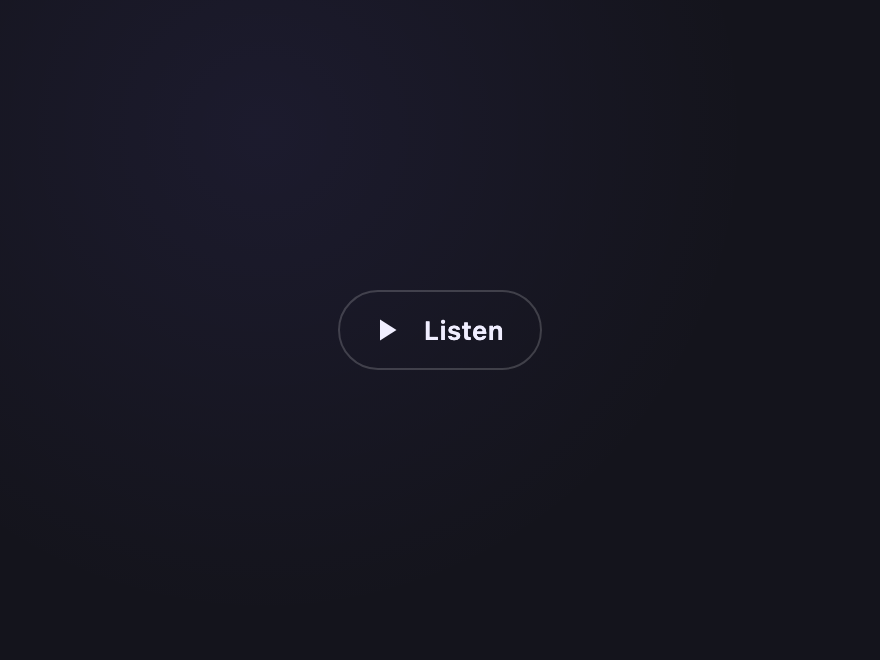
Refined outline-only button with a hairline border and subtle hover lift. The icon morphs cleanly between play and pause — an editorial, restrained pattern for content-heavy sites.
.pp-min {
  display: inline-flex; align-items: center; gap: 10px;
  padding: 10px 18px 10px 14px;
  background: transparent;
  border: 1px solid rgba(255,255,255,0.18);
  border-radius: 999px;
  color: #f0eeff;
  font-family: system-ui, sans-serif;
  font-size: 13px; font-weight: 600;
  letter-spacing: 0.02em;
  cursor: pointer;
  transition: background .2s, border-color .2s, color .2s, transform .15s;
}
.pp-min:hover {
  background: rgba(255,255,255,0.04);
  border-color: rgba(255,255,255,0.4);
  transform: translateY(-1px);
}
.pp-min:focus-visible {
  outline: 3px solid rgba(255,255,255,0.25);
  outline-offset: 3px;
}
.pp-min[aria-pressed="true"] {
  background: #f0eeff;
  color: #0f172a;
  border-color: #f0eeff;
}
.pp-min-icon {
  transition: d .3s cubic-bezier(.5,0,.3,1.2);
}
.pp-min[aria-pressed="true"] .pp-min-icon {
  d: path("M7 5 H10 V19 H7 Z M14 5 H17 V19 H14 Z");
}
.pp-min[aria-pressed="true"] .pp-min-label::before { content: 'Pause'; }
.pp-min[aria-pressed="true"] .pp-min-label { font-size: 0; }
.pp-min[aria-pressed="true"] .pp-min-label::before { font-size: 13px; }
<button class="pp-min" type="button" aria-pressed="false" aria-label="Play" data-pp>
  <svg viewBox="0 0 24 24" width="18" height="18" aria-hidden="true">
    <path class="pp-min-icon" d="M8 5 L8 19 L19 12 Z" fill="currentColor"/>
  </svg>
  <span class="pp-min-label">Listen</span>
</button>
// ── Drop this on every page where you render a play/pause button ──
// Toggles aria-pressed + aria-label on click. The CSS handles all visuals.
document.querySelectorAll('[data-pp]').forEach(function (btn) {
  btn.addEventListener('click', function () {
    var playing = btn.getAttribute('aria-pressed') === 'true';
    btn.setAttribute('aria-pressed', String(!playing));
    btn.setAttribute('aria-label', !playing ? 'Pause' : 'Play');
  });
});
10 / 18
Gradient Disc
Light JS
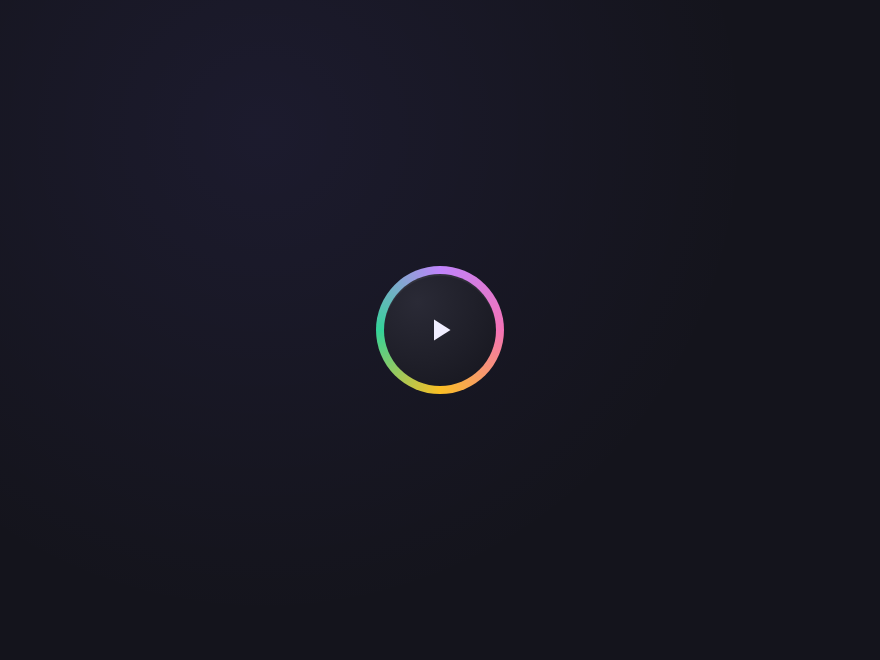
A `@property`-animated conic gradient rim that rotates while playing — true CSS angle animation, not a keyframes hack. Feels like a turntable or a high-end audio interface dial.
@property --pp-disc-angle {
  syntax: '<angle>'; inherits: false; initial-value: 0deg;
}
.pp-disc {
  position: relative;
  width: 64px; height: 64px;
  background: transparent;
  border: 0; padding: 0;
  cursor: pointer;
  border-radius: 50%;
}
.pp-disc:focus-visible {
  outline: 3px solid rgba(192,132,252,0.5);
  outline-offset: 3px;
}
.pp-disc-rim {
  position: absolute; inset: 0;
  border-radius: 50%;
  background: conic-gradient(
    from var(--pp-disc-angle, 0deg),
    #c084fc, #f472b6, #fbbf24, #34d399, #c084fc
  );
  filter: blur(0px);
  transition: filter .2s;
}
.pp-disc[aria-pressed="true"] .pp-disc-rim {
  animation: ppDiscSpin 4s linear infinite;
  filter: blur(0.5px);
}
@keyframes ppDiscSpin {
  to { --pp-disc-angle: 360deg; }
}
.pp-disc-core {
  position: absolute; inset: 4px;
  display: grid; place-items: center;
  background: radial-gradient(circle at 30% 25%, #2a2a36 0%, #15151d 100%);
  border-radius: 50%;
  color: #f0eeff;
  box-shadow: inset 0 1px 0 rgba(255,255,255,0.06);
}
.pp-disc:hover .pp-disc-core { color: #c4b5fd; }
.pp-disc-icon {
  transition: d .3s cubic-bezier(.5,0,.3,1.2);
}
.pp-disc[aria-pressed="true"] .pp-disc-icon {
  d: path("M7 5 H10 V19 H7 Z M14 5 H17 V19 H14 Z");
}
<button class="pp-disc" type="button" aria-pressed="false" aria-label="Play" data-pp>
  <span class="pp-disc-rim" aria-hidden="true"></span>
  <span class="pp-disc-core" aria-hidden="true">
    <svg viewBox="0 0 24 24" width="18" height="18" aria-hidden="true">
      <path class="pp-disc-icon" d="M8 5 L8 19 L19 12 Z" fill="currentColor"/>
    </svg>
  </span>
</button>
// ── Drop this on every page where you render a play/pause button ──
// Toggles aria-pressed + aria-label on click. The CSS handles all visuals.
document.querySelectorAll('[data-pp]').forEach(function (btn) {
  btn.addEventListener('click', function () {
    var playing = btn.getAttribute('aria-pressed') === 'true';
    btn.setAttribute('aria-pressed', String(!playing));
    btn.setAttribute('aria-label', !playing ? 'Pause' : 'Play');
  });
});
11 / 18
Voice Memo
Light JS
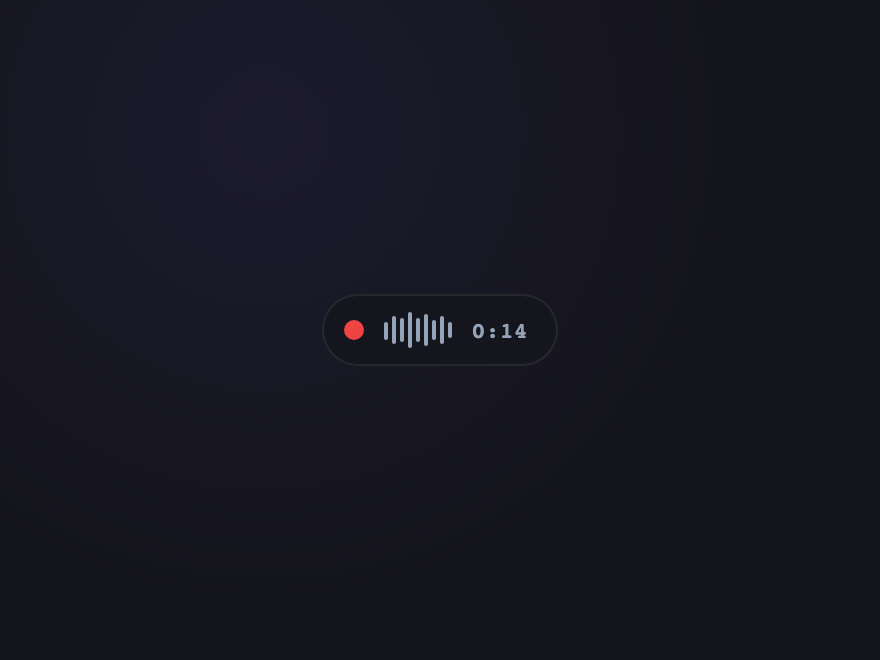
Record-style red button with a tiny live waveform indicator. The waveform animates while playing back; freezes when paused. Specifically tuned for voice notes, podcasts, and dictation UIs.
.pp-mem {
  display: inline-grid;
  grid-template-columns: auto 1fr auto;
  align-items: center;
  gap: 10px;
  padding: 8px 14px 8px 10px;
  background: #15151d;
  border: 1px solid rgba(255,255,255,0.08);
  border-radius: 999px;
  color: #f0eeff;
  cursor: pointer;
  font-family: 'JetBrains Mono', monospace;
  transition: border-color .2s, background .2s;
}
.pp-mem:hover { border-color: rgba(239,68,68,0.4); background: #1a1a25; }
.pp-mem:focus-visible {
  outline: 3px solid rgba(239,68,68,0.4);
  outline-offset: 3px;
}
.pp-mem-dot {
  width: 10px; height: 10px;
  border-radius: 50%;
  background: #ef4444;
  box-shadow: 0 0 0 0 rgba(239,68,68,0.5);
  transition: background .2s;
}
.pp-mem[aria-pressed="true"] .pp-mem-dot {
  animation: ppMemPing 1.4s ease-out infinite;
}
@keyframes ppMemPing {
  0%   { box-shadow: 0 0 0 0 rgba(239,68,68,0.6); }
  100% { box-shadow: 0 0 0 8px rgba(239,68,68,0); }
}
.pp-mem-wave {
  display: flex; align-items: center; gap: 2px;
  height: 18px;
}
.pp-mem-wave > span {
  width: 2px; height: 30%;
  background: #94a3b8;
  border-radius: 1px;
  transform-origin: center;
}
.pp-mem-wave > span:nth-child(1) { height: 50%; }
.pp-mem-wave > span:nth-child(2) { height: 80%; }
.pp-mem-wave > span:nth-child(3) { height: 65%; }
.pp-mem-wave > span:nth-child(4) { height: 95%; }
.pp-mem-wave > span:nth-child(5) { height: 70%; }
.pp-mem-wave > span:nth-child(6) { height: 90%; }
.pp-mem-wave > span:nth-child(7) { height: 55%; }
.pp-mem-wave > span:nth-child(8) { height: 75%; }
.pp-mem-wave > span:nth-child(9) { height: 40%; }
.pp-mem[aria-pressed="true"] .pp-mem-wave > span {
  background: #ef4444;
  animation: ppMemWave 0.6s ease-in-out infinite alternate;
}
.pp-mem[aria-pressed="true"] .pp-mem-wave > span:nth-child(2n) { animation-delay: 0.1s; }
.pp-mem[aria-pressed="true"] .pp-mem-wave > span:nth-child(3n) { animation-delay: 0.2s; }
@keyframes ppMemWave {
  from { transform: scaleY(0.5); }
  to   { transform: scaleY(1.1); }
}
.pp-mem-time {
  font-size: 11px; font-weight: 600;
  color: #94a3b8;
  font-variant-numeric: tabular-nums;
  letter-spacing: 0.04em;
}
<button class="pp-mem" type="button" aria-pressed="false" aria-label="Play voice memo" data-pp>
  <span class="pp-mem-dot" aria-hidden="true"></span>
  <span class="pp-mem-wave" aria-hidden="true">
    <span></span><span></span><span></span><span></span><span></span>
    <span></span><span></span><span></span><span></span>
  </span>
  <span class="pp-mem-time">0:14</span>
</button>
// ── Drop this on every page where you render a play/pause button ──
// Toggles aria-pressed + aria-label on click. The CSS handles all visuals.
document.querySelectorAll('[data-pp]').forEach(function (btn) {
  btn.addEventListener('click', function () {
    var playing = btn.getAttribute('aria-pressed') === 'true';
    btn.setAttribute('aria-pressed', String(!playing));
    btn.setAttribute('aria-label', !playing ? 'Pause' : 'Play');
  });
});
12 / 18
Floating FAB
Light JS
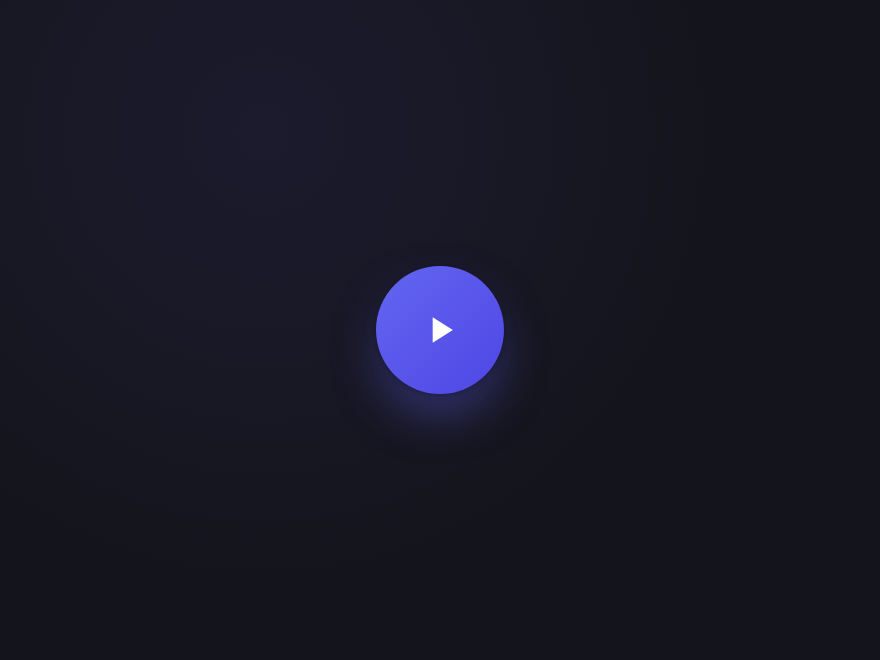
Material-style floating action button with elevation that lifts on hover and presses down on click. The icon morphs between play and pause — a polished pattern for full-screen video and tutorial overlays.
.pp-fab {
  width: 64px; height: 64px;
  border-radius: 50%;
  background: linear-gradient(135deg, #6366f1, #4f46e5);
  border: 0;
  color: white;
  display: grid; place-items: center;
  cursor: pointer;
  box-shadow:
    0 1px 2px rgba(0,0,0,0.2),
    0 4px 8px rgba(0,0,0,0.18),
    0 12px 24px -4px rgba(99,102,241,0.5);
  transition: box-shadow .25s, transform .15s, background .25s;
}
.pp-fab:hover {
  transform: translateY(-3px);
  box-shadow:
    0 2px 4px rgba(0,0,0,0.25),
    0 8px 16px rgba(0,0,0,0.2),
    0 22px 36px -6px rgba(99,102,241,0.6);
}
.pp-fab:active {
  transform: translateY(0);
  box-shadow:
    0 1px 2px rgba(0,0,0,0.2),
    0 2px 4px rgba(0,0,0,0.18),
    0 4px 8px -2px rgba(99,102,241,0.45);
}
.pp-fab:focus-visible {
  outline: 3px solid rgba(99,102,241,0.5);
  outline-offset: 4px;
}
.pp-fab[aria-pressed="true"] {
  background: linear-gradient(135deg, #4f46e5, #4338ca);
}
.pp-fab-icon {
  transition: d .35s cubic-bezier(.5,0,.3,1.2);
}
.pp-fab[aria-pressed="true"] .pp-fab-icon {
  d: path("M7 5 H10 V19 H7 Z M14 5 H17 V19 H14 Z");
}
<button class="pp-fab" type="button" aria-pressed="false" aria-label="Play" data-pp>
  <svg viewBox="0 0 24 24" width="22" height="22" aria-hidden="true">
    <path class="pp-fab-icon" d="M8 5 L8 19 L19 12 Z" fill="currentColor"/>
  </svg>
</button>
// ── Drop this on every page where you render a play/pause button ──
// Toggles aria-pressed + aria-label on click. The CSS handles all visuals.
document.querySelectorAll('[data-pp]').forEach(function (btn) {
  btn.addEventListener('click', function () {
    var playing = btn.getAttribute('aria-pressed') === 'true';
    btn.setAttribute('aria-pressed', String(!playing));
    btn.setAttribute('aria-label', !playing ? 'Pause' : 'Play');
  });
});
13 / 18
Progress Ring
Light JS
A circular play button wrapped by an SVG progress ring that fills as audio plays. Tick the percentage from your real <code>timeupdate</code> events — gold/cream palette suited to podcast and audiobook UIs.
.pp-prog {
  position: relative;
  width: 60px; height: 60px;
  border: 0; padding: 0;
  background: radial-gradient(circle at 30% 25%, #2a2519 0%, #15120c 100%);
  border-radius: 50%;
  color: #fbbf24;
  cursor: pointer;
  display: grid; place-items: center;
  box-shadow:
    0 6px 18px -4px rgba(251,191,36,0.35),
    inset 0 1px 0 rgba(255,255,255,0.08);
  transition: transform .15s, box-shadow .25s;
}
.pp-prog:hover {
  transform: translateY(-1px);
  box-shadow:
    0 10px 26px -4px rgba(251,191,36,0.5),
    inset 0 1px 0 rgba(255,255,255,0.12);
}
.pp-prog:focus-visible {
  outline: 3px solid rgba(251,191,36,0.5);
  outline-offset: 3px;
}
.pp-prog-ring {
  position: absolute; inset: 0;
  width: 100%; height: 100%;
}
.pp-prog-fill {
  transition: stroke-dashoffset .25s linear;
}
.pp-prog-icon-svg {
  position: relative;
  z-index: 1;
}
.pp-prog-icon {
  transition: d .3s cubic-bezier(.5,0,.3,1.2);
}
.pp-prog[aria-pressed="true"] .pp-prog-icon {
  d: path("M7 5 H10 V19 H7 Z M14 5 H17 V19 H14 Z");
}

/* ── Drop-in JS for real progress ──
const btn  = document.querySelector('.pp-prog');
const fill = btn.querySelector('.pp-prog-fill');
const audio = document.querySelector('audio');

audio.addEventListener('timeupdate', () => {
  const pct = (audio.currentTime / audio.duration) * 100 || 0;
  fill.style.strokeDashoffset = String(100 - pct);
});
*/
<button class="pp-prog" type="button" aria-pressed="false" aria-label="Play" data-pp data-pp-prog>
  <svg class="pp-prog-ring" viewBox="0 0 56 56" aria-hidden="true">
    <circle cx="28" cy="28" r="24" fill="none" stroke="rgba(255,255,255,0.06)" stroke-width="3"/>
    <circle class="pp-prog-fill" cx="28" cy="28" r="24" fill="none" stroke="#fbbf24" stroke-width="3" stroke-linecap="round" pathLength="100" stroke-dasharray="100" stroke-dashoffset="100" transform="rotate(-90 28 28)"/>
  </svg>
  <svg viewBox="0 0 24 24" width="18" height="18" class="pp-prog-icon-svg" aria-hidden="true">
    <path class="pp-prog-icon" d="M8 5 L8 19 L19 12 Z" fill="currentColor"/>
  </svg>
</button>
// ── Drop this on every page where you render a play/pause button ──
// Toggles aria-pressed + aria-label on click. The CSS handles all visuals.
document.querySelectorAll('[data-pp]').forEach(function (btn) {
  btn.addEventListener('click', function () {
    var playing = btn.getAttribute('aria-pressed') === 'true';
    btn.setAttribute('aria-pressed', String(!playing));
    btn.setAttribute('aria-label', !playing ? 'Pause' : 'Play');
  });
});
14 / 18
Magnetic Hover
Light JS
A play button whose icon subtly drifts toward the cursor on hover — a small touch of physicality that signals an interactive surface. Click to play; the icon morphs and the magnet effect releases.
.pp-mag {
  width: 60px; height: 60px;
  border: 0; padding: 0;
  background: linear-gradient(135deg, #1e3a8a, #1d4ed8);
  border-radius: 18px;
  color: #bfdbfe;
  cursor: pointer;
  position: relative;
  overflow: hidden;
  box-shadow:
    0 8px 22px -6px rgba(29,78,216,0.55),
    inset 0 1px 0 rgba(255,255,255,0.12);
  transition: box-shadow .25s, color .2s;
}
.pp-mag:hover { color: #ffffff; }
.pp-mag:focus-visible {
  outline: 3px solid rgba(29,78,216,0.5);
  outline-offset: 3px;
}
.pp-mag-track {
  position: absolute; inset: 0;
  display: grid; place-items: center;
  transition: transform .25s cubic-bezier(.2,.8,.2,1);
}
.pp-mag-icon {
  transition: d .3s cubic-bezier(.5,0,.3,1.2);
}
.pp-mag[aria-pressed="true"] .pp-mag-icon {
  d: path("M7 5 H10 V19 H7 Z M14 5 H17 V19 H14 Z");
}
.pp-mag[aria-pressed="true"] .pp-mag-track {
  transform: translate(0, 0) !important;
}

/* ── Drop-in JS for the magnetic effect ──
document.querySelectorAll('[data-pp-mag]').forEach(btn => {
  const track = btn.querySelector('.pp-mag-track');
  btn.addEventListener('pointermove', e => {
    const r = btn.getBoundingClientRect();
    const x = ((e.clientX - r.left) / r.width  - 0.5) * 12;
    const y = ((e.clientY - r.top)  / r.height - 0.5) * 12;
    track.style.transform = `translate(${x}px, ${y}px)`;
  });
  btn.addEventListener('pointerleave', () => {
    track.style.transform = 'translate(0, 0)';
  });
});
*/
<button class="pp-mag" type="button" aria-pressed="false" aria-label="Play" data-pp data-pp-mag>
  <span class="pp-mag-track" aria-hidden="true">
    <svg viewBox="0 0 24 24" width="22" height="22" aria-hidden="true">
      <path class="pp-mag-icon" d="M8 5 L8 19 L19 12 Z" fill="currentColor"/>
    </svg>
  </span>
</button>
// ── Drop this on every page where you render a play/pause button ──
// Toggles aria-pressed + aria-label on click. The CSS handles all visuals.
document.querySelectorAll('[data-pp]').forEach(function (btn) {
  btn.addEventListener('click', function () {
    var playing = btn.getAttribute('aria-pressed') === 'true';
    btn.setAttribute('aria-pressed', String(!playing));
    btn.setAttribute('aria-label', !playing ? 'Pause' : 'Play');
  });
});
15 / 18
Liquid Drop
Light JS
Organic blob shape that morphs its border-radius on play — like a droplet of mercury reshaping itself. Mint-fresh palette for wellness and meditation apps.
.pp-drop {
  width: 64px; height: 64px;
  border: 0; padding: 0;
  background: linear-gradient(135deg, #34d399, #10b981);
  border-radius: 50% 40% 50% 60% / 50% 50% 50% 50%;
  color: white;
  cursor: pointer;
  display: grid; place-items: center;
  box-shadow:
    0 10px 24px -4px rgba(16,185,129,0.5),
    inset 0 1px 0 rgba(255,255,255,0.18);
  transition: border-radius .35s cubic-bezier(.5,0,.3,1.2),
              transform .15s, box-shadow .25s;
}
.pp-drop:hover {
  transform: translateY(-1px);
  box-shadow:
    0 14px 30px -4px rgba(16,185,129,0.65),
    inset 0 1px 0 rgba(255,255,255,0.22);
}
.pp-drop:focus-visible {
  outline: 3px solid rgba(52,211,153,0.45);
  outline-offset: 3px;
}
.pp-drop[aria-pressed="true"] {
  animation: ppDropMorph 4s ease-in-out infinite;
}
@keyframes ppDropMorph {
  0%, 100% { border-radius: 50% 40% 50% 60% / 50% 50% 50% 50%; }
  25%      { border-radius: 60% 50% 40% 50% / 40% 60% 50% 50%; }
  50%      { border-radius: 40% 50% 60% 40% / 50% 40% 60% 50%; }
  75%      { border-radius: 50% 60% 40% 50% / 60% 50% 40% 60%; }
}
.pp-drop-icon {
  transition: d .3s cubic-bezier(.5,0,.3,1.2);
}
.pp-drop[aria-pressed="true"] .pp-drop-icon {
  d: path("M7 5 H10 V19 H7 Z M14 5 H17 V19 H14 Z");
}
<button class="pp-drop" type="button" aria-pressed="false" aria-label="Play" data-pp>
  <svg viewBox="0 0 24 24" width="22" height="22" aria-hidden="true">
    <path class="pp-drop-icon" d="M8 5 L8 19 L19 12 Z" fill="currentColor"/>
  </svg>
</button>
// ── Drop this on every page where you render a play/pause button ──
// Toggles aria-pressed + aria-label on click. The CSS handles all visuals.
document.querySelectorAll('[data-pp]').forEach(function (btn) {
  btn.addEventListener('click', function () {
    var playing = btn.getAttribute('aria-pressed') === 'true';
    btn.setAttribute('aria-pressed', String(!playing));
    btn.setAttribute('aria-label', !playing ? 'Pause' : 'Play');
  });
});
16 / 18
Ripple on Click
Light JS
Material-style ink ripple that emanates from the click point on every press. Click feedback that reads as tactile instantly — a subtle but premium detail.
.pp-ripple {
  position: relative;
  width: 56px; height: 56px;
  border: 0; padding: 0;
  background: linear-gradient(135deg, #a78bfa, #8b5cf6);
  border-radius: 50%;
  color: white;
  cursor: pointer;
  display: grid; place-items: center;
  overflow: hidden;
  box-shadow: 0 6px 16px -4px rgba(139,92,246,0.55);
  transition: transform .15s, box-shadow .25s;
}
.pp-ripple:hover {
  transform: translateY(-1px);
  box-shadow: 0 10px 22px -4px rgba(139,92,246,0.7);
}
.pp-ripple:focus-visible {
  outline: 3px solid rgba(139,92,246,0.5);
  outline-offset: 3px;
}
.pp-ripple-wave {
  position: absolute;
  width: 0; height: 0;
  border-radius: 50%;
  background: rgba(255,255,255,0.4);
  transform: translate(-50%, -50%);
  pointer-events: none;
  animation: ppRippleOut .6s ease-out forwards;
}
@keyframes ppRippleOut {
  to { width: 140px; height: 140px; opacity: 0; }
}
.pp-ripple-icon {
  position: relative; z-index: 1;
  transition: d .3s cubic-bezier(.5,0,.3,1.2);
}
.pp-ripple[aria-pressed="true"] .pp-ripple-icon {
  d: path("M7 5 H10 V19 H7 Z M14 5 H17 V19 H14 Z");
}

/* ── Drop-in JS for the ripple ──
document.querySelectorAll('[data-pp-ripple]').forEach(btn => {
  btn.addEventListener('pointerdown', e => {
    const r = btn.getBoundingClientRect();
    const wave = document.createElement('span');
    wave.className = 'pp-ripple-wave';
    wave.style.left = (e.clientX - r.left) + 'px';
    wave.style.top  = (e.clientY - r.top)  + 'px';
    btn.appendChild(wave);
    wave.addEventListener('animationend', () => wave.remove());
  });
});
*/
<button class="pp-ripple" type="button" aria-pressed="false" aria-label="Play" data-pp data-pp-ripple>
  <svg viewBox="0 0 24 24" width="20" height="20" aria-hidden="true">
    <path class="pp-ripple-icon" d="M8 5 L8 19 L19 12 Z" fill="currentColor"/>
  </svg>
</button>
// ── Drop this on every page where you render a play/pause button ──
// Toggles aria-pressed + aria-label on click. The CSS handles all visuals.
document.querySelectorAll('[data-pp]').forEach(function (btn) {
  btn.addEventListener('click', function () {
    var playing = btn.getAttribute('aria-pressed') === 'true';
    btn.setAttribute('aria-pressed', String(!playing));
    btn.setAttribute('aria-label', !playing ? 'Pause' : 'Play');
  });
});
17 / 18
Cassette Tape
Light JS
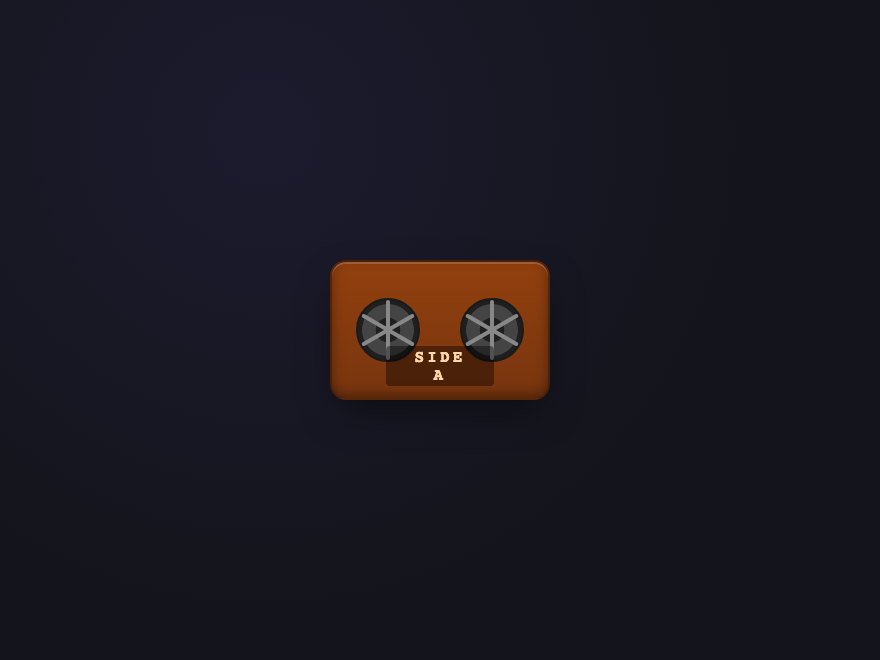
Skeumorphic mini-cassette with two reels that rotate while playing and freeze instantly on pause. Warm tactile detail for retro music players, lo-fi radio apps, and nostalgic brand moments.
.pp-tape {
  width: 110px; height: 70px;
  border: 0; padding: 0;
  background: transparent;
  cursor: pointer;
  border-radius: 10px;
}
.pp-tape:focus-visible {
  outline: 3px solid rgba(180,83,9,0.5);
  outline-offset: 3px;
}
.pp-tape-body {
  position: relative;
  display: block;
  width: 100%; height: 100%;
  background: linear-gradient(180deg, #92400e 0%, #78350f 100%);
  border-radius: 8px;
  border: 1px solid rgba(0,0,0,0.4);
  box-shadow:
    inset 0 1px 0 rgba(255,255,255,0.18),
    inset 0 -2px 6px rgba(0,0,0,0.35),
    0 8px 20px -6px rgba(0,0,0,0.55);
}
.pp-tape-reel {
  position: absolute;
  top: 50%;
  width: 32px; height: 32px;
  margin-top: -16px;
  border-radius: 50%;
  background:
    radial-gradient(circle, #1f1f1f 28%, #444 30%, #444 60%, #1f1f1f 62%);
  border: 1.5px solid #1a1a1a;
  display: grid; place-items: center;
}
.pp-tape-reel-l { left: 12px; }
.pp-tape-reel-r { right: 12px; }
.pp-tape-spoke {
  position: absolute;
  width: 2px; height: 100%;
  background: #888;
  border-radius: 1px;
}
.pp-tape-spoke:nth-child(2) { transform: rotate(60deg);  }
.pp-tape-spoke:nth-child(3) { transform: rotate(-60deg); }
.pp-tape[aria-pressed="true"] .pp-tape-reel {
  animation: ppTapeSpin 1.6s linear infinite;
}
@keyframes ppTapeSpin { to { transform: rotate(360deg); } }
.pp-tape-label {
  position: absolute; left: 50%; bottom: 6px;
  transform: translateX(-50%);
  font-family: 'JetBrains Mono', monospace;
  font-size: 8px; font-weight: 700;
  color: #fed7aa;
  letter-spacing: 0.2em;
  background: rgba(0,0,0,0.4);
  padding: 1px 8px;
  border-radius: 2px;
  pointer-events: none;
}
<button class="pp-tape" type="button" aria-pressed="false" aria-label="Play" data-pp>
  <span class="pp-tape-body" aria-hidden="true">
    <span class="pp-tape-reel pp-tape-reel-l">
      <span class="pp-tape-spoke"></span>
      <span class="pp-tape-spoke"></span>
      <span class="pp-tape-spoke"></span>
    </span>
    <span class="pp-tape-reel pp-tape-reel-r">
      <span class="pp-tape-spoke"></span>
      <span class="pp-tape-spoke"></span>
      <span class="pp-tape-spoke"></span>
    </span>
    <span class="pp-tape-label">SIDE A</span>
  </span>
</button>
// ── Drop this on every page where you render a play/pause button ──
// Toggles aria-pressed + aria-label on click. The CSS handles all visuals.
document.querySelectorAll('[data-pp]').forEach(function (btn) {
  btn.addEventListener('click', function () {
    var playing = btn.getAttribute('aria-pressed') === 'true';
    btn.setAttribute('aria-pressed', String(!playing));
    btn.setAttribute('aria-label', !playing ? 'Pause' : 'Play');
  });
});
18 / 18
Live Badge
Light JS
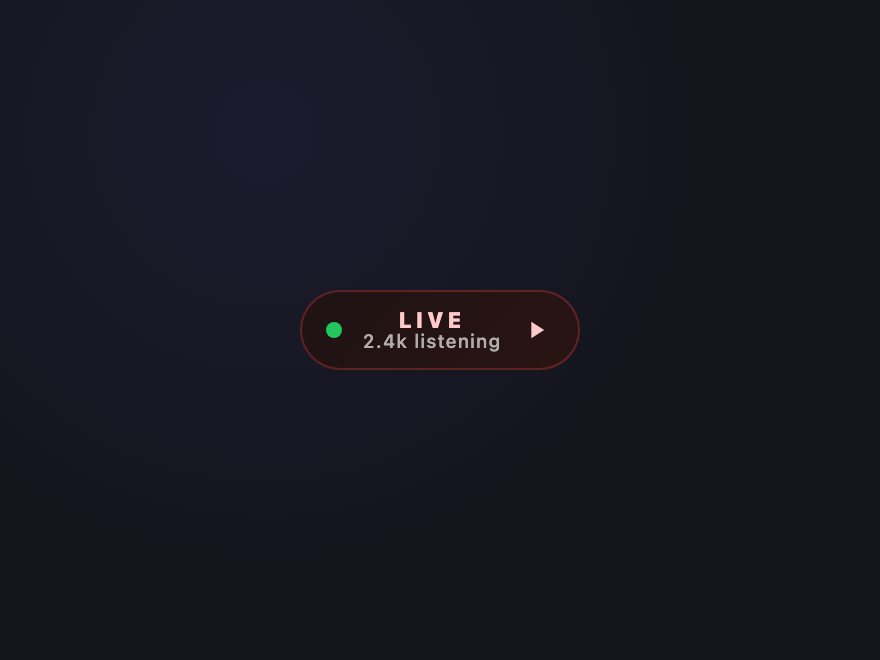
Live-broadcast pill with a breathing background and a tiny presence dot. Click to join — the dot starts pinging, the gradient shifts to "on-air" warm red. Perfect for live podcasts, watch-parties, and Twitch-style streams.
.pp-live {
  display: inline-grid;
  grid-template-columns: auto 1fr auto;
  align-items: center;
  gap: 10px;
  padding: 8px 14px 8px 12px;
  background: linear-gradient(135deg, #1f1313 0%, #2a1414 100%);
  border: 1px solid rgba(239,68,68,0.3);
  border-radius: 999px;
  color: #fecaca;
  cursor: pointer;
  font-family: system-ui, sans-serif;
  transition: background .3s, border-color .3s, transform .15s;
}
.pp-live:hover {
  border-color: rgba(239,68,68,0.6);
  transform: translateY(-1px);
}
.pp-live:focus-visible {
  outline: 3px solid rgba(239,68,68,0.4);
  outline-offset: 3px;
}
.pp-live[aria-pressed="true"] {
  background: linear-gradient(135deg, #7f1d1d 0%, #b91c1c 100%);
  color: white;
  border-color: #ef4444;
}
.pp-live-dot {
  width: 8px; height: 8px;
  border-radius: 50%;
  background: #22c55e;
  box-shadow: 0 0 0 0 rgba(34,197,94,0.6);
}
.pp-live[aria-pressed="true"] .pp-live-dot {
  background: #ef4444;
  animation: ppLivePing 1.4s ease-out infinite;
}
@keyframes ppLivePing {
  0%   { box-shadow: 0 0 0 0 rgba(239,68,68,0.6); }
  100% { box-shadow: 0 0 0 8px rgba(239,68,68,0); }
}
.pp-live-text {
  display: grid;
  line-height: 1.1;
}
.pp-live-state {
  font-size: 11px; font-weight: 800;
  letter-spacing: 0.18em;
}
.pp-live-meta {
  font-size: 9.5px; font-weight: 500;
  color: rgba(255,255,255,0.65);
  font-variant-numeric: tabular-nums;
  letter-spacing: 0.04em;
}
.pp-live[aria-pressed="true"] .pp-live-state::before {
  content: 'ON AIR';
}
.pp-live[aria-pressed="true"] .pp-live-state {
  font-size: 0;
}
.pp-live[aria-pressed="true"] .pp-live-state::before {
  font-size: 11px; letter-spacing: 0.18em;
}
.pp-live-icon { transition: d .3s cubic-bezier(.5,0,.3,1.2); }
.pp-live[aria-pressed="true"] .pp-live-icon {
  d: path("M7 5 H10 V19 H7 Z M14 5 H17 V19 H14 Z");
}
<button class="pp-live" type="button" aria-pressed="false" aria-label="Tune in to live broadcast" data-pp>
  <span class="pp-live-dot" aria-hidden="true"></span>
  <span class="pp-live-text">
    <span class="pp-live-state">LIVE</span>
    <span class="pp-live-meta">2.4k listening</span>
  </span>
  <svg viewBox="0 0 24 24" width="14" height="14" aria-hidden="true" class="pp-live-icon-svg">
    <path class="pp-live-icon" d="M8 5 L8 19 L19 12 Z" fill="currentColor"/>
  </svg>
</button>
// ── Drop this on every page where you render a play/pause button ──
// Toggles aria-pressed + aria-label on click. The CSS handles all visuals.
document.querySelectorAll('[data-pp]').forEach(function (btn) {
  btn.addEventListener('click', function () {
    var playing = btn.getAttribute('aria-pressed') === 'true';
    btn.setAttribute('aria-pressed', String(!playing));
    btn.setAttribute('aria-label', !playing ? 'Pause' : 'Play');
  });
});
FAQ

Frequently asked questions

What's the right HTML for a play / pause button?
A single button type=button with aria-pressed reflecting the playing state, and an aria-label that updates between Play and Pause. A single toggle button beats two separate buttons because it's exactly one tap target, one keyboard focus stop, and one screen-reader announcement.
How do I morph a play icon into a pause icon in pure CSS?
Two reliable techniques: (1) two SVGs stacked — fade/scale one out and the other in via :checked or aria-pressed; or (2) a single SVG path with the d attribute animated via CSS — newer browsers support transition on path d. The first works everywhere; the second feels more premium.
Should a play button keep animating while paused?
No. The visual rule is: motion = playing, stillness = paused. Spinning vinyl freezes, equaliser bars flatten, waveforms stop mid-cycle. This is what users expect and it's the strongest single signal of state.
Are these accessible to keyboard and screen-reader users?
Yes. Each demo is a real button with aria-pressed, an updating aria-label, and a visible focus state. Continuous animations honour prefers-reduced-motion. The toggle works with Space and Enter keys, and screen readers announce both the role and the current state.
Do these play / pause buttons work in any framework?
Yes. Plain HTML, CSS and (where used) vanilla JS — no dependencies. Drop into React, Vue, Svelte, Astro or plain HTML; bind your own click handler to start/stop your audio or video element. MIT licensed.

Related collections