CSS Outline & Border Generator
Free tool No sign-up
Presets
Preview · border1× actual size
Sample element
Tune the controls on the right and watch this element react.
Side-by-side · border vs outlinesame values applied to both
border
Affects layout · respects radius
outline
Doesn't affect layout · can offset
Border sits inside the box and pushes content via box-sizing math. Outline sits outside the box, doesn't take layout space, and supports
outline-offset.Mode
Sides
Width2px
Style
Color
Opacity1
Shape
Border radius10px
Padding22px
About this generator
Build CSS borders, outlines, and gradient borders visually — with per-side controls, side-by-side border-vs-outline comparison, and copy-ready output in CSS, Tailwind, styled-components, or SCSS.
Advertisement
Why use this Border Generator?
Border vs outline · side-by-side
Most generators do one or the other. This one shows both with the same values applied so you can SEE the difference: border affects layout, outline does not. Pick the right tool, not the popular one.
Per-side controls
Tabs, dividers, and underlined links need only one or two sides. Toggle to per-side mode and dial each edge independently — no more typing border-bottom: 2px solid #fff manually.
Gradient borders
AI tools usually botch this — they output `border: 2px solid linear-gradient(...)` which is invalid CSS. The generator emits the correct linear-gradient + background-clip recipe that actually works.
Four export formats
CSS, Tailwind utilities, styled-components, SCSS mixin. Switch the export tab to your stack — no manual conversion or copy-and-tweak.
How to use this generator
01
Choose mode
Border is the everyday choice (affects layout). Outline is for focus rings and overlays (sits outside, no layout shift). Gradient produces a colored ring around the element.
02
Switch sides if needed
In border mode, toggle from "All" to "Per-side" to dial each edge independently. Useful for underlined links (bottom only), dividers, table cells.
03
Pick style and color
Eight styles (solid, dashed, dotted, double, groove, ridge, inset, outset) and a full color picker with opacity slider. Dashed is the universal "drop zone" indicator.
04
Compare modes
The side-by-side panel shows your current mode against its opposite (border ↔ outline) with the same values, so the layout impact is visible at a glance.
05
Export to your stack
Switch to CSS, Tailwind, styled-components, or SCSS. Hit Copy or share the URL — every recipe encodes into the query string.
Border & outline reference
| Property | Typical value | What it does |
|---|---|---|
| border | 2px solid #7c6cff | Affects layout (pushes content via box-sizing). Respects border-radius. Renders inside the element box. |
| outline | 2px solid #7c6cff | Does NOT affect layout (sits outside box). Supports outline-offset to push it further out. Used for focus rings. |
| outline-offset | 4px | Distance between the element and its outline. Negative values pull the outline inward (overlap the element). |
| border-radius | 12px | Rounds the corners. Outlines respect it in modern browsers (Safari 16+, Chrome 94+). |
| border-{side} | 2px solid … | Per-side control. Use border-bottom for underlined links, border-left for blockquote bars, etc. |
| border-image | linear-gradient(...) 1 | Lets you put any image (including gradients) as a border. The legacy way to do gradient borders — bg-clip is more flexible. |
| border-style | solid · dashed · dotted · double · groove · ridge · inset · outset | Eight built-in patterns. Solid is universal; dashed reads as "drop zone"; double draws two parallel lines. |
Common border patterns
Bottom underline link
.link {
  color: #7c6cff;
  text-decoration: none;
  border-bottom: 2px solid currentColor;
  transition: border-color 0.2s;
}
.link:hover { border-color: transparent; }
Dashed file dropzone
.dropzone {
  border: 2px dashed rgba(124, 108, 255, 0.4);
  border-radius: 14px;
  padding: 28px;
  text-align: center;
  transition: border-color 0.2s, background 0.2s;
}
.dropzone:hover, .dropzone.is-dragover {
  border-color: #7c6cff;
  background: rgba(124, 108, 255, 0.06);
}
Gradient border (the correct way)
.gradient-card {
  position: relative;
  border: 2px solid transparent;
  border-radius: 12px;
  padding: 22px;
  background:
    linear-gradient(#1a1a24, #1a1a24) padding-box,
    linear-gradient(135deg, #7c6cff, #ec4899) border-box;
  background-clip: padding-box, border-box;
}
Focus ring with offset (a11y)
.button:focus-visible {
  outline: 2px solid #7c6cff;
  outline-offset: 3px;
  border-radius: 8px;
} Pro tips
01
Outline beats border for focus rings
Borders push surrounding layout when they appear; outlines do not. Always use outline + outline-offset for :focus-visible to avoid jumpy UI on keyboard navigation.
02
Gradient borders need bg-clip
`border: 2px solid linear-gradient(...)` is invalid. The trick: transparent border + two stacked backgrounds (padding-box content + border-box gradient) with background-clip on each.
03
box-sizing affects border math
With box-sizing: border-box (default in modern resets), the border eats into the declared width. With content-box, the border ADDS to the width. Pick one and stick with it.
04
Mind border collapse on tables
Table cells with their own borders need `border-collapse: collapse` on the parent or you get doubled lines. SVG borders avoid this entirely.
See it used in real designs
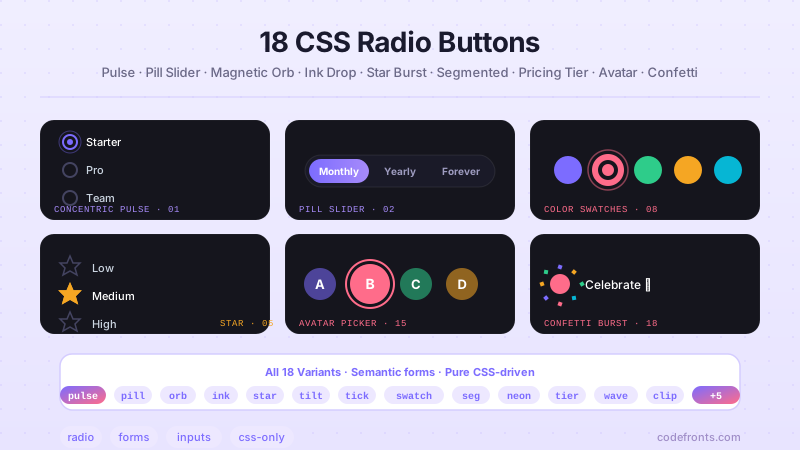
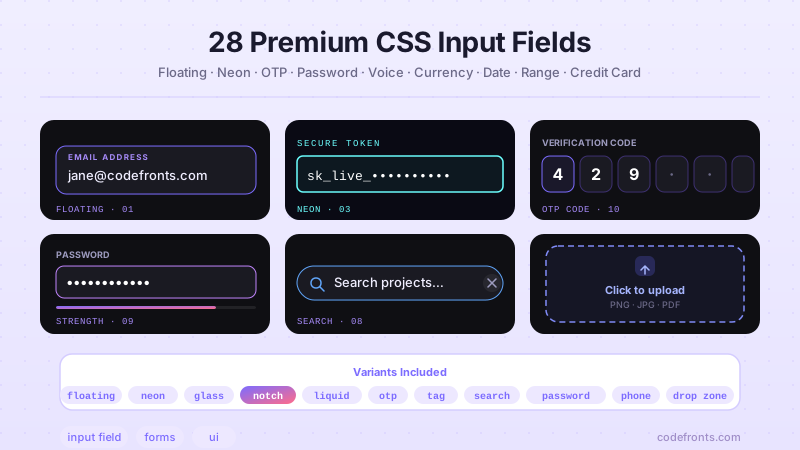
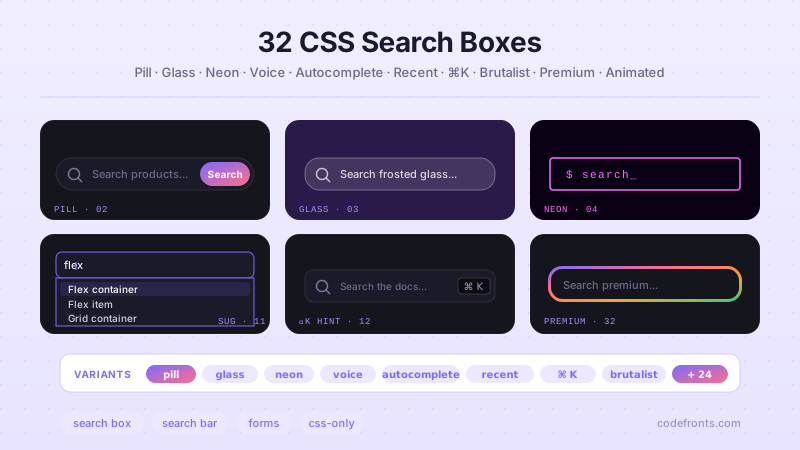
Browse hand-coded collections that put this tool to work.
Related tools
CSS Background Pattern Generator CSS Border Radius Generator CSS Box Shadow Generator CSS Button Generator CSS Clip-Path Generator CSS Cursor Generator CSS Filter Generator CSS Glassmorphism Generator CSS Loader Generator CSS Scrollbar Generator CSS Text Shadow Generator CSS Wave Generator Neumorphism Generator