15 CSS Footer Designs

A CSS footer is the bottom band of a page that holds navigation, brand info, and meta links. These 15 hand-coded designs are ready-to-ship footers for SaaS landings, editorial sites, e-commerce, dev tools, and marketing pages — copy the markup, swap in your links and brand, and ship.
15 unique designs 13 Pure CSS 2 CSS + JS 100% copy-paste ready Published
01 / 15
Aurora Drift
Pure CSS
Aurora Drift — preview
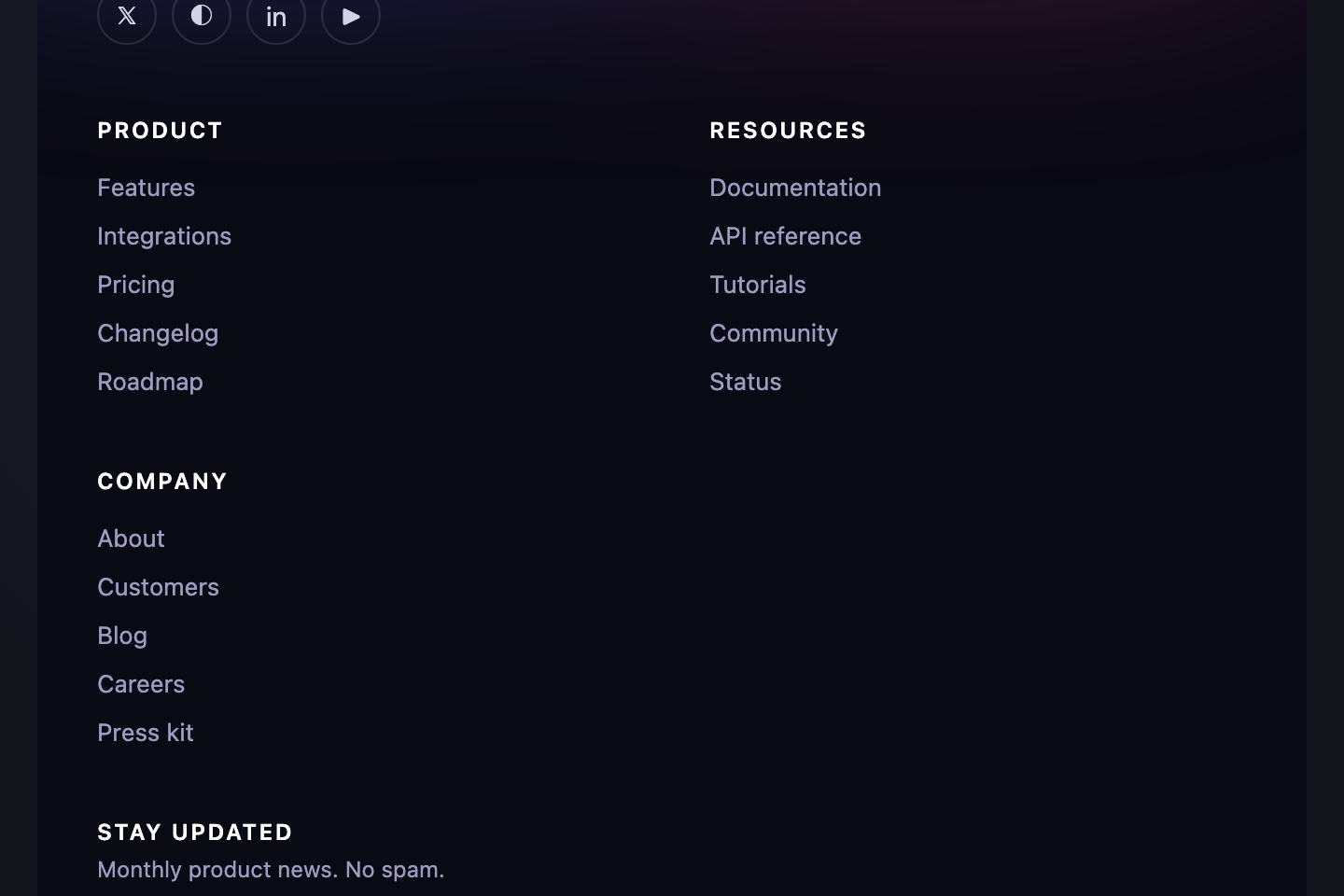
Modern SaaS footer with a slowly drifting aurora-band gradient behind a 4-column link grid.
02 / 15
Newspaper Masthead
Pure CSS
Newspaper Masthead — preview
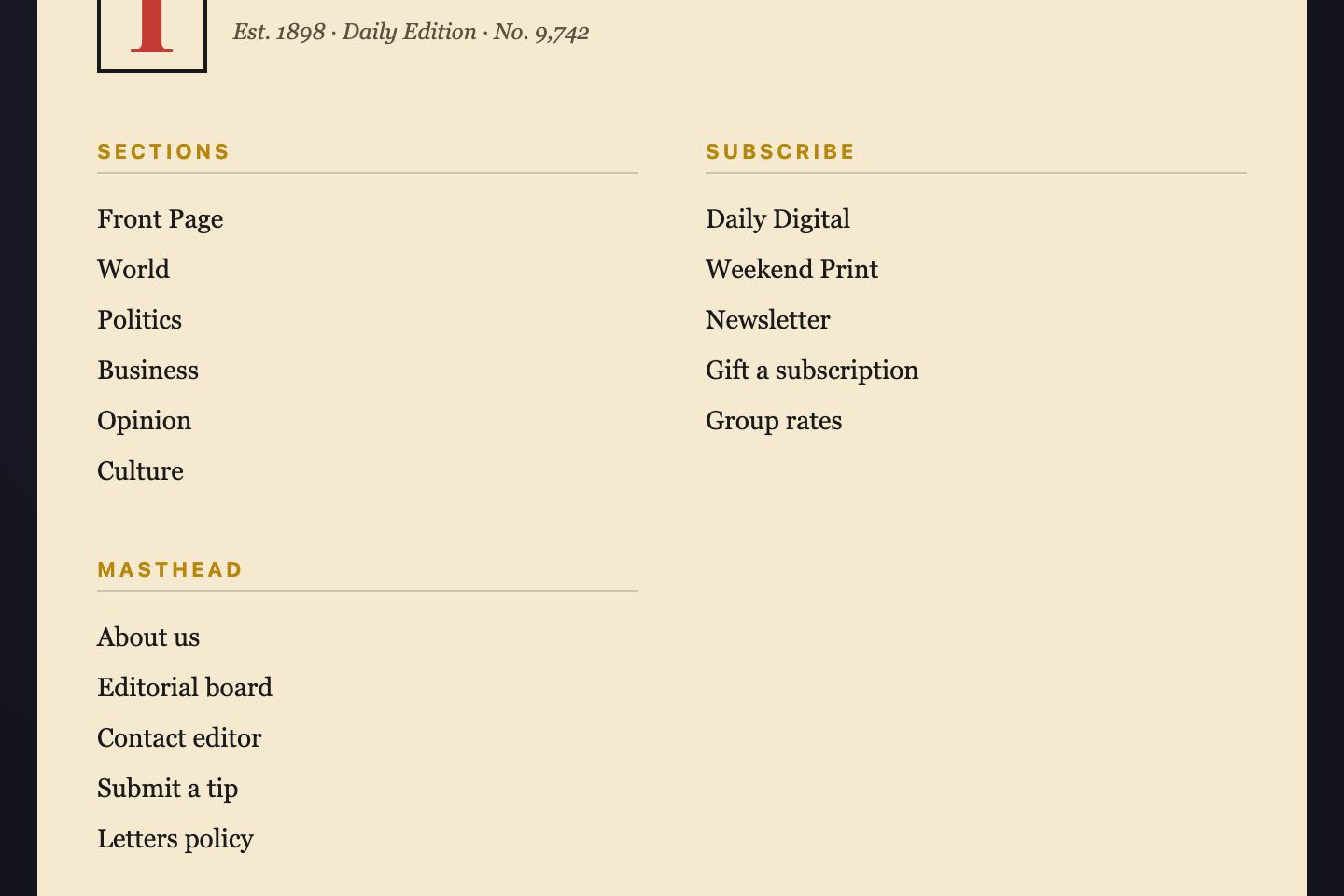
Editorial publishing-house footer styled as a newspaper masthead.
03 / 15
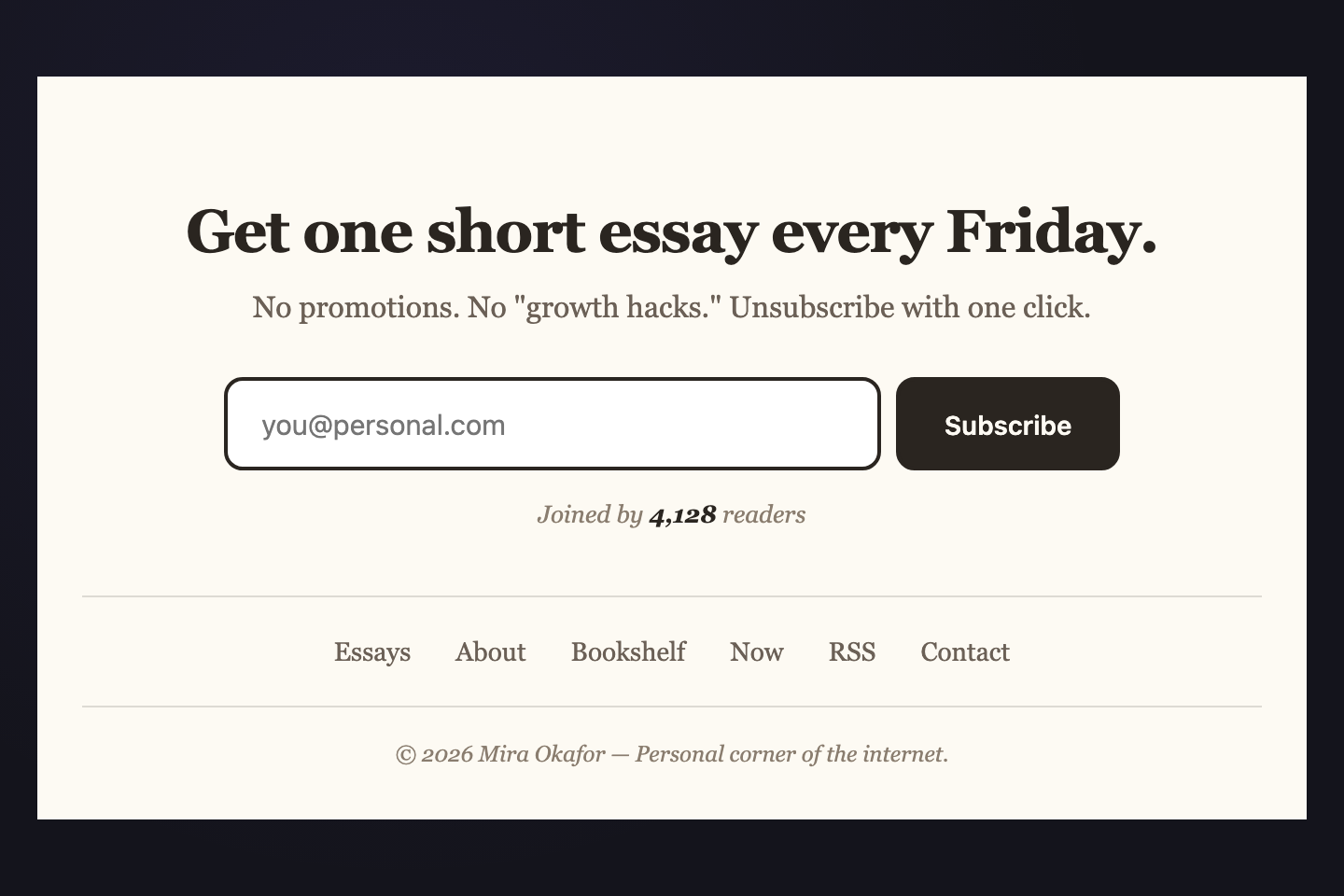
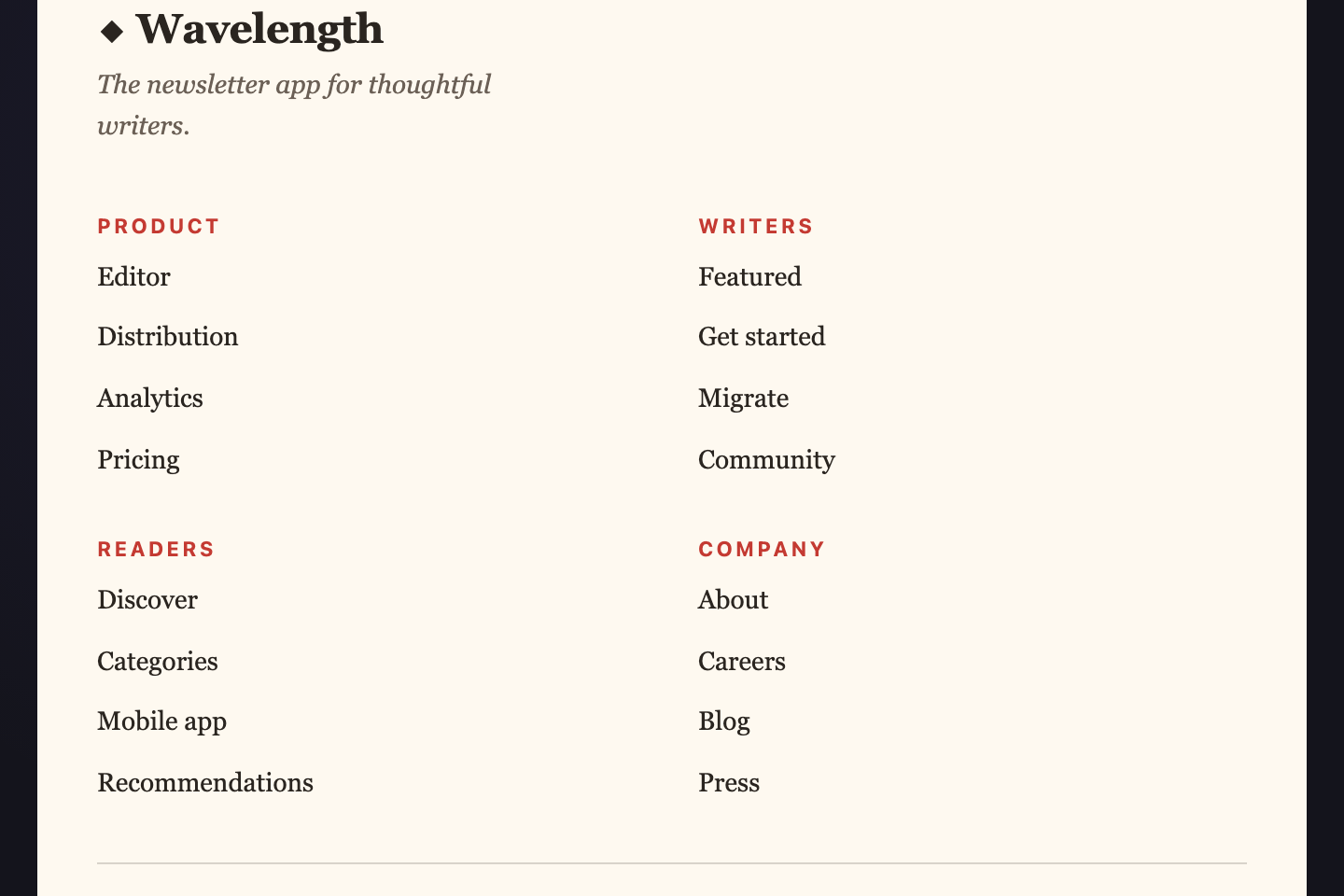
Newsletter Hero
CSS + JS
Newsletter Hero — preview
Personal blog / creator footer dominated by a centered newsletter capture.
04 / 15
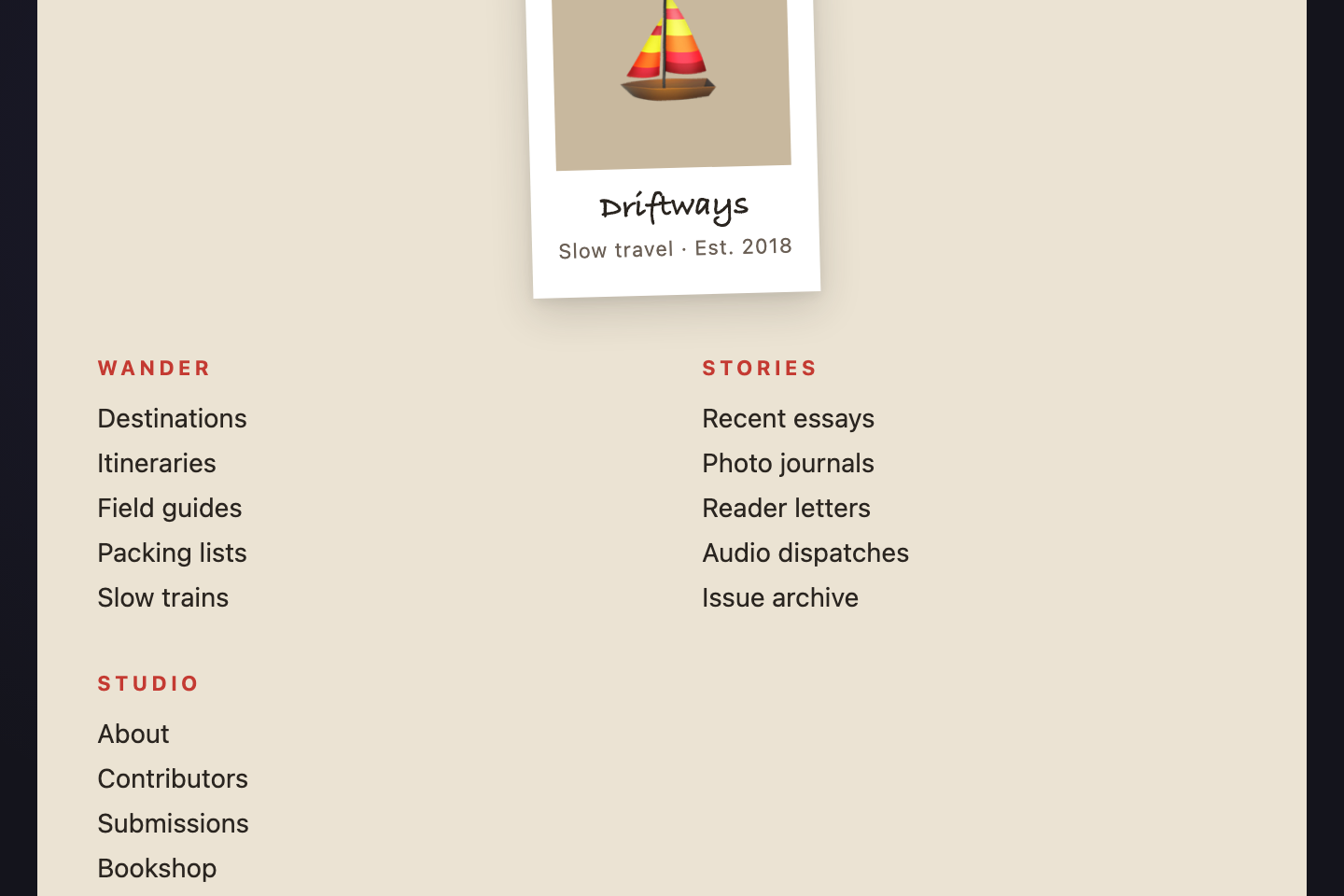
Postcard
Pure CSS
Postcard — preview
Travel / lifestyle footer with a Polaroid-style brand card rotated 1.5° on the left, dotted-border "wish you were here" feel, and three column link blocks beside it. Pure CSS, no JS.
05 / 15
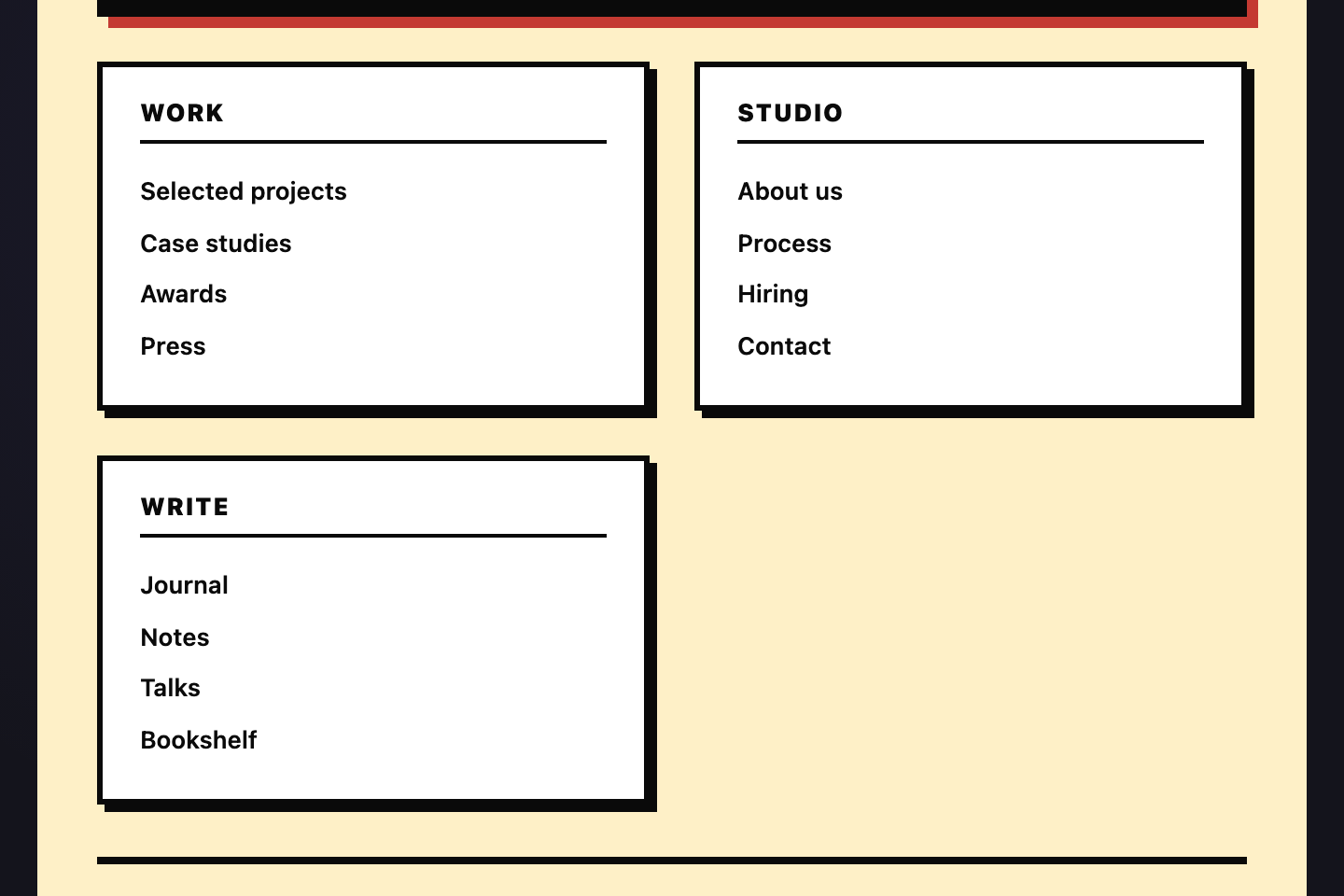
Brutalist Mono
Pure CSS
Brutalist Mono — preview
Agency / portfolio footer in brutalist mono — heavy 4px black borders, hard yellow background, hard offset shadows, all-caps labels.
06 / 15
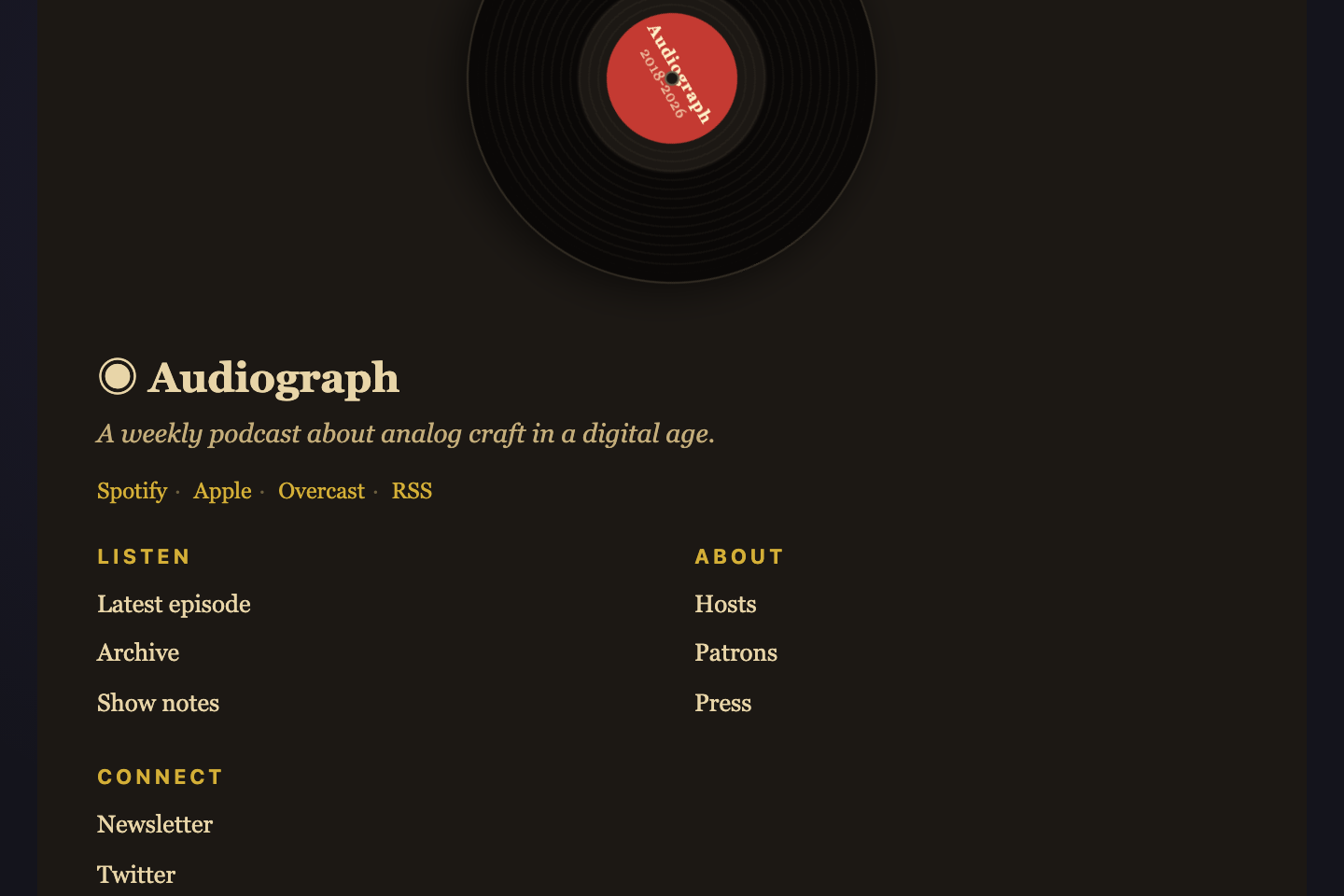
Vinyl Record
Pure CSS
Vinyl Record — preview
Music / podcast brand footer with a slowly spinning vinyl record on the left and a static tonearm resting on it.
07 / 15
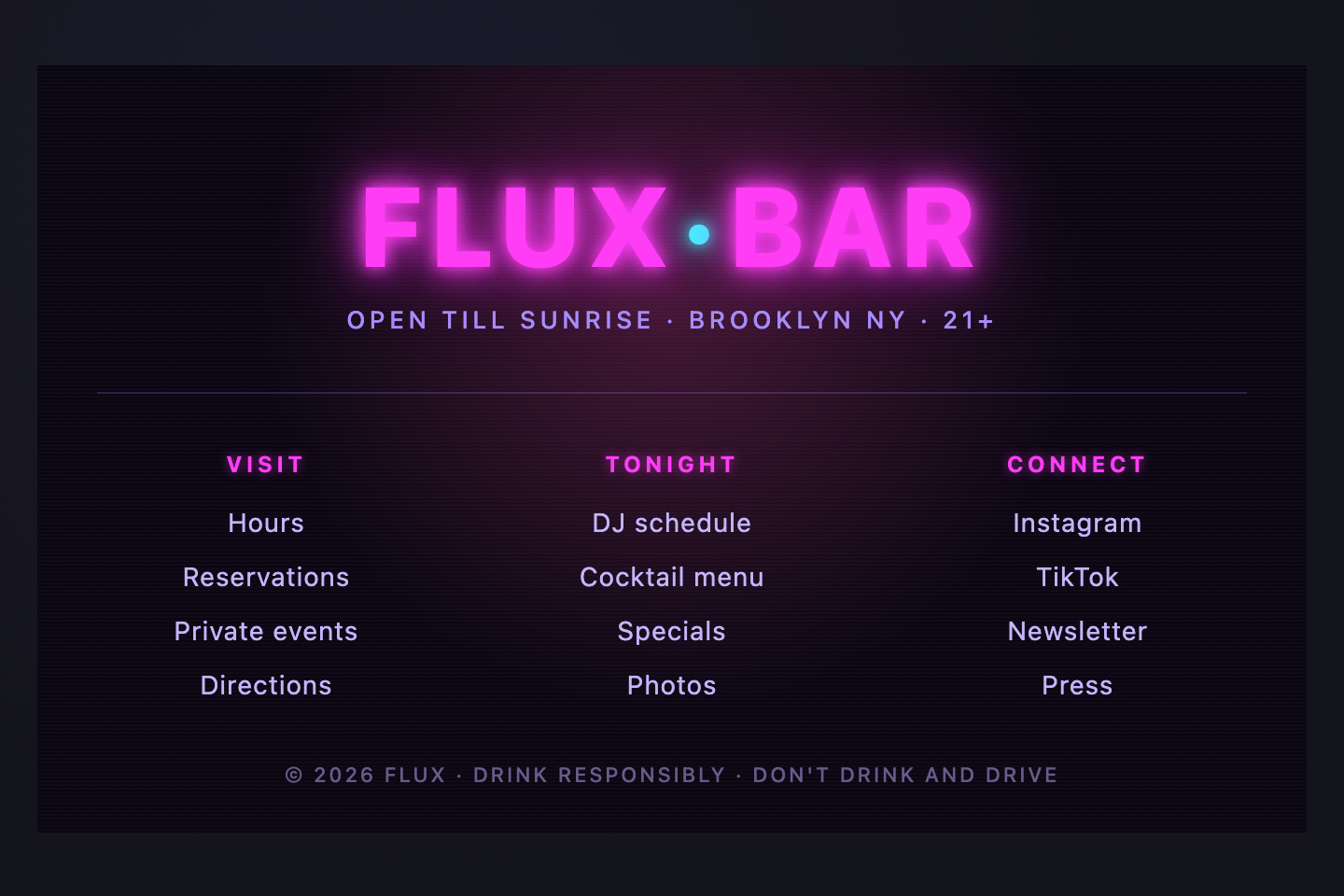
Neon Sign
Pure CSS
Neon Sign — preview
Nightlife / gaming brand footer with an animated neon-tube wordmark that flickers irregularly, hot-pink glow halo, dark-room backdrop.
08 / 15
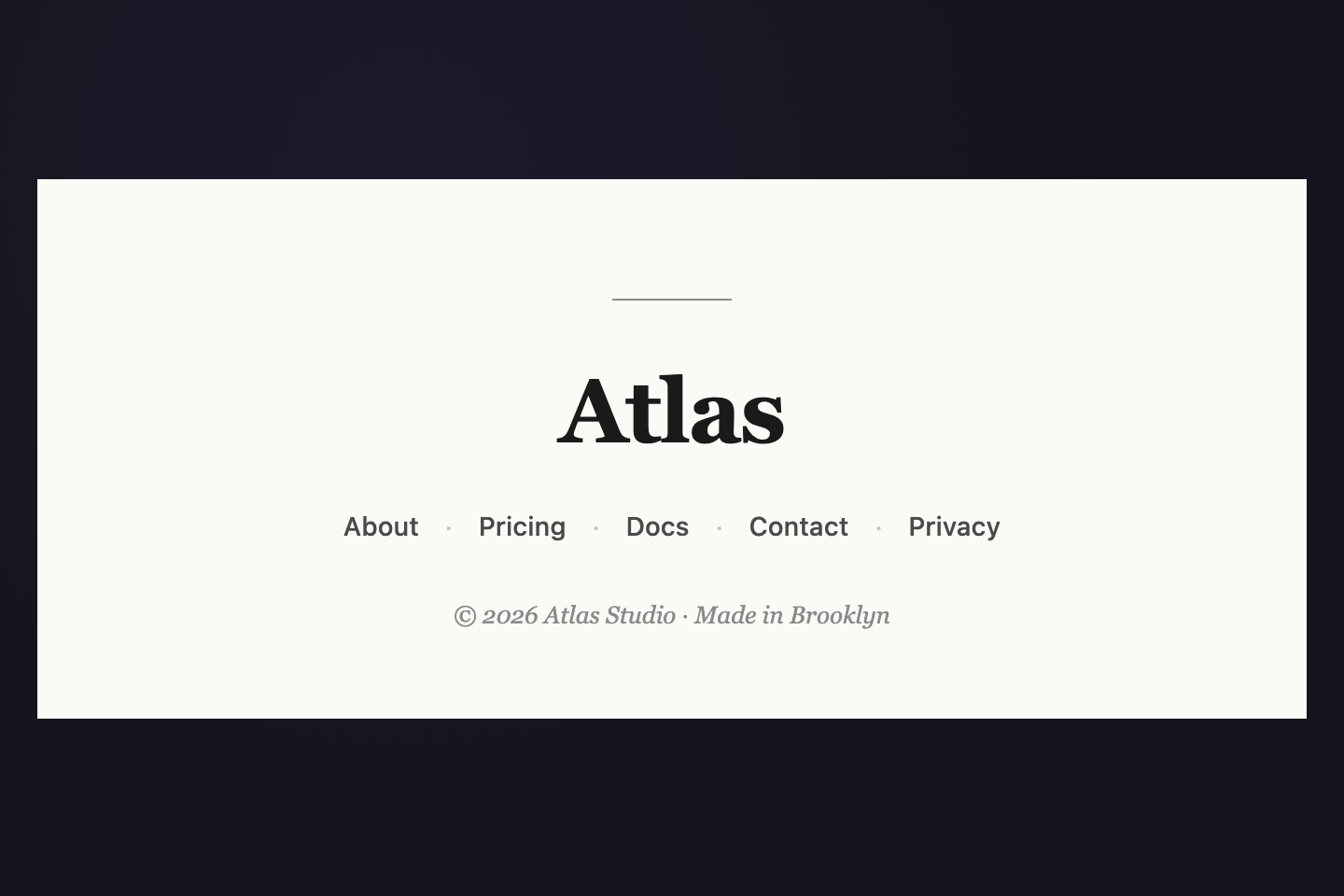
Editorial Centered
Pure CSS
Editorial Centered — preview
Minimalist single-column footer anchored by an oversized centered wordmark.
09 / 15
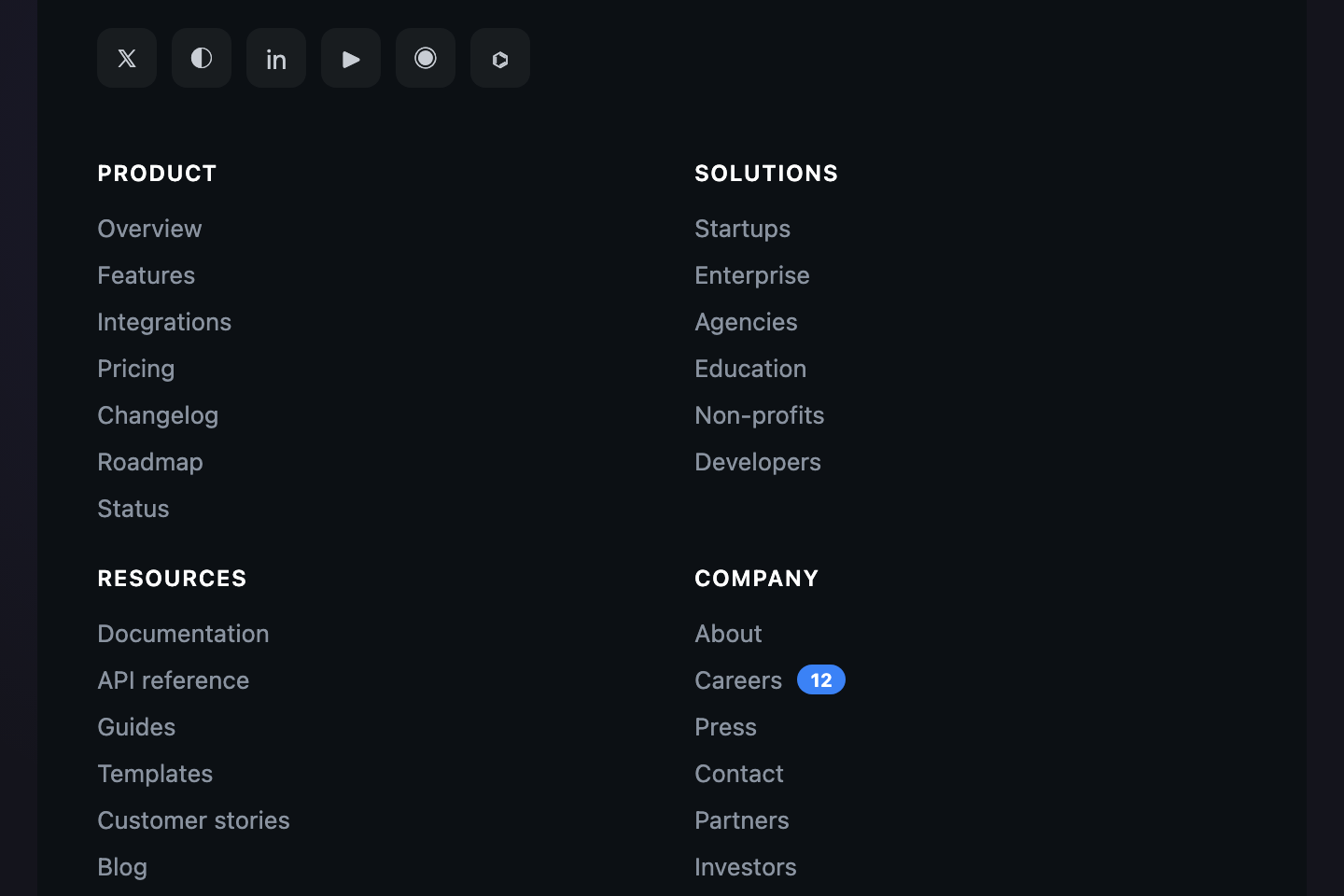
Mega Footer
Pure CSS
Mega Footer — preview
Wide 5-column mega footer for content-heavy sites — Stripe / Shopify scale.
10 / 15
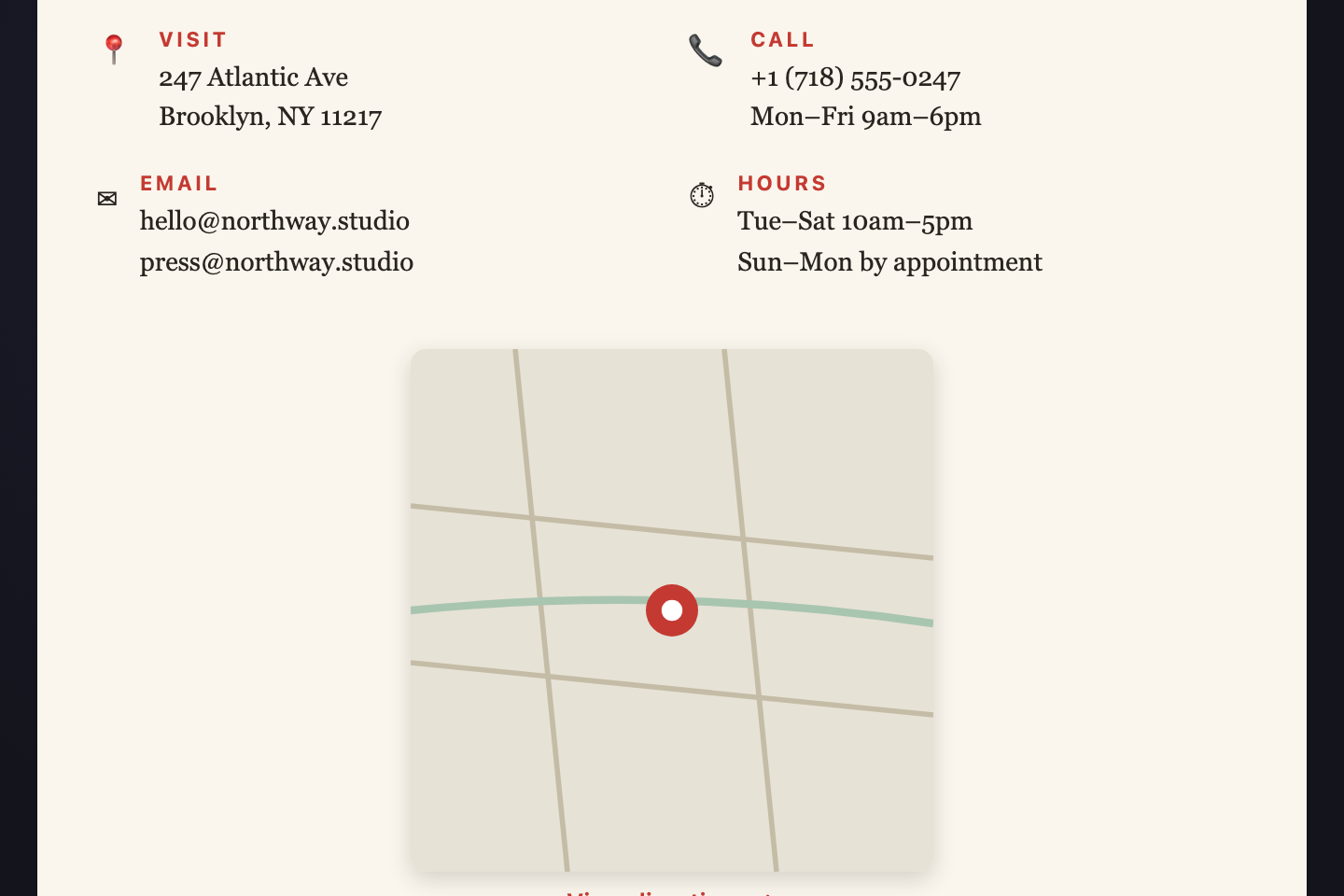
Contact Card
Pure CSS
Contact Card — preview
Local-business / professional-services footer with prominent contact card.
11 / 15
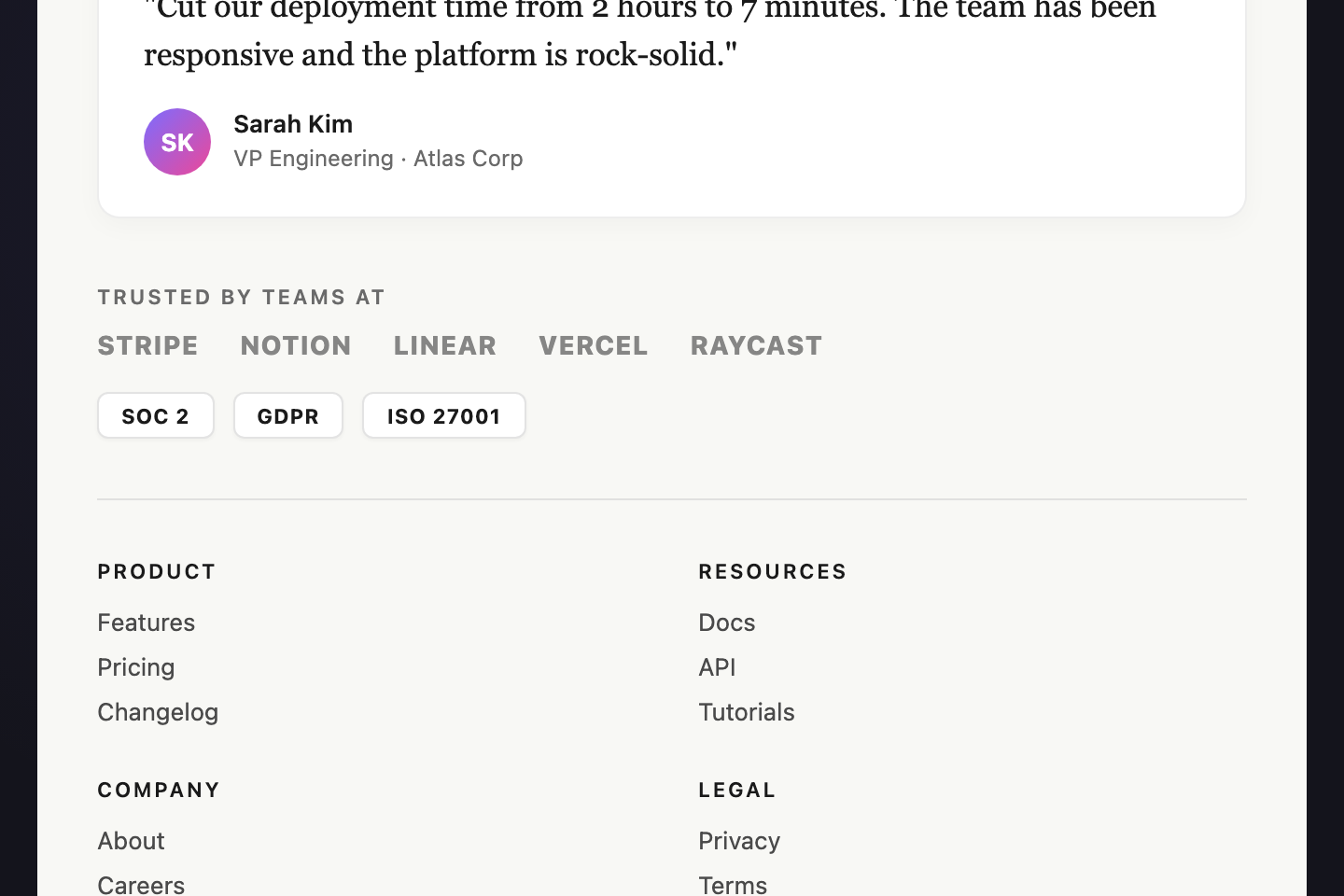
Trust Badge Footer
Pure CSS
Trust Badge Footer — preview
B2B credibility footer with a featured customer testimonial above the link grid, a horizontal customer-logo strip below, and SOC 2 / GDPR / ISO compliance badges.
12 / 15
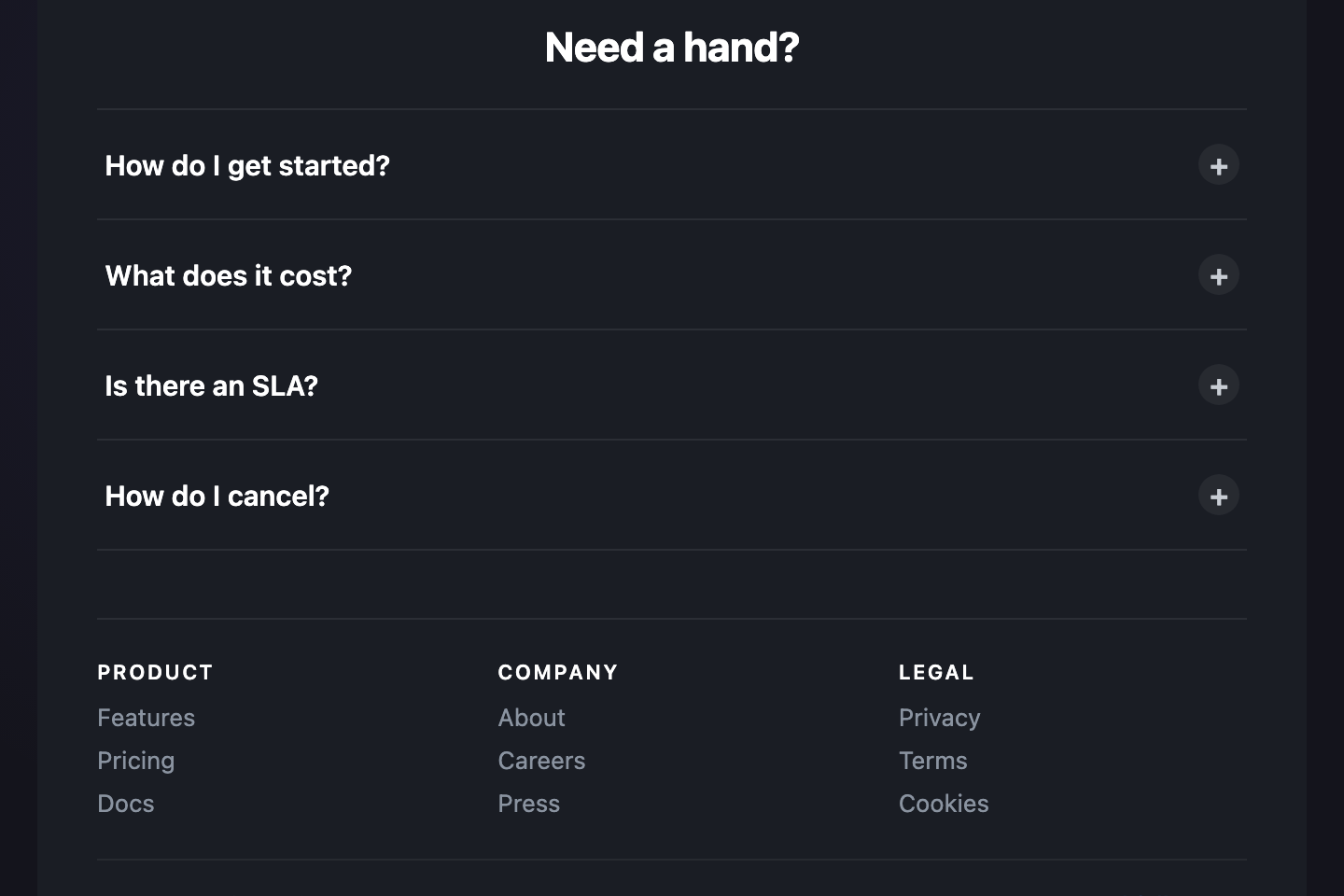
FAQ Drawer
Pure CSS
FAQ Drawer — preview
Footer that doubles as a quick-help panel.
Advertisement
13 / 15
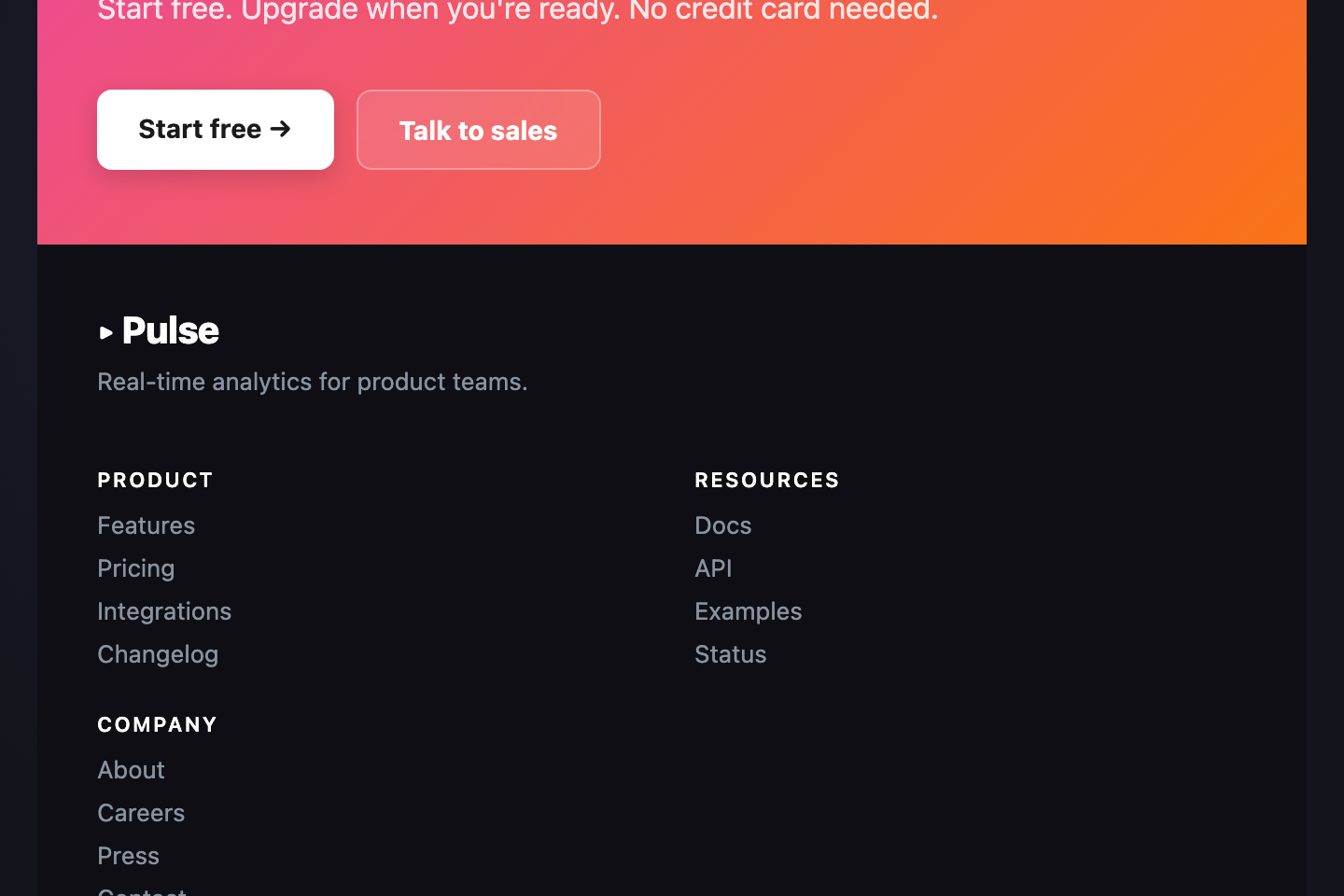
CTA Stripe
Pure CSS
CTA Stripe — preview
Conversion-driven footer with a bold full-bleed CTA stripe ("Ready to ship?") above a compact link footer. Coral CTA stripe contrasts with the dark base. Pure CSS, no JS.
14 / 15
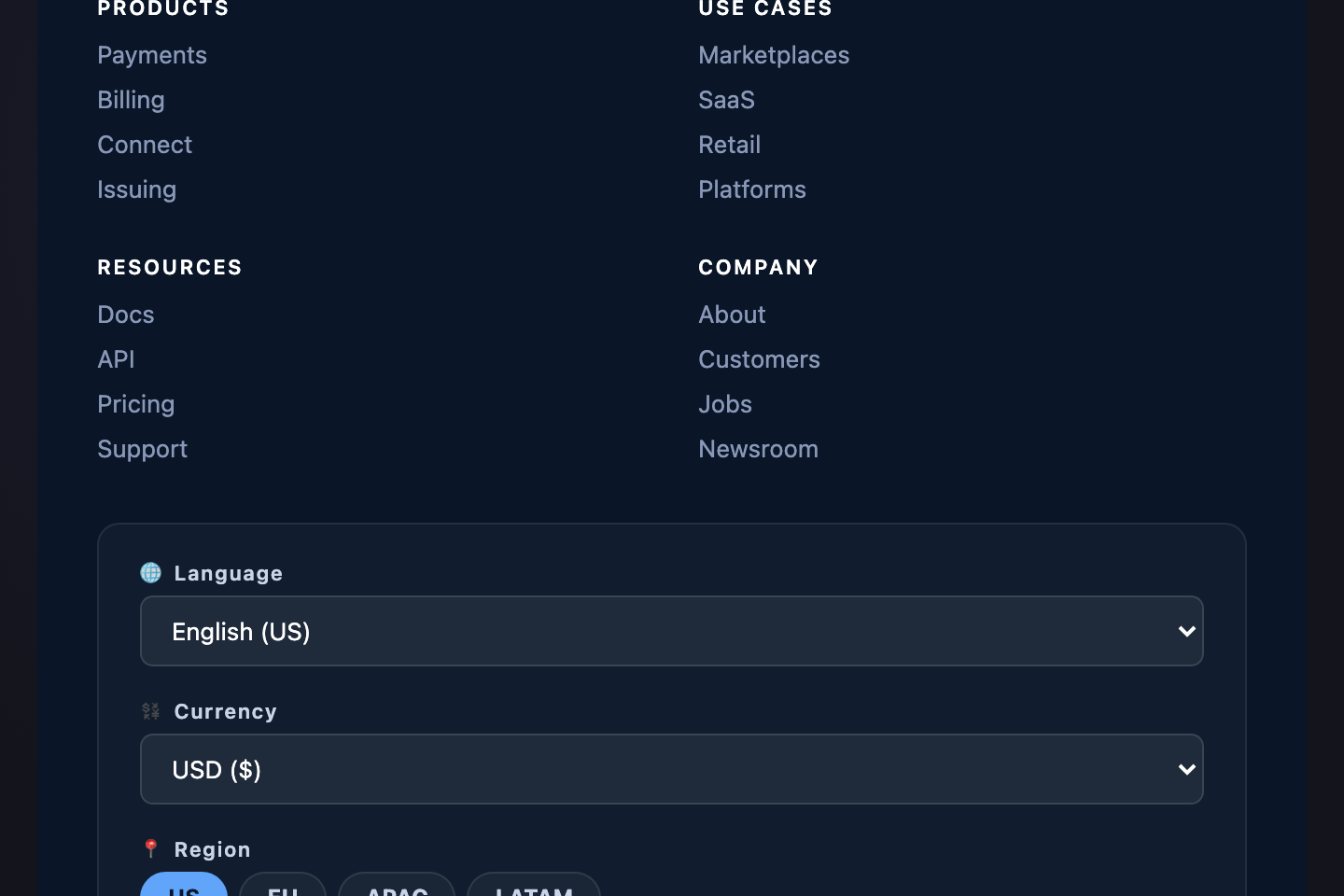
Globe Switcher
Pure CSS
Globe Switcher — preview
Global-SaaS footer featuring language, currency, and region pickers above a standard 4-column link grid.
15 / 15
Hover Wave
CSS + JS
Hover Wave — preview
Interactive footer where every link grows a smooth wave underline on hover, plus a floating back-to-top button anchored to the corner.
FAQ

Frequently asked questions

What are the most common CSS footer patterns?
The most common patterns are: a multi-column link footer with brand block + 3-4 link sections + meta line (used by most SaaS and content sites), a newsletter-hero footer that dominates with an email capture, an editorial masthead for publishing, and a brutalist or themed footer for agencies and creative brands. This collection covers all of these plus less-common-but-attention-grabbing variants like terminal-window, vinyl record, neon sign, subway map, and origami fold.
Are these footers responsive?
Yes — every footer collapses gracefully from desktop to tablet to mobile via media queries built into each demo's CSS. Multi-column grids fold to 2 columns under 880px and 1 column under 480px. The brand block typically spans the full width on small screens. Tested at viewport widths from 320px up.
Are these footers accessible?
Yes. Every footer uses semantic <footer> as the outermost element. Navigation regions use <nav> with appropriate aria-label where applicable. Icon-only social links carry aria-label. Form inputs in newsletter captures have proper labels and autocomplete hints. All animations respect prefers-reduced-motion.
Do these footers work without JavaScript?
13 of the 15 are Pure CSS — they ship HTML + CSS only. The remaining 2 (Newsletter Hero and Hover Wave) carry small focused JS for their interactive details (success-state checkmark animation and back-to-top scroll behavior). Each demo's JS is self-contained and lives in the JS tab.
Can I swap the colors and content?
Yes. Every demo uses solid hex values in plain CSS — no design tokens, no preprocessor variables. Pick the demo you like, copy the HTML + CSS + JS into your project, and find/replace the accent colors with your brand. Link content lives directly in the HTML, so swapping it is straightforward markup editing.

Related collections

CSS Center a Div preview

CSS Center a Div

5

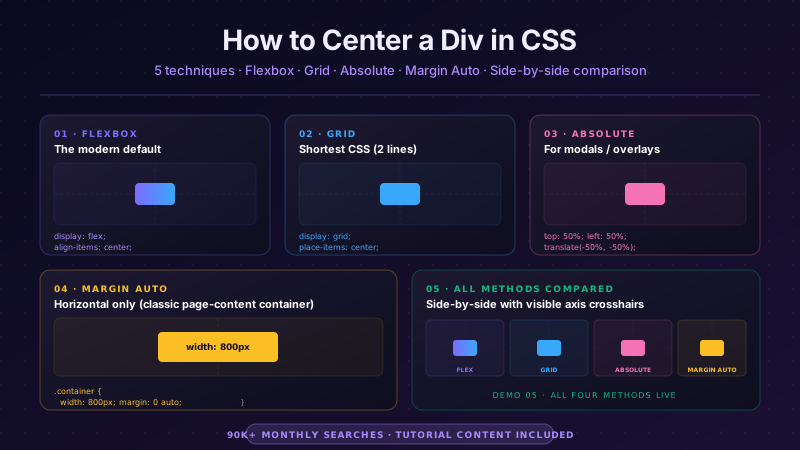
The complete guide to centering a div in CSS in 2026 — covering all 5 production techniques with live interactive demos. <strong>Flexbox</strong> (the modern default, works for 95% of cases): <code>display: flex; align-items: center; justify-content: center</code> on the parent. <strong>CSS Grid</strong> (one-line shorthand): <code>display: grid; place-items: center</code>. <strong>Absolute positioning + transform</strong> (for overlays and modals): <code>position: absolute; top: 50%; left: 50%; transform: translate(-50%, -50%)</code>. <strong>Margin auto</strong> (for block elements with a known width): <code>margin: 0 auto</code> (horizontal only) or <code>margin: auto</code> with <code>position: absolute</code> + <code>inset: 0</code> (both axes). <strong>All methods side-by-side comparison</strong> — see every technique render the same content with visible axis crosshairs so you can see exactly where each method lands the element. All 5 demos are 100% pure CSS, MIT-licensed, copy-paste ready, with detailed explanations of which method to use when. Works in every modern browser (Chrome, Safari, Firefox, Edge), no JavaScript required.
css center a div center a div center div css Responsive
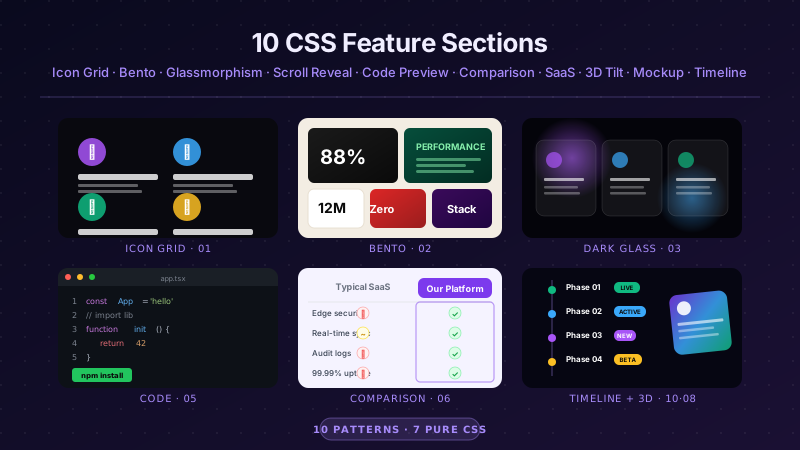
10 CSS Feature Sections preview

10 CSS Feature Sections

10

10 hand-coded CSS feature section templates covering the patterns landing pages actually need in 2026 — icon grid with stats strip, Apple-style bento grid layout, dark glassmorphism with animated blobs, scroll-reveal alternating rows, developer SDK with syntax-highlighted code preview, side-by-side comparison table with pricing cards, full SaaS hero with mesh-gradient + social proof, 3D mousemove tilt cards, parchment-cream floating phone mockup, and Linear-style product roadmap timeline. 7 of 10 demos are 100% pure CSS — drop into any stack. The 3 JS-enhanced demos (scroll-reveal, 3D tilt, timeline-glow) degrade gracefully if JavaScript is disabled. Every demo respects prefers-reduced-motion, uses scoped .fsNN__* class names so multiple can coexist, and ships MIT-licensed.
css feature section feature section css feature sections Responsive
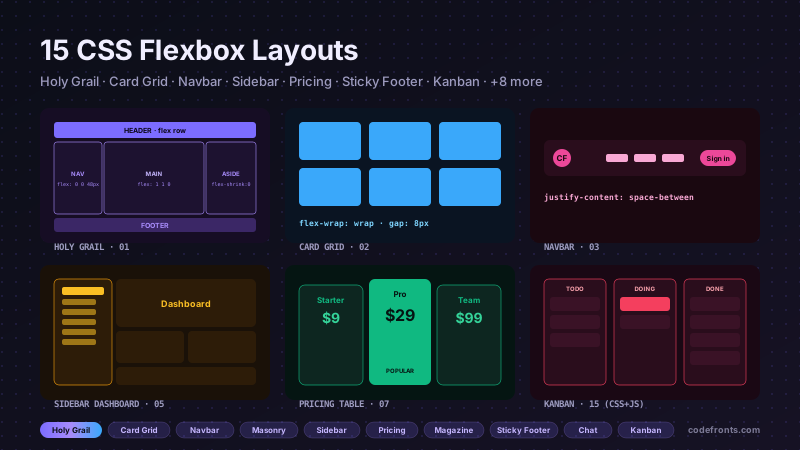
15 CSS Flexbox Layouts preview

15 CSS Flexbox Layouts

15

15 production-ready CSS flexbox layouts with live demos and copy-paste code — holy grail page shell, responsive card grid, sticky navbar, masonry-style columns, sidebar dashboard, product cards, pricing table, magazine article, sticky footer with min-block-size: 100dvh, centered hero, vertical timeline, chat interface, mosaic gallery, two-column form, and kanban board. Every demo is mobile-first, WCAG-friendly, and works without a build step.

css flexbox flexbox layout css flexbox layout Responsive

Search CodeFronts

Loading…