CSS Easing Curve Designer — Visual cubic-bezier
Free tool No sign-up
Presets
Drag the dots to shape the curvecubic-bezier(0.34, 1.56, 0.64, 1)
Live preview · 1.2s loop
Compare against CSS keywords
your curve
linear
ease
ease-in-out
Control points
P1 X0.34
P1 Y1.56
P2 X0.64
P2 Y1.00
Duration1.2s
Slower duration makes overshoot/bounce more visible. 0.6–1.2s is the sweet spot for UI animations.
About this generator
Design CSS cubic-bezier easing curves visually — drag two handles, see the curve play live as a moving ball, compare against linear/ease/ease-in-out, export to CSS, Tailwind, JS, or SCSS.
Why use this Easing Curve Designer?
◐
Drag-to-design
Visual cubic-bezier editor — grab the two handles, shape the curve. Eyes are better than guessing at numbers like 0.34, 1.56, 0.64, 1.
◉
Live ball animation
Watch your curve in motion at multiple speeds. Spring overshoot, bounce, snap — they're obvious in animation, invisible in numbers.
⊞
Side-by-side comparison
Your curve runs alongside CSS keywords (linear, ease, ease-in-out) so you can SEE how it differs from defaults — not guess.
⎘
Four export formats
CSS cubic-bezier(), Tailwind config, JS array (Framer Motion / GSAP / anime.js), SCSS variable.
How to design a custom easing curve
- 01◑Pick a presetEight starting points: ease, ease-in-out, spring, bounce-out, snap, gentle. Most easings are tweaks of these classics.
- 02⊟Drag the handlesTwo control points (P1 violet, P2 pink). P1 controls the start of the curve, P2 the end. Y values can go below 0 or above 1 for spring/bounce effects.
- 03◉Watch the ballLive preview shows your curve animating a ball across the panel. Increase duration to make subtle differences visible.
- 04◫CompareComparison strip runs your curve next to linear, ease, and ease-in-out at the same duration. Pick the one that feels right.
- 05⎘ExportCSS, Tailwind, JS, or SCSS. Copy or share the URL — the cubic-bezier values encode into the link.
Easing reference
| Cubic-bezier | Keyword | Use for |
|---|---|---|
| cubic-bezier(.25,.1,.25,1) | ease | Default browser easing — slight ease-in, gentle ease-out. Safe but unmemorable. |
| cubic-bezier(0,0,1,1) | linear | Constant velocity. Use for continuous motion (rotation, marquee). Reads as mechanical. |
| cubic-bezier(.42,0,.58,1) | ease-in-out | Symmetric S-curve. Use for transitions where both start and end matter equally (modals, drawers). |
| cubic-bezier(.34,1.56,.64,1) | spring | Y > 1 means overshoot. The ball passes the target then settles back — the canonical "delightful" easing for UI. |
| cubic-bezier(.6,.05,.4,1) | snap | Sharp acceleration, soft landing. Use for "decisive" interactions like dismissing a card. |
Common easing patterns
Spring on hover
.button {
  transition: transform 0.4s cubic-bezier(.34, 1.56, .64, 1);
}
.button:hover {
  transform: scale(1.06);
}
Custom easing as a CSS variable
:root {
  --ease-spring: cubic-bezier(.34, 1.56, .64, 1);
  --ease-snap:   cubic-bezier(.6, .05, .4, 1);
}

.modal {
  transition: transform 0.5s var(--ease-spring);
}
Framer Motion / JS
<motion.div
  animate={{ x: 100 }}
  transition={{ duration: 0.6, ease: [0.34, 1.56, 0.64, 1] }}
/>Pro tips
01
Y can go beyond [0, 1]
Y values above 1 give overshoot (spring), below 0 give pull-back (anticipation). X must stay in [0, 1] — those are time fractions.
02
Slower duration reveals subtlety
A spring at 0.2s looks identical to ease-out. The same spring at 1s reveals its overshoot. Test at the duration you'll actually ship.
03
Spring beats ease for interactions
Hover, tap, drag — these all feel more alive with slight overshoot (spring). Reserve symmetric ease for fades and color transitions.
04
One project, two easings max
Different easings for every component reads as chaos. Pick one for "responsive" (spring) and one for "subtle" (ease-out). Apply consistently.
See it used in real designs
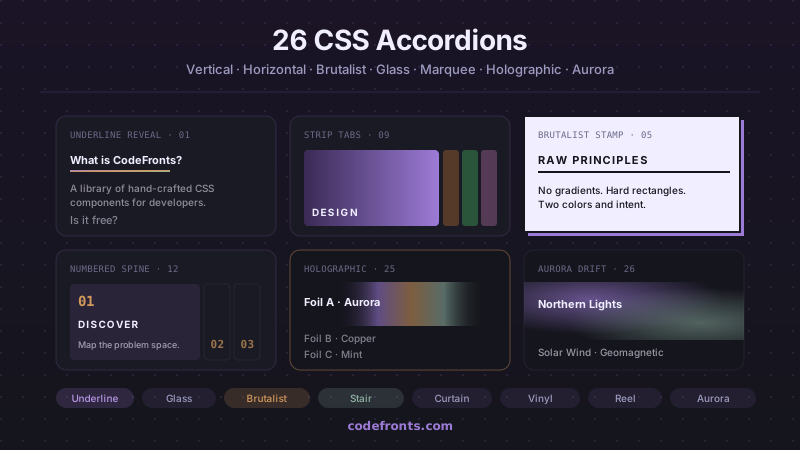
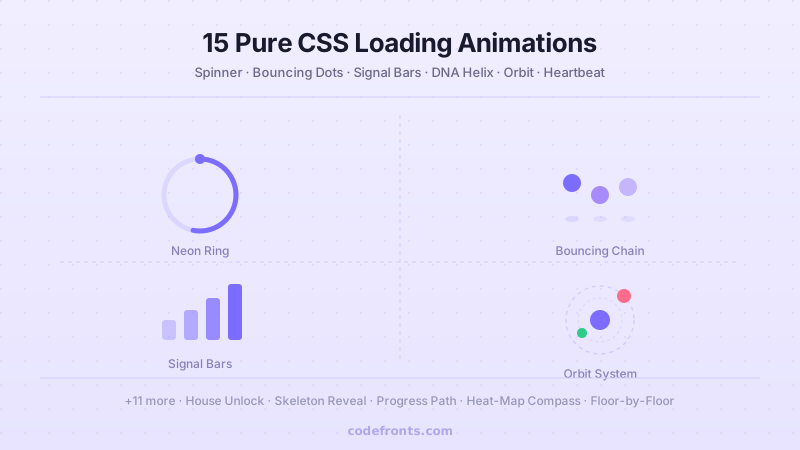
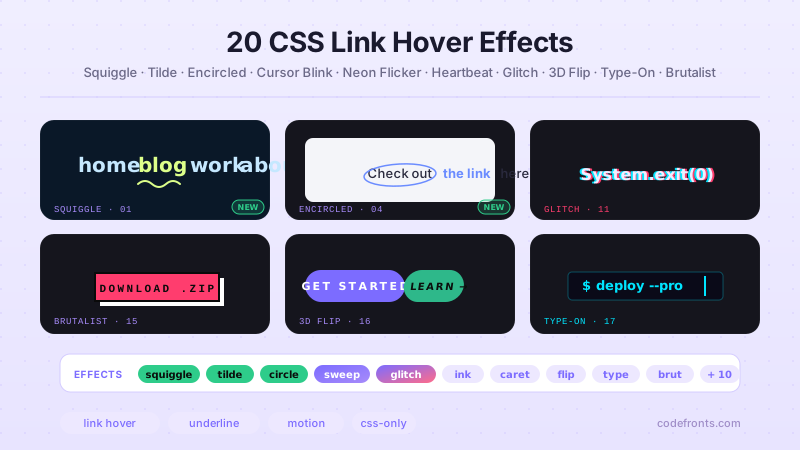
Browse hand-coded collections that put this tool to work.
Related tools
CSS Animation Generator CSS Aspect Ratio Visualizer — 6 Device Viewports CSS Border Radius Generator CSS Box Shadow Generator CSS Clip-Path Generator Color Palette Extractor — Image to CSS Variables CSS Cursor Generator CSS Filter Generator CSS Flexbox Generator Font Pairing Finder — Curated Heading + Body CSS Glassmorphism Generator CSS Gradient Generator CSS Grid Generator CSS Outline & Border Generator CSS Spacing Scale Builder — Modular Design Tokens CSS Text Shadow Generator CSS Transform Generator Letter-spacing & Line-height Previewer