6 CSS Countdown Timers
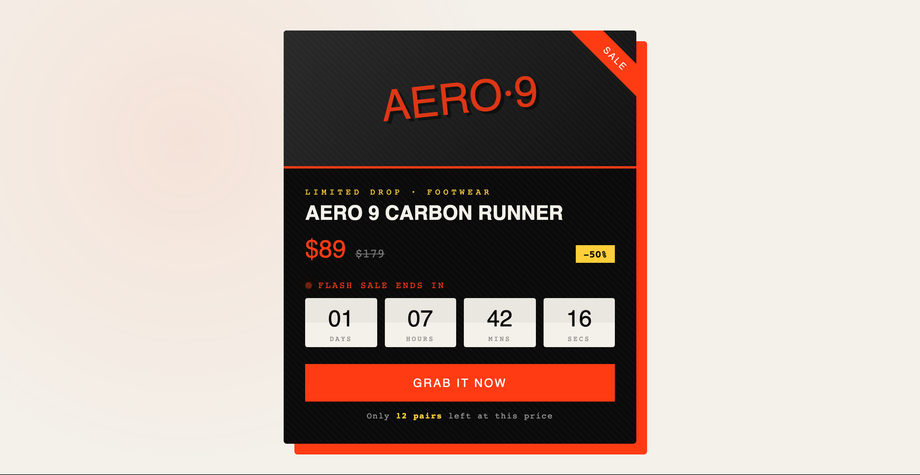
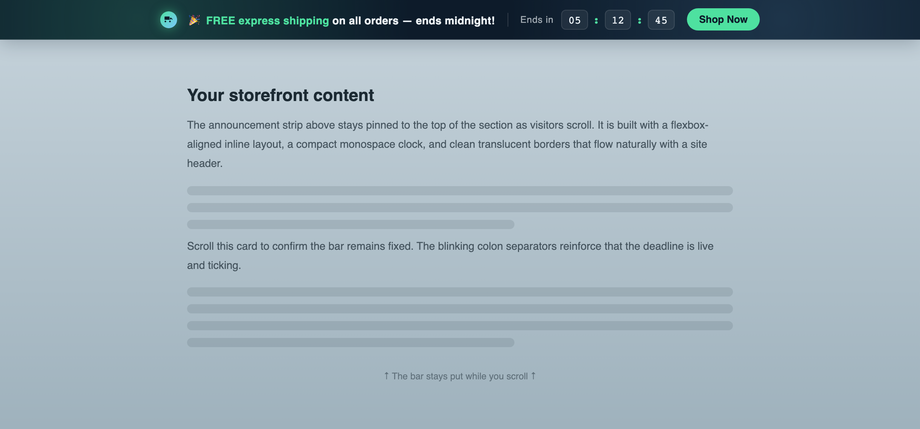
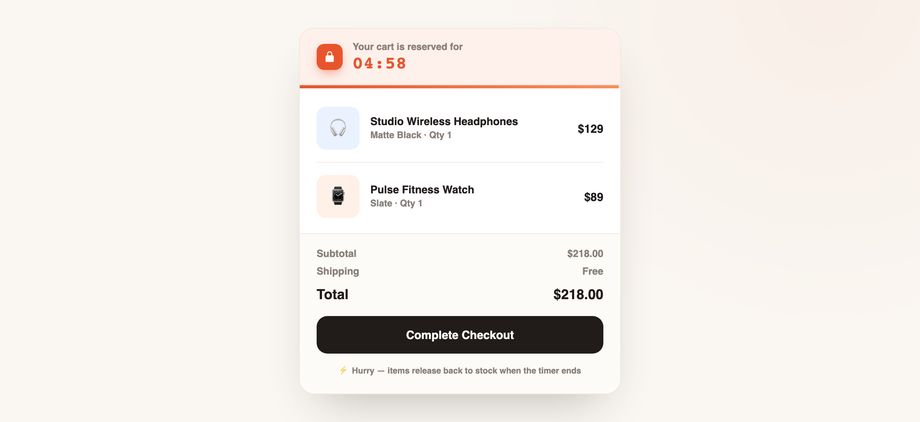
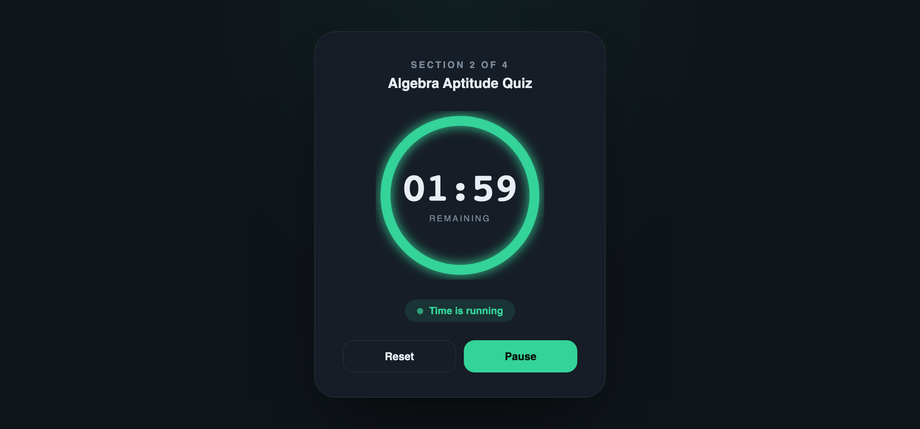
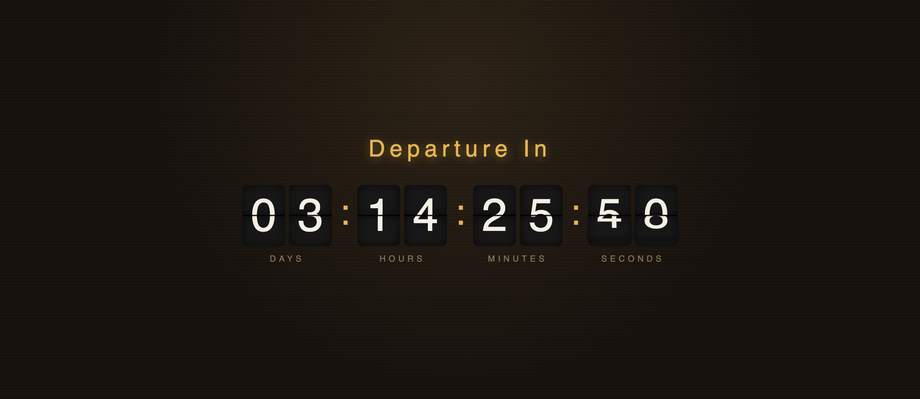
Six hand-coded CSS countdown timers you can copy in one click — built for real conversion jobs: a CSS flash sale timer for ecommerce product pages, a sticky announcement bar with a coming soon countdown, a shopping cart expiration timer, a glassmorphism product launch hero, a pure CSS circular countdown ring using stroke-dasharray, and a retro flip clock. The circular SaaS activity timer doubles as a quiz / fitness interval clock. Every demo is a responsive countdown timer with accessible role="timer" + aria-live markup, prefers-reduced-motion fallbacks, scoped per-demo classes, and MIT licensing. No frameworks, no build step.

Frequently asked questions
How do I make a CSS countdown timer that ends on a specific date?
const target = new Date('2026-12-31T23:59:59').getTime();) and tick every second with setInterval. Each tick: const diff = Math.max(0, target - Date.now()), then split into days / hours / minutes / seconds with the standard modulo math (Math.floor(diff / 86400000), Math.floor(diff % 86400000 / 3600000), etc.) and write into your DOM nodes. The flash sale, coming-soon, and flip-clock demos in this gallery all use this exact pattern — copy any one and swap the target date.What is the best CSS countdown timer for an ecommerce flash sale?
@keyframes with an expanding rgba box-shadow that fades to transparent — radar-style attention without a separate element. Drop the markup into your product detail page, swap the target date and copy, and ship.Can I build a countdown timer with only CSS and no JavaScript?
@property --p { syntax: '<integer>'; } + counter-reset + animation with stepped keyframes, but the rendered digits are tied to the animation duration, not to wall-clock time — so a 24-hour pure-CSS countdown is technically possible but drifts on tab-blur, can't survive page refresh, and can't end on a real calendar date. Every demo in this gallery uses ~20 lines of vanilla JS for the time math precisely because pure-CSS countdowns are misleading in production. The CSS animations (the flip mechanism, the SVG ring drain, the bar fill) all run on real elapsed time driven by the JS tick.How does the circular SVG countdown ring drain?
stroke-dasharray sets the dash pattern to the circle's full circumference (2 × π × radius), then stroke-dashoffset animates from 0 (full ring visible) to circumference (ring fully erased). Tie offset to your remaining-time ratio every tick (offset = CIRC * (1 - remaining/total)) and the browser interpolates with transition: stroke-dashoffset 1s linear. The conic-gradient alternative (background: conic-gradient(green calc(var(--p)*1%), transparent 0) with @property --p) is simpler but harder to animate smoothly cross-browser — the SVG stroke approach in this demo works everywhere.How do I make a sticky announcement bar countdown that stays at the top while scrolling?
position: sticky; top: 0 on the bar element — it tracks the nearest scrollable ancestor. In a normal page that's the viewport (the bar pins to the top); inside a contained section you need overflow-y: auto; height: 600px on the parent so it has a scroll axis for sticky to track. The Sticky Bar demo (#02) wraps the bar in a 560px-tall scrollable section so you can see the sticky behavior live. The blinking colon separators use animation: flick 1s steps(1) infinite — steps(1) creates the hard on/off telegraphic look instead of a smooth opacity fade.How do I make a cart-expiration timer that prevents abandonment?
width: 100%; transition: width 1s linear — set width = remaining/duration * 100 + '%' every tick and the browser interpolates. The color shift is one conditional in the tick function (no extra CSS rules needed).Are these countdown timers accessible to screen readers?
role="timer" aria-live="polite" aria-atomic="true" so assistive tech announces the updated value as it changes, without interrupting the user's current task. Decorative elements (pulse dots, blinking colons, lock icons) are marked aria-hidden="true" so they don't get spelled out. Buttons are real <button type="button"> elements with visible :focus-visible outlines. The flip-clock demo uses aria-live="off" intentionally — twice-per-second flap announcements would be noise; sighted users see the flip, screen-reader users get the time once via a separate aria-live="polite" region you can wire in if needed.Do these CSS countdown timers respect prefers-reduced-motion?
@media (prefers-reduced-motion: reduce) and disables them. Pulses stop blipping, blinking colons stop flickering, the flip-clock's 3D flap rotation drops to an instant text swap, and the aurora blobs on the coming-soon page hold still. The countdown math keeps running because that's user-requested information, not decorative motion. macOS users who set System Settings → Accessibility → Display → Reduce motion, and Windows users who enable Settings → Ease of Access → Display → Show animations in Windows = Off, get the static-friendly fallback automatically.Can I embed these countdowns in Shopify, WooCommerce, or WordPress?
<script> tags). All class names use the .cdt-XXX prefix so they won't collide with theme styles, and the JS scopes its queries to the demo's wrapper so multiple timers on one page coexist.Related collections
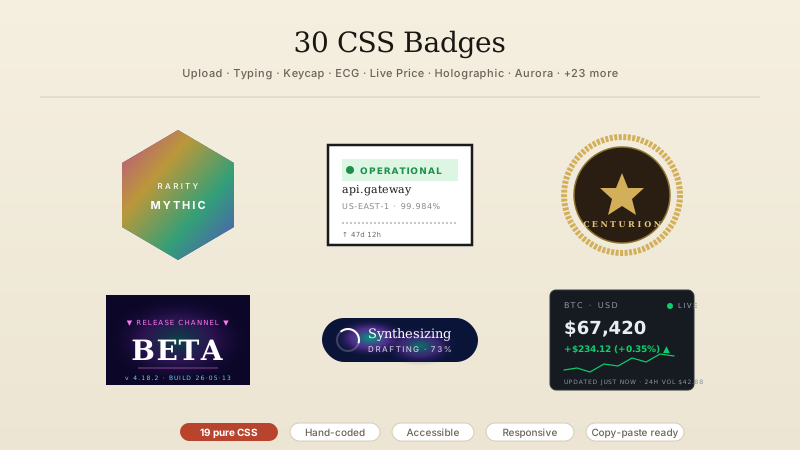
30 CSS Badges
30 hand-coded CSS badges spanning collectibles, status indicators, certifications, notifications, membership tiers, and live-data displays. Upload progress, typing indicator, scrabble tile, keycap shortcut, transit indicator, origami medal, hreflang, E-E-A-T, crawl status, schema, search intent, core web vitals, ECG, build pipeline, countdown, live price, file extension, dice, signal bars, reading time, aurora, vaporwave, risograph, wax seal, conference lanyard, botanical tier, cyberpunk glitch, art deco, brutalist status, holographic.
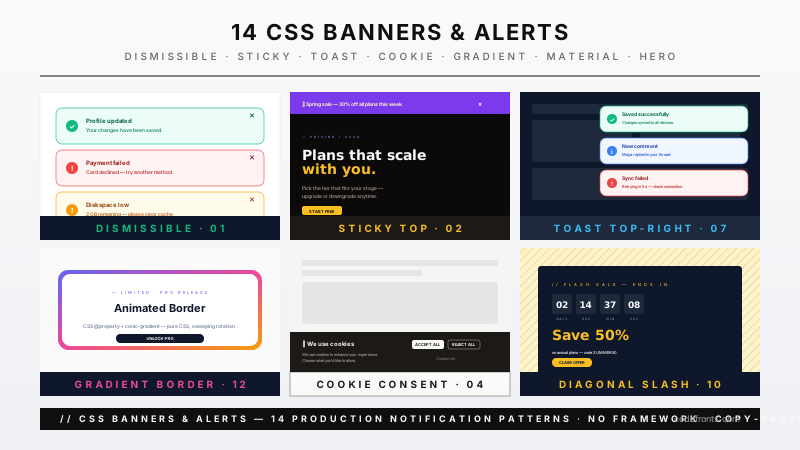
14 CSS Banners & Alerts
Hand-coded CSS banner and alert patterns covering every notification surface a real product needs — dismissible alerts, sticky announcements, semantic status alerts, cookie consent, form validation, toasts, live-update banners, and promotional hero banners. Pure CSS plus scoped JS — no framework, semantic HTML, accessibility-first, copy-paste ready.
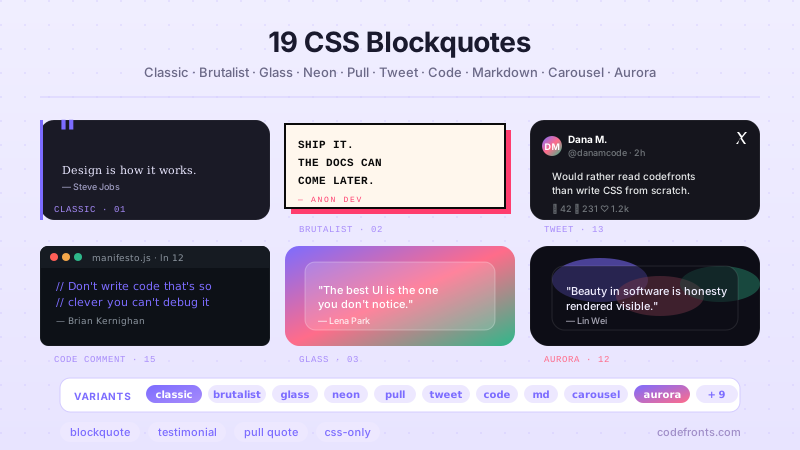
19 CSS Blockquote Designs
19 hand-coded CSS blockquote designs — pull quotes, testimonials, speech bubbles, tweet style, newspaper drop-caps, code comments and more. Semantic HTML, copy-paste ready.