{ CF }

21 CSS Tooltips

Advertisement

A CSS tooltip is a hover-revealed information panel — anything from a one-line button label to a full documentation card with charts and metadata. These 21 hand-coded CSS tooltips cover the most common use cases on the modern web — compact labels, contextual help, hover cards, and rich data popovers. Every demo is namespaced under its own CSS prefix so two tooltips on the same page never collide. Pure CSS hover, no JavaScript. Layer keyboard focus and aria-describedby on top for production accessibility.
21 unique tooltips 21 Pure CSS 0 dependencies 100% copy-paste ready Published
01 / 21
Schematic Hotspot
Pure CSS
Schematic Hotspot — preview
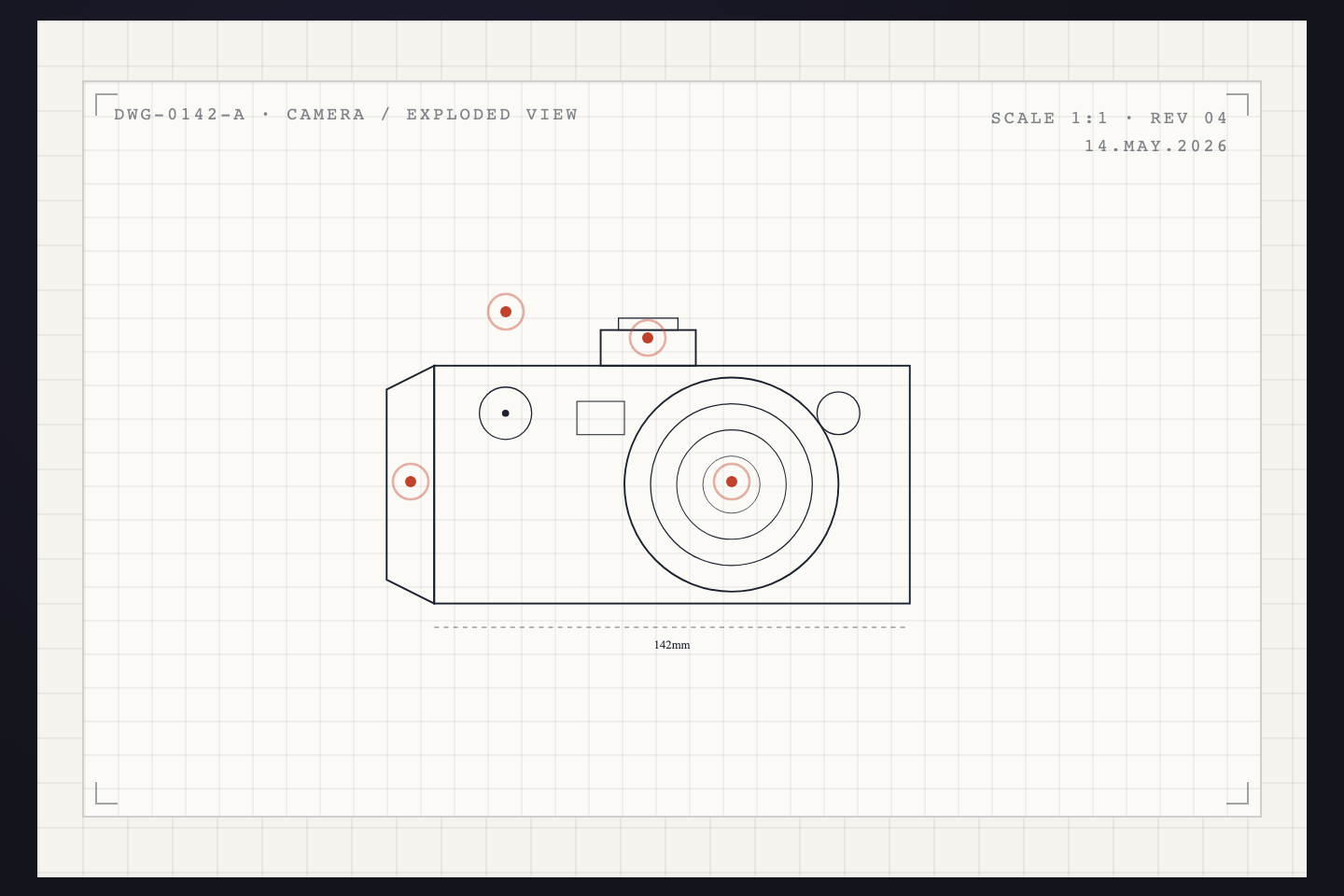
For product diagrams and exploded views. Four pulsing red dots dot a wireframe drawing; hover any one and a leader line draws itself to a numbered callout box with part name, description, and a tiny spec table. The whole annotation reads like a CAD title block.
02 / 21
Keyboard Shortcut Hint
Pure CSS
Keyboard Shortcut Hint — preview
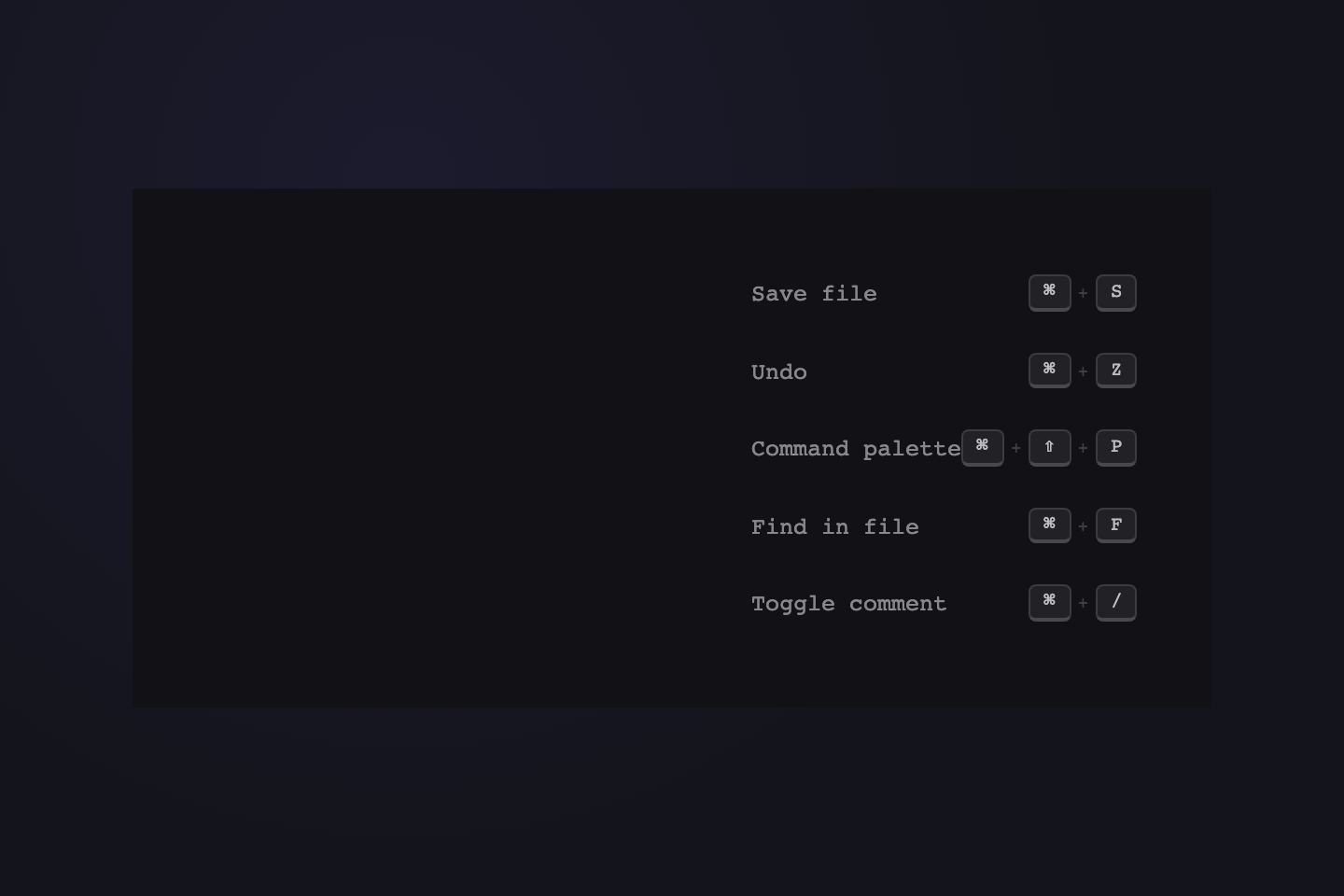
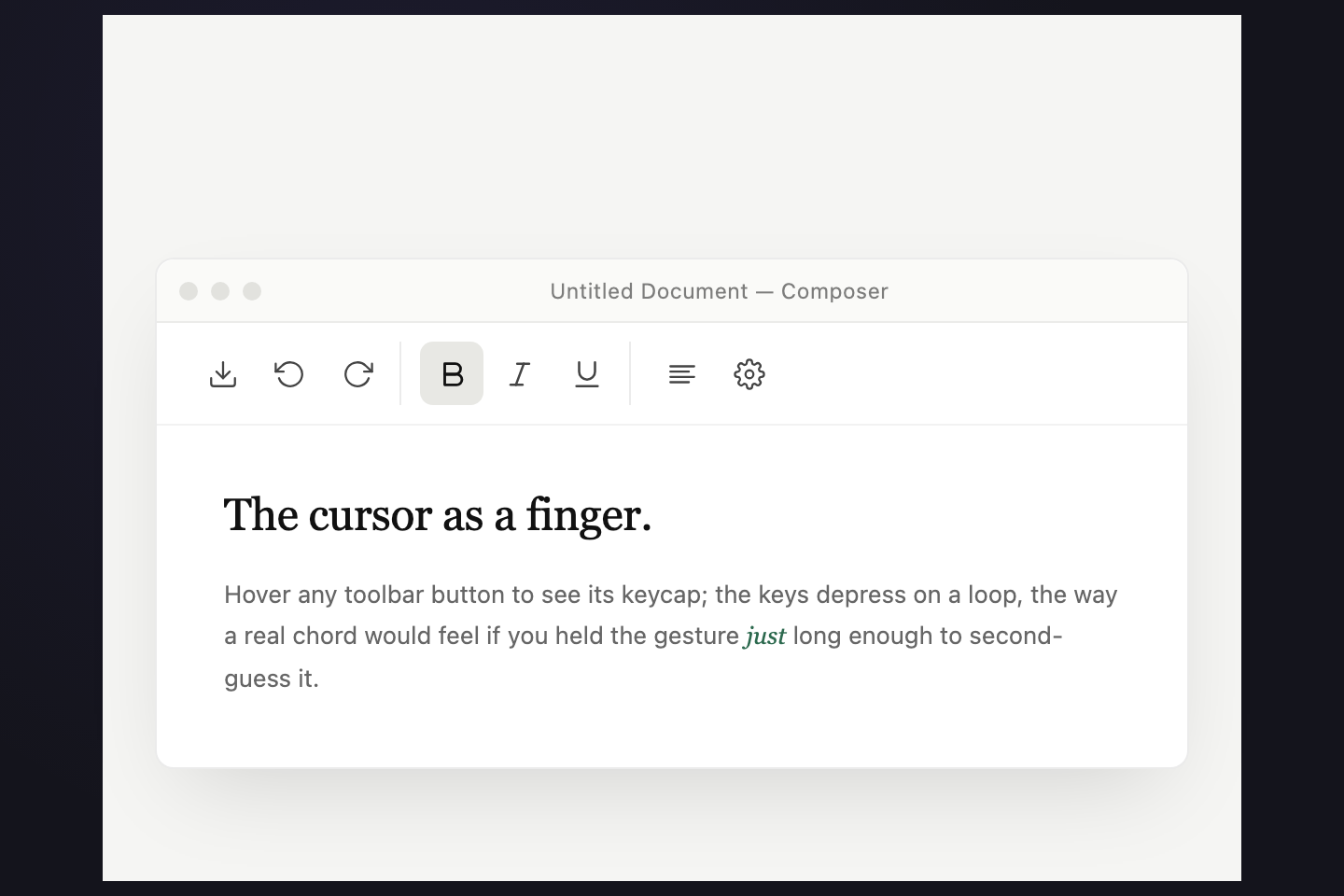
A compact label-plus-keycap pill for productivity apps. Each tooltip wears its shortcut as little 3D keycaps that depress on a loop while the tooltip is shown — the closest pure-CSS can get to communicating "this is a real chord, try it." A 400ms delay keeps it out of the way on quick mouse passes.
03 / 21
IDE Function Hover
Pure CSS
IDE Function Hover — preview
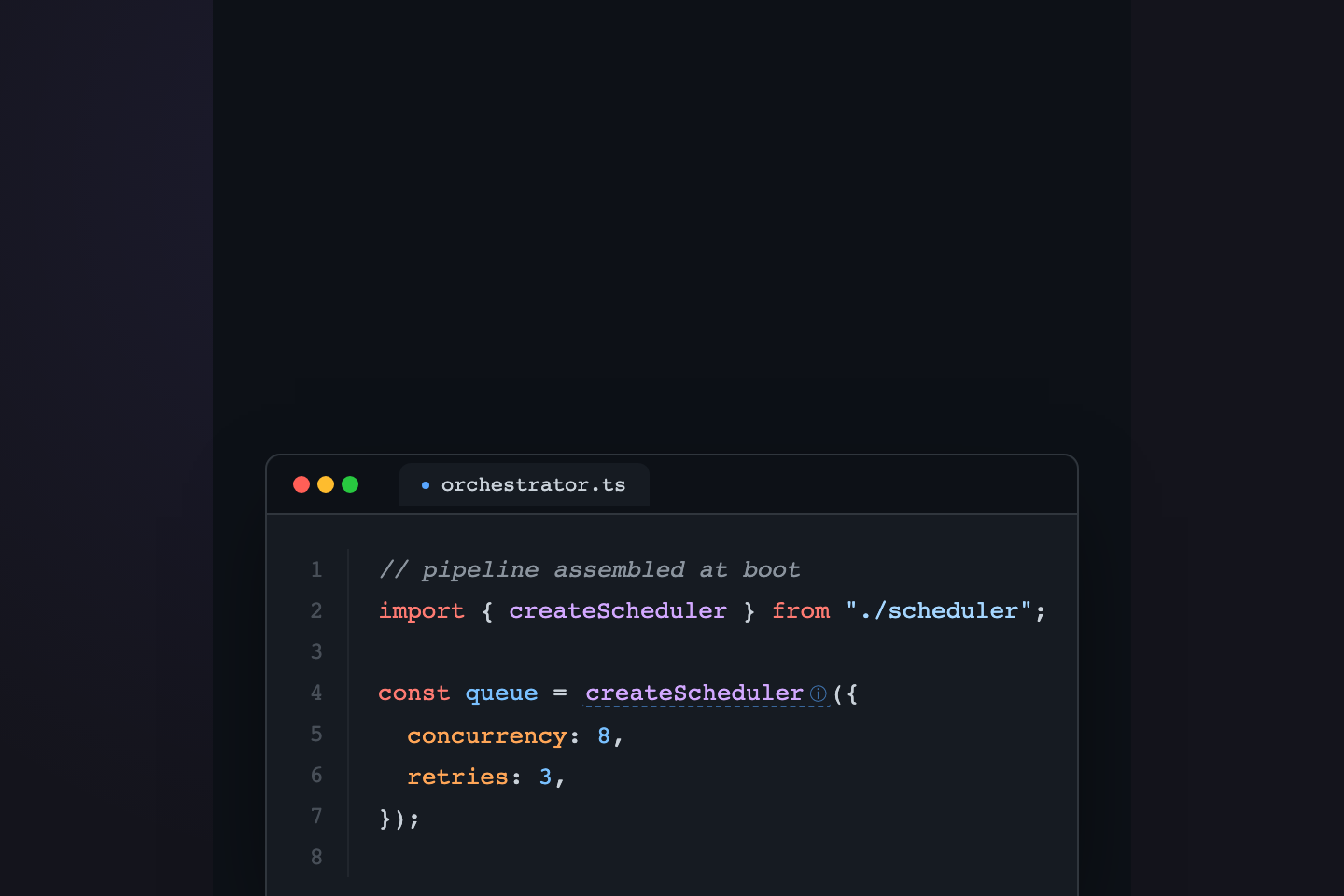
A typed-signature documentation popover for code editors. Hover the underlined function call to reveal a stacked card — badge, namespace path, signature, prose description, parameter rows, and a docs-shortcut footer — the kind of tooltip every IDE wishes it shipped by default.
04 / 21
Editorial Footnote
Pure CSS
Editorial Footnote — preview
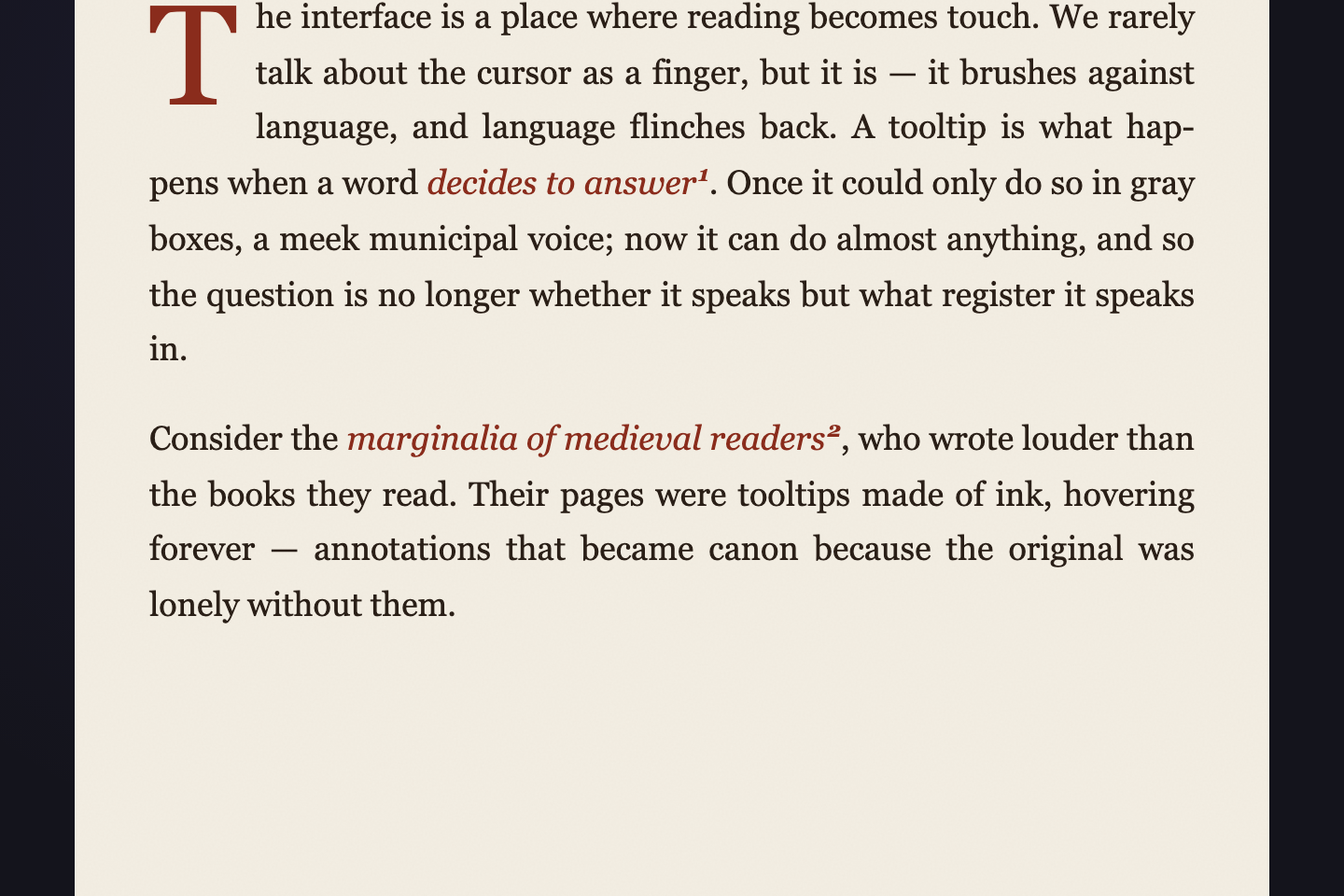
A sidenote for longform reading. The source word grows an underline on hover; a paper-card with a deckle clip-path drops down on a hairline tether, holds the body of the note in italic Garamond, and closes with a small all-caps citation. Made for essays, not interfaces.
05 / 21
Profile Card
Pure CSS
Profile Card — preview
A rich hover-card for mentions, comments, and team rosters. Internal elements stagger in: hero glow, then portrait, then name and tagline, then stats — so the card unfolds rather than flicking on. Hover any avatar in the roster below.
06 / 21
Inventory Tooltip
Pure CSS
Inventory Tooltip — preview
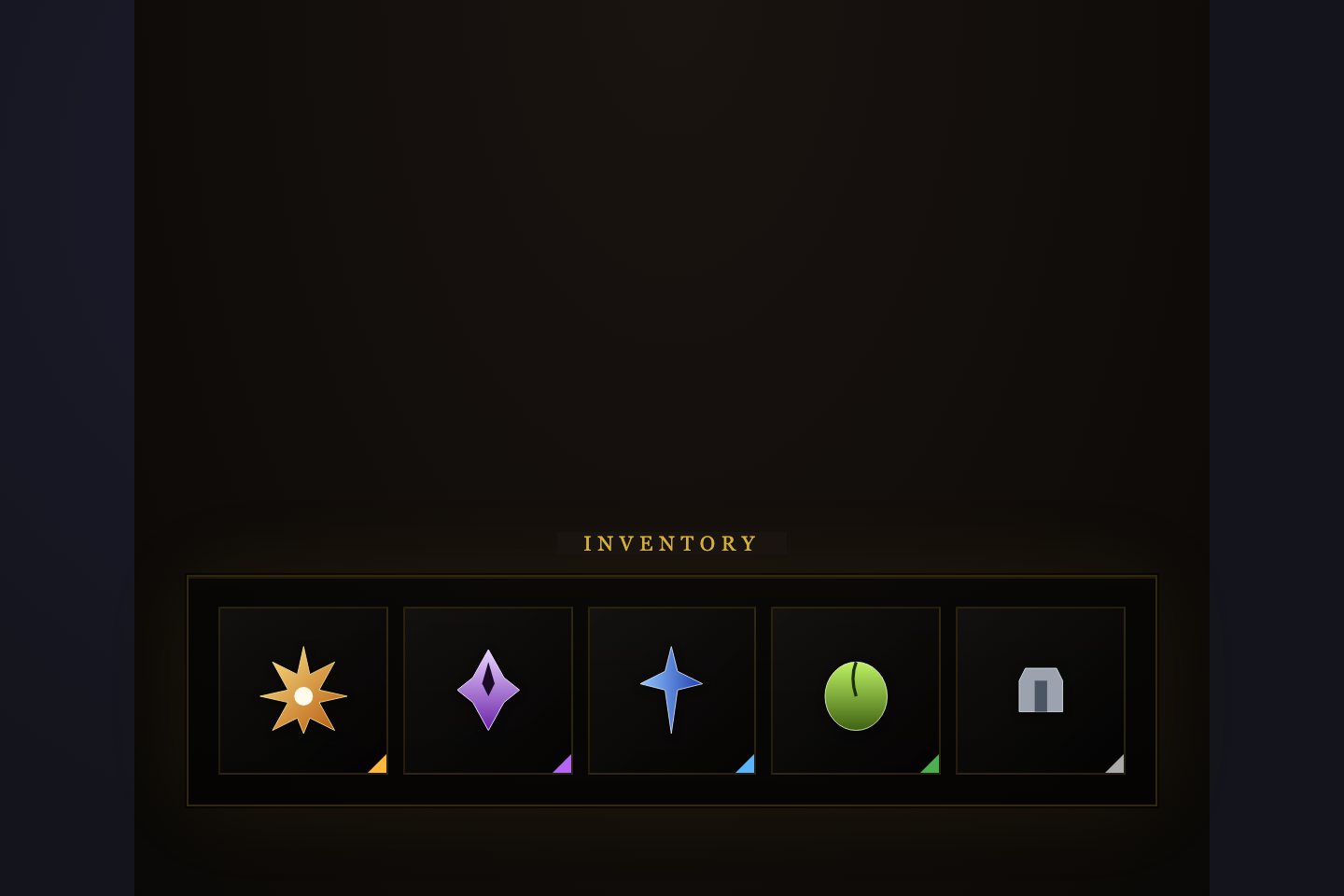
A rarity-tinted tooltip for games, achievements, and collectibles. Each rarity tier (common → legendary) glows its own color through the border, the stat list, and the pulsing outline. Italic flavor text closes every card the way a good item description should.
07 / 21
Glossary Word Card
Pure CSS
Glossary Word Card — preview
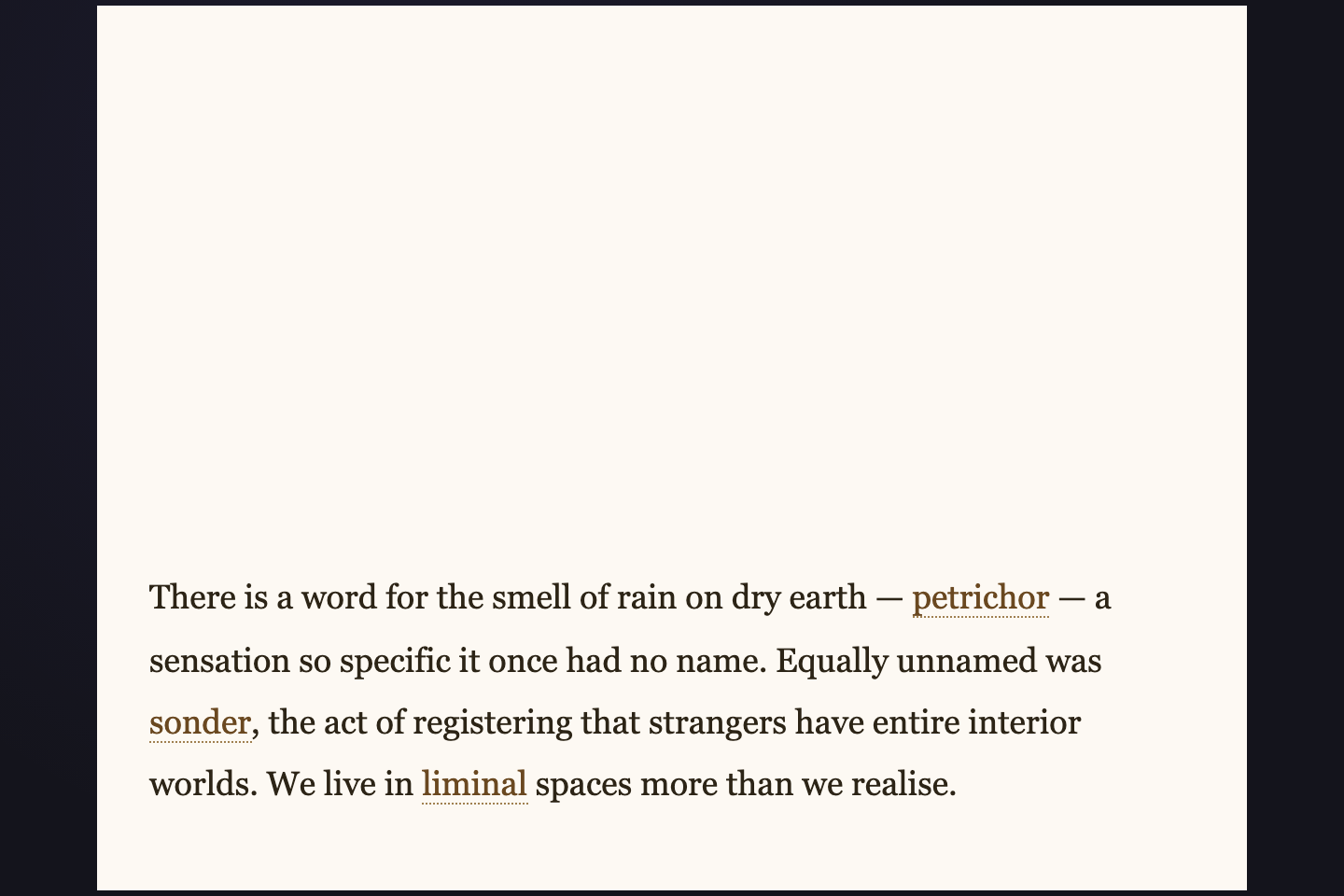
Dotted-underlined words in a paragraph that pop out a rich dictionary card on hover — part-of-speech tag, headword, IPA pronunciation, etymology, italic definition, usage quotation, and a row of synonym pills. Built for longform articles, language-learning sites, encyclopedias.
08 / 21
Service Status Dots
Pure CSS
Service Status Dots — preview
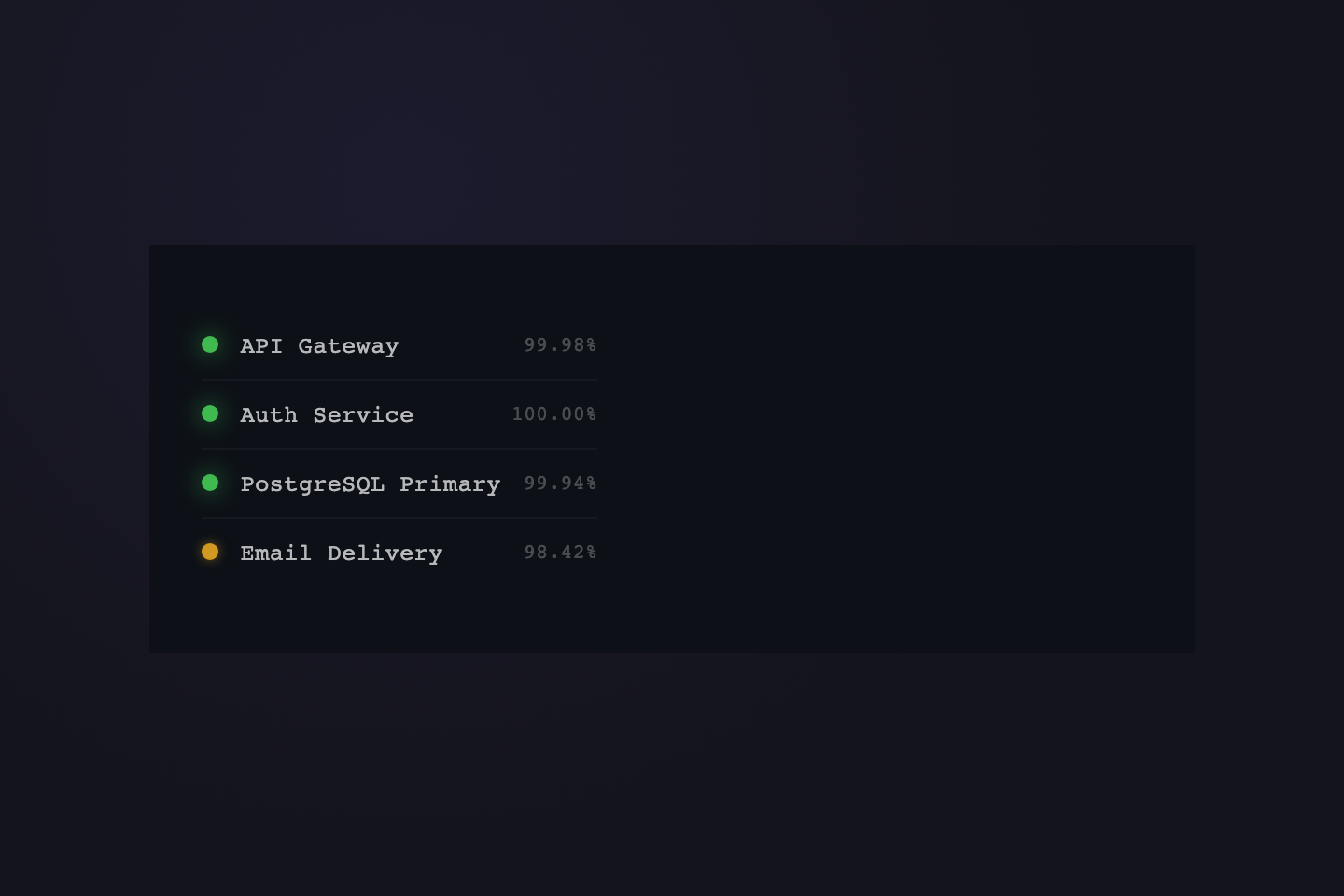
A status-page list where each colored dot pulses with its service state — hovering any row reveals an uptime bar history (30 days, color-coded), live metrics (uptime, latency, throughput), and the most recent incident summary. Built for SaaS status pages, infrastructure dashboards, on-call surfaces.
09 / 21
Team Avatar Card
Pure CSS
Team Avatar Card — preview
Initials-only avatar circles in a row that lift slightly on hover and pop out a full profile card — gradient hero band, larger avatar with shadow ring, role + presence dot + bio + three-stat row + Message / View Profile buttons. Built for team rosters, mention popovers, comment hovers.
10 / 21
Keyboard Shortcut Card
Pure CSS
Keyboard Shortcut Card — preview
A list of shortcuts where each row pops out a full reference card — large action title, big keycaps, plain-English description, three "when to use" bullets, and a related-shortcuts pill row. A richer companion to the compact keycap-pill demo earlier in this collection.
11 / 21
Data Table Cell
Pure CSS
Data Table Cell — preview
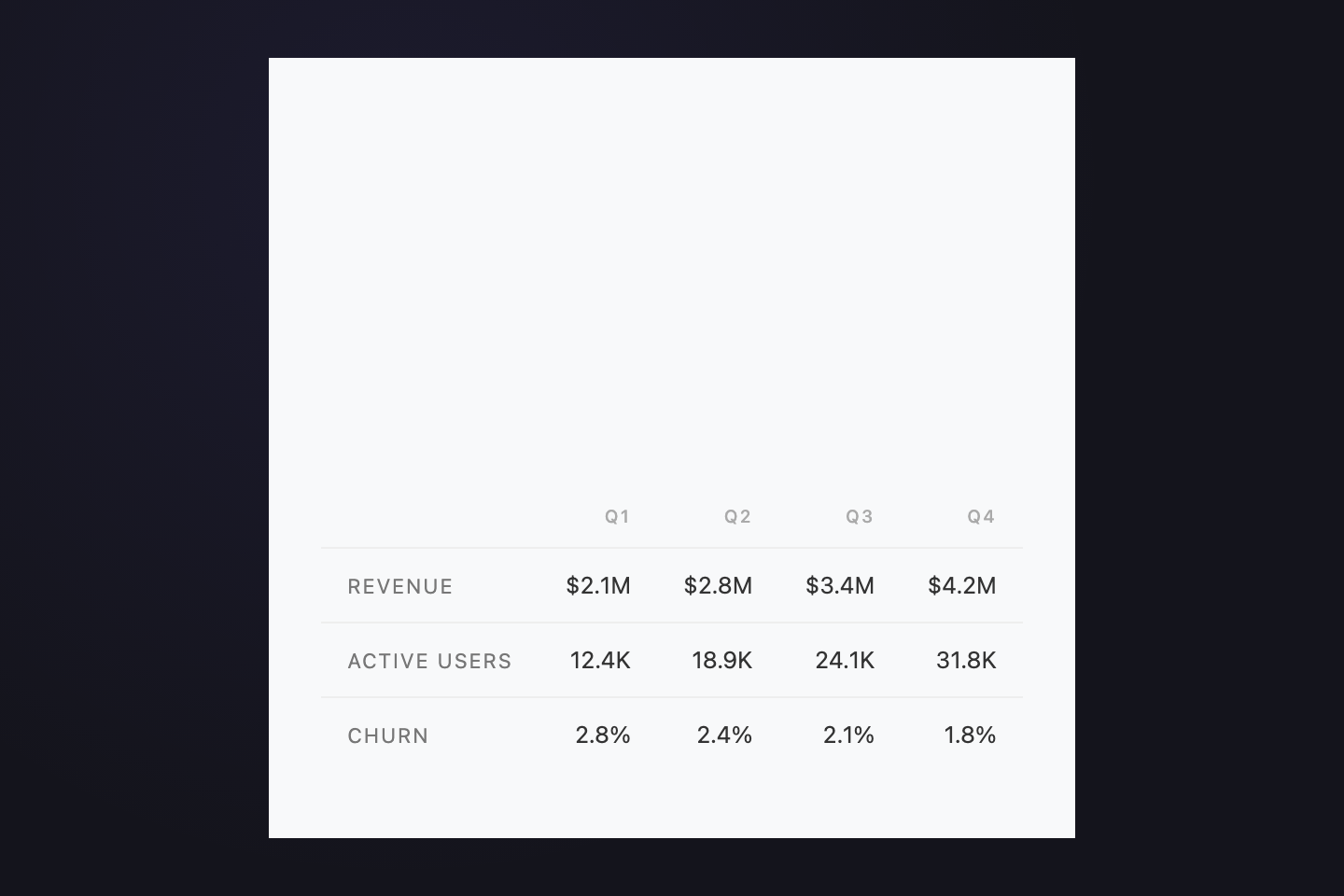
A quarterly metrics table where each plain number is a hover target. The popover shows the metric name, large value, change-vs-prior quarter, a three-bar segment breakdown (e.g. SMB / Mid / Enterprise), and a two-piece footer with delta and aggregate context. For analytics dashboards, BI reports, KPI surfaces.
12 / 21
Content Tag Card
Pure CSS
Content Tag Card — preview
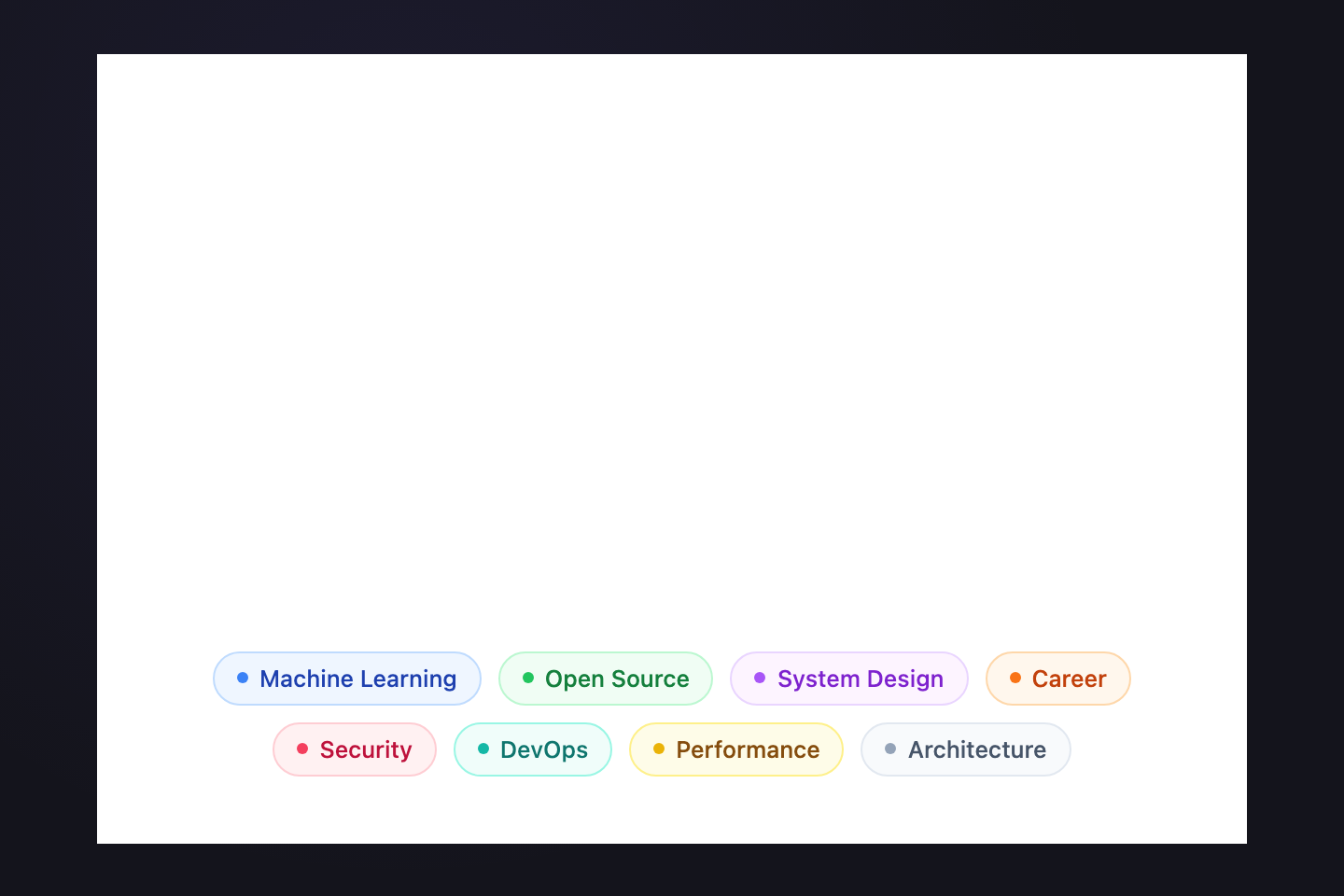
Colored pill labels (Machine Learning, DevOps, Security) that lift on hover and reveal a tag-detail card — colored icon block, article count, description, popularity-this-month bar with trend, related-tag pills, and the top three articles in this tag. For blog tag clouds, knowledge bases, content discovery surfaces.
Advertisement
13 / 21
Airport Departures Board
Pure CSS
Airport Departures Board — preview
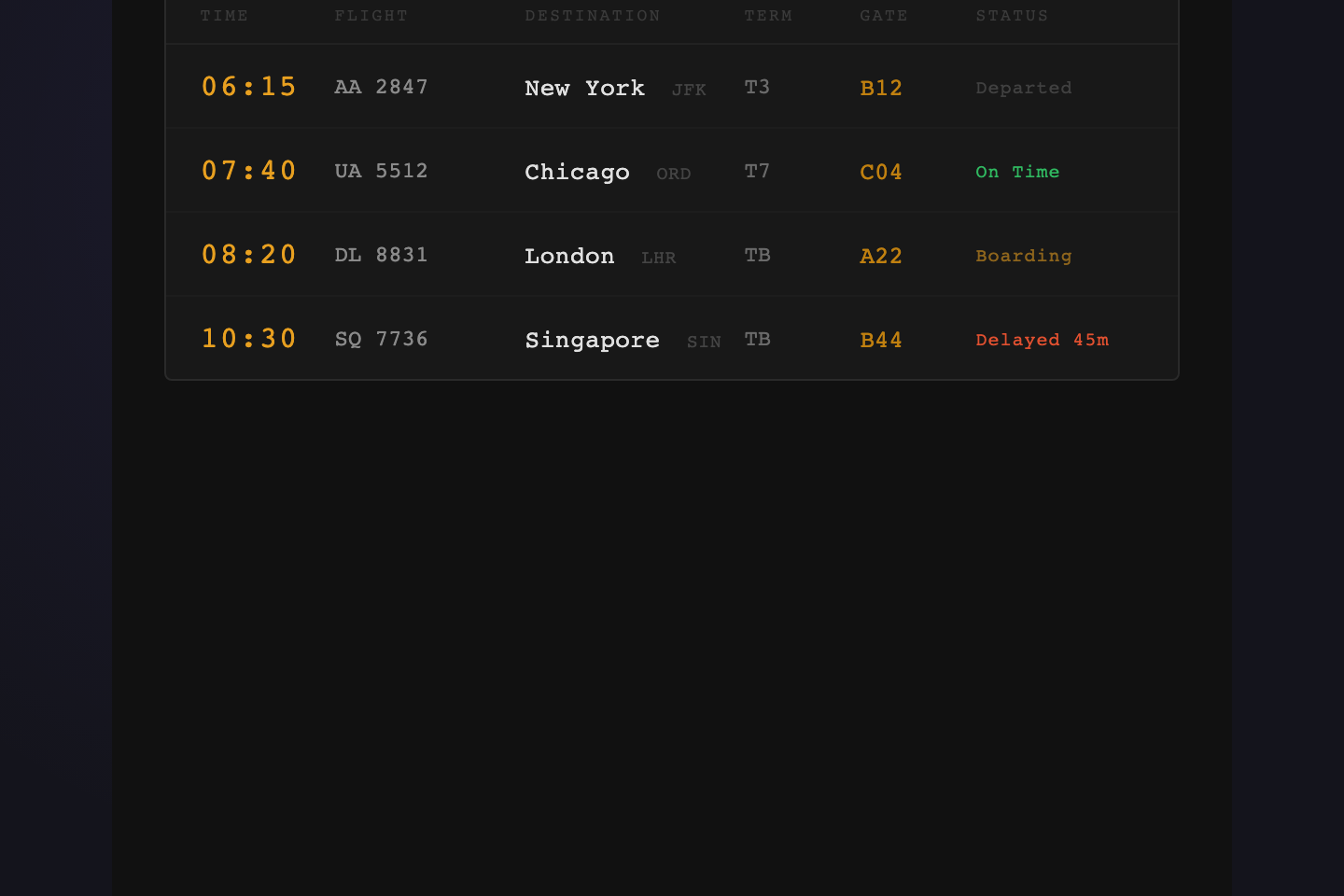
A Solari-flap inspired departures board — amber-on-charcoal monospace rows for six flights. Hover any row to reveal the flight detail card: airline, route with duration, aircraft, seats, class, plus a status pill that pulses when a flight is boarding. For travel apps, status pages, and ops dashboards.
14 / 21
Recipe Ingredient Card
Pure CSS
Recipe Ingredient Card — preview
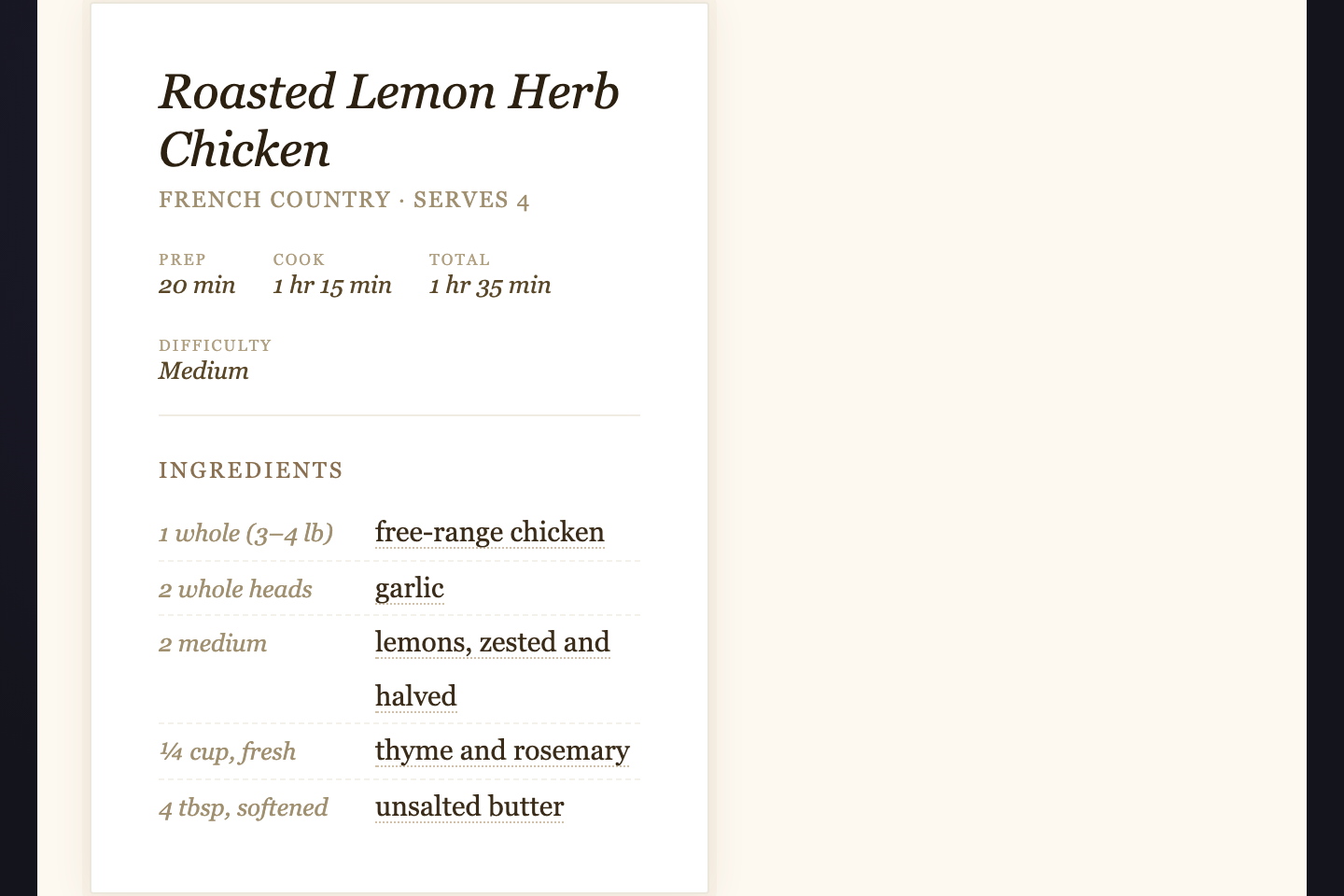
A warm cookbook page where ingredient names carry dotted underlines. Hover one and a side card lifts in with nutrition facts, substitution suggestions, and a sourcing note — designed for recipe sites, meal-plan apps, food databases.
15 / 21
Orion Constellation Chart
Pure CSS
Orion Constellation Chart — preview
A starfield rendering of the Orion constellation with six labeled star hotspots — Rigel, Betelgeuse, Bellatrix, Alnilam, Saiph, Meissa. Each star pops a card with real astronomical data: Bayer designation, distance, magnitude, luminosity, and a five-star brightness gauge.
16 / 21
Periodic Table Element
Pure CSS
Periodic Table Element — preview
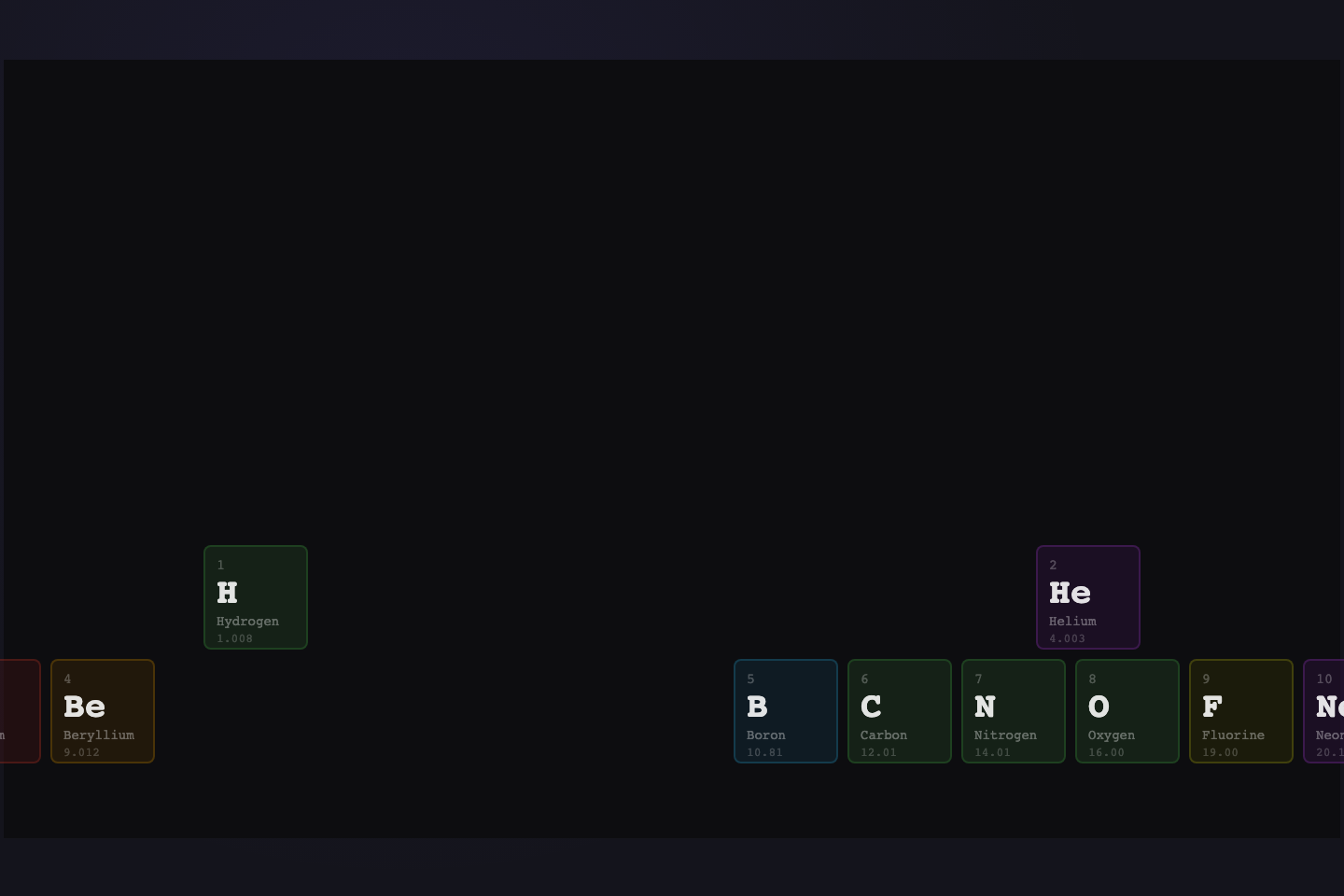
Periodic-table tiles for the first three periods, color-coded by element category (nonmetal, alkali, halogen, noble, metalloid, etc.). Hover any tile and a card lifts in with atomic number, mass, electron configuration, melting/boiling points, and discovery credit.
17 / 21
Photo EXIF Grid
Pure CSS
Photo EXIF Grid — preview
A dark contact-sheet grid of eight gradient photographs. Hover any cell to lift a developer-tools-style card with full EXIF metadata — camera body, lens, aperture, shutter, ISO, focal length, white balance, and location. For photo portfolios and stock catalogs.
18 / 21
Org Chart Node
Pure CSS
Org Chart Node — preview
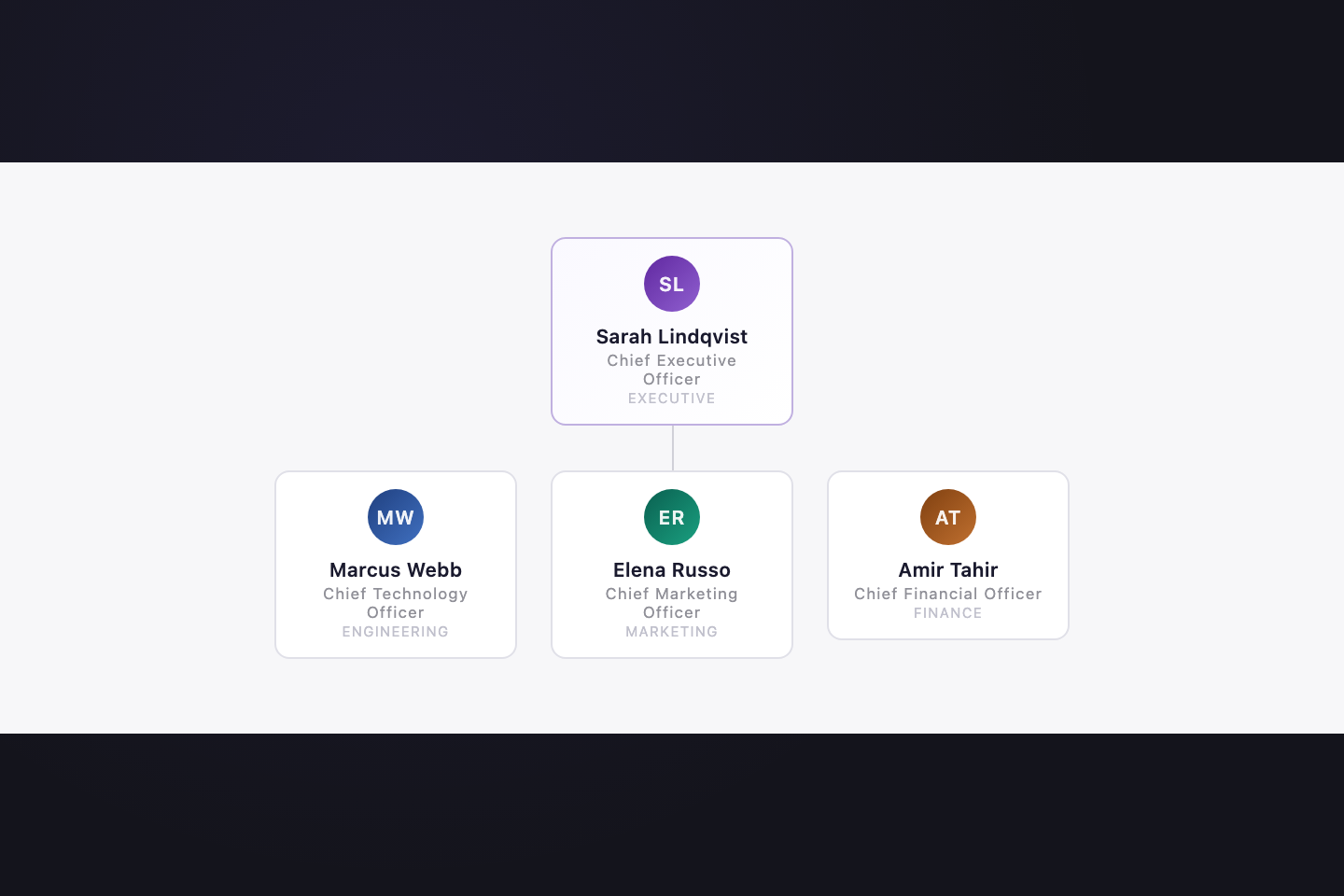
A three-tier org chart with CEO → C-suite → leads. Hover any node to lift a profile card with gradient hero, avatar monogram, role + department pill, three stats (reports/org size/tenure), and a footer with email + timezone. For team directories, succession-planning UIs, internal wikis.
19 / 21
Event Timeline
Pure CSS
Event Timeline — preview
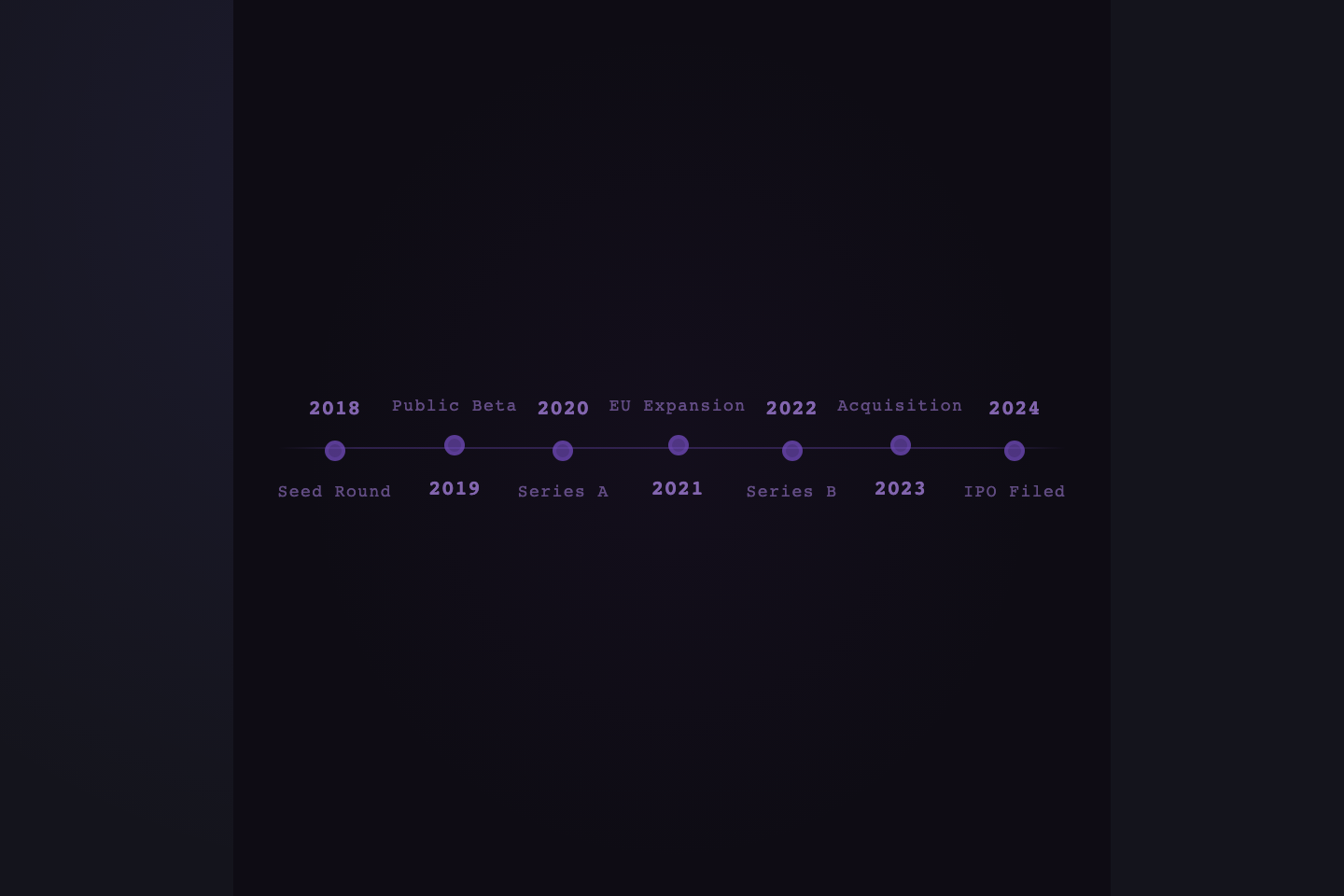
A horizontal seven-event company timeline (seed → IPO) with alternating labels above and below the track. Hovering any dot reveals an event card with quarter, headline, body prose, and a metric badge (valuation, ARR, market cap). For about pages, investor pages, retrospectives.
20 / 21
Icon Toolbar
Pure CSS
Icon Toolbar — preview
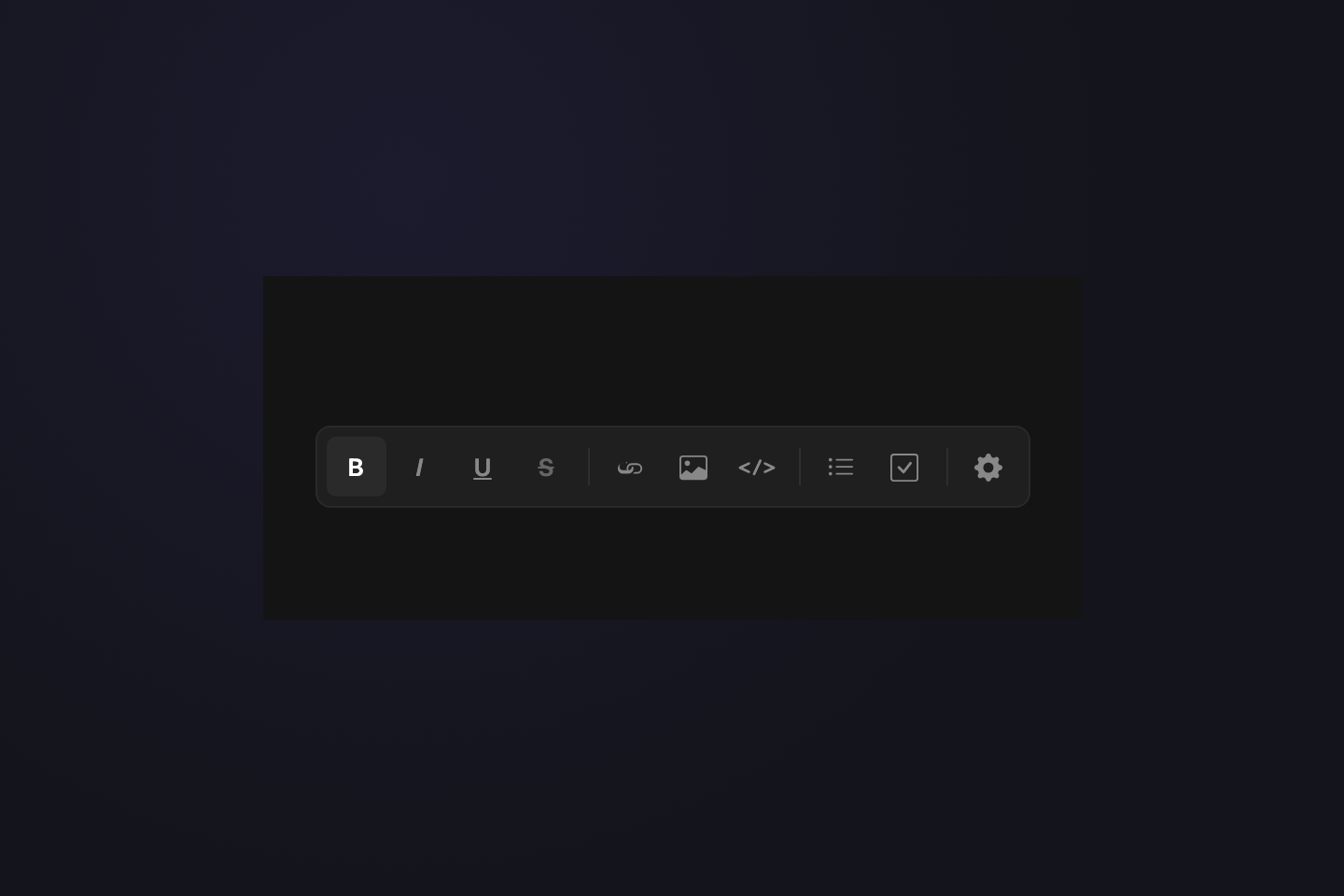
Unlabeled toolbar icons — bold, italic, link, image, code, list, settings — that reveal their action name on hover. The tooltip is a compact dark pill with a tail arrow, the workhorse pattern every desktop app ships and every web app should. For editors, design tools, dashboards.
21 / 21
Form Field Help
Pure CSS
Form Field Help — preview
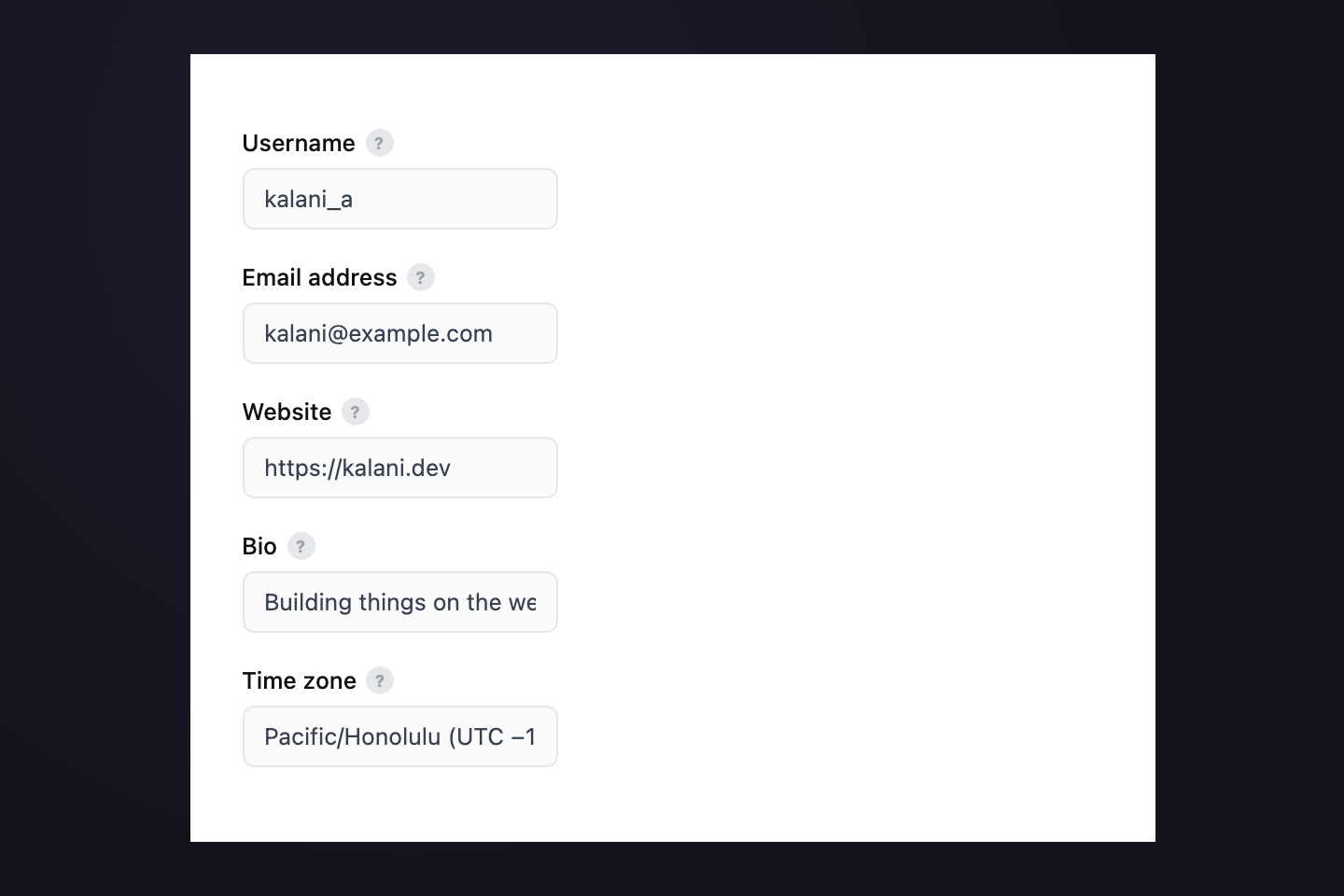
Small ? circles next to form labels that reveal a one-line hint on hover — username rules, email visibility, time-zone purpose. The tooltip pops to the right with a side-arrow tail so the form line stays uninterrupted. For settings panels, sign-up forms, profile editors.
Advertisement
FAQ

Frequently asked questions

What is a CSS tooltip?
A tooltip is a small panel of additional information revealed on hover (or focus) over a trigger element. The simplest tooltips are single-line labels; the richest are full documentation cards with prose, code, links, charts, and metadata. The behavior is consistent — absolutely-positioned child, opacity transition on `:hover` — but the typography, density, and motion belong to each individual use case. This collection treats twenty-one different use cases as twenty-one different design opportunities rather than twenty-one skins of the same gray rectangle.
How do I keep tooltip styles from leaking between demos?
Every demo in this collection is namespaced under its own CSS class prefix — `.ide-`, `.edn-`, `.pc-`, `.schem-`, `.rpg-`, `.gloss-`, `.svc-`, `.avt-`, `.kchord-`, `.tcell-`, `.ctag-`, `.depart-`, `.ringd-`, `.orion-`, `.elm-`, `.exif-`, `.org-`, `.tline-`, `.tbar-`, `.fhelp-`, `.kbd-` — with zero shared base class names. No demo defines a `.tooltip` or `.tip` class that could collide with anything else. You can drop any two of these onto the same page with zero style bleed. If you write a twenty-second tooltip, pick a new short kebab prefix and scope every selector under it.
Are these accessible?
These demos are hover-only and that's a real limitation. For production, you must add `:focus-visible` (or `:focus-within`) to every hover selector so keyboard users can reach the tooltip, and you must wire `aria-describedby` on the trigger pointing at the tooltip's `id` so screen readers announce the content. Tooltips that carry meaningful information (not just labels) also need to be dismissible without leaving the trigger — that requires a small piece of JavaScript and the `Escape` key. The CSS scaffolding is the easy part; production-grade tooltip accessibility is non-trivial. The W3C ARIA Authoring Practices Guide has the full pattern.
Do tooltips need JavaScript?
All twenty-one demos in this collection are pure CSS — no JavaScript required for hover, transition, animation, or the embedded data visualizations (status uptime bars, segment breakdown bars, popularity bars, departures-board pulse, brightness gauges). The keycap-press loop on the keyboard demo is a CSS animation. The bar widths and stat values are inline `style` attributes so adapting them to your data is a string replacement. JavaScript only enters the picture for full keyboard support, focus management, and dismissibility — the things the W3C ARIA tooltip pattern requires for production use.
When should I use a tooltip versus a popover?
Use a tooltip when the content is supplementary (labels, shortcuts, brief definitions, lightweight metadata) and the user shouldn't have to interact with the panel itself. Use a popover when the content is interactive — buttons, forms, links to follow, copy-to-clipboard actions. The IDE function-hover, profile-card, team-avatar, and keyboard-shortcut-card demos in this collection contain action buttons or links and are technically popovers by that definition, but they're built on the same CSS scaffolding. The structural difference is `pointer-events: none` on a tooltip versus `pointer-events: auto` on a popover, plus keyboard / focus behavior for interactive panels.
How do I adapt the data-rich tooltips to real data?
About half the demos render embedded data — service uptime bars, RPG stat lines, schematic spec rows, data-table segment breakdowns, content-tag popularity bars, departures-board metrics, periodic-table properties, EXIF settings. Each demo's data is plain HTML — for the bar charts, widths are inline `style="width:62%"` so a templating engine swap is trivial. For the table cell and departures tooltips, the percentages and the change-vs-prior text are real strings, not generated. Keep the markup structure, replace the content.
Why fonts from Google Fonts instead of system fonts?
Each demo's typography is part of its argument — Fraunces gives the editorial footnote its essay voice, Cinzel gives the RPG tooltip its medieval weight, JetBrains Mono gives the IDE and status demos their developer feel, EB Garamond gives the glossary card its dictionary look. System fonts would homogenize the collection into the same flat affect. The single `@import` declaration in the first demo loads every font family the collection needs, in one network round-trip. If you ship only one demo, drop the families you don't use from the `@import` URL.

Search CodeFronts

Loading…