20 examples Responsive Uses JS intermediate

20 CSS Tabs

20 distinct CSS tab designs — from aurora pills to CRT terminals. Each demo is fully interactive. Copy HTML, CSS, and JS separately per component.

20 unique designs 17 Pure CSS 3 CSS + JS 0 dependencies
01 / 20
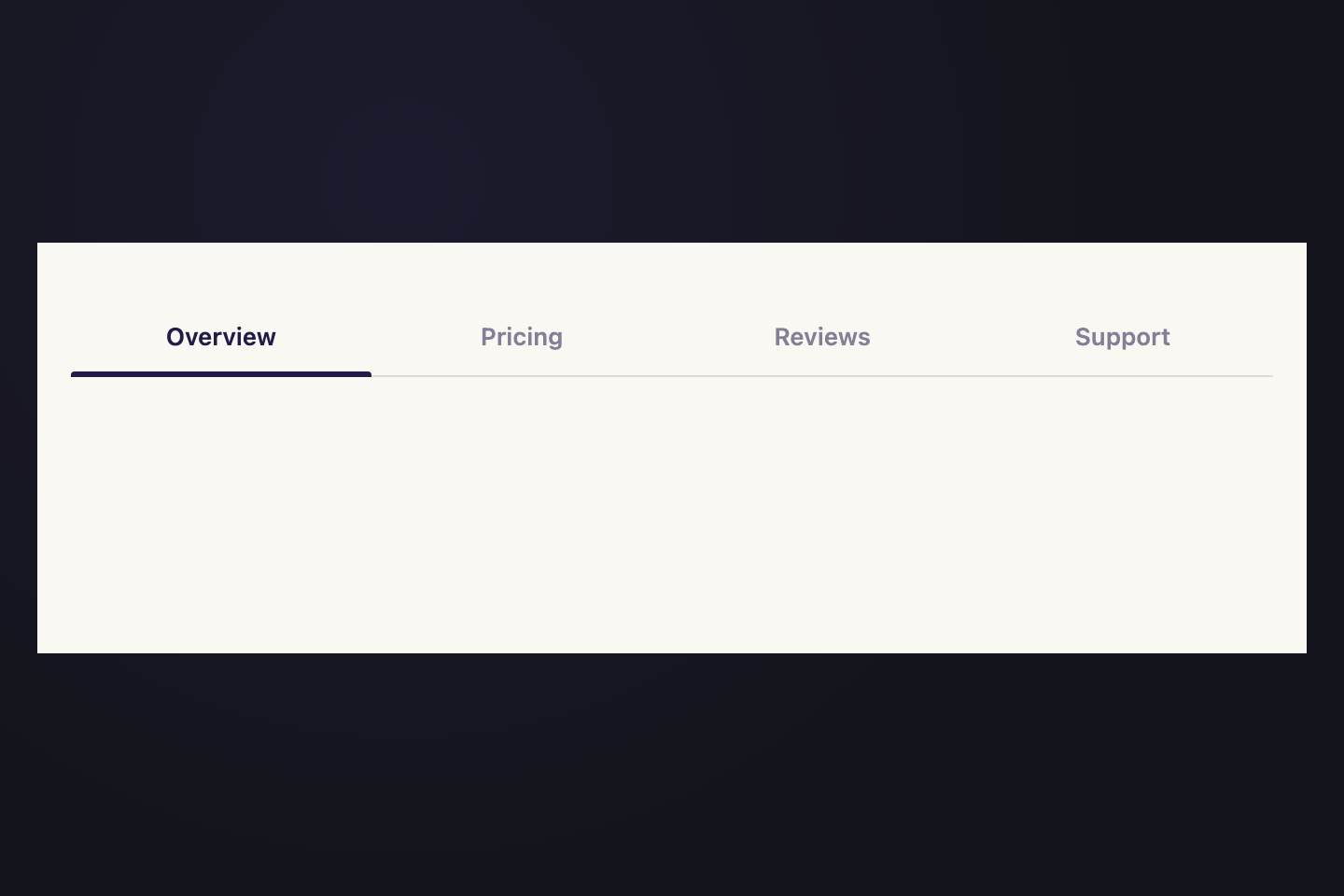
Ink Slider
CSS + JS
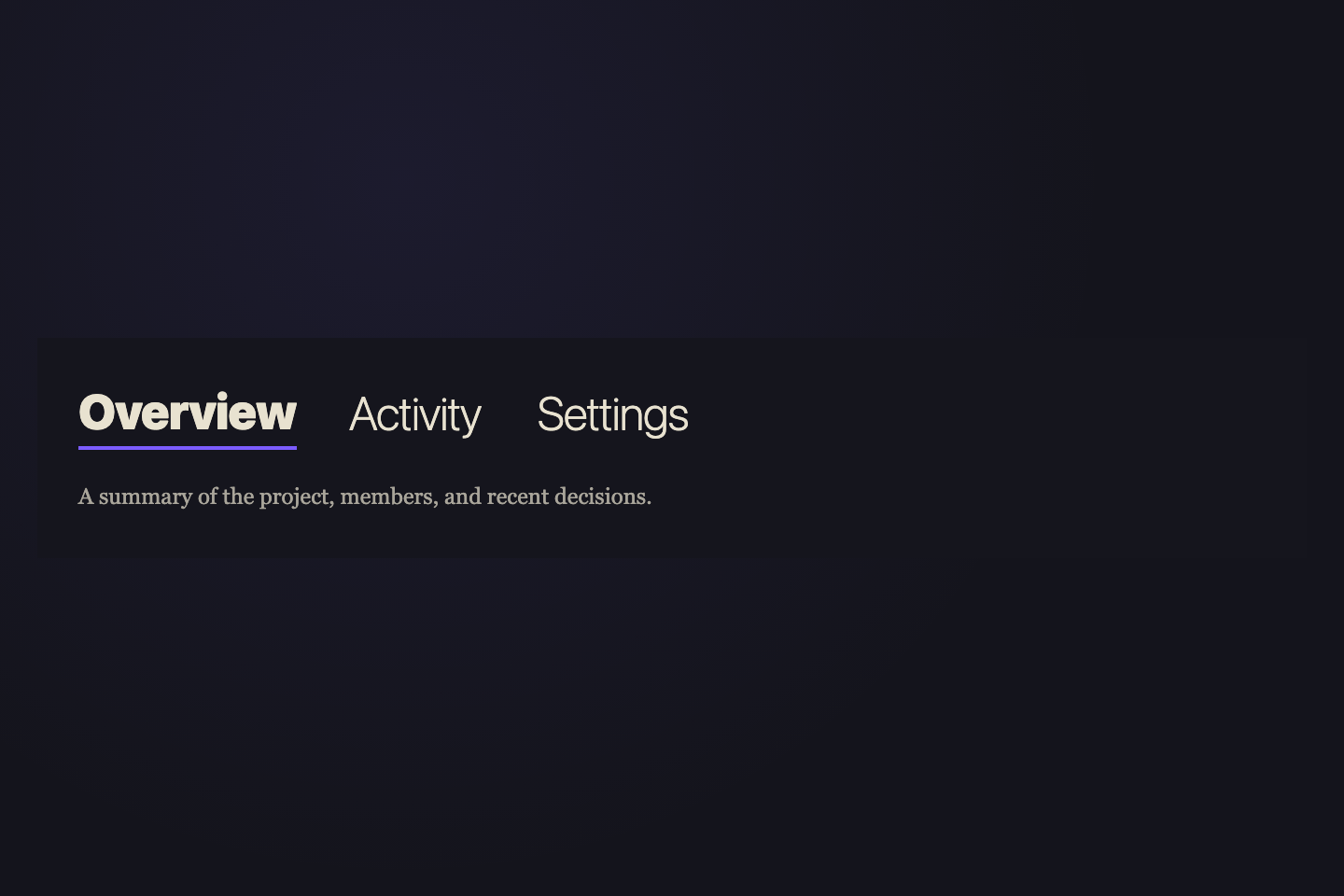
Token-driven colour scales, spacing, and motion presets.
Semantic components built with modern CSS and zero dependencies.
Live playground with hover, focus, and reduced-motion states.
A fluid gradient bar glides to each tab — width and position measured live by JS for pixel-perfect accuracy.
.tabs { position: relative; border-bottom: 2px solid rgba(255,255,255,.08); }
.tabs__btn {
  padding: 10px 22px; background: none; border: none;
  font-size: 14px; font-weight: 500; cursor: pointer;
  color: rgba(255,255,255,.4);
  transition: color .25s;
}
.tabs__btn:hover { color: rgba(255,255,255,.75); }
.tabs__btn.active { color: #fff; }
.tabs__ink {
  position: absolute; bottom: -2px; height: 2px;
  background: linear-gradient(90deg, #8b7fff, #ff6b9d);
  border-radius: 2px;
  transition: left .38s cubic-bezier(.23,1,.32,1),
              width .38s cubic-bezier(.23,1,.32,1);
}
.tabs__panel { display: none; padding-top: 14px; font-size: 13px; }
.tabs__panel.active { display: block; }
<nav class="tabs">
  <button class="tabs__btn active">Tab 1</button>
  <button class="tabs__btn">Tab 2</button>
  <button class="tabs__btn">Tab 3</button>
  <span class="tabs__ink"></span>
</nav>
<div class="tabs__panel active">Panel 1</div>
<div class="tabs__panel">Panel 2</div>
<div class="tabs__panel">Panel 3</div>
const nav  = document.querySelector(".tabs");
const btns = nav.querySelectorAll(".tabs__btn");
const ink  = nav.querySelector(".tabs__ink");
const pnls = document.querySelectorAll(".tabs__panel");

function go(i) {
  btns.forEach((b, j) => b.classList.toggle("active", i === j));
  pnls.forEach((p, j) => p.classList.toggle("active", i === j));
  ink.style.left  = btns[i].offsetLeft  + "px";
  ink.style.width = btns[i].offsetWidth + "px";
}
go(0);
btns.forEach((b, i) => b.addEventListener("click", () => go(i)));
02 / 20
Aurora Pill
CSS + JS
$12 / month  ·  Cancel any time
$89 / year  ·  Save 38%
$229 once  ·  Own it forever
A gradient pill morphs in real time between tabs — left, width and hue all animate simultaneously.
.tabs {
  display: inline-flex; position: relative;
  background: rgba(255,255,255,.06);
  border-radius: 50px; padding: 4px; gap: 2px;
}
.tabs__btn {
  position: relative; z-index: 1;
  padding: 9px 22px; border-radius: 50px;
  border: none; background: none;
  font-size: 13px; font-weight: 600; cursor: pointer;
  color: rgba(255,255,255,.45);
  transition: color .28s;
}
.tabs__btn.active { color: #fff; }
.tabs__pill {
  position: absolute; top: 4px;
  height: calc(100% - 8px); border-radius: 50px;
  background: linear-gradient(105deg, #8b7fff, #ff6b9d, #3de8f5);
  background-size: 200% 100%; z-index: 0;
  transition: left .4s cubic-bezier(.23,1,.32,1),
              width .4s cubic-bezier(.23,1,.32,1);
  animation: aurora-pill 4s linear infinite;
}
@keyframes aurora-pill {
  0%   { background-position: 0%   50%; }
  100% { background-position: 200% 50%; }
}
<nav class="tabs">
  <button class="tabs__btn active">Monthly</button>
  <button class="tabs__btn">Annual</button>
  <button class="tabs__btn">Lifetime</button>
  <span class="tabs__pill"></span>
</nav>
const nav  = document.querySelector(".tabs");
const btns = nav.querySelectorAll(".tabs__btn");
const pill = nav.querySelector(".tabs__pill");
const pnls = document.querySelectorAll(".tabs__panel");
function go(i) {
  btns.forEach((b, j) => b.classList.toggle("active", i === j));
  pnls.forEach((p, j) => p.classList.toggle("active", i === j));
  pill.style.left  = btns[i].offsetLeft  + "px";
  pill.style.width = btns[i].offsetWidth + "px";
}
go(0);
btns.forEach((b, i) => b.addEventListener("click", () => go(i)));
03 / 20
Neon Electric
Pure CSS
Carrier wave integrity — 99.94% uptime across all nodes.
Background interference — filtered below −40 dB threshold.
Active Butterworth low-pass at 20 kHz. Clean output.
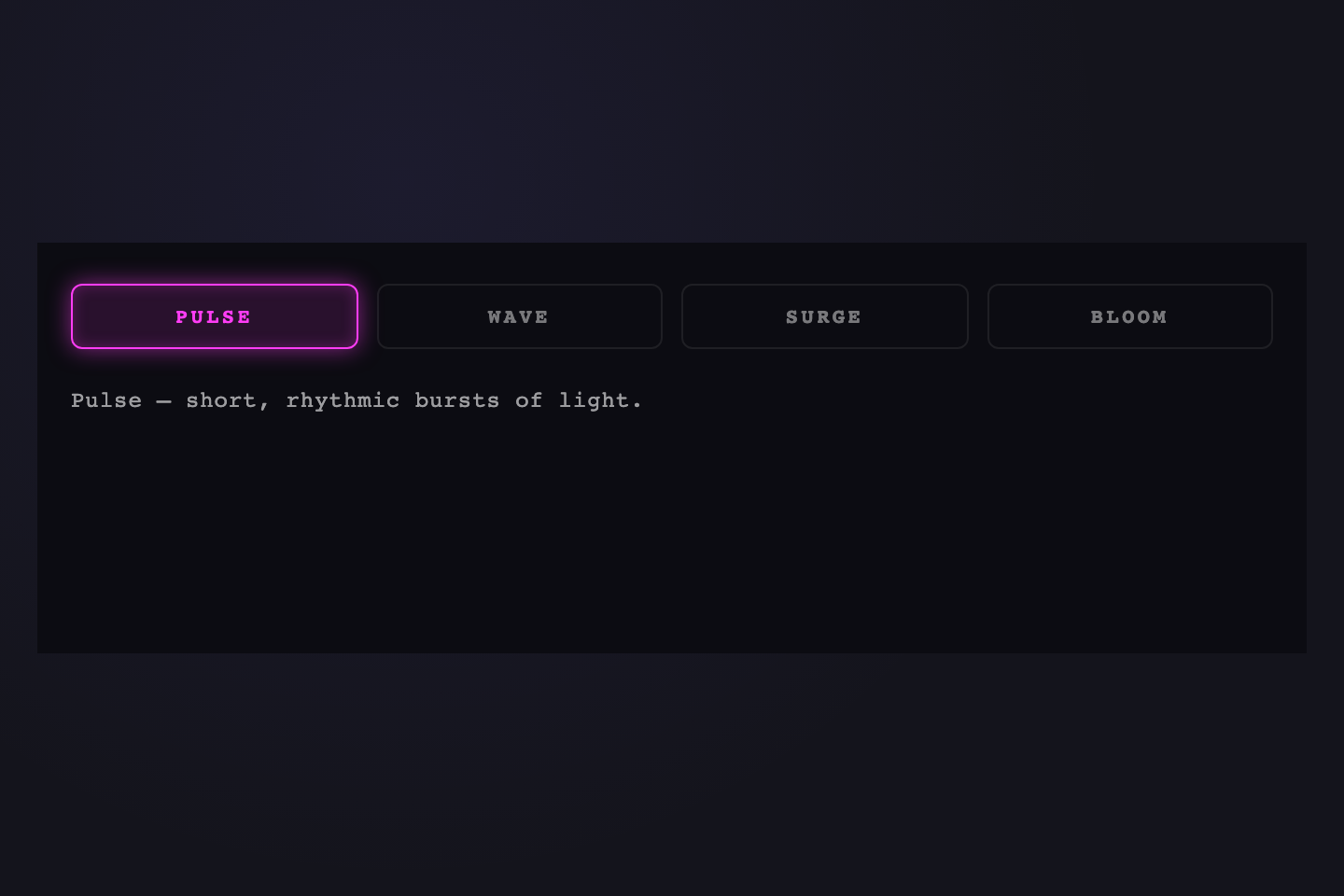
Each tab owns its colour — border, glow, and text all defined via a CSS custom property per button.
.tabs { display: flex; gap: 10px; }
.tabs__btn {
  padding: 9px 22px; border-radius: 7px;
  border: 1.5px solid rgba(255,255,255,.1);
  background: transparent; font-size: 13px; font-weight: 700;
  letter-spacing: .06em; text-transform: uppercase; cursor: pointer;
  color: rgba(255,255,255,.35);
  transition: color .25s, border-color .3s, box-shadow .35s;
}
.tabs__btn--a { --nc: #ff6b9d; }
.tabs__btn--b { --nc: #3de8f5; }
.tabs__btn--c { --nc: #1ed98a; }
.tabs__btn.active {
  color: var(--nc); border-color: var(--nc);
  box-shadow: 0 0 8px var(--nc),
    0 0 22px color-mix(in srgb, var(--nc) 40%, transparent),
    inset 0 0 14px color-mix(in srgb, var(--nc) 10%, transparent);
}
<nav class="tabs">
  <button class="tabs__btn tabs__btn--a">Signal</button>
  <button class="tabs__btn tabs__btn--b">Noise</button>
  <button class="tabs__btn tabs__btn--c">Filter</button>
</nav>
04 / 20
Frosted Crystal
Pure CSS
A complete design system for teams who move fast.
Token sync, Figma bridge, and headless components.
Free for individuals. Teams from $19 / month.
Backdrop-filter frost with a vivid gradient behind — the more vivid the background, the more prismatic the glass.
.card { position: relative; border-radius: 14px; overflow: hidden; }
.card__bg {
  position: absolute; inset: 0;
  background:
    radial-gradient(ellipse at 20% 50%, rgba(139,127,255,.6), transparent 55%),
    radial-gradient(ellipse at 80% 30%, rgba(255,107,157,.5), transparent 50%),
    radial-gradient(ellipse at 50% 90%, rgba(61,232,245,.4), transparent 55%);
}
.tabs {
  position: relative; z-index: 1;
  display: flex; gap: 4px; padding: 5px;
  background: rgba(255,255,255,.06);
  backdrop-filter: blur(20px) saturate(180%);
  border: 1px solid rgba(255,255,255,.18);
  border-radius: 14px; margin: 12px;
}
.tabs__btn {
  padding: 9px 20px; border-radius: 10px;
  border: 1px solid transparent; background: transparent;
  font-size: 13px; font-weight: 500;
  color: rgba(255,255,255,.5); cursor: pointer;
  transition: background .3s, color .3s, border-color .3s, box-shadow .3s;
}
.tabs__btn.active {
  background: rgba(255,255,255,.18);
  backdrop-filter: blur(24px);
  border-color: rgba(255,255,255,.35); color: #fff;
  box-shadow: 0 2px 12px rgba(0,0,0,.2),
    inset 0 1px 0 rgba(255,255,255,.25);
}
<div class="card">
  <div class="card__bg"></div>
  <nav class="tabs">
    <button class="tabs__btn active">Overview</button>
    <button class="tabs__btn">Features</button>
    <button class="tabs__btn">Pricing</button>
  </nav>
  <div class="tabs__panel active">Panel content</div>
</div>
05 / 20
Brutalist Press
Pure CSS
Block number one. No nonsense. Just content.
Block number two. Raw. Real. No filter.
Block number three. Bold by default.
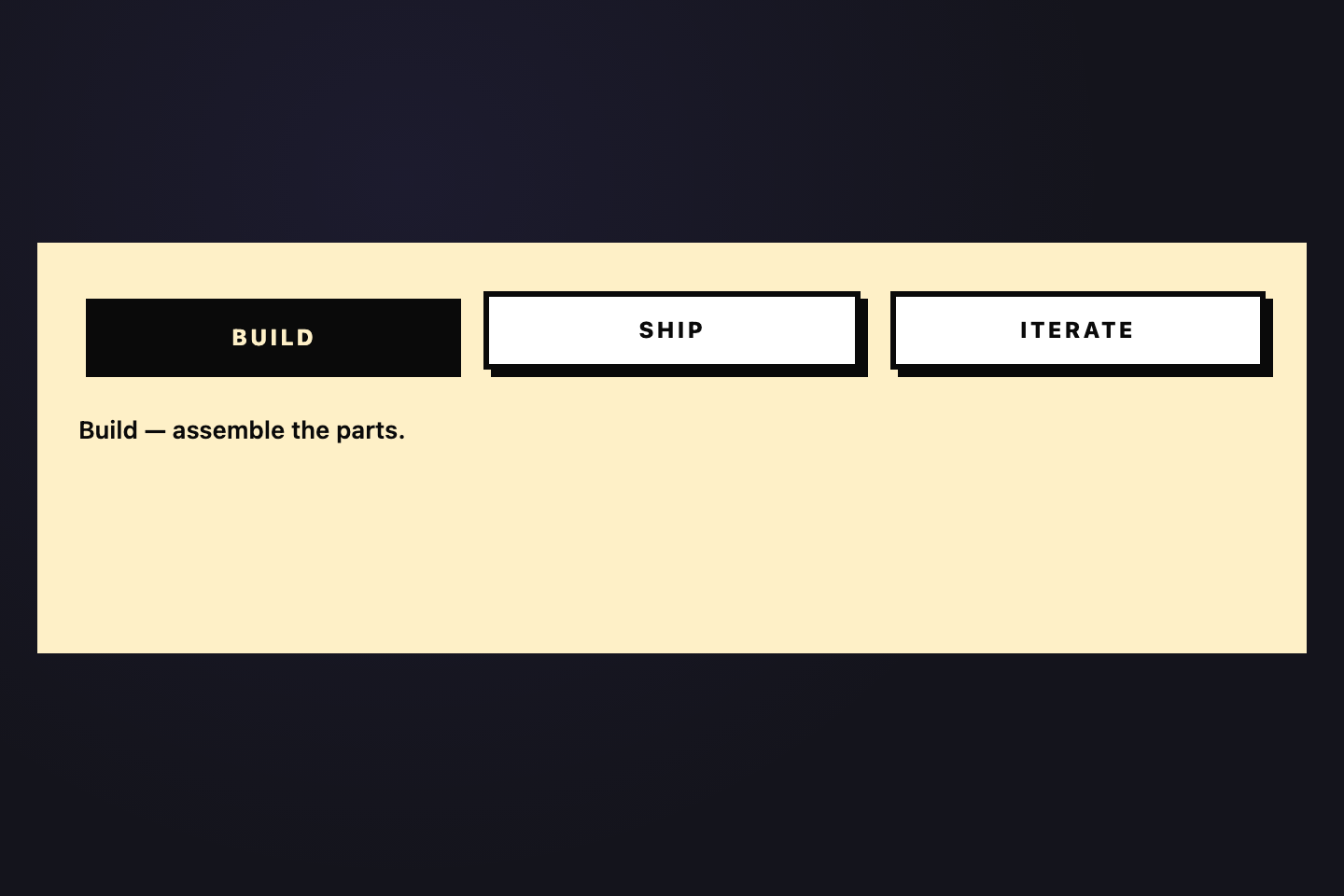
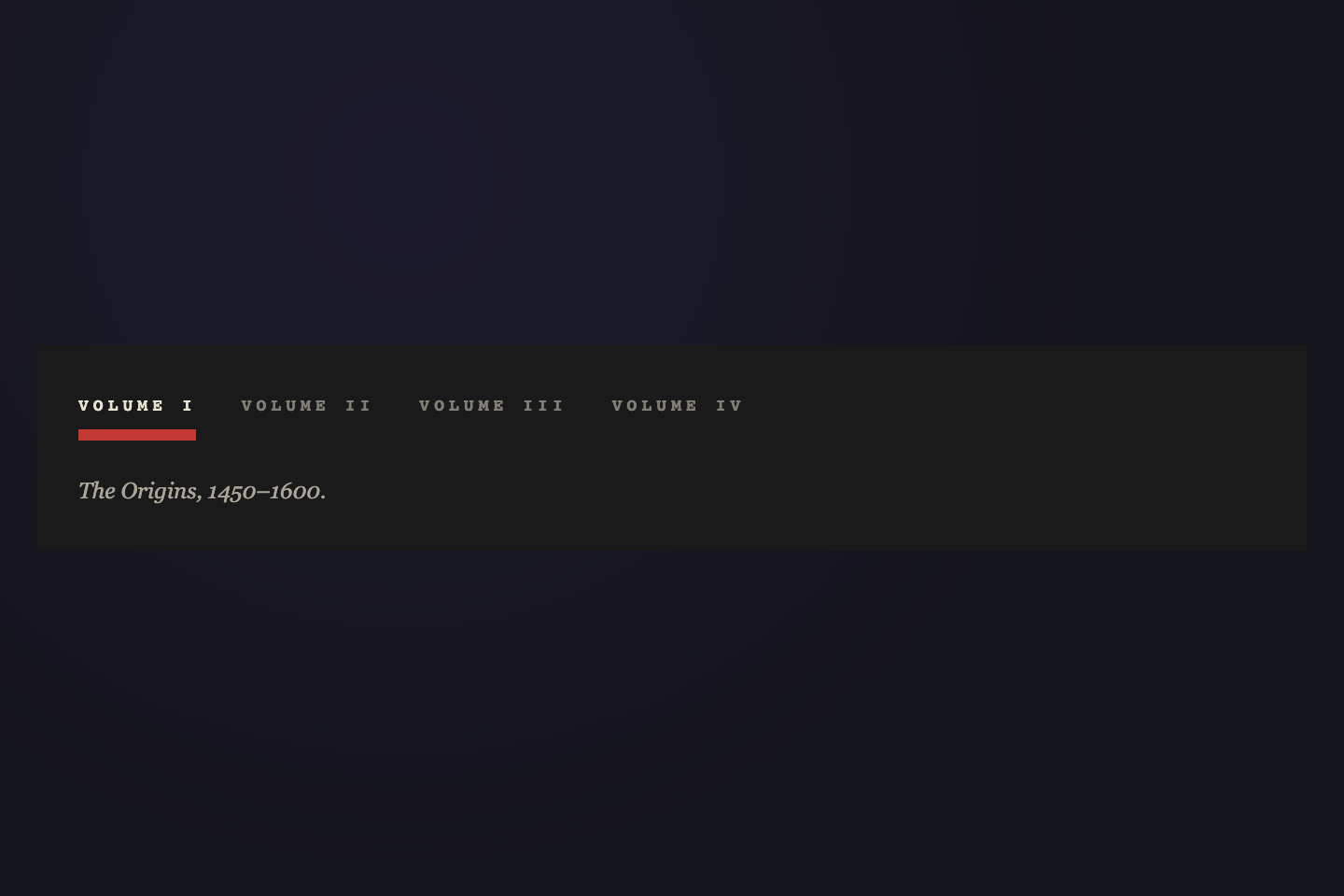
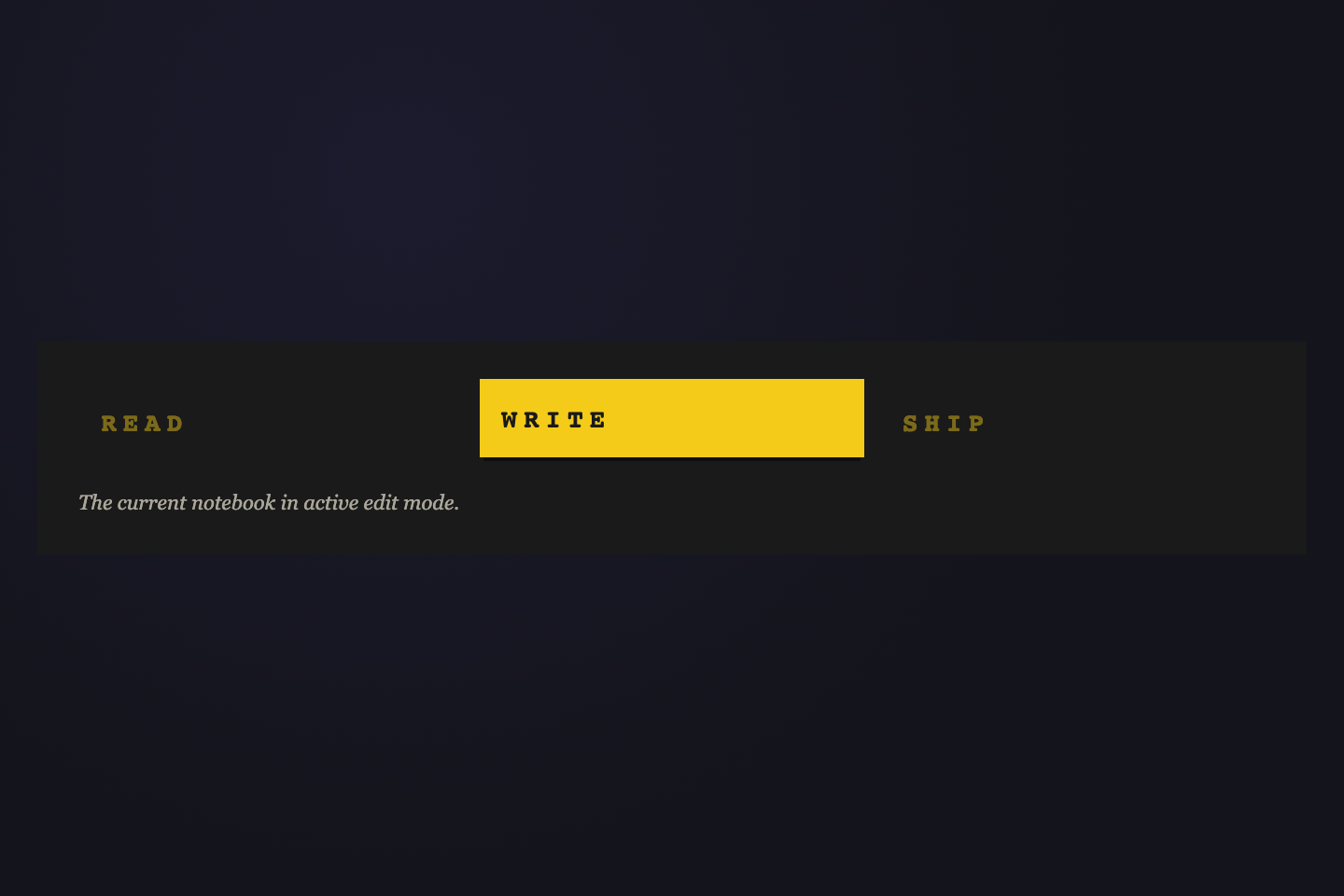
Hard offset box-shadow stamps into the surface. Active tab presses flush — pure physical satisfaction.
.tabs { display: flex; gap: 8px; }
.tabs__btn {
  padding: 10px 24px;
  border: 3px solid #eeeaf8;
  background: transparent; color: #eeeaf8;
  font-size: 13px; font-weight: 900;
  letter-spacing: .12em; text-transform: uppercase; cursor: pointer;
  box-shadow: 4px 4px 0 #eeeaf8;
  transition: transform .1s, box-shadow .1s, background .1s, color .1s;
}
.tabs__btn:hover {
  transform: translate(-2px, -2px);
  box-shadow: 6px 6px 0 #eeeaf8;
}
.tabs__btn.active {
  background: #eeeaf8; color: #07070c;
  transform: translate(3px, 3px);
  box-shadow: 1px 1px 0 #eeeaf8;
}
<nav class="tabs">
  <button class="tabs__btn">ONE</button>
  <button class="tabs__btn active">TWO</button>
</nav>
06 / 20
Flood Rise
Pure CSS
Discover what the community is building.
Craft your own experience from scratch.
Publish to the world in one click.
Colour floods upward from the tab base via scaleY transform — like filling a container with light.
.tabs { display: flex; border-bottom: 2px solid rgba(255,255,255,.08); }
.tabs__btn {
  position: relative; overflow: hidden;
  padding: 10px 26px; border-radius: 8px 8px 0 0;
  border: none; font-size: 14px; font-weight: 600;
  color: rgba(255,255,255,.4); cursor: pointer;
  transition: color .3s;
}
.tabs__btn::before {
  content: ""; position: absolute; inset: 0;
  background: linear-gradient(160deg, #8b7fff, #ff6b9d);
  transform: scaleY(0); transform-origin: bottom;
  transition: transform .38s cubic-bezier(.23,1,.32,1);
  z-index: 0;
}
.tabs__btn span { position: relative; z-index: 1; }
.tabs__btn.active { color: #fff; }
.tabs__btn.active::before { transform: scaleY(1); }
<nav class="tabs">
  <button class="tabs__btn active"><span>Explore</span></button>
  <button class="tabs__btn"><span>Create</span></button>
  <button class="tabs__btn"><span>Share</span></button>
</nav>
07 / 20
Chromatic
Pure CSS
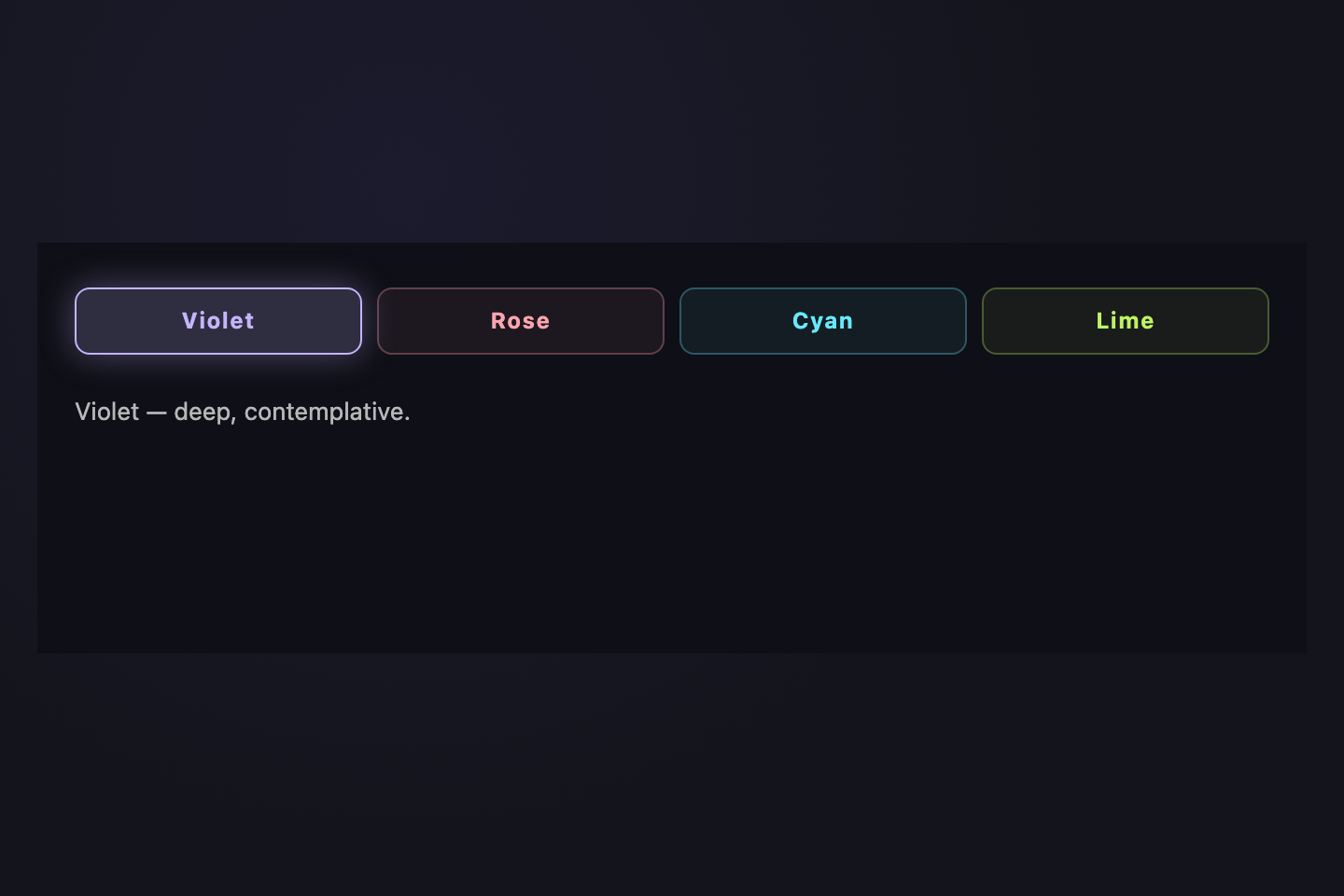
Violet — the colour of deep focus and creative thought.
Rose — warmth, urgency, and human connection.
Cyan — clarity, depth, and infinite space.
Lime — energy, growth, and forward motion.
Each tab exists in its own full-colour universe — background, text, and glow all shift per selection.
.tabs { display: flex; gap: 8px; flex-wrap: wrap; }
.tabs__btn {
  padding: 8px 20px; border-radius: 50px;
  border: 2px solid transparent; font-size: 13px; font-weight: 700;
  cursor: pointer; background: rgba(255,255,255,.05);
  color: rgba(255,255,255,.4); transition: all .3s;
}
.tabs__btn--violet { --c: #8b7fff; --bg: rgba(139,127,255,.12); }
.tabs__btn--rose   { --c: #ff6b9d; --bg: rgba(255,107,157,.12); }
.tabs__btn--cyan   { --c: #3de8f5; --bg: rgba(61,232,245,.12);  }
.tabs__btn--lime   { --c: #1ed98a; --bg: rgba(30,217,138,.12);  }
.tabs__btn.active {
  background: var(--bg); color: var(--c);
  border-color: var(--c);
  box-shadow: 0 0 20px color-mix(in srgb, var(--c) 30%, transparent);
}
<nav class="tabs">
  <button class="tabs__btn tabs__btn--violet active">Violet</button>
  <button class="tabs__btn tabs__btn--rose">Rose</button>
  <button class="tabs__btn tabs__btn--cyan">Cyan</button>
  <button class="tabs__btn tabs__btn--lime">Lime</button>
</nav>
08 / 20
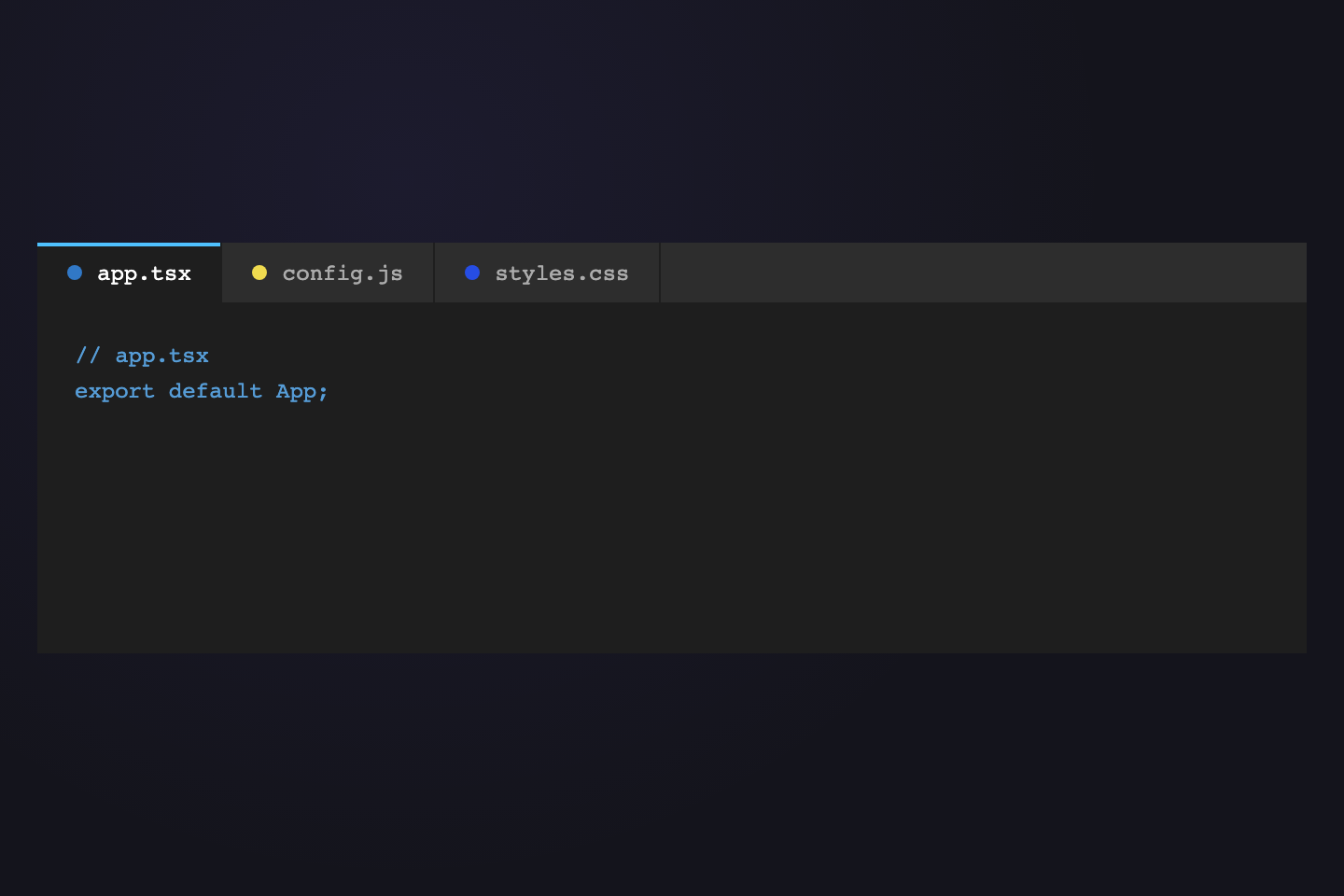
VS Code Files
Pure CSS
<!DOCTYPE html>
:root { --accent: #8b7fff; }
const app = document.querySelector('#app');
Editor-style file tabs with a language-colour dot, raised active state, and a syntax-highlight panel.
.editor { background: #12121e; border-radius: 10px; overflow: hidden; border: 1px solid rgba(255,255,255,.08); }
.editor__tabs { display: flex; background: #0d0d1a; border-bottom: 1px solid rgba(255,255,255,.06); }
.editor__tab {
  display: flex; align-items: center; gap: 7px;
  padding: 9px 18px; border-right: 1px solid rgba(255,255,255,.05);
  border-top: 2px solid transparent; border-bottom: none; border-left: none;
  background: transparent; font-family: monospace; font-size: 12px;
  color: rgba(255,255,255,.35); cursor: pointer;
  transition: background .2s, color .2s, border-color .2s;
}
.editor__tab.active { background: #12121e; color: #fff; border-top-color: #8b7fff; }
.dot { width: 9px; height: 9px; border-radius: 50%; flex-shrink: 0; }
.dot--html { background: #e06c75; }
.dot--css  { background: #61afef; }
.dot--js   { background: #e5c07b; }
<div class="editor">
  <nav class="editor__tabs">
    <button class="editor__tab active">
      <span class="dot dot--html"></span>index.html
    </button>
    <button class="editor__tab">
      <span class="dot dot--css"></span>styles.css
    </button>
  </nav>
  <div class="editor__body">
    <div class="editor__panel active">...</div>
  </div>
</div>
09 / 20
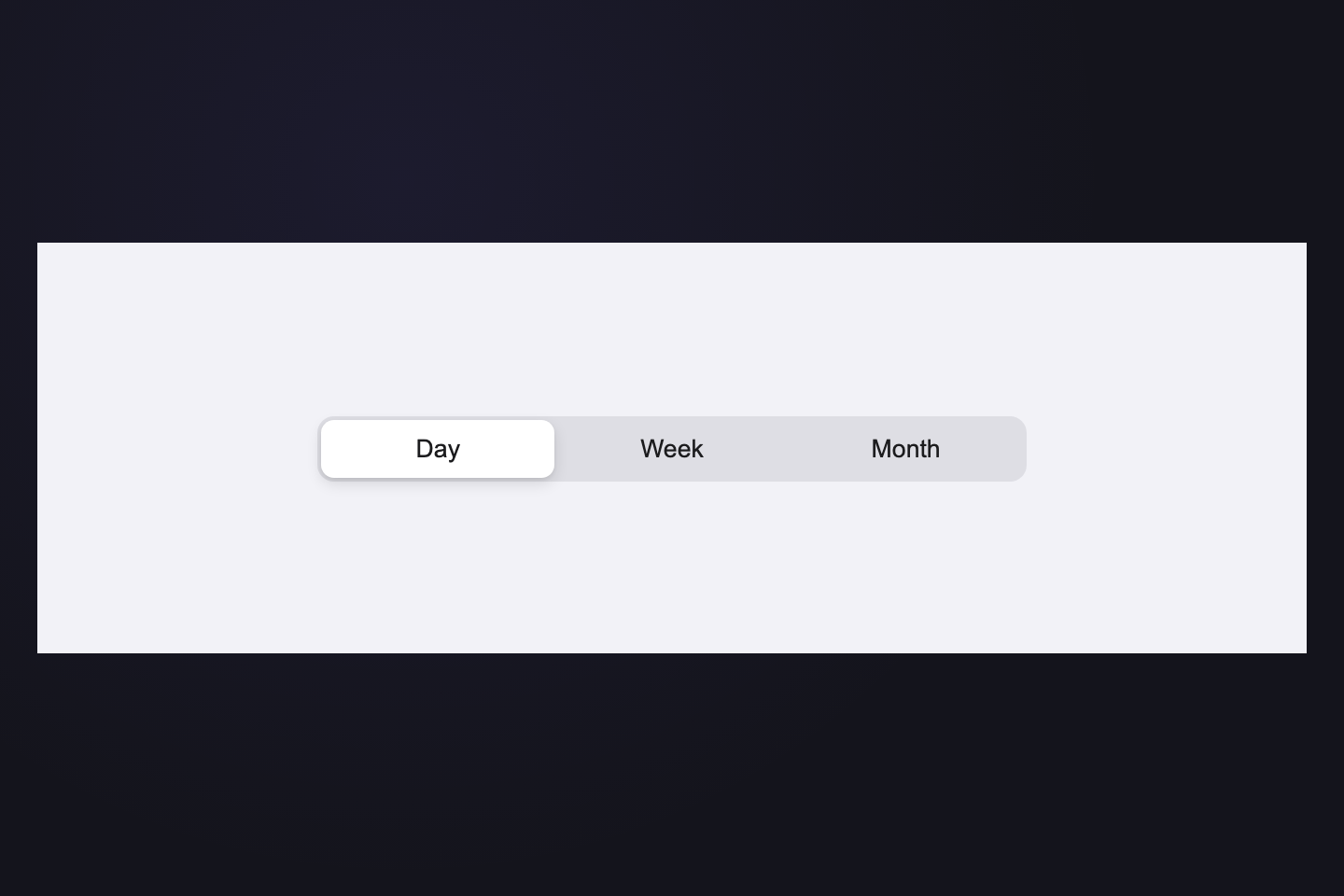
iOS Segmented
CSS + JS
Showing activity for today
Showing activity for this week
Showing activity for this month
Showing activity for this year
Pixel-perfect Apple-style segmented control. The white pill tracks the active tab via JS measurement.
.segment {
  display: inline-flex; position: relative;
  background: rgba(255,255,255,.09);
  border-radius: 11px; padding: 3px; gap: 2px;
}
.segment__btn {
  position: relative; z-index: 1;
  padding: 8px 16px; border: none; background: none;
  border-radius: 9px; font-size: 13px; font-weight: 500;
  color: rgba(255,255,255,.5); cursor: pointer;
  transition: color .25s;
}
.segment__btn.active { color: #111; font-weight: 700; }
.segment__pill {
  position: absolute; top: 3px;
  height: calc(100% - 6px); border-radius: 9px;
  background: #fff;
  box-shadow: 0 1px 5px rgba(0,0,0,.2), 0 0 0 .5px rgba(0,0,0,.06);
  z-index: 0;
  transition: left .32s cubic-bezier(.23,1,.32,1),
              width .32s cubic-bezier(.23,1,.32,1);
}
<nav class="segment">
  <button class="segment__btn active">Day</button>
  <button class="segment__btn">Week</button>
  <button class="segment__btn">Month</button>
  <span class="segment__pill"></span>
</nav>
const nav  = document.querySelector(".segment");
const btns = nav.querySelectorAll(".segment__btn");
const pill = nav.querySelector(".segment__pill");
const pnls = document.querySelectorAll(".segment__panel");
function go(i) {
  btns.forEach((b, j) => b.classList.toggle("active", i === j));
  pnls.forEach((p, j) => p.classList.toggle("active", i === j));
  pill.style.left  = btns[i].offsetLeft  + "px";
  pill.style.width = btns[i].offsetWidth + "px";
}
go(0);
btns.forEach((b, i) => b.addEventListener("click", () => go(i)));
10 / 20
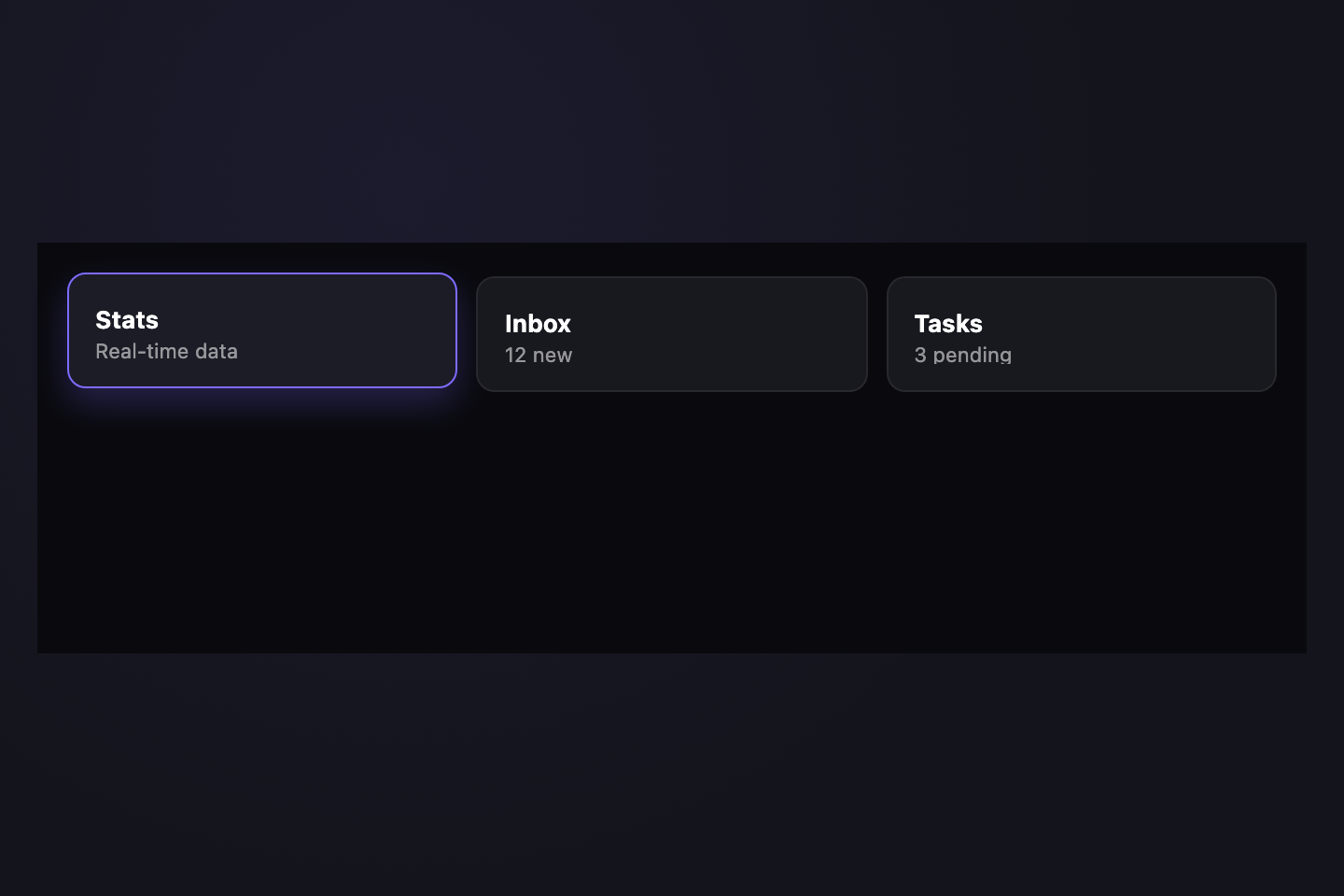
Bento Grid
Pure CSS
Easing curves, durations, and keyframe timing.
Palette tokens, semantic mappings, contrast ratios.
Scale, weight, tracking, and line-height system.
The tabs ARE the cards — a three-column bento grid where selecting a card lifts it into focus.
.bento { display: grid; grid-template-columns: repeat(3, 1fr); gap: 8px; }
.bento__card {
  display: flex; flex-direction: column;
  align-items: center; gap: 8px;
  padding: 18px 12px; border-radius: 14px;
  border: 1px solid rgba(255,255,255,.07);
  background: rgba(255,255,255,.03); cursor: pointer;
  transition: background .3s, border-color .3s,
    transform .35s cubic-bezier(.34,1.56,.64,1), box-shadow .35s;
}
.bento__card:hover { transform: translateY(-2px); }
.bento__icon {
  font-size: 22px; color: rgba(255,255,255,.25);
  transition: color .3s, transform .35s cubic-bezier(.34,1.56,.64,1);
}
.bento__label {
  font-size: 11px; font-weight: 700;
  letter-spacing: .08em; text-transform: uppercase;
  color: rgba(255,255,255,.3); transition: color .3s;
}
.bento__card.active {
  background: rgba(139,127,255,.12);
  border-color: rgba(139,127,255,.4);
  transform: translateY(-4px);
  box-shadow: 0 12px 30px rgba(139,127,255,.15);
}
.bento__card.active .bento__icon { color: #8b7fff; transform: scale(1.15); }
.bento__card.active .bento__label { color: #8b7fff; }
<div class="bento">
  <button class="bento__card active">
    <span class="bento__icon">◈</span>
    <span class="bento__label">Motion</span>
  </button>
  <button class="bento__card">
    <span class="bento__icon">◉</span>
    <span class="bento__label">Colour</span>
  </button>
</div>
11 / 20
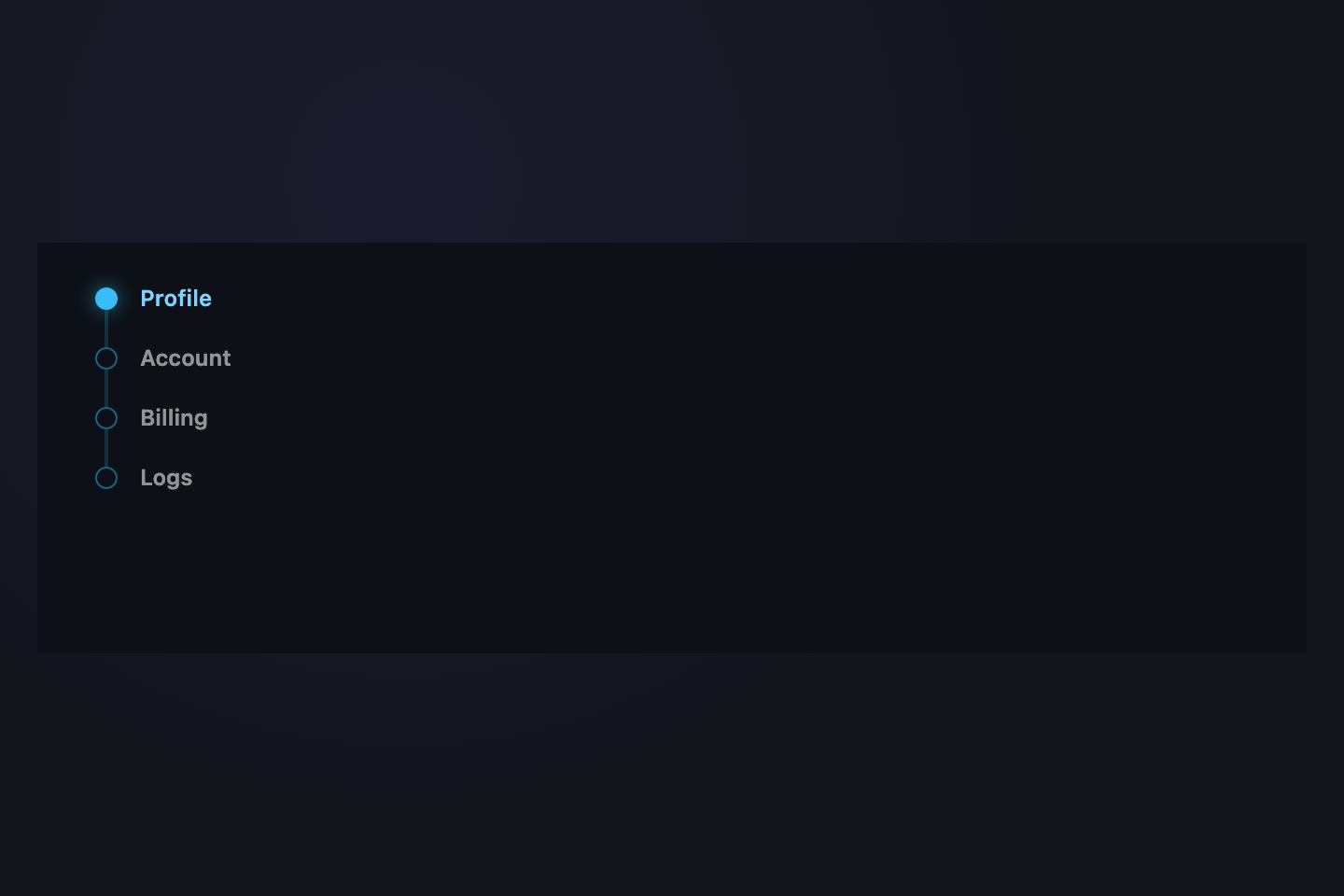
Vertical Dots
Pure CSS
Manage your profile, avatar, and display name.
Two-factor auth, sessions, and device management.
Subscriptions, invoices, and payment methods.
Sidebar navigation with a connecting timeline line and animated dot that fills on the active item.
.sidebar-tabs { display: flex; }
.sidebar-tabs__nav {
  display: flex; flex-direction: column;
  border-right: 1px solid rgba(255,255,255,.08);
  min-width: 110px; position: relative;
}
.sidebar-tabs__nav::before {
  content: ""; position: absolute; left: 14px;
  top: 20px; bottom: 20px; width: 1px;
  background: rgba(255,255,255,.06);
}
.sidebar-tabs__btn {
  display: flex; align-items: center; gap: 12px;
  padding: 11px 14px 11px 0; border: none; background: none;
  font-size: 13px; font-weight: 500; cursor: pointer;
  color: rgba(255,255,255,.35); text-align: left;
  transition: color .25s;
}
.sidebar-tabs__btn:hover { color: rgba(255,255,255,.65); }
.sidebar-tabs__dot {
  width: 10px; height: 10px; border-radius: 50%; flex-shrink: 0;
  border: 2px solid rgba(255,255,255,.15); background: transparent;
  transition: border-color .3s, background .3s, box-shadow .3s;
}
.sidebar-tabs__btn.active { color: #fff; }
.sidebar-tabs__btn.active .sidebar-tabs__dot {
  border-color: #8b7fff; background: #8b7fff;
  box-shadow: 0 0 10px #8b7fff;
}
<div class="sidebar-tabs">
  <nav class="sidebar-tabs__nav">
    <button class="sidebar-tabs__btn active">
      <span class="sidebar-tabs__dot"></span>Account
    </button>
    <button class="sidebar-tabs__btn">
      <span class="sidebar-tabs__dot"></span>Security
    </button>
  </nav>
  <div class="sidebar-tabs__body">
    <div class="sidebar-tabs__panel active">Panel</div>
  </div>
</div>
12 / 20
Conic Halo
Pure CSS
Craft a coherent visual language across your whole product.
Write, test, and ship code that your team will actually maintain.
Push to production in seconds with zero-downtime rollouts.
A spinning conic-gradient halo orbits the active tab — a contained rainbow that pauses when idle.
.tabs { display: flex; gap: 10px; }
.tabs__btn {
  position: relative; padding: 2px;
  border: none; background: none; cursor: pointer; border-radius: 10px;
}
.tabs__btn::before {
  content: ""; position: absolute; inset: -2px; border-radius: 12px;
  background: conic-gradient(#8b7fff, #ff6b9d, #3de8f5, #1ed98a, #f5a84a, #8b7fff);
  opacity: 0; transition: opacity .35s;
}
.tabs__btn.active::before {
  opacity: 1;
  animation: halo-spin 2.5s linear infinite;
}
@keyframes halo-spin { to { transform: rotate(360deg); } }
.tabs__inner {
  display: block; position: relative;
  padding: 9px 22px; border-radius: 9px;
  background: #141420; font-size: 13px; font-weight: 600;
  color: rgba(255,255,255,.4); transition: color .25s;
}
.tabs__btn.active .tabs__inner { color: #fff; }
<nav class="tabs">
  <button class="tabs__btn active">
    <span class="tabs__inner">Design</span>
  </button>
  <button class="tabs__btn">
    <span class="tabs__inner">Develop</span>
  </button>
</nav>
13 / 20
CRT Terminal
Pure CSS
$func main() { fmt.Println("hello") }
$func trim(s string) string { return strings.TrimSpace(s) }
$func TestMain(t *testing.T) { assert.Equal(t, 1, 1) }
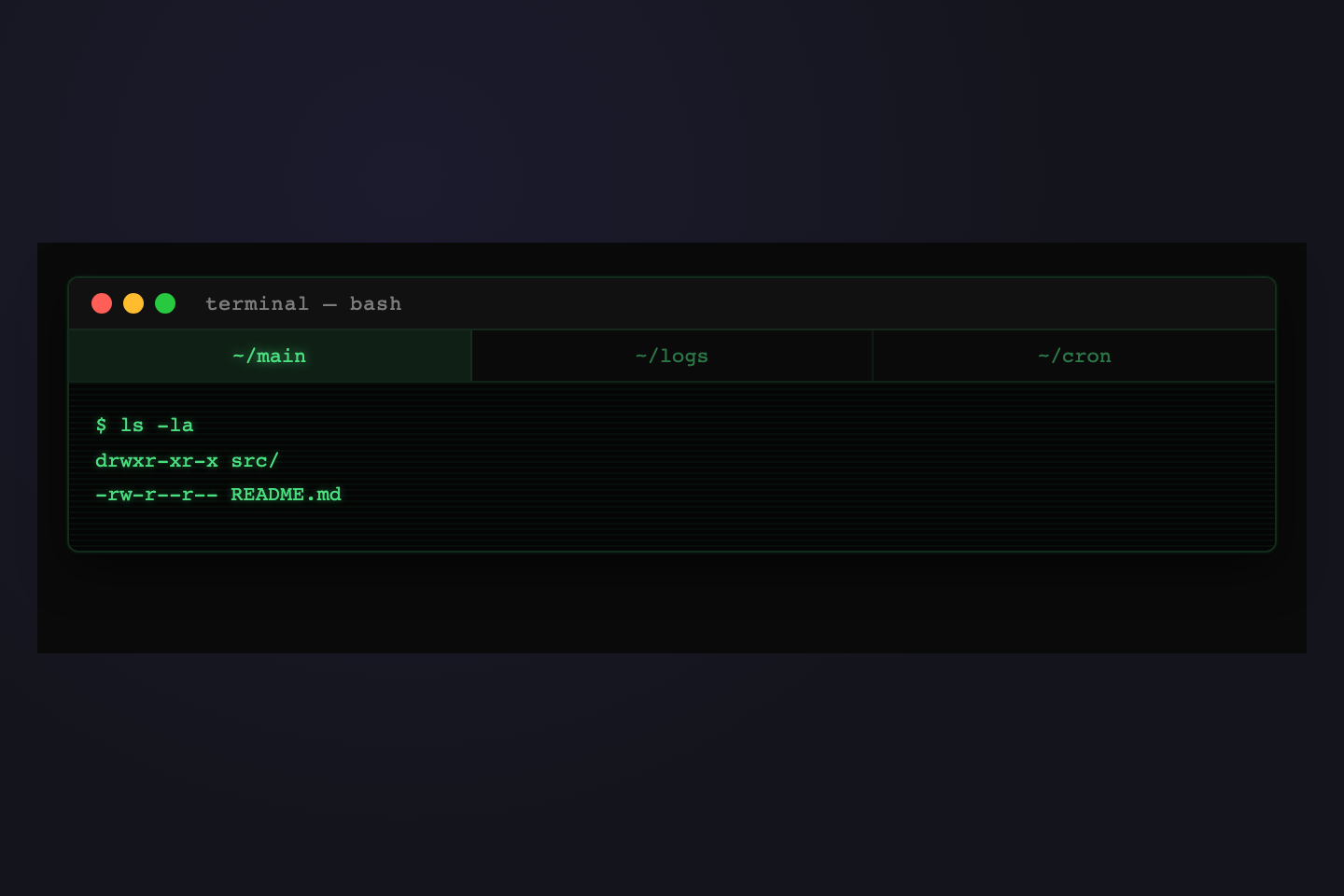
Green phosphor on black, scanline overlay, macOS traffic lights — a terminal that tabs between files.
.terminal {
  background: #050a00; border-radius: 10px; overflow: hidden;
  position: relative; border: 1px solid rgba(30,217,138,.2);
  font-family: monospace;
}
.terminal__scanlines {
  position: absolute; inset: 0; pointer-events: none; z-index: 1;
  background: repeating-linear-gradient(
    to bottom, transparent 0px, transparent 3px,
    rgba(0,0,0,.16) 3px, rgba(0,0,0,.16) 4px
  );
}
.terminal__chrome {
  display: flex; align-items: center; gap: 8px;
  padding: 10px 14px; background: rgba(0,0,0,.35);
  border-bottom: 1px solid rgba(30,217,138,.1); position: relative; z-index: 2;
}
.traffic { width: 10px; height: 10px; border-radius: 50%; }
.traffic--r { background: #ff5f57; }
.traffic--y { background: #febc2e; }
.traffic--g { background: #28c840; }
.terminal__tab {
  padding: 3px 12px; border-radius: 5px; font-size: 12px;
  color: rgba(30,217,138,.35); border: none; background: none;
  cursor: pointer; font-family: monospace; transition: background .2s, color .2s;
}
.terminal__tab.active {
  background: rgba(30,217,138,.12); color: #1ed98a;
  box-shadow: 0 0 8px rgba(30,217,138,.3);
}
.terminal__body { padding: 14px 16px; position: relative; z-index: 2; }
.terminal__panel { display: none; font-size: 13px; color: #1ed98a; line-height: 1.8; }
.terminal__panel.active { display: block; }
<div class="terminal">
  <div class="terminal__scanlines"></div>
  <div class="terminal__chrome">
    <span class="traffic traffic--r"></span>
    <span class="traffic traffic--y"></span>
    <span class="traffic traffic--g"></span>
    <nav class="terminal__tabs">
      <button class="terminal__tab active">main.go</button>
    </nav>
  </div>
  <div class="terminal__body">
    <div class="terminal__panel active">$ code here</div>
  </div>
</div>
14 / 20
Editorial
Pure CSS
Define the north star, map the terrain, and align the team.
Wire, prototype, test, and iterate until it feels inevitable.
Ship fast, learn faster, and compound every release.
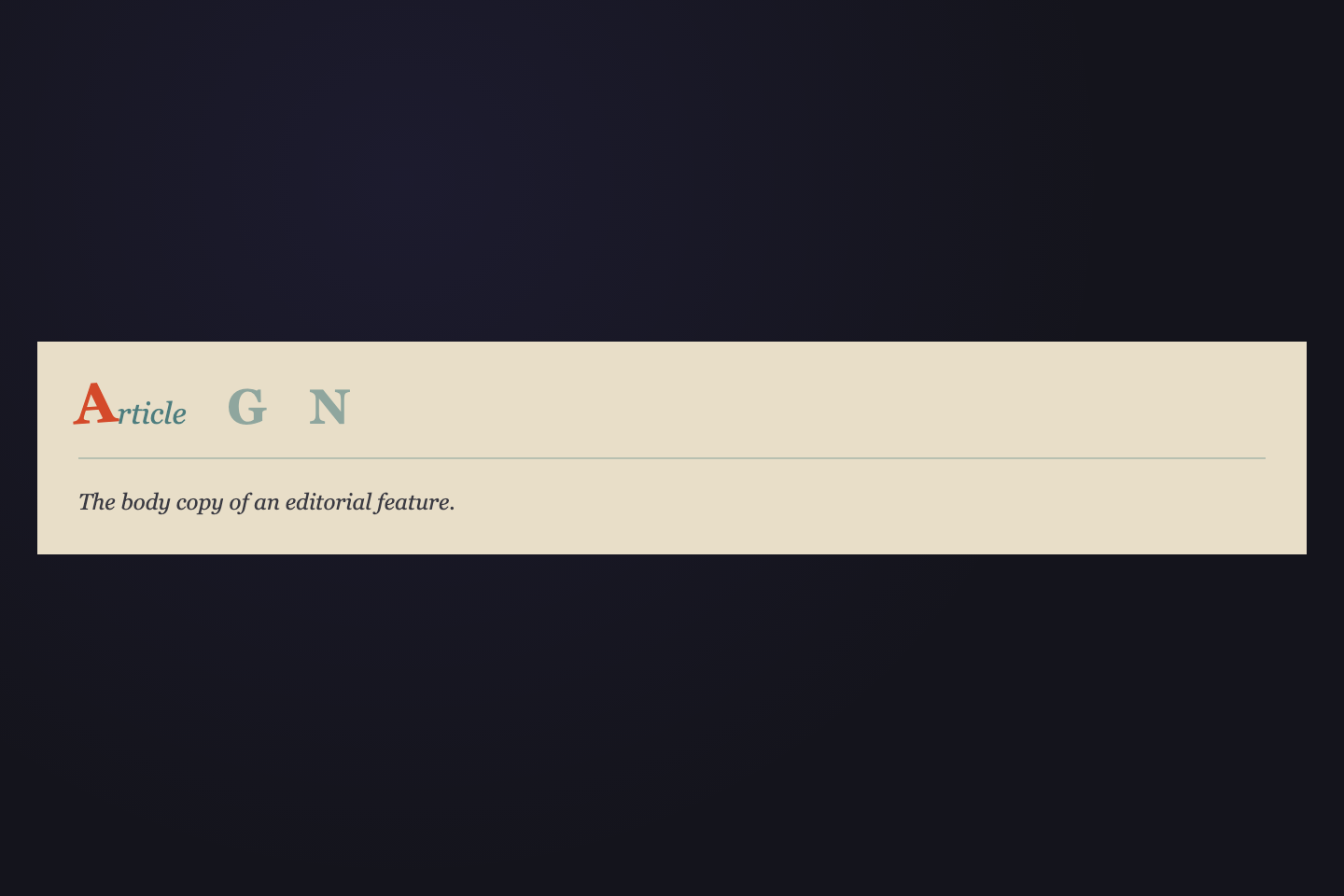
Large monospace numbers expand with an animated label on the active tab — typographic and precise.
.tabs { display: flex; border-bottom: 1px solid rgba(255,255,255,.08); }
.tabs__btn {
  display: flex; align-items: baseline; gap: 8px;
  padding: 10px 16px; border: none; background: none; cursor: pointer;
  border-bottom: 2px solid transparent; margin-bottom: -1px;
  transition: border-color .25s;
}
.tabs__num {
  font-family: monospace; font-size: 28px; font-weight: 800;
  line-height: 1; color: rgba(255,255,255,.12);
  transition: color .35s, font-size .4s cubic-bezier(.23,1,.32,1);
}
.tabs__label {
  font-size: 11px; font-weight: 700;
  letter-spacing: .1em; text-transform: uppercase;
  color: rgba(255,255,255,.3);
  max-width: 0; overflow: hidden; white-space: nowrap; opacity: 0;
  transition: max-width .45s cubic-bezier(.23,1,.32,1),
              opacity .3s, color .3s;
}
.tabs__btn.active { border-bottom-color: #8b7fff; }
.tabs__btn.active .tabs__num { color: #8b7fff; font-size: 36px; }
.tabs__btn.active .tabs__label { max-width: 100px; opacity: 1; color: rgba(255,255,255,.55); }
<nav class="tabs">
  <button class="tabs__btn active">
    <span class="tabs__num">01</span>
    <span class="tabs__label">Strategy</span>
  </button>
  <button class="tabs__btn">
    <span class="tabs__num">02</span>
    <span class="tabs__label">Design</span>
  </button>
</nav>
15 / 20
Morph Icon
Pure CSS
Easing curves, durations, and keyframe design.
Palette tokens, semantic mappings, contrast ratios.
Scale, weight, tracking, and line-height system.
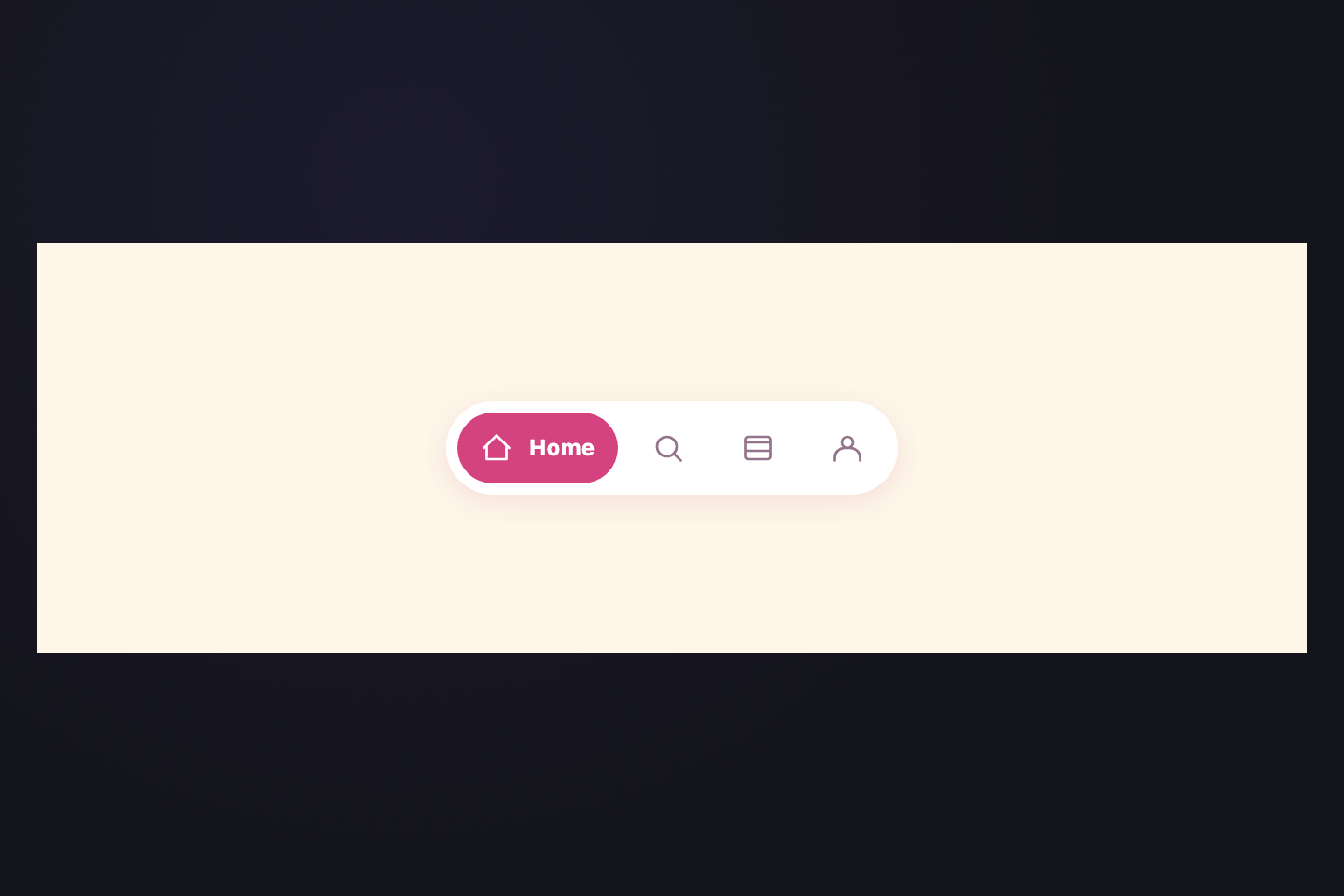
Icon-only until activated — the label morphs out with a max-width transition, expanding the tab smoothly.
.tabs { display: flex; gap: 8px; flex-wrap: wrap; }
.tabs__btn {
  display: flex; align-items: center; gap: 0; overflow: hidden;
  padding: 10px 14px; border-radius: 12px;
  border: 1px solid rgba(255,255,255,.07);
  background: rgba(255,255,255,.04); cursor: pointer;
  transition: background .3s, border-color .3s,
    gap .4s cubic-bezier(.23,1,.32,1);
}
.tabs__btn:hover { background: rgba(255,255,255,.08); }
.tabs__icon {
  font-size: 18px; color: rgba(255,255,255,.28);
  transition: color .3s, transform .4s cubic-bezier(.34,1.56,.64,1);
}
.tabs__label {
  font-size: 13px; font-weight: 600;
  color: rgba(255,255,255,.75);
  max-width: 0; overflow: hidden; white-space: nowrap; opacity: 0;
  transition: max-width .4s cubic-bezier(.23,1,.32,1), opacity .3s .05s;
}
.tabs__btn.active {
  background: rgba(139,127,255,.12);
  border-color: rgba(139,127,255,.35); gap: 8px;
}
.tabs__btn.active .tabs__icon { color: #8b7fff; transform: scale(1.1); }
.tabs__btn.active .tabs__label { max-width: 70px; opacity: 1; }
<nav class="tabs">
  <button class="tabs__btn active">
    <span class="tabs__icon">◈</span>
    <span class="tabs__label">Motion</span>
  </button>
  <button class="tabs__btn">
    <span class="tabs__icon">◎</span>
    <span class="tabs__label">Colour</span>
  </button>
</nav>
16 / 20
Holographic
Pure CSS
A wash of spectrum light flows across the active surface.
Refracted hues split and merge in continuous motion.
Northern lights captured in a single tab element.
A cycling spectrum washes across the active tab like light hitting an oil film — animated via background-position.
.tabs { display: flex; gap: 8px; flex-wrap: wrap; }
.tabs__btn {
  position: relative; overflow: hidden;
  padding: 10px 24px; border-radius: 8px;
  border: 1px solid rgba(255,255,255,.1); background: transparent;
  font-size: 13px; font-weight: 600; cursor: pointer;
  color: rgba(255,255,255,.4); transition: color .3s, border-color .3s;
}
.tabs__btn::before {
  content: ""; position: absolute; inset: 0;
  background: linear-gradient(105deg,
    rgba(139,127,255,.95), rgba(255,107,157,.95),
    rgba(61,232,245,.95),  rgba(30,217,138,.95),
    rgba(245,168,74,.95),  rgba(139,127,255,.95));
  background-size: 300% 100%; opacity: 0; transition: opacity .35s;
  animation: holo-slide 3s linear infinite paused;
}
.tabs__btn.active { color: #fff; border-color: transparent; }
.tabs__btn.active::before { opacity: 1; animation-play-state: running; }
@keyframes holo-slide {
  0%   { background-position: 0%   50%; }
  100% { background-position: 300% 50%; }
}
.tabs__btn span { position: relative; z-index: 1; }
<nav class="tabs">
  <button class="tabs__btn active"><span>Shimmer</span></button>
  <button class="tabs__btn"><span>Prism</span></button>
</nav>
17 / 20
Prism Glass
Pure CSS
The idea that started everything. Raw and unfiltered.
How it went from napkin sketch to shipped feature.
What shipped, what worked, and what we'd do differently.
A second frosted glass variant — heavier blur and stronger tints reveal the gradient backdrop beneath.
.card { position: relative; border-radius: 14px; overflow: hidden; }
.card__bg {
  position: absolute; inset: 0;
  background:
    radial-gradient(60% 70% at 20% 30%, rgba(139,127,255,.7), transparent),
    radial-gradient(50% 60% at 80% 70%, rgba(255,107,157,.6), transparent),
    radial-gradient(40% 50% at 60% 10%, rgba(61,232,245,.5), transparent);
}
.tabs {
  position: relative; z-index: 1;
  display: flex; gap: 4px; padding: 5px;
  background: rgba(255,255,255,.07);
  backdrop-filter: blur(24px) saturate(160%);
  border: 1px solid rgba(255,255,255,.15);
  border-radius: 14px; margin: 10px;
}
.tabs__btn {
  padding: 9px 20px; border-radius: 9px;
  border: 1px solid transparent; background: transparent;
  font-size: 13px; font-weight: 500;
  color: rgba(255,255,255,.5); cursor: pointer; transition: all .35s;
}
.tabs__btn.active {
  background: rgba(255,255,255,.14);
  backdrop-filter: blur(32px) saturate(200%);
  border-color: rgba(255,255,255,.3); color: #fff;
  box-shadow: inset 0 1px 0 rgba(255,255,255,.3),
    0 4px 16px rgba(0,0,0,.2);
}
<div class="card">
  <div class="card__bg"></div>
  <nav class="tabs">
    <button class="tabs__btn active">Concept</button>
    <button class="tabs__btn">Process</button>
  </nav>
</div>
18 / 20
Theatre Curtain
CSS + JS
The curtain rises on a bare stage. Anything is possible.
Conflict deepens. The audience leans forward.
Resolution. The players take their bow.
A deep-red curtain drops then lifts between panels — a theatrical transition that makes content feel like a reveal.
.tabs { display: flex; border-bottom: 2px solid rgba(255,255,255,.08); }
.tabs__btn {
  padding: 9px 22px; border: none; background: none;
  font-size: 13px; font-weight: 600; cursor: pointer;
  color: rgba(255,255,255,.4);
  border-bottom: 2px solid transparent; margin-bottom: -2px;
  transition: all .25s;
}
.tabs__btn.active { color: #c0392b; border-bottom-color: #c0392b; }
.stage { position: relative; overflow: hidden; min-height: 60px; padding-top: 14px; }
.curtain {
  position: absolute; inset: 0;
  background: linear-gradient(180deg, #7b1a1a, #500000);
  transform: translateY(-101%);
  transition: transform .38s cubic-bezier(.23,1,.32,1); z-index: 10;
}
.curtain.down { transform: translateY(0); }
.panel { display: none; font-size: 13px; line-height: 1.7; font-style: italic; }
.panel.active { display: block; }
<nav class="tabs">
  <button class="tabs__btn active">Act I</button>
  <button class="tabs__btn">Act II</button>
</nav>
<div class="stage">
  <div class="curtain"></div>
  <div class="panel active">Panel 1</div>
  <div class="panel">Panel 2</div>
</div>
const nav     = document.querySelector(".tabs");
const btns    = nav.querySelectorAll(".tabs__btn");
const curtain = document.querySelector(".curtain");
const pnls    = document.querySelectorAll(".panel");

function go(i) {
  curtain.classList.add("down");
  setTimeout(() => {
    btns.forEach((b, j) => b.classList.toggle("active", i === j));
    pnls.forEach((p, j) => p.classList.toggle("active", i === j));
    curtain.classList.remove("down");
  }, 200);
}
btns.forEach((b, i) => b.addEventListener("click", () => go(i)));
19 / 20
Typewriter
Pure CSS
Initialising system... ready.
Loading core modules...
Process complete. Exiting cleanly.
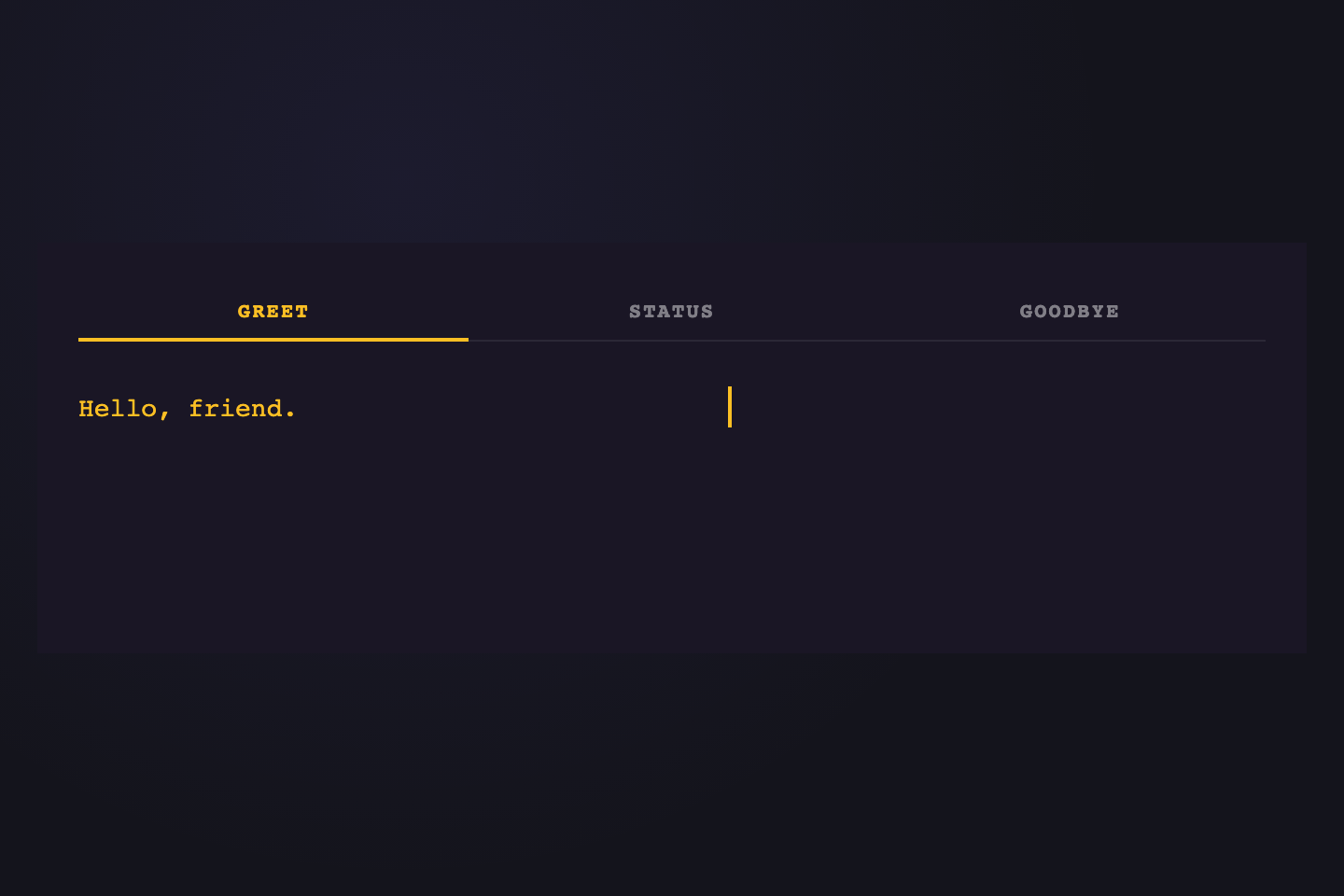
Active panel content types itself in — a max-width animation on a nowrap span creates the typewriter effect.
.tabs { display: flex; border-bottom: 1px solid rgba(30,217,138,.12); }
.tabs__btn {
  padding: 8px 16px; border: none; background: none;
  font-family: monospace; font-size: 12px; font-weight: 500;
  color: rgba(30,217,138,.35); cursor: pointer;
  border-bottom: 1px solid transparent; margin-bottom: -1px;
  transition: color .25s, border-color .25s;
}
.tabs__btn.active { color: #1ed98a; border-bottom-color: #1ed98a; }
.terminal {
  background: #050a00; padding: 14px;
  border: 1px solid rgba(30,217,138,.1); border-top: none;
  border-radius: 0 0 8px 8px;
}
.panel { display: none; font-family: monospace; font-size: 13px; color: #1ed98a; line-height: 1.8; }
.panel.active { display: block; }
.panel__text {
  display: inline-block; max-width: 0;
  overflow: hidden; white-space: nowrap; vertical-align: top;
}
.panel.active .panel__text {
  animation: type-in .65s steps(40) both;
}
@keyframes type-in { from { max-width: 0; } to { max-width: 440px; } }
.panel__cursor { animation: blink .7s step-end infinite; }
@keyframes blink { 50% { opacity: 0; } }
<nav class="tabs">
  <button class="tabs__btn active">Intro</button>
  <button class="tabs__btn">Main</button>
</nav>
<div class="terminal">
  <div class="panel active">
    <span class="panel__text">Initialising system...</span>
    <span class="panel__cursor">█</span>
  </div>
</div>
20 / 20
Particle Burst
CSS + JS
The spark that starts everything. Click another tab.
Full combustion — maximum energy state reached.
Cooling down. Energy preserved as glowing embers.
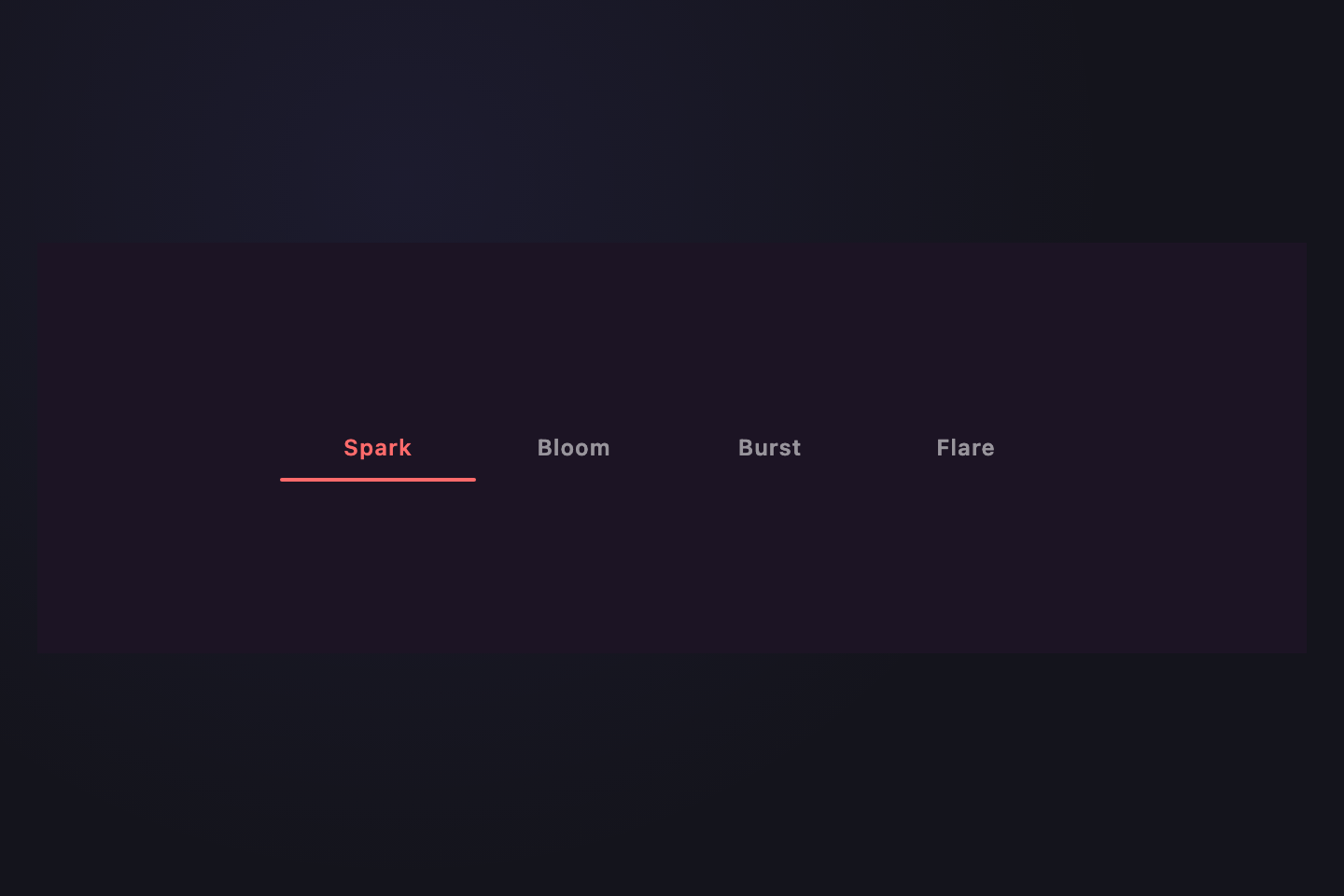
Clicking a tab fires a spark of colour particles outward — JS positions each spark, CSS animates the flight.
.tabs { display: flex; gap: 8px; flex-wrap: wrap; }
.tabs__btn {
  position: relative; overflow: visible;
  padding: 10px 24px; border-radius: 8px;
  border: 1.5px solid rgba(255,255,255,.1);
  background: rgba(255,255,255,.04);
  font-size: 13px; font-weight: 600; cursor: pointer;
  color: rgba(255,255,255,.4);
  transition: color .25s, border-color .25s, background .25s;
}
.tabs__btn.active {
  color: #fff; border-color: rgba(139,127,255,.45);
  background: rgba(139,127,255,.1);
}
.spark {
  position: absolute; border-radius: 50%;
  pointer-events: none;
  animation: spark-fly .58s ease-out forwards;
}
@keyframes spark-fly {
  0%   { transform: translate(0, 0) scale(1); opacity: 1; }
  100% { transform: translate(var(--tx), var(--ty)) scale(0); opacity: 0; }
}
<nav class="tabs">
  <button class="tabs__btn active">Ignite</button>
  <button class="tabs__btn">Burn</button>
  <button class="tabs__btn">Ember</button>
</nav>
<div class="panel active">Panel 1</div>
const colors = ["#8b7fff","#ff6b9d","#3de8f5","#1ed98a","#f5a84a"];
const nav  = document.querySelector(".tabs");
const btns = nav.querySelectorAll(".tabs__btn");
const pnls = document.querySelectorAll(".panel");

function burst(btn) {
  const r = btn.getBoundingClientRect();
  const cx = r.width / 2, cy = r.height / 2;
  for (let i = 0; i < 8; i++) {
    const sp = document.createElement("span");
    sp.className = "spark";
    const angle = (i / 8) * Math.PI * 2;
    const dist  = 30 + Math.random() * 20;
    sp.style.cssText =
      `width:${4+Math.random()*4}px;height:${4+Math.random()*4}px;` +
      `left:${cx}px;top:${cy}px;` +
      `background:${colors[i % colors.length]};` +
      `--tx:${Math.cos(angle)*dist}px;--ty:${Math.sin(angle)*dist}px`;
    btn.appendChild(sp);
    sp.addEventListener("animationend", () => sp.remove());
  }
}
btns.forEach((b, i) => b.addEventListener("click", () => {
  burst(b);
  btns.forEach((x, j) => x.classList.toggle("active", i === j));
  pnls.forEach((p, j) => p.classList.toggle("active", i === j));
}));

Related collections