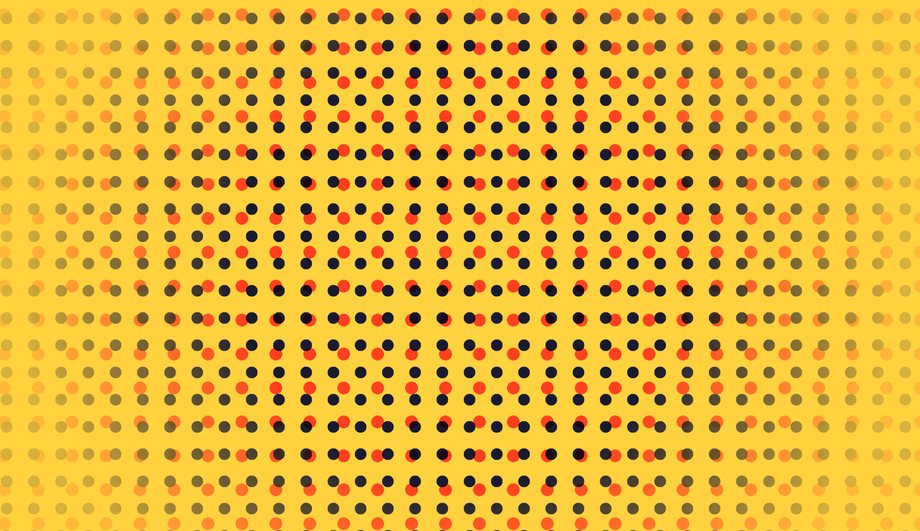
A CSS background animation is a continuous visual loop — gradients, particles, parallax stars, waves, mesh blobs, or geometric patterns — that runs behind page content to add depth and atmosphere without weighing down the page with video or canvas. These 15 hand-coded effects cover the full background-animation playbook: an infinite shifting six-color gradient, fifteen floating bubbles drifting like a lava lamp, a parallax starry-night scroller with twinkles and a recurring shooting star, a clickable TV-static surface with a CSS-only neon ripple, sliding diagonal stripes layered with a scrolling grid, three SVG waves sliding under a pulsing sun, glassmorphism orbs orbiting behind a frosted card, layered aurora ribbons over a star field, sixteen columns of falling matrix katakana, four roaming mesh-gradient blobs, three parallax snow layers, a hue-shifting morphing blob, a 3D synthwave grid receding into a neon horizon, infinite-scrolling diagonal marquee text, and animated halftone dots breathing in pop-art duotone. All 15 are pure CSS — no JavaScript, no canvas, no particles.js dependency — with semantic markup, scoped .bga-NN class names that never collide with your existing styles, prefers-reduced-motion fallbacks, and MIT licensing. Copy from any code panel and paste behind your hero, landing page, or any full-bleed section.
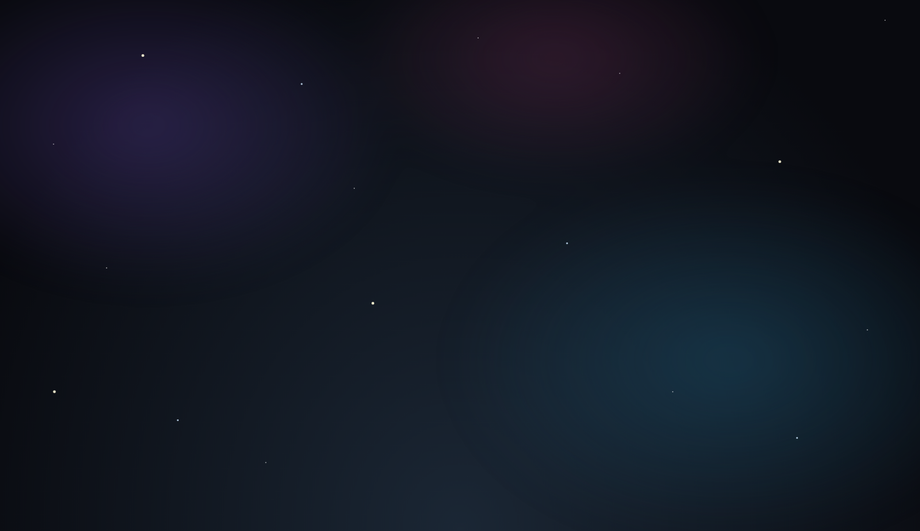
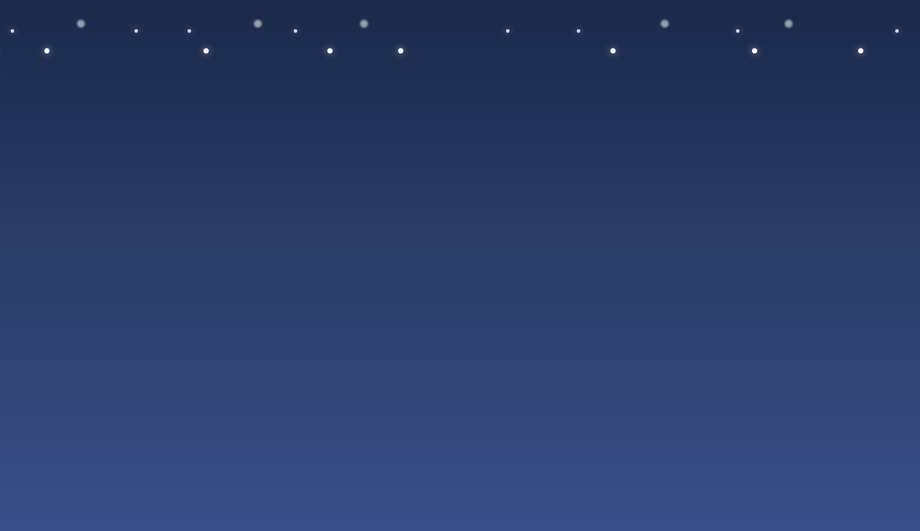
Three star layers built from stacked box-shadow dots scrolling at different speeds for true parallax, plus a drifting nebula glow, twinkling stars, and a recurring shooting star.
Interactive or Click-to-Expand Ripple/Static Effects
Pure CSS
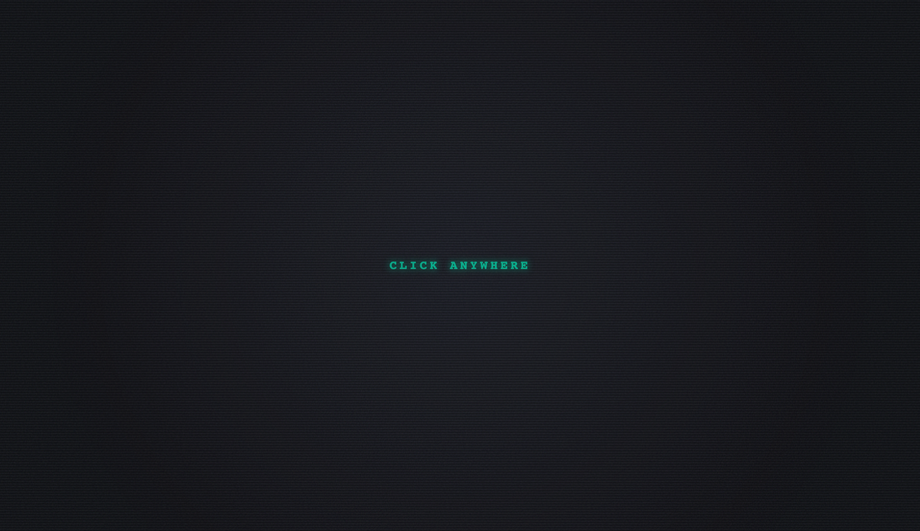
A cyberpunk surface with animated TV static, scanlines, and a hue-shifting tint — click anywhere to fire an expanding neon ripple, driven entirely by a CSS :checked toggle (no JS).
Three stacked layers — sliding diagonal stripes, a scrolling grid, and animated chevrons — combining into a structured, infinitely scrolling tech texture with a vignette glow.
How do I make a CSS background animation without JavaScript?
Combine three CSS primitives: <code>@keyframes</code> for the timing curve, <code>background</code> / <code>transform</code> / <code>filter</code> as the animated property, and <code>animation: name duration timing-function iteration-count</code> on the element to bind them. The Animated Gradient demo (#01) is the canonical reference — a six-color <code>linear-gradient</code> with <code>background-size: 400% 400%</code> and an <code>@keyframes</code> that shifts <code>background-position</code> from 0% to 100% and back, run on a 30s infinite loop. Zero JavaScript, zero canvas, zero markup beyond the background container. Every one of the 15 demos in this gallery is built from this pattern; copy from any code panel and paste behind your hero or landing-page section.
How do I create floating particles or bubbles in CSS without particles.js?
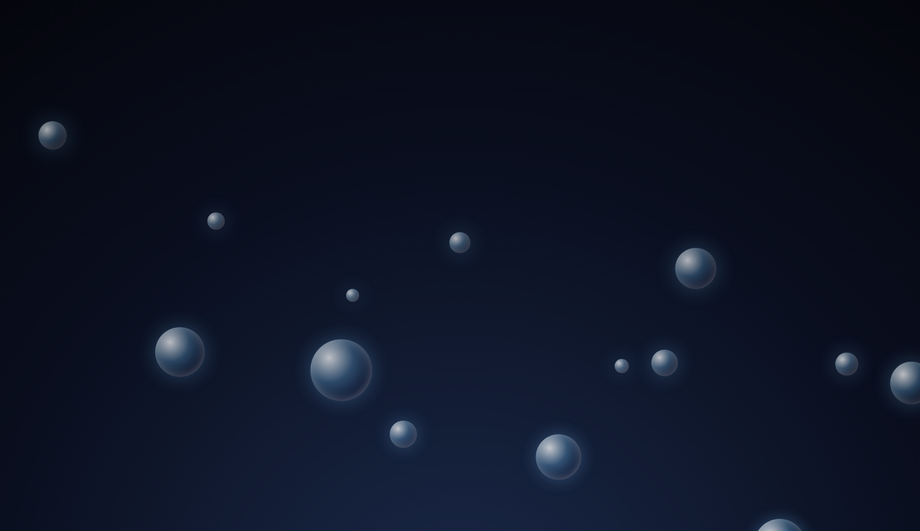
The Floating Particle / Bubble Effects demo (#02) ships the pattern in pure CSS. Stack 15 absolutely-positioned <code><div></code> elements with <code>border-radius: 50%</code>, randomize their starting <code>left</code> position and size, and apply an <code>@keyframes rise</code> that translates each from below the viewport (<code>translateY(0)</code>) up past the top (<code>translateY(-115vh)</code>) with subtle horizontal drift. Vary the <code>animation-duration</code> (8s–18s) and <code>animation-delay</code> (–10s to –1s; negative delays start mid-cycle so the loop appears continuous from page load) per bubble for organic randomness. Lighter than particles.js by ~25 KB and renders on every browser back to evergreen support.
How do I build a parallax starry-night background in pure CSS?
The Starry Night / Parallax Space Background demo (#03) layers three star fields built entirely with <code>box-shadow</code>. Place a 1px–2px <code>::after</code> dot, then generate ~200 stars per layer with a comma-separated list of <code>box-shadow</code> values: <code>box-shadow: 100px 200px #fff, 350px 80px #fff, ...</code>. Each layer scrolls vertically via <code>@keyframes scrollUp</code> at a different speed — the closer layer scrolls fastest, the deepest is slowest — which produces real parallax depth. Layer 4 holds a soft nebula glow that drifts horizontally on its own keyframe. Layer 5 is a single recurring shooting star animated with a diagonal <code>translate</code> + opacity fade. All five layers cost zero JS and one HTTP request.
How do I make a Matrix-style digital rain background in CSS?
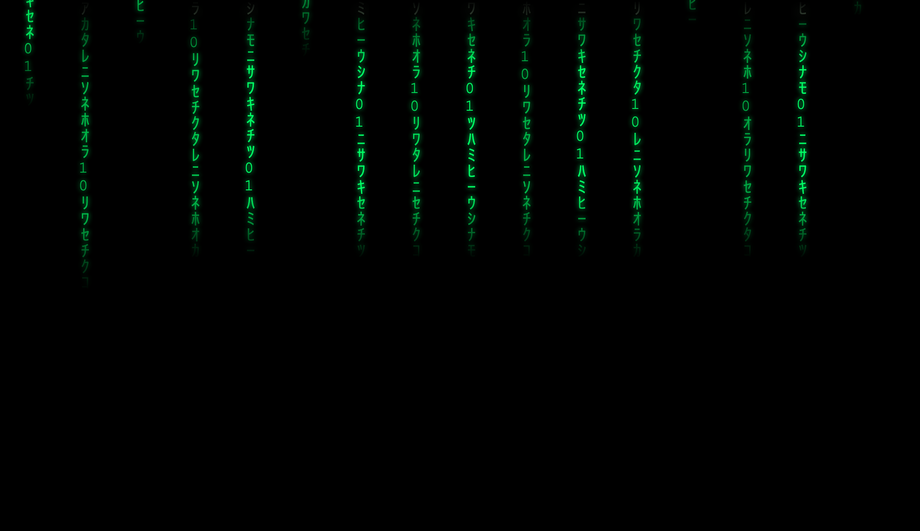
The Matrix Digital Rain demo (#09) uses 16 absolutely-positioned <code><div></code> columns of katakana glyphs (each glyph in its own <code><span></code>). The column is <code>position: absolute; top: -100%</code>; an <code>@keyframes fall</code> animates it to <code>translateY(100vh)</code> on a 4–8s loop with staggered <code>animation-delay</code> per column. The leading glyph in each column gets brighter white via the first <code>span</code> selector; the tail uses a <code>mask-image: linear-gradient(to bottom, transparent, black 50%)</code> for the fading trail. Pure CSS, no canvas, scales to any column count by adding more <code><div></code> elements.
What's the difference between CSS background animation and a background video for a hero section?
Background video weighs 1–5 MB and triggers autoplay restrictions on iOS Safari (audio context blocked, low-power-mode preview thumbnails). CSS background animations weigh 0 KB (no asset download), respect <code>prefers-reduced-motion</code> automatically, and never trigger autoplay UX warnings. The Video-Mimicking / Subtle Wave Overlays demo (#06) is the direct replacement pattern — three SVG wave paths sliding at staggered speeds beneath a soft pulsing sun, evoking flowing water in the same way a looping background video would, at a tiny fraction of the page weight. Use a background video only when the motion is irreducibly photographic (people, real-world scenery); use CSS for everything else.
How do I make a glassmorphism background with floating orbs in CSS?
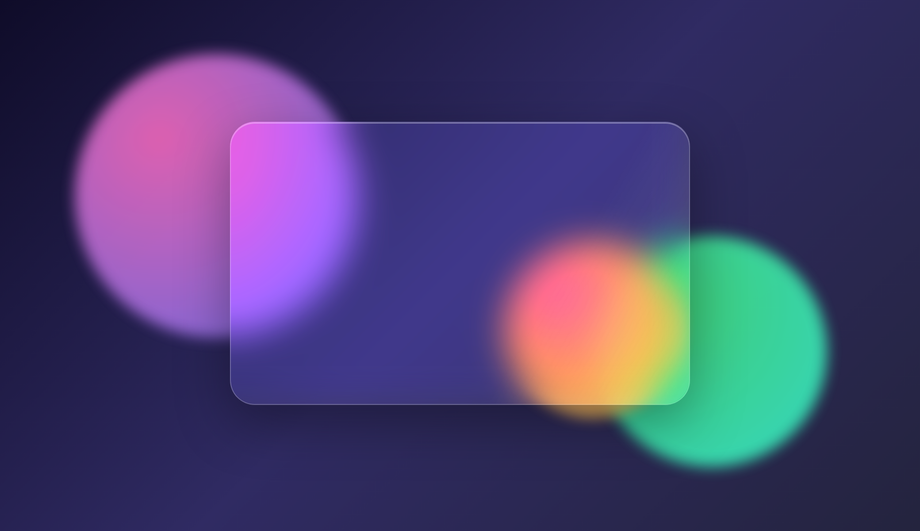
The Glassmorphism Floating Orbs demo (#07) layers two effects. First, three large absolutely-positioned <code><div></code> orbs with <code>radial-gradient</code> fills and <code>filter: blur(60px)</code>, each on its own <code>@keyframes orbitN</code> that translates them slowly around the viewport (different orbital paths so they don't sync up). Second, a foreground <code>.glass</code> card with <code>backdrop-filter: blur(20px)</code> and a low-opacity white background, which frosts the orbs behind it. Add <code>-webkit-backdrop-filter</code> for Safari. The animated sheen sweep on the glass uses a thin <code>::after</code> pseudo with a 90deg linear-gradient that translates across the card on a 6s loop.
How do I do a CSS click-to-expand ripple effect without JavaScript?
The Interactive Ripple/Static Effects demo (#04) uses the CSS-only checkbox-hack pattern. A hidden <code><input type="radio"></code> sits at the top, a <code><label for="..."></code> covers the whole scene as the click target. When the radio is <code>:checked</code>, a sibling <code>.ripple</code> element triggers an <code>@keyframes ripple</code> that scales it from 0 → 30 via <code>transform</code> while fading opacity to 0. Click anywhere → label fires → radio checks → ripple expands → animation runs once and resets. No JavaScript needed; the entire interaction lives in selectors.
How do I make a CSS aurora borealis background animation?
The Aurora Borealis demo (#08) layers three skewed gradient ribbons with <code>mix-blend-mode: screen</code> over a deep night-sky gradient. Each ribbon (<code>.a1</code>, <code>.a2</code>, <code>.a3</code>) is positioned absolutely, gets a different <code>linear-gradient</code> hue (green / cyan / purple), and runs its own <code>@keyframes waveN</code> that translates + skews + scales the ribbon on different speeds so they shift independently like real auroras. Behind them, a star field built from <code>box-shadow</code> dots twinkles via opacity animation. The whole effect runs in pure CSS, zero JS, ~80 lines.
How do I build an infinite-scrolling diagonal marquee text background?
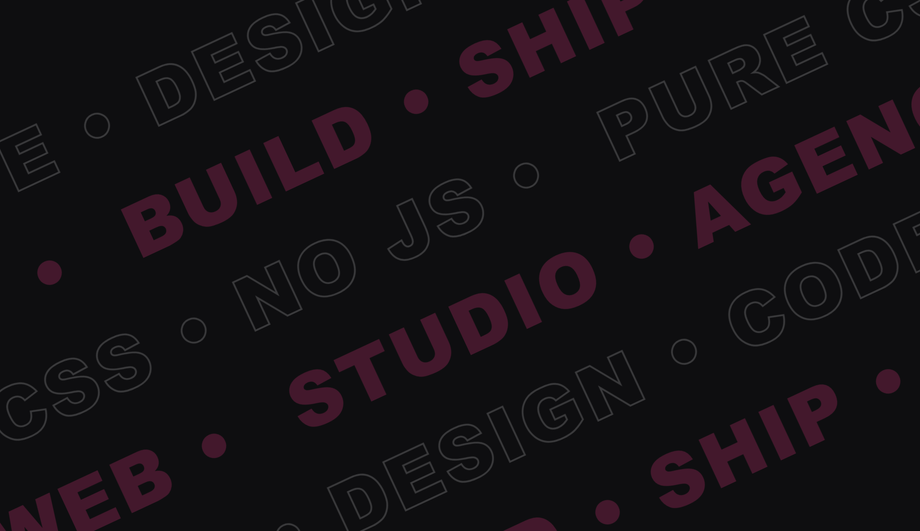
The Infinite Scrolling Diagonal Text / Marquee demo (#14) tilts the entire scene with <code>transform: rotate(-12deg)</code>, then stacks several rows each containing duplicated text wrapped in a <code><span></code>. The row uses <code>display: flex; white-space: nowrap</code> and animates <code>transform: translateX</code> from 0 to -50% on an infinite loop — because the text is duplicated, the animation appears seamless. Alternate rows use <code>@keyframes scrollRight</code> (opposite direction) for visual interest. Pure CSS, no JavaScript, works at any width.
How do I make a synthwave / retro 80s 3D grid background in CSS?
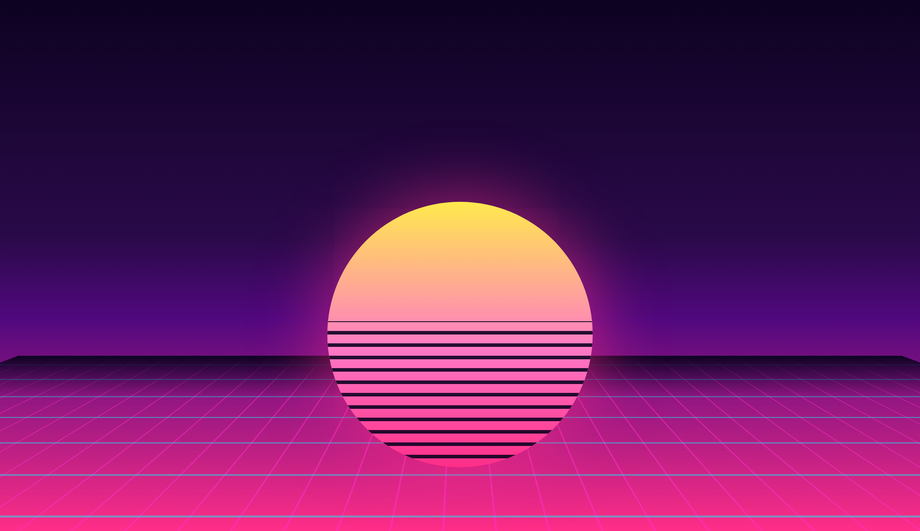
The Retro Cyberpunk Grid / Synthwave Horizon demo (#13) uses CSS 3D transforms. Give the scene <code>perspective: 400px</code>, then on the <code>.grid</code> element apply <code>transform: rotateX(75deg)</code> + a tall <code>linear-gradient</code> background (cyan/magenta lines on transparent) with <code>background-size: 40px 40px</code> for the grid pattern. An <code>@keyframes scroll</code> animates <code>background-position-y</code> from 0 to 40px on an infinite 2s loop, which creates the illusion of the grid receding toward the horizon. The sun in front is a circle with a horizontal <code>repeating-linear-gradient</code> for the scanline cuts. Classic 80s aesthetic, ~50 lines of CSS.
Are these CSS background animations responsive and accessible?
Yes. Every animation respects <code>@media (prefers-reduced-motion: reduce)</code> and stops continuous loops for users who set that OS-level preference (motion sickness, vestibular disorders). The backgrounds are decorative — none of the visible content is encoded in the animation, so screen readers ignore them correctly. All 15 effects scale to any container width via percentage-based sizing and viewport units. The Matrix rain (#09), Marquee (#14), and Snow (#11) demos are the most density-aware — they self-adjust the number of columns/flakes/rows based on container width.
Are these CSS background animations free to use?
Yes. All 15 are MIT licensed and free for personal AND commercial projects. No attribution required, though we appreciate it if you link back to <a href="https://codefronts.com">codefronts.com</a>. Each demo's code panel includes the complete HTML + CSS — paste directly into your project, swap the colors / sizes / durations to match your brand, and ship.