32 examples Responsive Uses JS intermediate

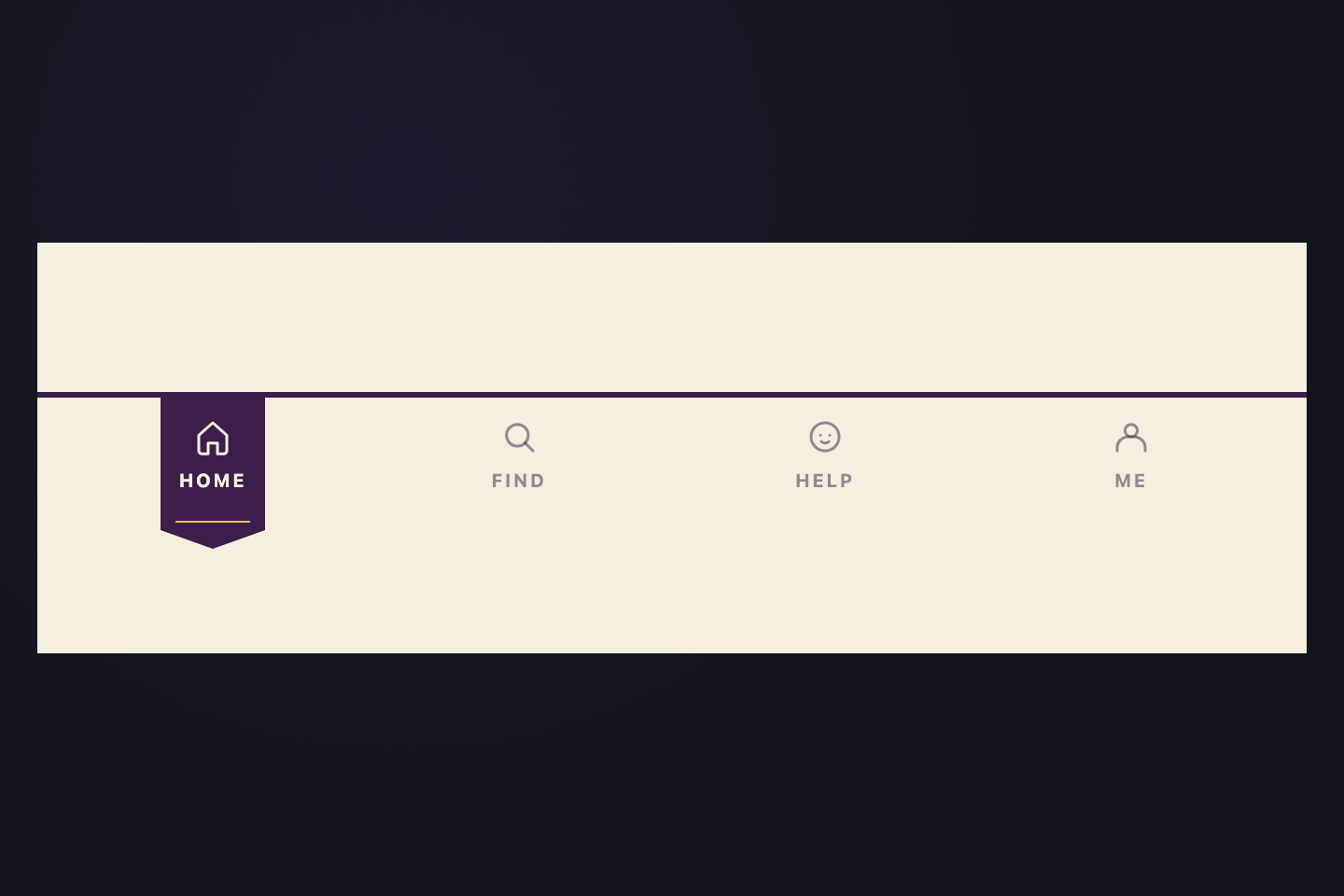
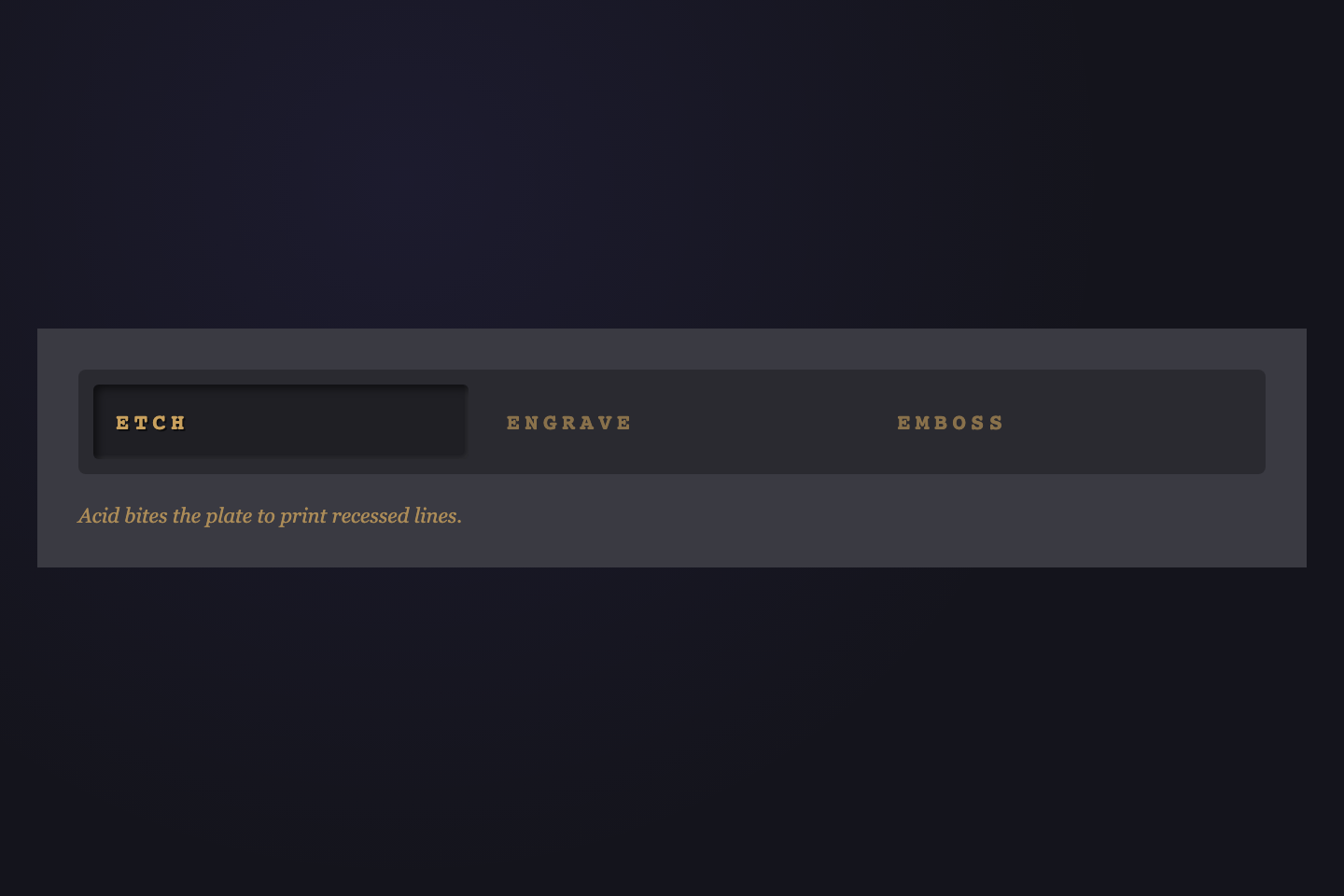
32 CSS Tab Designs

A CSS tab interface is a layered content switcher that shows one panel at a time from a row of tab triggers. These 32 hand-coded designs are ready-to-ship tab UIs for settings panels, feature overviews, code-language selectors, and product comparisons — copy the markup, plug in your panels, and ship.

32 unique designs 23 Pure CSS 9 CSS + JS 0 dependencies Published
Updated · 12 new designs added ·
01 / 32
Ink Slider
NEW CSS + JS
Solid ink-violet bar slides horizontally beneath the active tab. JS measures offsetLeft + offsetWidth so the bar matches each tab's exact width — no fixed-width assumption — and re-aligns on viewport resize.
Try it
.tt21 {
  background: #faf8f3;
  padding: 32px 18px 0;
  font-family: ui-sans-serif, system-ui, sans-serif;
  min-height: 220px;
  box-sizing: border-box;
  width: 100%;
}
.tt21n {
  position: relative;
  display: flex;
  border-bottom: 1px solid rgba(35, 28, 72, 0.12);
  min-width: 0;
}
.tt21bar {
  position: absolute;
  bottom: -1px;
  left: 0;
  height: 3px;
  width: 0;
  background: #231c48;
  border-radius: 2px 2px 0 0;
  transition:
    left 0.45s cubic-bezier(0.65, 0, 0.35, 1),
    width 0.45s cubic-bezier(0.65, 0, 0.35, 1);
  pointer-events: none;
}
.tt21b {
  flex: 1;
  min-width: 0;
  padding: 12px 14px 14px;
  border: 0;
  background: transparent;
  font:
    600 13px/1 ui-sans-serif,
    system-ui;
  color: rgba(35, 28, 72, 0.55);
  cursor: pointer;
  transition: color 0.25s;
  white-space: nowrap;
  overflow: hidden;
  text-overflow: ellipsis;
}
.tt21b:hover {
  color: rgba(35, 28, 72, 0.85);
}
.tt21b.active {
  color: #231c48;
}
.tt21b:focus-visible {
  outline: 2px solid #231c48;
  outline-offset: -2px;
}
@media (prefers-reduced-motion: reduce) {
  .tt21bar {
    transition: none;
  }
}
<div class="tt21">
  <nav class="tt21n">
    <span class="tt21bar" aria-hidden="true"></span>
    <button class="tt21b active" data-t>Overview</button>
    <button class="tt21b" data-t>Pricing</button>
    <button class="tt21b" data-t>Reviews</button>
    <button class="tt21b" data-t>Support</button>
  </nav>
</div>
/* Ink Slider — toggle .active and slide the ink bar to the active tab.
   Re-positions on viewport resize so the bar stays locked to its button. */
(function () {
  var nav = document.querySelector(".tt21n");
  if (!nav) return;
  var btns = nav.querySelectorAll("[data-t]");
  var bar = nav.querySelector(".tt21bar");
  var current = null;

  function reposition() {
    if (!current || !bar) return;
    bar.style.left = current.offsetLeft + "px";
    bar.style.width = current.offsetWidth + "px";
  }
  function activate(btn) {
    current = btn;
    btns.forEach(function (b) {
      b.classList.toggle("active", b === btn);
    });
    reposition();
  }
  btns.forEach(function (b) {
    b.addEventListener("click", function () {
      activate(b);
    });
  });
  window.addEventListener("resize", reposition);
  var initial = nav.querySelector("[data-t].active") || btns[0];
  if (initial) activate(initial);
})();
02 / 32
Neon Electric
NEW Pure CSS
Pulse — short, rhythmic bursts of light.
Wave — continuous oscillating motion.
Surge — sudden upward power swell.
Bloom — soft expanding glow front.
Each tab owns its own electric accent via a CSS custom property. The active tab lights up with a neon border and a soft outer glow in its color. Pure CSS via radio inputs and `:has()` panel switching.
Try it
.tt22 {
  background: #0c0c12;
  padding: 22px 18px;
  font-family: ui-monospace, monospace;
  min-height: 220px;
  box-sizing: border-box;
  width: 100%;
}
.tt22n {
  display: flex;
  gap: 10px;
  flex-wrap: wrap;
  min-width: 0;
}
.tt22n input {
  position: absolute;
  opacity: 0;
  pointer-events: none;
}
.tt22b {
  flex: 1;
  min-width: 0;
  padding: 11px 12px;
  border: 1px solid rgba(255, 255, 255, 0.08);
  border-radius: 6px;
  background: transparent;
  font:
    700 11px/1 ui-monospace,
    monospace;
  letter-spacing: 0.16em;
  text-transform: uppercase;
  color: rgba(255, 255, 255, 0.45);
  cursor: pointer;
  text-align: center;
  transition:
    color 0.25s,
    border-color 0.25s,
    box-shadow 0.3s,
    background 0.25s;
  white-space: nowrap;
}
.tt22b:hover {
  color: rgba(255, 255, 255, 0.85);
  border-color: rgba(255, 255, 255, 0.2);
}
.tt22n input:checked + .tt22b {
  color: var(--c);
  border-color: var(--c);
  background: color-mix(in srgb, var(--c) 12%, transparent);
  box-shadow:
    0 0 12px color-mix(in srgb, var(--c) 50%, transparent),
    inset 0 0 8px color-mix(in srgb, var(--c) 25%, transparent);
}
.tt22n input:focus-visible + .tt22b {
  outline: 2px dashed var(--c);
  outline-offset: 2px;
}
.tt22p {
  display: none;
  padding-top: 18px;
  font:
    12px/1.55 ui-monospace,
    monospace;
  color: rgba(255, 255, 255, 0.6);
  letter-spacing: 0.04em;
}
.tt22:has(#tt22-r1:checked) .tt22p:nth-of-type(1),
.tt22:has(#tt22-r2:checked) .tt22p:nth-of-type(2),
.tt22:has(#tt22-r3:checked) .tt22p:nth-of-type(3),
.tt22:has(#tt22-r4:checked) .tt22p:nth-of-type(4) {
  display: block;
}
<div class="tt22">
  <nav class="tt22n">
    <input type="radio" name="tt22" id="tt22-r1" checked />
    <label class="tt22b" for="tt22-r1" style="--c: #ff3df5">Pulse</label>
    <input type="radio" name="tt22" id="tt22-r2" />
    <label class="tt22b" for="tt22-r2" style="--c: #3df5ff">Wave</label>
    <input type="radio" name="tt22" id="tt22-r3" />
    <label class="tt22b" for="tt22-r3" style="--c: #caff3d">Surge</label>
    <input type="radio" name="tt22" id="tt22-r4" />
    <label class="tt22b" for="tt22-r4" style="--c: #ff913d">Bloom</label>
  </nav>
  <div class="tt22p">Pulse — short, rhythmic bursts of light.</div>
  <div class="tt22p">Wave — continuous oscillating motion.</div>
  <div class="tt22p">Surge — sudden upward power swell.</div>
  <div class="tt22p">Bloom — soft expanding glow front.</div>
</div>
03 / 32
Brutalist Press
NEW Pure CSS
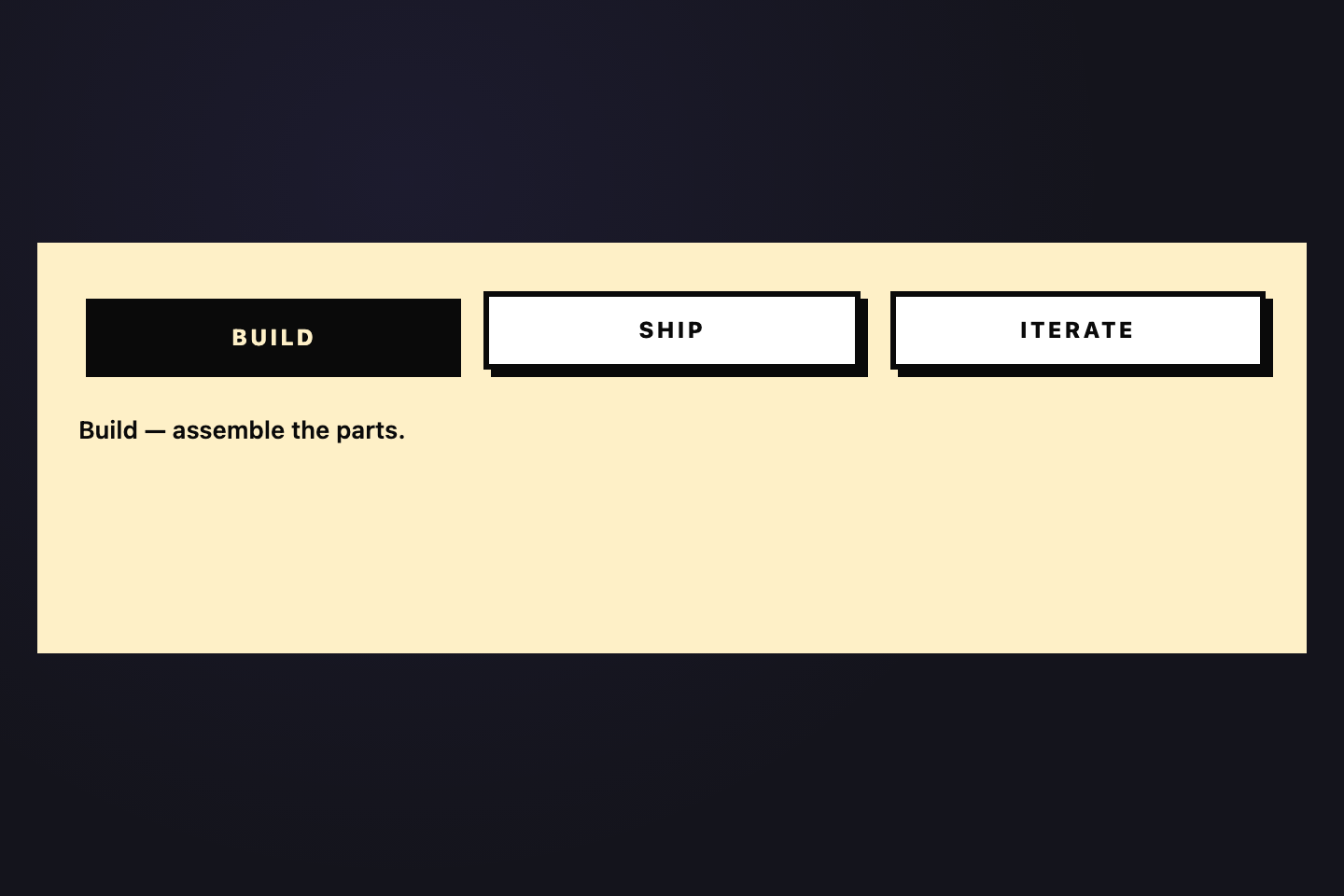
Build — assemble the parts.
Ship — push it to production.
Iterate — measure and refine.
Heavy uppercase tabs with hard 4px black offset shadows. Active tab presses flush — shadow collapses, button translates 4px down-right, color inverts. Tactile mechanical-keyboard feedback.
Try it
.tt23 {
  background: #fef0c7;
  padding: 26px 22px;
  font-family: ui-sans-serif, system-ui, sans-serif;
  min-height: 220px;
  box-sizing: border-box;
  width: 100%;
}
.tt23n {
  display: flex;
  gap: 16px;
  flex-wrap: wrap;
  min-width: 0;
}
.tt23n input {
  position: absolute;
  opacity: 0;
  pointer-events: none;
}
.tt23b {
  flex: 1;
  min-width: 0;
  padding: 12px 16px;
  border: 3px solid #0a0a0a;
  background: #fff;
  font:
    800 12px/1 ui-sans-serif,
    system-ui;
  letter-spacing: 0.12em;
  text-transform: uppercase;
  color: #0a0a0a;
  cursor: pointer;
  text-align: center;
  box-shadow: 4px 4px 0 0 #0a0a0a;
  transition:
    transform 0.12s ease-out,
    box-shadow 0.12s ease-out,
    background 0.2s,
    color 0.2s;
  white-space: nowrap;
}
.tt23b:hover {
  background: #f4e7b3;
}
.tt23n input:checked + .tt23b {
  transform: translate(4px, 4px);
  box-shadow: 0 0 0 0 #0a0a0a;
  background: #0a0a0a;
  color: #fef0c7;
}
.tt23n input:focus-visible + .tt23b {
  outline: 2px dashed #0a0a0a;
  outline-offset: 4px;
}
.tt23p {
  display: none;
  padding-top: 22px;
  font:
    600 13px/1.55 ui-sans-serif,
    system-ui;
  color: #0a0a0a;
}
.tt23:has(#tt23-r1:checked) .tt23p:nth-of-type(1),
.tt23:has(#tt23-r2:checked) .tt23p:nth-of-type(2),
.tt23:has(#tt23-r3:checked) .tt23p:nth-of-type(3) {
  display: block;
}
<div class="tt23">
  <nav class="tt23n">
    <input type="radio" name="tt23" id="tt23-r1" checked />
    <label class="tt23b" for="tt23-r1">Build</label>
    <input type="radio" name="tt23" id="tt23-r2" />
    <label class="tt23b" for="tt23-r2">Ship</label>
    <input type="radio" name="tt23" id="tt23-r3" />
    <label class="tt23b" for="tt23-r3">Iterate</label>
  </nav>
  <div class="tt23p">Build — assemble the parts.</div>
  <div class="tt23p">Ship — push it to production.</div>
  <div class="tt23p">Iterate — measure and refine.</div>
</div>
04 / 32
Chromatic
NEW Pure CSS
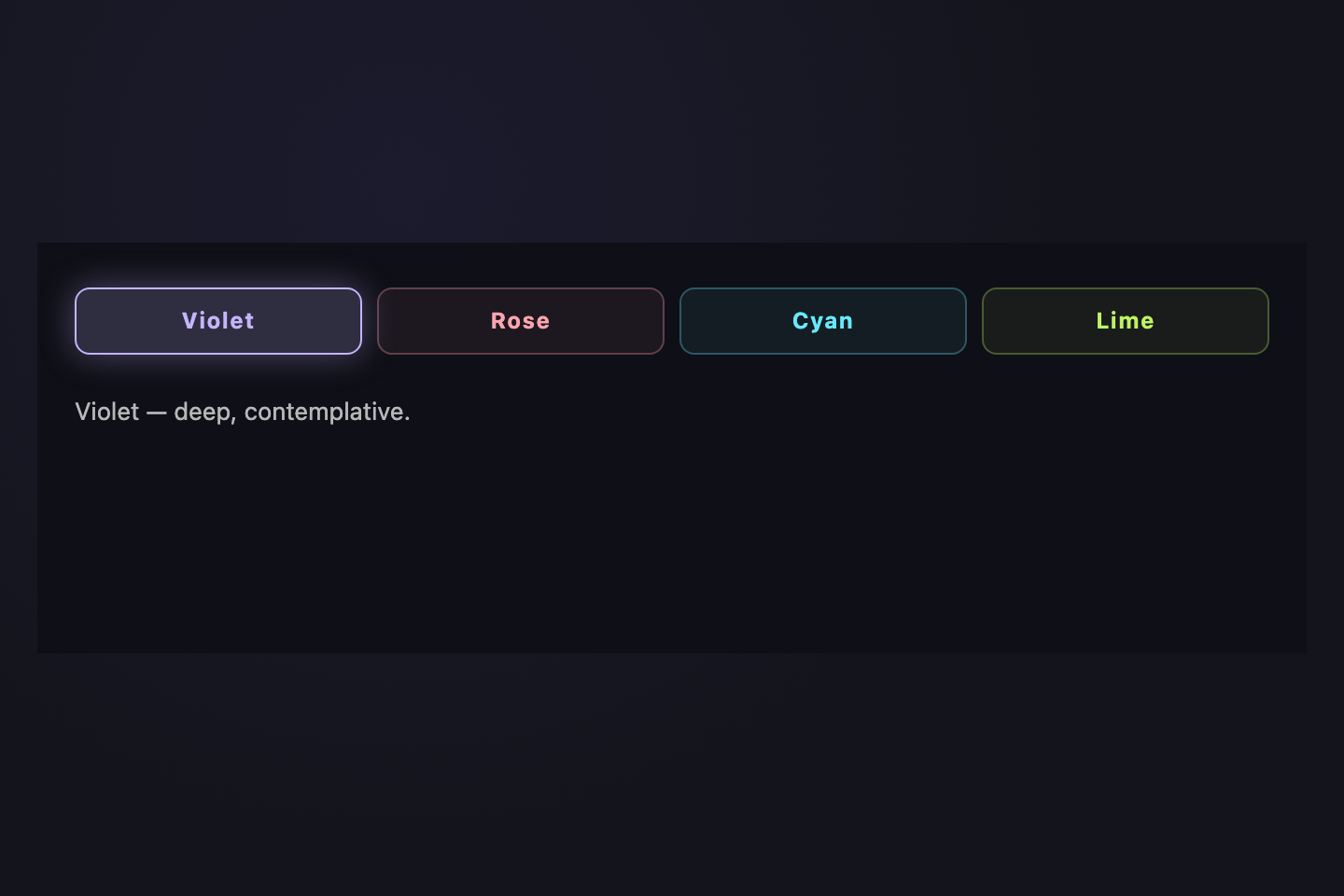
Violet — deep, contemplative.
Rose — warm, inviting.
Cyan — crisp, technical.
Lime — fresh, urgent.
Four color-coded tabs each with a dedicated tint, border, and active-state glow. Violet, rose, cyan, lime — each tab keeps its identity whether active or inactive. Pure CSS.
Try it
.tt24 {
  background: #0f0f17;
  padding: 24px 20px;
  font-family: ui-sans-serif, system-ui, sans-serif;
  min-height: 220px;
  box-sizing: border-box;
  width: 100%;
}
.tt24n {
  display: flex;
  gap: 8px;
  flex-wrap: wrap;
  min-width: 0;
}
.tt24n input {
  position: absolute;
  opacity: 0;
  pointer-events: none;
}
.tt24b {
  flex: 1;
  min-width: 0;
  padding: 11px 14px;
  border-radius: 8px;
  font:
    700 12px/1 ui-sans-serif,
    system-ui;
  letter-spacing: 0.06em;
  cursor: pointer;
  text-align: center;
  transition:
    background 0.25s,
    border-color 0.25s,
    box-shadow 0.3s;
  white-space: nowrap;
  border: 1px solid;
}
.tt24-v {
  color: #c4b5fd;
  border-color: rgba(196, 181, 253, 0.3);
  background: rgba(196, 181, 253, 0.06);
}
.tt24-r {
  color: #fda4af;
  border-color: rgba(253, 164, 175, 0.3);
  background: rgba(253, 164, 175, 0.06);
}
.tt24-c {
  color: #67e8f9;
  border-color: rgba(103, 232, 249, 0.3);
  background: rgba(103, 232, 249, 0.06);
}
.tt24-l {
  color: #bef264;
  border-color: rgba(190, 242, 100, 0.3);
  background: rgba(190, 242, 100, 0.06);
}
.tt24n input:checked + .tt24-v {
  background: rgba(196, 181, 253, 0.18);
  border-color: #c4b5fd;
  box-shadow: 0 0 18px rgba(196, 181, 253, 0.35);
}
.tt24n input:checked + .tt24-r {
  background: rgba(253, 164, 175, 0.18);
  border-color: #fda4af;
  box-shadow: 0 0 18px rgba(253, 164, 175, 0.35);
}
.tt24n input:checked + .tt24-c {
  background: rgba(103, 232, 249, 0.18);
  border-color: #67e8f9;
  box-shadow: 0 0 18px rgba(103, 232, 249, 0.35);
}
.tt24n input:checked + .tt24-l {
  background: rgba(190, 242, 100, 0.18);
  border-color: #bef264;
  box-shadow: 0 0 18px rgba(190, 242, 100, 0.35);
}
.tt24n input:focus-visible + .tt24b {
  outline: 2px dashed currentColor;
  outline-offset: 3px;
}
.tt24p {
  display: none;
  padding-top: 20px;
  font:
    13px/1.55 ui-sans-serif,
    system-ui;
  color: rgba(255, 255, 255, 0.7);
}
.tt24:has(#tt24-r1:checked) .tt24p:nth-of-type(1),
.tt24:has(#tt24-r2:checked) .tt24p:nth-of-type(2),
.tt24:has(#tt24-r3:checked) .tt24p:nth-of-type(3),
.tt24:has(#tt24-r4:checked) .tt24p:nth-of-type(4) {
  display: block;
}
<div class="tt24">
  <nav class="tt24n">
    <input type="radio" name="tt24" id="tt24-r1" checked />
    <label class="tt24b tt24-v" for="tt24-r1">Violet</label>
    <input type="radio" name="tt24" id="tt24-r2" />
    <label class="tt24b tt24-r" for="tt24-r2">Rose</label>
    <input type="radio" name="tt24" id="tt24-r3" />
    <label class="tt24b tt24-c" for="tt24-r3">Cyan</label>
    <input type="radio" name="tt24" id="tt24-r4" />
    <label class="tt24b tt24-l" for="tt24-r4">Lime</label>
  </nav>
  <div class="tt24p">Violet — deep, contemplative.</div>
  <div class="tt24p">Rose — warm, inviting.</div>
  <div class="tt24p">Cyan — crisp, technical.</div>
  <div class="tt24p">Lime — fresh, urgent.</div>
</div>
05 / 32
VS Code Files
NEW Pure CSS
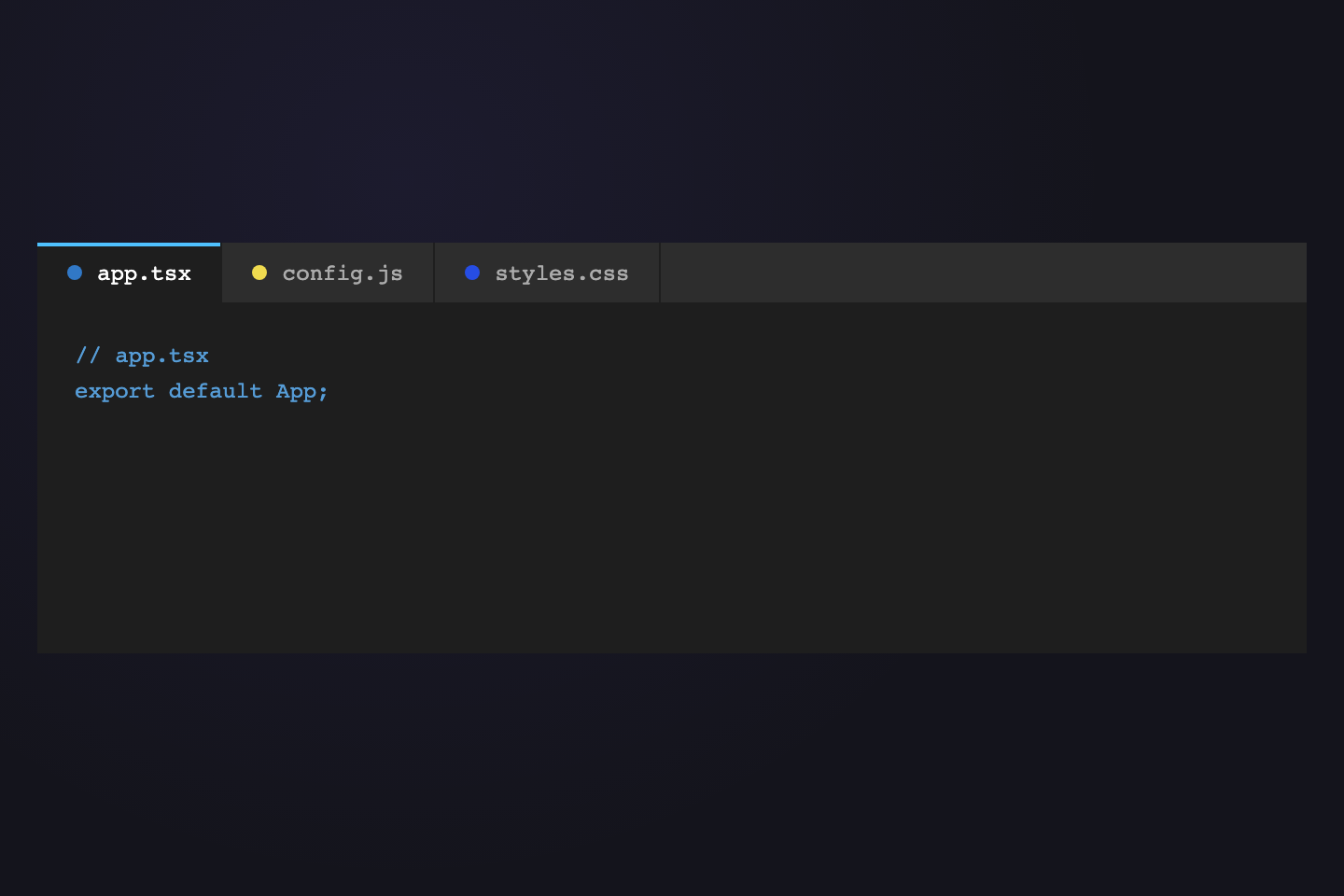
// app.tsx
export default App;
// config.js
module.exports = {};
/* styles.css */
:root { color: white; }
IDE-inspired file tabs with language-colored dots and editor chrome. The active tab lifts with a top accent stripe and matches the editor surface, just like VS Code. Pure CSS.
Try it
.tt25 {
  background: #1e1e1e;
  padding: 0;
  font-family: ui-monospace, monospace;
  min-height: 220px;
  box-sizing: border-box;
  width: 100%;
}
.tt25n {
  display: flex;
  background: #2d2d2d;
  border-bottom: 1px solid #1e1e1e;
  min-width: 0;
}
.tt25n input {
  position: absolute;
  opacity: 0;
  pointer-events: none;
}
.tt25b {
  display: flex;
  align-items: center;
  gap: 8px;
  padding: 10px 16px;
  font:
    12px/1 ui-monospace,
    monospace;
  color: rgba(255, 255, 255, 0.6);
  cursor: pointer;
  border-right: 1px solid #1e1e1e;
  position: relative;
  white-space: nowrap;
  transition:
    background 0.18s,
    color 0.18s;
}
.tt25b:hover {
  color: rgba(255, 255, 255, 0.85);
  background: rgba(255, 255, 255, 0.04);
}
.tt25dot {
  width: 8px;
  height: 8px;
  border-radius: 50%;
  background: var(--c);
  flex-shrink: 0;
}
.tt25n input:checked + .tt25b {
  background: #1e1e1e;
  color: #fff;
  border-bottom: 1px solid #1e1e1e;
  margin-bottom: -1px;
}
.tt25n input:checked + .tt25b::before {
  content: "";
  position: absolute;
  top: 0;
  left: 0;
  right: 0;
  height: 2px;
  background: #4fc1ff;
}
.tt25n input:focus-visible + .tt25b {
  outline: 1px dashed #4fc1ff;
  outline-offset: -3px;
}
.tt25body {
  padding: 18px 20px;
}
.tt25p {
  display: none;
  font:
    12px/1.6 ui-monospace,
    monospace;
  color: #d4d4d4;
}
.tt25p:nth-of-type(1) {
  color: #569cd6;
}
.tt25:has(#tt25-r1:checked) .tt25p:nth-of-type(1),
.tt25:has(#tt25-r2:checked) .tt25p:nth-of-type(2),
.tt25:has(#tt25-r3:checked) .tt25p:nth-of-type(3) {
  display: block;
}
<div class="tt25">
  <nav class="tt25n">
    <input type="radio" name="tt25" id="tt25-r1" checked />
    <label class="tt25b" for="tt25-r1"
      ><span class="tt25dot" style="--c: #3178c6"></span>app.tsx</label
    >
    <input type="radio" name="tt25" id="tt25-r2" />
    <label class="tt25b" for="tt25-r2"
      ><span class="tt25dot" style="--c: #f0db4f"></span>config.js</label
    >
    <input type="radio" name="tt25" id="tt25-r3" />
    <label class="tt25b" for="tt25-r3"
      ><span class="tt25dot" style="--c: #264de4"></span>styles.css</label
    >
  </nav>
  <div class="tt25body">
    <div class="tt25p">// app.tsx<br />export default App;</div>
    <div class="tt25p">// config.js<br />module.exports = {};</div>
    <div class="tt25p">/* styles.css */<br />:root { color: white; }</div>
  </div>
</div>
06 / 32
iOS Segmented
NEW CSS + JS
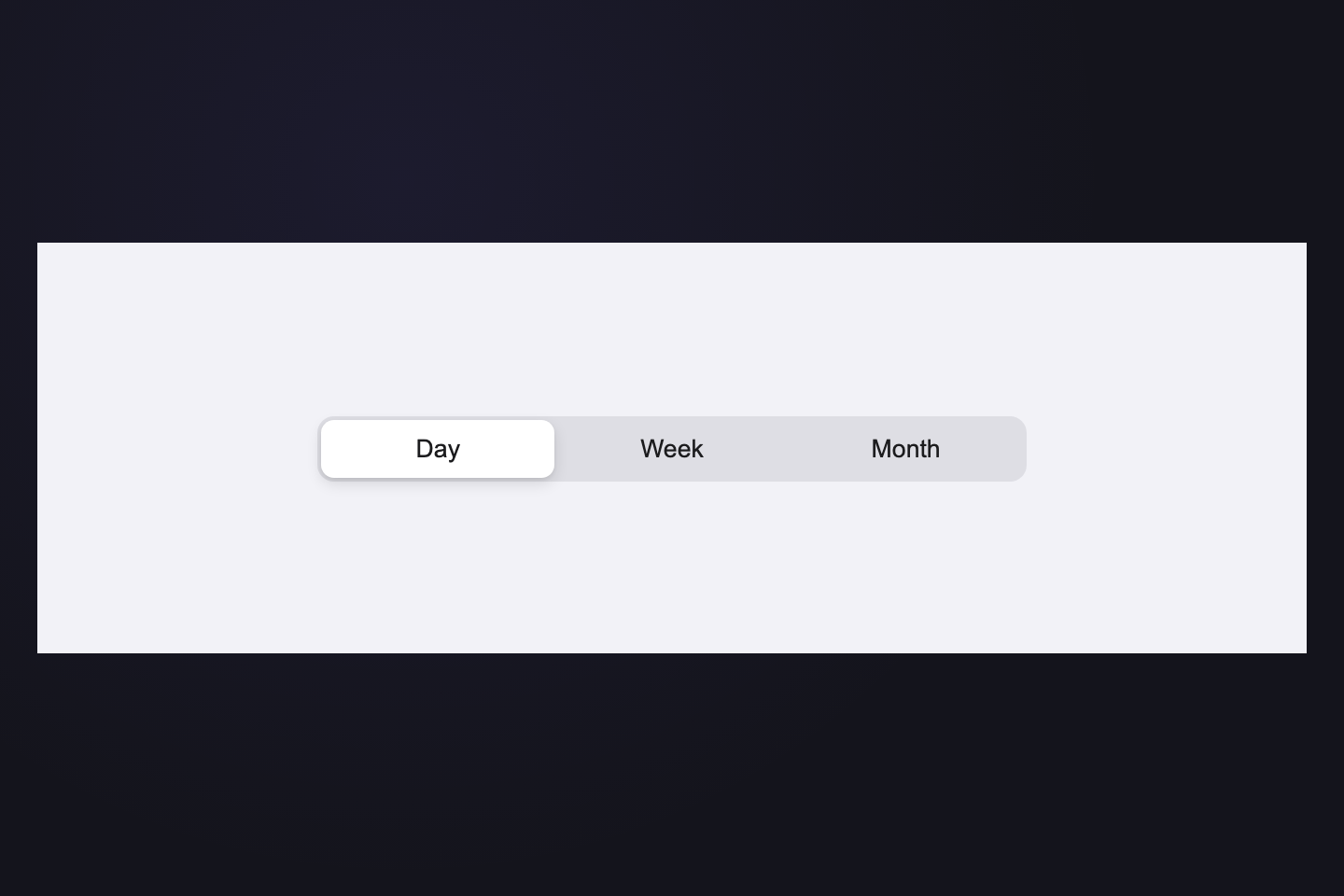
Apple-style segmented control: gray track, white pill that physically slides between segments. JS measures positions live; resize-listener keeps the pill aligned at any width.
Try it
.tt26 {
  background: #f2f2f7;
  padding: 32px 24px;
  font-family: -apple-system, BlinkMacSystemFont, "Segoe UI", system-ui, sans-serif;
  min-height: 220px;
  box-sizing: border-box;
  width: 100%;
  display: flex;
  align-items: center;
  justify-content: center;
}
.tt26n {
  position: relative;
  display: flex;
  background: rgba(120, 120, 128, 0.16);
  border-radius: 9px;
  padding: 2px;
  width: 100%;
  max-width: 380px;
  min-width: 0;
}
.tt26pill {
  position: absolute;
  top: 2px;
  left: 2px;
  height: calc(100% - 4px);
  background: #fff;
  border-radius: 7px;
  box-shadow:
    0 3px 8px rgba(0, 0, 0, 0.12),
    0 1px 2px rgba(0, 0, 0, 0.06);
  transition:
    left 0.34s cubic-bezier(0.4, 0, 0.2, 1),
    width 0.34s cubic-bezier(0.4, 0, 0.2, 1);
  pointer-events: none;
}
.tt26b {
  flex: 1;
  min-width: 0;
  padding: 8px 14px;
  border: 0;
  background: transparent;
  font: 600 13px/1 inherit;
  color: #1c1c1e;
  cursor: pointer;
  position: relative;
  z-index: 1;
  transition: color 0.2s;
  white-space: nowrap;
}
.tt26b:focus-visible {
  outline: 2px solid #007aff;
  outline-offset: 2px;
  border-radius: 7px;
}
@media (prefers-reduced-motion: reduce) {
  .tt26pill {
    transition: none;
  }
}
<div class="tt26">
  <nav class="tt26n">
    <span class="tt26pill" aria-hidden="true"></span>
    <button class="tt26b active" data-t>Day</button>
    <button class="tt26b" data-t>Week</button>
    <button class="tt26b" data-t>Month</button>
  </nav>
</div>
/* iOS Segmented — toggle .active and slide white pill between tabs.
   Re-positions on viewport resize so the pill stays locked to its segment. */
(function () {
  var nav = document.querySelector(".tt26n");
  if (!nav) return;
  var btns = nav.querySelectorAll("[data-t]");
  var pill = nav.querySelector(".tt26pill");
  var current = null;

  function reposition() {
    if (!current || !pill) return;
    pill.style.left = current.offsetLeft + "px";
    pill.style.width = current.offsetWidth + "px";
  }
  function activate(btn) {
    current = btn;
    btns.forEach(function (b) {
      b.classList.toggle("active", b === btn);
    });
    reposition();
  }
  btns.forEach(function (b) {
    b.addEventListener("click", function () {
      activate(b);
    });
  });
  window.addEventListener("resize", reposition);
  var initial = nav.querySelector("[data-t].active") || btns[0];
  if (initial) activate(initial);
})();
07 / 32
Bento Grid
NEW Pure CSS
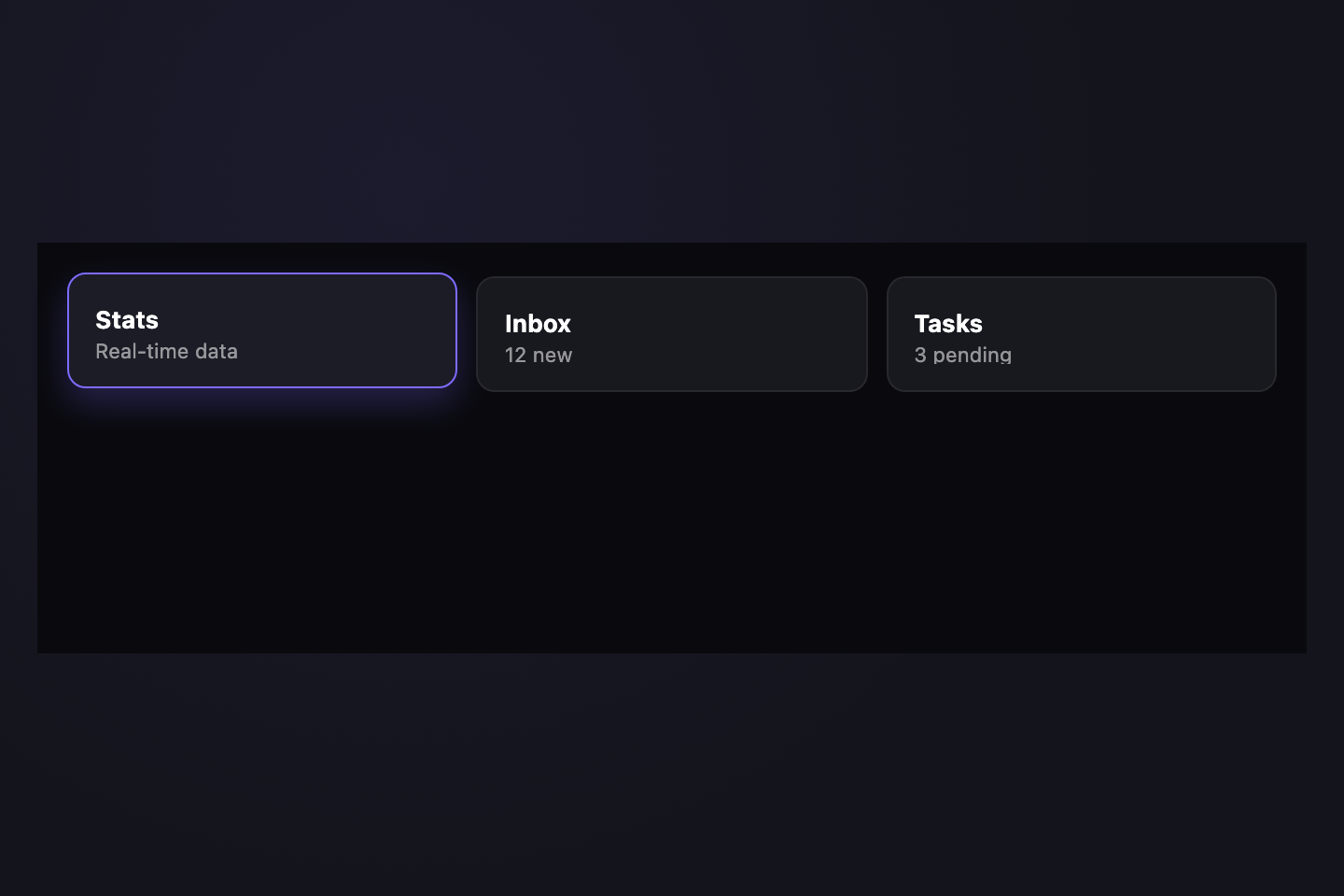
Stats — daily and weekly metrics summary.
Inbox — unread messages from your team.
Tasks — items due in the next 7 days.
Three-column bento grid where the tabs themselves are the cards. The active card lifts, gains a colored top stripe, and the panel becomes the fourth bento cell underneath. Pure CSS.
Try it
.tt27 {
  background: #0a0a0e;
  padding: 18px 16px;
  font-family: ui-sans-serif, system-ui, sans-serif;
  min-height: 220px;
  box-sizing: border-box;
  width: 100%;
}
.tt27grid {
  display: grid;
  grid-template-columns: repeat(3, 1fr);
  gap: 10px;
  min-width: 0;
}
.tt27grid input {
  position: absolute;
  opacity: 0;
  pointer-events: none;
}
.tt27card {
  position: relative;
  padding: 18px 14px 14px;
  background: #18181f;
  border: 1px solid rgba(255, 255, 255, 0.07);
  border-radius: 10px;
  cursor: pointer;
  display: flex;
  flex-direction: column;
  gap: 4px;
  transition:
    transform 0.25s,
    background 0.25s,
    border-color 0.25s,
    box-shadow 0.3s;
  min-width: 0;
}
.tt27card:hover {
  background: #1f1f28;
  border-color: rgba(255, 255, 255, 0.14);
}
.tt27ttl {
  font:
    700 13px/1 ui-sans-serif,
    system-ui;
  color: #fff;
  white-space: nowrap;
  overflow: hidden;
  text-overflow: ellipsis;
}
.tt27sub {
  font:
    11px/1 ui-sans-serif,
    system-ui;
  color: rgba(255, 255, 255, 0.55);
  white-space: nowrap;
  overflow: hidden;
  text-overflow: ellipsis;
}
.tt27grid input:checked + .tt27card {
  background: #1c1c26;
  border-color: #7c6cff;
  transform: translateY(-2px);
  box-shadow: 0 8px 18px rgba(124, 108, 255, 0.25);
}
.tt27grid input:focus-visible + .tt27card {
  outline: 2px dashed #7c6cff;
  outline-offset: 3px;
}
.tt27p {
  display: none;
  margin-top: 12px;
  padding: 14px 16px;
  background: #18181f;
  border: 1px solid rgba(255, 255, 255, 0.07);
  border-radius: 10px;
  font:
    12px/1.55 ui-sans-serif,
    system-ui;
  color: rgba(255, 255, 255, 0.7);
}
.tt27:has(#tt27-r1:checked) .tt27p:nth-of-type(1),
.tt27:has(#tt27-r2:checked) .tt27p:nth-of-type(2),
.tt27:has(#tt27-r3:checked) .tt27p:nth-of-type(3) {
  display: block;
}
<div class="tt27">
  <div class="tt27grid">
    <input type="radio" name="tt27" id="tt27-r1" checked />
    <label class="tt27card" for="tt27-r1">
      <span class="tt27ttl">Stats</span>
      <span class="tt27sub">Real-time data</span>
    </label>
    <input type="radio" name="tt27" id="tt27-r2" />
    <label class="tt27card" for="tt27-r2">
      <span class="tt27ttl">Inbox</span>
      <span class="tt27sub">12 new</span>
    </label>
    <input type="radio" name="tt27" id="tt27-r3" />
    <label class="tt27card" for="tt27-r3">
      <span class="tt27ttl">Tasks</span>
      <span class="tt27sub">3 pending</span>
    </label>
  </div>
  <div class="tt27p">Stats — daily and weekly metrics summary.</div>
  <div class="tt27p">Inbox — unread messages from your team.</div>
  <div class="tt27p">Tasks — items due in the next 7 days.</div>
</div>
08 / 32
Vertical Dots
NEW Pure CSS
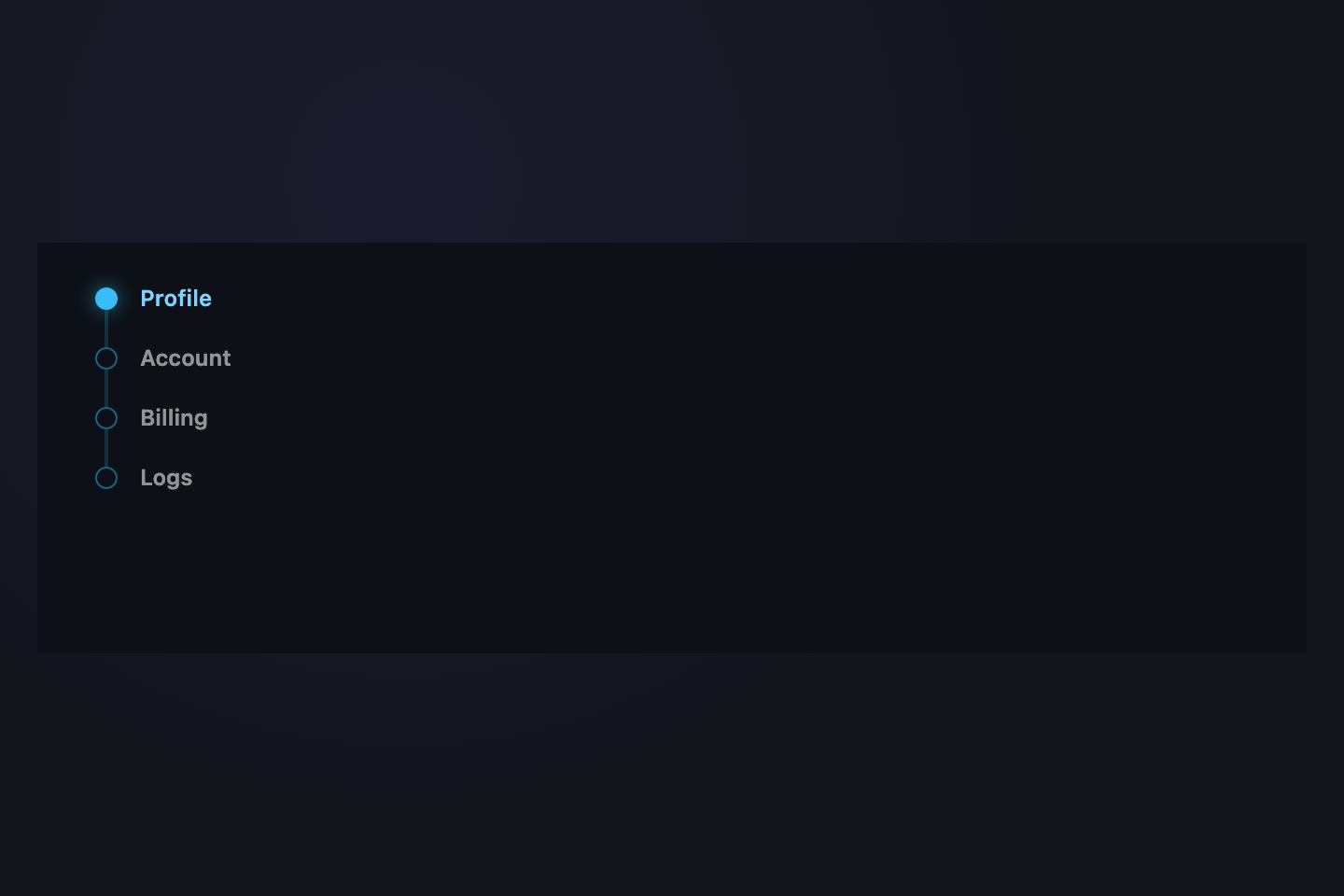
Sidebar nav with a connecting timeline rule. The active item's dot fills in solid teal with a soft outer glow; inactive dots stay hollow. Vertical layout. Pure CSS.
Try it
.tt28 {
  background: #0d1117;
  padding: 18px 22px;
  font-family: ui-sans-serif, system-ui, sans-serif;
  min-height: 220px;
  box-sizing: border-box;
  width: 100%;
}
/* nav padding-left = 30px → that x defines a "rail column" centered at x=15.
   Both the timeline rule and the active dot center on x=15 so they sit on
   the same vertical axis regardless of dot size or label padding. */
.tt28n {
  position: relative;
  display: flex;
  flex-direction: column;
  gap: 8px;
  padding-left: 30px;
  min-width: 0;
}
.tt28n::before {
  content: "";
  position: absolute;
  left: 14px;
  top: 14px;
  bottom: 14px;
  width: 2px;
  background: rgba(56, 189, 248, 0.18);
  border-radius: 1px;
}
.tt28n input {
  position: absolute;
  opacity: 0;
  pointer-events: none;
}
.tt28b {
  position: relative;
  display: flex;
  align-items: center;
  gap: 12px;
  padding: 6px 8px;
  font:
    600 12px/1 ui-sans-serif,
    system-ui;
  color: rgba(255, 255, 255, 0.55);
  cursor: pointer;
  border-radius: 4px;
  transition:
    color 0.22s,
    background 0.22s;
  white-space: nowrap;
}
.tt28dot {
  width: 12px;
  height: 12px;
  border-radius: 50%;
  border: 1.5px solid rgba(56, 189, 248, 0.45);
  background: #0d1117;
  flex-shrink: 0;
  /* margin-left = -(button padding-left + dot half-width - line center)
     = -(8 + 6 - 15) = -(-1) ... actually: button starts at nav-padding-left
     (30px). Dot needs left edge at x=9 so center sits at x=15 (line center).
     Button content starts at x=38 (30 + 8 padding). To put dot's left edge
     at x=9, margin-left = 9 - 38 = -29px. */
  margin-left: -29px;
  transition:
    background 0.25s,
    border-color 0.25s,
    box-shadow 0.3s;
  position: relative;
  z-index: 1;
}
.tt28b:hover {
  color: rgba(255, 255, 255, 0.85);
  background: rgba(56, 189, 248, 0.06);
}
.tt28n input:checked + .tt28b {
  color: #7dd3fc;
}
.tt28n input:checked + .tt28b .tt28dot {
  background: #38bdf8;
  border-color: #38bdf8;
  box-shadow: 0 0 10px rgba(56, 189, 248, 0.55);
}
.tt28n input:focus-visible + .tt28b {
  outline: 1px dashed #38bdf8;
  outline-offset: 3px;
}
<div class="tt28">
  <nav class="tt28n">
    <input type="radio" name="tt28" id="tt28-r1" checked />
    <label class="tt28b" for="tt28-r1"><span class="tt28dot"></span>Profile</label>
    <input type="radio" name="tt28" id="tt28-r2" />
    <label class="tt28b" for="tt28-r2"><span class="tt28dot"></span>Account</label>
    <input type="radio" name="tt28" id="tt28-r3" />
    <label class="tt28b" for="tt28-r3"><span class="tt28dot"></span>Billing</label>
    <input type="radio" name="tt28" id="tt28-r4" />
    <label class="tt28b" for="tt28-r4"><span class="tt28dot"></span>Logs</label>
  </nav>
</div>
09 / 32
CRT Terminal
NEW Pure CSS
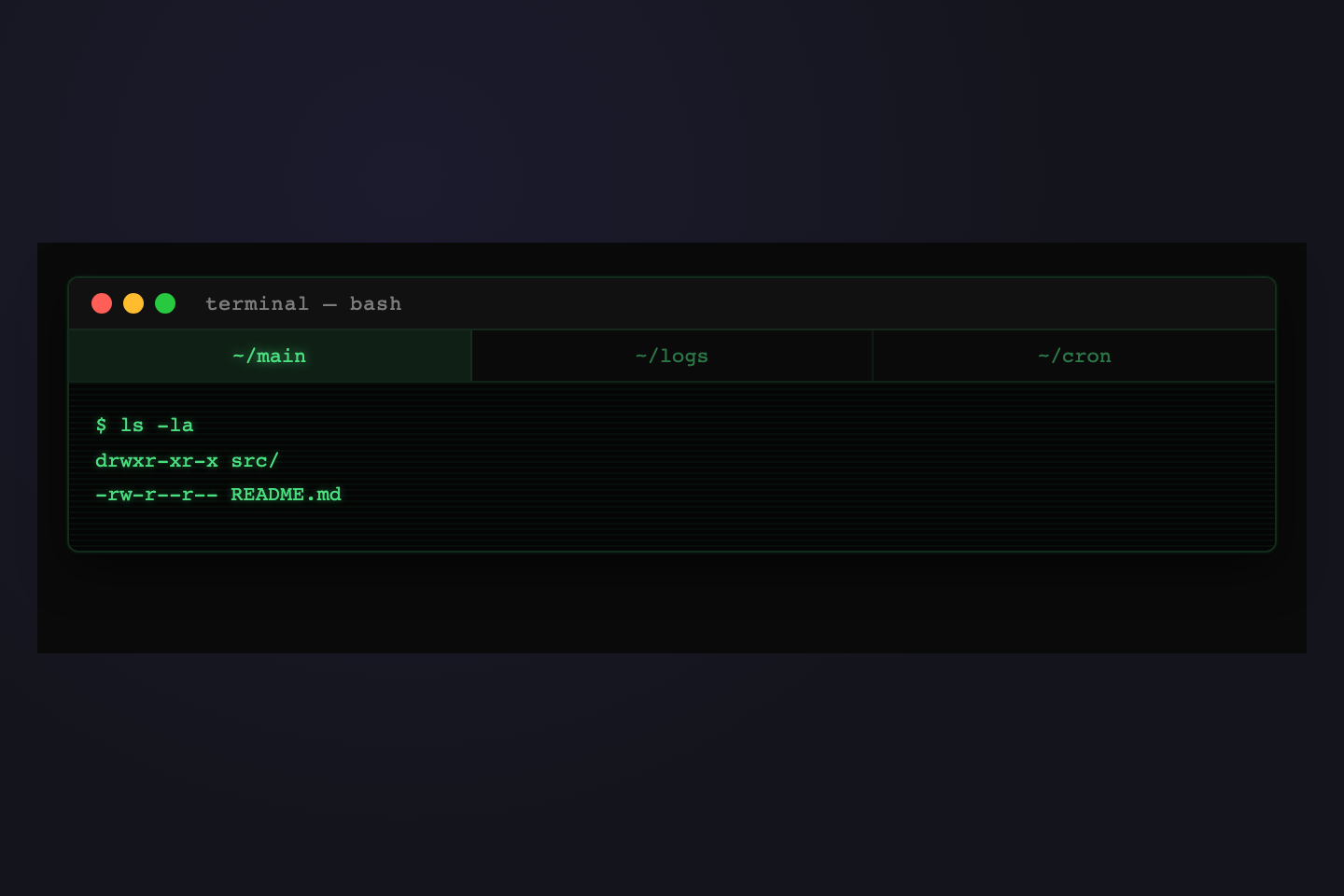
terminal — bash
$ ls -la
drwxr-xr-x src/
-rw-r--r-- README.md
$ tail -f app.log
[12:04] OK 200
[12:05] OK 200
$ crontab -l
0 * * * * ./sync.sh
*/5 * * * * ./ping.sh
Vintage CRT terminal aesthetic: green phosphor text, scanline overlay, macOS traffic lights in the title bar. Active tab shows a blinking caret cursor. Pure CSS.
Try it
.tt29 {
  background: #0a0a0a;
  padding: 18px 16px;
  font-family: ui-monospace, "SF Mono", Menlo, monospace;
  min-height: 220px;
  box-sizing: border-box;
  width: 100%;
}
.tt29win {
  background: #050505;
  border: 1px solid rgba(74, 222, 128, 0.18);
  border-radius: 6px;
  overflow: hidden;
  box-shadow:
    0 0 0 1px rgba(74, 222, 128, 0.04),
    0 8px 24px rgba(0, 0, 0, 0.5);
}
.tt29bar {
  display: flex;
  align-items: center;
  gap: 6px;
  padding: 8px 12px;
  background: #111;
  border-bottom: 1px solid rgba(74, 222, 128, 0.12);
}
.tt29light {
  width: 11px;
  height: 11px;
  border-radius: 50%;
}
.tt29-r {
  background: #ff5f57;
}
.tt29-y {
  background: #febc2e;
}
.tt29-g {
  background: #28c840;
}
.tt29ttl {
  margin-left: 10px;
  font:
    11px/1 ui-monospace,
    monospace;
  color: rgba(255, 255, 255, 0.45);
  letter-spacing: 0.04em;
}
.tt29n {
  display: flex;
  gap: 0;
  background: #0a0a0a;
  border-bottom: 1px solid rgba(74, 222, 128, 0.12);
  min-width: 0;
}
.tt29n input {
  position: absolute;
  opacity: 0;
  pointer-events: none;
}
.tt29b {
  flex: 1;
  min-width: 0;
  padding: 8px 12px;
  font:
    11px/1 ui-monospace,
    monospace;
  color: rgba(74, 222, 128, 0.5);
  cursor: pointer;
  text-align: center;
  white-space: nowrap;
  transition:
    color 0.2s,
    background 0.2s;
  border-right: 1px solid rgba(74, 222, 128, 0.08);
}
.tt29b:last-of-type {
  border-right: 0;
}
.tt29b:hover {
  color: rgba(74, 222, 128, 0.85);
  background: rgba(74, 222, 128, 0.04);
}
.tt29n input:checked + .tt29b {
  color: #4ade80;
  background: rgba(74, 222, 128, 0.1);
  text-shadow: 0 0 6px rgba(74, 222, 128, 0.6);
}
.tt29n input:focus-visible + .tt29b {
  outline: 1px dashed #4ade80;
  outline-offset: -3px;
}
.tt29body {
  position: relative;
  padding: 14px 14px;
  min-height: 90px;
  background: repeating-linear-gradient(
    0deg,
    transparent 0,
    transparent 2px,
    rgba(74, 222, 128, 0.04) 2px,
    rgba(74, 222, 128, 0.04) 3px
  );
}
.tt29p {
  display: none;
  font:
    11px/1.7 ui-monospace,
    monospace;
  color: #4ade80;
  text-shadow: 0 0 4px rgba(74, 222, 128, 0.4);
}
.tt29:has(#tt29-r1:checked) .tt29p:nth-of-type(1),
.tt29:has(#tt29-r2:checked) .tt29p:nth-of-type(2),
.tt29:has(#tt29-r3:checked) .tt29p:nth-of-type(3) {
  display: block;
}
<div class="tt29">
  <div class="tt29win">
    <div class="tt29bar">
      <span class="tt29light tt29-r"></span>
      <span class="tt29light tt29-y"></span>
      <span class="tt29light tt29-g"></span>
      <span class="tt29ttl">terminal — bash</span>
    </div>
    <nav class="tt29n">
      <input type="radio" name="tt29" id="tt29-r1" checked />
      <label class="tt29b" for="tt29-r1">~/main</label>
      <input type="radio" name="tt29" id="tt29-r2" />
      <label class="tt29b" for="tt29-r2">~/logs</label>
      <input type="radio" name="tt29" id="tt29-r3" />
      <label class="tt29b" for="tt29-r3">~/cron</label>
    </nav>
    <div class="tt29body">
      <div class="tt29p">$ ls -la<br />drwxr-xr-x src/<br />-rw-r--r-- README.md</div>
      <div class="tt29p">$ tail -f app.log<br />[12:04] OK 200<br />[12:05] OK 200</div>
      <div class="tt29p">$ crontab -l<br />0 * * * * ./sync.sh<br />*/5 * * * * ./ping.sh</div>
    </div>
  </div>
</div>
10 / 32
Morph Icon
NEW Pure CSS
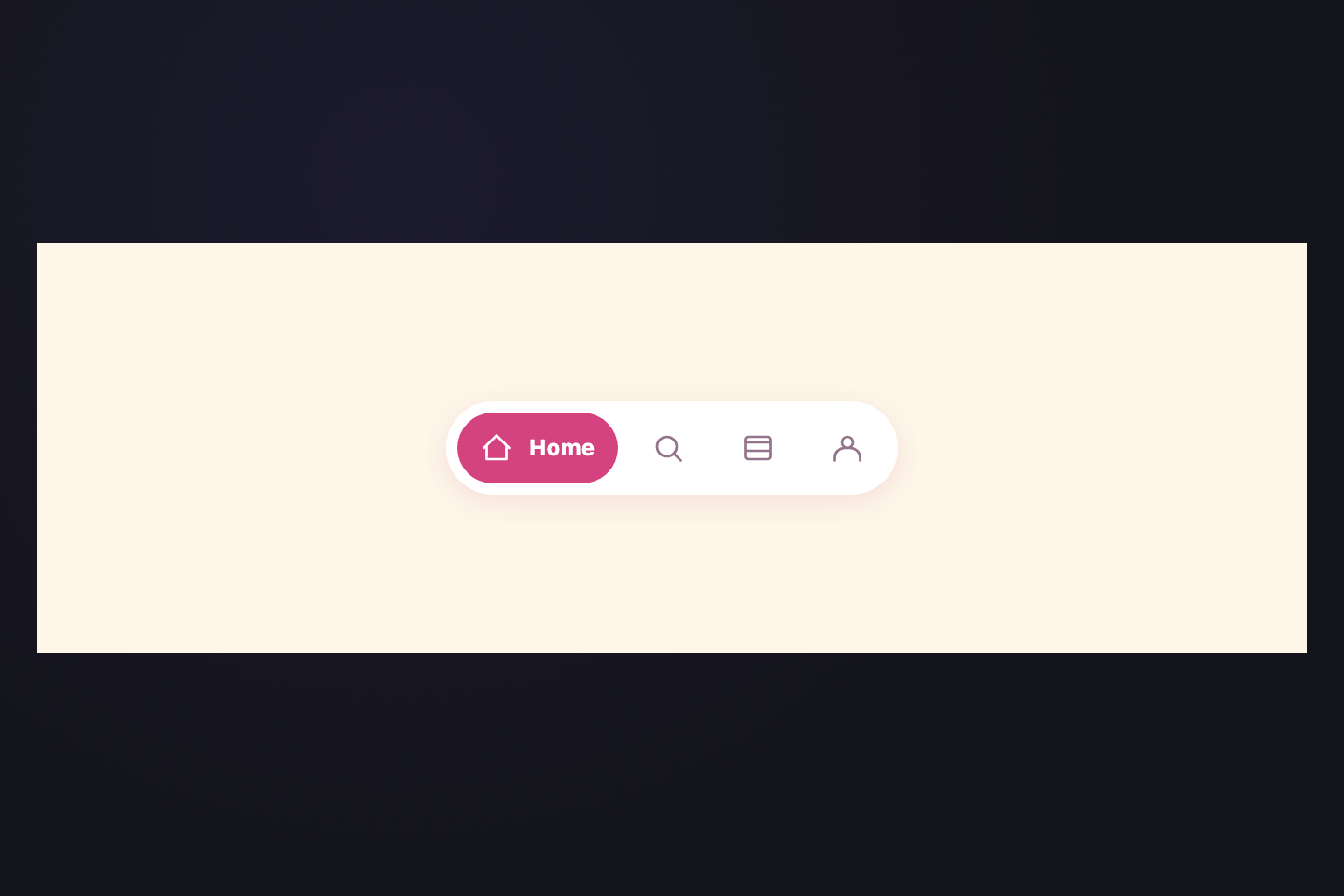
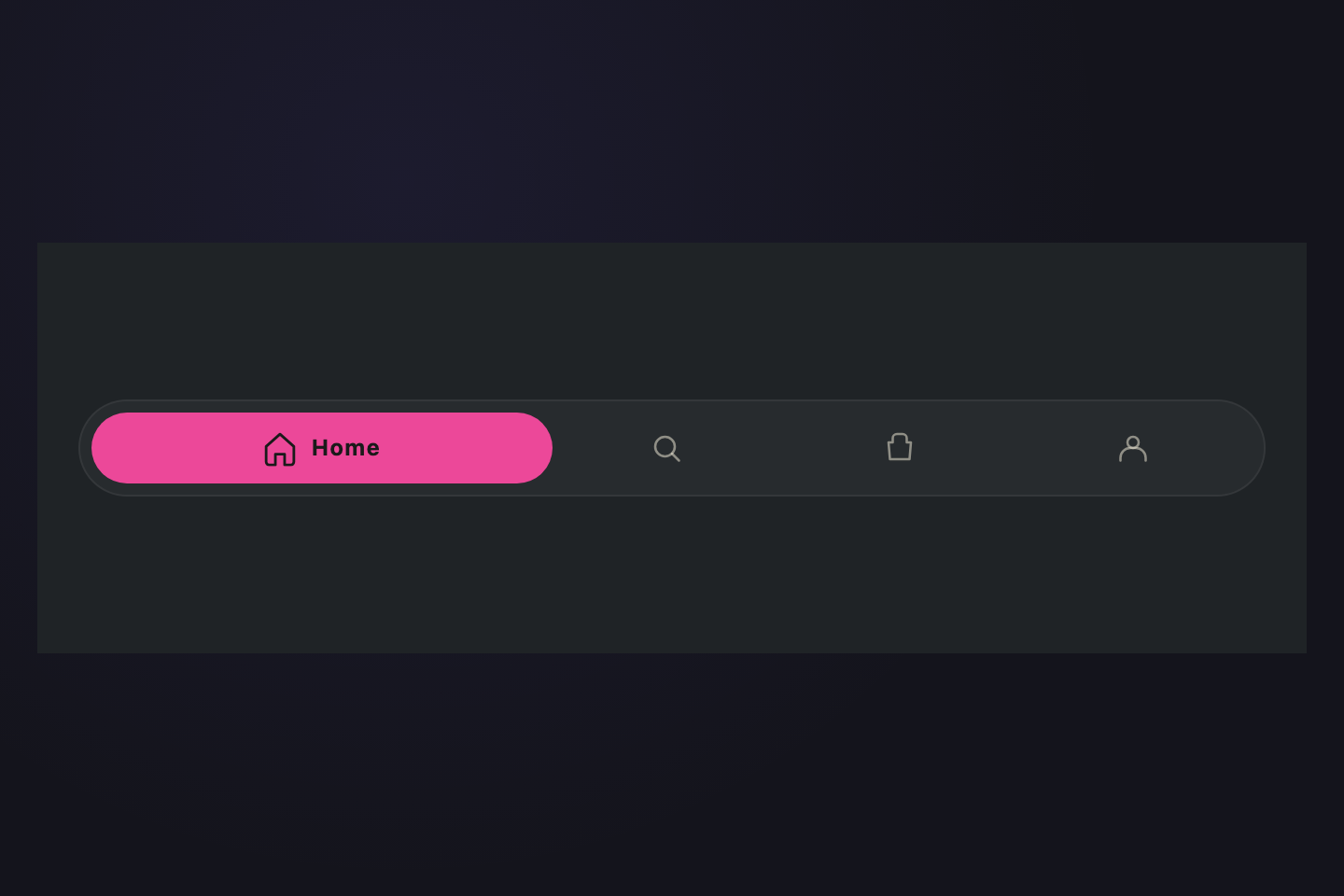
Compact icon-only tabs that expand on activation: the label morphs in via a max-width transition, smoothly widening the active tab inline. Pure CSS, no positional JS.
Try it
.tt30 {
  background: #fdf6e9;
  padding: 32px 18px;
  font-family: ui-sans-serif, system-ui, sans-serif;
  min-height: 220px;
  box-sizing: border-box;
  width: 100%;
  display: flex;
  align-items: center;
  justify-content: center;
}
.tt30n {
  display: flex;
  gap: 6px;
  background: #fff;
  border-radius: 999px;
  padding: 6px;
  box-shadow: 0 4px 14px rgba(212, 67, 127, 0.12);
  min-width: 0;
}
.tt30n input {
  position: absolute;
  opacity: 0;
  pointer-events: none;
}
.tt30b {
  display: flex;
  align-items: center;
  gap: 0;
  padding: 10px 12px;
  border-radius: 999px;
  cursor: pointer;
  color: #94748a;
  transition:
    background 0.3s,
    color 0.3s,
    gap 0.4s cubic-bezier(0.4, 0, 0.2, 1);
  white-space: nowrap;
  overflow: hidden;
}
.tt30b:hover {
  color: #d4437f;
}
.tt30i {
  width: 18px;
  height: 18px;
  flex-shrink: 0;
  fill: none;
  stroke: currentColor;
  stroke-width: 1.8;
  stroke-linecap: round;
  stroke-linejoin: round;
}
.tt30l {
  font:
    700 12px/1 ui-sans-serif,
    system-ui;
  max-width: 0;
  overflow: hidden;
  opacity: 0;
  transition:
    max-width 0.4s cubic-bezier(0.4, 0, 0.2, 1),
    opacity 0.3s;
}
.tt30n input:checked + .tt30b {
  background: #d4437f;
  color: #fff;
  gap: 8px;
}
.tt30n input:checked + .tt30b .tt30l {
  max-width: 120px;
  opacity: 1;
}
.tt30n input:focus-visible + .tt30b {
  outline: 2px dashed #d4437f;
  outline-offset: 3px;
}
@media (prefers-reduced-motion: reduce) {
  .tt30b,
  .tt30l {
    transition: none;
  }
}
<div class="tt30">
  <nav class="tt30n">
    <input type="radio" name="tt30" id="tt30-r1" checked />
    <label class="tt30b" for="tt30-r1">
      <svg class="tt30i" viewBox="0 0 24 24" aria-hidden="true">
        <path d="M3 12l9-9 9 9M5 10v10h14V10" />
      </svg>
      <span class="tt30l">Home</span>
    </label>
    <input type="radio" name="tt30" id="tt30-r2" />
    <label class="tt30b" for="tt30-r2">
      <svg class="tt30i" viewBox="0 0 24 24" aria-hidden="true">
        <circle cx="11" cy="11" r="7" />
        <path d="M21 21l-5-5" />
      </svg>
      <span class="tt30l">Search</span>
    </label>
    <input type="radio" name="tt30" id="tt30-r3" />
    <label class="tt30b" for="tt30-r3">
      <svg class="tt30i" viewBox="0 0 24 24" aria-hidden="true">
        <path
          d="M3 8h18M3 14h18M5 4h14a2 2 0 0 1 2 2v12a2 2 0 0 1-2 2H5a2 2 0 0 1-2-2V6a2 2 0 0 1 2-2z"
        />
      </svg>
      <span class="tt30l">Inbox</span>
    </label>
    <input type="radio" name="tt30" id="tt30-r4" />
    <label class="tt30b" for="tt30-r4">
      <svg class="tt30i" viewBox="0 0 24 24" aria-hidden="true">
        <circle cx="12" cy="8" r="4" />
        <path d="M3 21v-2a7 7 0 0 1 7-7h4a7 7 0 0 1 7 7v2" />
      </svg>
      <span class="tt30l">Profile</span>
    </label>
  </nav>
</div>
11 / 32
Typewriter
NEW Pure CSS
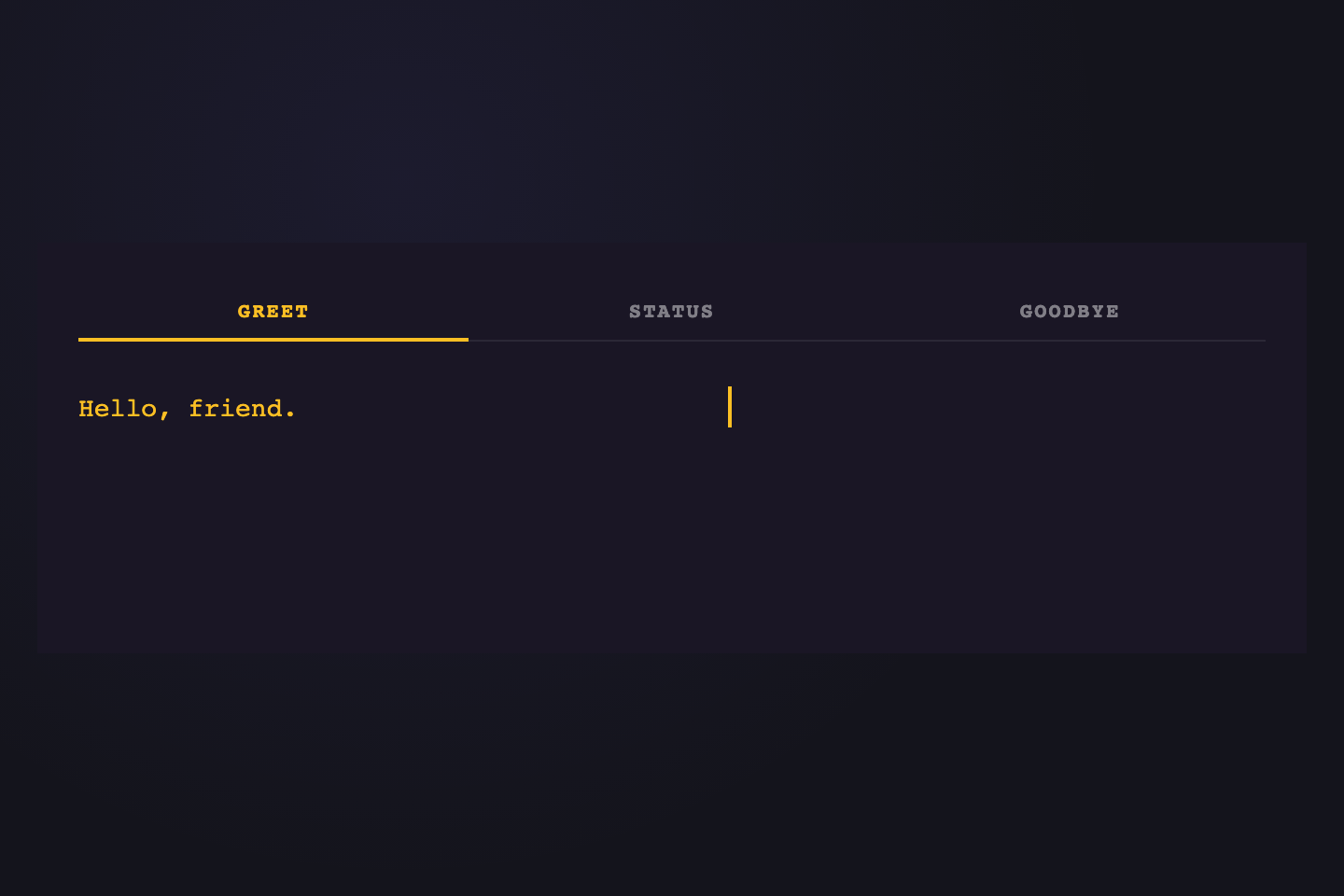
Hello, friend.
Systems nominal.
See you tomorrow.
Activating a tab triggers a typewriter animation on the panel: text reveals via max-width steps animation, with a blinking cursor at the end. Pure CSS via radio inputs and steps() timing.
Try it
.tt31 {
  background: #1a1625;
  padding: 22px 22px;
  font-family: ui-monospace, "SF Mono", Menlo, monospace;
  min-height: 220px;
  box-sizing: border-box;
  width: 100%;
}
.tt31n {
  display: flex;
  gap: 4px;
  border-bottom: 1px solid rgba(255, 255, 255, 0.08);
  margin-bottom: 18px;
  min-width: 0;
}
.tt31n input {
  position: absolute;
  opacity: 0;
  pointer-events: none;
}
.tt31b {
  flex: 1;
  min-width: 0;
  padding: 9px 12px;
  font:
    600 11px/1 ui-monospace,
    monospace;
  letter-spacing: 0.1em;
  text-transform: uppercase;
  color: rgba(255, 255, 255, 0.45);
  cursor: pointer;
  text-align: center;
  border-bottom: 2px solid transparent;
  margin-bottom: -1px;
  transition:
    color 0.2s,
    border-color 0.2s;
  white-space: nowrap;
}
.tt31b:hover {
  color: rgba(255, 255, 255, 0.85);
}
.tt31n input:checked + .tt31b {
  color: #fbbf24;
  border-bottom-color: #fbbf24;
}
.tt31n input:focus-visible + .tt31b {
  outline: 1px dashed #fbbf24;
  outline-offset: -3px;
}
.tt31body {
  padding: 6px 0;
}
.tt31p {
  display: none;
}
.tt31:has(#tt31-r1:checked) .tt31p:nth-of-type(1),
.tt31:has(#tt31-r2:checked) .tt31p:nth-of-type(2),
.tt31:has(#tt31-r3:checked) .tt31p:nth-of-type(3) {
  display: block;
}
.tt31type {
  display: inline-block;
  overflow: hidden;
  white-space: nowrap;
  font:
    14px/1.6 ui-monospace,
    monospace;
  color: #fbbf24;
  border-right: 2px solid #fbbf24;
  width: 0;
  animation:
    tt31-type 1.4s steps(20) forwards,
    tt31-blink 0.8s step-end infinite 1.4s;
}
@keyframes tt31-type {
  to {
    width: 100%;
  }
}
@keyframes tt31-blink {
  50% {
    border-right-color: transparent;
  }
}
@media (prefers-reduced-motion: reduce) {
  .tt31type {
    animation: none;
    width: 100%;
    border-right-color: transparent;
  }
}
<div class="tt31">
  <nav class="tt31n">
    <input type="radio" name="tt31" id="tt31-r1" checked />
    <label class="tt31b" for="tt31-r1">Greet</label>
    <input type="radio" name="tt31" id="tt31-r2" />
    <label class="tt31b" for="tt31-r2">Status</label>
    <input type="radio" name="tt31" id="tt31-r3" />
    <label class="tt31b" for="tt31-r3">Goodbye</label>
  </nav>
  <div class="tt31body">
    <div class="tt31p"><span class="tt31type">Hello, friend.</span></div>
    <div class="tt31p"><span class="tt31type">Systems nominal.</span></div>
    <div class="tt31p"><span class="tt31type">See you tomorrow.</span></div>
  </div>
</div>
12 / 32
Particle Burst
NEW CSS + JS
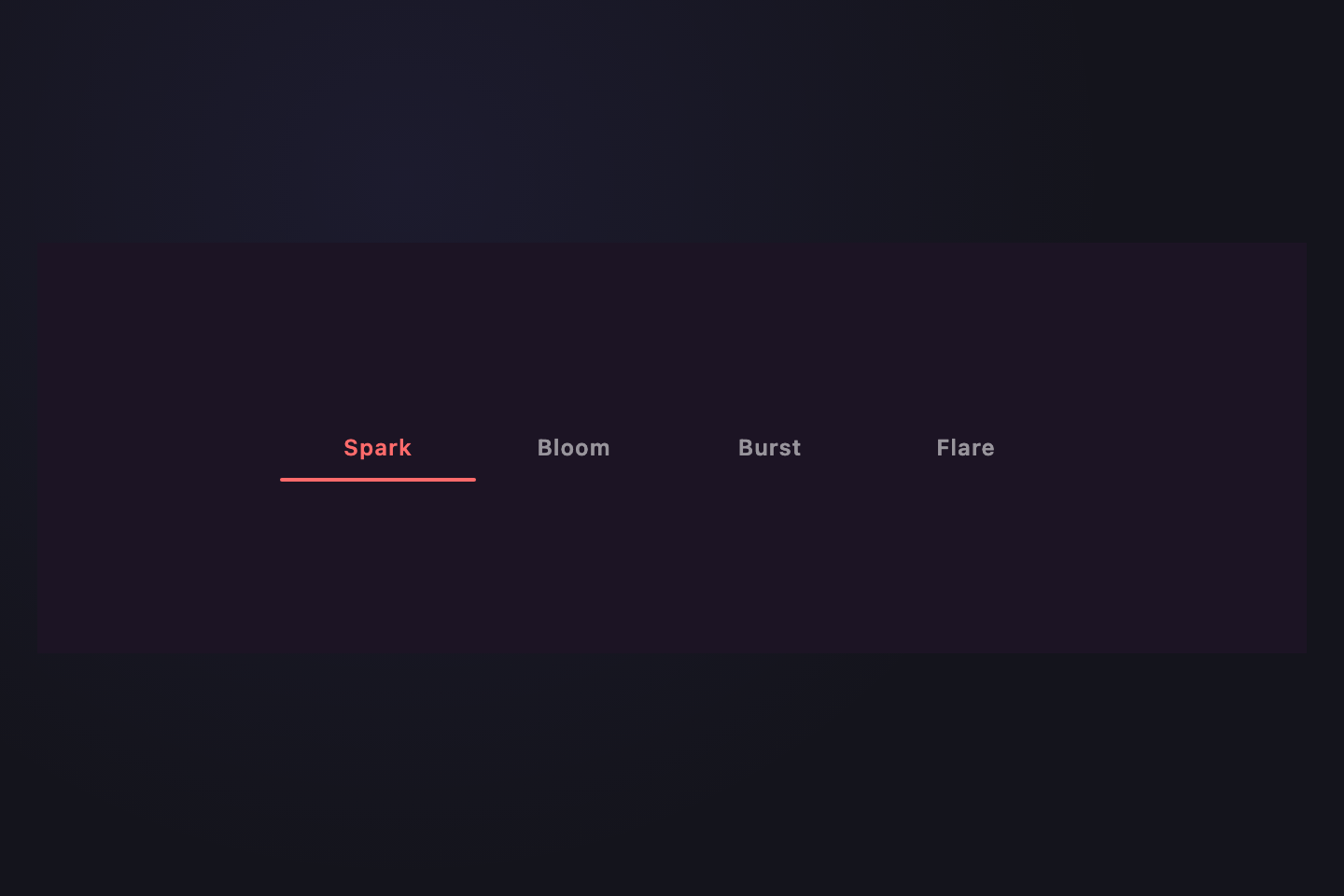
Each tab click spawns 8 small color sparks that fly outward and fade. JS positions each particle at the click point; CSS animates trajectory + fade. The active tab is also highlighted with a coral underline.
Try it
.tt32 {
  background: #1c1424;
  padding: 36px 18px;
  font-family: ui-sans-serif, system-ui, sans-serif;
  min-height: 220px;
  box-sizing: border-box;
  width: 100%;
  display: flex;
  align-items: center;
  justify-content: center;
}
.tt32n {
  position: relative;
  display: flex;
  gap: 0;
  min-width: 0;
  width: 100%;
  max-width: 420px;
}
.tt32line {
  position: absolute;
  bottom: -2px;
  left: 0;
  height: 2px;
  width: 0;
  background: #ff6b6b;
  border-radius: 2px;
  transition:
    left 0.4s cubic-bezier(0.65, 0, 0.35, 1),
    width 0.4s cubic-bezier(0.65, 0, 0.35, 1);
  pointer-events: none;
}
.tt32b {
  flex: 1;
  min-width: 0;
  padding: 10px 12px;
  border: 0;
  background: transparent;
  font:
    600 12px/1 ui-sans-serif,
    system-ui;
  letter-spacing: 0.04em;
  color: rgba(255, 255, 255, 0.55);
  cursor: pointer;
  position: relative;
  transition: color 0.25s;
  white-space: nowrap;
}
.tt32b:hover {
  color: rgba(255, 255, 255, 0.9);
}
.tt32b.active {
  color: #ff6b6b;
}
.tt32b:focus-visible {
  outline: 2px solid #ff6b6b;
  outline-offset: 2px;
  border-radius: 4px;
}
.tt32spark {
  position: absolute;
  width: 5px;
  height: 5px;
  border-radius: 50%;
  pointer-events: none;
  animation: tt32-fly 0.6s cubic-bezier(0.2, 0.6, 0.4, 1) forwards;
}
@keyframes tt32-fly {
  from {
    transform: translate(0, 0) scale(1);
    opacity: 1;
  }
  to {
    transform: translate(var(--dx), var(--dy)) scale(0.3);
    opacity: 0;
  }
}
@media (prefers-reduced-motion: reduce) {
  .tt32line {
    transition: none;
  }
  .tt32spark {
    animation: none;
    opacity: 0;
  }
}
<div class="tt32">
  <nav class="tt32n">
    <span class="tt32line" aria-hidden="true"></span>
    <button class="tt32b active" data-t>Spark</button>
    <button class="tt32b" data-t>Bloom</button>
    <button class="tt32b" data-t>Burst</button>
    <button class="tt32b" data-t>Flare</button>
  </nav>
</div>
/* Particle Burst — toggle .active, slide underline, spawn 8 color sparks
   on click. Re-positions the underline on viewport resize. */
(function () {
  var nav = document.querySelector(".tt32n");
  if (!nav) return;
  var btns = nav.querySelectorAll("[data-t]");
  var line = nav.querySelector(".tt32line");
  var current = null;
  var COLORS = ["#ff6b6b", "#ffd166", "#06d6a0", "#118ab2", "#ef476f"];

  function reposition() {
    if (!current || !line) return;
    line.style.left = current.offsetLeft + "px";
    line.style.width = current.offsetWidth + "px";
  }
  function burst(btn) {
    var rect = btn.getBoundingClientRect();
    var navRect = nav.getBoundingClientRect();
    var cx = rect.left - navRect.left + rect.width / 2;
    var cy = rect.top - navRect.top + rect.height / 2;
    for (var i = 0; i < 8; i++) {
      var s = document.createElement("span");
      s.className = "tt32spark";
      s.style.left = cx + "px";
      s.style.top = cy + "px";
      s.style.background = COLORS[i % COLORS.length];
      var angle = (i / 8) * Math.PI * 2;
      var dist = 32 + Math.random() * 18;
      s.style.setProperty("--dx", Math.cos(angle) * dist + "px");
      s.style.setProperty("--dy", Math.sin(angle) * dist + "px");
      nav.appendChild(s);
      setTimeout(
        (function (n) {
          return function () {
            if (n.parentNode) n.parentNode.removeChild(n);
          };
        })(s),
        700,
      );
    }
  }
  function activate(btn, withBurst) {
    current = btn;
    btns.forEach(function (b) {
      b.classList.toggle("active", b === btn);
    });
    reposition();
    if (withBurst) burst(btn);
  }
  btns.forEach(function (b) {
    b.addEventListener("click", function () {
      activate(b, true);
    });
  });
  window.addEventListener("resize", reposition);
  var initial = nav.querySelector("[data-t].active") || btns[0];
  if (initial) activate(initial, false);
})();
13 / 32
Specimen No.
CSS + JS
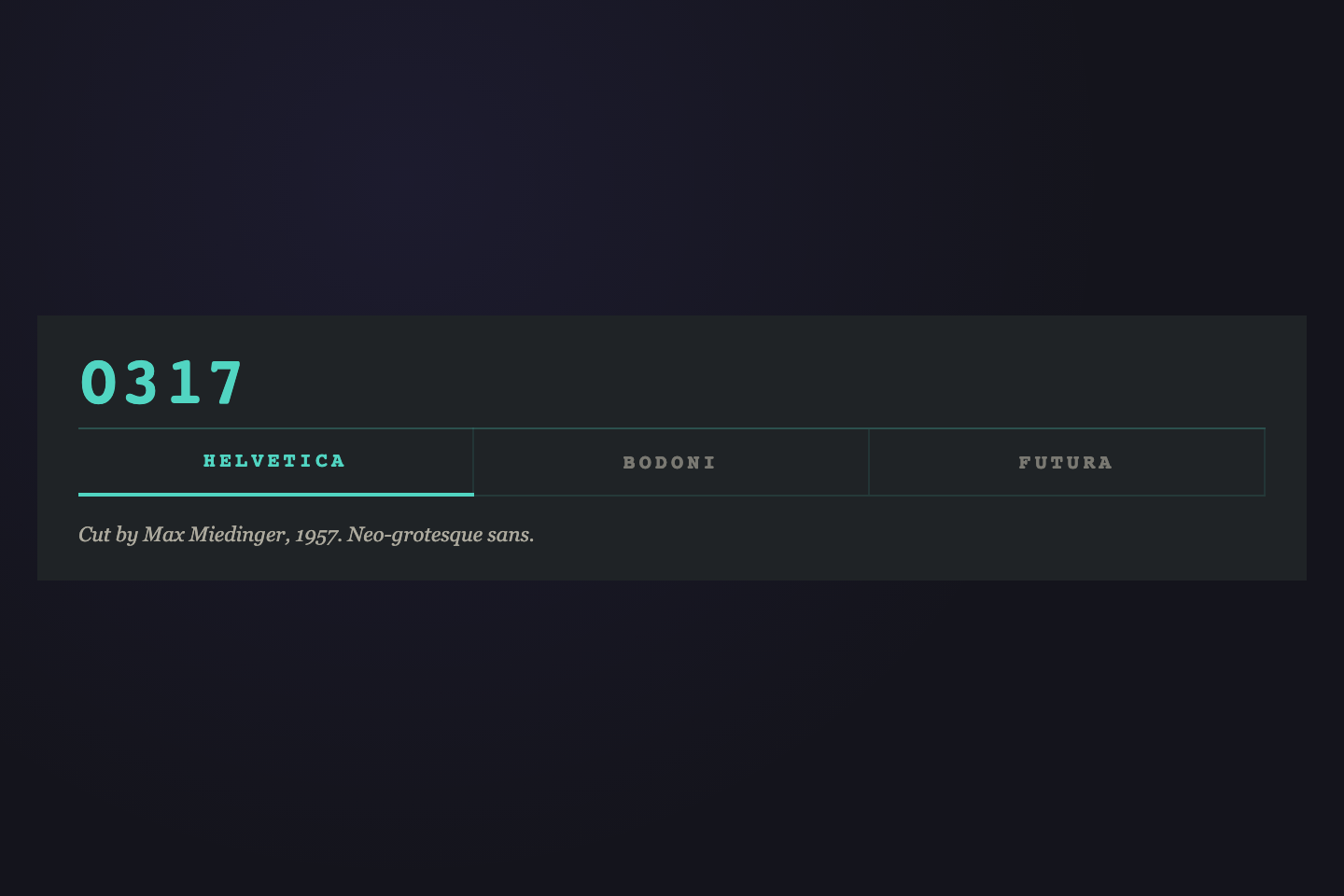
0317
Cut by Max Miedinger, 1957. Neo-grotesque sans.
Cut by Giambattista Bodoni, 1798. Modern serif.
Cut by Paul Renner, 1927. Geometric sans.
Tab labels read as letterpress specimen slugs. The active tab is announced by a 4-digit serial that flips digits on activation, and a mint underline draws under the active label.
Try it
.tt01 {
  background: #1f2326;
  padding: 18px 22px 16px;
  font-family: ui-monospace, monospace;
  width: 100%;
}
.tt01serial {
  font:
    800 36px/1 ui-monospace,
    monospace;
  color: #51d5c2;
  letter-spacing: 0.04em;
  margin-bottom: 6px;
  transition: opacity 0.15s;
}
.tt01serial.fade {
  opacity: 0.2;
}
.tt01n {
  position: relative;
  display: flex;
  gap: 0;
  border-top: 1.5px solid rgba(81, 213, 194, 0.25);
  border-bottom: 1px solid rgba(81, 213, 194, 0.12);
}
.tt01b {
  flex: 1;
  padding: 12px 8px;
  border: 0;
  background: transparent;
  font:
    700 11px/1 ui-monospace,
    monospace;
  letter-spacing: 0.18em;
  text-transform: uppercase;
  color: rgba(232, 226, 208, 0.45);
  cursor: pointer;
  border-right: 1px solid rgba(81, 213, 194, 0.1);
  transition:
    color 0.25s,
    transform 0.3s cubic-bezier(0.34, 1.56, 0.64, 1);
}
.tt01b:last-child {
  border-right: 0;
}
.tt01b:hover {
  color: rgba(232, 226, 208, 0.75);
}
.tt01b.active {
  color: #51d5c2;
  transform: translateY(-1px);
}
.tt01rule {
  position: absolute;
  bottom: -1px;
  left: 0;
  width: 0;
  height: 2px;
  background: #51d5c2;
  transition:
    left 0.4s cubic-bezier(0.65, 0, 0.35, 1),
    width 0.4s cubic-bezier(0.65, 0, 0.35, 1);
}
.tt01p {
  display: none;
  padding-top: 12px;
  font:
    italic 11px/1.6 ui-serif,
    Georgia;
  color: rgba(232, 226, 208, 0.7);
}
.tt01p.active {
  display: block;
}
<div class="tt01">
  <div class="tt01serial" data-tt01-serial>0317</div>
  <nav class="tt01n">
    <button class="tt01b active" data-t data-tt01="0317">Helvetica</button>
    <button class="tt01b" data-t data-tt01="0211">Bodoni</button>
    <button class="tt01b" data-t data-tt01="0489">Futura</button>
    <span class="tt01rule"> </span>
  </nav>
  <div class="tt01p active" data-p>Cut by Max Miedinger, 1957. Neo-grotesque sans.</div>
  <div class="tt01p" data-p>Cut by Giambattista Bodoni, 1798. Modern serif.</div>
  <div class="tt01p" data-p>Cut by Paul Renner, 1927. Geometric sans.</div>
</div>
/* Specimen No. — toggle .active and update sliding rule + flip serial.
   Re-positions the sliding rule on viewport resize. */
(function () {
  var nav = document.querySelector(".tt01n");
  if (!nav) return;
  var btns = nav.querySelectorAll("[data-t]");
  var serial = document.querySelector("[data-tt01-serial]");
  var rule = document.querySelector(".tt01rule");
  var pnls = document.querySelectorAll(".tt01p");
  var current = null;

  function reposition() {
    if (!current || !rule) return;
    rule.style.left = current.offsetLeft + "px";
    rule.style.width = current.offsetWidth + "px";
  }
  function activate(btn) {
    current = btn;
    btns.forEach(function (b) {
      b.classList.toggle("active", b === btn);
    });
    var i = Array.prototype.indexOf.call(btns, btn);
    pnls.forEach(function (p, j) {
      p.classList.toggle("active", j === i);
    });
    reposition();
    if (serial && btn.dataset.tt01) {
      serial.classList.add("fade");
      setTimeout(function () {
        serial.textContent = btn.dataset.tt01;
        serial.classList.remove("fade");
      }, 150);
    }
  }
  btns.forEach(function (b) {
    b.addEventListener("click", function () {
      activate(b);
    });
  });
  window.addEventListener("resize", reposition);
  var initial = nav.querySelector("[data-t].active") || btns[0];
  if (initial) activate(initial);
})();
14 / 32
Cropped Letter
Pure CSS
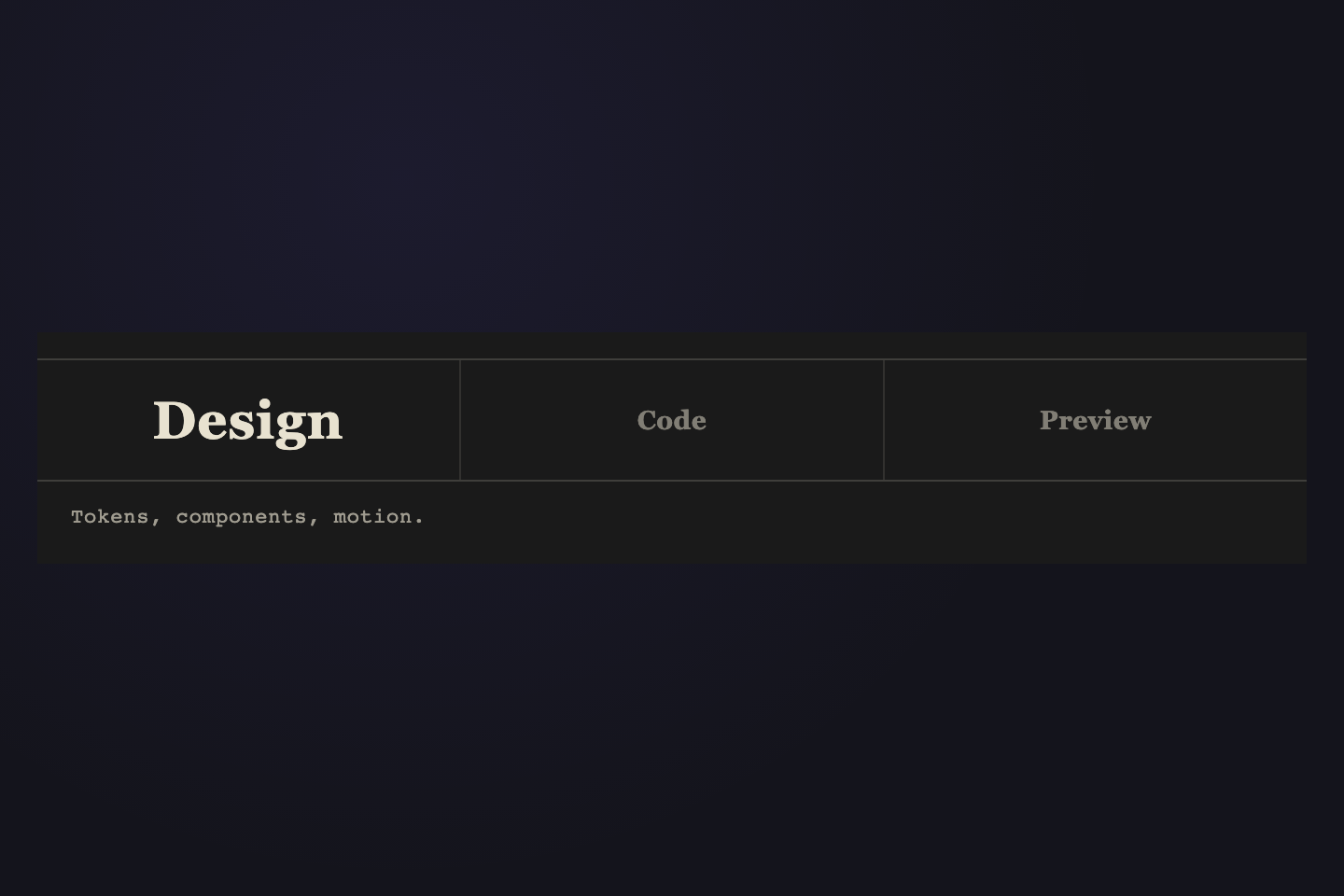
Tokens, components, motion.
Modern CSS, zero deps.
Live with all states.
The active tab's first letter scales 14→32px, baseline-shifts down, and crops at the tab's right edge. Inactive labels stay at compact display size.
Try it
.tt02 {
  background: #1a1a1a;
  padding: 14px 0 16px;
  font-family: ui-serif, Georgia, serif;
  width: 100%;
}
.tt02n {
  display: flex;
  gap: 0;
  border-top: 1px solid rgba(232, 226, 208, 0.18);
  border-bottom: 1px solid rgba(232, 226, 208, 0.18);
}
.tt02n input {
  position: absolute;
  opacity: 0;
  pointer-events: none;
}
.tt02b {
  flex: 1 1 0;
  min-width: 0;
  height: 64px;
  padding: 0;
  border: 0;
  background: transparent;
  cursor: pointer;
  position: relative;
  overflow: hidden;
  border-right: 1px solid rgba(232, 226, 208, 0.12);
  display: block;
}
.tt02n label.tt02b:last-of-type {
  border-right: 0;
}
.tt02hd {
  position: absolute;
  top: 50%;
  left: 50%;
  transform: translate(-50%, -50%);
  display: block;
  font:
    600 14px/1 ui-serif,
    Georgia,
    serif;
  color: rgba(232, 226, 208, 0.5);
  letter-spacing: 0.02em;
  white-space: nowrap;
  transition:
    color 0.25s,
    font-size 0.5s cubic-bezier(0.65, 0, 0.35, 1),
    transform 0.5s cubic-bezier(0.65, 0, 0.35, 1);
}
.tt02b:hover .tt02hd {
  color: rgba(232, 226, 208, 0.85);
}
.tt02n input:checked + .tt02b .tt02hd {
  color: #e8e2d0;
  font-size: 28px;
  transform: translate(-50%, -50%);
}
.tt02p {
  display: none;
  padding: 10px 18px 0;
  font:
    11px/1.55 ui-monospace,
    monospace;
  color: rgba(232, 226, 208, 0.65);
  letter-spacing: 0.04em;
}
.tt02:has(#tt02-r1:checked) .tt02p:nth-of-type(1),
.tt02:has(#tt02-r2:checked) .tt02p:nth-of-type(2),
.tt02:has(#tt02-r3:checked) .tt02p:nth-of-type(3) {
  display: block;
}
<div class="tt02">
  <nav class="tt02n">
    <input type="radio" name="tt02" id="tt02-r1" checked />
    <label class="tt02b" for="tt02-r1">
      <span class="tt02hd">Design</span>
    </label>
    <input type="radio" name="tt02" id="tt02-r2" />
    <label class="tt02b" for="tt02-r2">
      <span class="tt02hd">Code</span>
    </label>
    <input type="radio" name="tt02" id="tt02-r3" />
    <label class="tt02b" for="tt02-r3">
      <span class="tt02hd">Preview</span>
    </label>
  </nav>
  <div class="tt02p">Tokens, components, motion.</div>
  <div class="tt02p">Modern CSS, zero deps.</div>
  <div class="tt02p">Live with all states.</div>
</div>
15 / 32
Sidebar Nav
CSS + JS
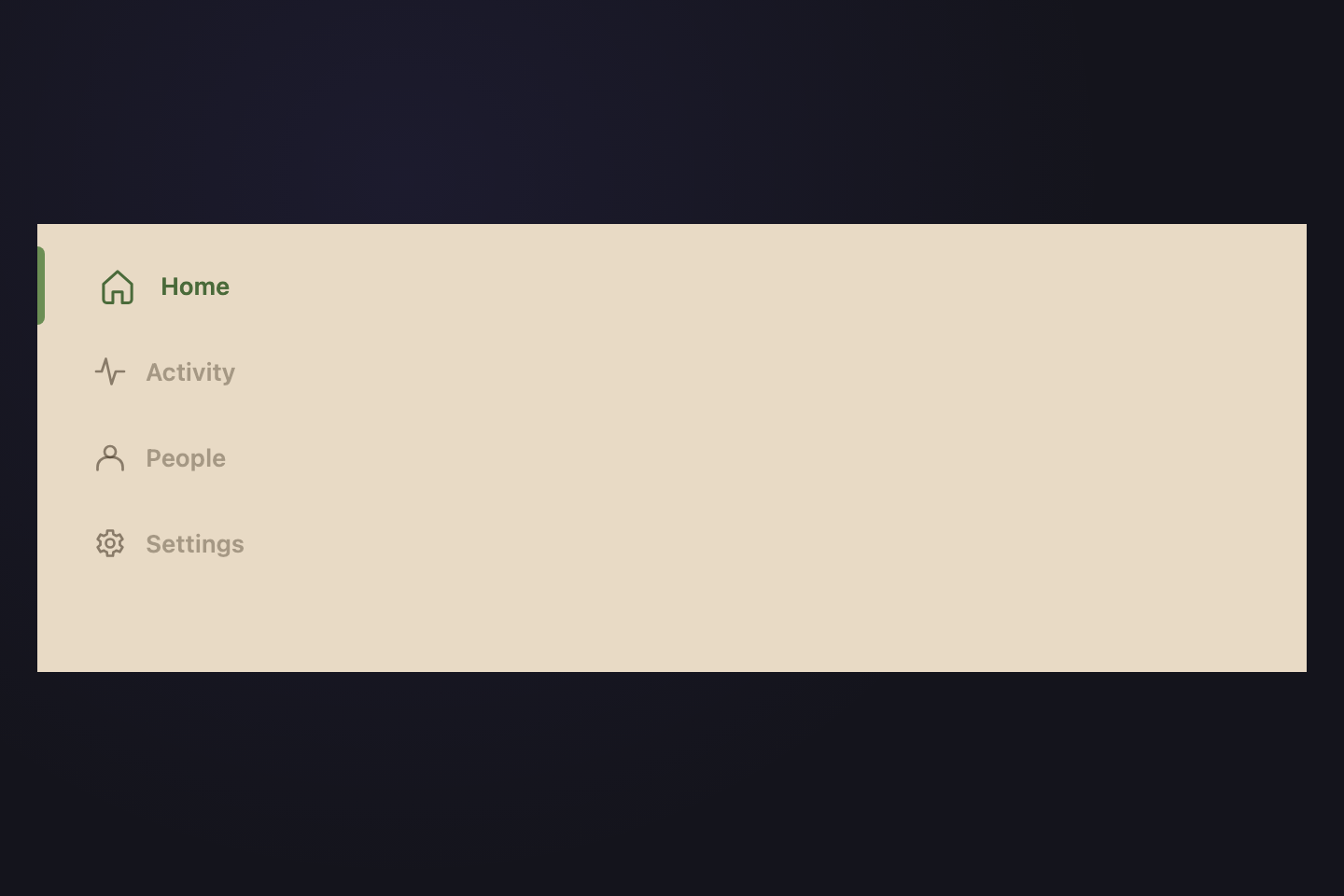
Vertical icon-driven nav inspired by hand-built dashboard sidebars. Dusty olive accent bar slides between rows; the active icon shifts left and a label slides in from behind it.
Try it
.tt03 {
  background: #e8dac5;
  min-height: 240px;
  display: flex;
  align-items: stretch;
  padding: 12px 0 12px 12px;
  font-family: ui-sans-serif, system-ui, sans-serif;
  width: 100%;
}
.tt03n {
  position: relative;
  display: flex;
  flex-direction: column;
  gap: 4px;
  flex: 1;
}
.tt03b {
  position: relative;
  display: flex;
  align-items: center;
  gap: 14px;
  padding: 12px 18px;
  border: 0;
  background: transparent;
  font:
    600 13px/1 ui-sans-serif,
    system-ui;
  color: rgba(58, 46, 30, 0.55);
  cursor: pointer;
  text-align: left;
  transition:
    color 0.25s,
    transform 0.3s cubic-bezier(0.34, 1.56, 0.64, 1),
    background 0.25s;
}
.tt03b:hover {
  color: rgba(58, 46, 30, 0.85);
  background: rgba(107, 142, 84, 0.08);
}
.tt03i {
  width: 18px;
  height: 18px;
  fill: none;
  stroke: currentColor;
  stroke-width: 1.8;
  stroke-linecap: round;
  stroke-linejoin: round;
  flex-shrink: 0;
  transition: transform 0.45s cubic-bezier(0.34, 1.56, 0.64, 1);
}
.tt03l {
  opacity: 0.7;
  transform: translateX(-4px);
  transition:
    opacity 0.3s,
    transform 0.3s cubic-bezier(0.65, 0, 0.35, 1);
}
.tt03b.active {
  color: #4a6a3a;
  transform: translateX(4px);
}
.tt03b.active .tt03i {
  transform: scale(1.12);
}
.tt03b.active .tt03l {
  opacity: 1;
  transform: translateX(0);
}
.tt03acc {
  position: absolute;
  left: -12px;
  top: 0;
  width: 4px;
  height: 0;
  background: #6b8e54;
  border-radius: 0 4px 4px 0;
  transition:
    top 0.45s cubic-bezier(0.65, 0, 0.35, 1),
    height 0.45s cubic-bezier(0.65, 0, 0.35, 1);
}
<div class="tt03">
  <nav class="tt03n">
    <button class="tt03b active" data-t>
      <svg class="tt03i" viewBox="0 0 24 24" aria-hidden="true">
        <path d="M3 11l9-8 9 8v10a2 2 0 0 1-2 2h-4v-7H9v7H5a2 2 0 0 1-2-2z" />
      </svg>
      <span class="tt03l">Home</span>
    </button>
    <button class="tt03b" data-t>
      <svg class="tt03i" viewBox="0 0 24 24" aria-hidden="true">
        <path d="M2 12h4l3-9 4 18 3-9h6" />
      </svg>
      <span class="tt03l">Activity</span>
    </button>
    <button class="tt03b" data-t>
      <svg class="tt03i" viewBox="0 0 24 24" aria-hidden="true">
        <circle cx="12" cy="8" r="4" />
        <path d="M3 21v-2a7 7 0 0 1 7-7h4a7 7 0 0 1 7 7v2" />
      </svg>
      <span class="tt03l">People</span>
    </button>
    <button class="tt03b" data-t>
      <svg class="tt03i" viewBox="0 0 24 24" aria-hidden="true">
        <circle cx="12" cy="12" r="3" />
        <path
          d="M19 12a7 7 0 0 0-.1-1.2l2-1.6-2-3.4-2.5 1a7 7 0 0 0-2.1-1.2L14 3h-4l-.3 2.6a7 7 0 0 0-2.1 1.2l-2.5-1-2 3.4 2 1.6A7 7 0 0 0 5 12c0 .4 0 .8.1 1.2l-2 1.6 2 3.4 2.5-1a7 7 0 0 0 2.1 1.2L10 21h4l.3-2.6a7 7 0 0 0 2.1-1.2l2.5 1 2-3.4-2-1.6c.1-.4.1-.8.1-1.2z"
        />
      </svg>
      <span class="tt03l">Settings</span>
    </button>
    <span class="tt03acc" aria-hidden="true"> </span>
  </nav>
</div>
/* Sidebar Nav — toggle .active and slide vertical accent bar.
   Re-positions the accent bar on viewport resize. */
(function () {
  var nav = document.querySelector(".tt03n");
  if (!nav) return;
  var btns = nav.querySelectorAll("[data-t]");
  var acc = nav.querySelector(".tt03acc");
  var current = null;

  function reposition() {
    if (!current || !acc) return;
    acc.style.top = current.offsetTop + "px";
    acc.style.height = current.offsetHeight + "px";
  }
  function activate(btn) {
    current = btn;
    btns.forEach(function (b) {
      b.classList.toggle("active", b === btn);
    });
    reposition();
  }
  btns.forEach(function (b) {
    b.addEventListener("click", function () {
      activate(b);
    });
  });
  window.addEventListener("resize", reposition);
  var initial = nav.querySelector("[data-t].active") || btns[0];
  if (initial) activate(initial);
})();
16 / 32
Halo Tabs
Pure CSS
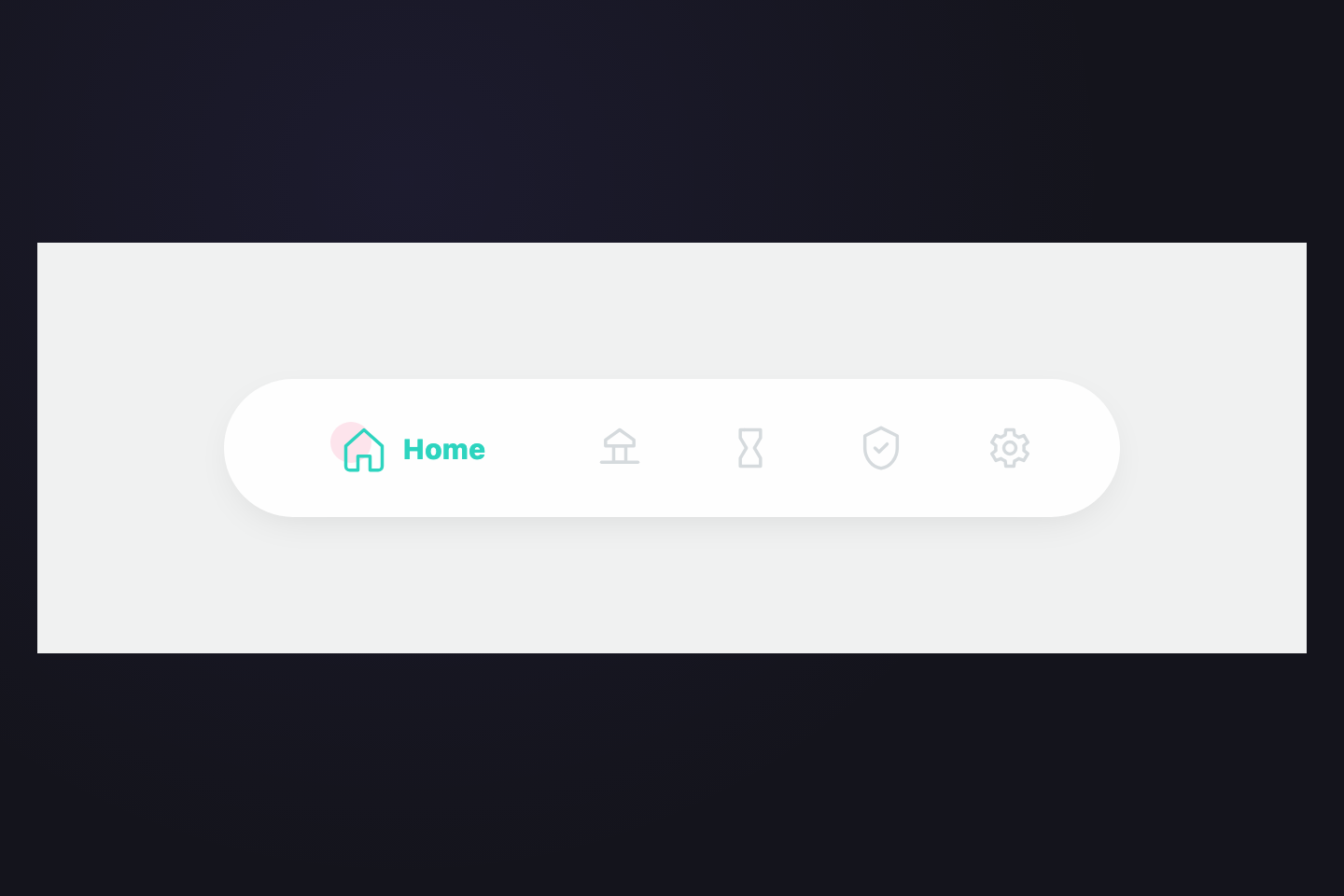
Mobile-style nav-bar tabs in a soft white pill. Inactive icons are line-only grey. Activating a tab tints the icon mint, blooms a soft pink halo behind it, and slides the label in to the right of the icon — no underline, just the color shift and the label appearance.
Try it
.tt04 {
  background: #f0f1f1;
  padding: 0;
  font-family: "Nunito", ui-sans-serif, system-ui, sans-serif;
  min-height: 220px;
  display: flex;
  align-items: center;
  justify-content: center;
  width: 100%;
}
.tt04n {
  position: relative;
  display: flex;
  gap: 4px;
  padding: 18px 22px;
  background: #fefefe;
  border-radius: 999px;
  margin: 14px;
  flex: 1;
  max-width: 480px;
  box-shadow: 0 6px 22px -8px rgba(0, 0, 0, 0.12);
  font-size: 1em;
}
.tt04n input {
  position: absolute;
  opacity: 0;
  pointer-events: none;
}
.tt04b {
  position: relative;
  flex: 1 1 0;
  display: flex;
  align-items: center;
  justify-content: center;
  gap: 8px;
  padding: 6px 4px;
  border: 0;
  background: transparent;
  cursor: pointer;
  overflow: hidden;
  color: #d5dadd;
  transition:
    flex 0.45s cubic-bezier(0.4, 0, 0.2, 1),
    color 0.3s;
}
.tt04b:hover {
  color: #9aa0a4;
}
/* Soft pink halo behind the active icon, top-left offset like the reference */
.tt04halo {
  position: absolute;
  top: 14%;
  left: 22%;
  width: 22px;
  height: 22px;
  border-radius: 50%;
  background: #fde4ec;
  transform: scale(0);
  transform-origin: center;
  transition: transform 0.45s cubic-bezier(0.4, 0, 0.2, 1);
  z-index: 0;
  pointer-events: none;
}
.tt04i {
  width: 26px;
  height: 26px;
  fill: none;
  stroke: currentColor;
  stroke-width: 1.6;
  stroke-linecap: round;
  stroke-linejoin: round;
  position: relative;
  z-index: 2;
  flex-shrink: 0;
  transition: transform 0.45s cubic-bezier(0.4, 0, 0.2, 1);
}
.tt04l {
  position: relative;
  z-index: 2;
  font:
    800 15px/1 "Nunito",
    ui-sans-serif,
    system-ui;
  letter-spacing: 0.01em;
  white-space: nowrap;
  color: #2dd4bf;
  /* Hidden until active — slides in to the right of the icon */
  max-width: 0;
  overflow: hidden;
  opacity: 0;
  transform: translateX(-8px);
  transition:
    max-width 0.5s cubic-bezier(0.4, 0, 0.2, 1),
    opacity 0.3s 0.1s,
    transform 0.5s cubic-bezier(0.4, 0, 0.2, 1);
}
.tt04n input:checked + .tt04b {
  flex: 2.6;
  color: #2dd4bf;
}
.tt04n input:checked + .tt04b .tt04halo {
  transform: scale(1);
}
.tt04n input:checked + .tt04b .tt04l {
  max-width: 200px;
  opacity: 1;
  transform: translateX(0);
}
@media (prefers-reduced-motion: reduce) {
  .tt04halo,
  .tt04l,
  .tt04b {
    transition: none;
  }
}
<div class="tt04">
  <nav class="tt04n">
    <input type="radio" name="tt04" id="tt04-r1" checked />
    <label class="tt04b" for="tt04-r1">
      <span class="tt04halo" aria-hidden="true"> </span>
      <svg class="tt04i" viewBox="0 0 24 24" aria-hidden="true">
        <path d="M3 11l9-8 9 8v10a2 2 0 0 1-2 2h-4v-7H9v7H5a2 2 0 0 1-2-2z" />
      </svg>
      <span class="tt04l">Home</span>
    </label>
    <input type="radio" name="tt04" id="tt04-r2" />
    <label class="tt04b" for="tt04-r2">
      <span class="tt04halo" aria-hidden="true"> </span>
      <svg class="tt04i" viewBox="0 0 24 24" aria-hidden="true">
        <path d="M5 8l7-5 7 5v3H5z" />
        <path d="M9 11h6v8H9z" />
        <path d="M3 19h18" />
      </svg>
      <span class="tt04l">Strategy</span>
    </label>
    <input type="radio" name="tt04" id="tt04-r3" />
    <label class="tt04b" for="tt04-r3">
      <span class="tt04halo" aria-hidden="true"> </span>
      <svg class="tt04i" viewBox="0 0 24 24" aria-hidden="true">
        <path d="M7 3h10v4l-3 5 3 5v4H7v-4l3-5-3-5z" />
        <line x1="9" y1="3" x2="9" y2="3" />
      </svg>
      <span class="tt04l">Period</span>
    </label>
    <input type="radio" name="tt04" id="tt04-r4" />
    <label class="tt04b" for="tt04-r4">
      <span class="tt04halo" aria-hidden="true"> </span>
      <svg class="tt04i" viewBox="0 0 24 24" aria-hidden="true">
        <path d="M12 2L4 6v6c0 5 3.5 9.5 8 10 4.5-.5 8-5 8-10V6z" />
        <polyline points="9 12 11 14 15 10" />
      </svg>
      <span class="tt04l">Security</span>
    </label>
    <input type="radio" name="tt04" id="tt04-r5" />
    <label class="tt04b" for="tt04-r5">
      <span class="tt04halo" aria-hidden="true"> </span>
      <svg class="tt04i" viewBox="0 0 24 24" aria-hidden="true">
        <circle cx="12" cy="12" r="3" />
        <path
          d="M19 12a7 7 0 0 0-.1-1.2l2-1.6-2-3.4-2.5 1a7 7 0 0 0-2.1-1.2L14 3h-4l-.3 2.6a7 7 0 0 0-2.1 1.2l-2.5-1-2 3.4 2 1.6A7 7 0 0 0 5 12c0 .4 0 .8.1 1.2l-2 1.6 2 3.4 2.5-1a7 7 0 0 0 2.1 1.2L10 21h4l.3-2.6a7 7 0 0 0 2.1-1.2l2.5 1 2-3.4-2-1.6c.1-.4.1-.8.1-1.2z"
        />
      </svg>
      <span class="tt04l">Settings</span>
    </label>
  </nav>
</div>
17 / 32
Two Weights
Pure CSS
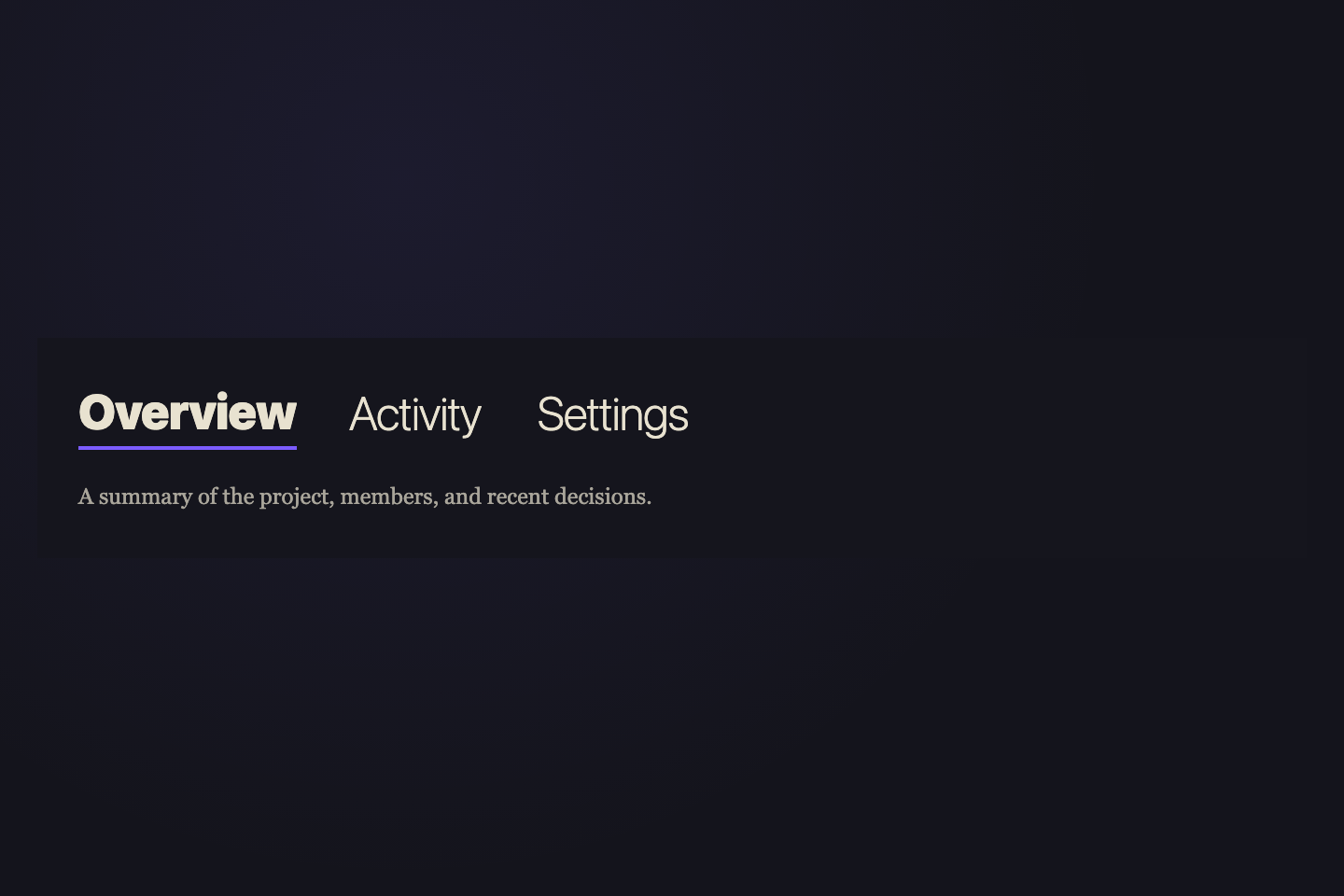
A summary of the project, members, and recent decisions.
Edits, comments, and team mentions over the last seven days.
Permissions, integrations, and billing controls.
Pure type-weight contrast. Inactive sits at 200 hairline, active jumps to 900 black with a subtle scale lift. The brand violet underlines the active label.
Try it
.tt05 {
  background: #15151d;
  padding: 26px 22px 22px;
  font-family: ui-sans-serif, system-ui, sans-serif;
  width: 100%;
}
.tt05n {
  display: flex;
  gap: 28px;
}
.tt05n input {
  position: absolute;
  opacity: 0;
  pointer-events: none;
}
.tt05b {
  position: relative;
  border: 0;
  background: transparent;
  padding: 0 0 8px;
  font:
    200 26px/1 ui-sans-serif,
    system-ui;
  color: #e8e2d0;
  cursor: pointer;
  letter-spacing: -0.02em;
  font-variation-settings: "wght" 200;
  transform: scale(0.96);
  transform-origin: bottom left;
  transition:
    font-weight 0.45s,
    font-variation-settings 0.45s,
    transform 0.4s cubic-bezier(0.34, 1.56, 0.64, 1);
}
.tt05b::after {
  content: "";
  position: absolute;
  left: 0;
  bottom: 0;
  width: 100%;
  height: 2px;
  background: #7c5cff;
  transform-origin: left;
  transform: scaleX(0);
  transition: transform 0.5s cubic-bezier(0.65, 0, 0.35, 1);
}
.tt05b:hover {
  font-variation-settings: "wght" 400;
}
.tt05n input:checked + .tt05b {
  font-weight: 900;
  font-variation-settings: "wght" 900;
  transform: scale(1);
}
.tt05n input:checked + .tt05b::after {
  transform: scaleX(1);
}
.tt05p {
  display: none;
  padding-top: 16px;
  font:
    12px/1.6 ui-serif,
    Georgia,
    serif;
  color: rgba(232, 226, 208, 0.7);
  max-width: 360px;
}
.tt05:has(#tt05-r1:checked) .tt05p:nth-of-type(1),
.tt05:has(#tt05-r2:checked) .tt05p:nth-of-type(2),
.tt05:has(#tt05-r3:checked) .tt05p:nth-of-type(3) {
  display: block;
}
<div class="tt05">
  <nav class="tt05n">
    <input type="radio" name="tt05" id="tt05-r1" checked />
    <label class="tt05b" for="tt05-r1">Overview</label>
    <input type="radio" name="tt05" id="tt05-r2" />
    <label class="tt05b" for="tt05-r2">Activity</label>
    <input type="radio" name="tt05" id="tt05-r3" />
    <label class="tt05b" for="tt05-r3">Settings</label>
  </nav>
  <div class="tt05p">A summary of the project, members, and recent decisions.</div>
  <div class="tt05p">Edits, comments, and team mentions over the last seven days.</div>
  <div class="tt05p">Permissions, integrations, and billing controls.</div>
</div>
18 / 32
Underset Caps
CSS + JS
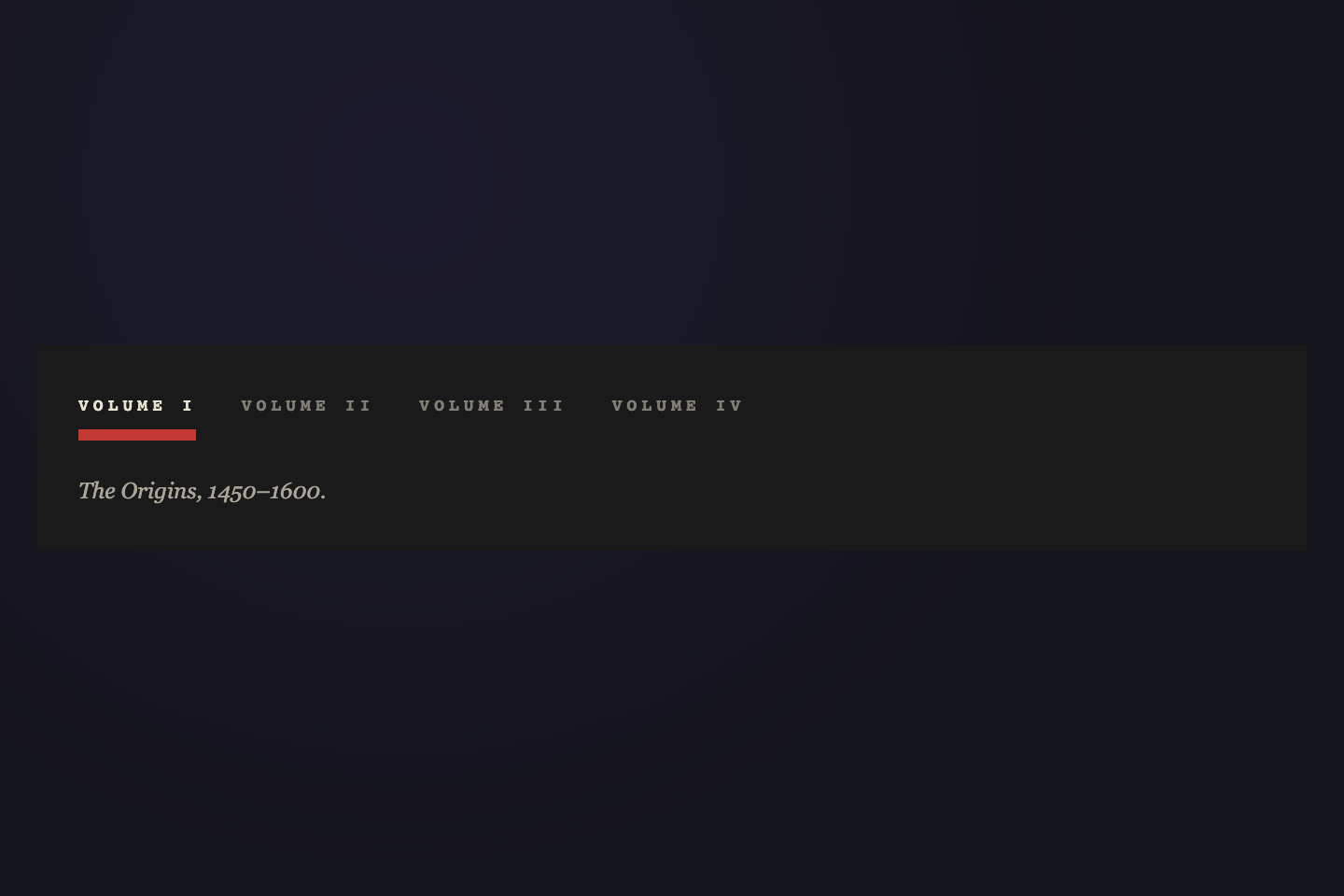
The Origins, 1450–1600.
The Reformation, 1600–1750.
The Industrial Cut, 1750–1900.
The Digital Era, 1980 onward.
Tiny uppercase mono labels above a single thick rule. The rule slides under the active label — measured live, like a sliding bookmark on a typecase shelf.
Try it
.tt06 {
  background: #1a1a1a;
  padding: 28px 22px 22px;
  font-family: ui-monospace, monospace;
  width: 100%;
}
.tt06n {
  position: relative;
  display: flex;
  gap: 24px;
  padding-bottom: 14px;
}
.tt06b {
  border: 0;
  background: transparent;
  padding: 0;
  font:
    700 9px/1 ui-monospace,
    monospace;
  letter-spacing: 0.28em;
  text-transform: uppercase;
  color: rgba(232, 226, 208, 0.5);
  cursor: pointer;
  transition: color 0.25s;
}
.tt06b:hover {
  color: rgba(232, 226, 208, 0.85);
}
.tt06b.active {
  color: #e8e2d0;
}
.tt06rule {
  position: absolute;
  bottom: 0;
  left: 0;
  width: 0;
  height: 6px;
  background: #c43a32;
  transition:
    left 0.45s cubic-bezier(0.65, 0, 0.35, 1),
    width 0.45s cubic-bezier(0.65, 0, 0.35, 1);
}
.tt06p {
  display: none;
  padding-top: 18px;
  font:
    italic 12px/1.6 ui-serif,
    Georgia,
    serif;
  color: rgba(232, 226, 208, 0.7);
}
.tt06p.active {
  display: block;
}
<div class="tt06">
  <nav class="tt06n">
    <button class="tt06b active" data-t>Volume I</button>
    <button class="tt06b" data-t>Volume II</button>
    <button class="tt06b" data-t>Volume III</button>
    <button class="tt06b" data-t>Volume IV</button>
    <span class="tt06rule"> </span>
  </nav>
  <div class="tt06p active" data-p>The Origins, 1450–1600.</div>
  <div class="tt06p" data-p>The Reformation, 1600–1750.</div>
  <div class="tt06p" data-p>The Industrial Cut, 1750–1900.</div>
  <div class="tt06p" data-p>The Digital Era, 1980 onward.</div>
</div>
/* Underset Caps — toggle .active and slide horizontal rule under active.
   Re-positions the sliding rule on viewport resize. */
(function () {
  var nav = document.querySelector(".tt06n");
  if (!nav) return;
  var btns = nav.querySelectorAll("[data-t]");
  var rule = nav.querySelector(".tt06rule");
  var pnls = document.querySelectorAll(".tt06p");
  var current = null;

  function reposition() {
    if (!current || !rule) return;
    rule.style.left = current.offsetLeft + "px";
    rule.style.width = current.offsetWidth + "px";
  }
  function activate(btn) {
    current = btn;
    btns.forEach(function (b) {
      b.classList.toggle("active", b === btn);
    });
    var i = Array.prototype.indexOf.call(btns, btn);
    pnls.forEach(function (p, j) {
      p.classList.toggle("active", j === i);
    });
    reposition();
  }
  btns.forEach(function (b) {
    b.addEventListener("click", function () {
      activate(b);
    });
  });
  window.addEventListener("resize", reposition);
  var initial = nav.querySelector("[data-t].active") || btns[0];
  if (initial) activate(initial);
})();
19 / 32
Drop Cap
Pure CSS
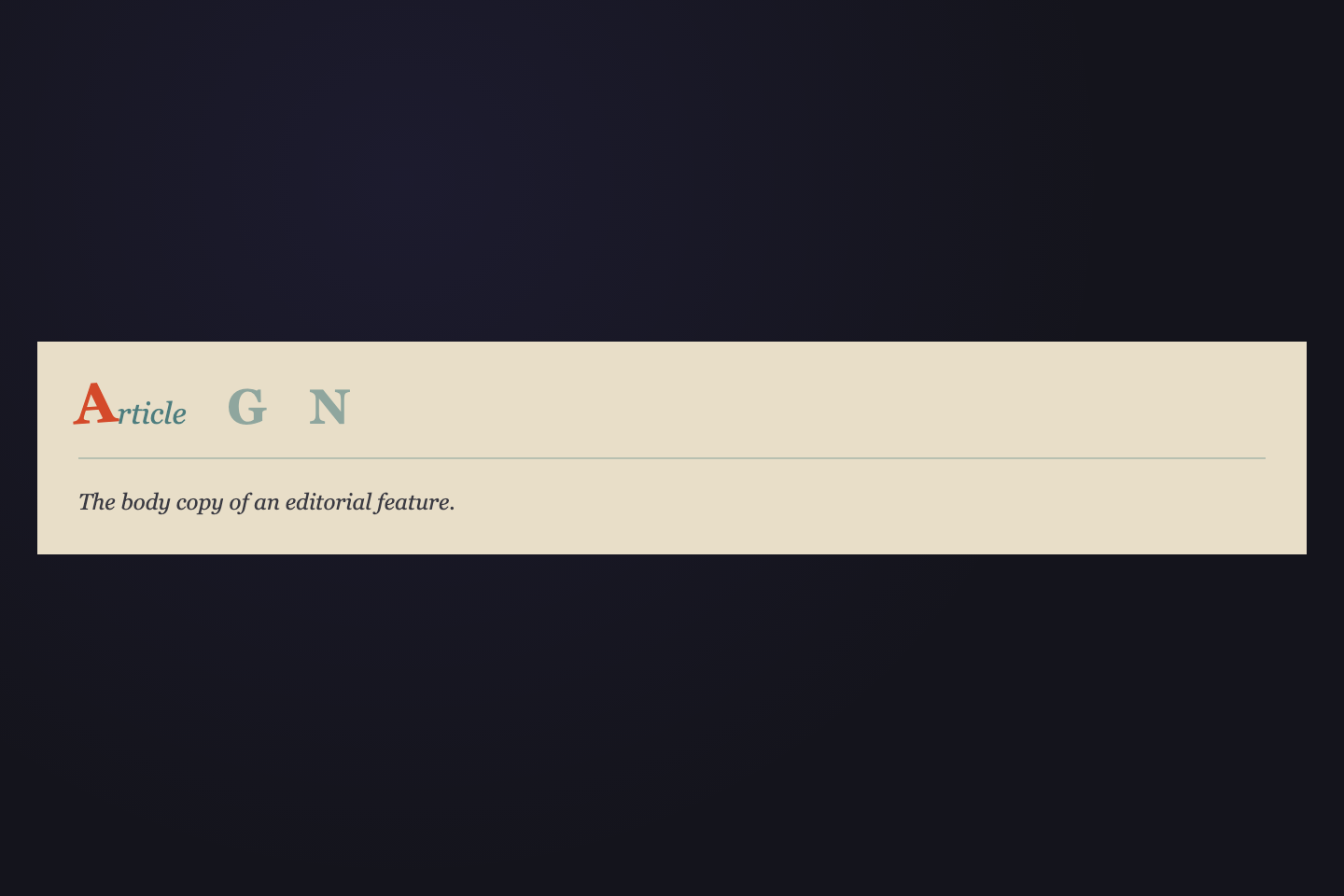
The body copy of an editorial feature.
A curated set of plates and engravings.
Marginalia and footnote annotations.
Inactive tabs are mono single-letter initials. The active tab unfolds into a rotating-and-scaling serif drop cap followed by the rest of the word; tail unfolds left-to-right.
Try it
.tt07 {
  background: #e8dec8;
  padding: 22px 22px 18px;
  width: 100%;
}
.tt07n {
  display: flex;
  gap: 22px;
  align-items: baseline;
  border-bottom: 1px solid rgba(12, 85, 96, 0.22);
  padding-bottom: 14px;
}
.tt07n input {
  position: absolute;
  opacity: 0;
  pointer-events: none;
}
.tt07b {
  border: 0;
  background: transparent;
  padding: 0;
  cursor: pointer;
  display: inline-flex;
  align-items: baseline;
  color: #0c5560;
  transition: opacity 0.3s;
}
.tt07cap {
  font:
    900 26px/1 ui-serif,
    Georgia,
    serif;
  color: #0c5560;
  display: inline-block;
  transform-origin: center bottom;
  transition:
    color 0.35s,
    transform 0.5s cubic-bezier(0.34, 1.56, 0.64, 1);
}
.tt07rest {
  font:
    italic 16px/1 ui-serif,
    Georgia,
    serif;
  color: #0c5560;
  margin-left: 1px;
  max-width: 0;
  overflow: hidden;
  white-space: nowrap;
  transition: max-width 0.5s cubic-bezier(0.65, 0, 0.35, 1) 0.1s;
  opacity: 0.7;
}
.tt07b {
  opacity: 0.4;
}
.tt07b:hover {
  opacity: 0.78;
}
.tt07n input:checked + .tt07b {
  opacity: 1;
}
.tt07n input:checked + .tt07b .tt07cap {
  color: #d44a2a;
  transform: rotate(-4deg) scale(1.15);
}
.tt07n input:checked + .tt07b .tt07rest {
  max-width: 200px;
}
.tt07p {
  display: none;
  padding-top: 14px;
  font:
    italic 12px/1.6 ui-serif,
    Georgia,
    serif;
  color: #3a3a42;
}
.tt07:has(#tt07-r1:checked) .tt07p:nth-of-type(1),
.tt07:has(#tt07-r2:checked) .tt07p:nth-of-type(2),
.tt07:has(#tt07-r3:checked) .tt07p:nth-of-type(3) {
  display: block;
}
<div class="tt07">
  <nav class="tt07n">
    <input type="radio" name="tt07" id="tt07-r1" checked />
    <label class="tt07b" for="tt07-r1">
      <span class="tt07cap">A</span>
      <span class="tt07rest">rticle</span>
    </label>
    <input type="radio" name="tt07" id="tt07-r2" />
    <label class="tt07b" for="tt07-r2">
      <span class="tt07cap">G</span>
      <span class="tt07rest">allery</span>
    </label>
    <input type="radio" name="tt07" id="tt07-r3" />
    <label class="tt07b" for="tt07-r3">
      <span class="tt07cap">N</span>
      <span class="tt07rest">otes</span>
    </label>
  </nav>
  <div class="tt07p">The body copy of an editorial feature.</div>
  <div class="tt07p">A curated set of plates and engravings.</div>
  <div class="tt07p">Marginalia and footnote annotations.</div>
</div>
20 / 32
Stencil Cut
Pure CSS
Drafts, archives, and reference material.
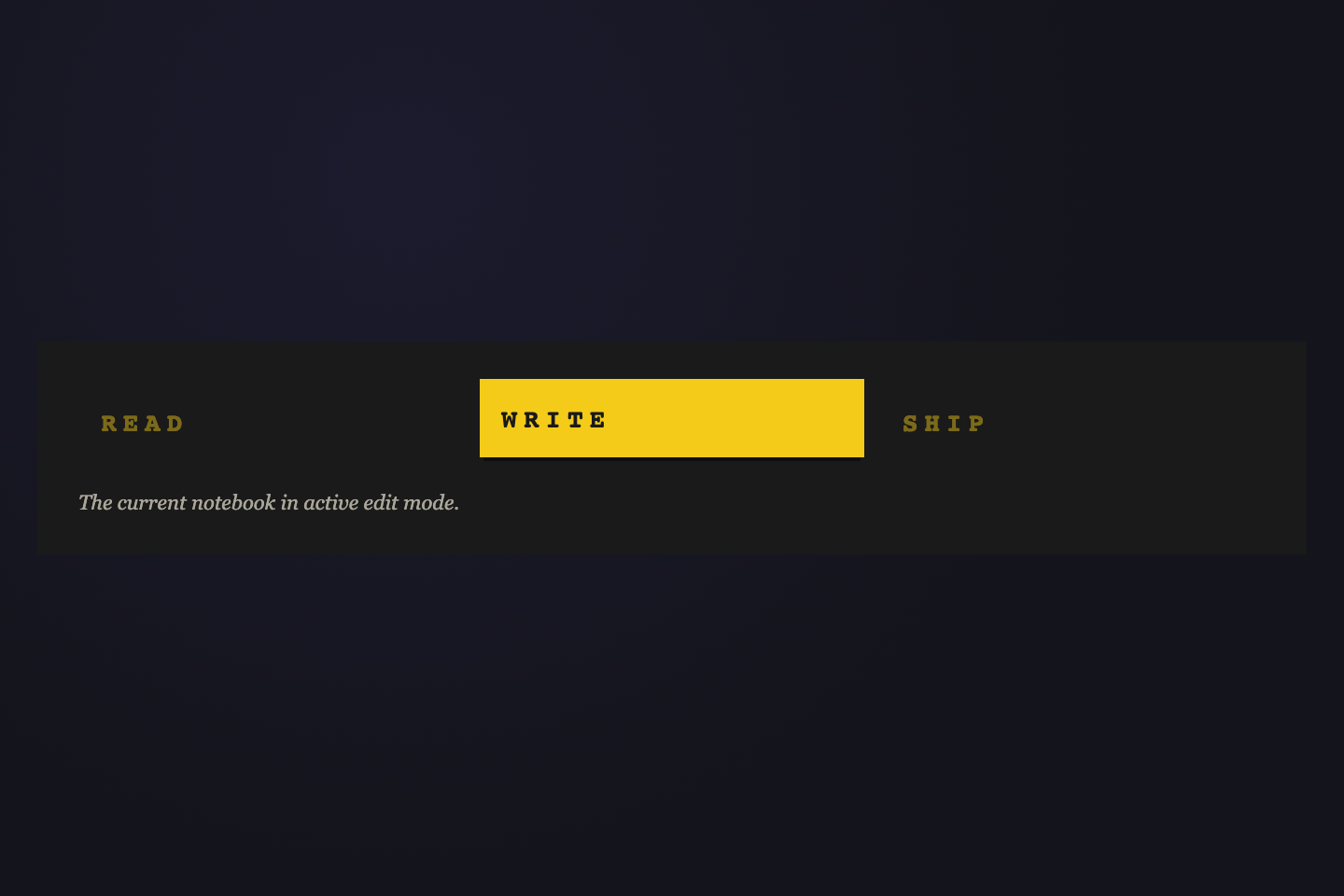
The current notebook in active edit mode.
Approvals, releases, and publication state.
Active tab is a solid safety-yellow plate stamped on ink. Pure two-color print — black ink on yellow for the active label, muted yellow on ink for inactive. The 2px upward translate gives the yellow plate a small physical lift over the surrounding stage.
Try it
.tt08 {
  background: #1a1a1a;
  padding: 22px 22px 18px;
  font-family: ui-monospace, monospace;
  width: 100%;
}
.tt08n {
  display: flex;
  gap: 8px;
}
.tt08n input {
  position: absolute;
  opacity: 0;
  pointer-events: none;
}
.tt08b {
  flex: 1;
  padding: 14px 12px;
  border: 0;
  background: transparent;
  font:
    900 14px/1 ui-monospace,
    monospace;
  letter-spacing: 0.24em;
  text-transform: uppercase;
  color: rgba(245, 203, 26, 0.45);
  cursor: pointer;
  position: relative;
  overflow: hidden;
  transition:
    color 0.25s,
    background 0.25s,
    transform 0.25s;
}
.tt08b:hover {
  color: rgba(245, 203, 26, 0.8);
}
.tt08n input:checked + .tt08b {
  color: #1a1a1a;
  background: #f5cb1a;
  transform: translateY(-2px);
  box-shadow: 0 4px 0 -2px rgba(0, 0, 0, 0.4);
}
.tt08p {
  display: none;
  padding-top: 14px;
  font:
    11px/1.6 ui-serif,
    Georgia,
    serif;
  color: rgba(232, 226, 208, 0.7);
  font-style: italic;
}
.tt08:has(#tt08-r1:checked) .tt08p:nth-of-type(1),
.tt08:has(#tt08-r2:checked) .tt08p:nth-of-type(2),
.tt08:has(#tt08-r3:checked) .tt08p:nth-of-type(3) {
  display: block;
}
<div class="tt08">
  <nav class="tt08n">
    <input type="radio" name="tt08" id="tt08-r1" />
    <label class="tt08b" for="tt08-r1">
      <span>READ</span>
    </label>
    <input type="radio" name="tt08" id="tt08-r2" checked />
    <label class="tt08b" for="tt08-r2">
      <span>WRITE</span>
    </label>
    <input type="radio" name="tt08" id="tt08-r3" />
    <label class="tt08b" for="tt08-r3">
      <span>SHIP</span>
    </label>
  </nav>
  <div class="tt08p">Drafts, archives, and reference material.</div>
  <div class="tt08p">The current notebook in active edit mode.</div>
  <div class="tt08p">Approvals, releases, and publication state.</div>
</div>
21 / 32
Bracket Marks
CSS + JS
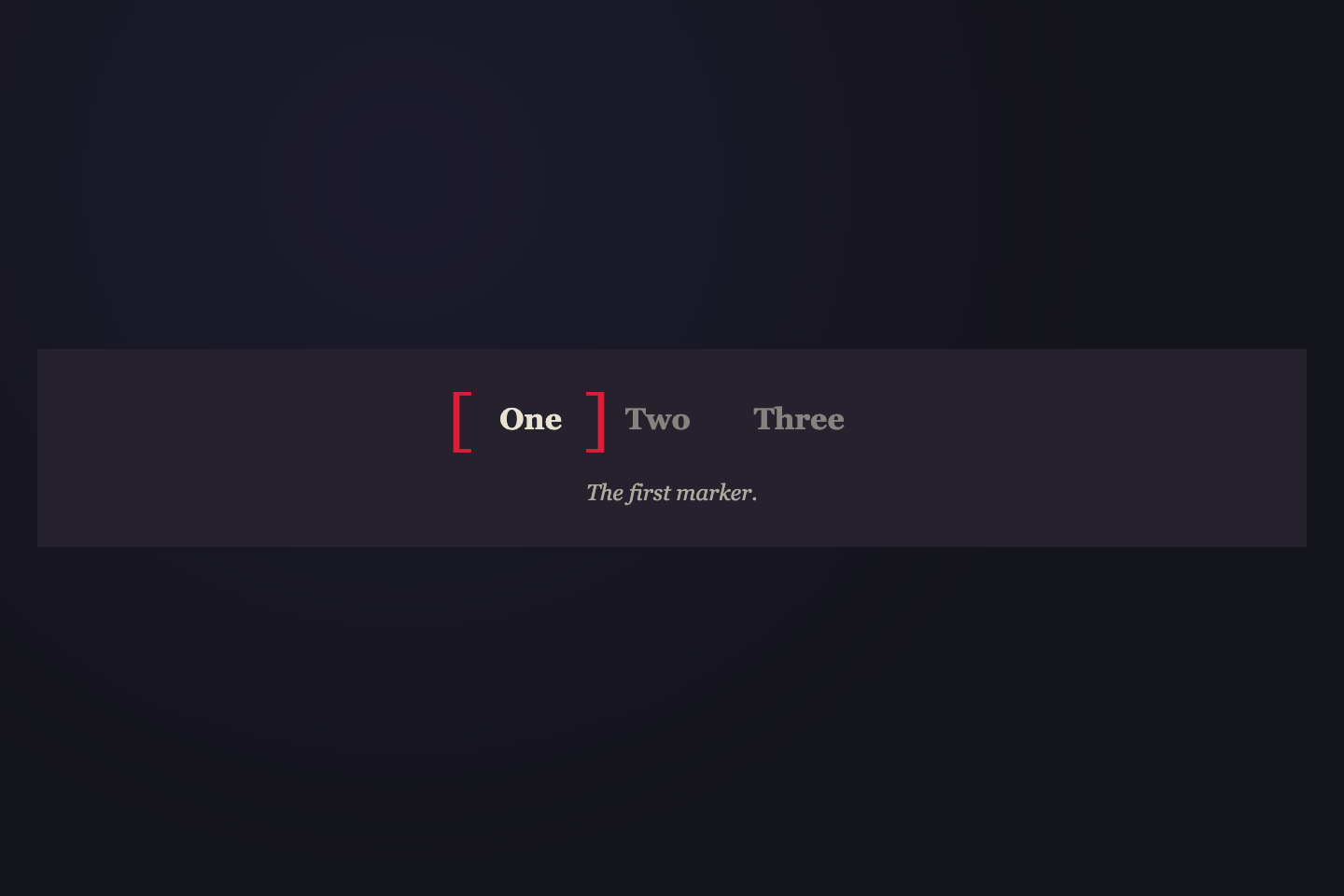
The first marker.
The second marker.
The third marker.
The active tab is framed by typographic brackets — `[` on the left, `]` on the right — that physically slide between tabs. A single shared pair of pseudo-elements does the work.
Try it
.tt09 {
  background: #25222e;
  padding: 24px 22px 18px;
  font-family: ui-serif, Georgia, serif;
  width: 100%;
}
.tt09n {
  position: relative;
  display: flex;
  gap: 18px;
  justify-content: center;
}
.tt09b {
  border: 0;
  background: transparent;
  padding: 6px 8px;
  font:
    600 16px/1 ui-serif,
    Georgia,
    serif;
  color: rgba(232, 226, 208, 0.5);
  cursor: pointer;
  transition: color 0.3s;
}
.tt09b:hover {
  color: rgba(232, 226, 208, 0.85);
}
.tt09b.active {
  color: #e8e2d0;
}
.tt09bL,
.tt09bR {
  position: absolute;
  top: 50%;
  transform: translateY(-50%);
  font:
    200 36px/1 ui-serif,
    Georgia,
    serif;
  color: #dc1e3a;
  pointer-events: none;
  transition: left 0.5s cubic-bezier(0.65, 0, 0.35, 1);
}
.tt09bL {
  left: 0;
}
.tt09bR {
  left: 0;
}
.tt09p {
  display: none;
  padding-top: 16px;
  font:
    italic 12px/1.6 ui-serif,
    Georgia,
    serif;
  color: rgba(232, 226, 208, 0.7);
  text-align: center;
}
.tt09p.active {
  display: block;
}
<div class="tt09">
  <nav class="tt09n" data-tt09>
    <button class="tt09b active" data-t>One</button>
    <button class="tt09b" data-t>Two</button>
    <button class="tt09b" data-t>Three</button>
    <span class="tt09bL">[</span>
    <span class="tt09bR">]</span>
  </nav>
  <div class="tt09p active" data-p>The first marker.</div>
  <div class="tt09p" data-p>The second marker.</div>
  <div class="tt09p" data-p>The third marker.</div>
</div>
/* Bracket Marks — toggle .active and slide [ ] frame around active button.
   Re-positions the brackets on viewport resize. */
(function () {
  var nav = document.querySelector(".tt09n");
  if (!nav) return;
  var btns = nav.querySelectorAll("[data-t]");
  var bL = nav.querySelector(".tt09bL");
  var bR = nav.querySelector(".tt09bR");
  var pnls = document.querySelectorAll(".tt09p");
  var current = null;

  function reposition() {
    if (!current || !bL || !bR) return;
    bL.style.left = current.offsetLeft - 20 + "px";
    bR.style.left = current.offsetLeft + current.offsetWidth + 4 + "px";
  }
  function activate(btn) {
    current = btn;
    btns.forEach(function (b) {
      b.classList.toggle("active", b === btn);
    });
    var i = Array.prototype.indexOf.call(btns, btn);
    pnls.forEach(function (p, j) {
      p.classList.toggle("active", j === i);
    });
    reposition();
  }
  btns.forEach(function (b) {
    b.addEventListener("click", function () {
      activate(b);
    });
  });
  window.addEventListener("resize", reposition);
  var initial = nav.querySelector("[data-t].active") || btns[0];
  if (initial) activate(initial);
})();
22 / 32
Bauhaus Block
Pure CSS
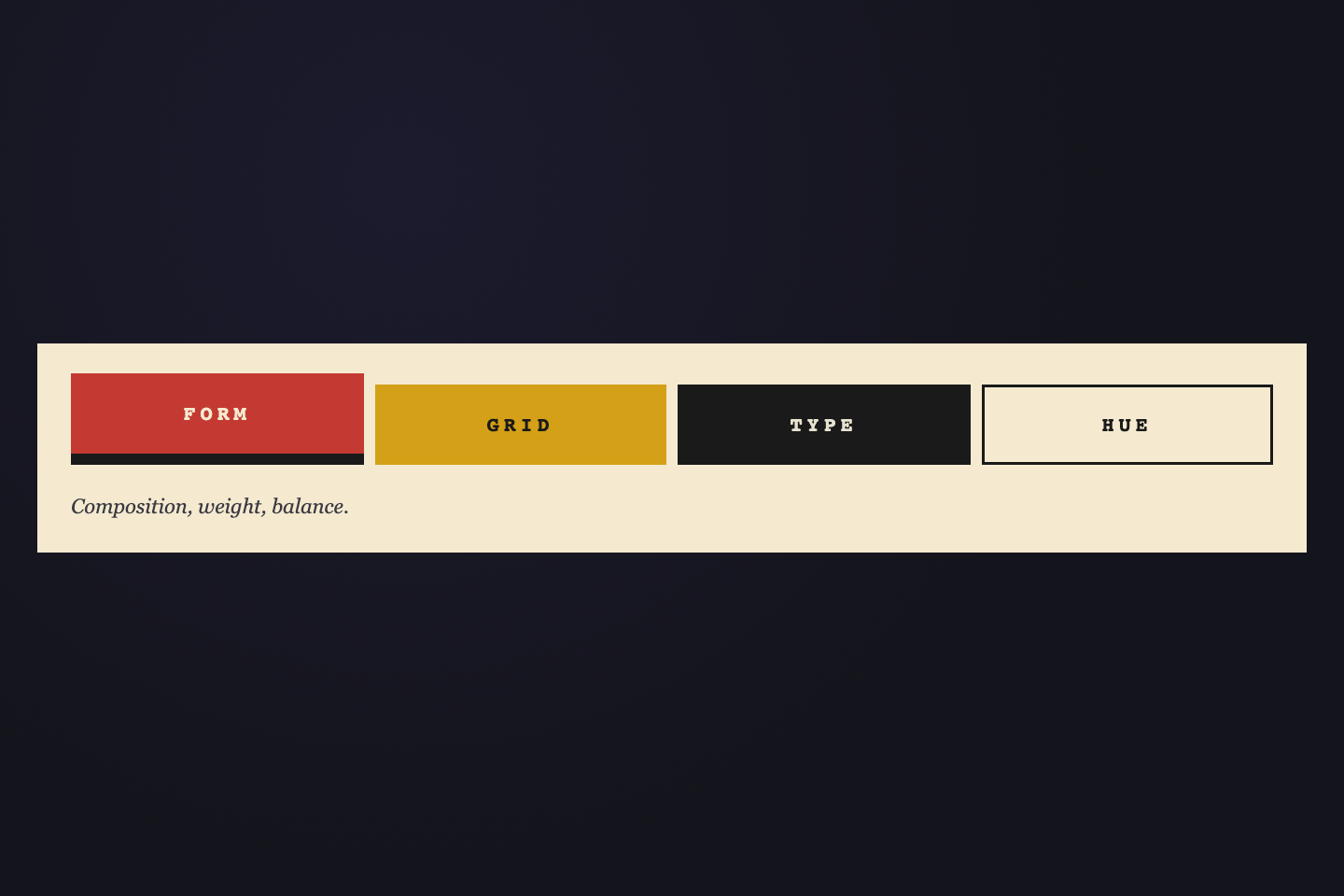
Composition, weight, balance.
Modular columns and rows.
Specimens and pairings.
Limited primary palette.
Each tab is a distinct primary-color block. Active tab rises 6px and casts a hard offset shadow. Color and geometry as the entire indicator.
Try it
.tt10 {
  background: #f5ead0;
  padding: 22px 18px 16px;
  font-family: ui-sans-serif, system-ui, sans-serif;
  width: 100%;
}
.tt10n {
  display: flex;
  gap: 6px;
}
.tt10n input {
  position: absolute;
  opacity: 0;
  pointer-events: none;
}
.tt10b {
  flex: 1;
  padding: 16px 8px;
  border: 0;
  font:
    800 11px/1 ui-monospace,
    monospace;
  letter-spacing: 0.22em;
  cursor: pointer;
  text-align: center;
  transition:
    transform 0.3s cubic-bezier(0.34, 1.56, 0.64, 1),
    box-shadow 0.3s;
}
.tt10-1 {
  background: #c43a32;
  color: #f5ead0;
}
.tt10-2 {
  background: #d4a017;
  color: #1a1a1a;
}
.tt10-3 {
  background: #1a1a1a;
  color: #e8e2d0;
}
.tt10-4 {
  background: #f5ead0;
  color: #1a1a1a;
  box-shadow: inset 0 0 0 1.5px #1a1a1a;
}
.tt10b:hover {
  transform: translateY(-2px);
}
.tt10n input:checked + .tt10b {
  transform: translateY(-6px);
  box-shadow: 0 6px 0 #1a1a1a;
}
.tt10n input:checked + .tt10-4 {
  box-shadow:
    inset 0 0 0 1.5px #1a1a1a,
    0 6px 0 #1a1a1a;
}
.tt10p {
  display: none;
  padding-top: 14px;
  font:
    11px/1.6 ui-serif,
    Georgia,
    serif;
  color: #3a3a42;
  font-style: italic;
}
.tt10:has(#tt10-r1:checked) .tt10p:nth-of-type(1),
.tt10:has(#tt10-r2:checked) .tt10p:nth-of-type(2),
.tt10:has(#tt10-r3:checked) .tt10p:nth-of-type(3),
.tt10:has(#tt10-r4:checked) .tt10p:nth-of-type(4) {
  display: block;
}
<div class="tt10">
  <nav class="tt10n">
    <input type="radio" name="tt10" id="tt10-r1" checked />
    <label class="tt10b tt10-1" for="tt10-r1">FORM</label>
    <input type="radio" name="tt10" id="tt10-r2" />
    <label class="tt10b tt10-2" for="tt10-r2">GRID</label>
    <input type="radio" name="tt10" id="tt10-r3" />
    <label class="tt10b tt10-3" for="tt10-r3">TYPE</label>
    <input type="radio" name="tt10" id="tt10-r4" />
    <label class="tt10b tt10-4" for="tt10-r4">HUE</label>
  </nav>
  <div class="tt10p">Composition, weight, balance.</div>
  <div class="tt10p">Modular columns and rows.</div>
  <div class="tt10p">Specimens and pairings.</div>
  <div class="tt10p">Limited primary palette.</div>
</div>
23 / 32
Reverse Stamp
Pure CSS
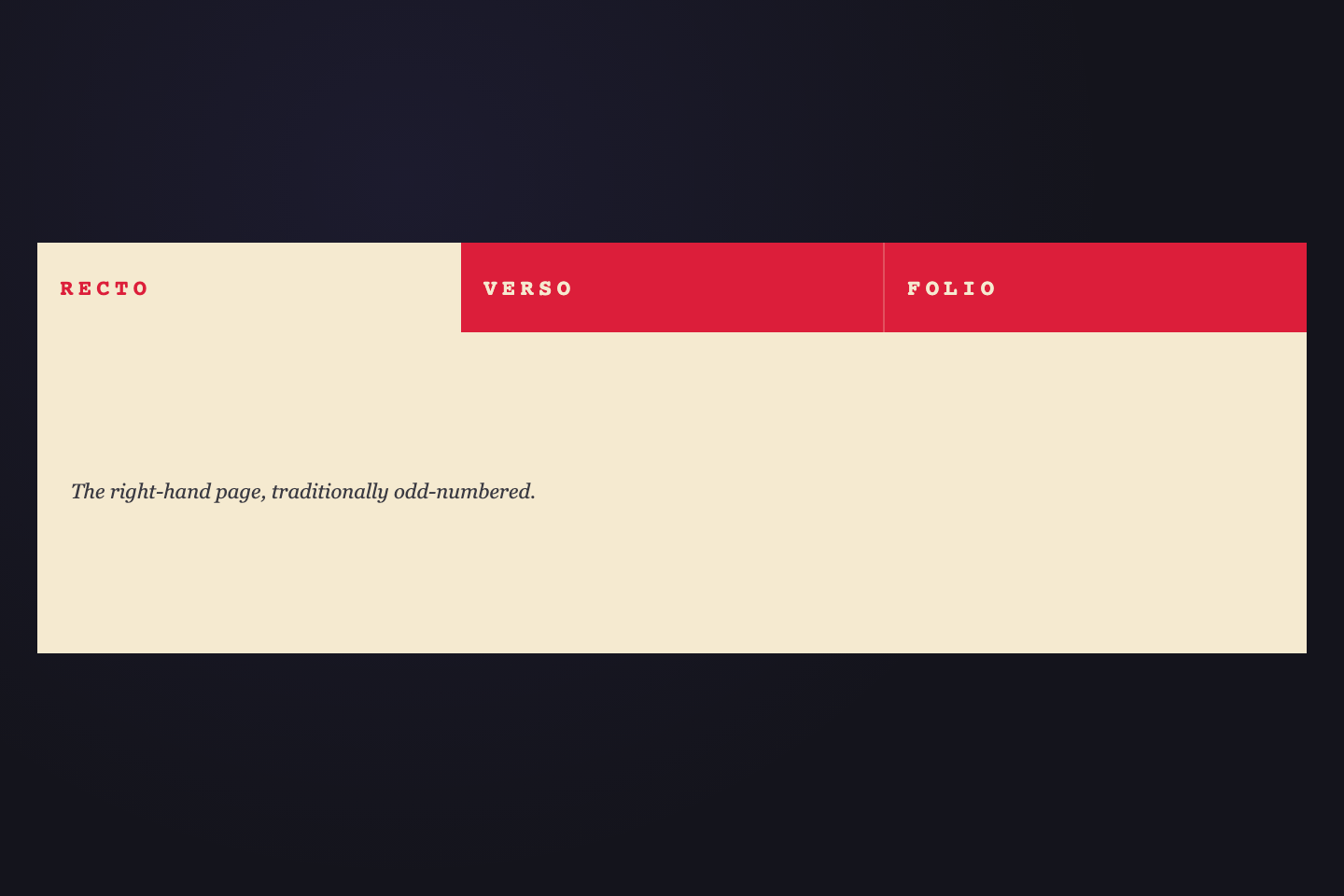
The right-hand page, traditionally odd-numbered.
The left-hand page, traditionally even.
The full leaf — both sides counted as one.
The whole bar is cream-on-crimson. The active tab inverts — crimson ink stamped on cream. A single-frame impact shadow flashes on activation, like a rubber stamp pressing in.
Try it
.tt11 {
  background: #dc1e3a;
  padding: 0;
  font-family: ui-monospace, monospace;
  min-height: 220px;
  display: flex;
  flex-direction: column;
  width: 100%;
}
.tt11n {
  display: flex;
  gap: 0;
  flex-shrink: 0;
}
.tt11n input {
  position: absolute;
  opacity: 0;
  pointer-events: none;
}
.tt11b {
  flex: 1;
  padding: 18px 12px;
  border: 0;
  background: #dc1e3a;
  color: #f5ead0;
  font:
    800 12px/1 ui-monospace,
    monospace;
  letter-spacing: 0.22em;
  text-transform: uppercase;
  cursor: pointer;
  border-right: 1px solid rgba(245, 234, 208, 0.25);
  transition:
    background 0.05s steps(1, end),
    color 0.05s steps(1, end),
    box-shadow 0.4s;
}
.tt11b:last-child {
  border-right: 0;
}
.tt11b:hover {
  background: rgba(245, 234, 208, 0.1);
}
.tt11n input:checked + .tt11b {
  background: #f5ead0;
  color: #dc1e3a;
  box-shadow: inset 0 0 0 0 rgba(0, 0, 0, 0.4);
  animation: tt11-impact 0.35s cubic-bezier(0.65, 0, 0.35, 1);
}
@keyframes tt11-impact {
  0% {
    box-shadow: inset 0 0 0 0 rgba(0, 0, 0, 0.4);
  }
  20% {
    box-shadow: inset 0 4px 14px rgba(0, 0, 0, 0.5);
  }
  100% {
    box-shadow: inset 0 0 0 0 rgba(0, 0, 0, 0);
  }
}
.tt11p {
  display: none;
  padding: 14px 18px;
  background: #f5ead0;
  font:
    italic 11px/1.6 ui-serif,
    Georgia,
    serif;
  color: #3a3a42;
  flex: 1;
}
.tt11:has(#tt11-r1:checked) .tt11p:nth-of-type(1),
.tt11:has(#tt11-r2:checked) .tt11p:nth-of-type(2),
.tt11:has(#tt11-r3:checked) .tt11p:nth-of-type(3),
.tt11:has(#tt11-r4:checked) .tt11p:nth-of-type(4),
.tt11:has(#tt11-r5:checked) .tt11p:nth-of-type(5),
.tt11:has(#tt11-r6:checked) .tt11p:nth-of-type(6) {
  display: flex;
  align-items: center;
}
@media (prefers-reduced-motion: reduce) {
  .tt11n input:checked + .tt11b {
    animation: none;
  }
}
<div class="tt11">
  <nav class="tt11n">
    <input type="radio" name="tt11" id="tt11-r1" checked />
    <label class="tt11b" for="tt11-r1">Recto</label>
    <input type="radio" name="tt11" id="tt11-r2" />
    <label class="tt11b" for="tt11-r2">Verso</label>
    <input type="radio" name="tt11" id="tt11-r3" />
    <label class="tt11b" for="tt11-r3">Folio</label>
  </nav>
  <div class="tt11p">The right-hand page, traditionally odd-numbered.</div>
  <div class="tt11p">The left-hand page, traditionally even.</div>
  <div class="tt11p">The full leaf — both sides counted as one.</div>
</div>
24 / 32
Hairline Frame
Pure CSS
Working files in progress.
Galleys ready for review.
Approved and locked.
Hairline-framed tabs in warm-white stock. Active tab's top edge thickens to 4px deep-navy AND four corner dots materialize at the frame's extremes — a Bodoni stroke-contrast move with editorial restraint.
Try it
.tt12 {
  background: #f5f1ea;
  padding: 26px 22px 22px;
  font-family: ui-serif, Georgia, serif;
  width: 100%;
}
.tt12n {
  display: flex;
  gap: 14px;
}
.tt12n input {
  position: absolute;
  opacity: 0;
  pointer-events: none;
}
.tt12b {
  position: relative;
  padding: 14px 24px 11px;
  border: 0.5px solid #1a2842;
  border-top: 4px solid transparent;
  background: transparent;
  font:
    600 13px/1 ui-serif,
    Georgia,
    serif;
  letter-spacing: 0.06em;
  color: rgba(26, 40, 66, 0.5);
  cursor: pointer;
  transition:
    color 0.3s,
    border-top-color 0.3s,
    transform 0.3s cubic-bezier(0.34, 1.56, 0.64, 1);
}
.tt12b:hover {
  color: rgba(26, 40, 66, 0.85);
  transform: translateY(-1px);
}
.tt12n input:checked + .tt12b {
  color: #1a2842;
  border-top-color: #1a2842;
}
.tt12tk {
  position: absolute;
  width: 7px;
  height: 7px;
  background: #1a2842;
  border-radius: 50%;
  opacity: 0;
  transition:
    opacity 0.25s 0.1s,
    transform 0.35s cubic-bezier(0.34, 1.56, 0.64, 1) 0.1s;
}
.tt12tk-1 {
  top: -3.5px;
  left: -3.5px;
  transform: scale(0);
}
.tt12tk-2 {
  top: -3.5px;
  right: -3.5px;
  transform: scale(0);
}
.tt12tk-3 {
  bottom: -3.5px;
  left: -3.5px;
  transform: scale(0);
}
.tt12tk-4 {
  bottom: -3.5px;
  right: -3.5px;
  transform: scale(0);
}
.tt12n input:checked + .tt12b .tt12tk {
  opacity: 1;
  transform: scale(1);
}
.tt12p {
  display: none;
  padding-top: 16px;
  font:
    italic 12px/1.6 ui-serif,
    Georgia;
  color: #3a3a42;
}
.tt12:has(#tt12-r1:checked) .tt12p:nth-of-type(1),
.tt12:has(#tt12-r2:checked) .tt12p:nth-of-type(2),
.tt12:has(#tt12-r3:checked) .tt12p:nth-of-type(3) {
  display: block;
}
<div class="tt12">
  <nav class="tt12n">
    <input type="radio" name="tt12" id="tt12-r1" checked />
    <label class="tt12b" for="tt12-r1">
      Drafts
      <span class="tt12tk tt12tk-1" aria-hidden="true"> </span>
      <span class="tt12tk tt12tk-2" aria-hidden="true"> </span>
      <span class="tt12tk tt12tk-3" aria-hidden="true"> </span>
      <span class="tt12tk tt12tk-4" aria-hidden="true"> </span>
    </label>
    <input type="radio" name="tt12" id="tt12-r2" />
    <label class="tt12b" for="tt12-r2">
      Proofs
      <span class="tt12tk tt12tk-1" aria-hidden="true"> </span>
      <span class="tt12tk tt12tk-2" aria-hidden="true"> </span>
      <span class="tt12tk tt12tk-3" aria-hidden="true"> </span>
      <span class="tt12tk tt12tk-4" aria-hidden="true"> </span>
    </label>
    <input type="radio" name="tt12" id="tt12-r3" />
    <label class="tt12b" for="tt12-r3">
      Final
      <span class="tt12tk tt12tk-1" aria-hidden="true"> </span>
      <span class="tt12tk tt12tk-2" aria-hidden="true"> </span>
      <span class="tt12tk tt12tk-3" aria-hidden="true"> </span>
      <span class="tt12tk tt12tk-4" aria-hidden="true"> </span>
    </label>
  </nav>
  <div class="tt12p">Working files in progress.</div>
  <div class="tt12p">Galleys ready for review.</div>
  <div class="tt12p">Approved and locked.</div>
</div>
25 / 32
Pill Nav
Pure CSS
Mobile-style bottom-nav with hot-pink active pill that grows around the active icon and label. Inactive items show only icons; activation adds the label inside the pill.
Try it
.tt13 {
  background: #1f2326;
  min-height: 220px;
  display: flex;
  align-items: center;
  padding: 28px 22px;
  font-family: ui-sans-serif, system-ui, sans-serif;
  width: 100%;
}
.tt13n {
  flex: 1;
  display: flex;
  gap: 6px;
  padding: 6px;
  background: rgba(255, 255, 255, 0.04);
  border: 1px solid rgba(255, 255, 255, 0.06);
  border-radius: 999px;
}
.tt13n input {
  position: absolute;
  opacity: 0;
  pointer-events: none;
}
.tt13b {
  position: relative;
  display: flex;
  align-items: center;
  justify-content: center;
  gap: 8px;
  padding: 10px 14px;
  border: 0;
  background: transparent;
  font:
    700 12px/1 ui-sans-serif,
    system-ui;
  letter-spacing: 0.04em;
  color: rgba(232, 226, 208, 0.55);
  cursor: pointer;
  border-radius: 999px;
  flex: 1;
  transition:
    flex 0.45s cubic-bezier(0.34, 1.4, 0.5, 1),
    background 0.25s,
    color 0.25s;
}
.tt13b:hover {
  color: rgba(232, 226, 208, 0.85);
}
.tt13i {
  width: 18px;
  height: 18px;
  fill: none;
  stroke: currentColor;
  stroke-width: 1.7;
  stroke-linecap: round;
  stroke-linejoin: round;
  transition: transform 0.4s cubic-bezier(0.34, 1.4, 0.5, 1);
}
.tt13l {
  max-width: 0;
  white-space: nowrap;
  overflow: hidden;
  transition: max-width 0.45s cubic-bezier(0.65, 0, 0.35, 1) 0.05s;
}
.tt13n input:checked + .tt13b {
  background: #ec4899;
  color: #1a1a1a;
  flex: 2.4;
}
.tt13n input:checked + .tt13b .tt13i {
  transform: scale(1.1);
}
.tt13n input:checked + .tt13b .tt13l {
  max-width: 120px;
}
<div class="tt13">
  <nav class="tt13n">
    <input type="radio" name="tt13" id="tt13-r1" checked />
    <label class="tt13b" for="tt13-r1">
      <svg class="tt13i" viewBox="0 0 24 24" aria-hidden="true">
        <path d="M3 11l9-8 9 8v10a2 2 0 0 1-2 2h-4v-7H9v7H5a2 2 0 0 1-2-2z" />
      </svg>
      <span class="tt13l">Home</span>
    </label>
    <input type="radio" name="tt13" id="tt13-r2" />
    <label class="tt13b" for="tt13-r2">
      <svg class="tt13i" viewBox="0 0 24 24" aria-hidden="true">
        <circle cx="11" cy="11" r="7" />
        <line x1="21" y1="21" x2="16" y2="16" />
      </svg>
      <span class="tt13l">Search</span>
    </label>
    <input type="radio" name="tt13" id="tt13-r3" />
    <label class="tt13b" for="tt13-r3">
      <svg class="tt13i" viewBox="0 0 24 24" aria-hidden="true">
        <path d="M20 8h-3V5a3 3 0 0 0-3-3h-4a3 3 0 0 0-3 3v3H4l1 12h14z" />
      </svg>
      <span class="tt13l">Saved</span>
    </label>
    <input type="radio" name="tt13" id="tt13-r4" />
    <label class="tt13b" for="tt13-r4">
      <svg class="tt13i" viewBox="0 0 24 24" aria-hidden="true">
        <circle cx="12" cy="8" r="4" />
        <path d="M3 21v-2a7 7 0 0 1 7-7h4a7 7 0 0 1 7 7v2" />
      </svg>
      <span class="tt13l">Profile</span>
    </label>
  </nav>
</div>
26 / 32
Riso Misregistration
Pure CSS
Two-color riso print on charcoal stock. Active tab is a solid orange block with a cyan plate misregistered 4px below-left, like a zine pulled with the cyan plate slightly off the orange. No swashes, no icons; just two color plates and a typographic punch.
Try it
.tt14 {
  background: #0e0f12;
  padding: 28px 22px;
  font-family: ui-monospace, monospace;
  min-height: 220px;
  display: flex;
  align-items: center;
  width: 100%;
}
.tt14n {
  display: flex;
  gap: 12px;
  flex: 1;
}
.tt14n input {
  position: absolute;
  opacity: 0;
  pointer-events: none;
}
.tt14b {
  position: relative;
  flex: 1;
  border: 0;
  background: transparent;
  padding: 18px 16px;
  font:
    800 12px/1 ui-monospace,
    monospace;
  letter-spacing: 0.18em;
  text-transform: uppercase;
  color: rgba(232, 226, 208, 0.55);
  cursor: pointer;
  isolation: isolate;
  transition: color 0.2s;
}
.tt14b:hover {
  color: rgba(232, 226, 208, 0.92);
}
.tt14n input:checked + .tt14b {
  color: #fdf6e9;
  text-shadow: 0 1px 0 rgba(0, 0, 0, 0.35);
}
.tt14plate {
  position: absolute;
  inset: 0;
  background: #ff5e3a;
  z-index: -1;
  opacity: 0;
  transition: opacity 0.05s steps(1, end);
}
.tt14plate::before {
  content: "";
  position: absolute;
  inset: 0;
  background: #00a8c8;
  transform: translate(-4px, 4px);
  mix-blend-mode: multiply;
  opacity: 0;
}
.tt14n input:checked + .tt14b .tt14plate {
  opacity: 1;
}
.tt14n input:checked + .tt14b .tt14plate::before {
  opacity: 0.92;
  animation: tt14-plate-shift 0.32s cubic-bezier(0.65, 0, 0.35, 1);
}
@keyframes tt14-plate-shift {
  0% {
    transform: translate(0, 0);
    opacity: 0;
  }
  55% {
    transform: translate(-7px, 7px);
    opacity: 0.92;
  }
  100% {
    transform: translate(-4px, 4px);
    opacity: 0.92;
  }
}
.tt14lbl {
  position: relative;
  z-index: 1;
}
@media (prefers-reduced-motion: reduce) {
  .tt14n input:checked + .tt14b .tt14plate::before {
    animation: none;
  }
}
<div class="tt14">
  <nav class="tt14n">
    <input type="radio" name="tt14" id="tt14-r1" checked />
    <label class="tt14b" for="tt14-r1">
      <span class="tt14plate" aria-hidden="true"> </span>
      <span class="tt14lbl">Issue 01</span>
    </label>
    <input type="radio" name="tt14" id="tt14-r2" />
    <label class="tt14b" for="tt14-r2">
      <span class="tt14plate" aria-hidden="true"> </span>
      <span class="tt14lbl">Issue 02</span>
    </label>
    <input type="radio" name="tt14" id="tt14-r3" />
    <label class="tt14b" for="tt14-r3">
      <span class="tt14plate" aria-hidden="true"> </span>
      <span class="tt14lbl">Issue 03</span>
    </label>
    <input type="radio" name="tt14" id="tt14-r4" />
    <label class="tt14b" for="tt14-r4">
      <span class="tt14plate" aria-hidden="true"> </span>
      <span class="tt14lbl">Issue 04</span>
    </label>
  </nav>
</div>
27 / 32
Slab Serif Swash
Pure CSS
The founding statement of intent.
The closing inscription, type & paper notes.
Corrections issued after the first printing.
Italic slab-serif labels on warm-cream stock. The active tab gets a deep-emerald swash underline — a curved SVG stroke beneath the word, like a calligrapher's flourish on letterpress vellum.
Try it
.tt15 {
  background: #fdf4d6;
  padding: 22px 22px 26px;
  font-family: ui-serif, "Times New Roman", serif;
  width: 100%;
}
.tt15n {
  display: flex;
  gap: 28px;
  align-items: flex-end;
}
.tt15n input {
  position: absolute;
  opacity: 0;
  pointer-events: none;
}
.tt15b {
  position: relative;
  border: 0;
  background: transparent;
  padding: 0 0 4px;
  font:
    italic 700 18px/1 ui-serif,
    "Times New Roman",
    serif;
  color: rgba(15, 79, 61, 0.55);
  cursor: pointer;
  transition: color 0.25s;
}
.tt15b:hover {
  color: rgba(15, 79, 61, 0.9);
}
.tt15n input:checked + .tt15b {
  color: #0f4f3d;
}
.tt15s {
  position: absolute;
  bottom: -8px;
  left: 0;
  right: 0;
  width: 100%;
  height: 12px;
  opacity: 0;
  stroke-dasharray: 100;
  stroke-dashoffset: 100;
  transition:
    opacity 0.2s,
    stroke-dashoffset 0.6s cubic-bezier(0.65, 0, 0.35, 1);
}
.tt15n input:checked + .tt15b .tt15s {
  opacity: 1;
  stroke-dashoffset: 0;
}
.tt15p {
  display: none;
  padding-top: 18px;
  font:
    italic 12px/1.6 ui-serif,
    Georgia;
  color: #3a3a42;
}
.tt15:has(#tt15-r1:checked) .tt15p:nth-of-type(1),
.tt15:has(#tt15-r2:checked) .tt15p:nth-of-type(2),
.tt15:has(#tt15-r3:checked) .tt15p:nth-of-type(3) {
  display: block;
}
<div class="tt15">
  <nav class="tt15n">
    <input type="radio" name="tt15" id="tt15-r1" checked />
    <label class="tt15b" for="tt15-r1">
      Manifesto
      <svg class="tt15s" viewBox="0 0 80 12" aria-hidden="true">
        <path
          d="M 2 8 Q 20 2 40 6 T 78 8"
          fill="none"
          stroke="#0f4f3d"
          stroke-width="1.6"
          stroke-linecap="round"
        />
      </svg>
    </label>
    <input type="radio" name="tt15" id="tt15-r2" />
    <label class="tt15b" for="tt15-r2">
      Colophon
      <svg class="tt15s" viewBox="0 0 80 12" aria-hidden="true">
        <path
          d="M 2 8 Q 20 2 40 6 T 78 8"
          fill="none"
          stroke="#0f4f3d"
          stroke-width="1.6"
          stroke-linecap="round"
        />
      </svg>
    </label>
    <input type="radio" name="tt15" id="tt15-r3" />
    <label class="tt15b" for="tt15-r3">
      Errata
      <svg class="tt15s" viewBox="0 0 80 12" aria-hidden="true">
        <path
          d="M 2 8 Q 20 2 40 6 T 78 8"
          fill="none"
          stroke="#0f4f3d"
          stroke-width="1.6"
          stroke-linecap="round"
        />
      </svg>
    </label>
  </nav>
  <div class="tt15p">The founding statement of intent.</div>
  <div class="tt15p">The closing inscription, type & paper notes.</div>
  <div class="tt15p">Corrections issued after the first printing.</div>
</div>
28 / 32
Specimen Card
Pure CSS
Specimen of the upright Roman cut.
Specimen of the bold cut.
Specimen of the small caps cut.
The whole bar reads as a foundry specimen card. Foundry name on the left in tiny mono; tabs on the right are large display glyph specimens. On activation the foundry name pulses a single beat.
Try it
.tt16 {
  background: #1a1a1a;
  padding: 16px 22px;
  font-family: ui-serif, Georgia, serif;
  width: 100%;
}
.tt16n {
  display: flex;
  align-items: stretch;
  gap: 22px;
  padding-bottom: 12px;
  border-bottom: 1px solid rgba(232, 226, 208, 0.18);
}
.tt16n input {
  position: absolute;
  opacity: 0;
  pointer-events: none;
}
.tt16meta {
  padding-right: 22px;
  border-right: 1px solid rgba(232, 226, 208, 0.18);
  transition: opacity 0.4s;
}
.tt16name {
  font:
    800 11px/1.3 ui-monospace,
    monospace;
  color: #e8e2d0;
  letter-spacing: 0.2em;
  text-transform: uppercase;
}
.tt16id {
  font:
    600 9px/1 ui-monospace,
    monospace;
  color: rgba(232, 226, 208, 0.5);
  margin-top: 6px;
  letter-spacing: 0.2em;
}
.tt16tabs {
  display: flex;
  gap: 18px;
  align-items: baseline;
}
.tt16b {
  border: 0;
  background: transparent;
  padding: 0;
  font:
    700 28px/1 ui-serif,
    Georgia,
    serif;
  color: rgba(232, 226, 208, 0.4);
  cursor: pointer;
  transition:
    color 0.3s,
    transform 0.4s cubic-bezier(0.34, 1.56, 0.64, 1);
}
.tt16b:hover {
  color: rgba(232, 226, 208, 0.8);
}
.tt16n input:checked + .tt16b {
  color: #c43a32;
  transform: scale(1.15);
}
.tt16p {
  display: none;
  padding-top: 12px;
  font:
    italic 11px/1.6 ui-serif,
    Georgia,
    serif;
  color: rgba(232, 226, 208, 0.7);
}
.tt16:has(#tt16-r1:checked) .tt16p:nth-of-type(1),
.tt16:has(#tt16-r2:checked) .tt16p:nth-of-type(2),
.tt16:has(#tt16-r3:checked) .tt16p:nth-of-type(3) {
  display: block;
}
<div class="tt16">
  <nav class="tt16n">
    <div class="tt16meta">
      <div class="tt16name">
        CodeFronts
        <br />Foundry
      </div>
      <div class="tt16id">SPEC · 2026</div>
    </div>
    <div class="tt16tabs">
      <input type="radio" name="tt16" id="tt16-r1" checked />
      <label class="tt16b" for="tt16-r1">Aa</label>
      <input type="radio" name="tt16" id="tt16-r2" />
      <label class="tt16b" for="tt16-r2">Bb</label>
      <input type="radio" name="tt16" id="tt16-r3" />
      <label class="tt16b" for="tt16-r3">Cc</label>
    </div>
  </nav>
  <div class="tt16p">Specimen of the upright Roman cut.</div>
  <div class="tt16p">Specimen of the bold cut.</div>
  <div class="tt16p">Specimen of the small caps cut.</div>
</div>
29 / 32
Sliding Pill
CSS + JS
Icon + label tabs on cream stock. A solid indigo pill is the indicator; it physically slides between tabs on click, with the active label inverting to cream.
Try it
.tt17 {
  background: #f4f3ee;
  padding: 28px 22px;
  font-family: ui-sans-serif, system-ui, sans-serif;
  min-height: 220px;
  display: flex;
  align-items: center;
  width: 100%;
}
.tt17n {
  position: relative;
  display: flex;
  gap: 0;
  padding: 6px;
  background: rgba(59, 58, 140, 0.06);
  border-radius: 999px;
  flex: 1;
}
.tt17pill {
  position: absolute;
  top: 6px;
  left: 6px;
  height: calc(100% - 12px);
  width: 0;
  background: #3b3a8c;
  border-radius: 999px;
  transition:
    left 0.5s cubic-bezier(0.65, 0, 0.35, 1),
    width 0.5s cubic-bezier(0.65, 0, 0.35, 1);
  z-index: 0;
}
.tt17b {
  position: relative;
  z-index: 1;
  flex: 1;
  display: inline-flex;
  align-items: center;
  justify-content: center;
  gap: 8px;
  padding: 11px 14px;
  border: 0;
  background: transparent;
  font:
    600 13px/1 ui-sans-serif,
    system-ui;
  letter-spacing: 0.02em;
  color: rgba(59, 58, 140, 0.65);
  cursor: pointer;
  transition: color 0.3s 0.05s;
}
.tt17b:hover {
  color: rgba(59, 58, 140, 0.95);
}
.tt17b.active {
  color: #f4f3ee;
}
.tt17i {
  width: 16px;
  height: 16px;
  fill: none;
  stroke: currentColor;
  stroke-width: 1.8;
  stroke-linecap: round;
  stroke-linejoin: round;
}
<div class="tt17">
  <nav class="tt17n">
    <span class="tt17pill" aria-hidden="true"> </span>
    <button class="tt17b active" data-t>
      <svg class="tt17i" viewBox="0 0 24 24" aria-hidden="true">
        <rect x="3" y="3" width="7" height="7" />
        <rect x="14" y="3" width="7" height="7" />
        <rect x="3" y="14" width="7" height="7" />
        <rect x="14" y="14" width="7" height="7" />
      </svg>
      <span class="tt17l">Grid</span>
    </button>
    <button class="tt17b" data-t>
      <svg class="tt17i" viewBox="0 0 24 24" aria-hidden="true">
        <line x1="8" y1="6" x2="21" y2="6" />
        <line x1="8" y1="12" x2="21" y2="12" />
        <line x1="8" y1="18" x2="21" y2="18" />
        <circle cx="4" cy="6" r="1" />
        <circle cx="4" cy="12" r="1" />
        <circle cx="4" cy="18" r="1" />
      </svg>
      <span class="tt17l">List</span>
    </button>
    <button class="tt17b" data-t>
      <svg class="tt17i" viewBox="0 0 24 24" aria-hidden="true">
        <rect x="3" y="4" width="18" height="6" rx="1" />
        <rect x="3" y="14" width="18" height="6" rx="1" />
      </svg>
      <span class="tt17l">Cards</span>
    </button>
  </nav>
</div>
/* Sliding Pill — toggle .active and slide solid pill between tabs.
   Re-positions the pill on viewport resize. */
(function () {
  var nav = document.querySelector(".tt17n");
  if (!nav) return;
  var btns = nav.querySelectorAll("[data-t]");
  var pill = nav.querySelector(".tt17pill");
  var current = null;

  function reposition() {
    if (!current || !pill) return;
    pill.style.left = current.offsetLeft + "px";
    pill.style.width = current.offsetWidth + "px";
  }
  function activate(btn) {
    current = btn;
    btns.forEach(function (b) {
      b.classList.toggle("active", b === btn);
    });
    reposition();
  }
  btns.forEach(function (b) {
    b.addEventListener("click", function () {
      activate(b);
    });
  });
  window.addEventListener("resize", reposition);
  var initial = nav.querySelector("[data-t].active") || btns[0];
  if (initial) activate(initial);
})();
30 / 32
Folio Fold
Pure CSS
The opening recto.
The continuation.
The closing leaf.
Inactive tabs are flat sand-colored rectangles on charcoal. The active tab's top-right corner physically folds down 18px via clip-path with a darker fold-underside triangle, lifts 4px above its siblings, and shows a small fold preview on hover. Inactive tabs preview an 8px fold on hover so the mechanic is discoverable.
Try it
.tt18 {
  background: #25222e;
  padding: 26px 22px 22px;
  font-family: ui-serif, Georgia, serif;
  width: 100%;
}
.tt18n {
  display: flex;
  gap: 6px;
  align-items: stretch;
}
.tt18n input {
  position: absolute;
  opacity: 0;
  pointer-events: none;
}
.tt18b {
  position: relative;
  flex: 1;
  padding: 16px 18px;
  border: 0;
  background: #d4a574;
  font:
    600 13px/1 ui-serif,
    Georgia,
    serif;
  color: rgba(26, 26, 26, 0.55);
  cursor: pointer;
  text-align: left;
  clip-path: polygon(0 0, 100% 0, 100% 100%, 0 100%);
  transition:
    clip-path 0.45s cubic-bezier(0.65, 0, 0.35, 1),
    color 0.25s,
    transform 0.3s,
    box-shadow 0.4s,
    background 0.25s;
}
.tt18b:hover {
  color: rgba(26, 26, 26, 0.9);
  background: #dcb084;
  clip-path: polygon(0 0, calc(100% - 8px) 0, 100% 8px, 100% 100%, 0 100%);
}
.tt18n input:checked + .tt18b {
  color: #1a1a1a;
  background: #e6c39c;
  clip-path: polygon(0 0, calc(100% - 18px) 0, 100% 18px, 100% 100%, 0 100%);
  transform: translateY(-4px);
  box-shadow:
    0 8px 16px rgba(0, 0, 0, 0.45),
    0 -2px 0 rgba(255, 255, 255, 0.18) inset;
}
.tt18fold {
  position: absolute;
  top: 0;
  right: 0;
  width: 18px;
  height: 18px;
  background: #1c1a24;
  clip-path: polygon(100% 0, 100% 100%, 0 100%);
  opacity: 0;
  transition:
    opacity 0.25s 0.2s,
    width 0.4s cubic-bezier(0.65, 0, 0.35, 1),
    height 0.4s cubic-bezier(0.65, 0, 0.35, 1);
}
.tt18b:hover .tt18fold {
  opacity: 0.85;
  width: 8px;
  height: 8px;
}
.tt18n input:checked + .tt18b .tt18fold {
  opacity: 1;
  width: 18px;
  height: 18px;
}
.tt18p {
  display: none;
  padding-top: 14px;
  font:
    italic 12px/1.6 ui-serif,
    Georgia;
  color: rgba(212, 165, 116, 0.85);
}
.tt18:has(#tt18-r1:checked) .tt18p:nth-of-type(1),
.tt18:has(#tt18-r2:checked) .tt18p:nth-of-type(2),
.tt18:has(#tt18-r3:checked) .tt18p:nth-of-type(3) {
  display: block;
}
<div class="tt18">
  <nav class="tt18n">
    <input type="radio" name="tt18" id="tt18-r1" checked />
    <label class="tt18b" for="tt18-r1">
      Page 1
      <span class="tt18fold" aria-hidden="true"> </span>
    </label>
    <input type="radio" name="tt18" id="tt18-r2" />
    <label class="tt18b" for="tt18-r2">
      Page 2
      <span class="tt18fold" aria-hidden="true"> </span>
    </label>
    <input type="radio" name="tt18" id="tt18-r3" />
    <label class="tt18b" for="tt18-r3">
      Page 3
      <span class="tt18fold" aria-hidden="true"> </span>
    </label>
  </nav>
  <div class="tt18p">The opening recto.</div>
  <div class="tt18p">The continuation.</div>
  <div class="tt18p">The closing leaf.</div>
</div>
31 / 32
Velvet Ribbon
CSS + JS
Icon nav on warm-linen stock with a velvet aubergine ribbon trimmed in gilt. The ribbon hangs down from the top rail directly above the active icon — measured live so it stays perfectly aligned at any stage width. Jewel-toned, club-bookplate atmosphere.
Try it
.tt19 {
  background: #f5efe0;
  padding: 0;
  font-family: ui-sans-serif, system-ui, sans-serif;
  min-height: 220px;
  display: flex;
  align-items: center;
  width: 100%;
  box-sizing: border-box;
}
.tt19n {
  position: relative;
  flex: 1;
  display: flex;
  padding: 28px 12px 24px;
  box-sizing: border-box;
  min-width: 0;
}
/* Top rail running edge-to-edge — the "shelf" the ribbon hangs from */
.tt19rail {
  position: absolute;
  top: 28px;
  left: 0;
  right: 0;
  height: 3px;
  background: #3d1e4a;
  pointer-events: none;
}
/* The ribbon — JS positions it horizontally to track the active button.
   It hangs from the top rail and overlaps the icon column behind it.
   Height is sized so icon + label both sit comfortably inside it with
   breathing room above the triangular tail. */
.tt19ribbon {
  position: absolute;
  top: 28px;
  width: 56px;
  height: 84px;
  background: #3d1e4a;
  clip-path: polygon(0 0, 100% 0, 100% calc(100% - 10px), 50% 100%, 0 calc(100% - 10px));
  filter: drop-shadow(0 4px 8px rgba(61, 30, 74, 0.4));
  pointer-events: none;
  transition: left 0.5s cubic-bezier(0.65, 0, 0.35, 1);
}
/* Single gilt hem stripe across the ribbon, just below the label.
   Echoes the aubergine rail above and reads as a bookbinder's gilt edge. */
.tt19ribbon::before {
  content: "";
  position: absolute;
  left: 8px;
  right: 8px;
  bottom: 14px;
  height: 1.5px;
  background: #e6c149;
  z-index: 2;
}
.tt19b {
  position: relative;
  z-index: 1;
  flex: 1;
  display: flex;
  flex-direction: column;
  align-items: center;
  gap: 8px;
  padding: 14px 4px 12px;
  min-width: 0;
  border: 0;
  background: transparent;
  font:
    700 10px/1 ui-sans-serif,
    system-ui;
  letter-spacing: 0.12em;
  text-transform: uppercase;
  color: rgba(61, 30, 74, 0.5);
  cursor: pointer;
  transition: color 0.3s;
}
.tt19b:hover {
  color: rgba(61, 30, 74, 0.85);
}
.tt19i {
  width: 20px;
  height: 20px;
  flex-shrink: 0;
  fill: none;
  stroke: currentColor;
  stroke-width: 1.8;
  stroke-linecap: round;
  stroke-linejoin: round;
  transition:
    transform 0.4s cubic-bezier(0.34, 1.56, 0.64, 1),
    stroke 0.3s;
}
.tt19l {
  font-weight: 700;
  white-space: nowrap;
  overflow: hidden;
  text-overflow: ellipsis;
  max-width: 100%;
}
/* Active state: icon + label go cream on aubergine (both sit inside ribbon
   body, with the gilt hem stripe between the label and the triangular tail). */
.tt19b.active {
  color: #f5efe0;
}
.tt19b.active .tt19i {
  stroke: #f5efe0;
}
@media (prefers-reduced-motion: reduce) {
  .tt19ribbon {
    transition: none;
  }
}
<div class="tt19">
  <nav class="tt19n">
    <span class="tt19rail" aria-hidden="true"> </span>
    <span class="tt19ribbon" aria-hidden="true"> </span>
    <button class="tt19b active" data-t>
      <svg class="tt19i" viewBox="0 0 24 24" aria-hidden="true">
        <path d="M3 11l9-8 9 8v10a2 2 0 0 1-2 2h-4v-7H9v7H5a2 2 0 0 1-2-2z" />
      </svg>
      <span class="tt19l">Home</span>
    </button>
    <button class="tt19b" data-t>
      <svg class="tt19i" viewBox="0 0 24 24" aria-hidden="true">
        <circle cx="11" cy="11" r="7" />
        <line x1="21" y1="21" x2="16" y2="16" />
      </svg>
      <span class="tt19l">Find</span>
    </button>
    <button class="tt19b" data-t>
      <svg class="tt19i" viewBox="0 0 24 24" aria-hidden="true">
        <path
          d="M9 11h.01M15 11h.01M9.5 15a3.5 3.5 0 0 0 5 0M3 12a9 9 0 1 1 18 0 9 9 0 0 1-18 0z"
        />
      </svg>
      <span class="tt19l">Help</span>
    </button>
    <button class="tt19b" data-t>
      <svg class="tt19i" viewBox="0 0 24 24" aria-hidden="true">
        <circle cx="12" cy="8" r="4" />
        <path d="M3 21v-2a7 7 0 0 1 7-7h4a7 7 0 0 1 7 7v2" />
      </svg>
      <span class="tt19l">Me</span>
    </button>
  </nav>
</div>
/* Velvet Ribbon — toggle .active and slide ribbon centered above active icon.
   Re-measures on viewport resize so the ribbon stays aligned at any width. */
(function () {
  var nav = document.querySelector(".tt19n");
  if (!nav) return;
  var btns = nav.querySelectorAll("[data-t]");
  var ribbon = nav.querySelector(".tt19ribbon");
  var current = null;

  function position(btn) {
    if (!ribbon || !btn) return;
    var w = ribbon.offsetWidth || 56;
    ribbon.style.left = btn.offsetLeft + btn.offsetWidth / 2 - w / 2 + "px";
  }
  function activate(btn) {
    current = btn;
    btns.forEach(function (b) {
      b.classList.toggle("active", b === btn);
    });
    position(btn);
  }
  btns.forEach(function (b) {
    b.addEventListener("click", function () {
      activate(b);
    });
  });
  window.addEventListener("resize", function () {
    position(current);
  });
  var initial = nav.querySelector("[data-t].active") || btns[0];
  if (initial) activate(initial);
})();
32 / 32
Inset Type
Pure CSS
Acid bites the plate to print recessed lines.
A burin cuts directly into the metal surface.
Pressure raises the paper into a relief.
Active label sits inside a chiseled negative-space well. Inset shadow stack on a darker rectangle gives the impression letters are carved into brass-tinted slate. Pure CSS box-shadow, no images.
Try it
.tt20 {
  background: #3a3a42;
  padding: 22px 22px 18px;
  font-family: ui-monospace, monospace;
  width: 100%;
}
.tt20n {
  display: flex;
  gap: 8px;
  padding: 8px;
  background: #2a2a30;
  border-radius: 4px;
}
.tt20n input {
  position: absolute;
  opacity: 0;
  pointer-events: none;
}
.tt20b {
  flex: 1;
  padding: 14px 12px;
  border: 0;
  background: transparent;
  font:
    800 12px/1 ui-monospace,
    monospace;
  letter-spacing: 0.22em;
  text-transform: uppercase;
  color: rgba(201, 161, 94, 0.6);
  cursor: pointer;
  border-radius: 3px;
  transition:
    color 0.25s,
    background 0.3s,
    box-shadow 0.3s;
}
.tt20b:hover {
  color: rgba(201, 161, 94, 0.95);
}
.tt20n input:checked + .tt20b {
  background: #1f1f24;
  color: #c9a15e;
  box-shadow:
    inset 2px 2px 4px rgba(0, 0, 0, 0.55),
    inset -1px -1px 2px rgba(255, 255, 255, 0.08);
  text-shadow: 1px 1px 0 rgba(0, 0, 0, 0.55);
}
.tt20p {
  display: none;
  padding-top: 14px;
  font:
    italic 11px/1.6 ui-serif,
    Georgia,
    serif;
  color: rgba(201, 161, 94, 0.8);
}
.tt20:has(#tt20-r1:checked) .tt20p:nth-of-type(1),
.tt20:has(#tt20-r2:checked) .tt20p:nth-of-type(2),
.tt20:has(#tt20-r3:checked) .tt20p:nth-of-type(3) {
  display: block;
}
<div class="tt20">
  <nav class="tt20n">
    <input type="radio" name="tt20" id="tt20-r1" checked />
    <label class="tt20b" for="tt20-r1">Etch</label>
    <input type="radio" name="tt20" id="tt20-r2" />
    <label class="tt20b" for="tt20-r2">Engrave</label>
    <input type="radio" name="tt20" id="tt20-r3" />
    <label class="tt20b" for="tt20-r3">Emboss</label>
  </nav>
  <div class="tt20p">Acid bites the plate to print recessed lines.</div>
  <div class="tt20p">A burin cuts directly into the metal surface.</div>
  <div class="tt20p">Pressure raises the paper into a relief.</div>
</div>

Build your own

Tweak the exact look in our visual generators — no signup, instant copy-paste.

FAQ

Frequently asked questions

What makes these tab designs different from typical CSS tabs?
Each demo is built around a single bold gesture — sliding indicator, neon glow, brutalist shadow, color-coded segments, IDE chrome, terminal scanlines, particle burst, typewriter reveal, oversized numbers, stencil cuts, bracket marks. The focus is on the tab strip itself, not the content panel. Solid colors and geometric shapes throughout.
Are these tabs accessible?
Yes. Every demo uses real <button> elements (for JS-driven tabs) or radio inputs with paired <label>s (for pure-CSS tabs), keeping keyboard navigation and screen-reader semantics native. Visible focus rings via :focus-visible. No ARIA hacks. All animations honor prefers-reduced-motion.
Do these tabs work without JavaScript?
23 of the 32 demos are Pure CSS — they ship HTML + CSS only and switch panels via radio inputs and `:has()` / `:checked` selectors. The remaining 9 demos (Ink Slider, iOS Segmented, Particle Burst, Specimen No., Sidebar Nav, Underset Caps, Bracket Marks, Sliding Pill, Velvet Ribbon) carry small focused JS snippets to drive their positional indicators (sliding rules, sliding pills, sliding ribbons) and re-align them on viewport resize. Each demo carries only its own indicator code — never dead code from other demos.
Are the demos responsive?
Yes — every demo is built to work at any viewport width. Defensive CSS includes width: 100%, box-sizing: border-box, min-width: 0 on flex children, flex-shrink: 0 on icons, and text-overflow: ellipsis on labels. Every JS-driven positional indicator adds a window resize listener so the indicator stays locked to its active tab when the viewport changes — same behavior in the gallery preview, the Try-it playground, and your own paste.
Can I swap the colors and fonts?
Yes. Every demo uses solid hex values in plain CSS — no design tokens, no preprocessor variables. Pick the demo you like, copy the HTML + CSS + JS into your project, and find/replace the accent values (#231c48 ink violet, #4ade80 phosphor green, #d4437f hot pink, #38bdf8 sky cyan, #fbbf24 amber, etc.) with your own brand colors.
What's new in this collection?
12 fan-favorite tab patterns were added on May 7, 2026: Ink Slider, Neon Electric, Brutalist Press, Chromatic, VS Code Files, iOS Segmented, Bento Grid, Vertical Dots, CRT Terminal, Morph Icon, Typewriter, and Particle Burst. They sit at the top of the gallery; the original 20 typography-driven specimens follow.
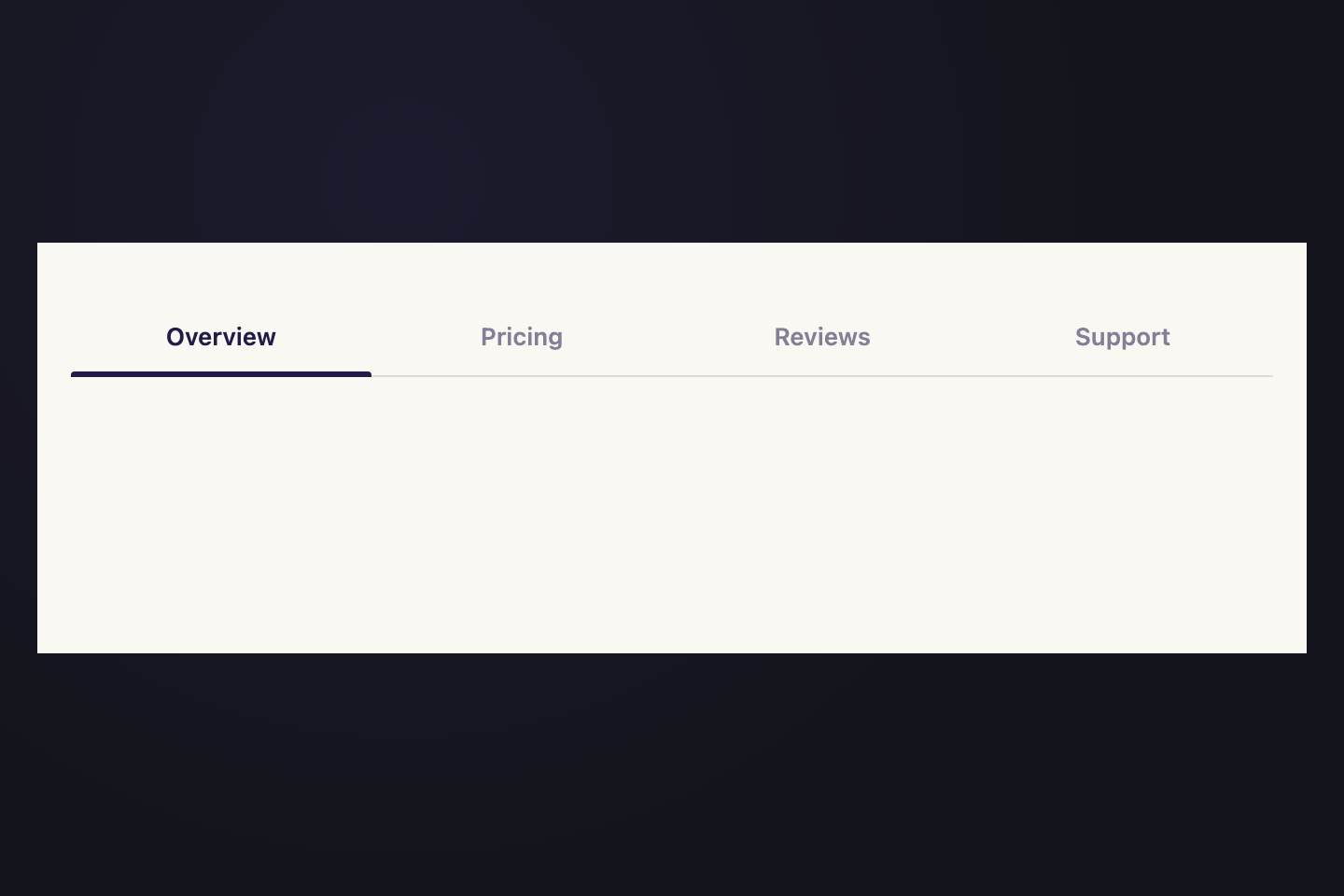
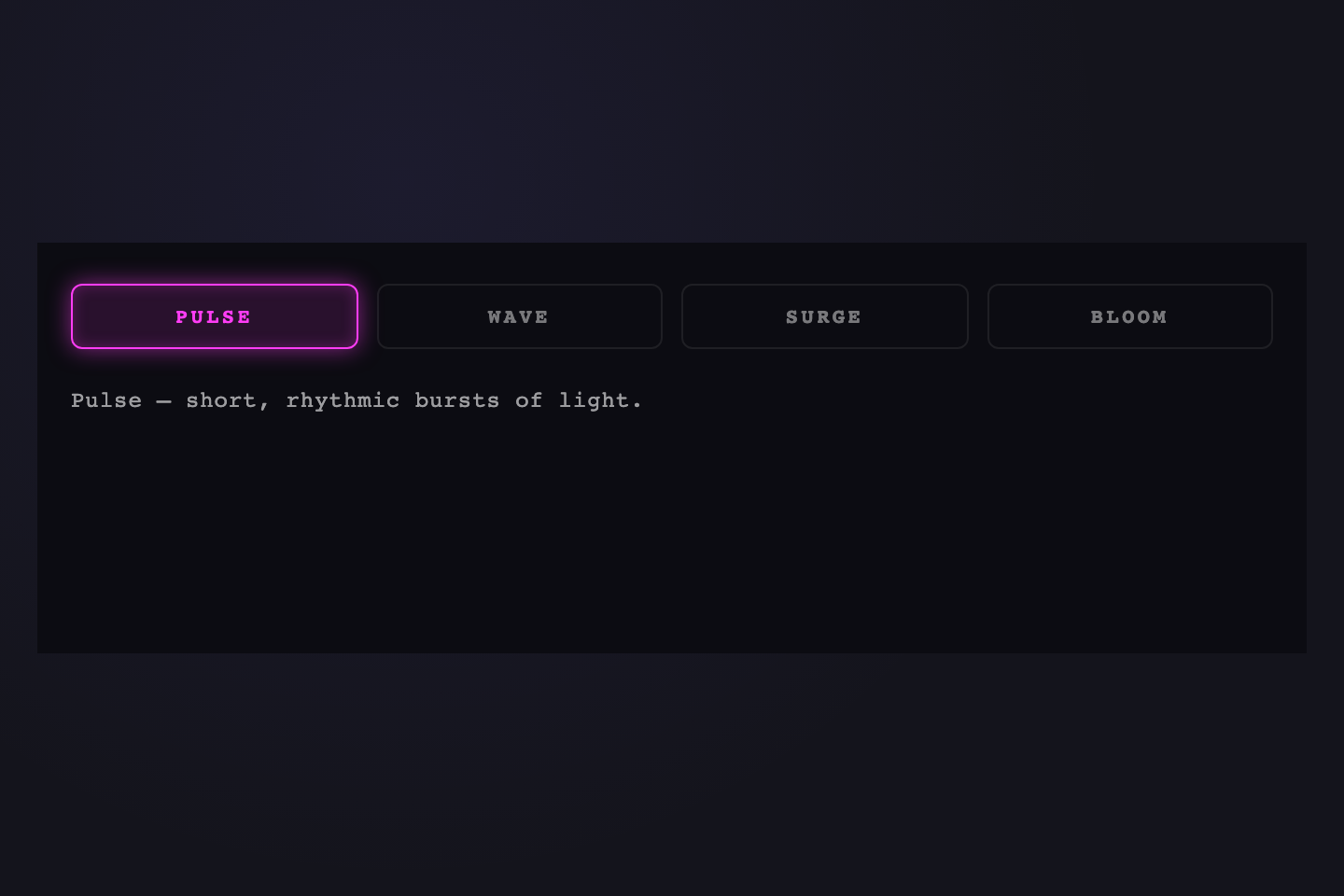
Related collections