A CSS circular menu arranges navigation items around a circle, ring, or arc instead of a flat row. These 21 hand-coded designs are ready-to-ship radial action menus, compass nav, and skeumorphic widgets you can drop into a project today — copy the markup, point items at your routes, and ship.
21 unique menus21 Pure CSS0 dependencies100% copy-paste readyPublished
01 / 21
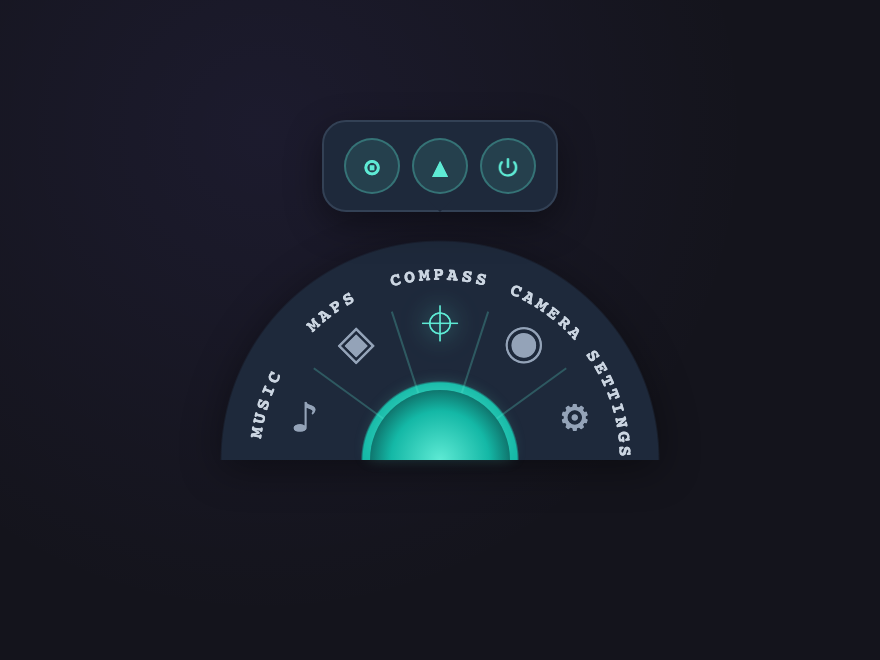
Mission Hub
Pure CSS
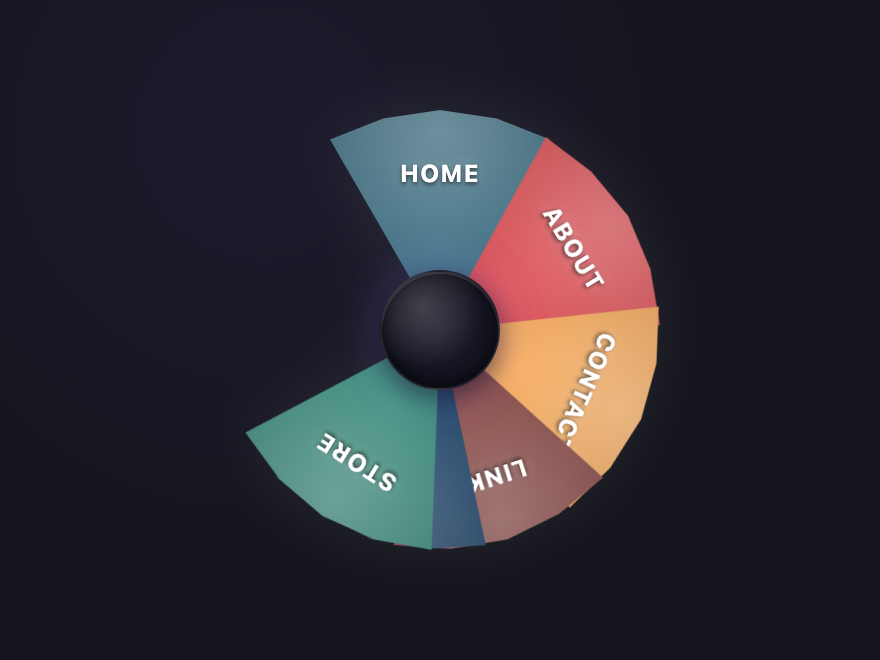
A 5-segment half-wheel command surface with curved SVG labels riding the outer rim, hairline wedge dividers, and a context-aware sub-toolbar that swaps icons based on the selected wedge. Pure CSS via :checked + :has(), teal-on-navy cockpit palette.
Six service satellites orbit a central disc with an animated pointer that snaps to the active selection. Click any satellite to swap the centre title and rotate the pointer with a spring overshoot. Pure CSS via :checked + :has() — adapted from a service-business radial nav, simplified to remove its 600+ lines of icon paths and JS pointer animation.
A brushed-steel rotary dial flanked by 5 icons arranged on a downward arc. Click any icon and the whole dial rotates left or right (-90°/-45°/0°/+45°/+90°) to "point" at the active selection, with a soft white halo around the chosen icon. Pure CSS via :checked + :has() + a CSS custom property for the rotation angle — adapted from a hardware-knob nav, simplified to drop ~10 PNG dependencies and ~100 lines of jQuery.
Six wedges of a 6-color pie that fan open from a closed stack on first paint with a staggered "deal the cards" reveal — each wedge rotates from 0° to its 60° slot with a per-wedge delay. Hover lifts the wedge outward, click locks the selection. Pure CSS keyframe animation, zero JS — adapted from a jQuery-driven menu and rebuilt with proper 60° clip-path geometry.
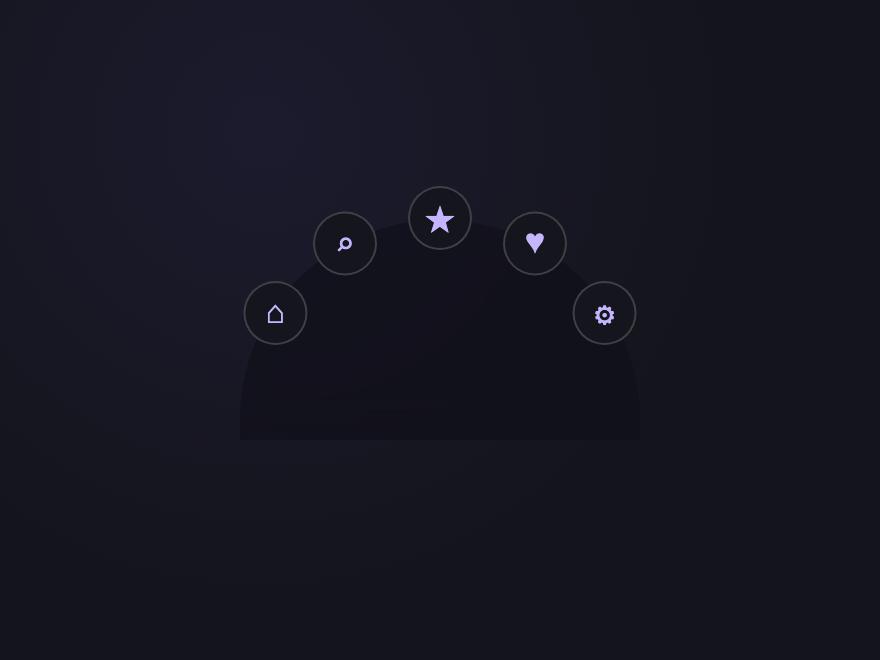
Six action buttons fan out across a 180° upper arc from a central FAB on hover, each with a staggered scale-in. Pure CSS via :hover + transition-delay per child.
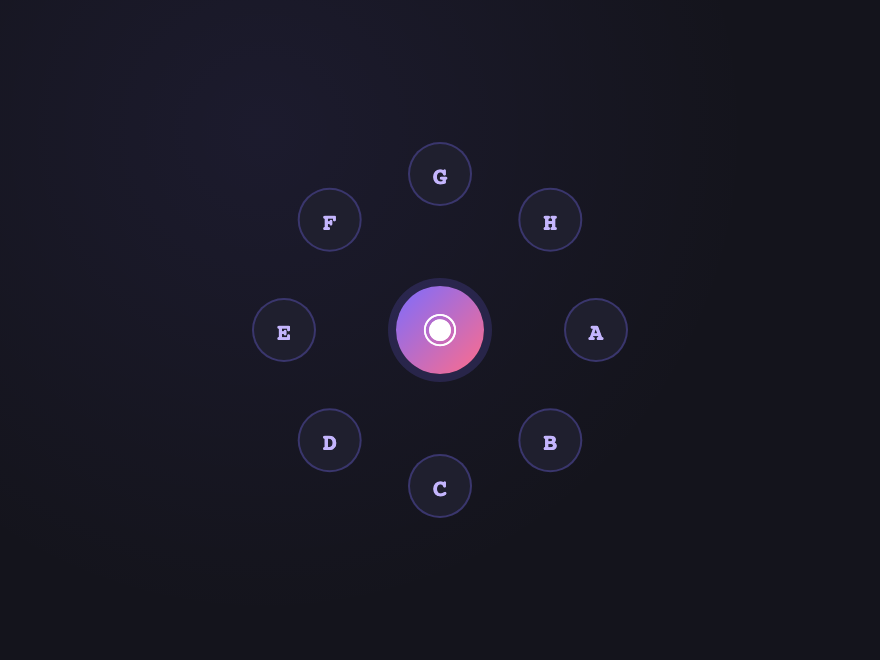
Eight items evenly distributed around a 360° ring, all visible at rest. Hover any item to scale it up; the central icon stays anchored. Pure trig via CSS variables.
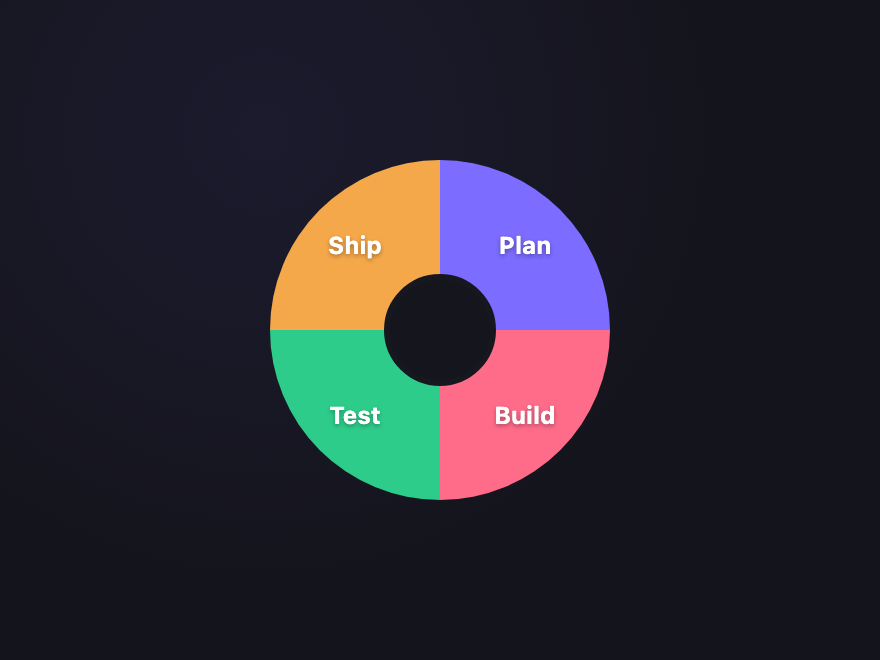
Four pie slices, each a labelled clickable wedge. Real per-slice hit area via border-radius corners (no overlapping squares) — only the visible pie wedge receives hover and click.
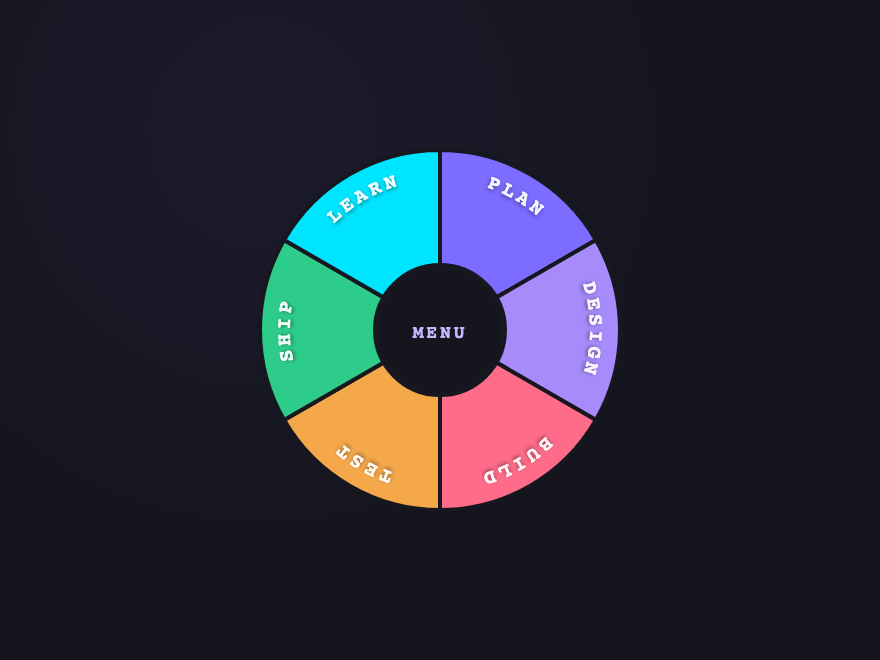
A 6-sector SVG donut with curved labels following each arc via textPath. On hover the sector pulls outward (split effect), the label brightens, and a subtle scale animation runs. Real hit-tested wedges.
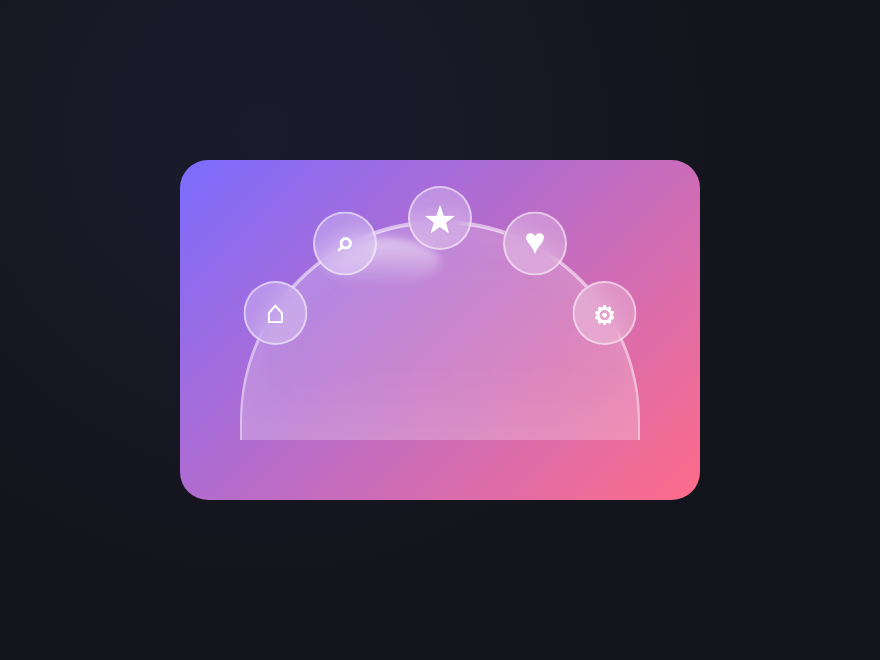
A translucent dome with an iridescent rim that rotates continuously via @property-animated conic gradient. The dome itself stays still; only the rim shimmers.
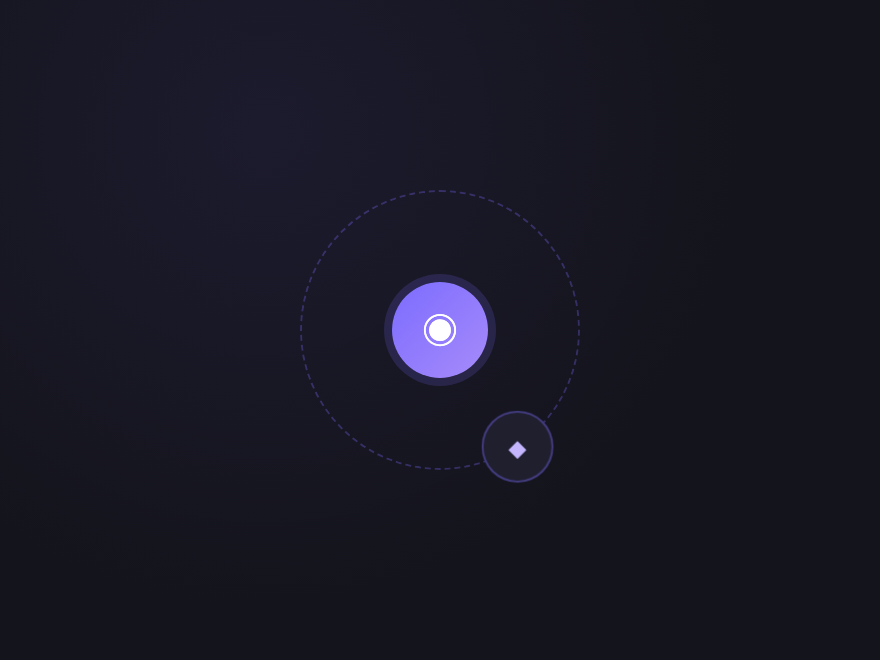
One satellite continuously orbits the central FAB. Hover the FAB to pause the orbit, click to "lock in" the satellite at its current angle. Pure CSS via :hover paused state.
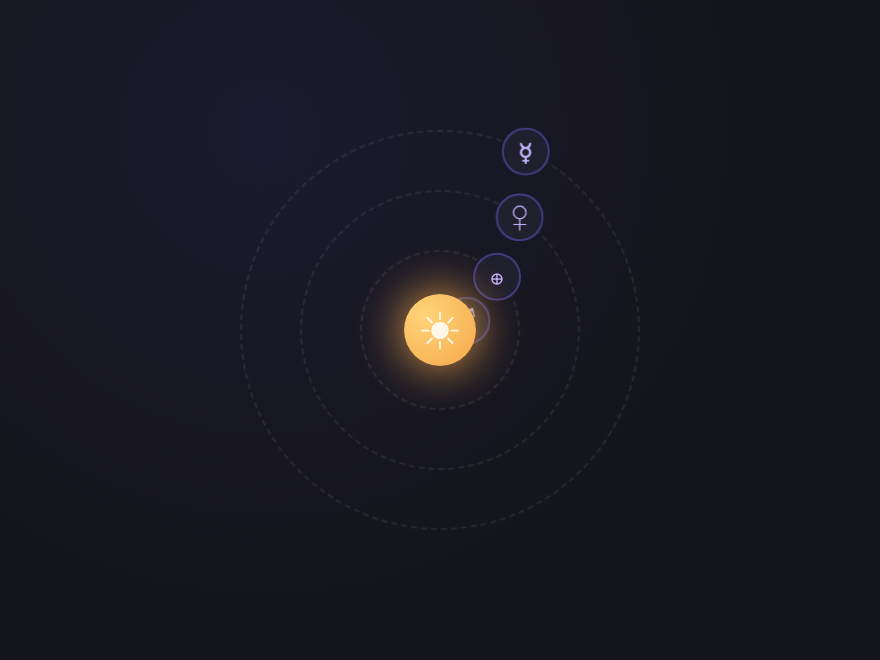
A central "sun" + 4 "planets" at decreasing orbit radii, each labelled, each orbiting at a different speed (Kepler-style — closer = faster). Real CSS animation, no JS.
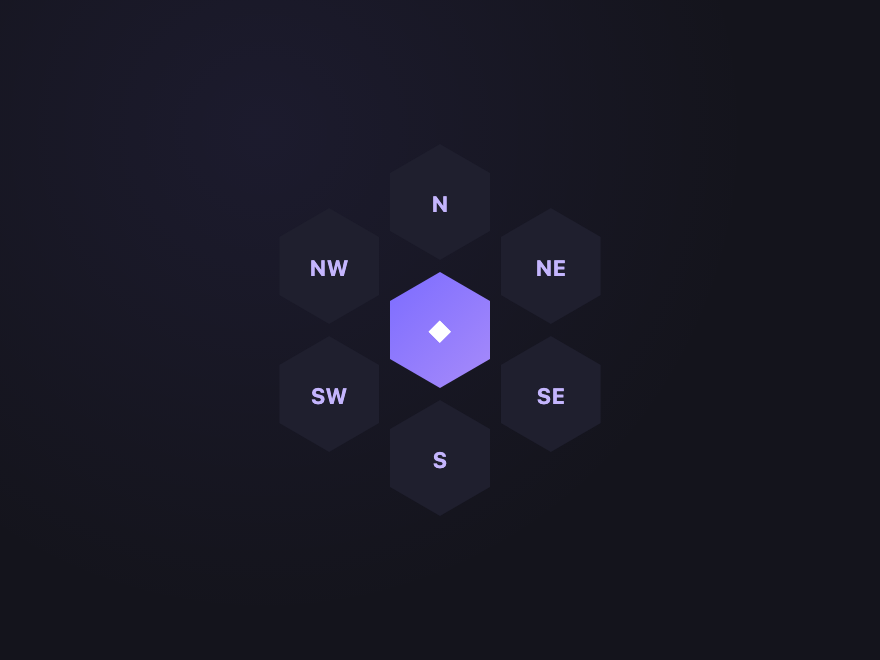
Six hexagonal items arranged around a central hex via real geometry (clip-path polygon). Each cell highlights independently. Honeycomb pattern with mathematical precision.
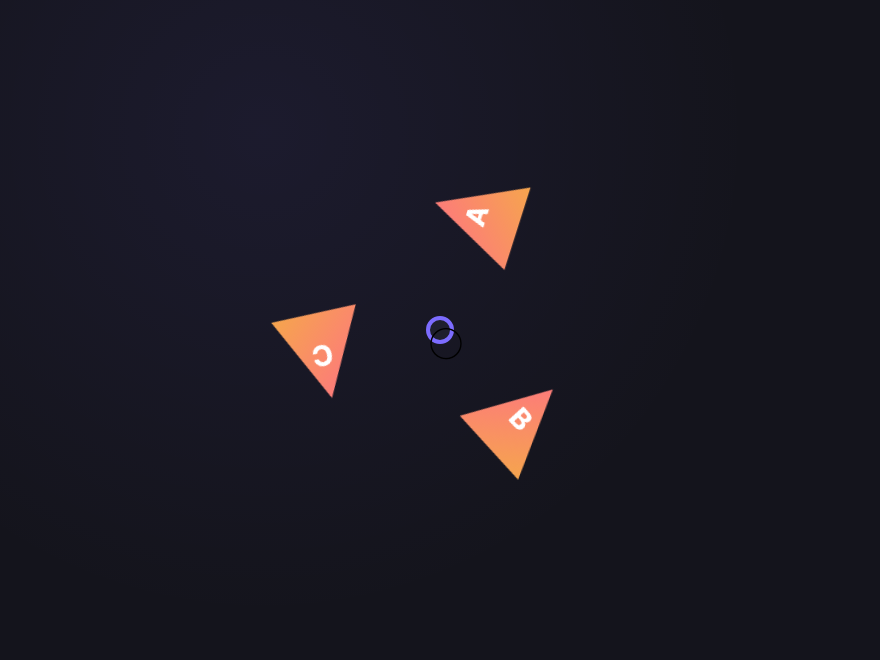
Three triangle items rotate together in a trio formation. Hover any triangle to lift it forward. The whole group rotates slowly on idle for visual interest.
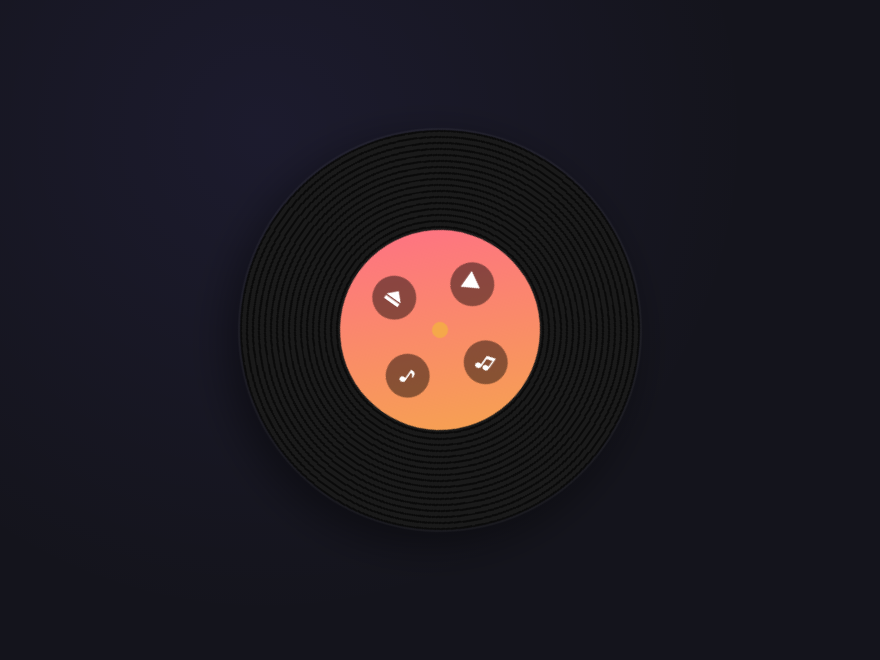
A spinning vinyl record menu. The disc rotates continuously; menu items sit on the label area. Pause on hover via animation-play-state. Classic music-app metaphor.
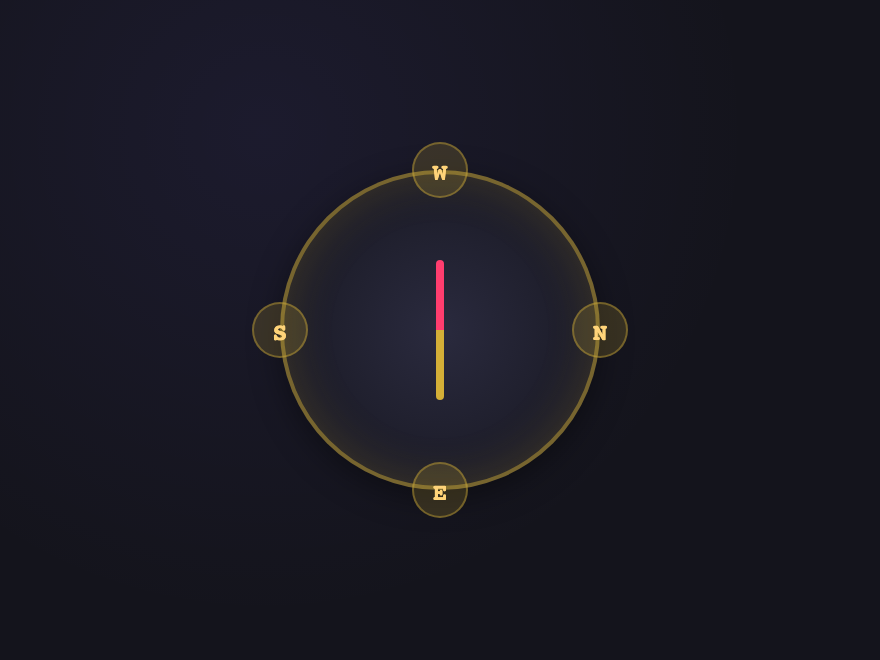
A nautical compass rose with N/E/S/W labels and a needle that points at the active direction. Hover any direction to rotate the needle smoothly via :has().
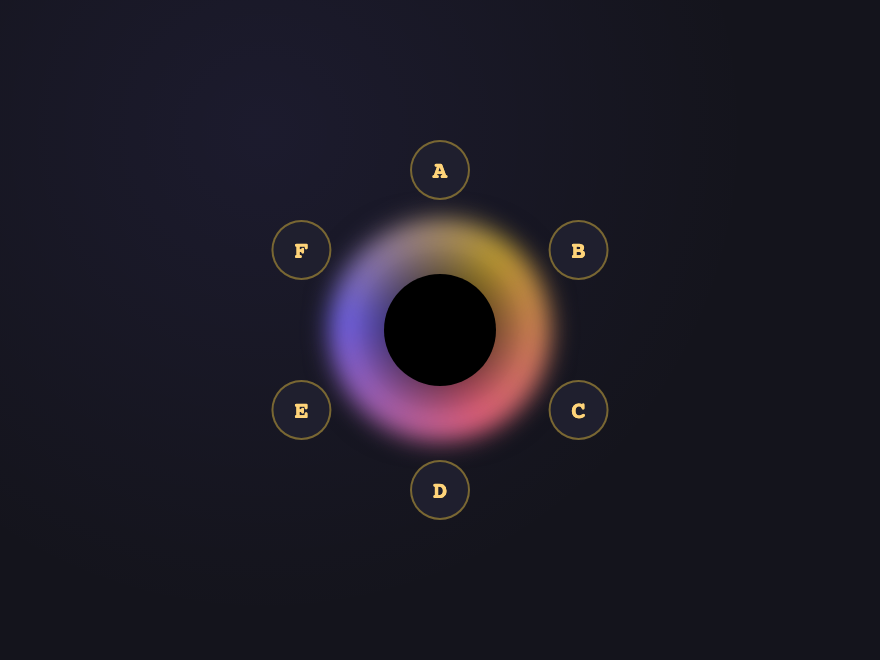
Items orbit a glowing accretion-disk singularity at all times. On hover the disk pulses brighter and items lift outward slightly — a gravitational "release". Items stay clickable throughout.
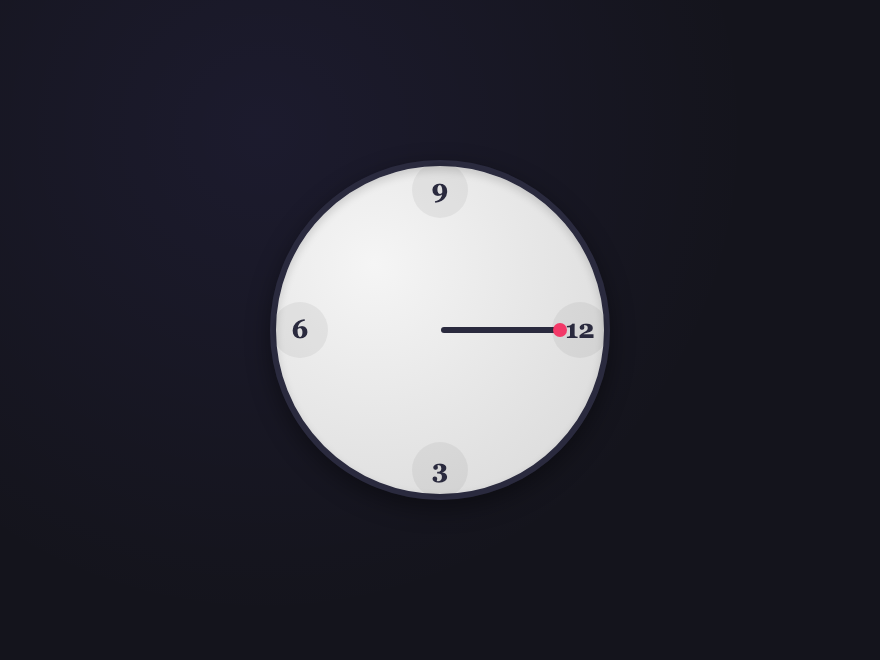
An analog watch face with menu items at hour positions. The second-hand sweeps continuously; click any hour position to "set" the menu (hand snaps to that hour).
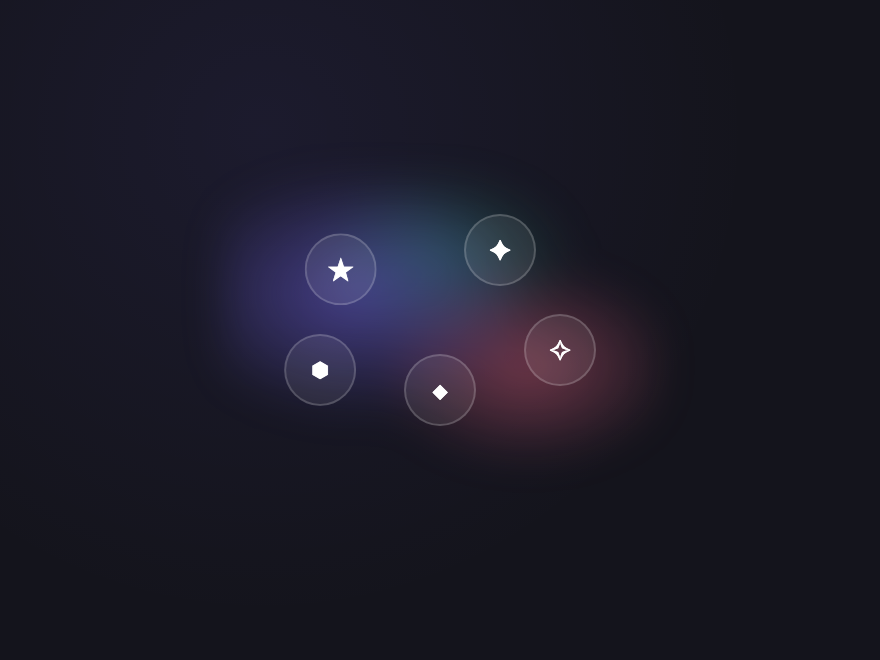
Items float in a soft glowing nebula cloud with no fixed grid positions. Each item has a subtle drift animation; hovering pulls it forward and brightens the surrounding glow.
A circular menu — also called a radial menu or pie menu — is a navigation pattern where items are arranged around a circle, dome, ring, or orbit instead of a flat horizontal or vertical list. Common variants include the floating-action-button speed-dial, full pie and donut wheels, satellite-orbit menus, and dome-shaped containers. They're particularly effective for mobile interfaces and any UI where space is limited.
How do I build a radial menu in pure CSS?
A radial menu is just a circular menu built without JavaScript. Place the items in a container, give each one a CSS custom property for its angle, and use transform: rotate(var(--a)) translate(RADIUS) rotate(calc(var(--a) * -1)) to fan them around the centre. Add a :checked checkbox or :hover trigger to open and close the fan. Every radial menu demo in this gallery uses this CSS-only technique — copy the HTML and CSS straight from the code panel.
How do you position items in a circle with pure CSS?
Use trigonometry baked into transforms. Set a CSS custom property --a (the angle) on each child and apply transform: rotate(var(--a)) translate(RADIUS) rotate(calc(var(--a) * -1)). The first rotate orients the item around the center, translate pushes it outward by the radius, and the second counter-rotate keeps the item upright. No JavaScript needed — every demo in this gallery uses this pattern.
How do you add curved text along a donut sector?
Use SVG with a hidden <path> inside <defs> that traces the arc you want the text to follow, then a <text><textPath href="#path-id">YOUR LABEL</textPath></text>. The text-anchor="middle" and startOffset="50%" attributes center the label along the arc. The Donut Sectors demo (#04) uses exactly this pattern with one path per sector.
Are these circular menus accessible?
Yes. Each demo uses real semantic <a> elements with aria-label on icon-only items, visible focus states, and keyboard tab order that follows the visual arrangement. Continuous animations (orbital spins, conic rotations, vinyl spin) honour the prefers-reduced-motion media query — animations stop and items show in their static position for users who request reduced motion.
Do circular menus work on touch devices?
Yes, with a caveat: hover-triggered fan-outs (Petal Fan, Iris Aperture) need a tap-to-toggle pattern on touch, which is handled by the :checked checkbox state in demos that include one (Petal Fan, Half-Donut Speed Dial). The always-visible variants (Full Circle Wheel, Pie Selector, Donut Sectors, Compass, Chronometer, Solar System, Black Hole) work identically on touch and desktop.
Can I use these circular menus in any framework?
Yes. Each demo is plain HTML and CSS (no JavaScript) with no dependencies. Drop the markup into React (with className), Vue, Svelte, Astro or static HTML — the styles work as-is. The CSS-variable-driven angles mean adding more items is just changing the --a values. MIT licensed.