19 CSS Blockquote Designs

Advertisement

A CSS blockquote is a styled quotation that visually sets a quoted passage apart from surrounding body text. These 19 hand-coded designs are ready-to-ship pull quotes, testimonials, and editorial callouts you can drop into a project today — paste the markup, swap in your quote and attribution, and ship.
19 unique blockquotes 16 Pure CSS 3 CSS + JS 0 dependencies 100% copy-paste ready Published
01 / 19
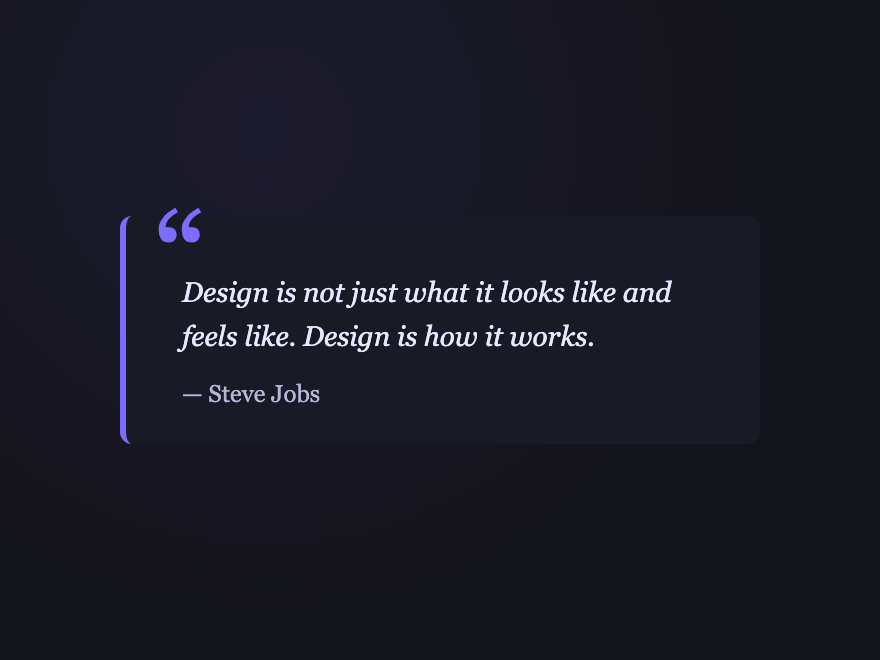
Classic Mark
Pure CSS
Classic Mark — preview
A large violet open-quote glyph rendered as a CSS pseudo-element above an italic body, with a thin left rule. The benchmark every blockquote is measured against.
02 / 19
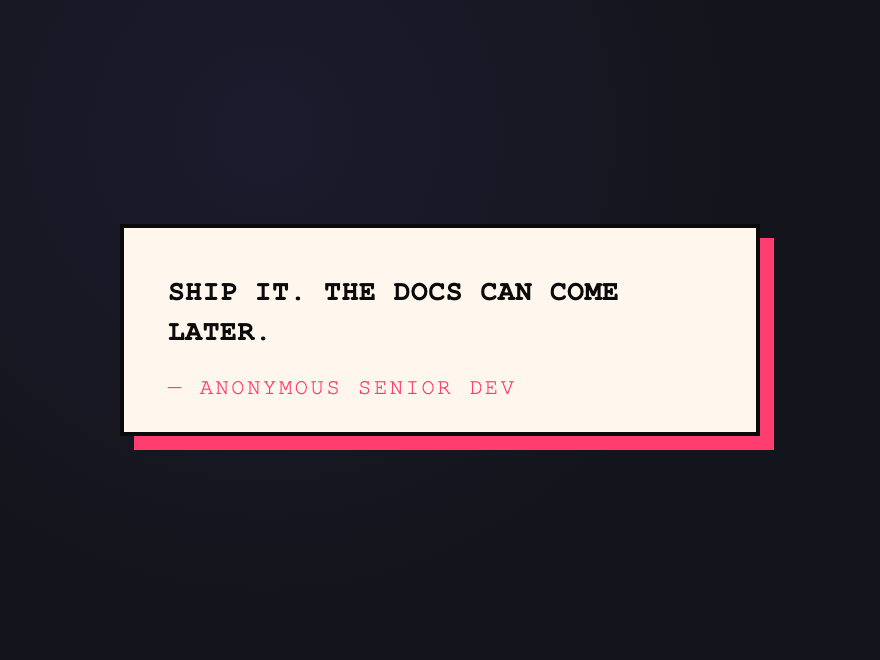
Brutalist Stamp
Pure CSS
Brutalist Stamp — preview
Hard-edged offset-shadow card with mono font and a hot-pink accent — zero radius, zero apology. Brutalist design system fixture.
03 / 19
Glass Card
Pure CSS
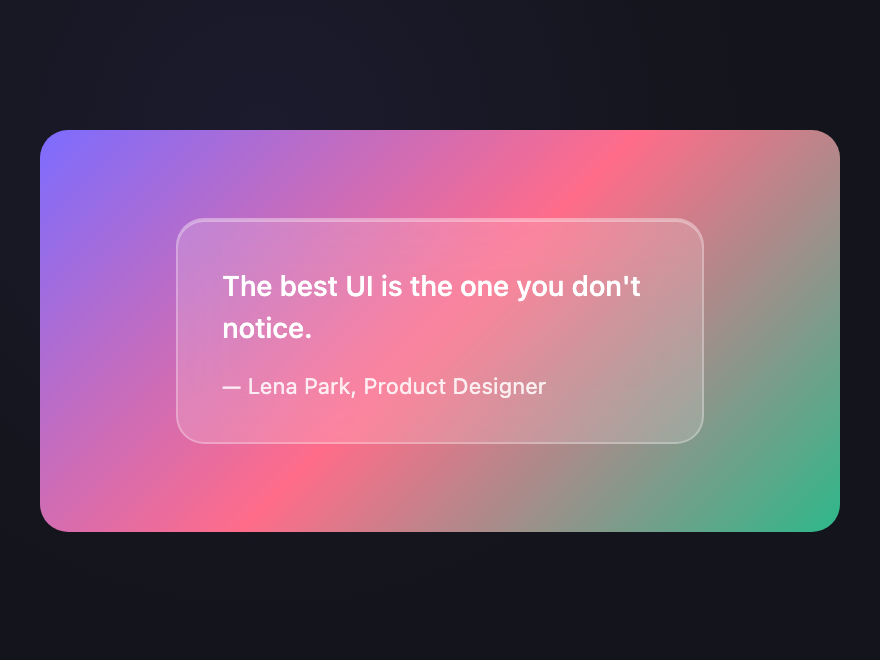
Glass Card — preview
Frosted-glass shell on a soft gradient backdrop — translucent surface, subtle inner highlight, backdrop-filter blur. Perfect over hero images.
04 / 19
Neon Border
Pure CSS
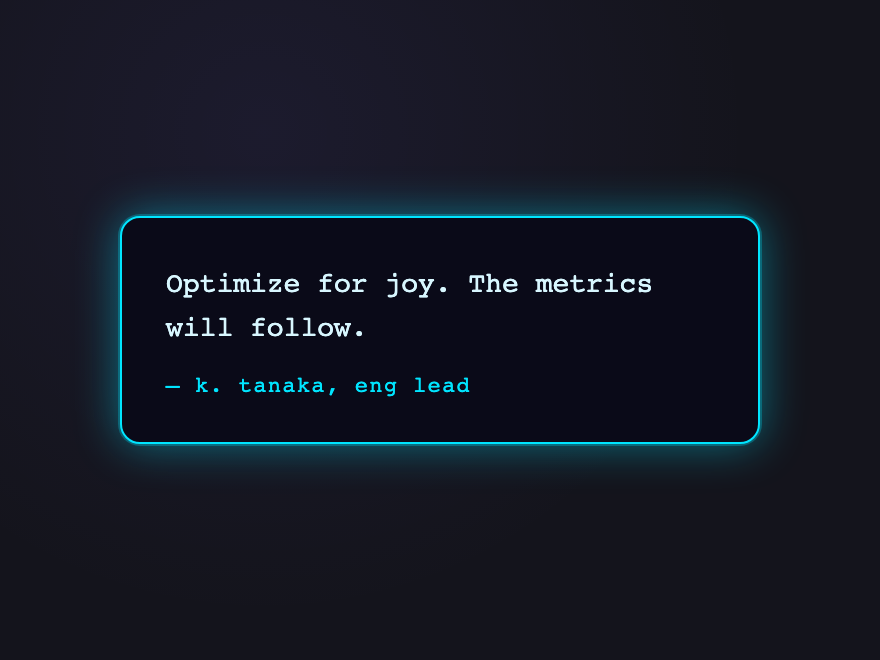
Neon Border — preview
Synthwave cyan glowing outline that pulses gently — built for dark dashboards, gaming UIs, and developer tools.
05 / 19
Pull Quote
Pure CSS
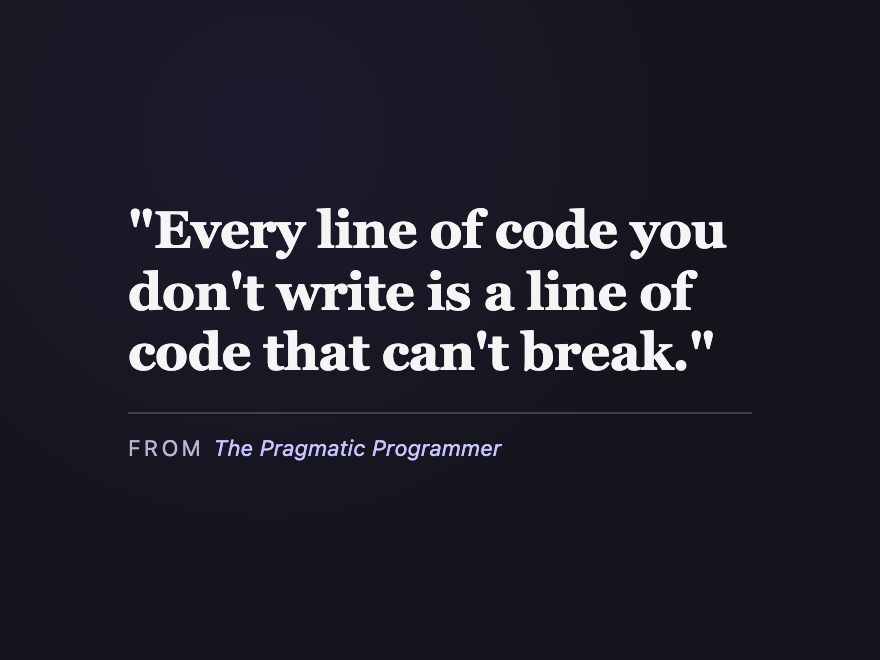
Pull Quote — preview
Magazine-style tabloid pull quote — large display font, tight leading, no rule. The kind editorial sites use to break up long-form articles.
06 / 19
Speech Bubble
Pure CSS
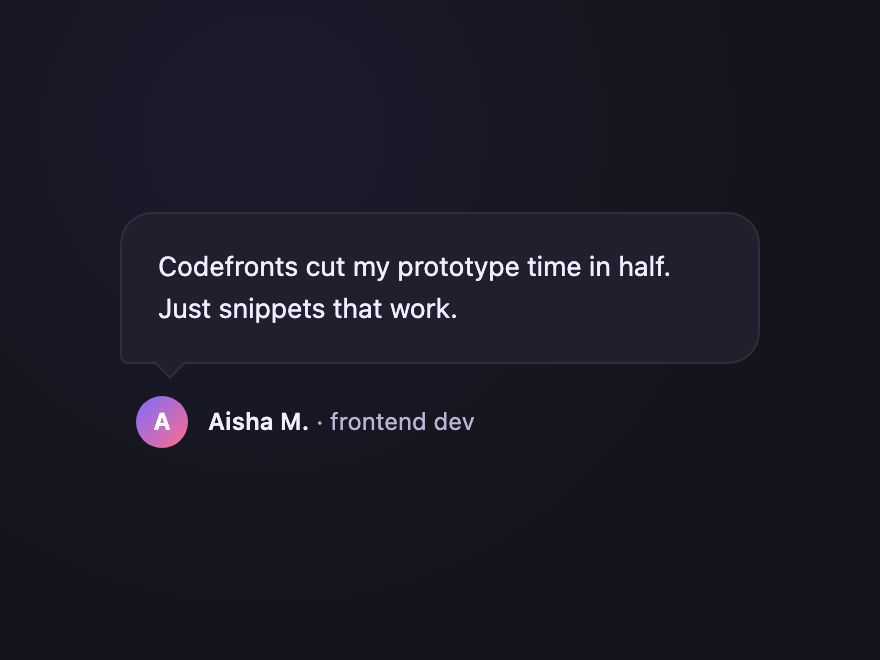
Speech Bubble — preview
Chat-style rounded bubble with a tail pointing to the avatar. Common pattern for testimonial walls, support pages, and case studies.
07 / 19
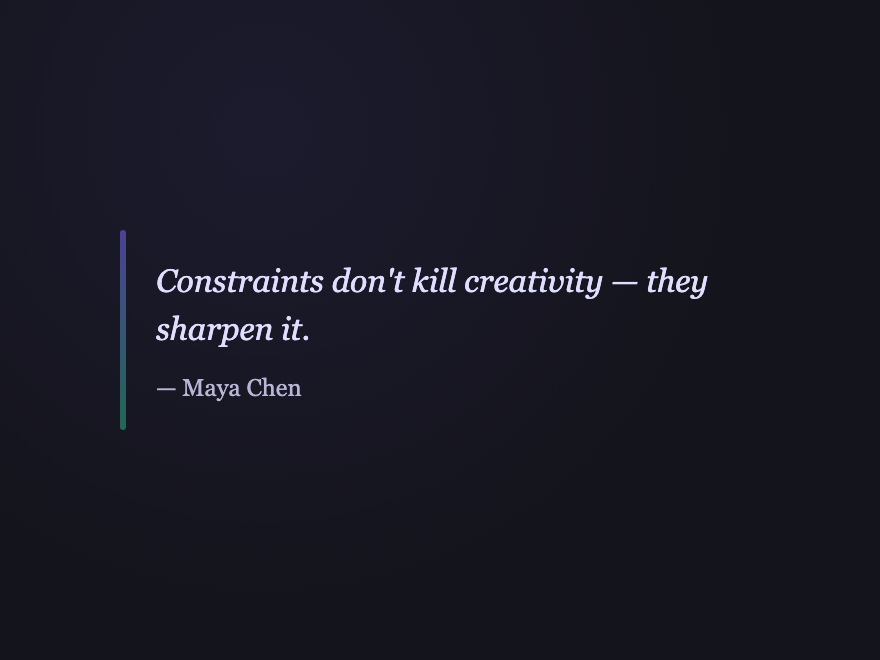
Vertical Rail
Pure CSS
Vertical Rail — preview
Thin gradient rail on the left edge that brightens on :hover — editorial restraint. Perfect for long-form articles with multiple call-out quotes.
08 / 19
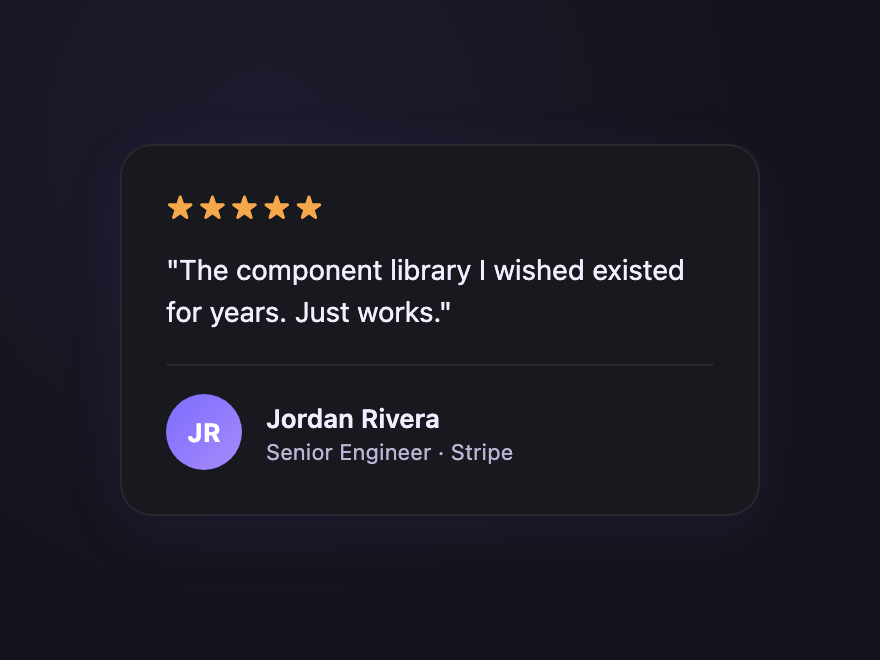
Testimonial Card
Pure CSS
Testimonial Card — preview
Testimonial card with avatar, name, role, 5-star row and a soft shadow. Production-grade pattern for landing pages and case-study walls.
09 / 19
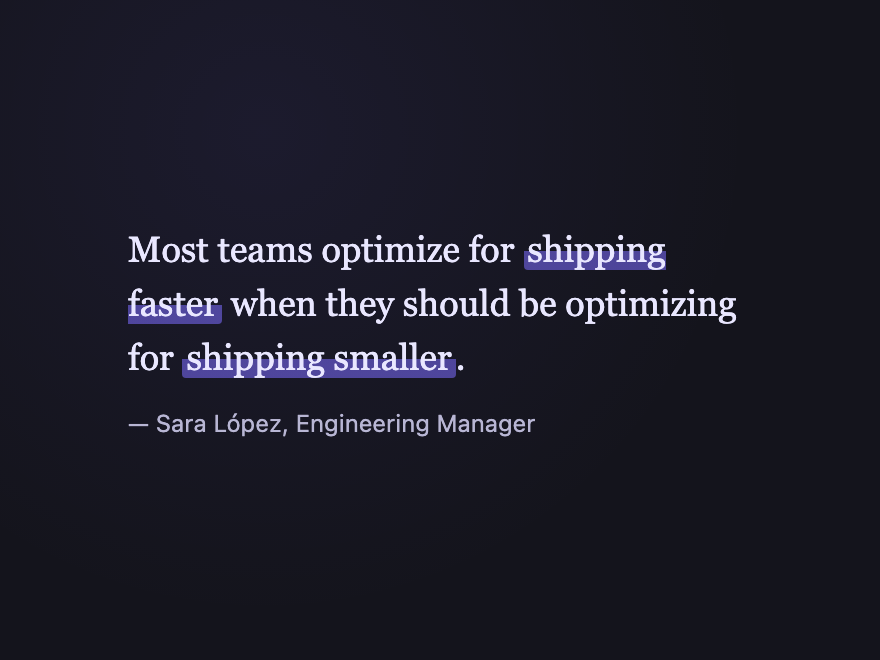
Highlighted Run
Pure CSS
Highlighted Run — preview
Body text with a CSS mark-style highlight behind one punchy phrase — the editorial trick for drawing the eye to the key claim in a long quote.
10 / 19
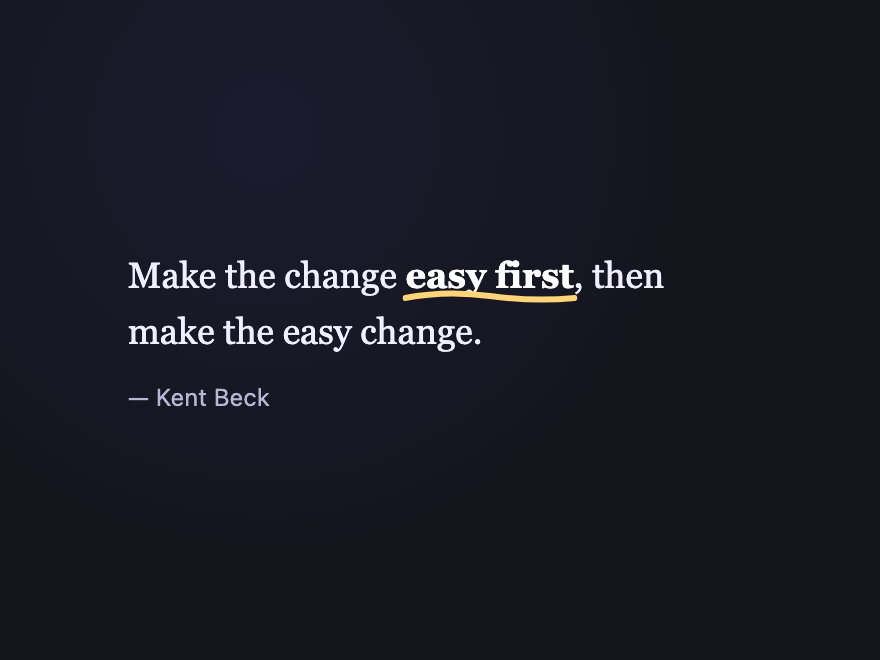
Marker Underline
Pure CSS
Marker Underline — preview
Hand-drawn-look uneven SVG underline applied beneath the punchy phrase — the personal-blog flourish that makes a quote feel handwritten.
11 / 19
Drop Shadow Float
Pure CSS
Drop Shadow Float — preview
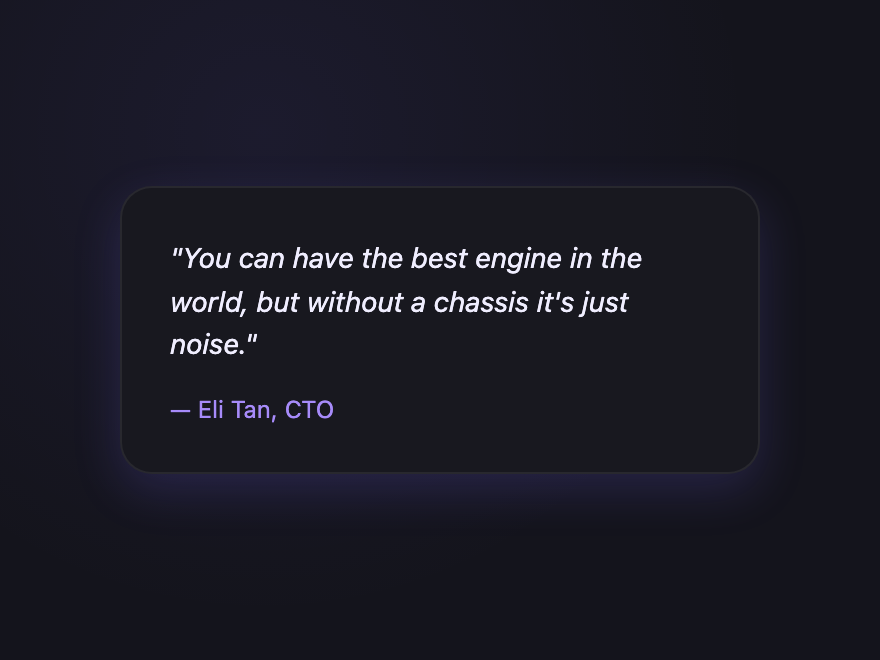
Lifted card with a coloured shadow that intensifies on :hover — a subtle elevation cue that says this quote matters. Premium feel.
12 / 19
Aurora Drift
Pure CSS
Aurora Drift — preview
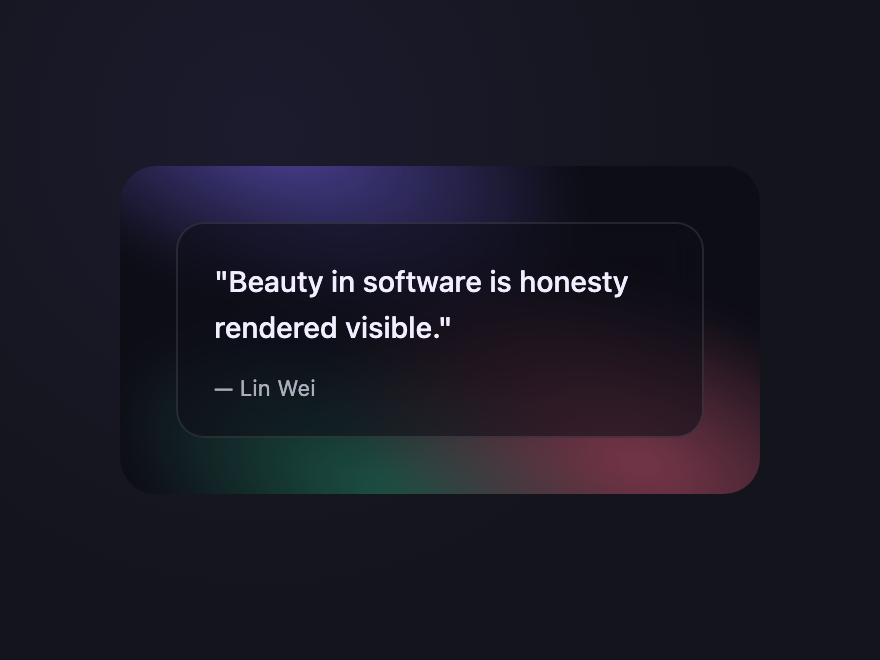
Slow-drifting aurora gradient blob behind a glass quote surface — the premium-product accent variant. Honours prefers-reduced-motion.
Advertisement
13 / 19
Tweet Style
Pure CSS
Tweet Style — preview
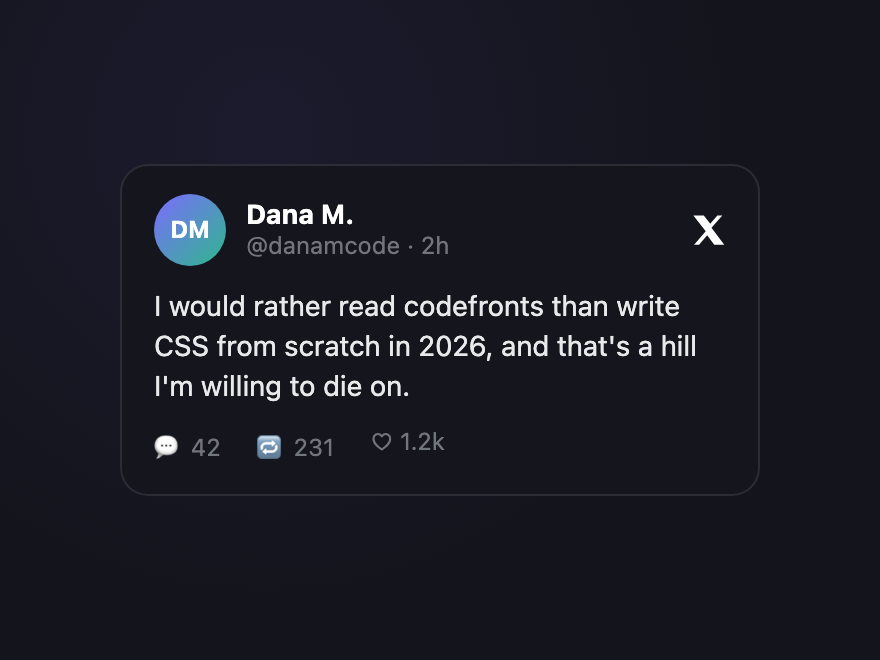
Twitter/X-styled callout — bird/X icon, name, handle, timestamp, and like/retweet glyphs. Native to dev audiences and a great social-proof pattern.
14 / 19
Newspaper
Pure CSS
Newspaper — preview
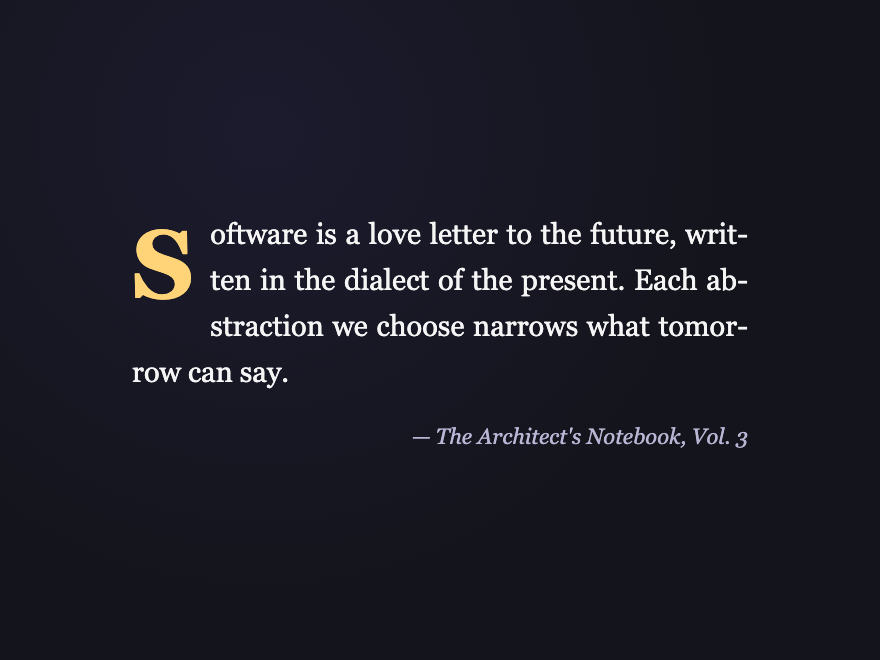
Serif typeface, justified text, drop-cap on the first letter — old-school broadsheet feel. Pairs with editorial themes and longform pages.
15 / 19
Code Comment
Pure CSS
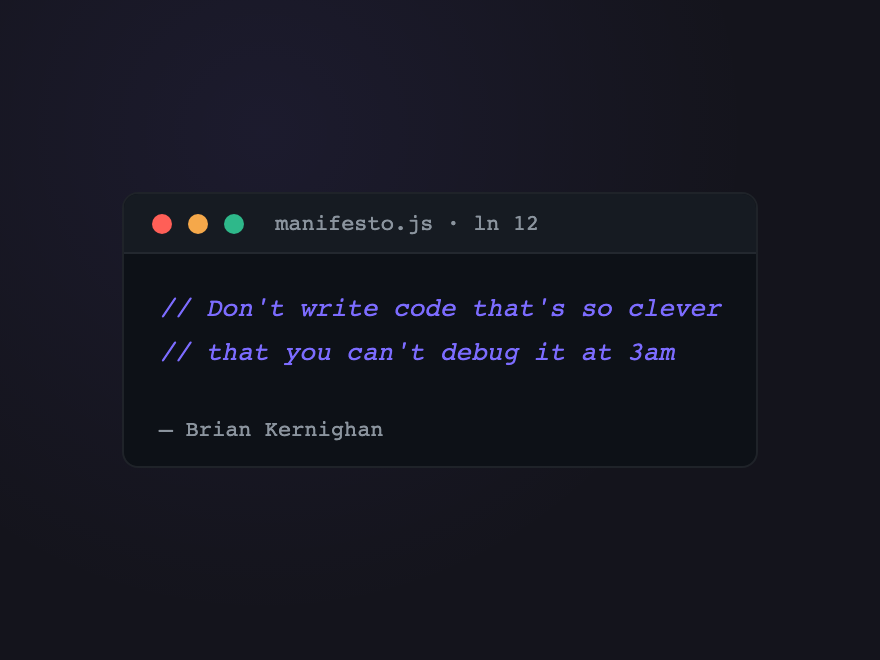
Code Comment — preview
Quote styled as a code-comment block — mono font, dim grey "filename:line" header, // prefix on each line. Perfect for dev portfolios and engineering blogs.
16 / 19
Markdown Quote
Pure CSS
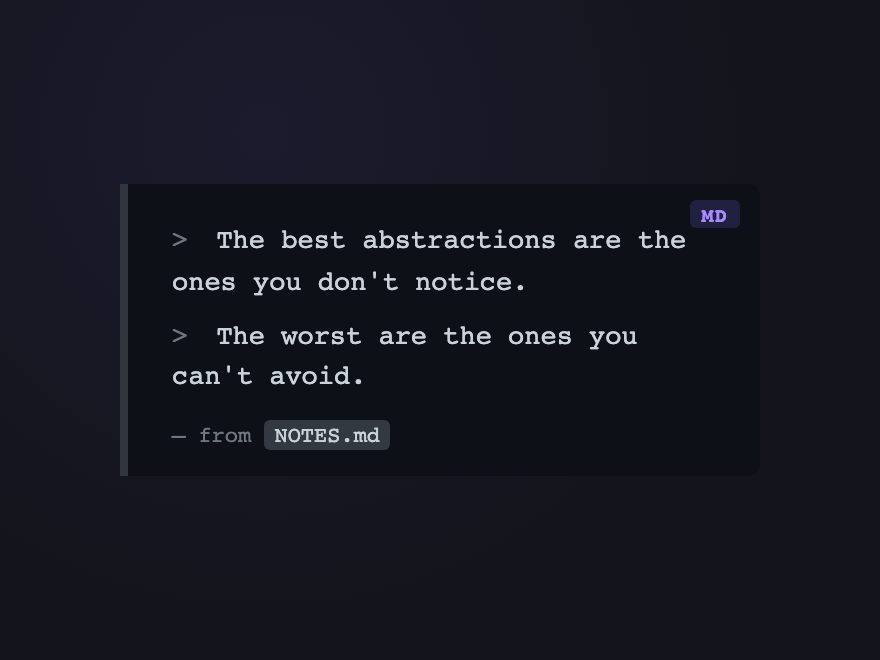
Markdown Quote — preview
GitHub-style markdown blockquote — left rule, dim text, > prefix character — with a small MD pill in the corner. Native to the README aesthetic.
17 / 19
Testimonial Carousel
Light JS
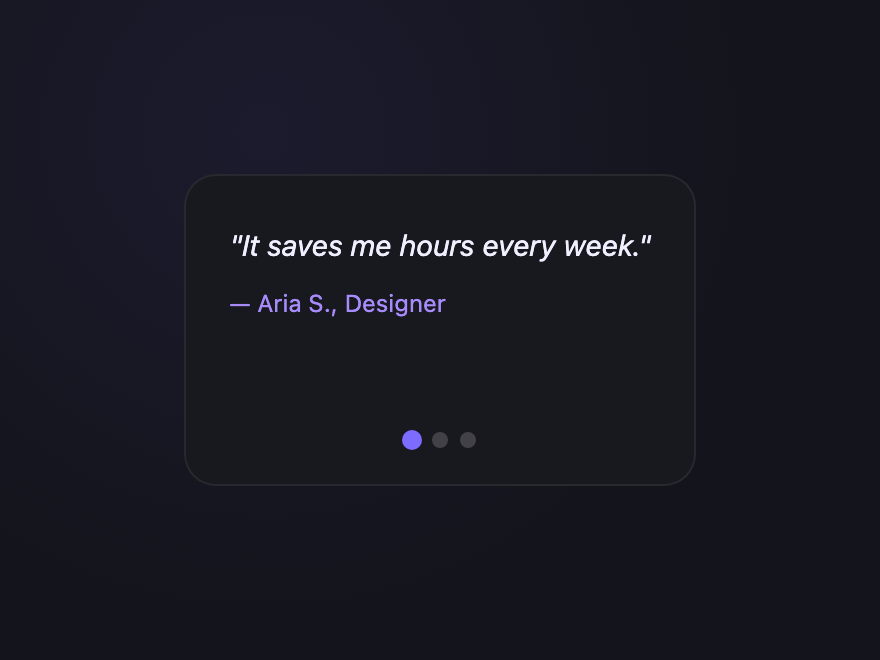
Testimonial Carousel — preview
Three testimonials with dot pagination and arrow keys — auto-advances every 6s, pauses on hover/focus, uses aria-live=polite for screen-reader announcement.
18 / 19
Click to Expand
Light JS
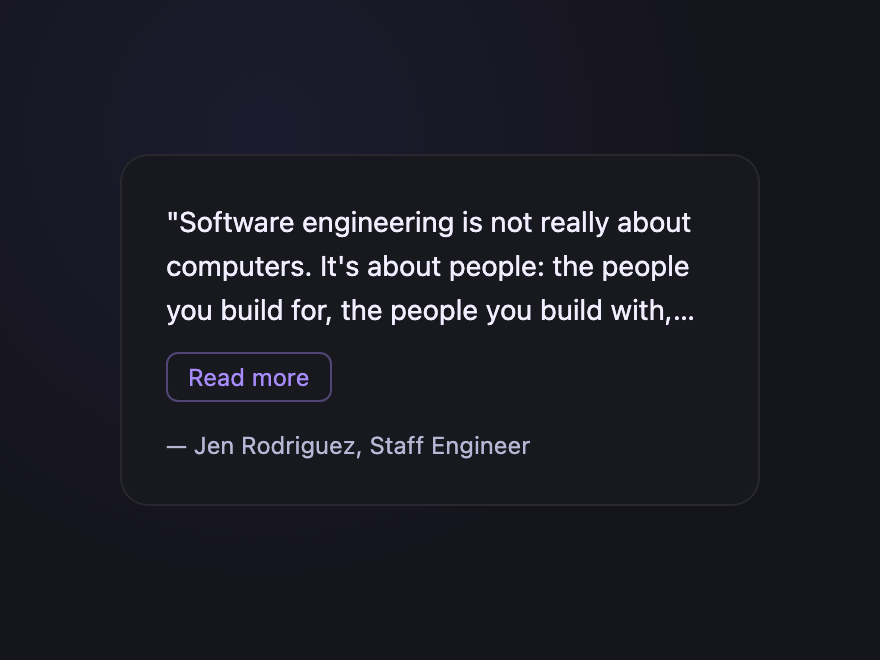
Click to Expand — preview
Long quote truncated with -webkit-line-clamp; a Read more button reveals the rest. aria-expanded reflects state for screen readers — the canonical truncate pattern.
19 / 19
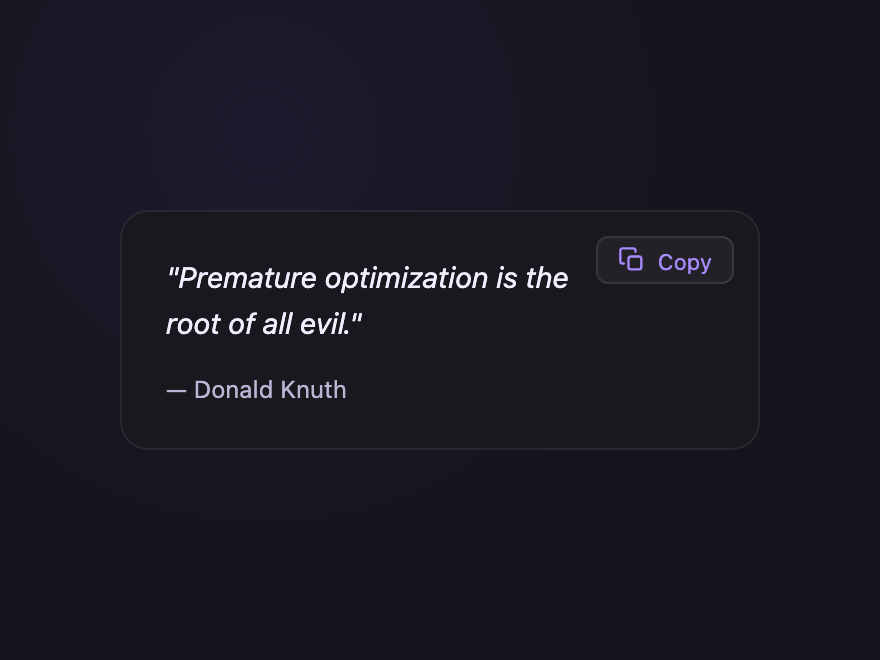
Copy Quote
Light JS
Copy Quote — preview
Quote with a small Copy button that copies the text to the clipboard and flashes a Copied! confirmation — perfect for sharable design and engineering quote walls.
Advertisement
FAQ

Frequently asked questions

What's the right HTML for a blockquote?
Wrap the quotation in a blockquote element, attribute the source via figcaption inside a parent figure element, and use cite for the source title. The figure + blockquote + figcaption pattern is the W3C-recommended structure because it keeps the citation grouped with the quote semantically while letting screen readers identify each part correctly.
How do I add the big quote-mark decoration in pure CSS?
Use a ::before pseudo-element with content: '\201C' (the unicode left double quotation mark) and absolutely position it. Set a much larger font-size and a brand colour, and offset it slightly above and left of the quote text. This keeps the decoration purely presentational — assistive tech reads only the real quote text, not the giant decorative glyph.
Are these CSS blockquotes accessible?
Yes. Every demo uses semantic figure / blockquote / figcaption with proper attribution, real button elements for interactive controls (carousel, expand, copy), and ARIA where appropriate (aria-roledescription on the carousel, aria-live on the slide track, aria-expanded on the toggle, aria-label on icon-only controls). Continuous animations honour the prefers-reduced-motion media query.
Do these blockquotes need JavaScript?
Most don't. 16 of the 19 patterns are pure CSS using :hover, gradients, pseudo-elements, and animations. Only the carousel (slide auto-advance + arrow keys), click-to-expand (line-clamp toggle), and copy-quote (clipboard) include small self-contained JS snippets in the JS tab of the code panel.
Can I use these blockquotes in any framework?
Yes. Each demo is plain HTML and CSS (with optional vanilla JS) — no dependencies, no build step. Drop the markup into React (with className), Vue, Svelte, Astro or static HTML and the styles work as-is. MIT licensed.

Search CodeFronts

Loading…