Twelve hand-coded CSS code blocks you can copy in one click — built for every place a developer needs to display code on the web: a minimalist dark mode code box, a mac terminal CSS code block with traffic-light chrome, a working CSS code block with copy button driven by navigator.clipboard, a CSS code block with line numbers powered by counter-increment (numbers never get copied with the source), a mobile-responsive overflow-x vs word-wrap split, a neon glow tech block, a glassmorphism code block in CSS with frosted backdrop-filter, inline <code> pill styling for editorial prose, a neumorphic embedded surface, a split-pane code-plus-live-preview container, a Stripe-style light mode editorial theme, and a pure-CSS expandable / collapsible wrapper that uses the checkbox hack — no JavaScript required. Every demo ships semantic <pre><code>, scoped .ccb-XXX class names that never collide with host styles, prefers-reduced-motion fallbacks, and MIT licensing. No frameworks, no build step.
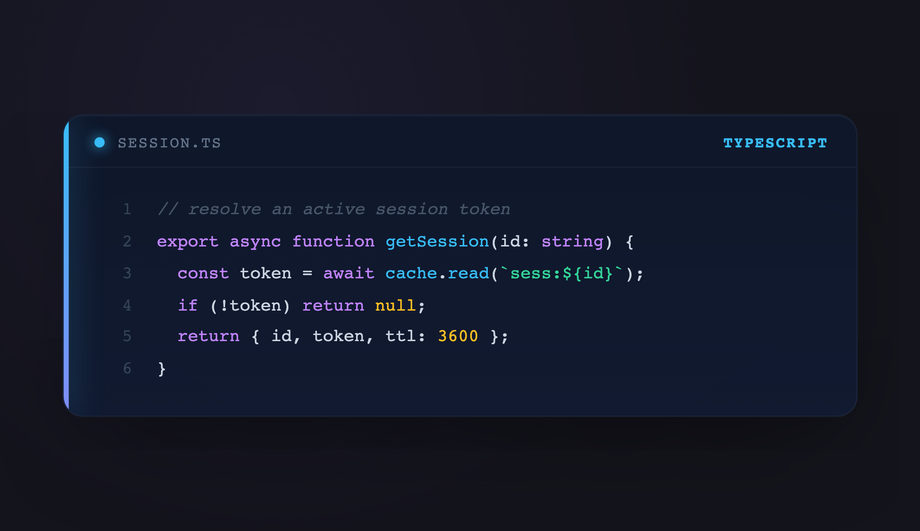
A clean, high-contrast dark code container on a deep navy gradient with a glowing left-accent border, JetBrains Mono type, subtle line numbers, and a muted meta bar carrying a colored language tag.
Best fordocumentation hero blocks, blog post code samples, marketing pages, and any dark-themed dev site that needs a single focal code reference.
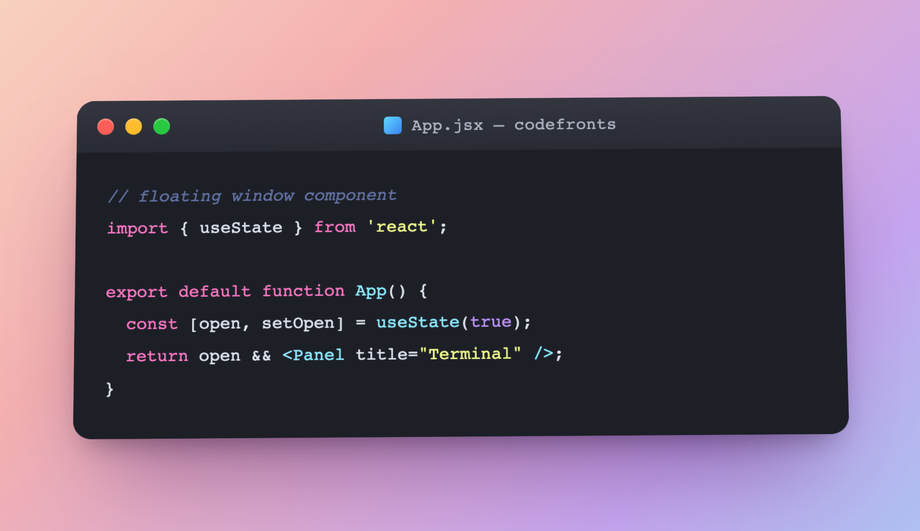
A floating macOS-style window with the canonical red / yellow / green traffic-light controls and a filename in the title bar, sitting on a soft pastel gradient with a 3D tilt that straightens on hover.
Best forproduct hero sections, landing-page demos, slide thumbnails, and any place a code sample needs to feel like a real app surface instead of a flat block.
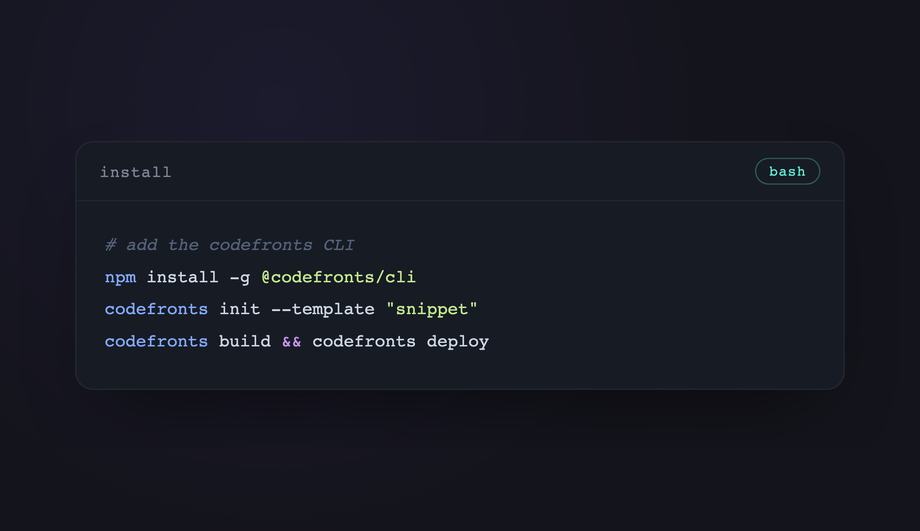
A teal-accented dark code block using <code>position: relative</code> on the container and <code>position: absolute</code> on a copy button that is hidden by default and fades in on hover, with a working <code>navigator.clipboard.writeText</code> action and a "Copied!" confirmation state. Best for documentation pages, package install snippets, CLI command references, and any tutorial where a one-click copy is the primary reader action.
Best fordocumentation pages, package install snippets, CLI command references, and any tutorial where a one-click copy is the primary reader action.
Code Container with Line Numbers and Filename Header
Pure CSS
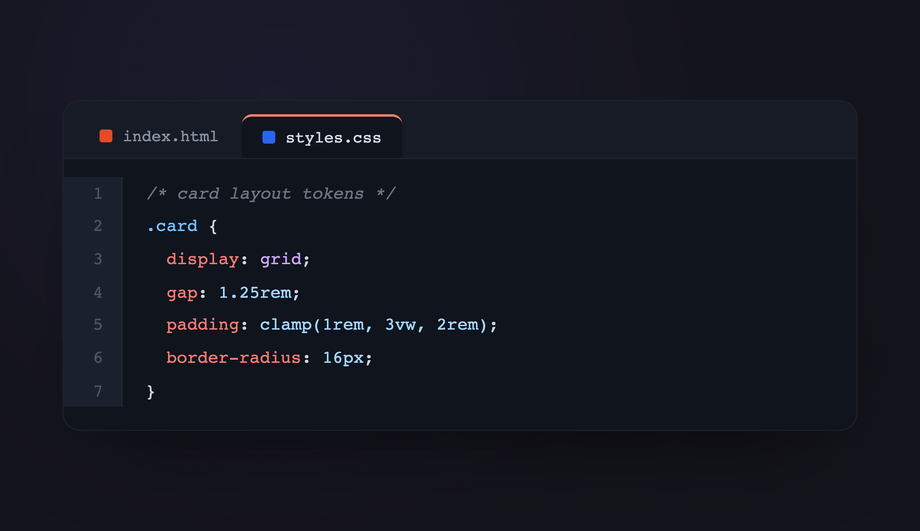
A GitHub-dark inspired code container with editor-style filename tabs (<code>index.html</code> / <code>styles.css</code>) and a grid gutter that draws its line numbers from <code>counter-increment</code> in CSS — the numbers never get copied with the code, because they exist only as generated content in the gutter pseudo-element. Best for tutorial walk-throughs, multi-file documentation, before/after refactors, and any post where you reference specific line numbers in prose.
Best fortutorial walk-throughs, multi-file documentation, before/after refactors, and any post where you reference specific line numbers in prose.
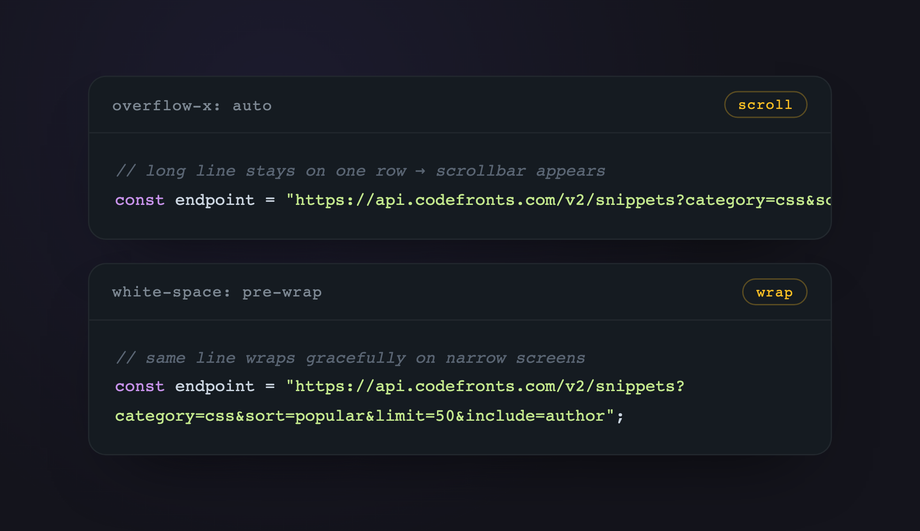
Two stacked code blocks comparing approaches: one with <code>overflow-x: auto</code> (clean gradient scrollbar, single line stays on one row) versus <code>white-space: pre-wrap</code> (graceful wrapping for long URLs and identifiers).
Best fordocumentation that shows long API endpoints, file paths, package names, or hash strings where the reader needs to choose which trade-off fits their layout.
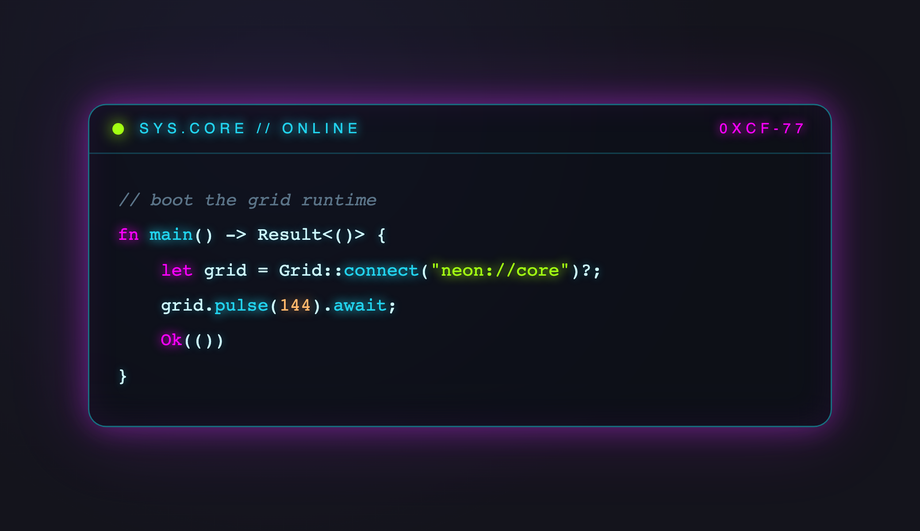
A cyberpunk-style code block on a faint grid background with a frosted <code>backdrop-filter: blur</code> panel, neon cyan / magenta / lime borders, and a pulsing animated glow that shifts the <code>box-shadow</code> color between cyan and magenta on a 3.4-second loop. <code>text-shadow</code> syntax accents make the code itself glow. Best for hackathon landing pages, gaming or AI product hero sections, retro-futurist portfolio sites, and any place where the code block needs to feel like a sci-fi terminal readout.
Best forhackathon landing pages, gaming or AI product hero sections, retro-futurist portfolio sites, and any place where the code block needs to feel like a sci-fi terminal readout.
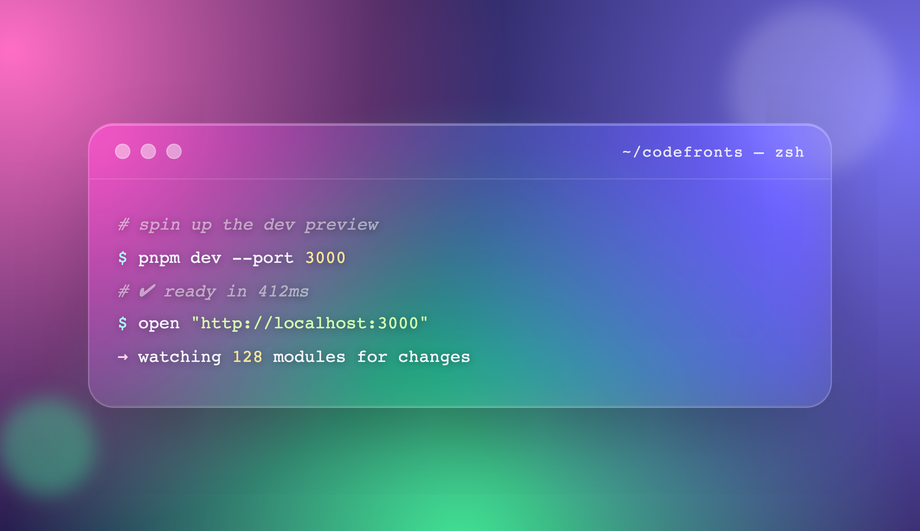
A frosted-glass terminal floating over a vibrant multi-color radial-gradient backdrop with blurred orbs scattered behind it.
Best forAI product splash pages, design-tool marketing sites, summer / festival campaign chrome, and any context where the surrounding palette is louder than the code itself.
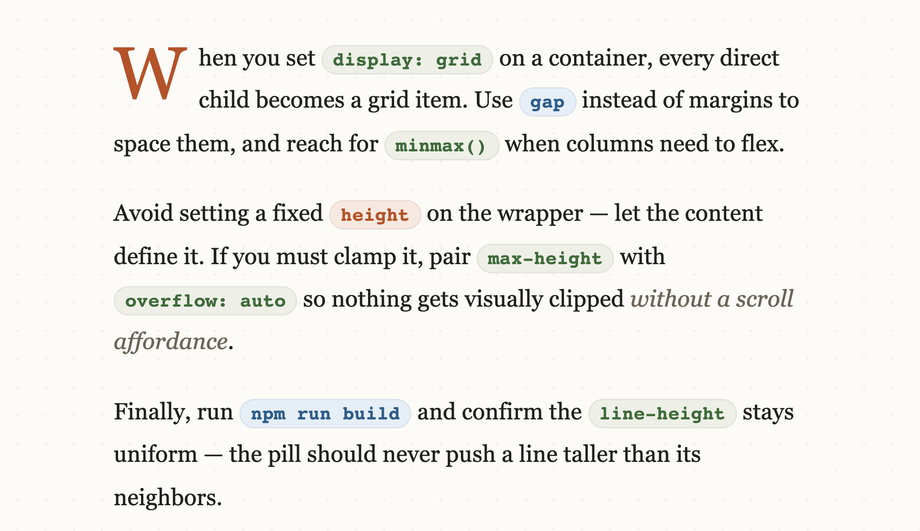
Editorial article styling on cream textured paper showing standalone <code><code></code> pills woven into serif prose — tiny <code>2px 8px</code> padding, full pill <code>border-radius: 999px</code>, color variants (green / blue / orange), and <code>vertical-align: middle</code> so the line-height never breaks around them.
Best forlong-form technical articles, design system documentation, blog posts mixing prose and short identifiers, and any reading surface where inline code references need to feel typographically settled, not jarring.
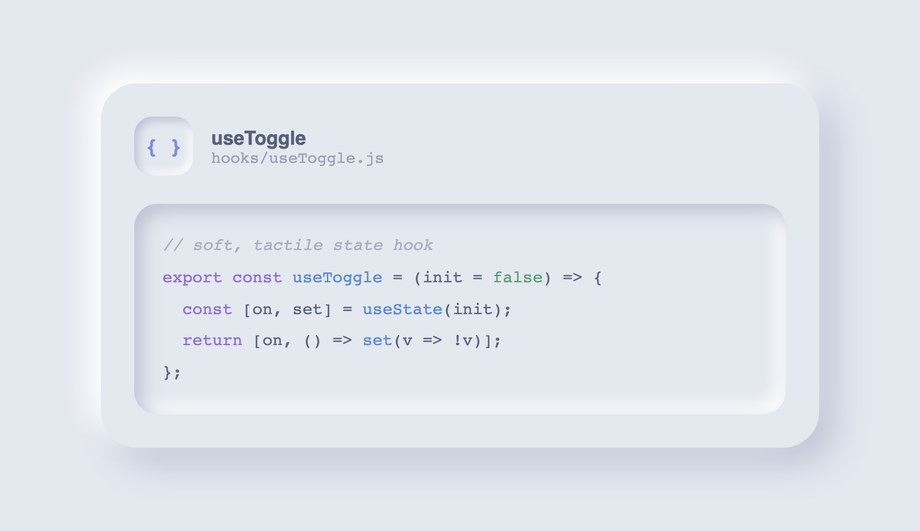
A soft-UI card on a matched gray canvas where the code box uses dual <code>box-shadow: inset</code> (one light highlight, one dark shadow) to look recessed into the surface, with a raised outer card and a pressed-in icon badge for the tactile look.
Best fordesign-tool dashboards, settings panels embedded inside documentation, calm productivity apps, and any place a code reference needs to feel like part of the surrounding UI rather than a hard rectangle dropped on top.
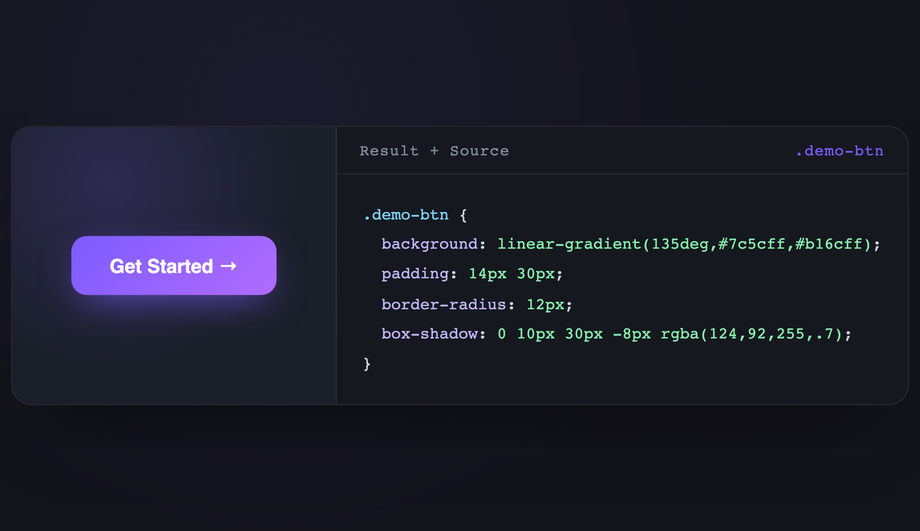
A two-pane CSS Grid card: the left pane renders a live interactive gradient button (with working hover lift + press feedback), the right pane shows the styled <code><pre><code></code> source that produced it.
Best fordocumentation tutorials, design-system component reference pages, MDX-driven docs sites, and any teaching context where reading the code is half the story and seeing it run is the other half.
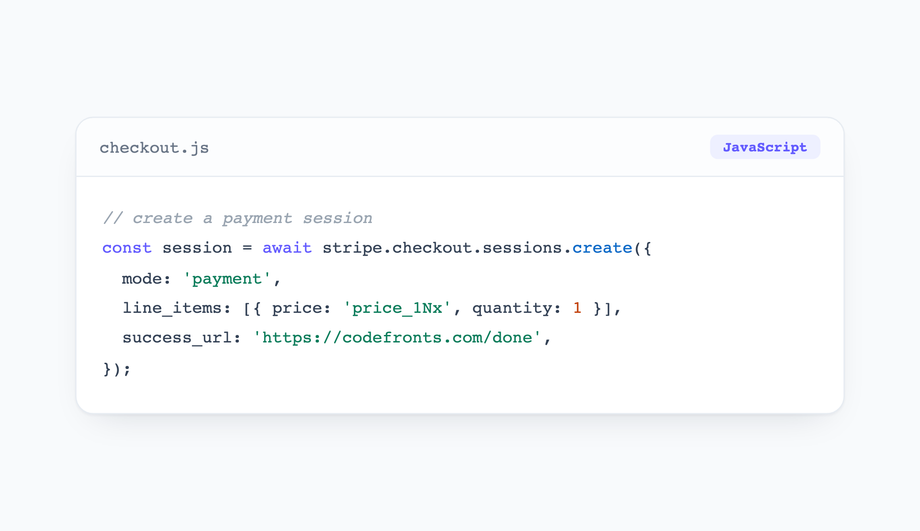
A bright Stripe-style docs aesthetic — crisp <code>#f8fafc</code> background, white panel, elegant Fraunces headings, and gentle indigo / green / orange syntax accents tuned for daylight readability.
Best forproduct docs, API reference sites, marketing pages targeting designers who want the page to feel calm, and any audience reading on bright screens during the day.
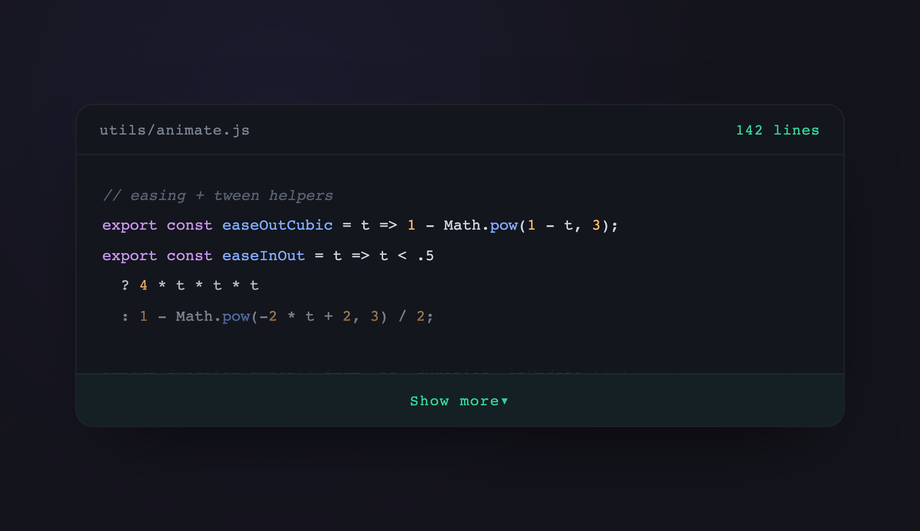
A long code snippet capped with <code>max-height</code> + <code>overflow: hidden</code> and a <code>linear-gradient(transparent, bg)</code> fade mask at the bottom hinting at more content.
Best fordocumentation pages with long source listings, FAQ answers that embed code, blog posts where the snippet is reference material rather than the focus, and any place a long block of code would otherwise dominate the page above the fold.
How do I make a CSS code block with a copy button?
Wrap your <code><pre><code></code> in a container with <code>position: relative</code>, then absolutely position a <code><button></code> at the top-right with <code>position: absolute; top: 12px; right: 12px</code>. Hide it at rest (<code>opacity: 0</code>) and reveal on container hover via <code>.codeblock:hover .copy { opacity: 1 }</code>. The click handler calls <code>navigator.clipboard.writeText(codeEl.innerText)</code> inside a <code>try / catch</code> and toggles a temporary <code>.is-done</code> class with <code>setTimeout</code> for the "Copied!" confirmation state. The Copy Button demo (#03) in this gallery is the production-ready reference — it handles browsers without clipboard API permission gracefully and resets after 1.6 seconds.
How do I add line numbers to a CSS code block?
Use <code>counter-reset</code> + <code>counter-increment</code> + a <code>::before</code> pseudo-element so the numbers are generated CSS content, not real text nodes — which means line numbers never get copied with the code when a visitor triple-clicks and copies. Set <code>counter-reset: line</code> on the wrapper, then each row gets <code>::before { counter-increment: line; content: counter(line); }</code> styled inside a fixed-width gutter (<code>grid-template-columns: 3.4em 1fr</code> keeps the gutter and the code in two clean columns). The Line Numbers demo (#04) ships this with an editor-style filename tab bar so it doubles as a multi-file documentation panel.
How do I build a Mac terminal CSS code block with traffic-light controls?
The recipe is a dark window background, a title bar with three colored circles (red <code>#ff5f57</code>, yellow <code>#febc2e</code>, green <code>#28c840</code>) inside a 9px-gap flex container, and a centered filename. Add <code>box-shadow: inset 0 1px 1px rgba(255,255,255,.4)</code> to each dot for the canonical highlight. Wrap the whole window in a <code>perspective: 1600px</code> scene with <code>transform: rotateX(6deg) rotateZ(-.4deg)</code> for a subtle 3D tilt that straightens on hover. The Mac Window demo (#02) is the complete pattern with traffic-light dots, filename, and Fira Code typography.
How do I make a glassmorphism code block in CSS?
Three layered effects are required: (1) low-opacity white background <code>rgba(255,255,255,.08)</code> for the tint, (2) <code>backdrop-filter: blur(22px) saturate(160%)</code> to frost everything behind the panel, and (3) two inset shadows — <code>inset 0 1px 0 rgba(255,255,255,.3)</code> at top for the rim-light edge and a faint inset at bottom for the glass thickness. Always add <code>-webkit-backdrop-filter</code> for Safari. The Glassmorphism Code Terminal demo (#07) shows the production setup over a multi-color radial-gradient backdrop with blurred orbs, plus high-contrast text and <code>text-shadow</code> so accessibility doesn't suffer over the busy background.
Can I build an expandable / collapsible code block with no JavaScript?
Yes — the checkbox hack handles it cleanly. Hide an <code><input type="checkbox" id="exp"></code>, pair it with a <code><label for="exp"></code> that acts as the toggle button, and use the general-sibling combinator: <code>.toggle:checked ~ .codewrap pre { max-height: 1200px }</code> overrides the resting <code>max-height: 190px</code> with a <code>transition: max-height .45s</code>. A linear-gradient fade mask at the bottom hints at hidden content; <code>.toggle:checked ~ .codewrap .fade { opacity: 0 }</code> dissolves it when expanded. The Expandable demo (#12) ships this with a rotating chevron and proper <code>aria-label</code> on the checkbox for screen readers.
How do I make a CSS code block responsive on mobile?
Two strategies, opposite trade-offs: (1) <code>overflow-x: auto; white-space: pre</code> keeps the source on one row and adds a horizontal scrollbar — preserves visual structure, costs a scroll affordance. (2) <code>white-space: pre-wrap; word-break: break-word; overflow-wrap: anywhere</code> wraps mid-token if needed — no scrollbar, costs the visual one-line meaning. Pick (1) for code where line structure matters (multi-line functions) and (2) for code with long single-token strings (URLs, hashes, file paths). The Responsive demo (#05) shows both side by side with a styled gradient scrollbar so you can decide per-context.
How do I style inline <code><code></code> pills inside paragraphs?
Three rules make inline <code><code></code> pills sit right inside prose: (1) <code>font-size: .82em</code> so the pill scales with the paragraph rather than fighting it; (2) <code>vertical-align: middle</code> so the rounded background never pushes the line taller than its siblings; (3) <code>white-space: nowrap</code> so identifiers like <code>display: grid</code> never get split across a line break. Add <code>padding: 2px 8px; border-radius: 999px</code> for the full pill shape, and use utility classes (<code>.warn</code>, <code>.blue</code>) to swap only the background and text color when you need variants. The Inline Pill demo (#08) demonstrates the pattern in a real article context with a drop-cap lead paragraph.
Are these CSS code blocks accessible to screen readers?
Yes. Every code sample uses real <code><pre><code></code> elements (not styled <code><div></code>s) so assistive tech announces them as preformatted code. Icon-only buttons (the Copy button in demo #03) carry <code>aria-label</code>. Decorative elements — traffic-light dots, scan-line blips, glow orbs — are marked <code>aria-hidden="true"</code> so they don't get spelled out. The Expandable toggle (demo #12) uses a visible-label checkbox with <code>aria-label</code> describing the action. Every continuous animation is wrapped in <code>@media (prefers-reduced-motion: reduce)</code> and either disabled or reduced to a snap transition.
Can I embed these code blocks in Shopify, WordPress, or any CMS?
Yes — each demo is plain HTML + scoped CSS (+ a small vanilla JS snippet for the Copy button only). For WordPress, paste the HTML and CSS into a Custom HTML block in the Gutenberg editor (the JS goes in a separate Custom HTML block with <code><script></code> tags). For Shopify, paste into the product or page template editor — the CSS goes into <code>theme.css</code> or a section's <code><style></code> block. All class names use the <code>.ccb-XXX</code> prefix so they never collide with your theme styles, the JS scopes its queries to the demo's wrapper so multiple code blocks on one page coexist, and there are no framework or build-step dependencies.