A CSS toggle (or switch) is the binary on/off control most often used for settings — distinct from a checkbox by its visual emphasis on the current state. These 20 hand-coded toggles are accessible, keyboard-friendly, and zero-JS — copy the markup, label the state, and ship.
20 unique toggles20 Pure CSS0 dependencies100% copy-paste readyPublished
01 / 20
Haptic Keys
Pure CSS
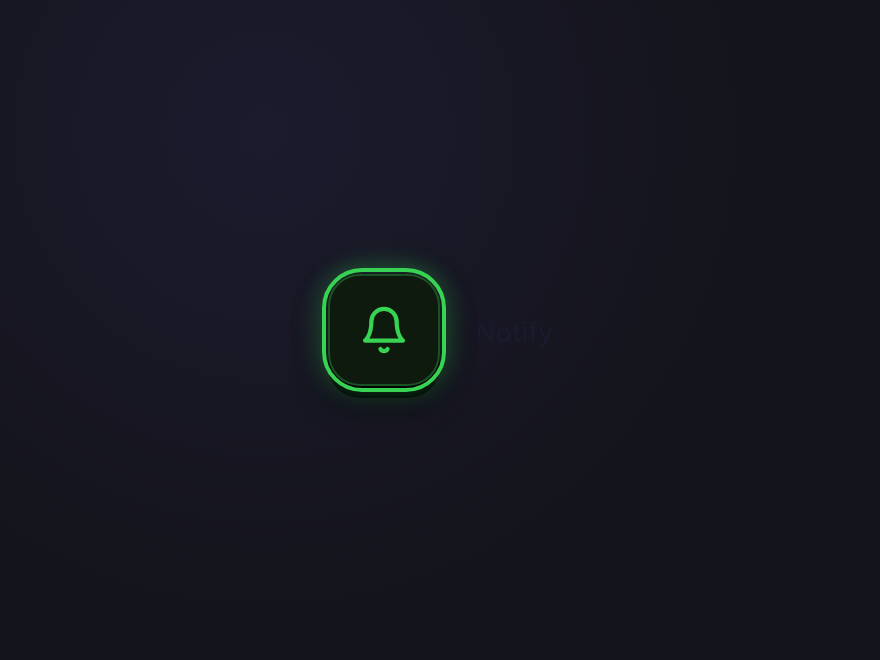
Chunky square key with a 3D press-depth shadow and a glowing accent ring on activate. Pressing literally sinks the button 3px while the hard bottom shadow collapses — pure tactile button metaphor for tactile UI trends.
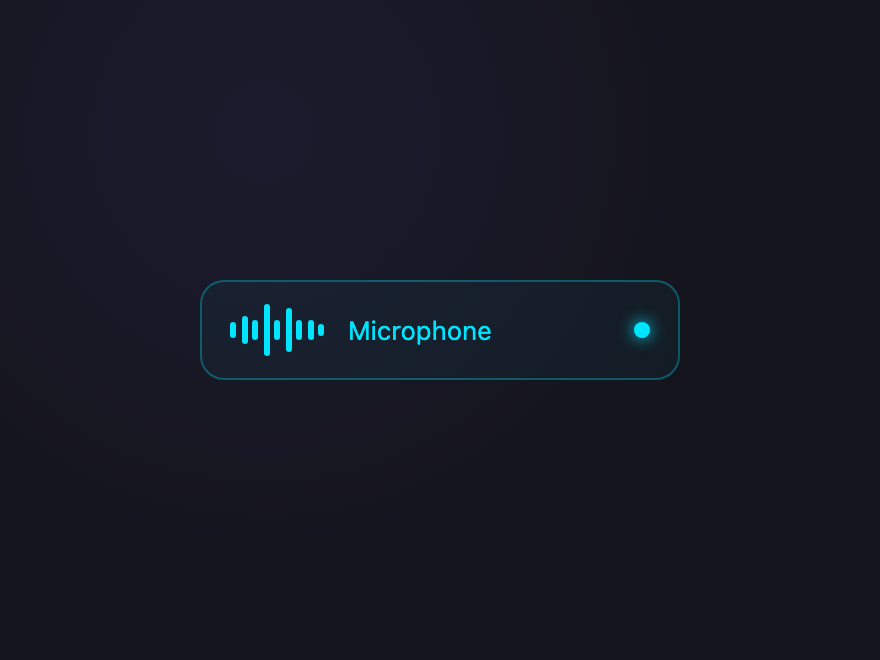
Static audio bars spring to life with staggered breathing animations when toggled on. The track border and indicator dot pulse with an ice-cyan glow. Audio-visual data physicality — toggle = sound on/off.
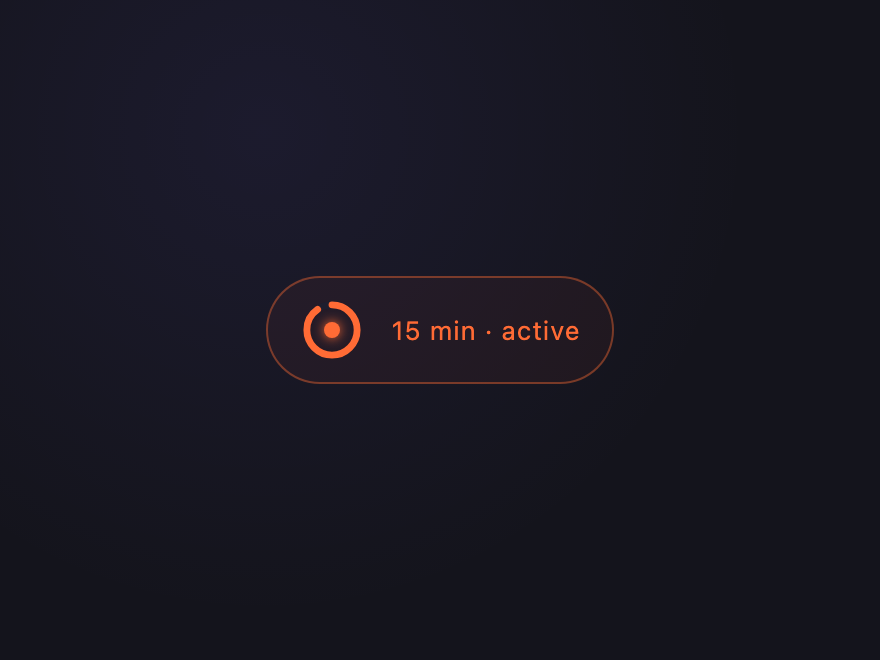
An SVG arc fills around a circle when the toggle activates, visualising session time. Temporal UI for progress-aware states — users see state over time, not just on/off. The ember glow signals an active countdown.
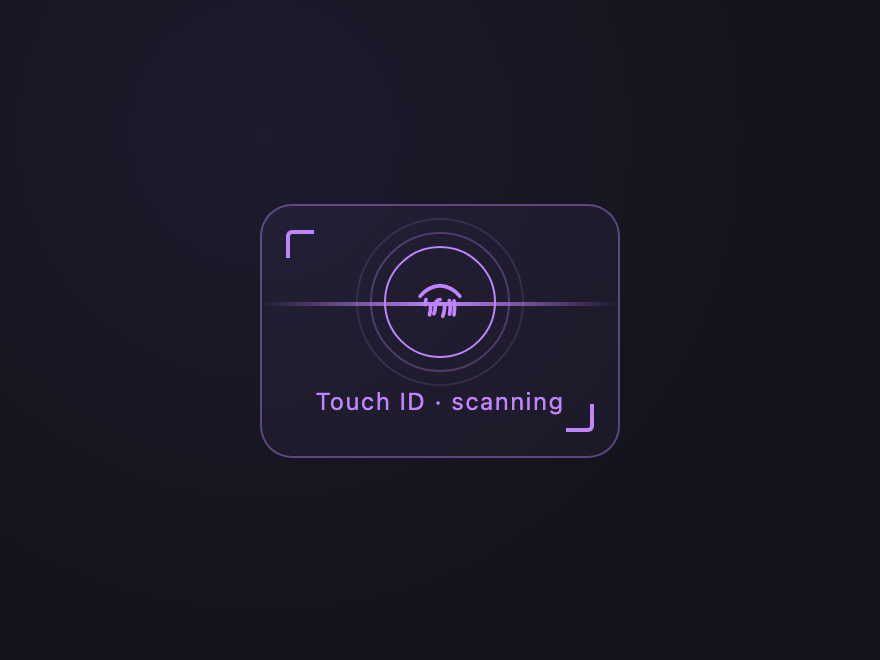
A scanline sweeps top-to-bottom, corner brackets glow lilac, and the icon ring lights up when activated. Identity-first UI for auth flows — the toggle becomes a scan target instead of a switch.
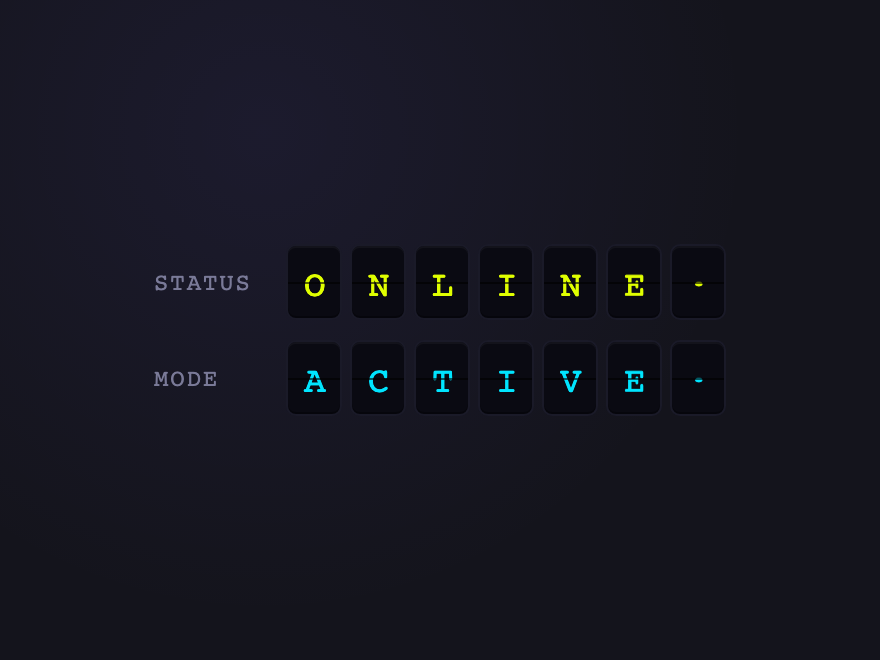
A retro-mechanical airport departure board built from CSS-only rotateX flips. Toggling cycles both rows simultaneously — OFFLINE flips to ONLINE, STANDBY flips to ACTIVE — with each character flipping in sequence for the cascading split-flap feel.
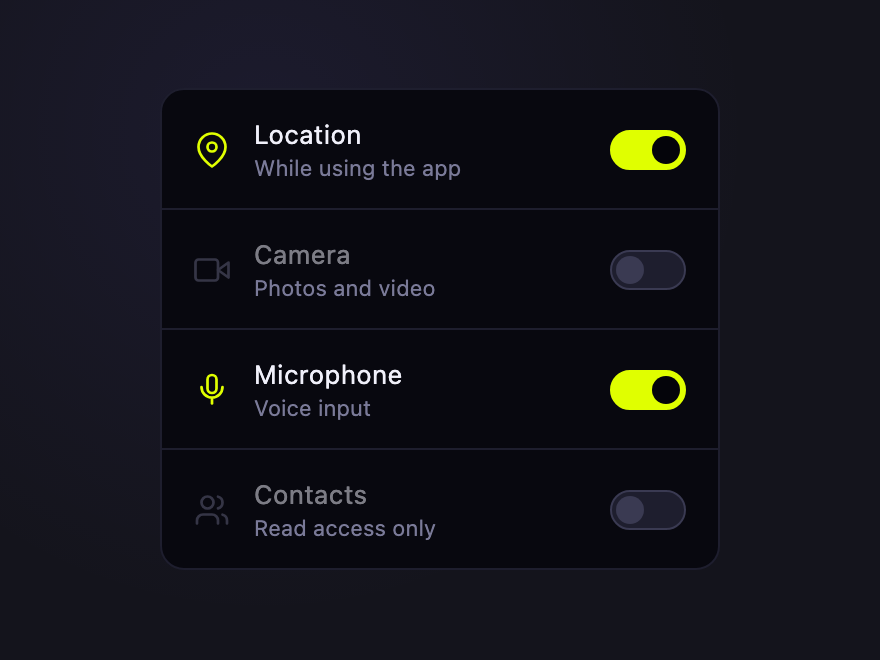
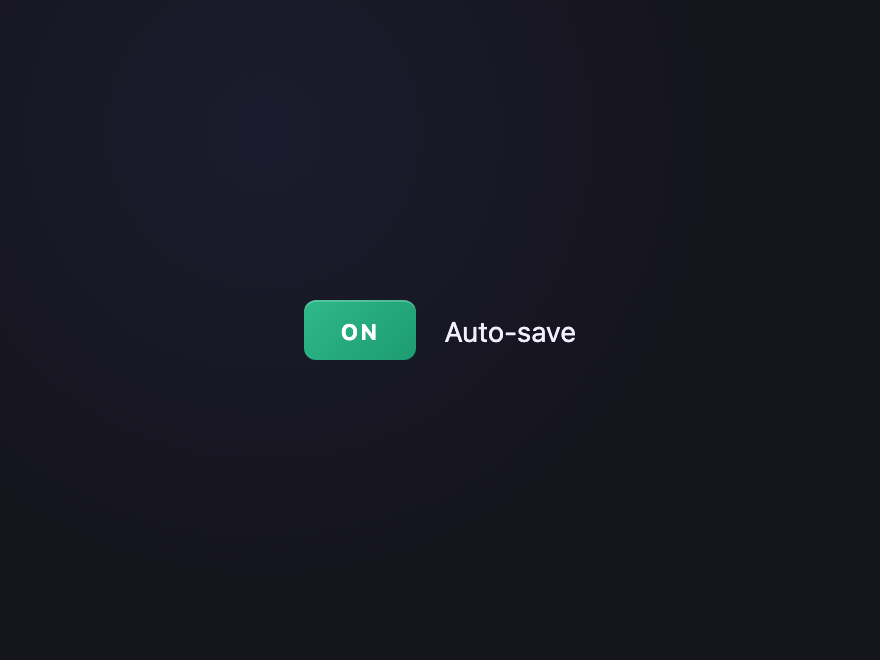
Grouped consent UI with mini pill toggles inside stacked bordered rows. Each row independently grants or revokes a permission — the icon and label brighten and the pill switches to brand-green when granted. The dominant trust-first UI pattern replacing modal popups.
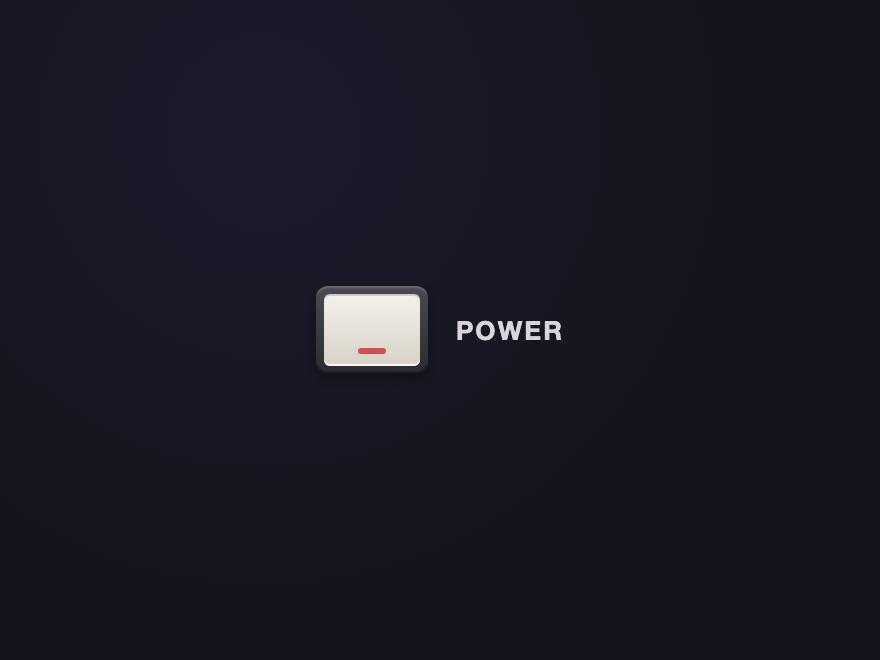
A physical rocker light switch — brushed metal bezel, plastic rocker that tilts on toggle, subtle shadow that deepens when pressed. Heavy realism, satisfying click.
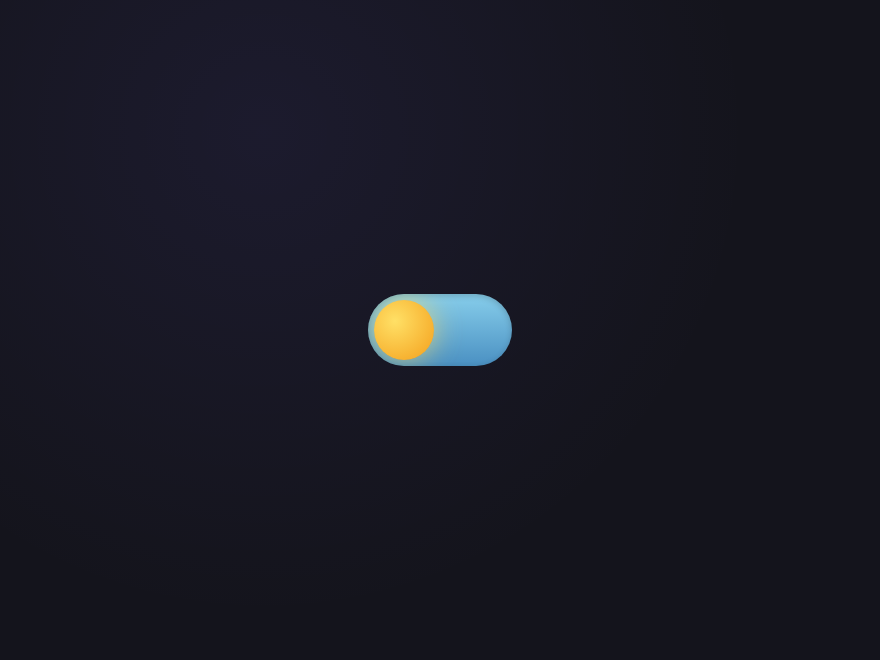
A dark-mode toggle that morphs from a sun in a sky-blue track to a crescent moon over a deep night track. The most "what does this control" pattern in the bunch.
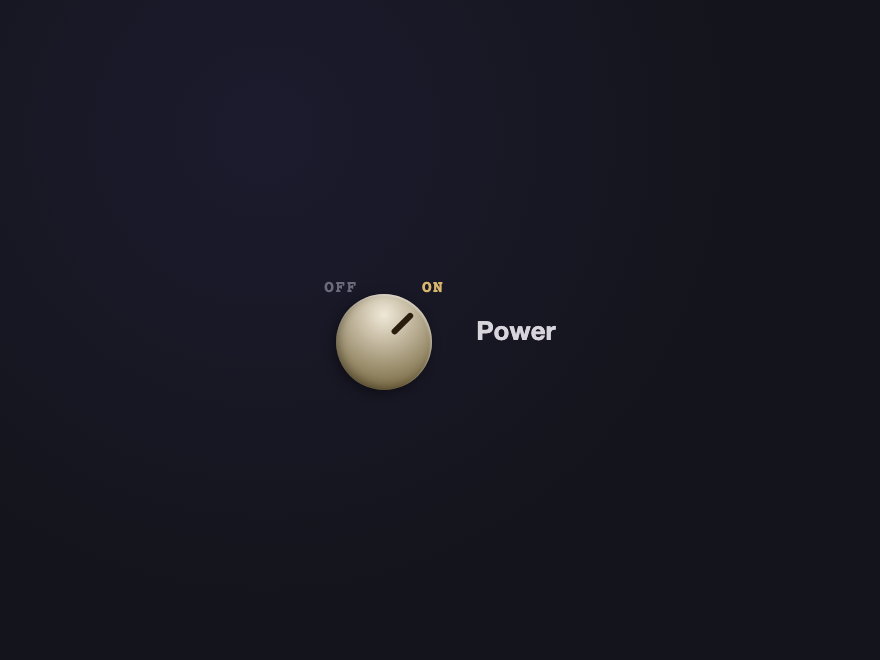
A brushed-metal rotary knob that physically rotates 90 degrees on toggle. Different motion type from the sliding switches — rotation as the state signal. Tick marks anchor the dial.
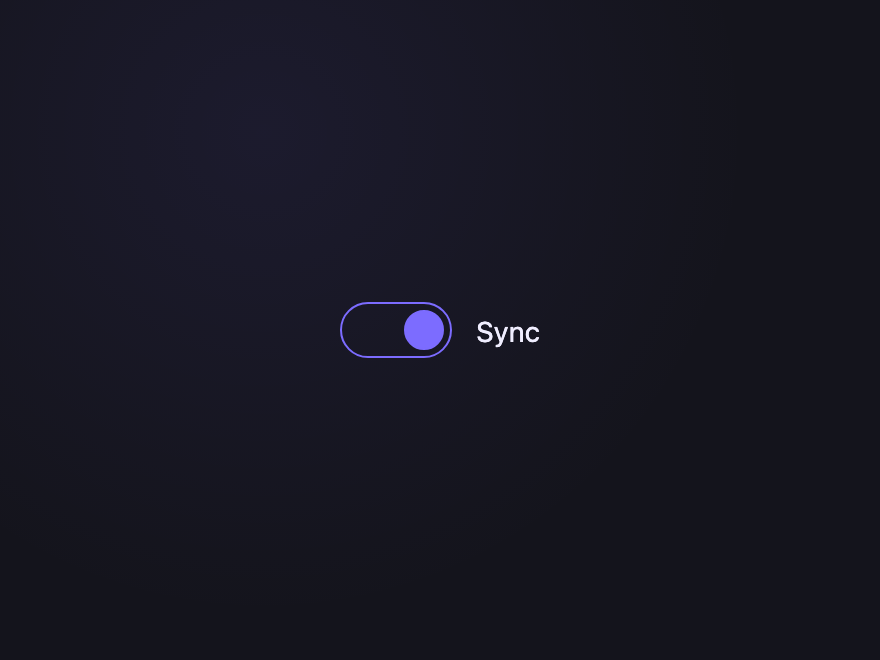
A pure-stroke toggle — track and thumb are outlines only, no fills. When toggled on, the thumb fills with brand color. Minimalist; pairs with the brutalist demo.
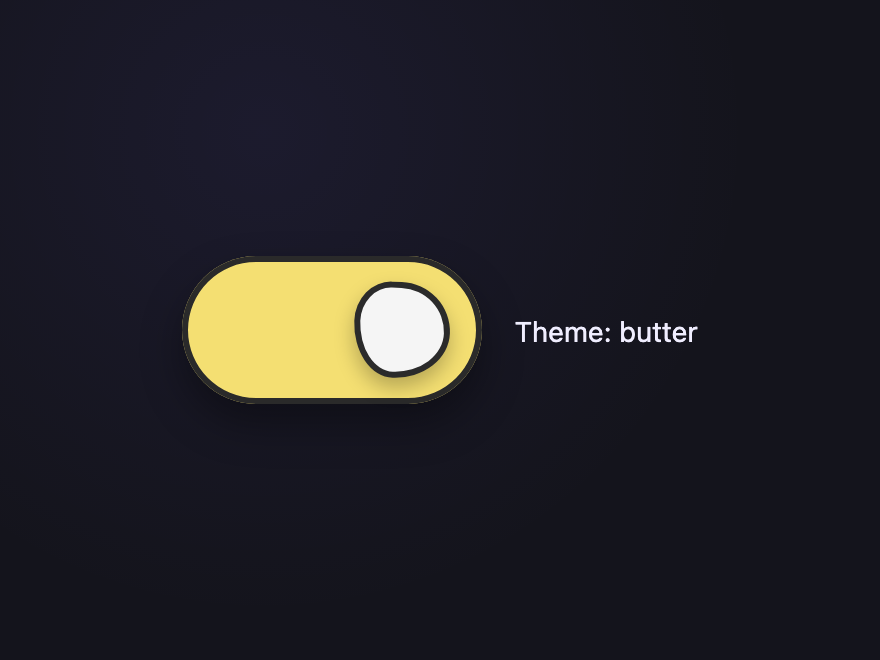
A chunky outlined toggle with an organic "pebble" thumb shape built from 8-value border-radius syntax. Bouncy springy transition with anticipation + overshoot. Track and thumb swap colors on each state. The reference for hand-crafted, designer-drawn toggles — distinctive from every other demo in the collection.
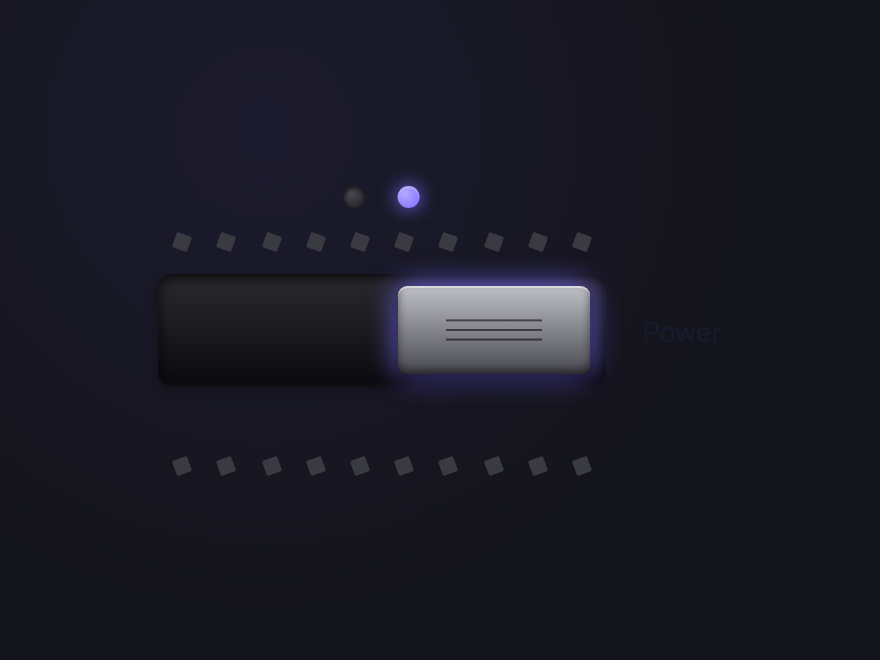
A chunky industrial rocker switch with twin indicator lights, rotating "teeth" along the rail, and a color-shifting metallic thumb. The off-light glows red; the on-light glows brand purple. Inspired by heavy-duty equipment power switches.
Start from a real input type=checkbox — visually hide it but keep it in the DOM — and style a sibling label as the track, with a ::before or ::after pseudo-element as the sliding knob. The :checked pseudo-class moves the knob and recolours the track. All 20 switches here use this checkbox-driven pattern, so they stay accessible while looking fully custom.
What's the difference between a toggle switch and a checkbox?
Functionally they're the same control — both are an input type=checkbox under the hood. The difference is meaning and visuals: a checkbox suits 'select this option' choices, often in a group you submit later; a toggle switch suits an instant on/off setting (like dark mode or notifications) that takes effect immediately. A switch is just a checkbox styled to look like a physical switch.
Can a CSS toggle switch work without JavaScript?
Yes — all 20 toggles here are 100% pure CSS, zero JavaScript. The hidden checkbox's :checked state drives the entire animation: the knob slide, track colour, and any glow or bounce all come from input:checked ~ label rules.
Are these CSS toggle switches accessible?
Yes. Every switch keeps the real input type=checkbox (visually hidden, never display:none, so it stays focusable), tied to a label. Keyboard users Tab to it and toggle with Space, a visible focus state is provided, and continuous motion honours prefers-reduced-motion. For a true switch role, add role='switch' and aria-checked on real applications.
Can I use these toggle switches in React or other frameworks?
Yes. Each toggle is plain HTML and CSS — no dependencies, no build step. Drop the markup into React (use className and htmlFor), Vue, Svelte, Astro or static HTML and it works unchanged. All 20 designs are MIT licensed and free for commercial use.