26 CSS Accordions — Vertical & Horizontal

Advertisement

A CSS accordion is a collapsible content panel that hides and reveals a section on click. These 26 hand-coded designs are full-featured FAQ blocks, nav sections, and disclosure panels you can drop into a project today — copy the markup, swap your content, and ship.
26 unique accordions 26 Pure CSS 0 dependencies 100% copy-paste ready Published
01 / 26
Underline Reveal
Pure CSS
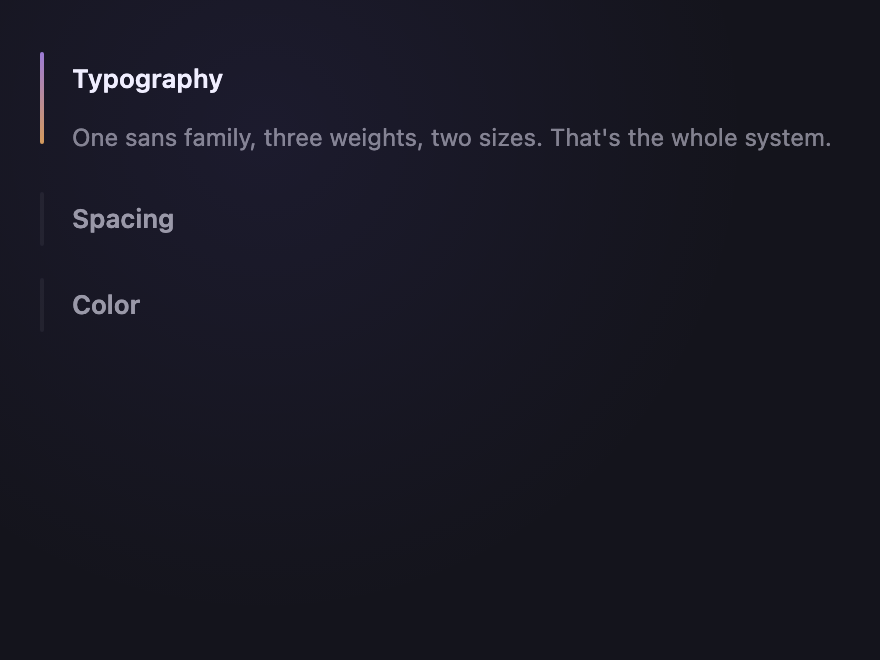
Underline Reveal — preview
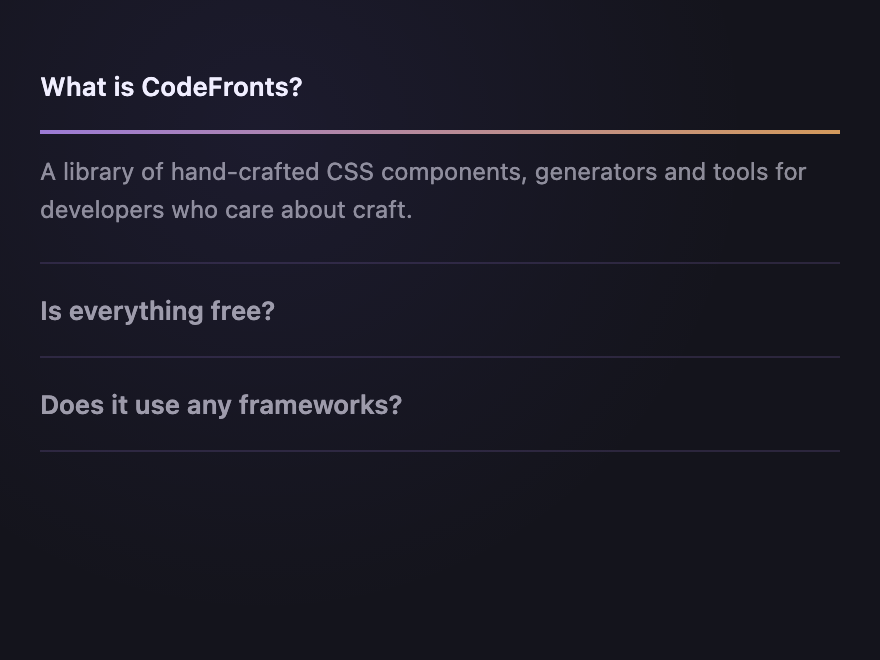
Vertical accordion with a left-anchored underline that grows across the open trigger.
02 / 26
Numbered Steps
Pure CSS
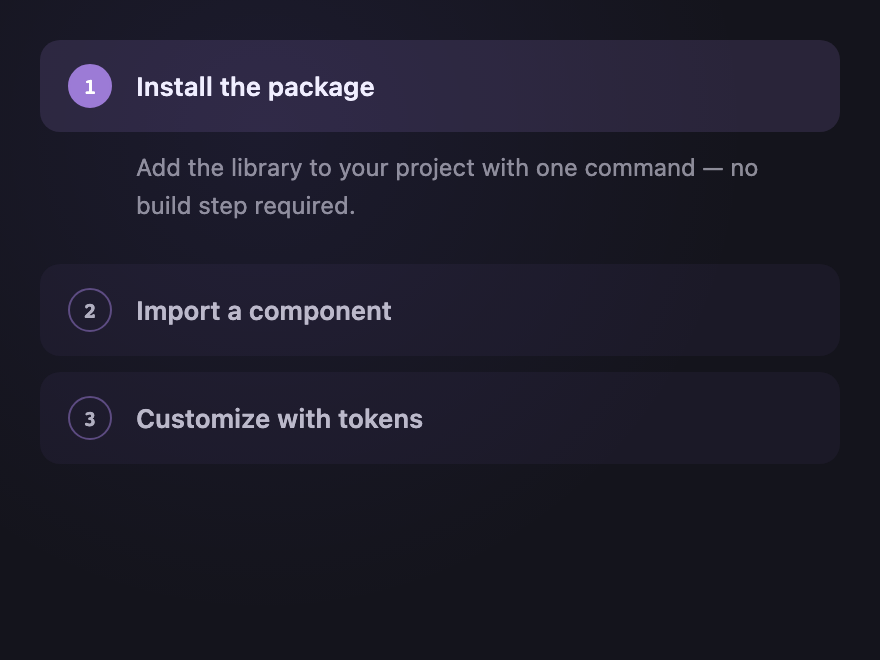
Numbered Steps — preview
Each row is a numbered step with a circular badge that fills amethyst when expanded.
03 / 26
Plus / Minus Morph
Pure CSS
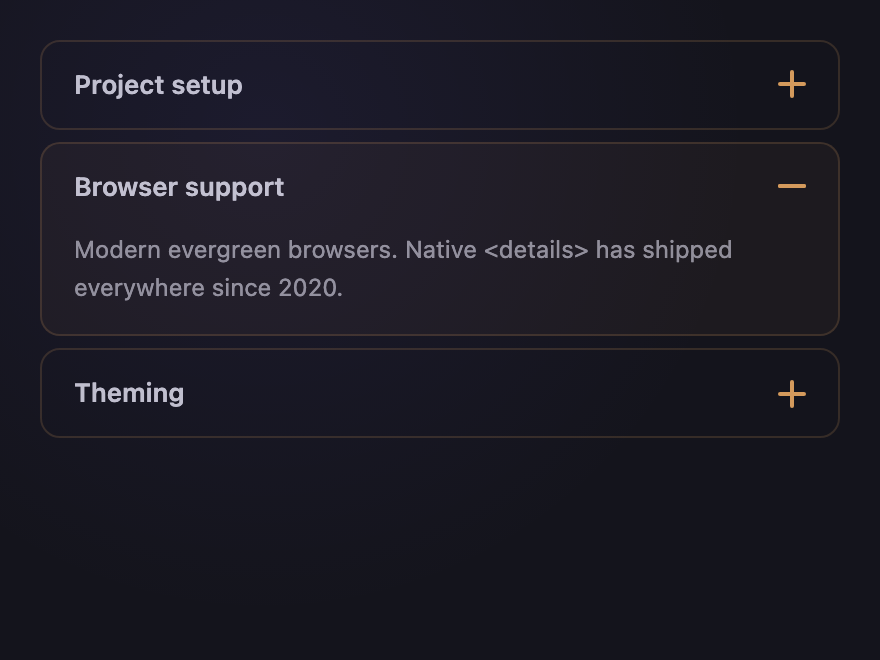
Plus / Minus Morph — preview
A pure-CSS plus icon that morphs into a minus when the row opens — both bars are pseudo-elements.
04 / 26
Chevron Rotate
Pure CSS
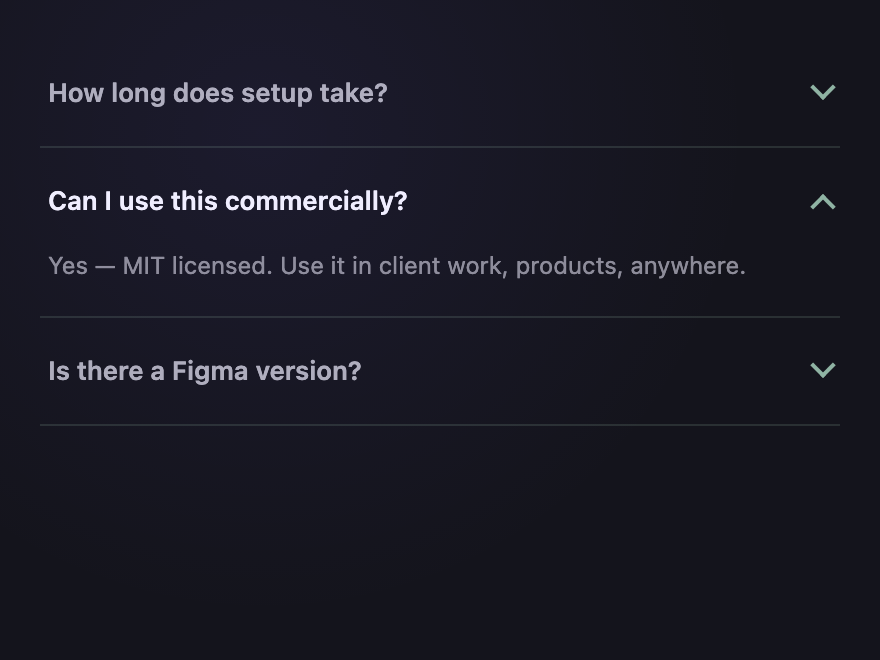
Chevron Rotate — preview
A pure-CSS chevron arrow rotates 180° on open — built from a single bordered square.
05 / 26
Brutalist Stamp
Pure CSS
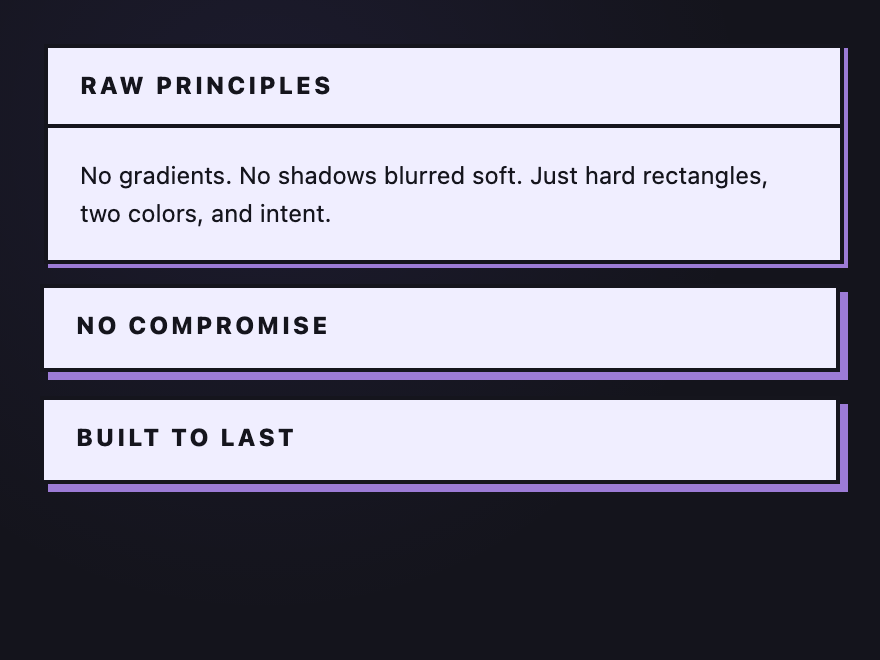
Brutalist Stamp — preview
Heavy-bordered, rectangular accordion with a hard offset shadow that flips on open.
06 / 26
Glass Frosted
Pure CSS
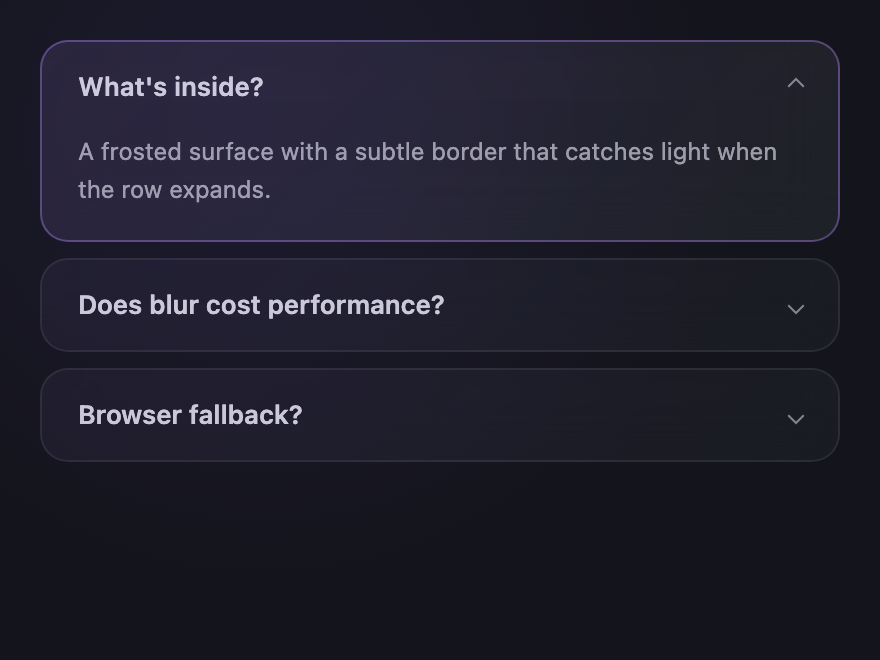
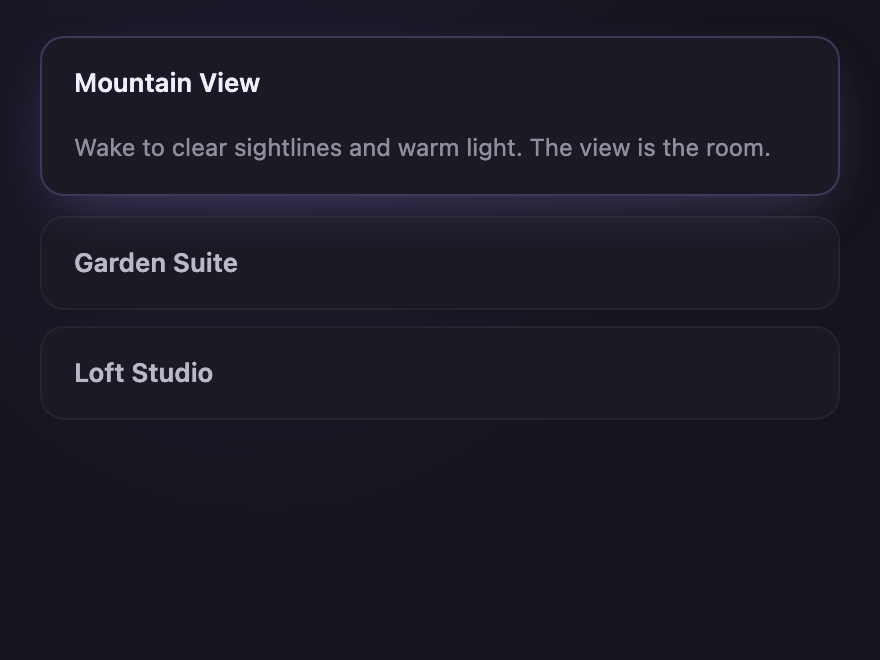
Glass Frosted — preview
Frosted-glass card accordion with backdrop-blur and a luminous rim that brightens on open.
07 / 26
Minimal Rail
Pure CSS
Minimal Rail — preview
A thin colored rail on the left highlights the active row — no other decoration.
08 / 26
Card Lift
Pure CSS
Card Lift — preview
Floating cards that lift with a soft shadow when expanded — accent color shifts subtly.
09 / 26
Strip Tabs
Pure CSS
Strip Tabs — preview
Horizontal column accordion — each strip widens when activated, others compress to a label.
10 / 26
Image Reveal
Pure CSS
Image Reveal — preview
Hover or focus to widen a column; the image inside zooms to fit while siblings collapse.
11 / 26
Color Block
Pure CSS
Color Block — preview
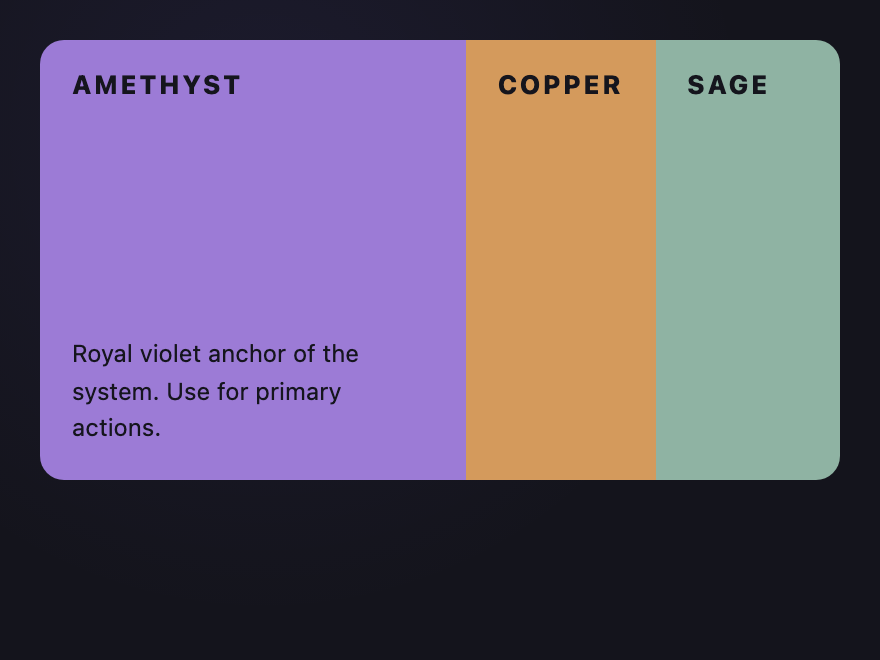
Solid color blocks switch via radio inputs; the active block expands and reveals body copy.
12 / 26
Numbered Spine
Pure CSS
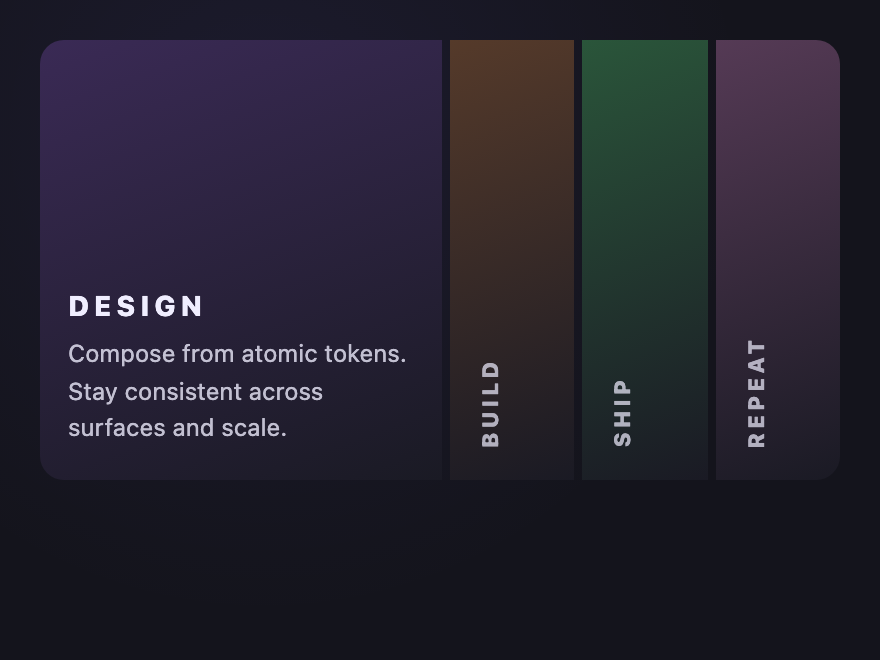
Numbered Spine — preview
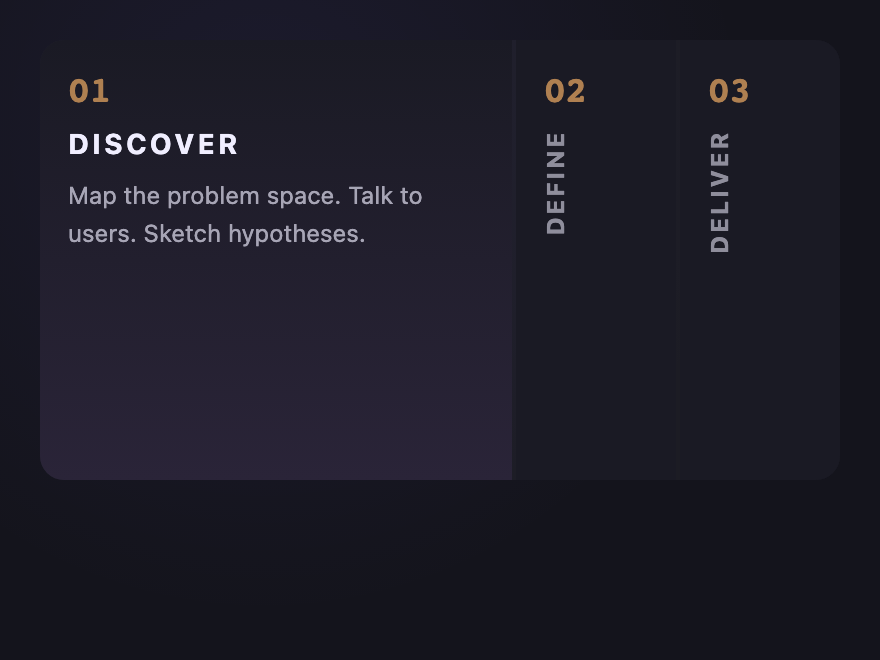
Vertical numbered labels rotate to horizontal when their column expands.
Advertisement
13 / 26
Curtain Slide
Pure CSS
Curtain Slide — preview
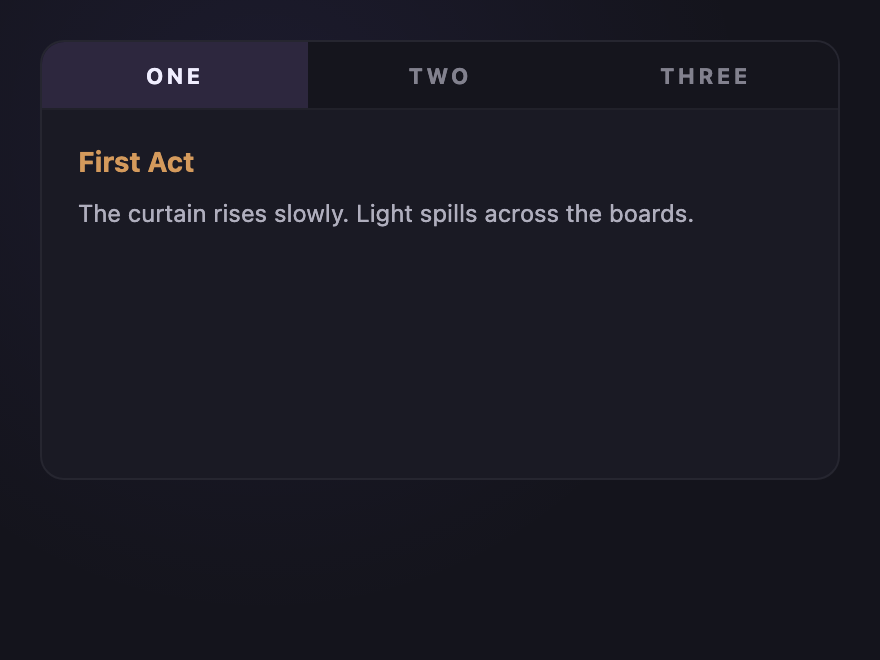
Active panel slides in from the right while the previous one collapses left — like a stage curtain.
14 / 26
Vinyl Spine
Pure CSS
Vinyl Spine — preview
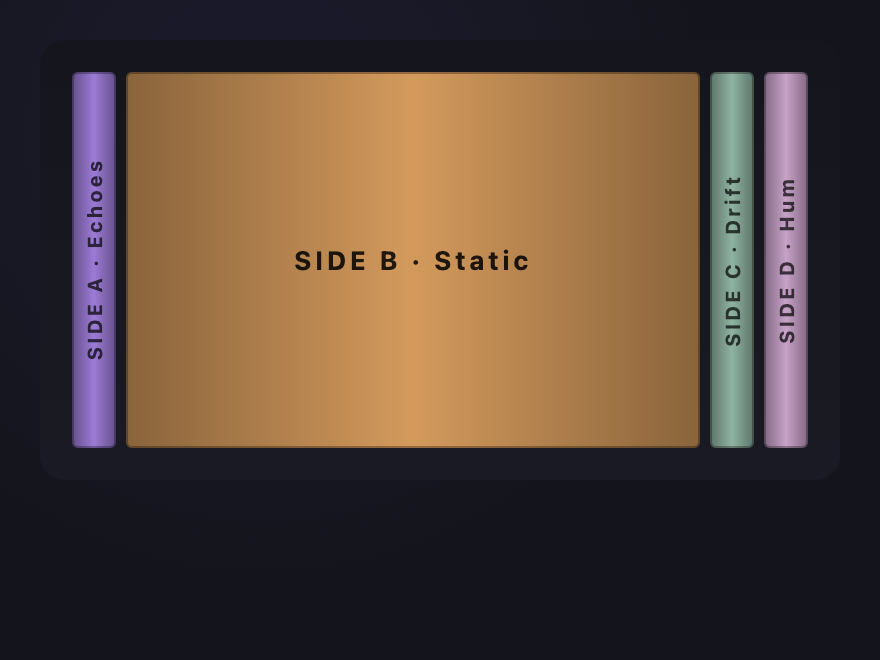
Records on a shelf — click a spine to slide it out and reveal its label.
15 / 26
Cinema Reel
Pure CSS
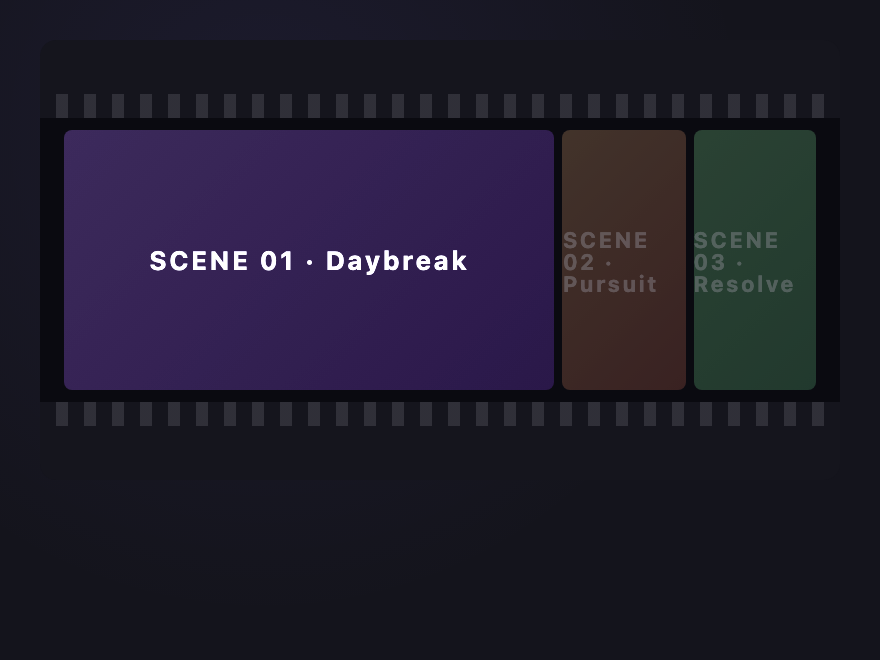
Cinema Reel — preview
Film-strip style horizontal accordion — sprocket holes top and bottom, frame brightens on focus.
16 / 26
Aurora Strip
Pure CSS
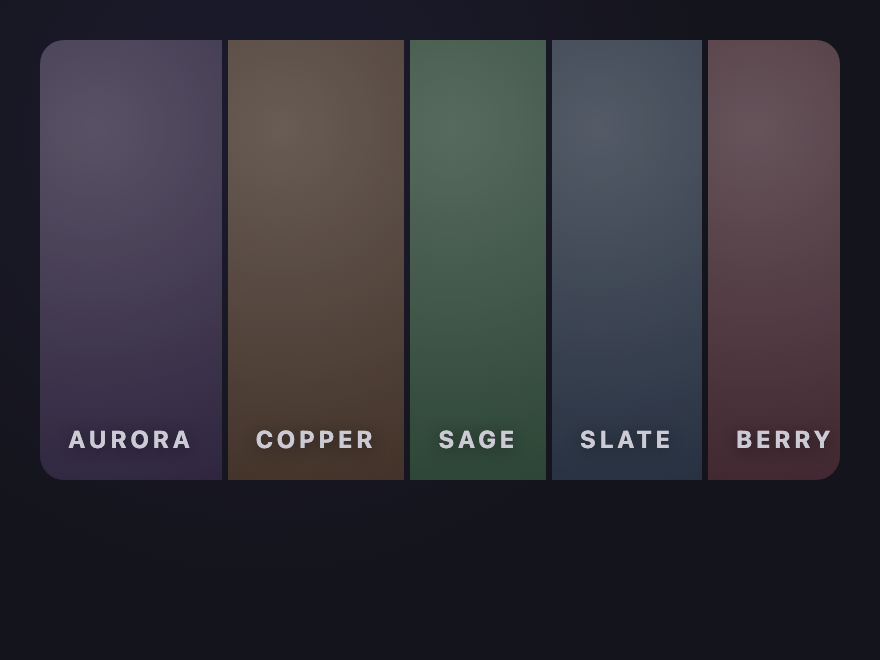
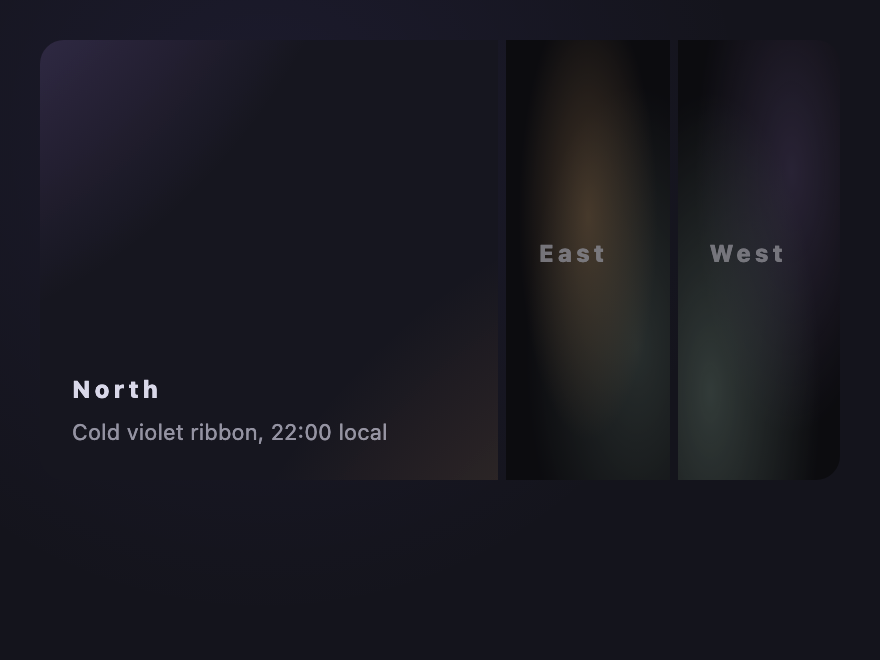
Aurora Strip — preview
Each panel hides a drifting aurora gradient — pop into view by widening the active strip.
17 / 26
Diagonal Slant
Pure CSS
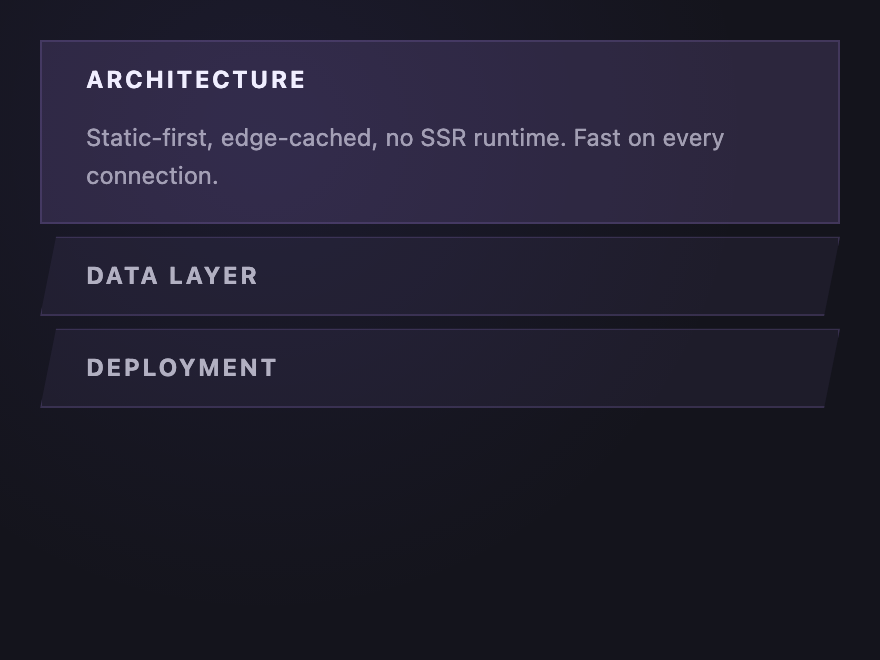
Diagonal Slant — preview
Vertical accordion where each row slants — open row straightens to a clean rectangle.
18 / 26
Stepped Stair
Pure CSS
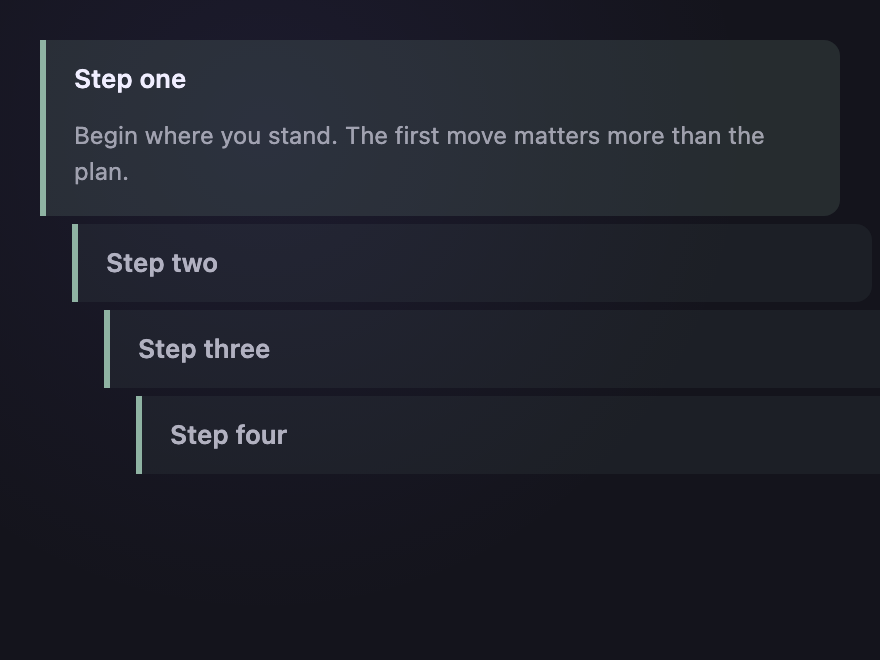
Stepped Stair — preview
Each row indents progressively, creating a staircase — open row pulls back to flush left.
19 / 26
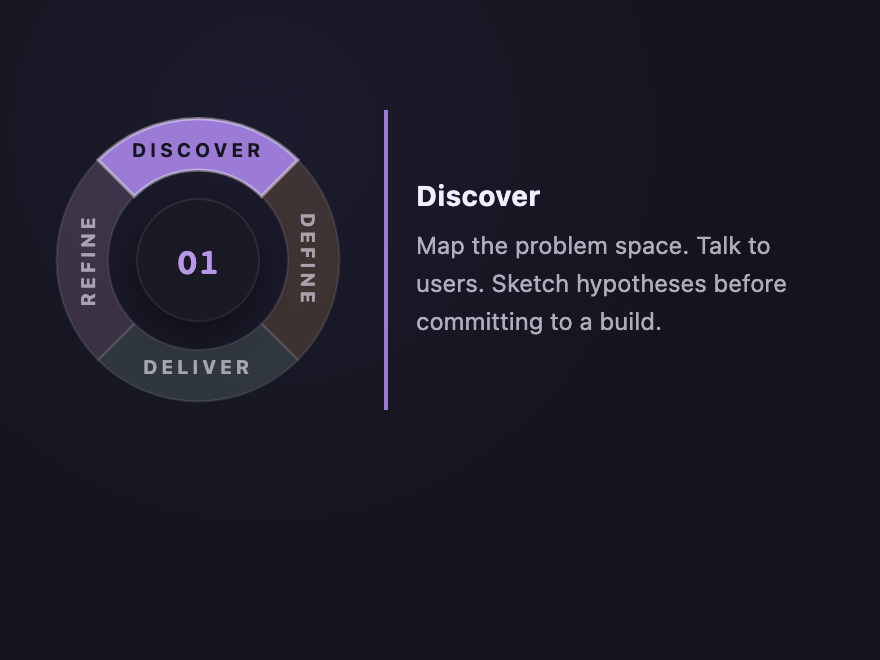
Circular Arc
Pure CSS
Circular Arc — preview
A four-segment ring menu — labels follow each arc via SVG textPath. Selected arc lights up with its theme color, the hub shows the active step number, and the body reveals a matching description.
20 / 26
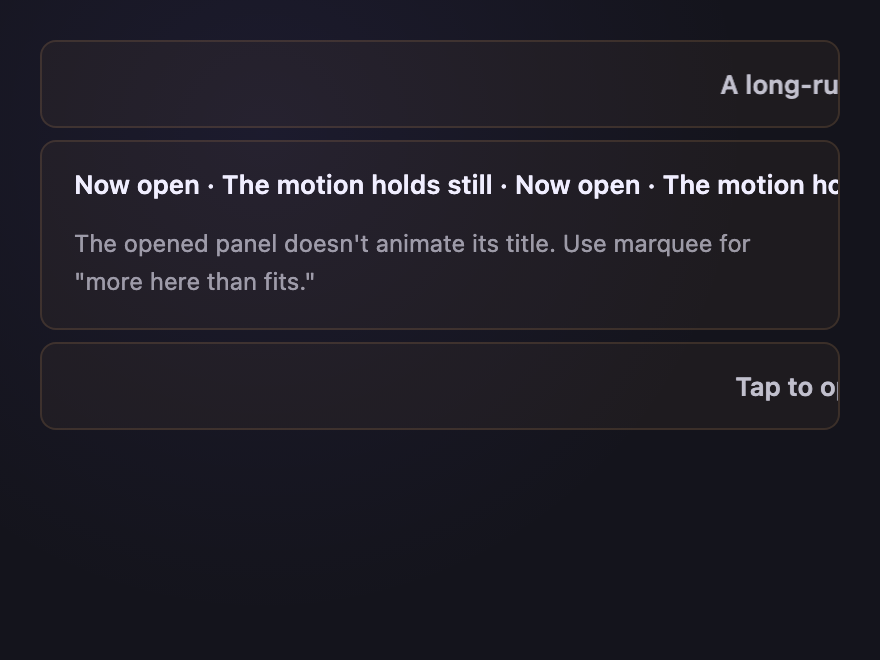
Marquee Header
Pure CSS
Marquee Header — preview
Closed rows scroll their title as a slow marquee; opening pauses the marquee and reveals body.
21 / 26
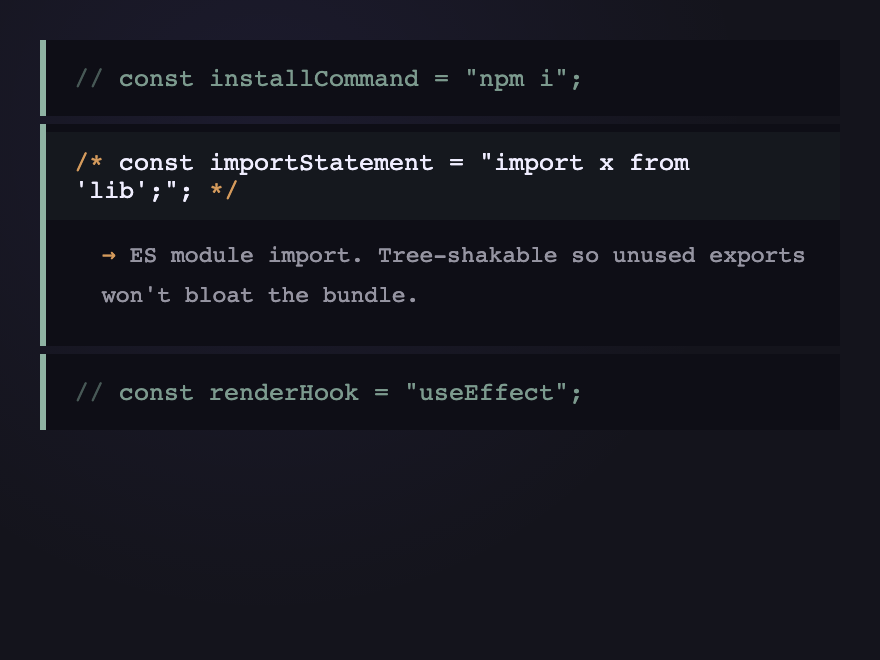
Code Comment
Pure CSS
Code Comment — preview
Accordion styled as a multi-line code comment — "//" prefix on closed rows, full block on open.
22 / 26
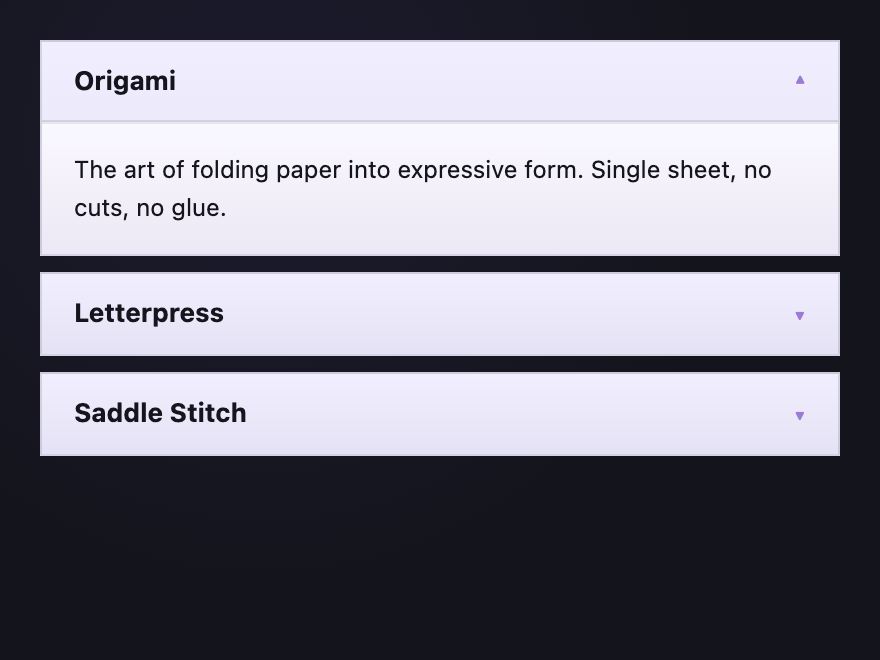
Paper Folded
Pure CSS
Paper Folded — preview
Each row looks like a folded paper card; opening unfolds it with a 3D rotateX flip.
23 / 26
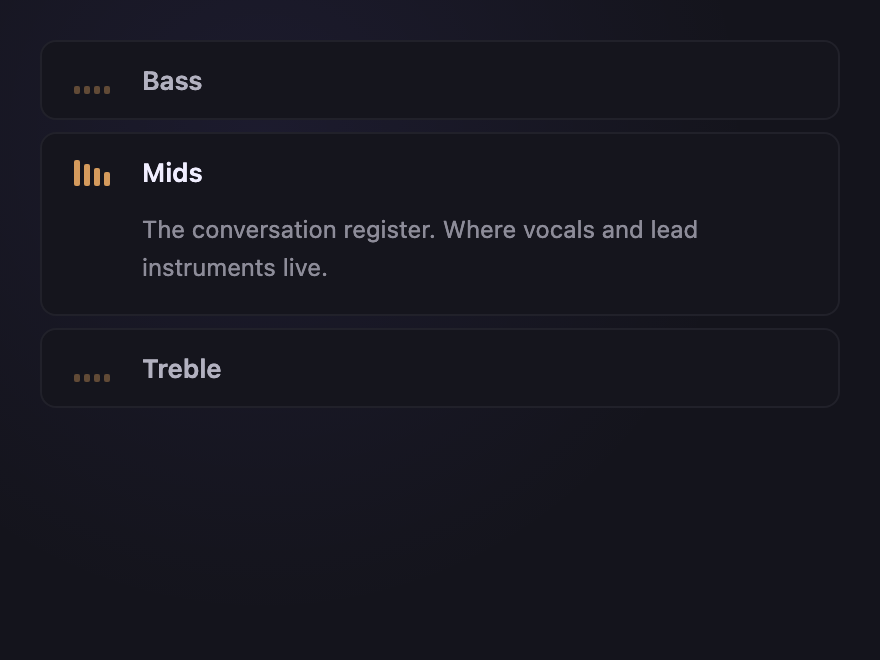
Equalizer
Pure CSS
Equalizer — preview
Audio-EQ inspired — vertical bars rise to indicate the open row. Pure CSS, no JS.
24 / 26
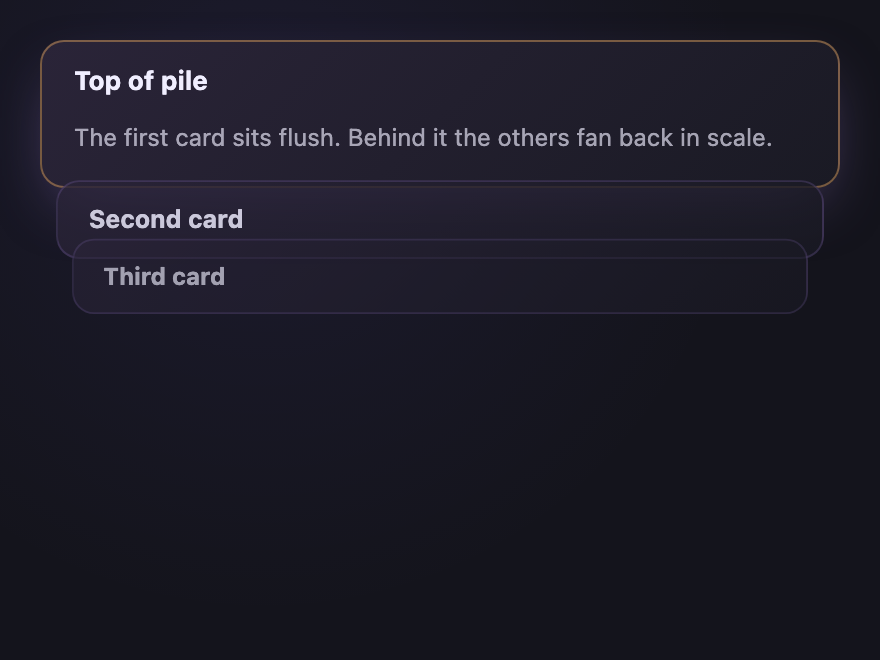
Stacked Cards
Pure CSS
Stacked Cards — preview
Closed rows stack with a slight scale-down and translucent overlap; opened row pops to top.
Advertisement
25 / 26
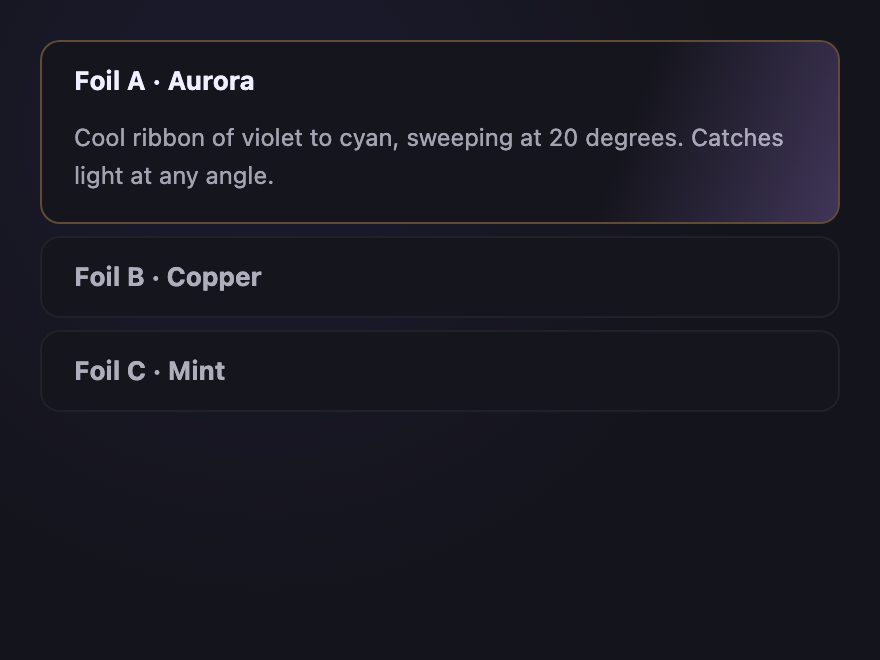
Holographic Slot
Pure CSS
Holographic Slot — preview
Open row shows a holographic gradient sweep — like a foil sticker catching light.
26 / 26
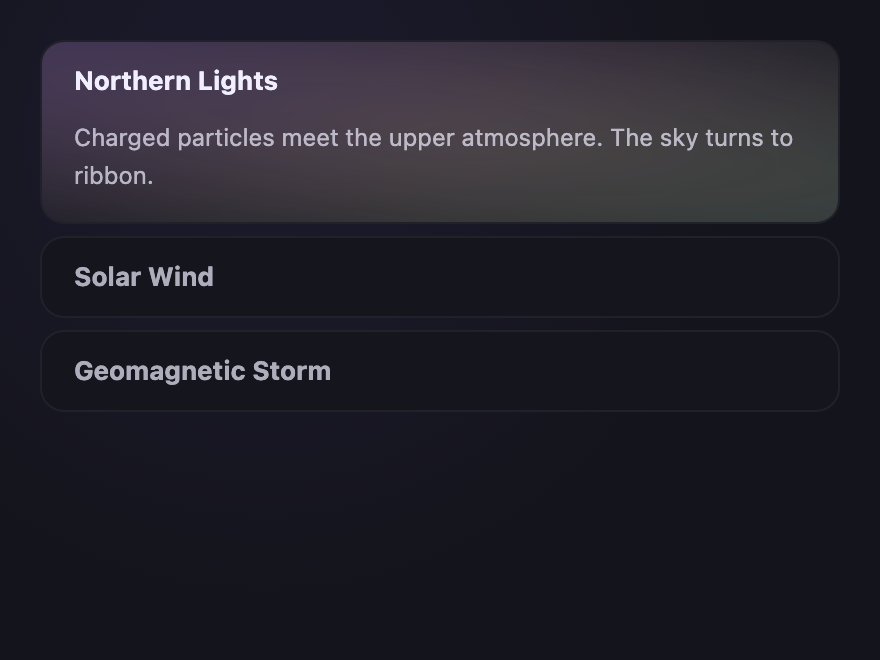
Aurora Drift
Pure CSS
Aurora Drift — preview
Closed rows show a faint hue at the edge; open rows bloom into a slow-drifting aurora.
Advertisement
FAQ

Frequently asked questions

How do I build an accordion in pure CSS?
The cleanest way is the native details and summary elements: each accordion panel is a details element, the clickable header is its summary, and the browser handles open and close for free — no JavaScript. The alternative is the hidden-checkbox pattern: a checkbox toggles a panel via :checked. Every accordion in this gallery is pure CSS using one of these two techniques.
Can a CSS accordion work without JavaScript?
Yes — all 26 accordions here are 100% CSS, no JavaScript. The details/summary element opens and closes natively, and CSS handles the styling, the icon rotation and the reveal. For the smooth height animation, modern CSS uses interpolate-size and ::details-content; browsers without that support simply snap open, which is a graceful fallback.
How do I animate an accordion open and close smoothly in CSS?
Animating to height: auto used to be impossible in CSS. Modern browsers solve it with interpolate-size: allow-keywords plus a transition on the details::details-content block-size. Older browsers fall back to an instant open. Some demos also use a grid-template-rows 0fr to 1fr transition, another pure-CSS way to animate an unknown content height.
What's the difference between a vertical and horizontal accordion?
A vertical accordion stacks panels top to bottom and expands them downward — the familiar FAQ layout. A horizontal accordion places panels side by side and expands them sideways, which suits image galleries and feature showcases. This collection has 17 vertical and 9 horizontal layouts so you can pick whichever fits your space.
Are these CSS accordions accessible?
Yes. The details/summary demos are accessible by default — the browser exposes the expanded state and handles keyboard toggling with Enter and Space. Summaries are real, focusable controls with visible focus states, and any continuous animation honours prefers-reduced-motion. All demos are MIT licensed and free to use.

Search CodeFronts

Loading…