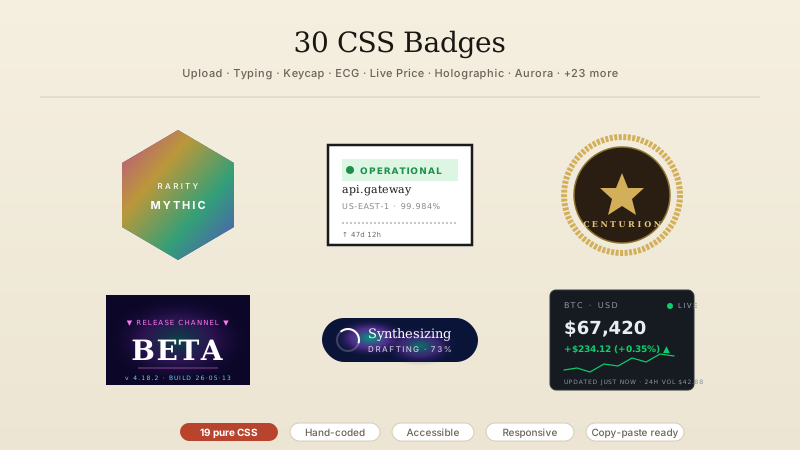
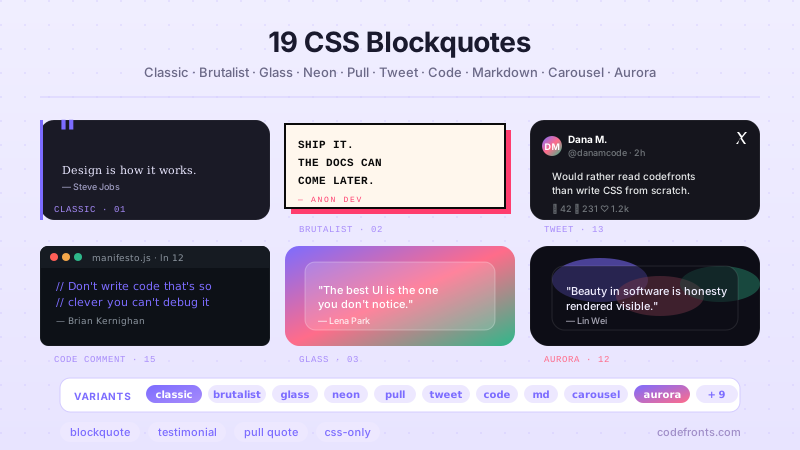
A CSS tag or chip is a compact pill-shaped UI element used for filters, labels, selections, statuses, and metadata — common in tag inputs, filter bars, and labelled categorisation. These 20 hand-coded designs use semantic HTML, scoped class-based CSS, and JavaScript only where it adds real interaction.
01 / 20
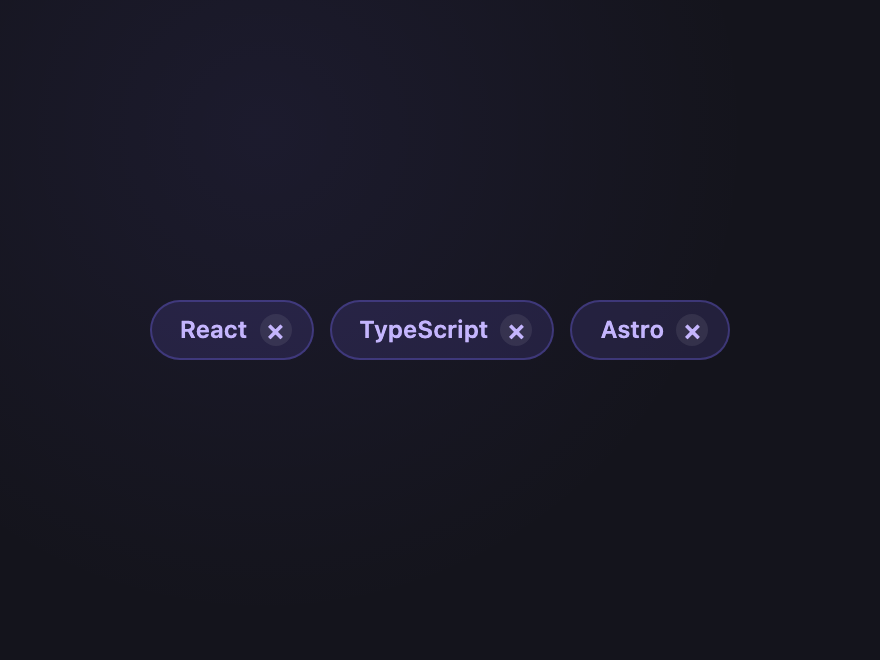
Removable Pill
Pure CSS Three filter chips with × buttons that actually remove the chip — pure CSS via :has(:checked) hiding the parent. The canonical filter pattern, working without a single line of JS.
.ctc-rem { display: flex; flex-wrap: wrap; gap: 8px; }
.ctc-rem-chip { display: inline-flex; align-items: center; gap: 6px; padding: 6px 10px 6px 14px; background: rgba(124,108,255,0.14); color: #c4b5fd; border: 1px solid rgba(124,108,255,0.3); border-radius: 999px; font: 600 12px/1 system-ui, sans-serif; cursor: pointer; transition: opacity 0.2s, transform 0.2s; }
.ctc-rem-chip:hover { background: rgba(124,108,255,0.22); }
.ctc-rem-x { display: inline-flex; align-items: center; justify-content: center; width: 16px; height: 16px; border-radius: 50%; background: rgba(255,255,255,0.08); font-size: 14px; line-height: 1; transition: background 0.15s; }
.ctc-rem-chip:hover .ctc-rem-x { background: rgba(255,255,255,0.18); }
.ctc-rem-chip:has(:checked) { display: none; } <div class="ctc-rem">
<label class="ctc-rem-chip">
<input type="checkbox" hidden />
<span>React</span>
<span class="ctc-rem-x" aria-hidden="true">×</span>
</label>
<label class="ctc-rem-chip">
<input type="checkbox" hidden />
<span>TypeScript</span>
<span class="ctc-rem-x" aria-hidden="true">×</span>
</label>
<label class="ctc-rem-chip">
<input type="checkbox" hidden />
<span>Astro</span>
<span class="ctc-rem-x" aria-hidden="true">×</span>
</label>
</div> 02 / 20
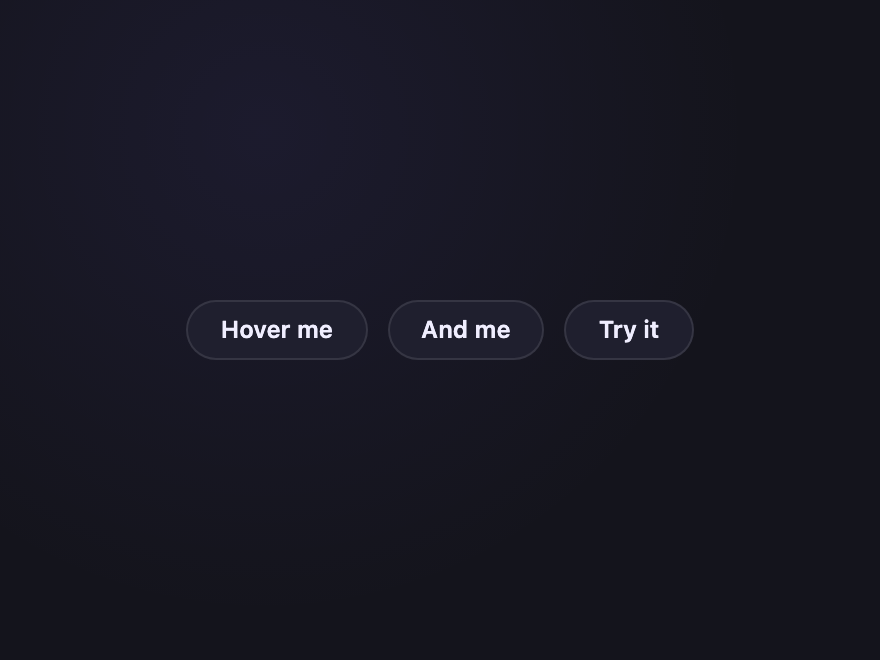
Magnetic Hover
Pure CSS On hover the chip text drifts toward the cursor edge via a CSS-only "magnet" trick — purely transition-based, no pointer math, no JS.
.ctc-mag { display: flex; gap: 10px; }
.ctc-mag-chip { position: relative; display: inline-flex; align-items: center; padding: 8px 16px; background: #1f1f2e; border: 1px solid rgba(255,255,255,0.1); border-radius: 999px; color: #f0eeff; font: 600 12px/1 system-ui, sans-serif; text-decoration: none; cursor: pointer; overflow: hidden; transition: border-color 0.2s, background 0.2s; }
.ctc-mag-chip span { display: inline-block; transition: transform 0.35s cubic-bezier(0.34, 1.56, 0.64, 1); position: relative; z-index: 1; }
.ctc-mag-chip:hover { background: #2a2a3e; border-color: #7c6cff; }
.ctc-mag-chip:hover span { transform: translateX(3px) scale(1.05); }
.ctc-mag-chip::before { content: ''; position: absolute; inset: 0; background: radial-gradient(circle at var(--mx,50%) var(--my,50%), rgba(124,108,255,0.35), transparent 60%); opacity: 0; transition: opacity 0.25s; }
.ctc-mag-chip:hover::before { opacity: 1; } <div class="ctc-mag"> <a href="#" class="ctc-mag-chip"><span>Hover me</span></a> <a href="#" class="ctc-mag-chip"><span>And me</span></a> <a href="#" class="ctc-mag-chip"><span>Try it</span></a> </div>
03 / 20
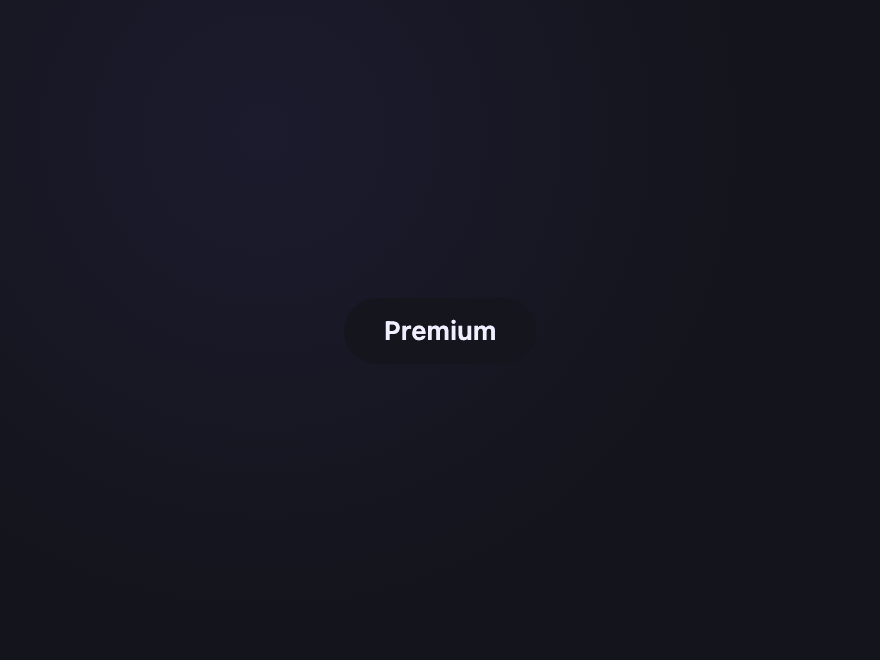
Sliding Border
Pure CSS A real @property-animated conic gradient traces around the chip on hover — true CSS angle animation, not the keyframes-on-position hack everyone else uses.
.ctc-slide { position: relative; display: inline-flex; align-items: center; padding: 10px 20px; border-radius: 999px; background: #15151d; color: #f0eeff; font: 600 13px/1 system-ui, sans-serif; text-decoration: none; isolation: isolate; }
.ctc-slide::before { content: ''; position: absolute; inset: -1.5px; border-radius: inherit; background: conic-gradient(from var(--ctc-angle), #7c6cff, #ff6c8a, #2eb88a, #7c6cff); z-index: -1; }
.ctc-slide:hover { animation: ctc-slide-spin 2.4s linear infinite; }
@media (prefers-reduced-motion: reduce) {
.ctc-slide:hover, .ctc-aurora,
.ctc-status-dot::after,
.ctc-marquee:hover .ctc-marquee-track, .ctc-marquee:focus-visible .ctc-marquee-track,
.ctc-life-chip[data-state="adding"], .ctc-life-chip[data-state="adding"] .ctc-life-icon { animation: none !important; }
.ctc-life-chip[data-state="adding"] { transform: none; opacity: 1; }
} <a href="#" class="ctc-slide"> <span>Premium</span> </a>
04 / 20
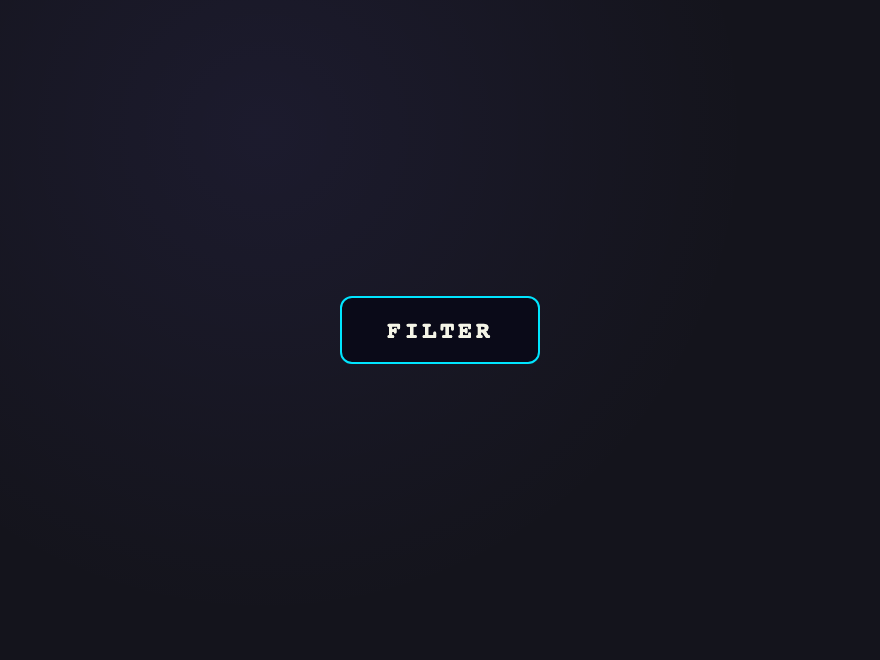
Liquid Fill
Pure CSS Outline chip whose interior fills with brand colour from left-to-right on hover. Text colour inverts at the fill boundary using mix-blend-mode: difference.
.ctc-liquid { position: relative; display: inline-flex; align-items: center; padding: 10px 22px; border: 1.5px solid #00e5ff; border-radius: 6px; font: 700 12px/1 ui-monospace, monospace; letter-spacing: 0.14em; color: #00e5ff; text-decoration: none; overflow: hidden; background: #0a0a18; }
.ctc-liquid::before { content: ''; position: absolute; inset: 0; right: auto; width: 0; background: #00e5ff; transition: width 0.45s cubic-bezier(0.65,0,0.35,1); }
.ctc-liquid:hover::before { width: 100%; }
.ctc-liquid span { position: relative; mix-blend-mode: difference; color: #fff; } <a href="#" class="ctc-liquid"><span>FILTER</span></a>
05 / 20
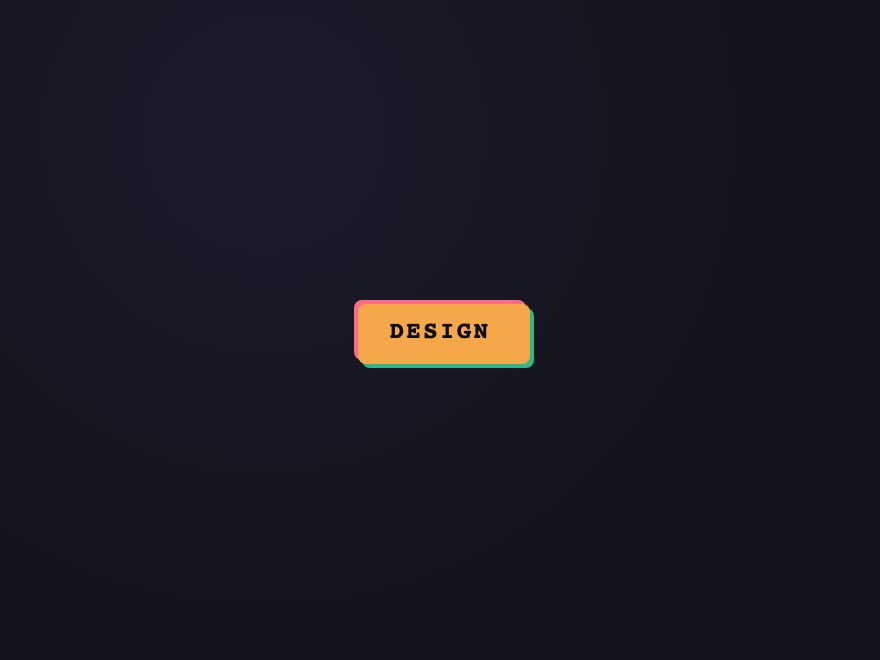
Stack of Three
Pure CSS Chip rendered as three stacked layers offset by 2px each — depth illusion. On hover the layers fan out diagonally. Pure CSS via two ::before/::after pseudo-elements.
.ctc-stack { position: relative; display: inline-flex; align-items: center; padding: 9px 18px; background: #ff6c8a; color: #0a0a0a; border-radius: 4px; font: 700 12px/1 ui-monospace, monospace; letter-spacing: 0.1em; text-decoration: none; transition: transform 0.3s ease; z-index: 3; }
.ctc-stack::before, .ctc-stack::after { content: 'DESIGN'; position: absolute; inset: 0; display: inline-flex; align-items: center; justify-content: center; border-radius: inherit; font: inherit; letter-spacing: inherit; pointer-events: none; transition: transform 0.3s ease; }
.ctc-stack::before { background: #f5a84a; transform: translate(2px, 2px); z-index: -1; color: transparent; }
.ctc-stack::after { background: #2eb88a; transform: translate(4px, 4px); z-index: -2; color: transparent; }
.ctc-stack:hover { transform: translate(-2px, -2px); }
.ctc-stack:hover::before { transform: translate(4px, 4px); }
.ctc-stack:hover::after { transform: translate(8px, 8px); } <a href="#" class="ctc-stack">DESIGN</a>
06 / 20
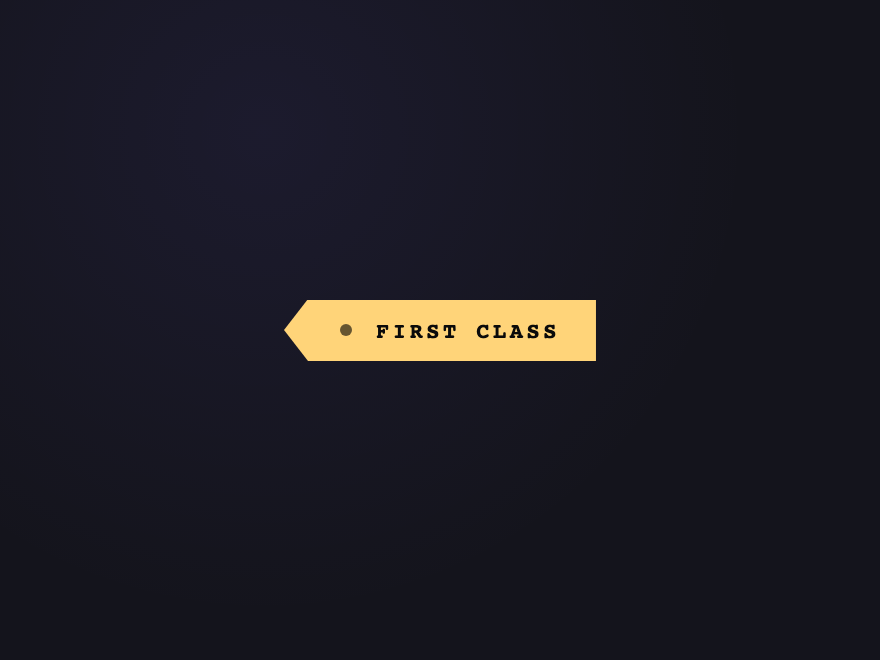
Notch Chip
Pure CSS Chip with a triangular notch cut into the left edge using clip-path — a real shape, not a background trick. Reads as a luggage tag or boarding-pass entry.
.ctc-notch { position: relative; display: inline-flex; align-items: center; gap: 12px; padding: 10px 18px 10px 28px; background: #ffd479; color: #0a0a0a; font: 700 11px/1 ui-monospace, monospace; letter-spacing: 0.16em; text-decoration: none; clip-path: polygon(12px 0%, 100% 0%, 100% 100%, 12px 100%, 0% 50%); transition: transform 0.25s ease, background 0.25s ease; }
.ctc-notch-hole { width: 6px; height: 6px; border-radius: 50%; background: rgba(0,0,0,0.6); flex-shrink: 0; }
.ctc-notch:hover { transform: translateX(2px); background: #ffe4a3; } <a href="#" class="ctc-notch"> <span class="ctc-notch-hole" aria-hidden="true"></span> <span class="ctc-notch-text">FIRST CLASS</span> </a>
07 / 20
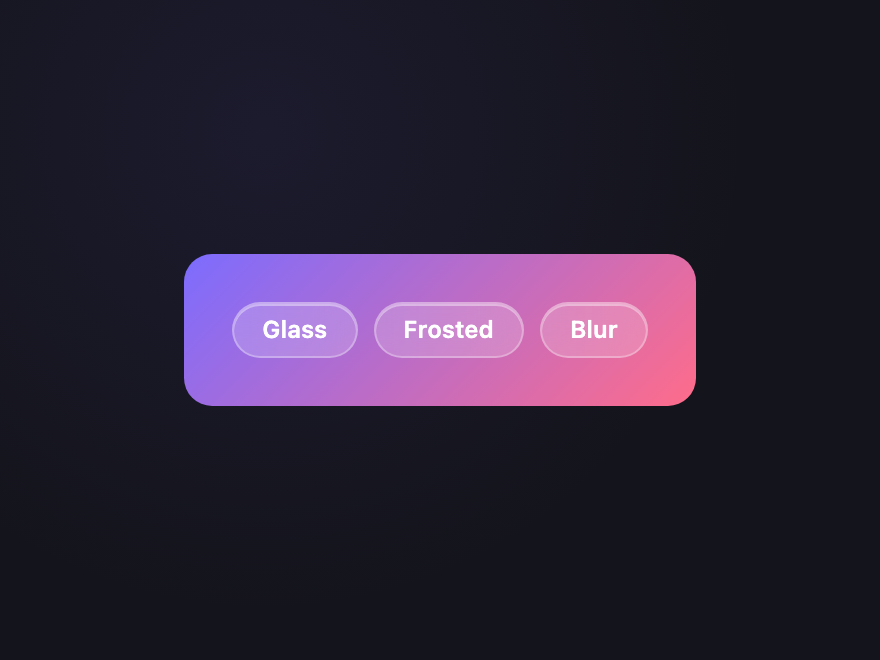
Glassmorphic
Pure CSS Frosted-glass chip with backdrop-blur over a coloured page background. Translucent surface, white border, soft inner highlight.
.ctc-glass-bg { display: flex; gap: 8px; flex-wrap: wrap; padding: 24px; border-radius: 14px; background: linear-gradient(135deg, #7c6cff 0%, #ff6c8a 100%); }
.ctc-glass { display: inline-flex; align-items: center; padding: 7px 14px; border-radius: 999px; background: rgba(255,255,255,0.18); border: 1px solid rgba(255,255,255,0.3); backdrop-filter: blur(12px); -webkit-backdrop-filter: blur(12px); box-shadow: inset 0 1px 0 rgba(255,255,255,0.4); color: #fff; font: 600 12px/1 system-ui, sans-serif; text-decoration: none; transition: background 0.2s; }
.ctc-glass:hover { background: rgba(255,255,255,0.28); } <div class="ctc-glass-bg"> <a href="#" class="ctc-glass">Glass</a> <a href="#" class="ctc-glass">Frosted</a> <a href="#" class="ctc-glass">Blur</a> </div>
08 / 20
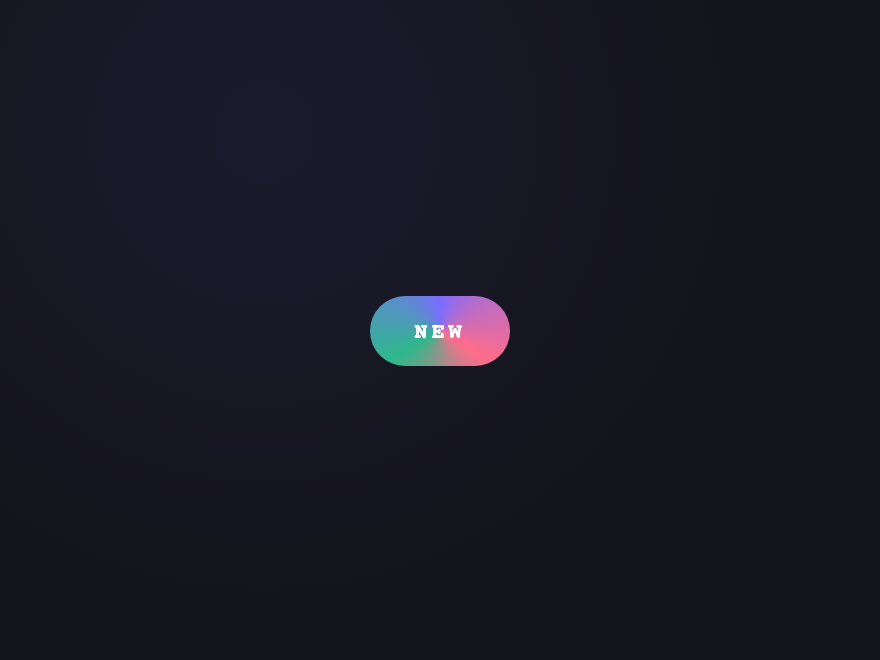
Aurora Outline
Pure CSS Continuously rotating conic-gradient border (violet → pink → mint) using @property for true angle animation. The chip stays still, only the rim rotates. Honours prefers-reduced-motion.
.ctc-aurora { position: relative; display: inline-flex; align-items: center; padding: 10px 20px; border-radius: 999px; background: #0d0d16; color: #fff; font: 700 11px/1 ui-monospace, monospace; letter-spacing: 0.18em; text-decoration: none; isolation: isolate; --ctc-aurora-angle: 0deg; animation: ctc-aurora-rotate 6s linear infinite; }
.ctc-aurora::before { content: ''; position: absolute; inset: -2px; border-radius: inherit; background: conic-gradient(from var(--ctc-aurora-angle), #7c6cff, #ff6c8a, #2eb88a, #7c6cff); z-index: -1; }
@media (prefers-reduced-motion: reduce) {
.ctc-slide:hover, .ctc-aurora,
.ctc-status-dot::after,
.ctc-marquee:hover .ctc-marquee-track, .ctc-marquee:focus-visible .ctc-marquee-track,
.ctc-life-chip[data-state="adding"], .ctc-life-chip[data-state="adding"] .ctc-life-icon { animation: none !important; }
.ctc-life-chip[data-state="adding"] { transform: none; opacity: 1; }
} <a href="#" class="ctc-aurora"> <span>NEW</span> </a>
09 / 20
Pixel Grid
Pure CSS Chip background is a tiny dotted CSS pattern reading as retro/print. On hover the dot density increases via background-size transition.
.ctc-pixel { display: inline-flex; align-items: center; padding: 9px 18px; border: 2px solid #f5a84a; border-radius: 4px; background-color: #1a1410; background-image: radial-gradient(#f5a84a 1px, transparent 1px); background-size: 8px 8px; color: #f5a84a; font: 700 12px/1 ui-monospace, monospace; letter-spacing: 0.14em; text-decoration: none; transition: background-size 0.4s ease, color 0.2s ease, border-color 0.2s ease; }
.ctc-pixel:hover { background-size: 4px 4px; color: #ffd479; border-color: #ffd479; } <a href="#" class="ctc-pixel">RETRO</a>
10 / 20
Brutalist Stamp
Pure CSS Hard-edged offset-shadow chip with mono font and a hot-pink shadow. Press collapses into the shadow on click. Brutalist design system fixture.
.ctc-brut { display: inline-flex; align-items: center; padding: 9px 18px; background: #fff7ed; color: #0a0a0a; border: 2px solid #0a0a0a; font: 700 12px/1 'Courier New', monospace; letter-spacing: 0.14em; text-decoration: none; box-shadow: 5px 5px 0 #ff3d6e; transition: transform 0.12s ease, box-shadow 0.12s ease; }
.ctc-brut:hover { transform: translate(2px, 2px); box-shadow: 3px 3px 0 #ff3d6e; }
.ctc-brut:active { transform: translate(5px, 5px); box-shadow: 0 0 0 #ff3d6e; } <a href="#" class="ctc-brut">SHIPPED</a>
11 / 20
Gradient Edge
Pure CSS Solid dark chip whose only accent is a thin gradient line on the bottom edge — minimalism with a single unmistakable signal. Fades up on hover.
.ctc-edge { display: flex; gap: 8px; }
.ctc-edge-chip { position: relative; display: inline-flex; align-items: center; padding: 8px 16px; background: #15151d; color: #c4b5fd; border-radius: 4px; font: 600 12px/1 system-ui, sans-serif; text-decoration: none; overflow: hidden; transition: background 0.2s, color 0.2s; }
.ctc-edge-chip::after { content: ''; position: absolute; bottom: 0; left: 0; right: 0; height: 2px; background: linear-gradient(90deg, #7c6cff, #ff6c8a); transform: scaleX(0.4); transform-origin: left center; transition: transform 0.3s ease; }
.ctc-edge-chip:hover { background: #1f1f2e; color: #fff; }
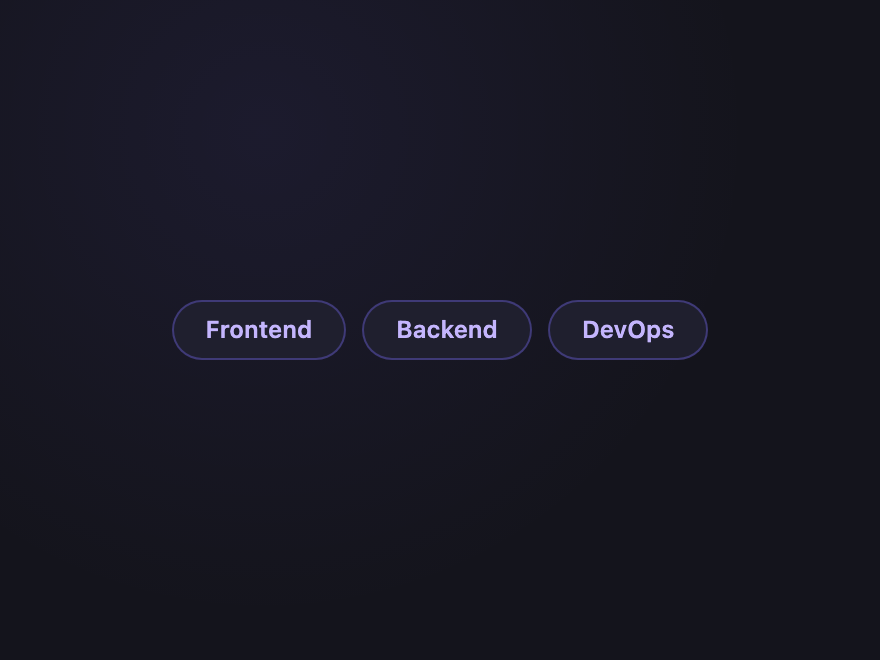
.ctc-edge-chip:hover::after { transform: scaleX(1); } <div class="ctc-edge"> <a href="#" class="ctc-edge-chip">Frontend</a> <a href="#" class="ctc-edge-chip">Backend</a> <a href="#" class="ctc-edge-chip">DevOps</a> </div>
12 / 20
Status Pulse
Pure CSS
Live
Degraded
Down
Maintenance
Status chip with a coloured leading dot that pulses for live/active state. Different colours = different states (success, warning, error, info). The standard health-indicator pattern.
.ctc-status { display: flex; flex-wrap: wrap; gap: 8px; }
.ctc-status-chip { display: inline-flex; align-items: center; gap: 6px; padding: 5px 11px 5px 8px; border-radius: 999px; font: 600 11px/1 system-ui, sans-serif; border: 1px solid; }
.ctc-status-dot { width: 7px; height: 7px; border-radius: 50%; position: relative; }
.ctc-status-dot::after { content: ''; position: absolute; inset: 0; border-radius: inherit; background: inherit; animation: ctc-status-ping 1.6s ease-out infinite; }
.ctc-status-live { background: rgba(46,204,138,0.12); color: #2ecc8a; border-color: rgba(46,204,138,0.35); }
.ctc-status-live .ctc-status-dot { background: #2ecc8a; }
.ctc-status-warn { background: rgba(245,168,74,0.12); color: #f5a84a; border-color: rgba(245,168,74,0.35); }
.ctc-status-warn .ctc-status-dot { background: #f5a84a; }
.ctc-status-err { background: rgba(255,61,110,0.12); color: #ff6c8a; border-color: rgba(255,61,110,0.35); }
.ctc-status-err .ctc-status-dot { background: #ff3d6e; }
.ctc-status-info { background: rgba(96,165,250,0.12); color: #60a5fa; border-color: rgba(96,165,250,0.35); }
.ctc-status-info .ctc-status-dot { background: #60a5fa; }
@media (prefers-reduced-motion: reduce) {
.ctc-slide:hover, .ctc-aurora,
.ctc-status-dot::after,
.ctc-marquee:hover .ctc-marquee-track, .ctc-marquee:focus-visible .ctc-marquee-track,
.ctc-life-chip[data-state="adding"], .ctc-life-chip[data-state="adding"] .ctc-life-icon { animation: none !important; }
.ctc-life-chip[data-state="adding"] { transform: none; opacity: 1; }
} <div class="ctc-status">
<span class="ctc-status-chip ctc-status-live">
<span class="ctc-status-dot" aria-hidden="true"></span>Live
</span>
<span class="ctc-status-chip ctc-status-warn">
<span class="ctc-status-dot" aria-hidden="true"></span>Degraded
</span>
<span class="ctc-status-chip ctc-status-err">
<span class="ctc-status-dot" aria-hidden="true"></span>Down
</span>
<span class="ctc-status-chip ctc-status-info">
<span class="ctc-status-dot" aria-hidden="true"></span>Maintenance
</span>
</div> 13 / 20
Drag to Reorder
Light JS - Frontend
- Backend
- DevOps
Three chips that can be drag-reordered with real pointer math — no library. Keyboard accessible: Tab to focus, ←/→ to swap with neighbour. The full reorder pattern.
.ctc-drag { display: flex; gap: 8px; list-style: none; margin: 0; padding: 0; }
.ctc-drag-chip { display: inline-flex; align-items: center; padding: 8px 16px; background: #1f1f2e; color: #c4b5fd; border: 1px solid rgba(124,108,255,0.35); border-radius: 999px; font: 600 12px/1 system-ui, sans-serif; cursor: grab; user-select: none; touch-action: none; transition: transform 0.18s ease, background 0.2s; }
.ctc-drag-chip:hover { background: rgba(124,108,255,0.18); }
.ctc-drag-chip.is-dragging { cursor: grabbing; background: #7c6cff; color: #fff; z-index: 2; transition: none; }
.ctc-drag-chip:focus-visible { outline: 2px solid #a78bfa; outline-offset: 2px; } <ul class="ctc-drag" role="listbox" aria-label="Reorder tags"> <li class="ctc-drag-chip" tabindex="0" data-ctc-drag>Frontend</li> <li class="ctc-drag-chip" tabindex="0" data-ctc-drag>Backend</li> <li class="ctc-drag-chip" tabindex="0" data-ctc-drag>DevOps</li> </ul>
(function () {
document.querySelectorAll('.ctc-drag').forEach(function (list) {
var dragged = null;
list.querySelectorAll('[data-ctc-drag]').forEach(function (chip) {
chip.addEventListener('pointerdown', function (e) {
dragged = chip;
chip.classList.add('is-dragging');
chip.setPointerCapture(e.pointerId);
});
chip.addEventListener('pointermove', function (e) {
if (dragged !== chip) return;
var siblings = Array.from(list.children).filter(function (c) { return c !== chip; });
for (var i = 0; i < siblings.length; i++) {
var rect = siblings[i].getBoundingClientRect();
if (e.clientX > rect.left && e.clientX < rect.right) {
var dragRect = chip.getBoundingClientRect();
if (e.clientX < rect.left + rect.width / 2) {
list.insertBefore(chip, siblings[i]);
} else {
list.insertBefore(chip, siblings[i].nextSibling);
}
break;
}
}
});
chip.addEventListener('pointerup', function () {
chip.classList.remove('is-dragging');
dragged = null;
});
chip.addEventListener('keydown', function (e) {
var siblings = Array.from(list.children);
var idx = siblings.indexOf(chip);
if (e.key === 'ArrowLeft' && idx > 0) {
e.preventDefault();
list.insertBefore(chip, siblings[idx - 1]);
chip.focus();
} else if (e.key === 'ArrowRight' && idx < siblings.length - 1) {
e.preventDefault();
list.insertBefore(chip, siblings[idx + 1].nextSibling);
chip.focus();
}
});
});
});
})(); 14 / 20
Tag Input
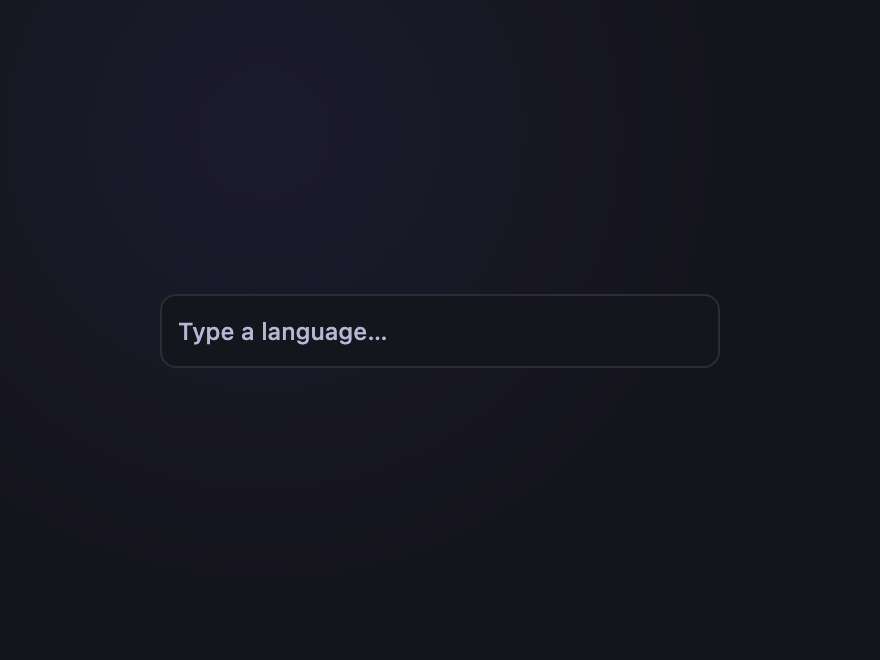
Light JS Type to add a chip; Backspace on empty input removes the last chip. Real autocomplete dropdown filtered live by input — the full filter-input pattern with aria-controls/expanded.
.ctc-input { position: relative; display: flex; flex-wrap: wrap; align-items: center; gap: 6px; padding: 6px 8px; width: 280px; background: #15151d; border: 1px solid rgba(255,255,255,0.1); border-radius: 8px; }
.ctc-input:focus-within { border-color: #7c6cff; }
.ctc-input-chips { display: contents; list-style: none; margin: 0; padding: 0; }
.ctc-input-chips li { display: inline-flex; align-items: center; gap: 4px; padding: 3px 6px 3px 10px; background: rgba(124,108,255,0.18); color: #c4b5fd; border-radius: 4px; font: 600 11px/1 system-ui, sans-serif; }
.ctc-input-chips button { background: transparent; border: 0; padding: 0; width: 16px; height: 16px; color: inherit; cursor: pointer; font-size: 14px; line-height: 1; }
.ctc-input-field { flex: 1; min-width: 60px; background: transparent; border: 0; outline: none; color: #f0eeff; font: 500 12px/1 system-ui, sans-serif; padding: 4px 0; }
.ctc-input-field::placeholder { color: #b8b6d4; }
.ctc-input-list { position: absolute; top: calc(100% + 4px); left: 0; right: 0; margin: 0; padding: 4px; list-style: none; background: #15151d; border: 1px solid rgba(255,255,255,0.1); border-radius: 8px; z-index: 5; max-height: 160px; overflow: auto; }
.ctc-input-list[hidden] { display: none; }
.ctc-input-list li { padding: 6px 10px; border-radius: 4px; font: 500 12px/1 system-ui, sans-serif; color: #c4b5fd; cursor: pointer; }
.ctc-input-list li:hover, .ctc-input-list li[aria-selected="true"] { background: rgba(124,108,255,0.18); color: #fff; } <div class="ctc-input">
<ul class="ctc-input-chips" role="list"></ul>
<input type="text" class="ctc-input-field"
placeholder="Type a language…"
aria-label="Add a language tag"
aria-controls="ctc-input-list"
aria-expanded="false"
autocomplete="off" />
<ul class="ctc-input-list" id="ctc-input-list" role="listbox" hidden></ul>
</div> (function () {
var SUGGESTIONS = ['JavaScript','TypeScript','Python','Go','Rust','Ruby','Swift','Kotlin','Java','C++','Elixir','Haskell'];
document.querySelectorAll('.ctc-input').forEach(function (root) {
var chipsEl = root.querySelector('.ctc-input-chips');
var input = root.querySelector('.ctc-input-field');
var listEl = root.querySelector('.ctc-input-list');
var chips = [];
function render() {
chipsEl.innerHTML = '';
chips.forEach(function (c, i) {
var li = document.createElement('li');
var txt = document.createElement('span');
txt.textContent = c;
var btn = document.createElement('button');
btn.type = 'button';
btn.setAttribute('aria-label', 'Remove ' + c);
btn.textContent = '×';
btn.addEventListener('click', function () { chips.splice(i, 1); render(); });
li.appendChild(txt); li.appendChild(btn);
chipsEl.appendChild(li);
});
}
function showList(items) {
if (!items.length) { listEl.setAttribute('hidden',''); input.setAttribute('aria-expanded','false'); return; }
listEl.innerHTML = '';
items.forEach(function (s) {
var li = document.createElement('li');
li.setAttribute('role','option');
li.textContent = s;
li.addEventListener('mousedown', function (e) {
e.preventDefault();
if (chips.indexOf(s) === -1) chips.push(s);
input.value = ''; render(); showList([]);
});
listEl.appendChild(li);
});
listEl.removeAttribute('hidden');
input.setAttribute('aria-expanded','true');
}
input.addEventListener('input', function () {
var q = input.value.trim().toLowerCase();
if (!q) { showList([]); return; }
var matches = SUGGESTIONS.filter(function (s) {
return s.toLowerCase().includes(q) && chips.indexOf(s) === -1;
}).slice(0, 6);
showList(matches);
});
input.addEventListener('keydown', function (e) {
if (e.key === 'Enter') {
e.preventDefault();
var v = input.value.trim();
if (v && chips.indexOf(v) === -1) { chips.push(v); input.value = ''; render(); showList([]); }
} else if (e.key === 'Backspace' && !input.value && chips.length) {
chips.pop(); render();
} else if (e.key === 'Escape') {
showList([]);
}
});
input.addEventListener('blur', function () { setTimeout(function () { showList([]); }, 150); });
});
})(); 15 / 20
Remove with Undo
Light JS
Frontend
Backend
DevOps
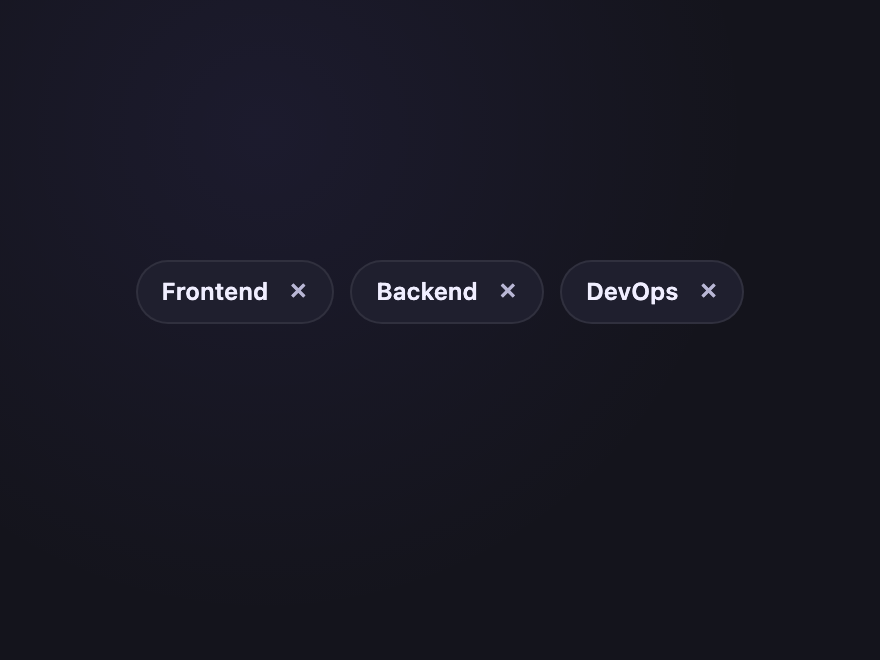
Click × to remove a chip — but a small Undo toast appears for 4 seconds before deletion is final. The pattern Gmail and Linear made standard.
.ctc-undo { position: relative; display: flex; flex-direction: column; gap: 12px; min-height: 70px; }
.ctc-undo-list { display: flex; flex-wrap: wrap; gap: 8px; }
.ctc-undo-chip { display: inline-flex; align-items: center; gap: 6px; padding: 6px 8px 6px 12px; background: #1f1f2e; color: #f0eeff; border: 1px solid rgba(255,255,255,0.08); border-radius: 999px; font: 600 12px/1 system-ui, sans-serif; transition: opacity 0.25s, transform 0.25s; }
.ctc-undo-chip.is-removing { opacity: 0; transform: scale(0.7); pointer-events: none; }
.ctc-undo-chip button { width: 18px; height: 18px; background: transparent; border: 0; padding: 0; color: #b8b6d4; cursor: pointer; font-size: 16px; line-height: 1; border-radius: 50%; }
.ctc-undo-chip button:hover { background: rgba(255,255,255,0.1); color: #fff; }
.ctc-undo-toast { display: inline-flex; align-items: center; gap: 12px; padding: 8px 12px; background: #15151d; border: 1px solid rgba(46,204,138,0.4); border-radius: 8px; font: 500 12px/1.2 system-ui, sans-serif; color: #c4b5fd; align-self: flex-start; animation: ctc-undo-in 0.2s ease; }
.ctc-undo-toast[hidden] { display: none; }
.ctc-undo-btn { background: transparent; border: 0; color: #2ecc8a; font: inherit; font-weight: 700; cursor: pointer; padding: 0; }
.ctc-undo-btn:hover { text-decoration: underline; } <div class="ctc-undo">
<div class="ctc-undo-list">
<span class="ctc-undo-chip" data-ctc-undo>Frontend<button type="button" aria-label="Remove Frontend">×</button></span>
<span class="ctc-undo-chip" data-ctc-undo>Backend<button type="button" aria-label="Remove Backend">×</button></span>
<span class="ctc-undo-chip" data-ctc-undo>DevOps<button type="button" aria-label="Remove DevOps">×</button></span>
</div>
<div class="ctc-undo-toast" role="status" aria-live="polite" hidden>
<span class="ctc-undo-msg"></span>
<button type="button" class="ctc-undo-btn">Undo</button>
</div>
</div> (function () {
document.querySelectorAll('.ctc-undo').forEach(function (root) {
var toast = root.querySelector('.ctc-undo-toast');
var msg = root.querySelector('.ctc-undo-msg');
var btn = root.querySelector('.ctc-undo-btn');
var pendingChip = null;
var timer = null;
function commit() {
if (pendingChip && pendingChip.parentNode) pendingChip.parentNode.removeChild(pendingChip);
pendingChip = null;
toast.setAttribute('hidden','');
timer = null;
}
btn.addEventListener('click', function () {
if (!pendingChip) return;
pendingChip.classList.remove('is-removing');
clearTimeout(timer); timer = null;
pendingChip = null;
toast.setAttribute('hidden','');
});
root.querySelectorAll('[data-ctc-undo] button').forEach(function (x) {
x.addEventListener('click', function () {
if (timer) commit();
var chip = x.closest('[data-ctc-undo]');
chip.classList.add('is-removing');
pendingChip = chip;
msg.textContent = 'Removed "' + chip.firstChild.textContent.trim() + '"';
toast.removeAttribute('hidden');
timer = setTimeout(commit, 4000);
});
});
});
})(); 16 / 20
Counter Chip
Light JS
Inbox
12
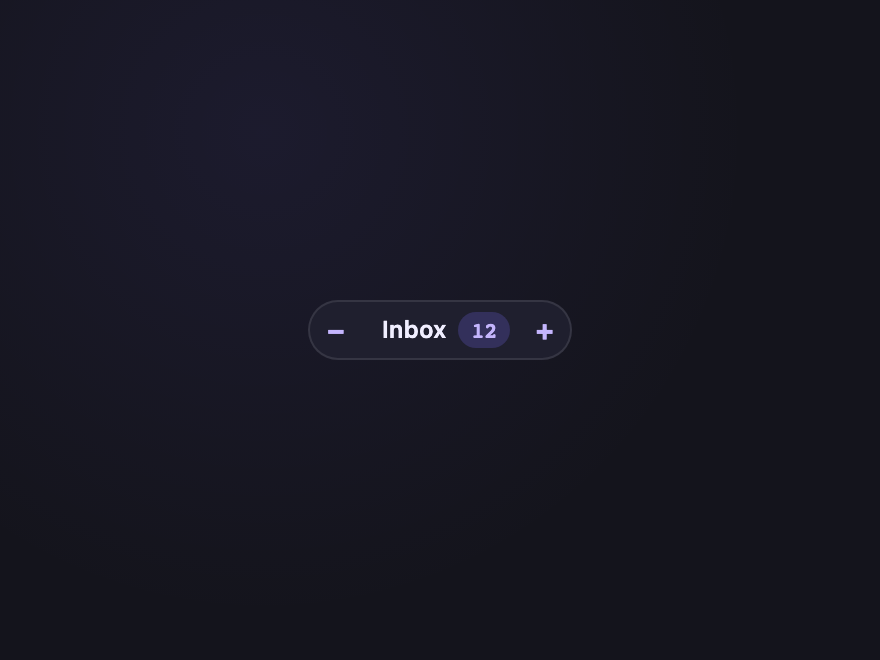
Chip with a number badge inside; click − / + to decrement/increment with aria-valuenow updated for screen readers. The Gmail label-count pattern.
.ctc-counter { display: flex; }
.ctc-counter-chip { display: inline-flex; align-items: center; padding: 0; background: #1f1f2e; border: 1px solid rgba(255,255,255,0.1); border-radius: 999px; overflow: hidden; font: 600 12px/1 system-ui, sans-serif; color: #f0eeff; }
.ctc-counter-chip button { width: 26px; height: 28px; background: transparent; border: 0; color: #c4b5fd; font: 700 14px/1 system-ui, sans-serif; cursor: pointer; transition: background 0.15s, color 0.15s; }
.ctc-counter-chip button:hover { background: rgba(124,108,255,0.18); color: #fff; }
.ctc-counter-label { padding: 0 6px 0 10px; }
.ctc-counter-num { display: inline-flex; align-items: center; justify-content: center; min-width: 26px; height: 18px; margin-right: 4px; padding: 0 6px; background: rgba(124,108,255,0.22); color: #c4b5fd; border-radius: 999px; font: 700 11px/1 ui-monospace, monospace; } <div class="ctc-counter">
<span class="ctc-counter-chip" role="group" aria-label="Inbox count">
<button type="button" data-ctc-cnt="-1" aria-label="Decrement">−</button>
<span class="ctc-counter-label">Inbox</span>
<span class="ctc-counter-num" aria-live="polite" aria-valuenow="12">12</span>
<button type="button" data-ctc-cnt="+1" aria-label="Increment">+</button>
</span>
</div> (function () {
document.querySelectorAll('.ctc-counter-chip').forEach(function (chip) {
var num = chip.querySelector('.ctc-counter-num');
chip.querySelectorAll('[data-ctc-cnt]').forEach(function (btn) {
btn.addEventListener('click', function () {
var n = parseInt(num.textContent, 10) || 0;
var inc = parseInt(btn.getAttribute('data-ctc-cnt'), 10);
var v = Math.max(0, n + inc);
num.textContent = v;
num.setAttribute('aria-valuenow', v);
});
});
});
})(); 17 / 20
Marquee Chip
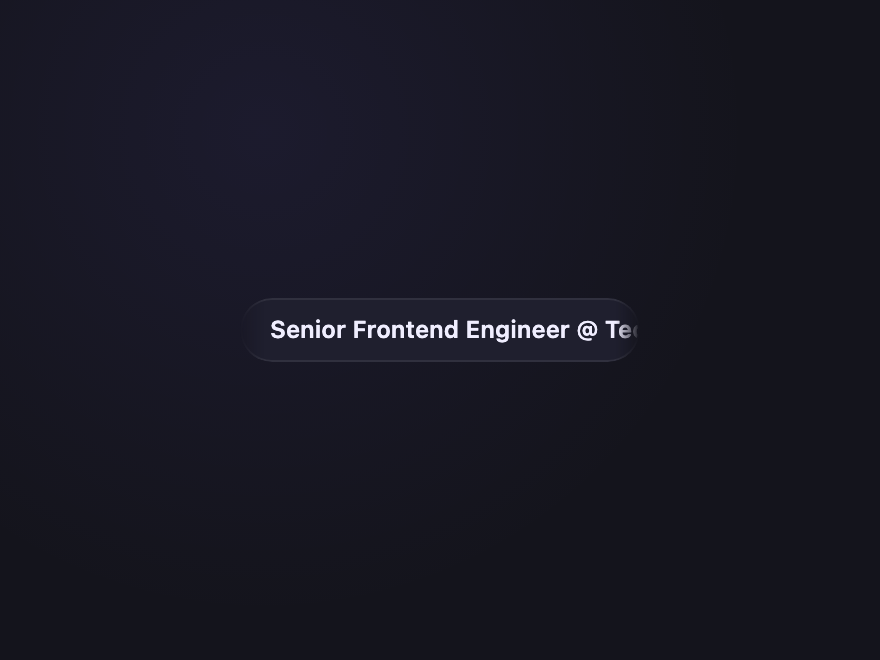
Pure CSS When the chip text overflows its width, the text scrolls horizontally on hover like a stock ticker. Pause on focus. Pure CSS using a duplicated text trick.
.ctc-marquee { display: inline-flex; align-items: center; width: 200px; padding: 9px 14px; background: #1f1f2e; color: #f0eeff; border: 1px solid rgba(255,255,255,0.08); border-radius: 999px; font: 600 12px/1 system-ui, sans-serif; text-decoration: none; overflow: hidden; mask-image: linear-gradient(90deg, transparent 0, #000 12px, #000 calc(100% - 12px), transparent 100%); -webkit-mask-image: linear-gradient(90deg, transparent 0, #000 12px, #000 calc(100% - 12px), transparent 100%); }
.ctc-marquee-track { display: inline-flex; gap: 32px; white-space: nowrap; flex-shrink: 0; }
.ctc-marquee:hover .ctc-marquee-track, .ctc-marquee:focus-visible .ctc-marquee-track { animation: ctc-marquee-roll 7s linear infinite; }
@media (prefers-reduced-motion: reduce) {
.ctc-slide:hover, .ctc-aurora,
.ctc-status-dot::after,
.ctc-marquee:hover .ctc-marquee-track, .ctc-marquee:focus-visible .ctc-marquee-track,
.ctc-life-chip[data-state="adding"], .ctc-life-chip[data-state="adding"] .ctc-life-icon { animation: none !important; }
.ctc-life-chip[data-state="adding"] { transform: none; opacity: 1; }
} <a href="#" class="ctc-marquee">
<span class="ctc-marquee-track">
<span>Senior Frontend Engineer @ TechCorp</span>
<span aria-hidden="true">Senior Frontend Engineer @ TechCorp</span>
</span>
</a> 18 / 20
Expandable Detail
Pure CSS React
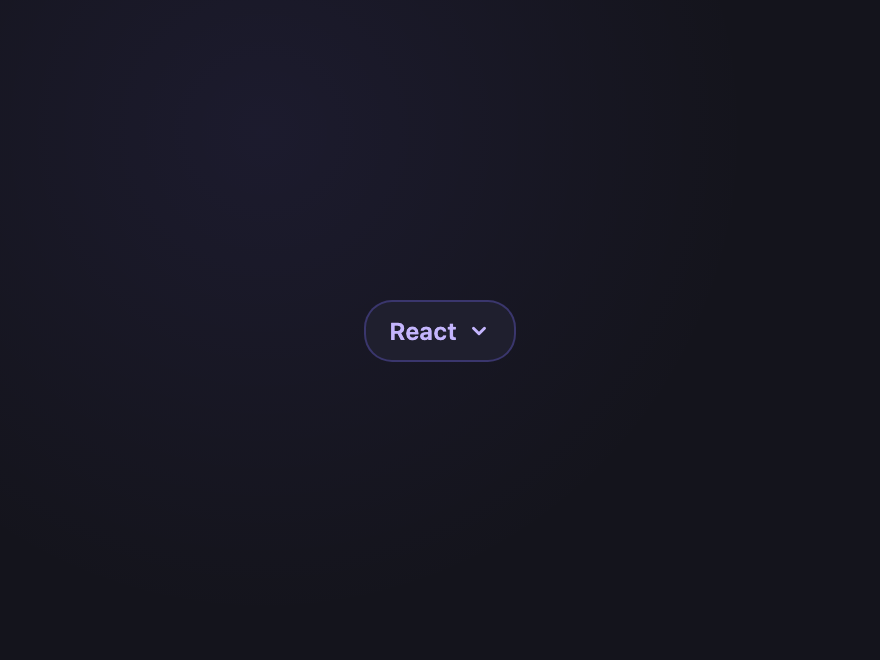
A JavaScript library for building user interfaces with components and hooks.
Native <details>/<summary> chip that expands inline to reveal a description on click. Real semantic disclosure, not a tooltip — keyboard accessible by default.
.ctc-exp { display: inline-block; background: #1f1f2e; border: 1px solid rgba(124,108,255,0.3); border-radius: 14px; overflow: hidden; font-family: system-ui, sans-serif; max-width: 280px; }
.ctc-exp summary { display: inline-flex; align-items: center; gap: 6px; padding: 7px 12px; list-style: none; cursor: pointer; font-weight: 600; font-size: 12px; color: #c4b5fd; user-select: none; }
.ctc-exp summary::-webkit-details-marker { display: none; }
.ctc-exp summary svg { width: 11px; height: 11px; color: currentColor; transition: transform 0.2s ease; }
.ctc-exp[open] summary svg { transform: rotate(180deg); }
.ctc-exp[open] { display: block; border-radius: 14px; }
.ctc-exp-body { margin: 0; padding: 8px 14px 12px; font-size: 12px; line-height: 1.55; color: #b8b6d4; border-top: 1px solid rgba(255,255,255,0.06); }
.ctc-exp summary:focus-visible { outline: 2px solid #a78bfa; outline-offset: 2px; } <details class="ctc-exp">
<summary>
<span class="ctc-exp-tag">React</span>
<svg viewBox="0 0 12 12" aria-hidden="true"><path d="M3 4.5l3 3 3-3" stroke="currentColor" stroke-width="1.6" fill="none" stroke-linecap="round" stroke-linejoin="round"/></svg>
</summary>
<p class="ctc-exp-body">A JavaScript library for building user interfaces with components and hooks.</p>
</details> 19 / 20
Linked Group
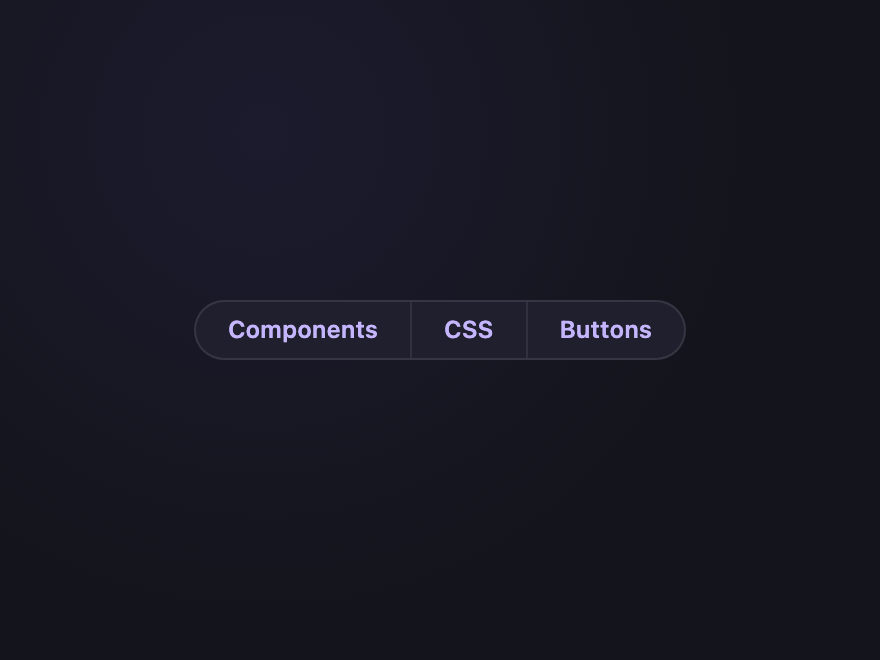
Pure CSS Three connected chips sharing a single border with hairline dividers — like a segmented breadcrumb of tags. Hover lights individual segments.
.ctc-linked { display: inline-flex; background: #1f1f2e; border: 1px solid rgba(255,255,255,0.1); border-radius: 999px; overflow: hidden; }
.ctc-linked-seg { display: inline-flex; align-items: center; padding: 8px 16px; color: #c4b5fd; font: 600 12px/1 system-ui, sans-serif; text-decoration: none; border-right: 1px solid rgba(255,255,255,0.08); transition: background 0.15s, color 0.15s; }
.ctc-linked-seg:last-child { border-right: 0; }
.ctc-linked-seg:hover { background: rgba(124,108,255,0.18); color: #fff; } <div class="ctc-linked"> <a href="#" class="ctc-linked-seg">Components</a> <a href="#" class="ctc-linked-seg">CSS</a> <a href="#" class="ctc-linked-seg">Buttons</a> </div>
20 / 20
Lifecycle Chip
Light JS
React
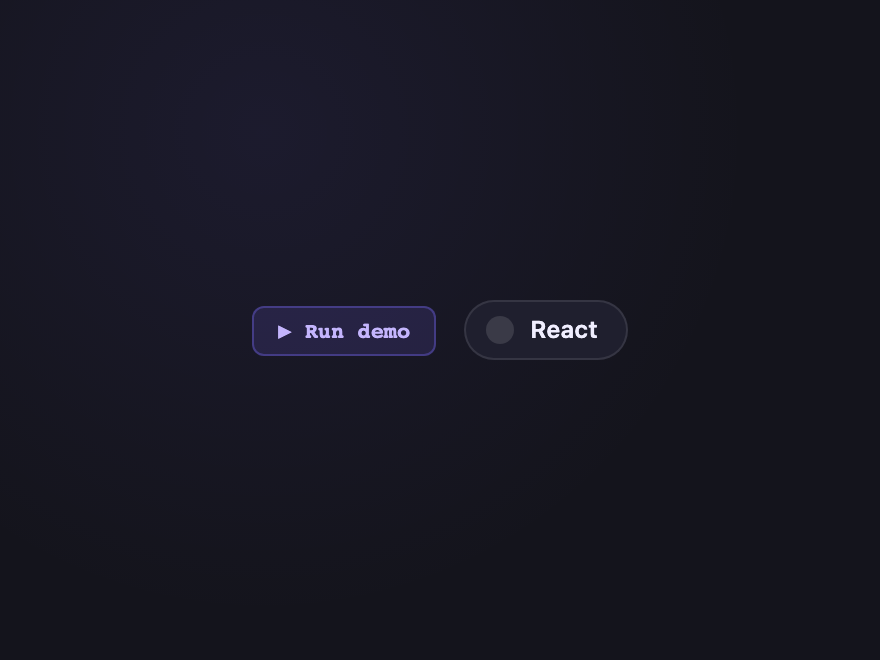
Animates through three states — Adding (slide in + spinner) → Active (settle + checkmark) → Removing (fade out + strikethrough). Click Run demo to replay the full add/remove dance.
.ctc-life { display: flex; align-items: center; gap: 14px; }
.ctc-life-run { padding: 6px 12px; background: rgba(124,108,255,0.14); color: #c4b5fd; border: 1px solid rgba(124,108,255,0.35); border-radius: 6px; font: 600 11px/1 ui-monospace, monospace; cursor: pointer; transition: background 0.15s, border-color 0.15s, color 0.15s; }
.ctc-life-run:hover { background: rgba(124,108,255,0.26); color: #fff; }
.ctc-life-chip { display: inline-flex; align-items: center; gap: 8px; padding: 7px 14px 7px 10px; background: #1f1f2e; color: #f0eeff; border: 1px solid rgba(255,255,255,0.1); border-radius: 999px; font: 600 12px/1 system-ui, sans-serif; transition: opacity 0.4s ease, transform 0.4s ease, background 0.3s ease, border-color 0.3s ease; }
.ctc-life-icon { width: 14px; height: 14px; border-radius: 50%; background: rgba(255,255,255,0.12); display: inline-flex; align-items: center; justify-content: center; font-size: 10px; flex-shrink: 0; }
.ctc-life-chip[data-state="adding"] { background: rgba(124,108,255,0.18); border-color: rgba(124,108,255,0.4); color: #c4b5fd; transform: translateX(-12px); opacity: 0; animation: ctc-life-slide-in 0.45s ease forwards; }
.ctc-life-chip[data-state="adding"] .ctc-life-icon { border: 2px solid rgba(124,108,255,0.3); border-top-color: #7c6cff; background: transparent; animation: ctc-life-spin 0.7s linear infinite; }
.ctc-life-chip[data-state="active"] { background: rgba(46,204,138,0.14); border-color: rgba(46,204,138,0.4); color: #2ecc8a; }
.ctc-life-chip[data-state="active"] .ctc-life-icon { background: #2ecc8a; color: #0a0f0c; font-weight: 900; }
.ctc-life-chip[data-state="active"] .ctc-life-icon::before { content: '✓'; }
.ctc-life-chip[data-state="removing"] { background: rgba(255,61,110,0.1); border-color: rgba(255,61,110,0.35); color: rgba(255,108,138,0.7); text-decoration: line-through; opacity: 0; transform: scale(0.85); }
@media (prefers-reduced-motion: reduce) {
.ctc-slide:hover, .ctc-aurora,
.ctc-status-dot::after,
.ctc-marquee:hover .ctc-marquee-track, .ctc-marquee:focus-visible .ctc-marquee-track,
.ctc-life-chip[data-state="adding"], .ctc-life-chip[data-state="adding"] .ctc-life-icon { animation: none !important; }
.ctc-life-chip[data-state="adding"] { transform: none; opacity: 1; }
} <div class="ctc-life">
<button type="button" class="ctc-life-run">▶ Run demo</button>
<span class="ctc-life-chip" data-ctc-life data-state="idle">
<span class="ctc-life-icon" aria-hidden="true"></span>
<span class="ctc-life-text">React</span>
</span>
</div> (function () {
document.querySelectorAll('.ctc-life').forEach(function (root) {
var btn = root.querySelector('.ctc-life-run');
var chip = root.querySelector('[data-ctc-life]');
if (!btn || !chip) return;
var running = false;
btn.addEventListener('click', function () {
if (running) return;
running = true;
chip.setAttribute('data-state', 'adding');
setTimeout(function () { chip.setAttribute('data-state', 'active'); }, 1100);
setTimeout(function () { chip.setAttribute('data-state', 'removing'); }, 2400);
setTimeout(function () { chip.setAttribute('data-state', 'idle'); running = false; }, 3200);
});
});
})();
FAQ
Frequently asked questions
What's the difference between a tag and a chip?
Functionally there's no difference — both are compact, often-pill-shaped UI elements used for filters, labels, statuses, or metadata. Material Design popularised chip; Bootstrap and most CSS frameworks call them tags or badges. The patterns in this gallery work for either name.
How do I make a removable chip work without JavaScript?
Wrap the chip in a label containing a hidden checkbox plus your visible content, then use the modern CSS :has() pseudo-class on the parent: .chip:has(:checked) { display: none; }. When the user clicks the chip (which toggles the checkbox), the chip removes itself — no JS, fully accessible, the form sees nothing. Demo 01 (Removable Pill) shows the exact pattern.
Are these chips accessible to keyboard and screen readers?
Yes. Each demo uses real semantic elements: button for clickable controls, label/input for selectable chips, details/summary for expandable ones, ul/li for lists. ARIA attributes (aria-label, aria-expanded, aria-valuenow, aria-controls, aria-live) cover the dynamic states. Keyboard navigation and focus rings are explicit. Continuous animations honour prefers-reduced-motion.
Do these tag and chip designs need JavaScript?
Most don't — 15 of the 20 are pure CSS using :hover, :has(), :checked, conic gradients with @property, clip-path, and animation. The other 5 (drag-to-reorder, tag input with autocomplete, remove with undo, counter chip, and the lifecycle animation) include small self-contained JS snippets in the JS tab of the code panel.
Can I use these chips in React, Vue, or any other framework?
Yes. Every demo is plain HTML + CSS (with optional vanilla JS) and has no dependencies. Drop the markup into React (using className), Vue, Svelte, Astro or static HTML — the styles work as-is. MIT licensed.